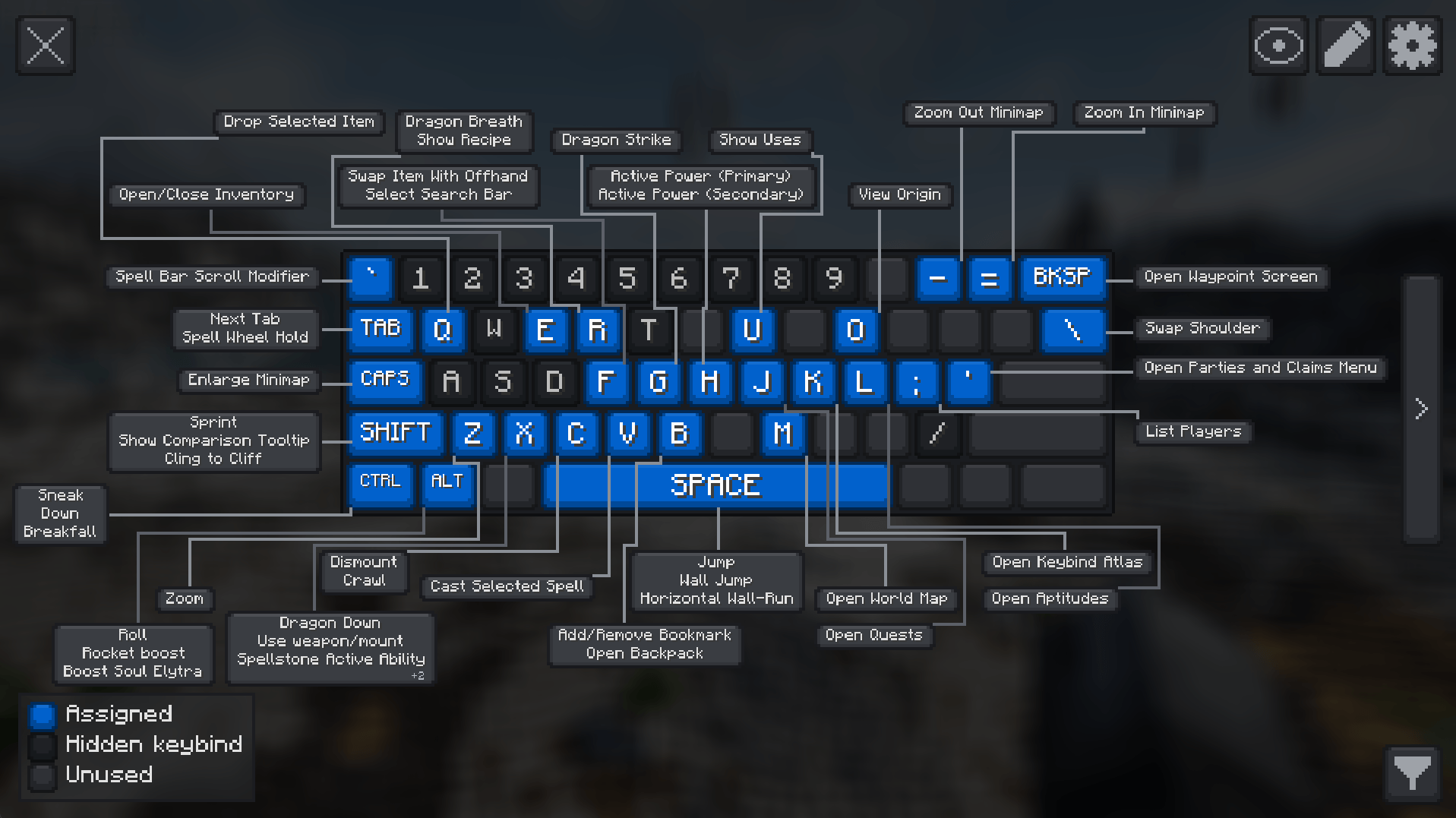
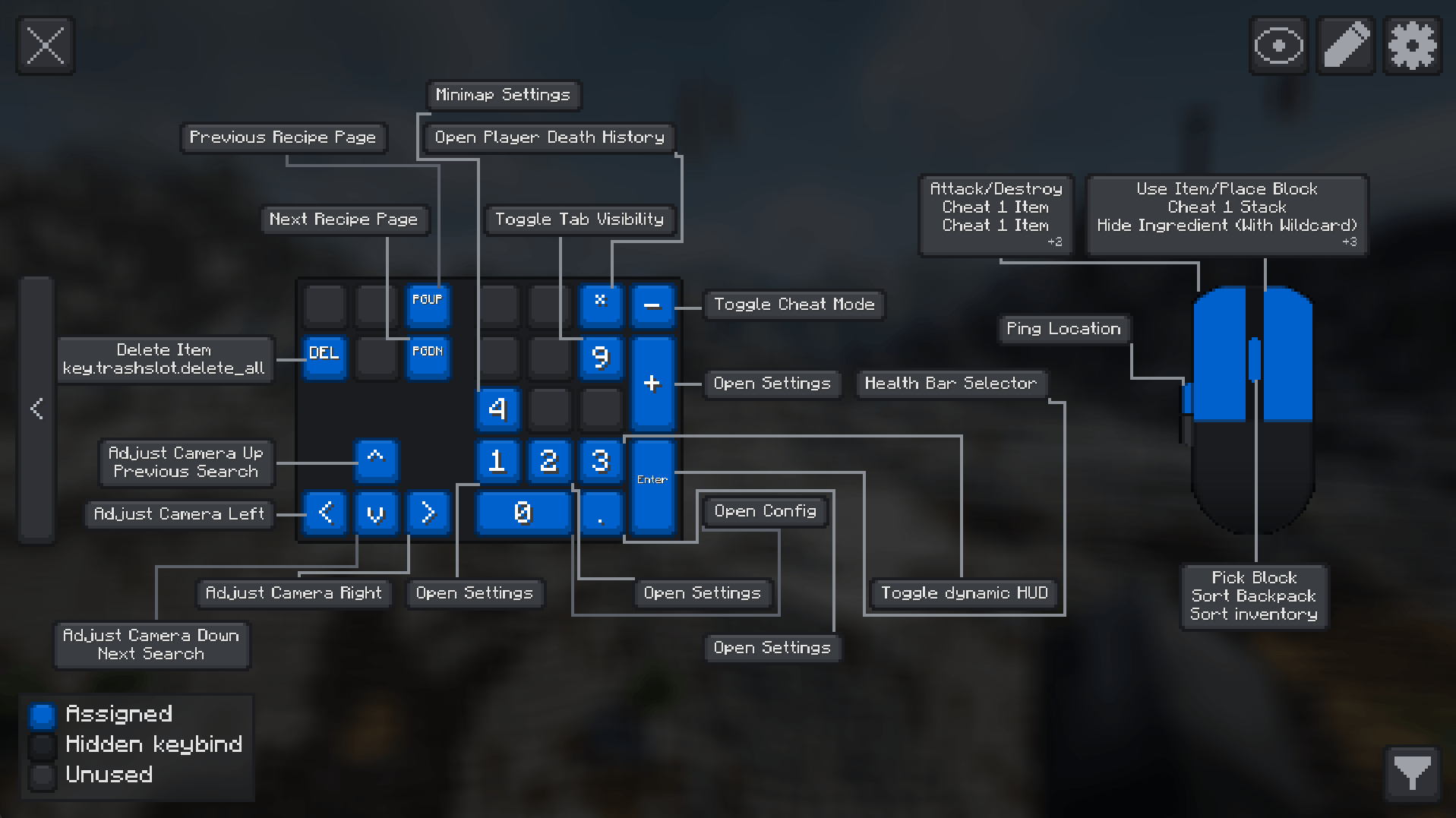
Keybind Atlas is a client-side visual keybinding overlay that shows players what every key does, across vanilla and modded content.
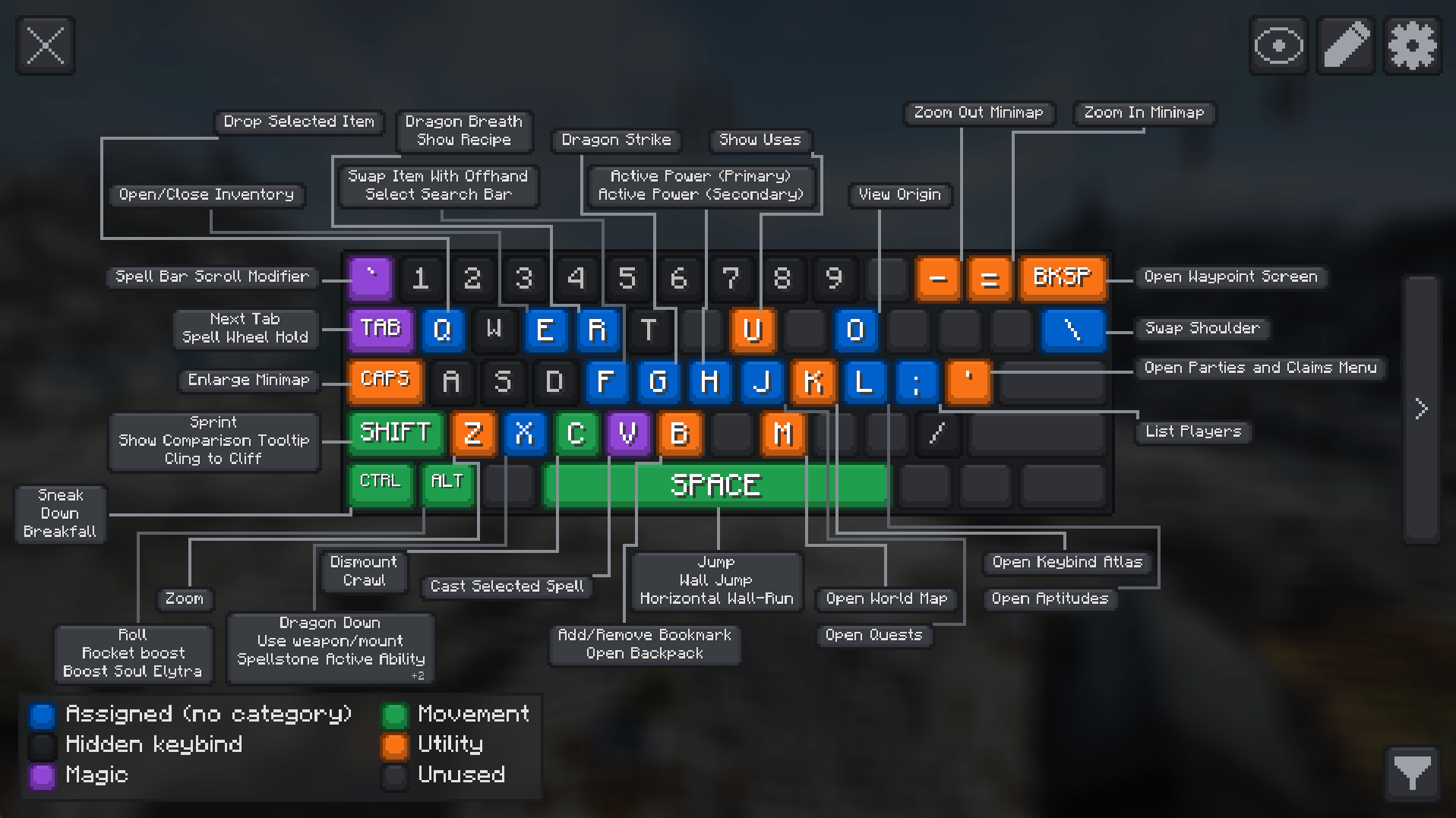
How? When players open the atlas(default key K), it reads their current keybinding state and renders a live visual map of their keyboard and mouse. Each key is color-coded based on whether it's assigned, unused, or hidden, and hovering over a key shows an info box with the action name and source mod. Players can also enter edit mode to manage bindings directly from the overlay.
Why? Modpack controls get crowded fast. Instead of digging through long controls menus, players can open a readable map and understand where bindings come from at a glance, and easily edit them.

Keybind Atlas reads the current keybinding state from vanilla Minecraft and installed mods, then renders a live map of the player's keyboard and mouse. If a player changes a binding or adds a mod, the atlas updates dynamically.
Keys are visually separated by state:
Hovering a key shows the action name and source mod.
Players can manage bindings directly from the overlay:

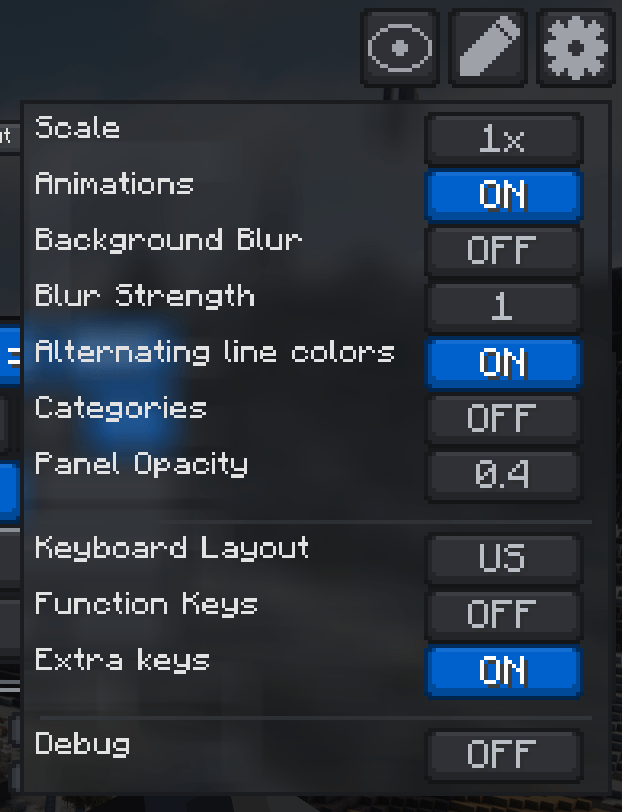
Players can filter visible bindings by mod or by specific actions to reduce noise and focus on the controls that matter. The atlas also supports custom color-coded categories for organizing assigned bindings, including creating, editing, and deleting categories directly in the overlay. Keyboard layout selection, function and extra key toggles, animation controls, hidden-binding controls, scale adjustments, persisted mod and binding filters, and panel styling options are also available.
If your pack depends on many key-driven features, vehicles, abilities, gadgets, magic systems, or utility menus, this mod gives players a much better first impression of the control setup and helps new players learn the controls faster. Players can reassign controls as they see fit in the same screen.
I recommend using this mod along with Default Options mod to ship a custom keybinding setup with your modpack.
KThank you to all the content creators who have showcased the mod! If you have a video featuring Keybind Atlas that you'd like to share, please let me know.