Keepsake allows a FULL customization option for Keep Inventory and death. Decide exactly what happens when you die.
Works in singleplayer and on servers. Everything below is changeable in game without a restart!
Run /keepsake config.
On a server, you need op to run this! In your own singleplayer world you don't need anything, but if you made the world without cheats you'll get a small prompt asking to switch them on first. That's a permanent change to that world, which is why it asks instead of just doing it!
Hit Save to apply.
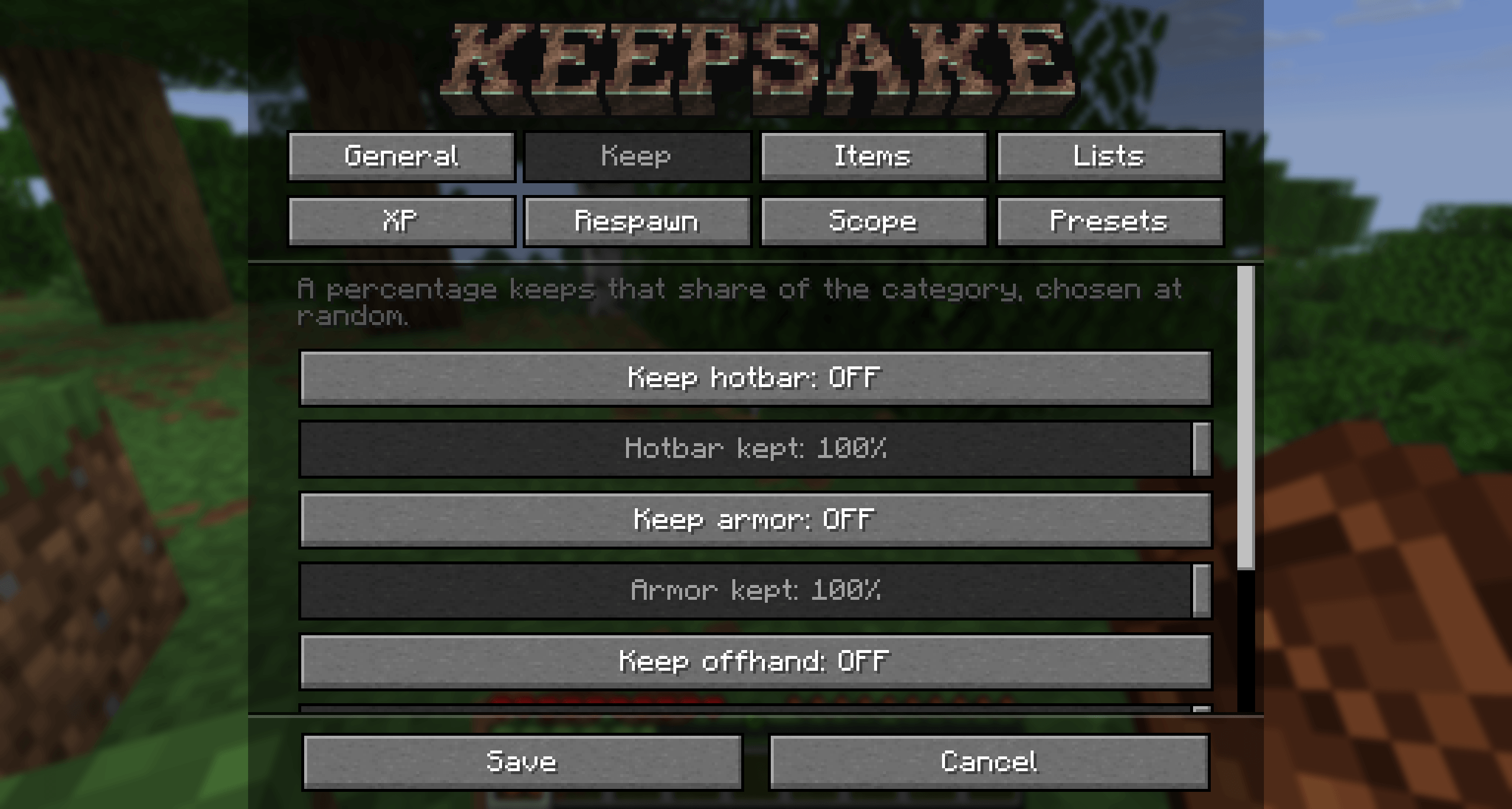
The Keep tab has a switch and a percentage for each part of your inventory. Do you like to gamble?
| Keep hotbar | Your bottom row. On by default. |
| Keep armor | What you're wearing. On by default. |
| Keep offhand | Your left hand. On by default. |
| Keep main inventory | The other 27 slots. Off by default. |
The percentage under each one keeps that share of the category and drops the rest, picked at random. Set inventory to 50% and on death, you lose half of your inventory at random.
The Lists tab overrides the switches for specific things. All comma separated.
minecraft:elytra, minecraft:totem_of_undyingminecraft:pickaxes0-8 hotbar, 9-35 inventory, 36-39 armor, 40 offhand.Drop lists win over keep lists. So "keep all my tools, but always drop cobblestone" does exactly that.
Thats right, taxes have made their way to Minecraft! On the Items tab. Kept tools and armor lose that share of their max durability when you die. It's the middle ground between losing your gear and death costing you nothing. It'll never break an item, though!
The XP tab, four modes:
Percentages work on XP points, not the level number!
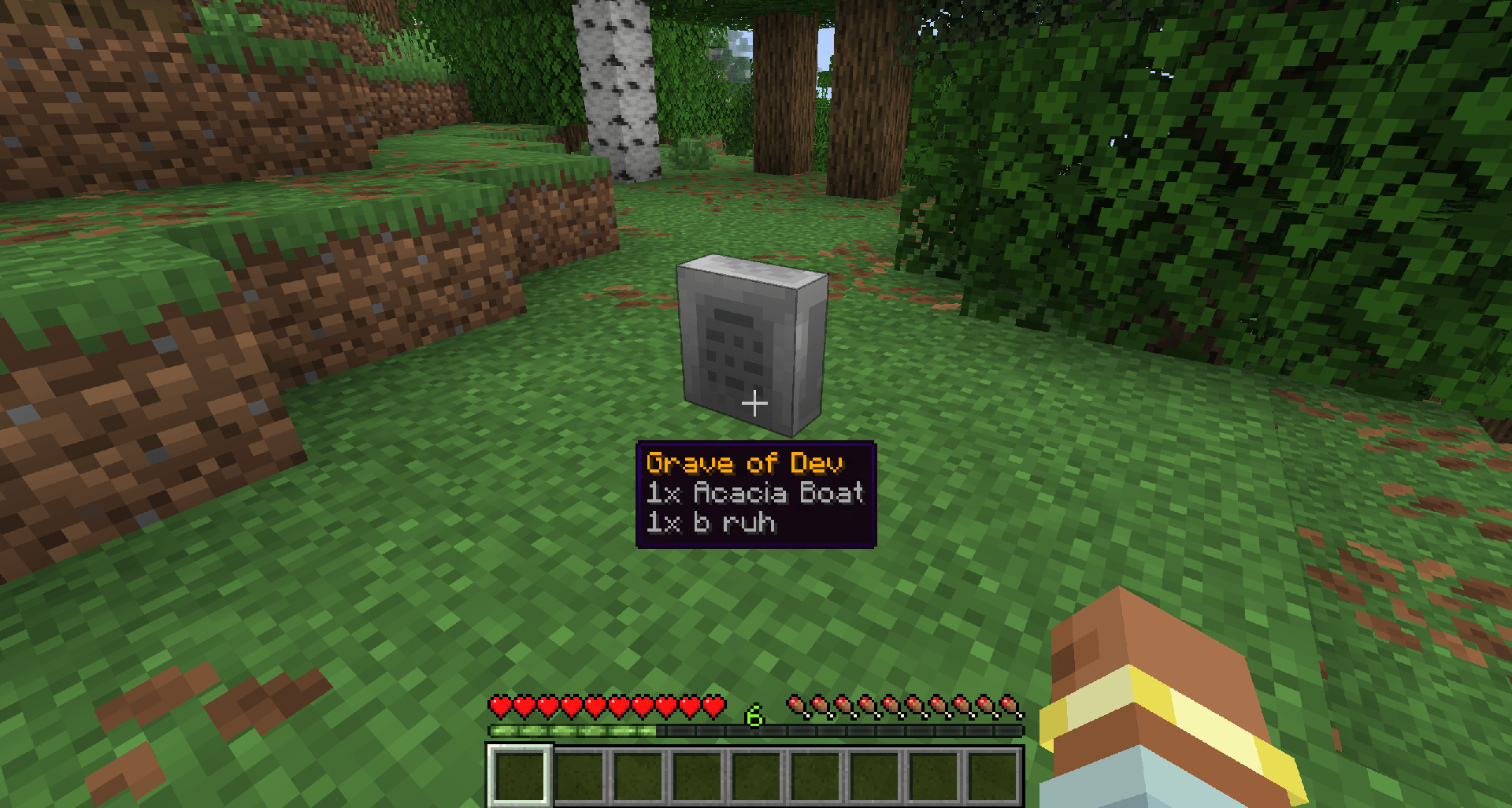
On the Items tab, set Lost items to Grave and everything you didn't keep gets sealed into a gravestone where you died instead of scattering on the floor.
Graves are owner only by default, they hold your lost XP too, and creepers can't blow them up. You get one chat line on death telling you the coordinates.
Prefer Vanilla? Set Lost items to Scatter. Feeling EVIL? Void.
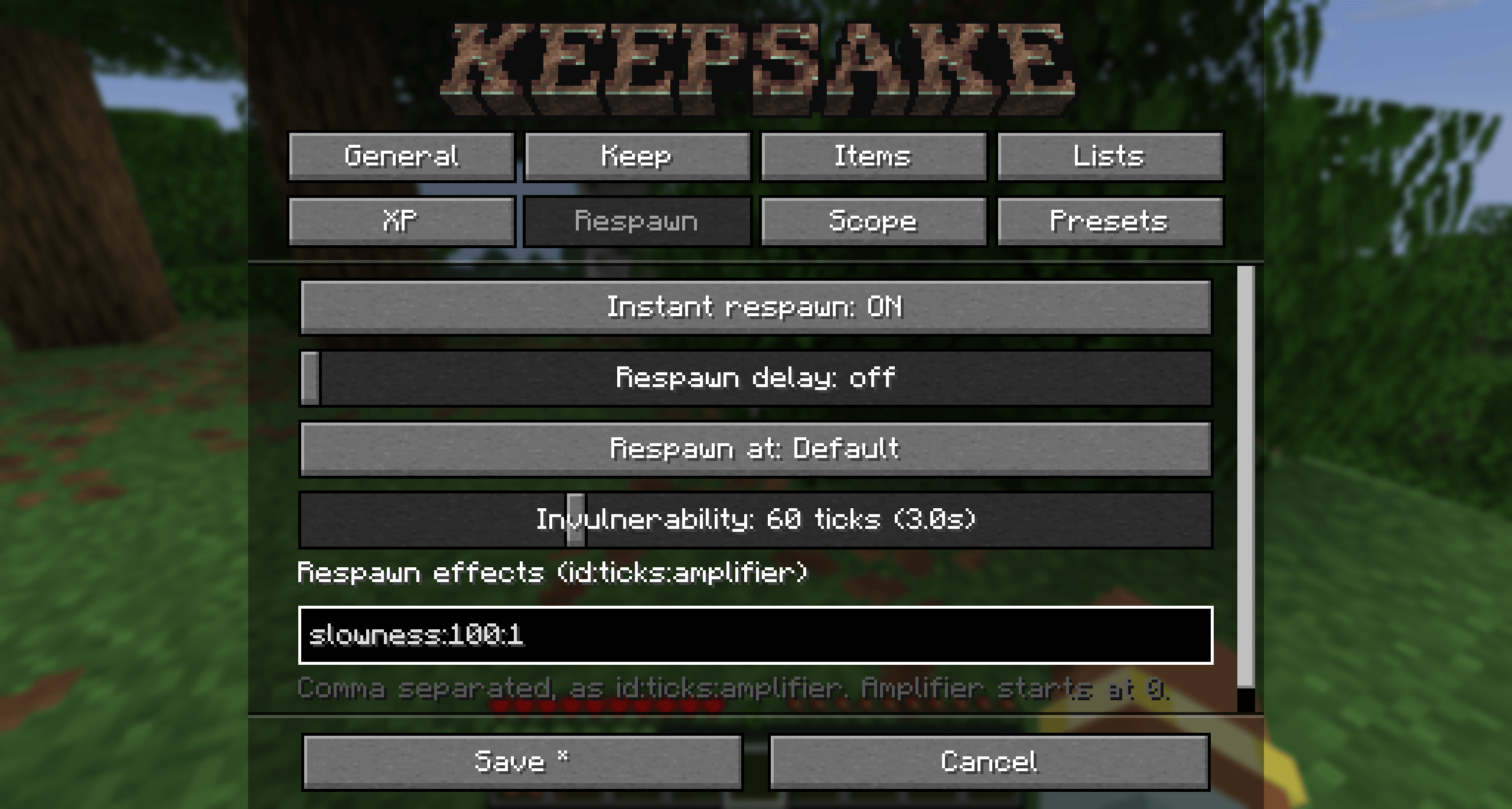
The Respawn tab.
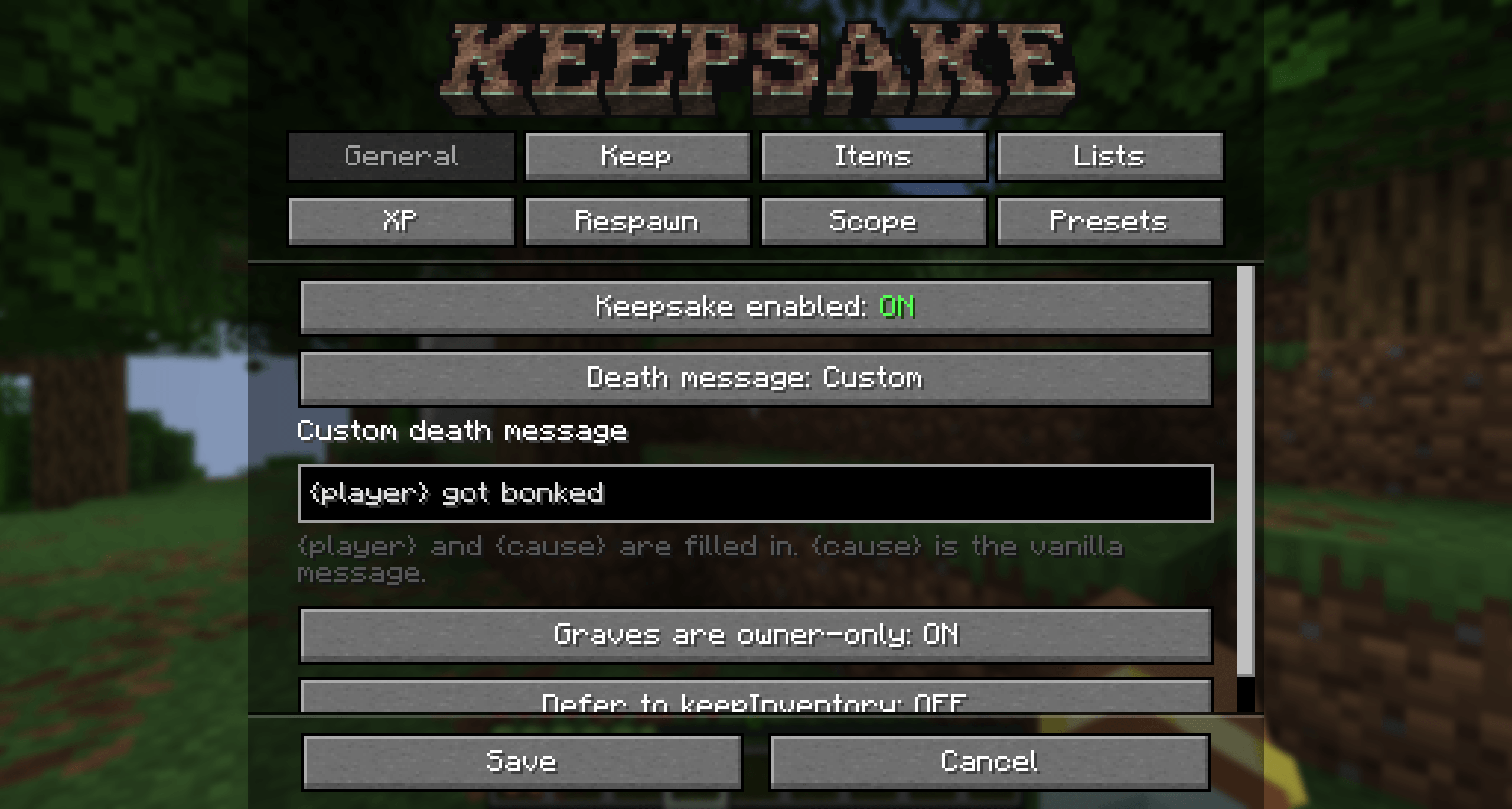
minecraft:slowness:100:1.On the General tab you can leave the death message alone, hide it completely, or write your own. {player} and {cause} get filled in, so {player} bit the dust ({cause}) works.
Give dimensions custom death rules! Every keep rule can be overridden per dimension and per damage type. These live in the config file rather than the menu, for more advanced users and modpack makers!
"dimensionOverrides": {
  "minecraft:the_nether": { "keepMainInventory": false, "durabilityTaxPercent": 25 }
},
"damageOverrides": {
  "minecraft:out_of_world": { "keepMainInventory": true },
  "#minecraft:is_fire": { "lostItems": "VOID" }
}
Only name the settings you want to change, the rest are inherited. Damage type beats dimension, so "keep everything if you fall in the void" still wins in the Nether.
Whole configs you can swap between, in config/keepsake/presets/. Three come with the mod:
Load one from the Presets tab or with /keepsake preset load softcore. Save your own setup with /keepsake preset save mypack to save it with your modpack.
/keepsake config              open the settings
/keepsake reload              re-read the config file
/keepsake enabled <true|false>
/keepsake preset list|load <name>|save <name>
/keepsake show                print the active rules
/keepsake stats [player]      death count for funsies
config/keepsake.json writes on first launch. Everything in the menu is in there, plus the dimension and damage overrides. /keepsake reload picks up edits without a need to restart.