Badges update automatically and link to the mod page on MineUniverse.
Combat, Enchanted Blades and sorcery from Kagurabachi in Minecraft.
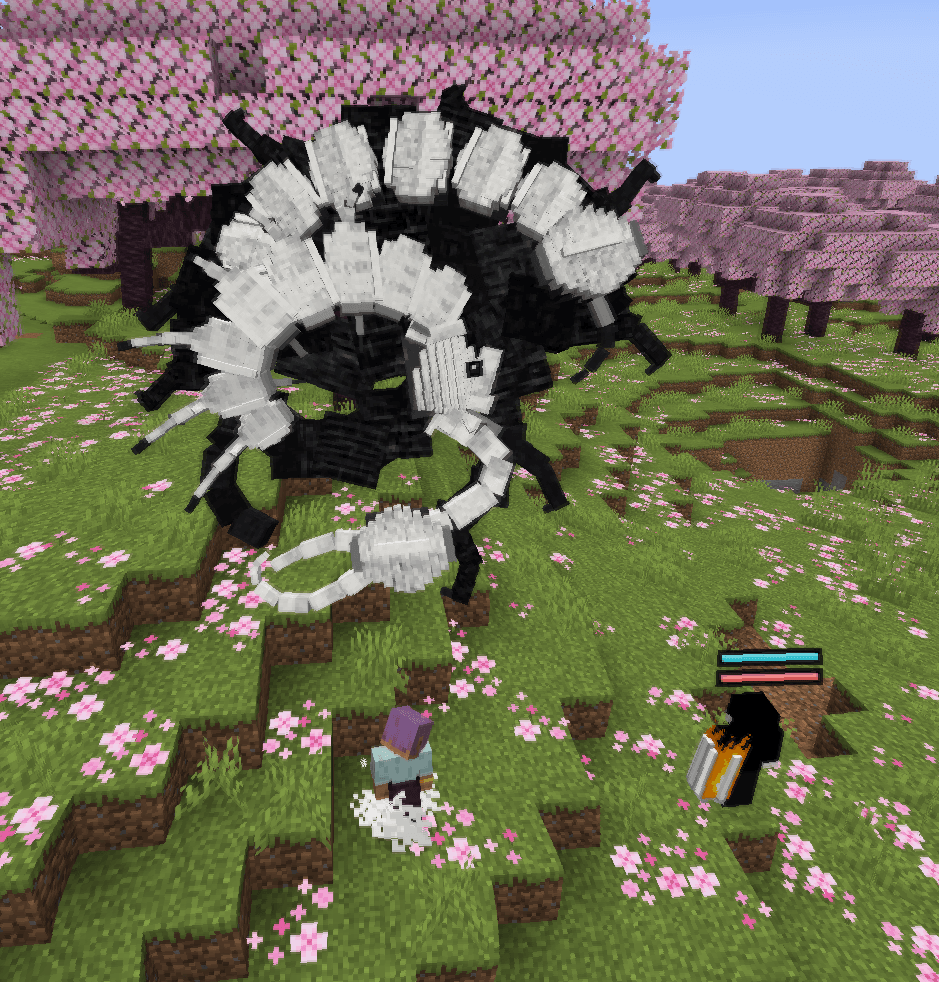
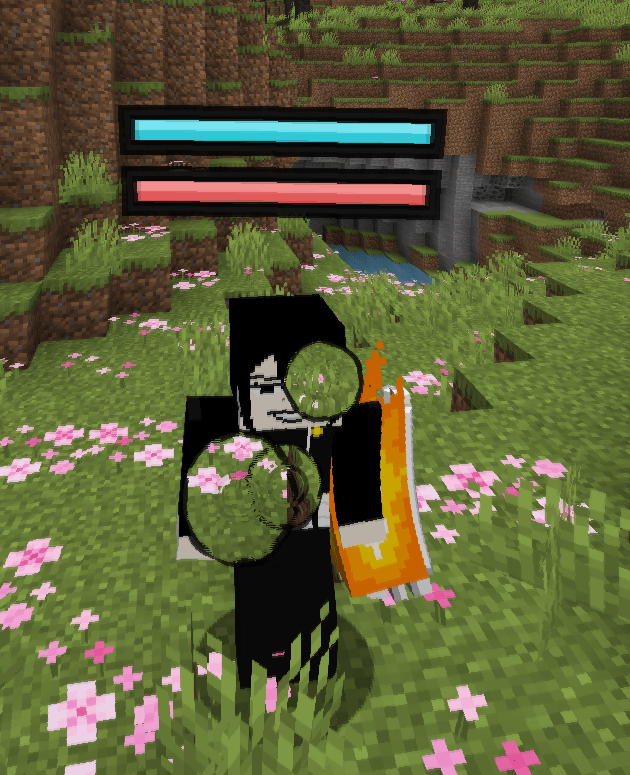
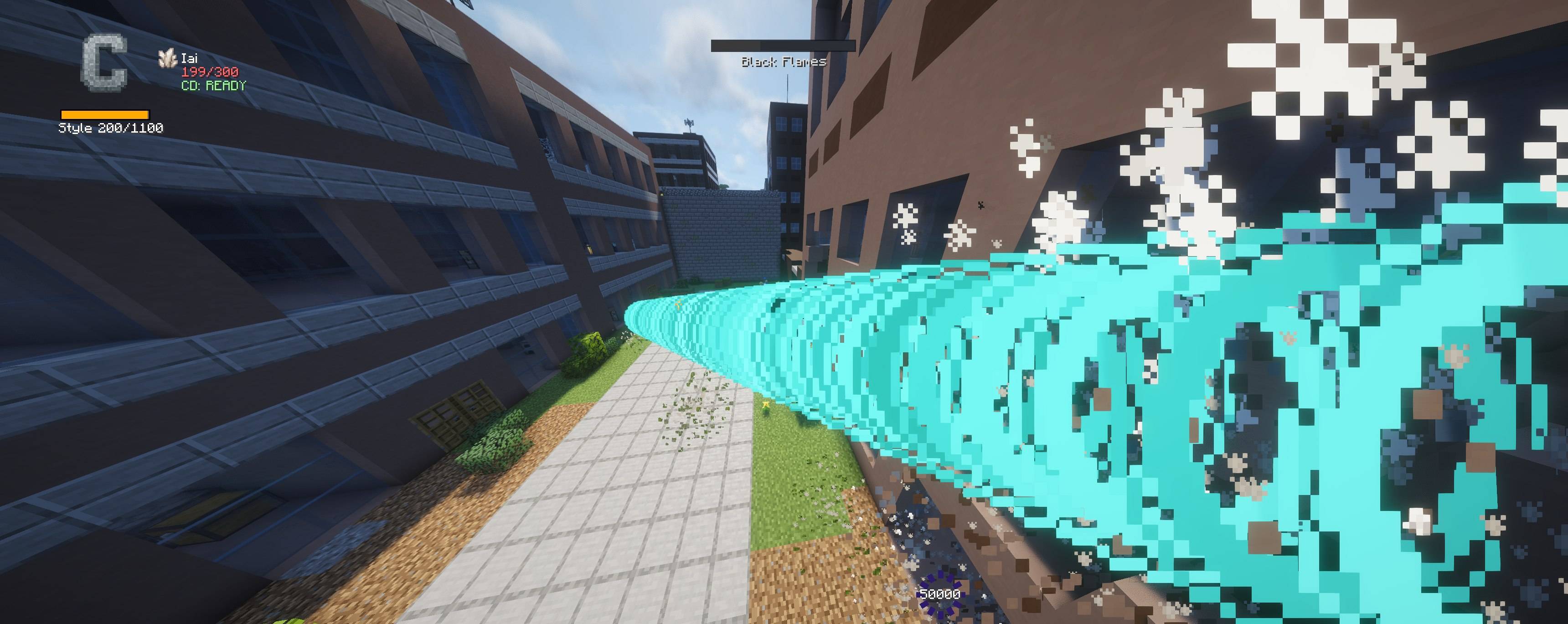
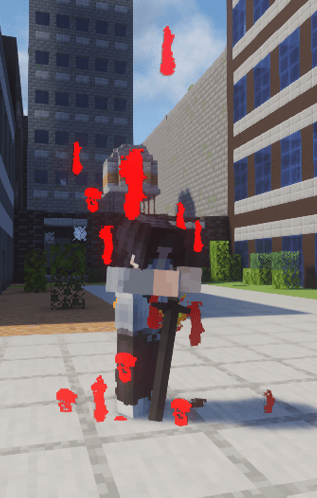
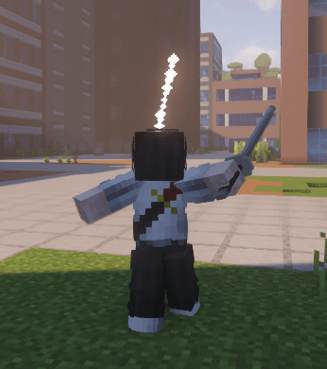
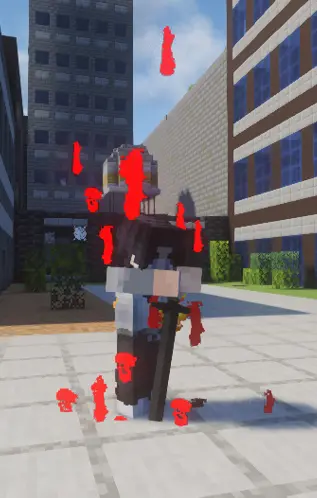
Kagurabachi Craft is a combat mod for Minecraft 1.21.1. It adds its own attack system, five weapon styles, 28 sorceries, signature techniques, progression, factions and combat NPCs.
The mod can be played in a singleplayer world or installed on a server. Combat results, ability costs, cooldowns and progression are handled by the server.
| Current version | 5.0.0 Stable |
| Minecraft | 1.21.1 |
| Loader | NeoForge 21.1.176+ |
| Languages | English and Russian |
| Sorceries | 28 total, 4 marked WIP |
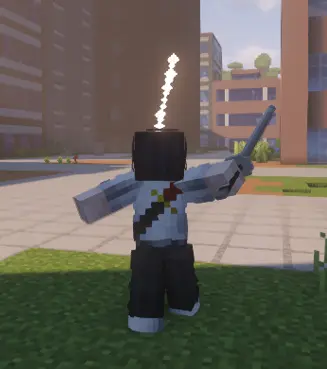
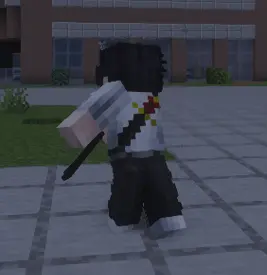
| Combat styles | Sword, Hand, Dual Katana, Sheathed Katana and Trident |
GUI Scale 3x is recommended. The player screens and combat HUD are designed to fit cleanly at that scale.
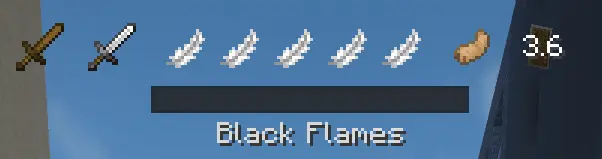
Press Y to enter Combat Mode. Normal Minecraft attacks are replaced by the current style's combat actions while this mode is active.
Tap LMB for a light attack. Hold it for at least 5 ticks to use a heavy attack. Inputs made near the end of a cooldown can be buffered.
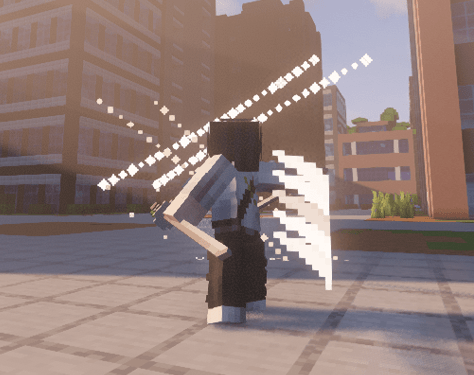
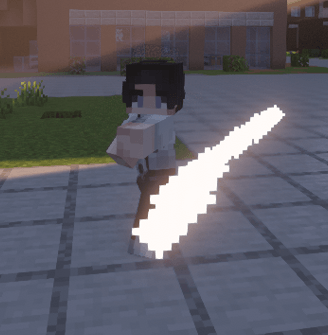
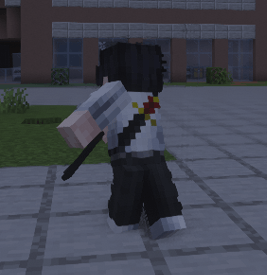
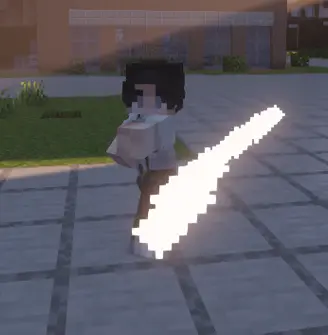
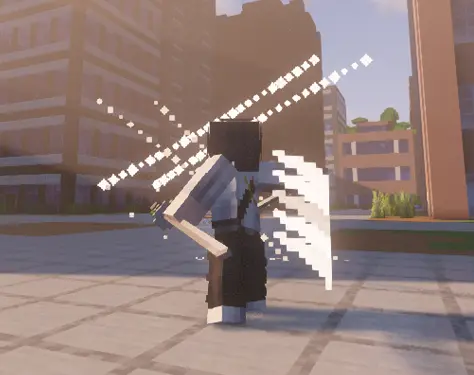
Your held weapon determines the active style:
| Hand | Dual Katana |
|---|---|
 |
 |
| Sword | Sheathed Katana |
 |
 |
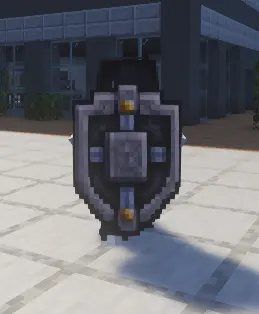
Hold Shift to block. A fresh press also opens the parry window. The result depends on timing, Stability and the incoming attack.
Repeated defense builds guard stress. Heavy attacks and some abilities deal additional Stability damage, which can force a stagger or break.
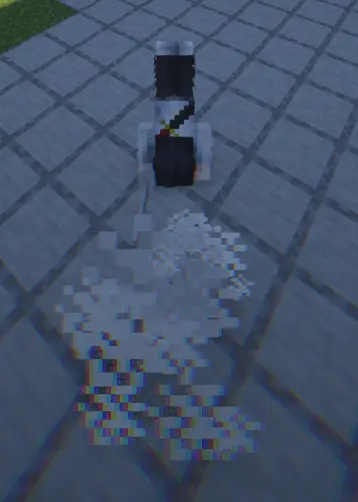
Press Ctrl to dodge. Dodge uses charges that recover over time. Additional charges unlock through Sorcery Level progression.
Attacks can meet before either hit is confirmed. Depending on the attacks involved, the result can be a clash, redirect, projectile cut, carry, pin or overpower.
Combat attacks and abilities can also damage suitable blocks. Server owners can adjust or disable destruction through gamerules.
Press the middle mouse button to lock onto a target. Lock-on is used by the camera, damage preview and abilities that need a selected target.
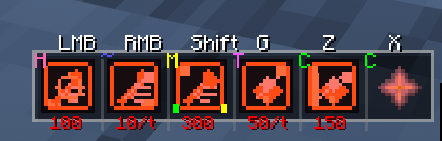
Press R to use Sorcery Mode. It can be configured as hold or toggle in the mod settings.
Sorceries use six common slots:
| Slot | Default input |
|---|---|
| Primary | R + LMB |
| Secondary | R + RMB |
| Utility | R + Shift |
| Supportive 1 | Z |
| Supportive 2 | X |
| Special | G |
Each sorcery defines its own costs, cooldowns and activation rules. Abilities can activate immediately or use charging, holding, channeling and persistent modes.
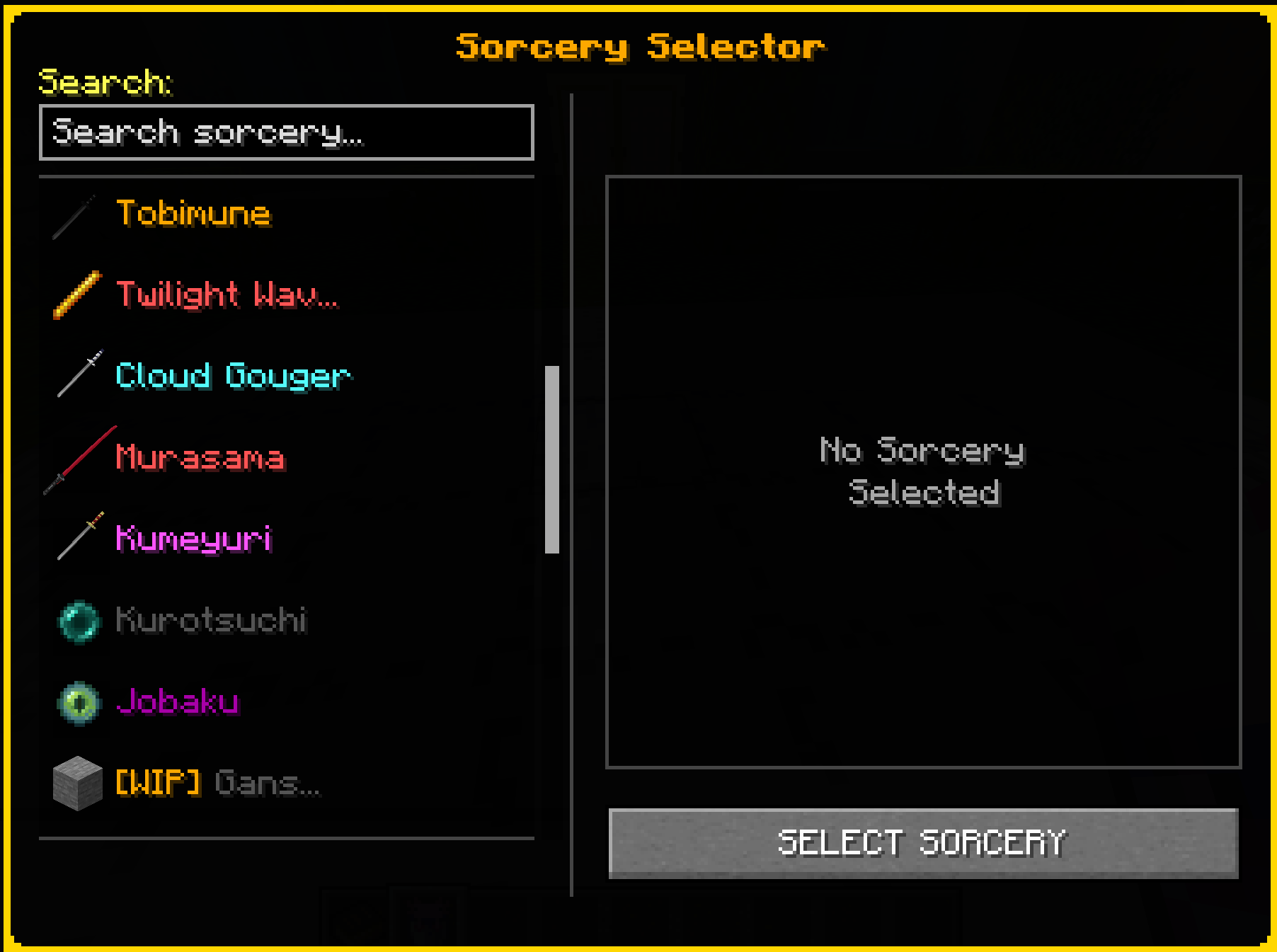
Spiritual Energy regenerates over time. The current amount, ability costs and cooldowns are shown on the HUD and in the Sorcery page opened with P.
Supported sorceries fill an Awakening meter during combat. Press V at 100% to activate it. Awakening can replace abilities, add new effects or change how an existing kit works for a limited duration.
The availability and duration of Awakenings can be changed by server gamerules.
Enchanted Blades are items with their own contracts and sorceries. A contract is stored separately from the combat style selected by the weapon in your hand.
Press H to draw or sheathe a katana.
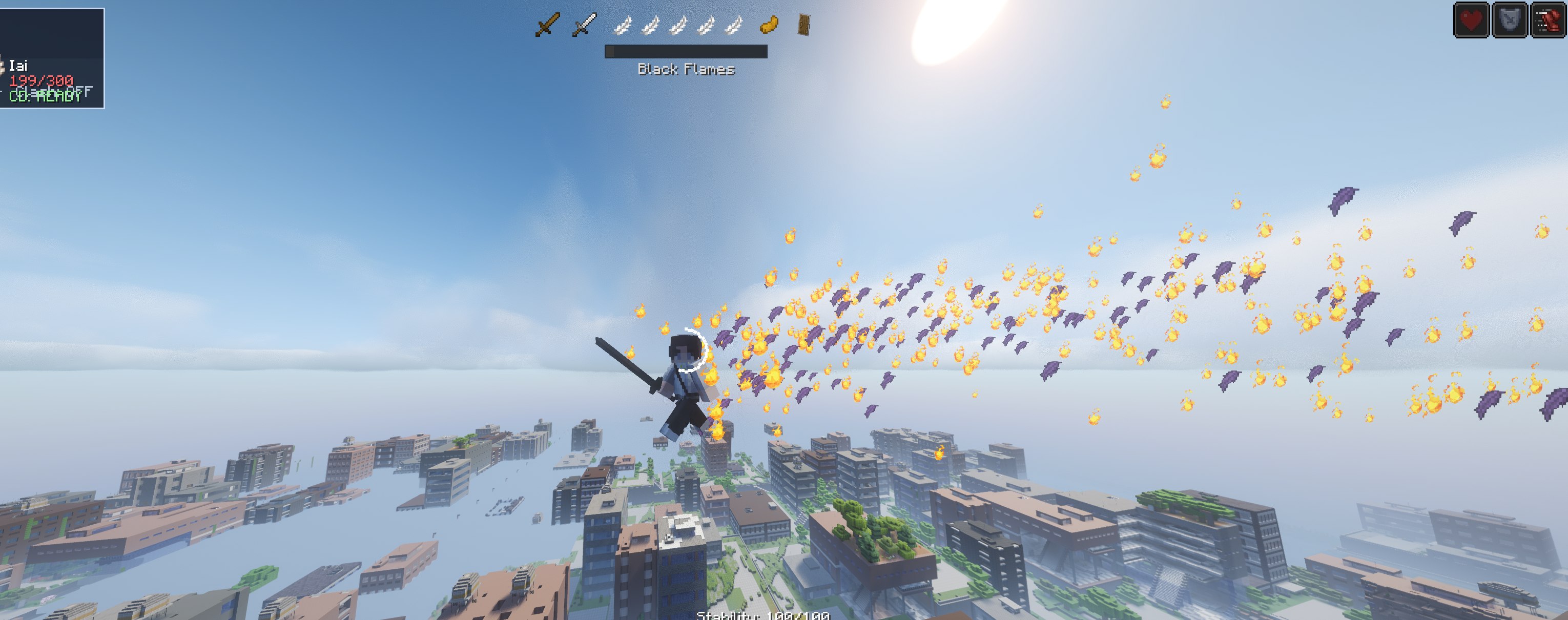
The four WIP sorceries are included in the build and can be used.
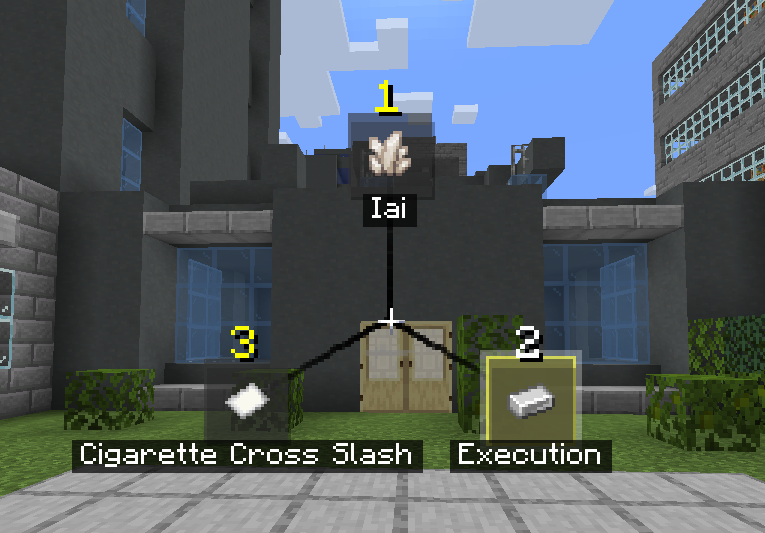
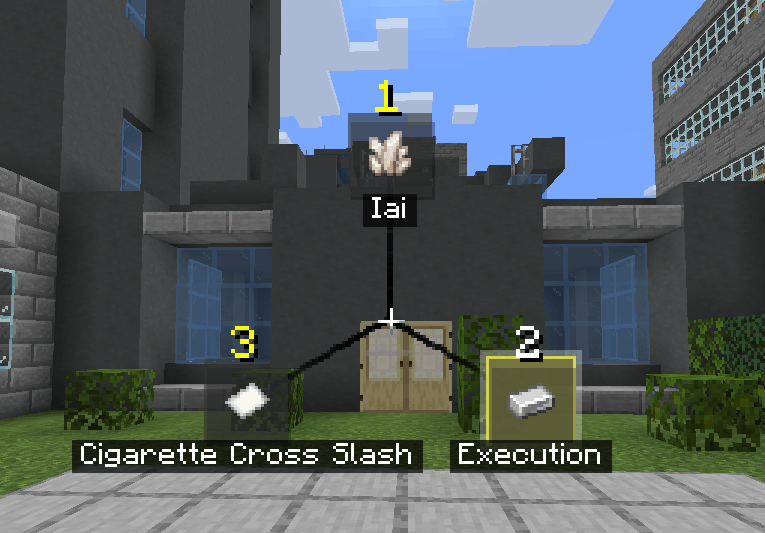
Signature techniques are selected separately from sorcery. They consume Style points earned through active combat.
Tap Tab to use the selected technique. Hold Tab for at least 200 ms to open the selector.
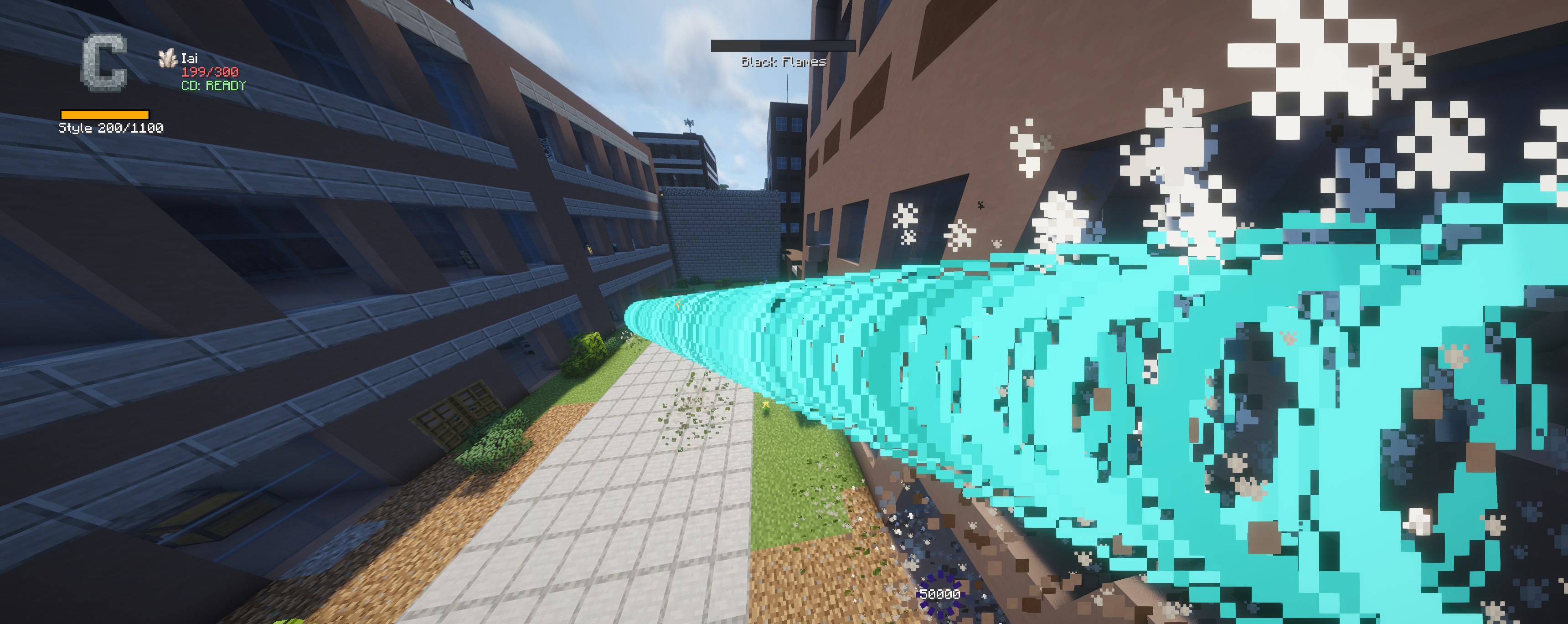
Requires a single sword. The user moves forward and cuts every target along an 11-block path.
Requires the Hand style. The user rushes forward and strikes the first target, dealing direct and area Stability damage.
Requires a single sword. The user moves behind the selected target and attacks from the rear. A successful rear hit ignores Stability.
Requires a sword-based style. The first use throws a cigarette marker. Press Tab again to teleport to it and cut nearby targets. A direct hit triggers the teleport immediately.
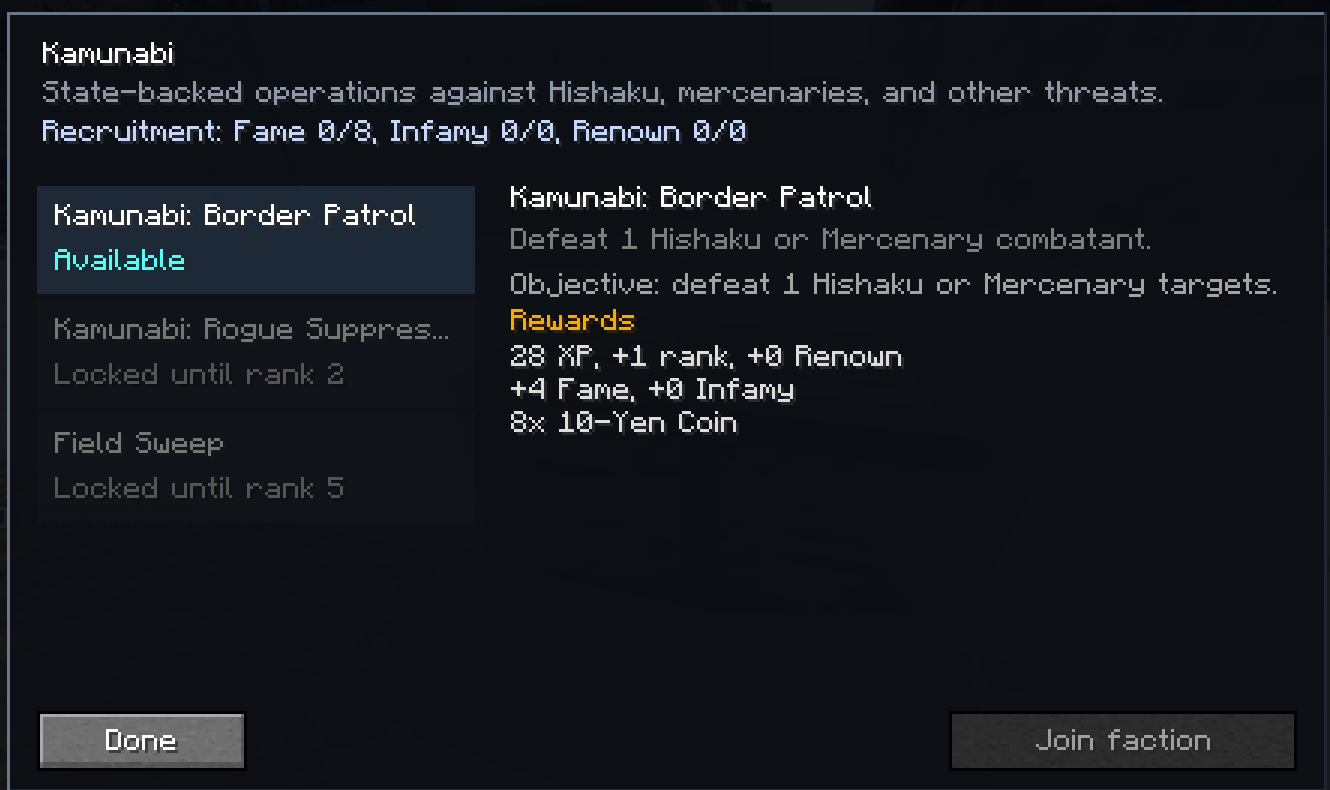
The origin screen opens when a character first joins. Origin sets the initial faction and reputation values. Sorceries, combat styles and later faction changes remain available.
The active factions are:
Factions use Fame, Infamy, Renown, ranks and contracts. Contract boards show the current objective, requirements, progress and reward.
Press P to open the player screen. It contains Sorcery, Signature, Progression, Library and Settings pages.
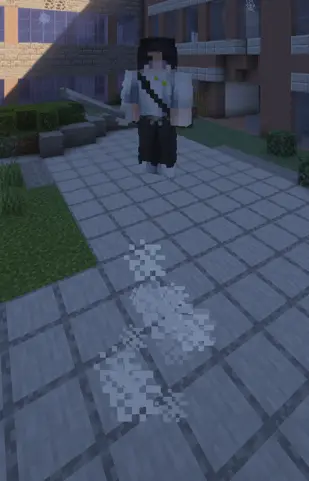
Combat movement includes:
| Dash | Double jump |
|---|---|
|
 |
The HUD displays combat state, Spiritual Energy, Stability, cooldowns and sorcery-specific resources.
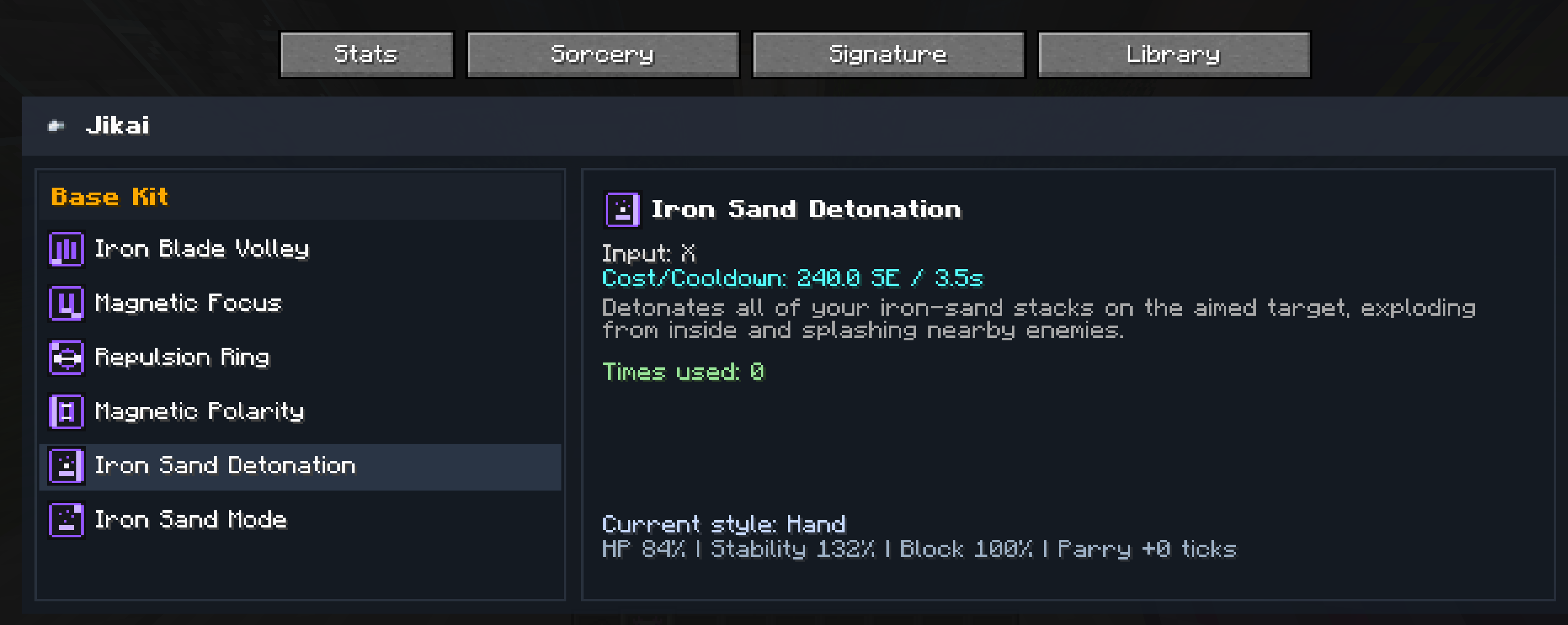
The Library inside the player screen contains descriptions and values for combat styles, sorceries and signature techniques.
The Patchouli book covers controls, combat, movement, progression and unlocked sorceries.
| Key | Action |
|---|---|
| Y | Toggle Combat Mode |
| Tap LMB | Light attack |
| Hold LMB for 5 ticks | Heavy attack |
| Shift | Block and parry |
| Ctrl | Dodge |
| Middle mouse | Target lock |
| P | Open player screen |
| Tap Tab | Use selected signature |
| Hold Tab | Open signature selector |
| R | Sorcery Mode |
| R + LMB | Primary sorcery slot |
| R + RMB | Secondary sorcery slot |
| R + Shift | Utility sorcery slot |
| Z | Supportive 1 |
| X | Supportive 2 |
| G | Special |
| V | Awakening |
| H | Draw or sheathe katana |
Keybinds can be changed in Minecraft's control settings.
Use the versions made for Minecraft 1.21.1 and NeoForge:
playerAnimator and Patchouli are required on both the client and server.
The mod provides gamerules for:
Use the same mod and dependency versions on the client and server. Back up important worlds before changing mod versions.
Kagurabachi Craft is an independent fan project based on Kagurabachi by Takeru Hokazono.
Some models were used with permission from Kagurabachi: Sacred Steel by giggity2990.
Other custom models were created by Nyakitoy, my good friend.
Permission given to this project does not grant permission to redistribute its assets.
When reporting a problem, include the Kagurabachi Craft version, NeoForge version, dependency versions and the latest log or crash report.