Badges update automatically and link to the mod page on MineUniverse.
JoelGodOfWar's Simple Coordinate Mod
==============
Current version for 1.8-1.8.9 = "1.8_1.5.1".
Current version for 1.9 = "1.9-1.5.9"
I recommend that you install Version Checker Mod, to keep this mod up to date.
This version of Version Checker is an UnOfficial 1.9 port.
This is a mod which adds various utilities and enhancements to make your life easier. Designed with the moderate Minecrafter in mind.
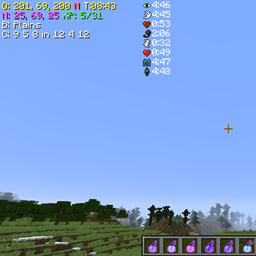
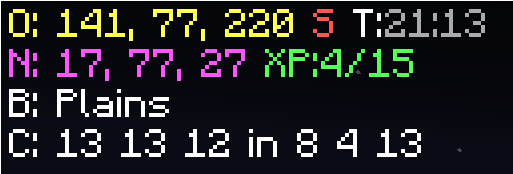
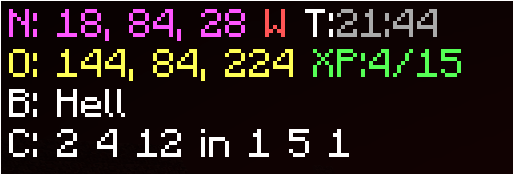
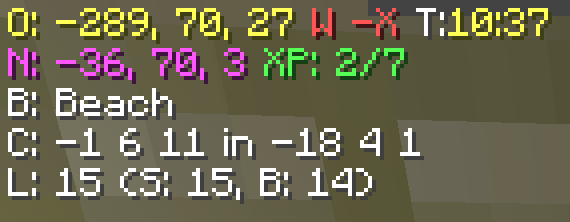
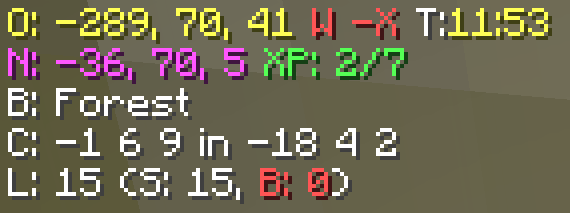
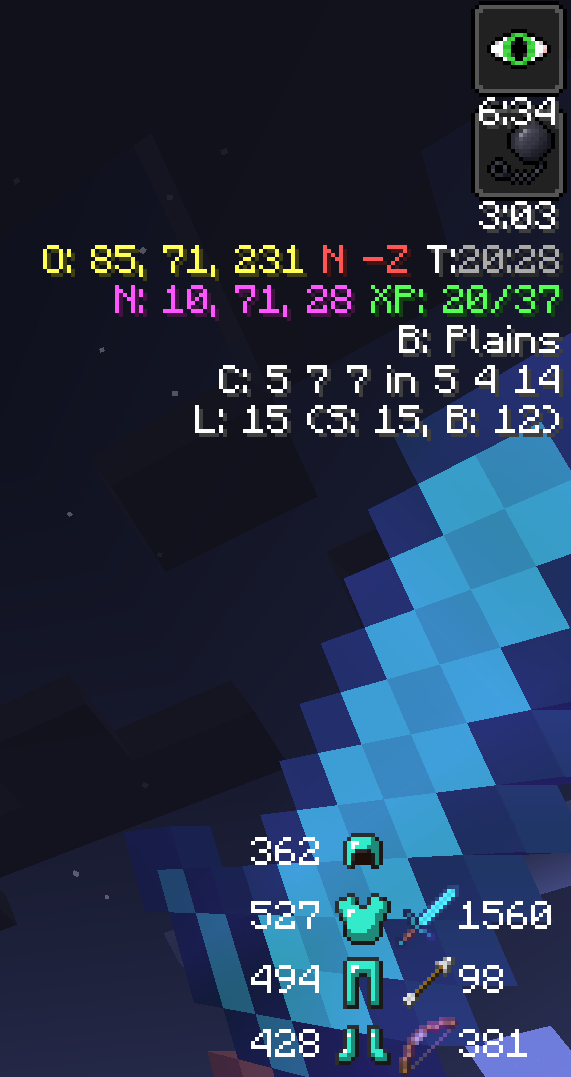
It adds your coordinates(Nether and Overworld, and can auto send them to chat.), a compass(NSEW), a clock(Day/Night), XP (Amount you currently have, and amount needed for next level.), Biome, Chunk Coordinates, Potion Timers, and an Optifine style Zoom. It works in both single player and multiplayer servers.
This mod was specifically made for the DataCraft Survival Server, found at Dataless822.net, to help with linking nether portals, and then had other features added.
This mod was designed to be compatible with the Rules on the DataCraft Survival Server, found at Dataless822.net, it does not do anything that can not be done in vanilla minecraft, just makes them easier.
I'm releasing this as open source. Make sure to check it out on [GitHub](https://github.com/JoelGodOfwar/joelsimplecoords/). If you happen to use the code in any way make sure to send me a PM because I'd love to see what you make with it.
Check out the minecraftforum.net/forums page of this mod.
There are four (4) single player commands in this mod. /td will toggle downfall, and /gm # will change your gamemode, /day change to 1000, /night change to 13000
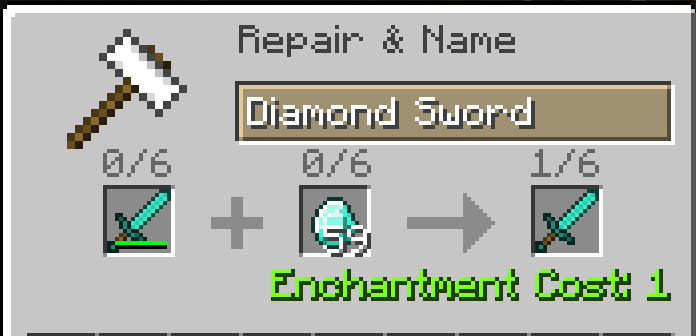
Anvil Repair Times
Overworld Day Overworld Night
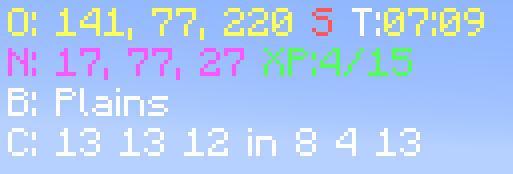
Nether
Light Level Safe Light Level Danger
Nether Portal Helper

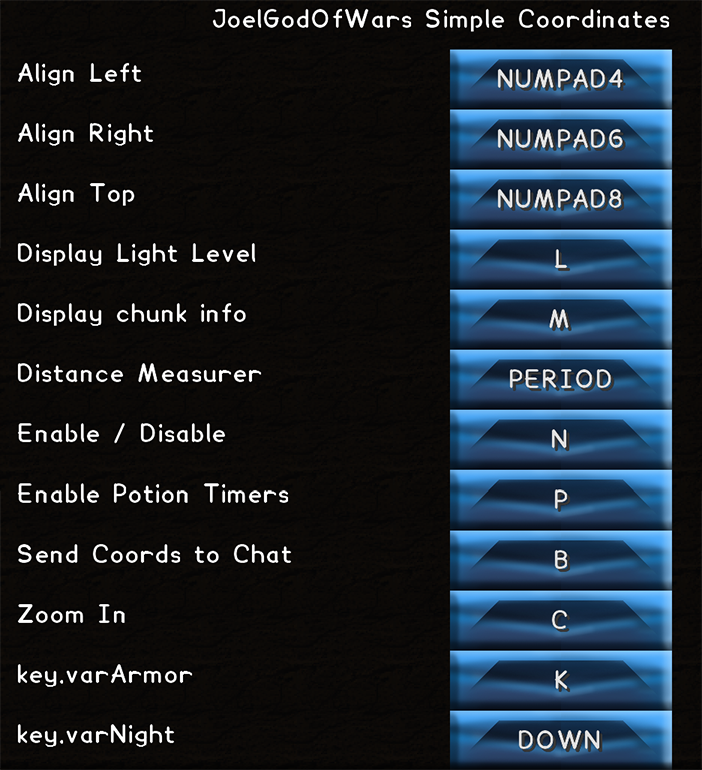
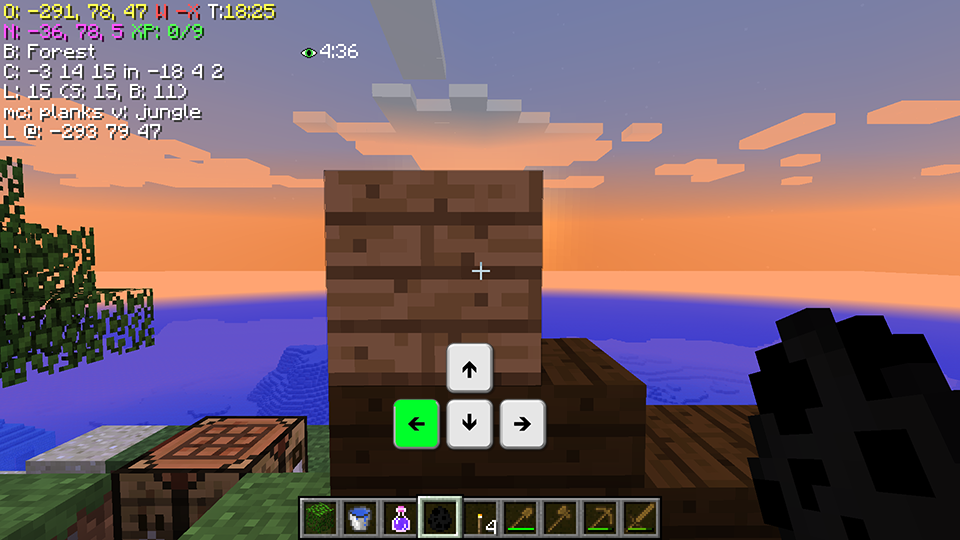
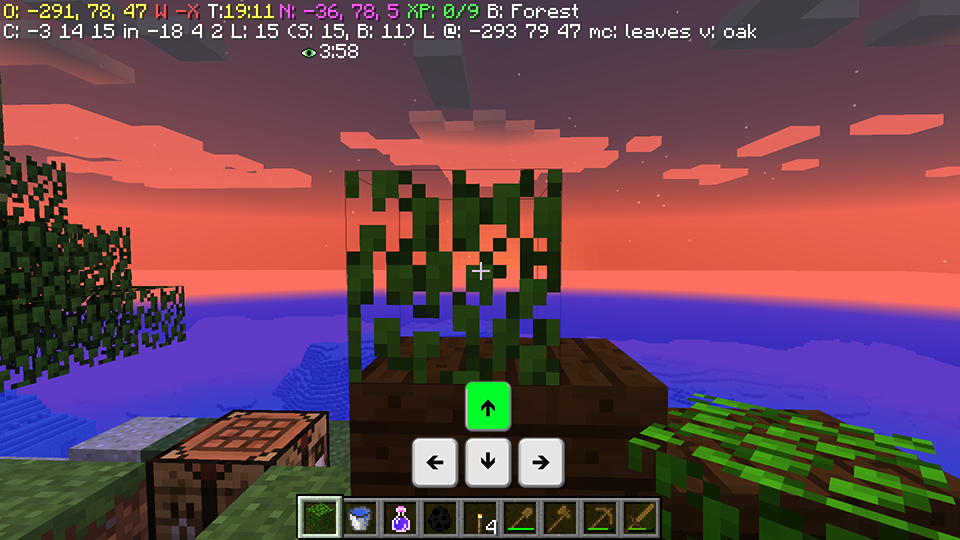
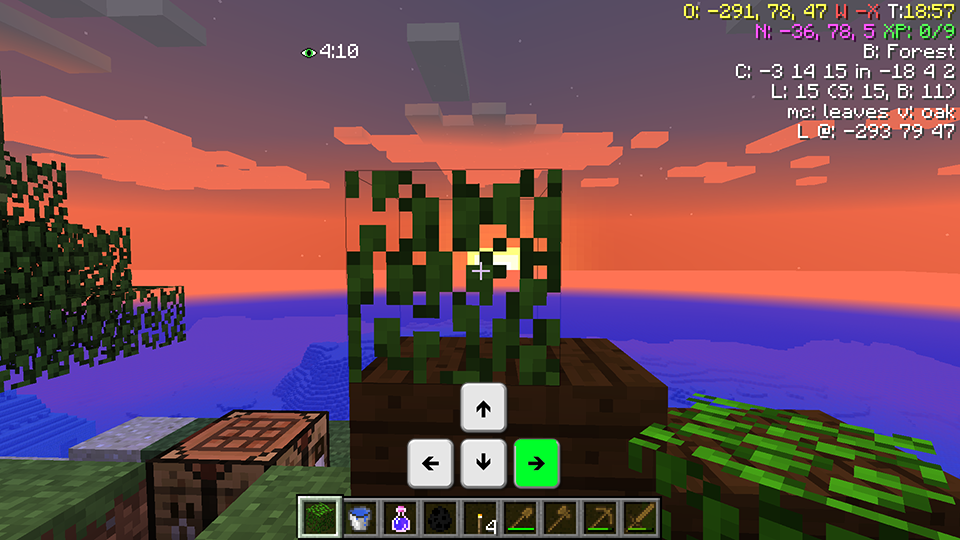
New feature, using your Arrow keys you can change the Alignment of the Text Display.
Aligned Left
Aligned Top
Aligned Right

How to install
Download and Install Minecraft Forge 1.8 from Here
Download this mod. Place this mod in your .minecraft/mods folder.
Run Minecraft Forge Launcher. Done.