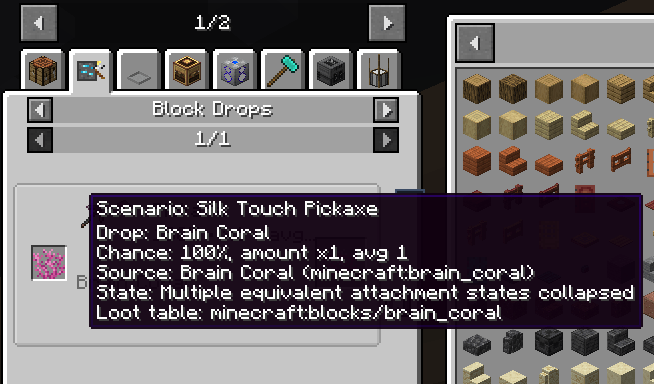
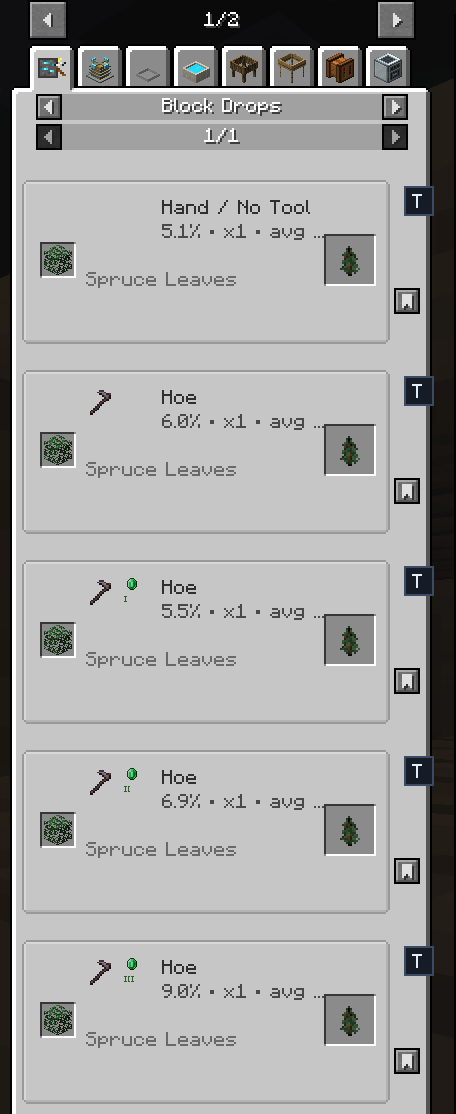
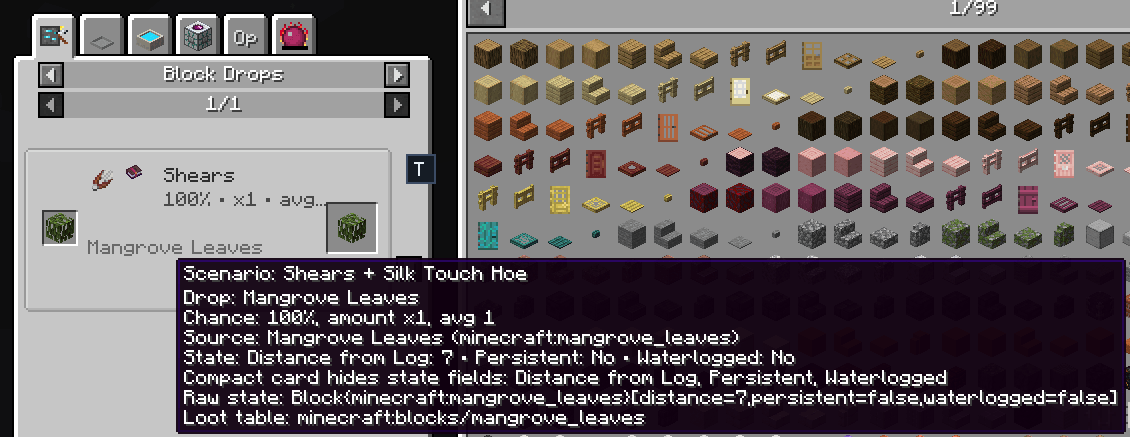
JEI Drops adds block drop information to JEI. It scans the loot tables in the loaded world and adds the results to JEI, so you can check what a block can drop and how it was harvested.
Open the Block Drops category in JEI, or look at an item's JEI usages to find blocks that can produce it.
Plain self-drops are hidden. A block that simply drops itself when broken normally is not very useful in a drop list, and hiding those entries keeps the category readable.
The server scans after startup and after datapack reloads. Results are saved per world and sent to players when they join or when a scan finishes.
The cache file is:
serverconfig/jeidrops/blockdrops-cache.json
On a dedicated server that is normally:
world/serverconfig/jeidrops/blockdrops-cache.json
The first scan can take a while in a large modpack. Later starts use the cache when it still matches the current mod version and scan format. Scan delays and the cache size limit are in config/jeidrops-common.toml.
Commands need operator permission.
/jeidrops rescan starts a fresh scan./jeidrops stats shows scan progress and cache status./jeidrops clear-cache removes the current world's cache./jeidrops cache clear does the same thing./jeidrops cache path prints the cache location.Install JEI Drops on the server and on connecting clients. JEI is needed on clients only.
JEI Drops runs loot tables without placing blocks or creating fake block entities. This is safer for modpacks, but it means some modded drops cannot be reproduced exactly.
After changing mods or datapacks, run /jeidrops rescan. For support, include the missing block ID and the output of /jeidrops stats.