Badges update automatically and link to the mod page on MineUniverse.
"Very good, sir. I shall see to the excavation."
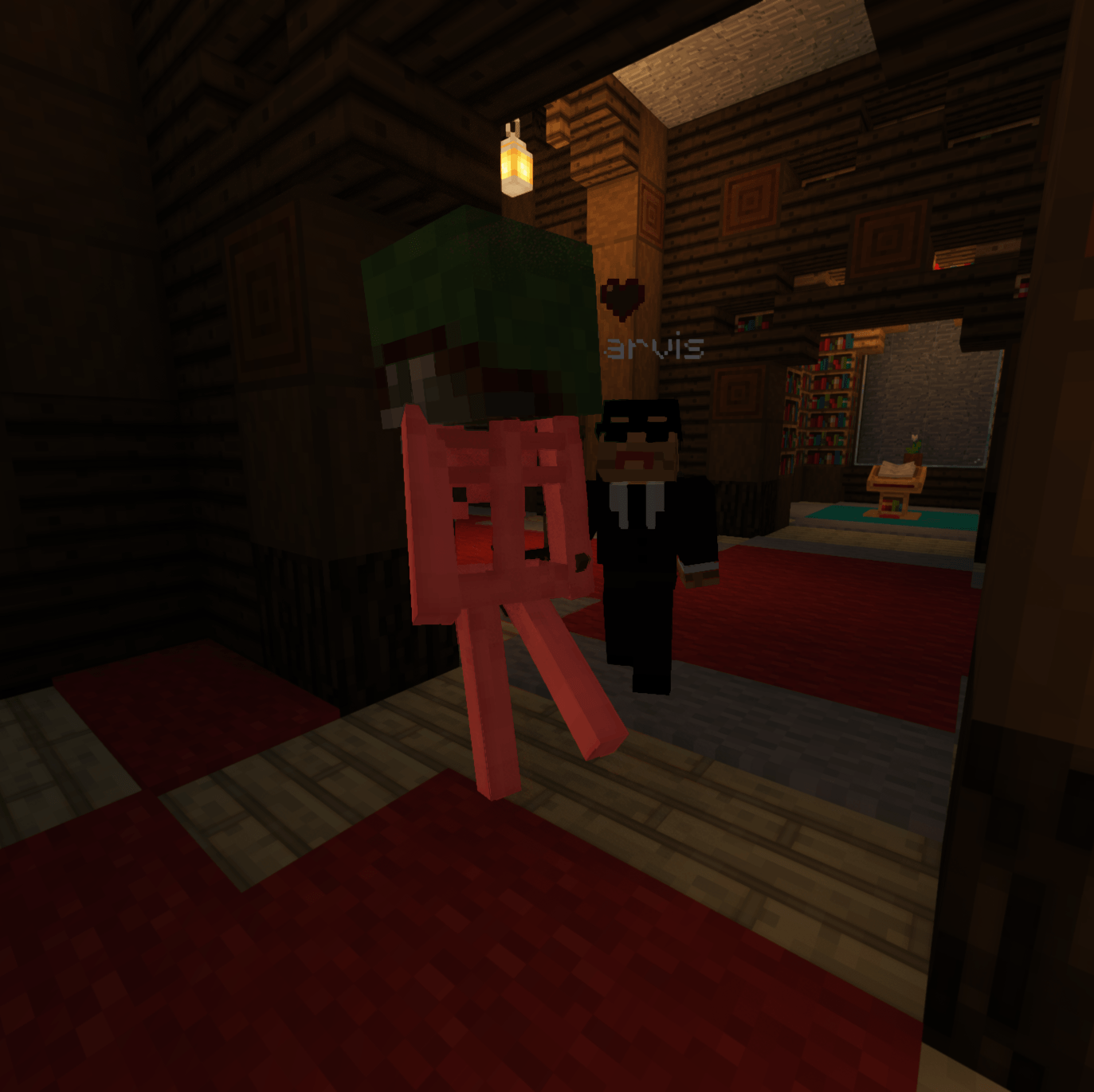
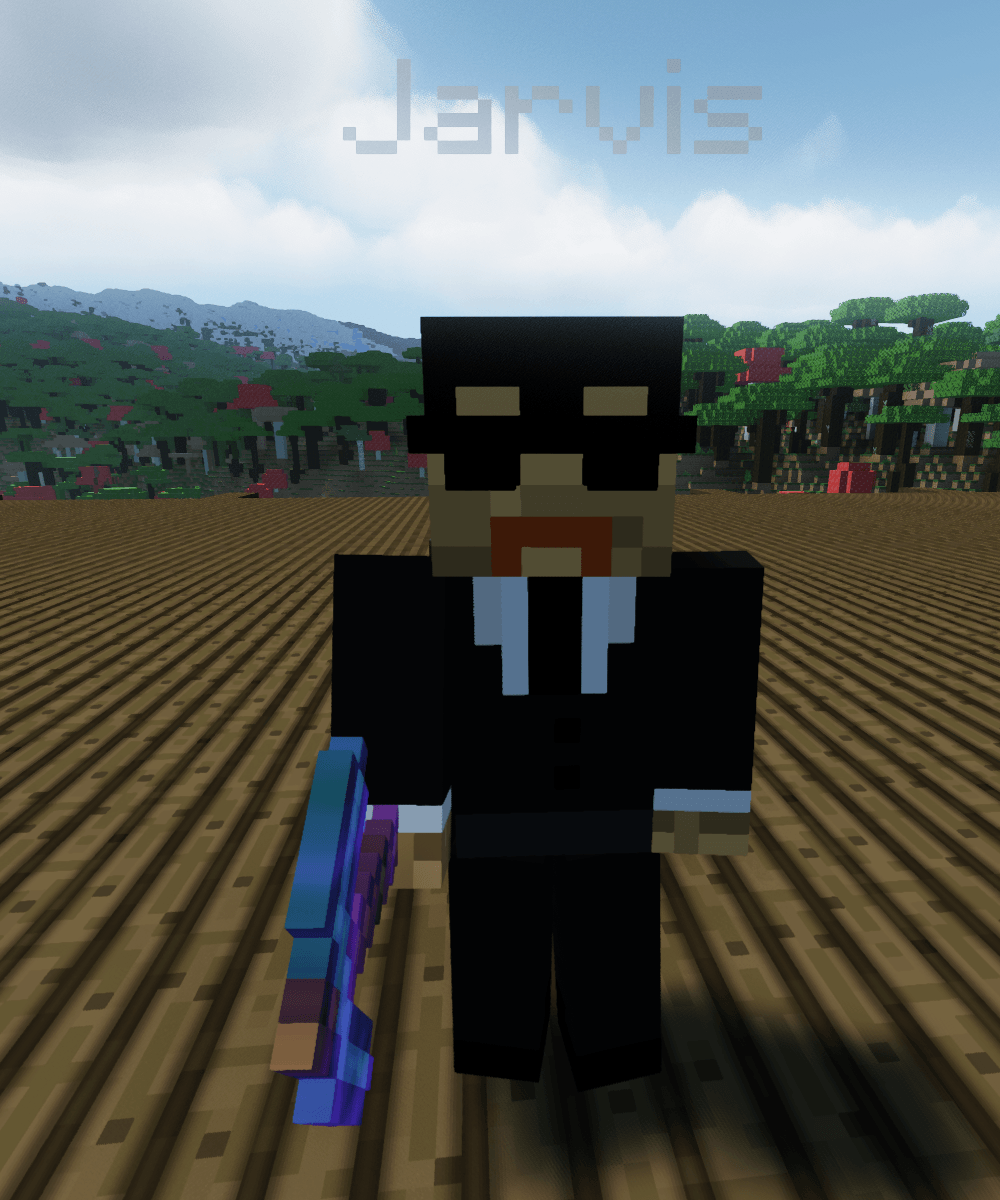
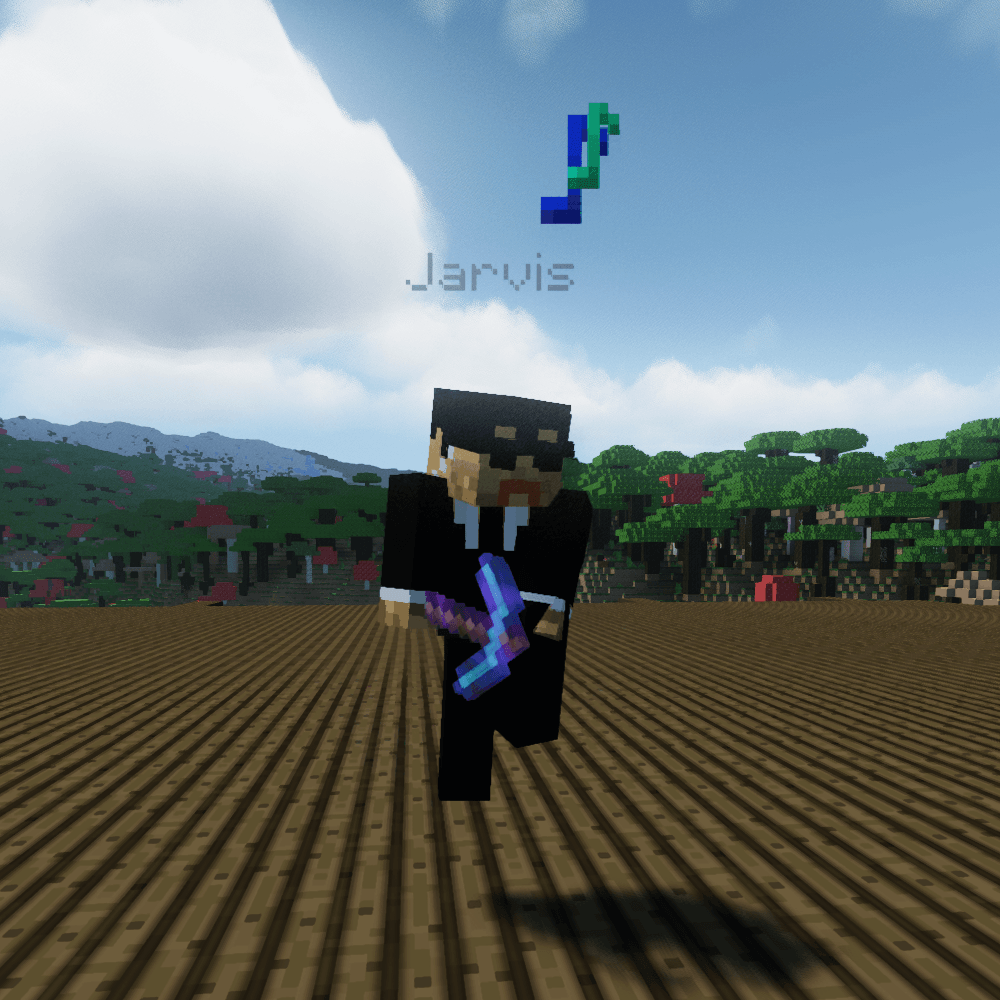
Jarvis is an AI butler for your world — equal parts Alfred and Iron Man's JARVIS. Summon him with a bell, talk to him in plain English, and he mines, guards, farms, fishes, fells trees, builds, fetches your death drops and runs your errands. Powered by the AI provider of your choice — including fully local Ollama on your own hardware, no cloud required.
This is the Fabric and NeoForge mod, new in 0.17.0. It is the same butler as the long-running Paper plugin, with the same commands and the same config file.
It runs on the server. Install it on a dedicated server, or in your own game for single-player.
No teleport-cheating, no instant block deletion. Jarvis walks on his own A* pathfinder, opens doors, swims, climbs ladders, and breaks blocks at tool speed through the game's own code — so protection mods see an ordinary player breaking a block. He digs real 1×2 tunnels to reach buried ores, staircasing down and back up like a player would.
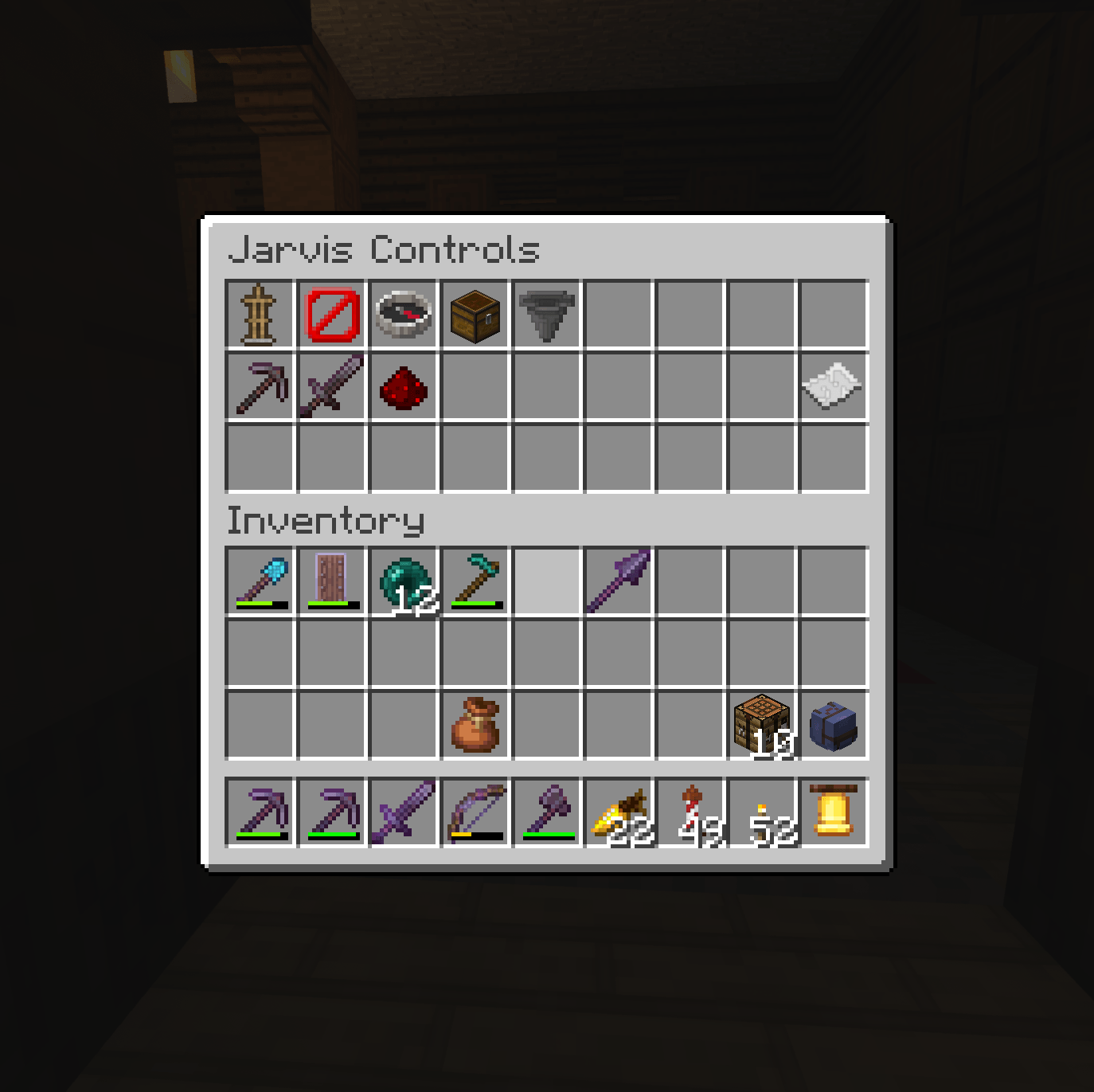
/jarvis mine [ore] — hunts nearby ores ("jarvis, mine diamonds")/jarvis mine here — digs a complete branch mine: staircase to diamond level, torch-lit main gallery, branch tunnels on a grid, lava pockets sealed with cobblestone/jarvis guard [passive|defensive|aggressive] — bodyguard with stances; he never chases a skeleton into the night/jarvis watch — holds a post and clears spawns while you sleep/jarvis patrol — walks a waypoint circuit you set, armed/jarvis chest — registers a chest; he delivers his cargo when his bags fill/jarvis recover — travels to where you died, collects everything, and brings it back/jarvis farm / /jarvis tend / /jarvis chop / /jarvis fish — harvests and replants, fells whole trees, fishes/jarvis home — escorts you back to your home point, lighting the road/jarvis portal — leads you to the nearest nether portal he has seen, and tells you where any portal comes out on the other side"jarvis, dig a mine here" · "protect me" · "take me home" · "get my stuff back" · "how are things?"
He remembers your recent conversation, so "do that again" actually works.
Chat goes to Ollama first (your own machine) with a cloud fallback; build planning goes to the cloud first (Claude / OpenAI / Grok / Gemini) with Ollama as the fallback. Running only Ollama is fully supported. Set it up from Admin → AI setup in the bell menu, or /jarvis ai.
Describe a structure — /jarvis build a small stone cottage with a wooden roof, or Building → Custom build in the bell menu — and the AI designs it as walls, floors, doors, beds and pitched roofs, which he then builds block by block. Walls come out whole, doors have both halves, roofs close their gables, and houses come furnished: bed, chest, crafting table, light. Or drop .schem / .litematic files into his library and ask for "a house" — he picks the best match and pastes it.
With Simple Voice Chat, talk to him out loud. Speech recognition (whisper.cpp) and his voice (Piper) run inside the server — nothing else to host. Turn it on from Admin → Voice setup or /jarvis voice enable.
He starts Hired, with an iron pickaxe, and works up to Without Equal, earning better tools, enchantments and abilities from what he has actually done for you. /jarvis rank shows his service record.
| Fabric | NeoForge | |
|---|---|---|
| Minecraft | 26.3 | 26.3 |
| Loader | Fabric Loader 0.19.5+ | NeoForge 26.3.0.x |
| Also needs | Fabric API | — |
| Java | 25 | 25 |
Optional: Simple Voice Chat for voice, and an AI provider — any one of Ollama, Claude, OpenAI, Grok or Gemini. Without one, every slash command still works; you only lose natural-language chat and freeform building.
config/jarvis/schematics/ (.schem, .schematic, .litematic), but saving and rotating them needs WorldEdit, so those are plugin-only.config/jarvis/.The jar is about 100 MB because it carries the speech engine for Linux, Windows and macOS, so voice works with nothing else installed. It is only loaded if you turn voice on. The two voice models (about 200 MB) are downloaded the first time you do.
mods/ (with Fabric API on Fabric) and start the server/jarvis bell, ring it, Admin → AI setup, pick a provider/jarvis summon → look at a chest → /jarvis chest → /jarvis mine here/jarvis help for everything elseWiki: github.com/iamgadgetman/jarvis/wiki · Source & issues: github.com/iamgadgetman/jarvis · Changelog
Ring the bell. Someone impeccable appears. 🔔