Mineuniverse
Log in Register
Mods

ItemSearch: Ctrl+F

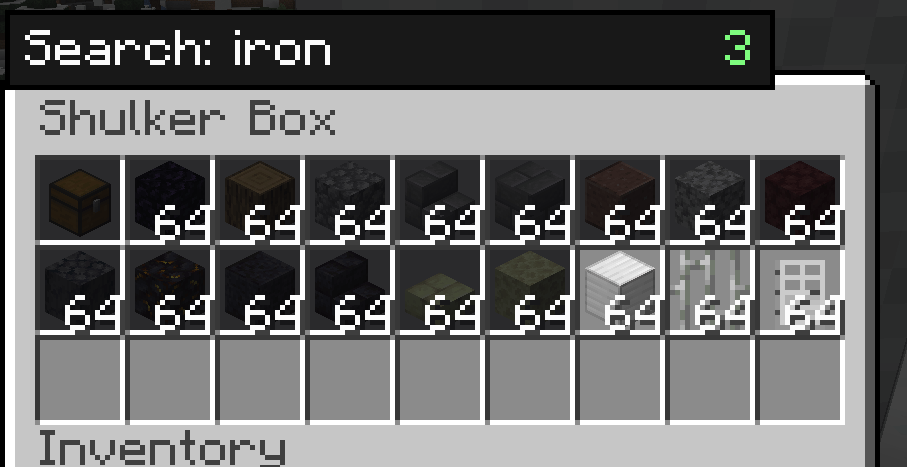
Press Ctrl+F inside any chest, shulker box, or inventory to instantly filter items by name.
by NEKOZAME_Garo
Download Claim this project
143 downloads
0 likes
Updated Jul 6, 2026
0 hypes
Storage Utility & QoL

Description (Markdown body — same for both platforms)

ItemSearch

Press Ctrl+F inside any container to instantly filter your items.

Tired of scrolling through a packed shulker box or storage chest looking for one item? ItemSearch adds a lightweight Ctrl+F search bar to every container screen — inventory, chests, barrels, shulker boxes, and more — so you can find what you need at a glance.

Features

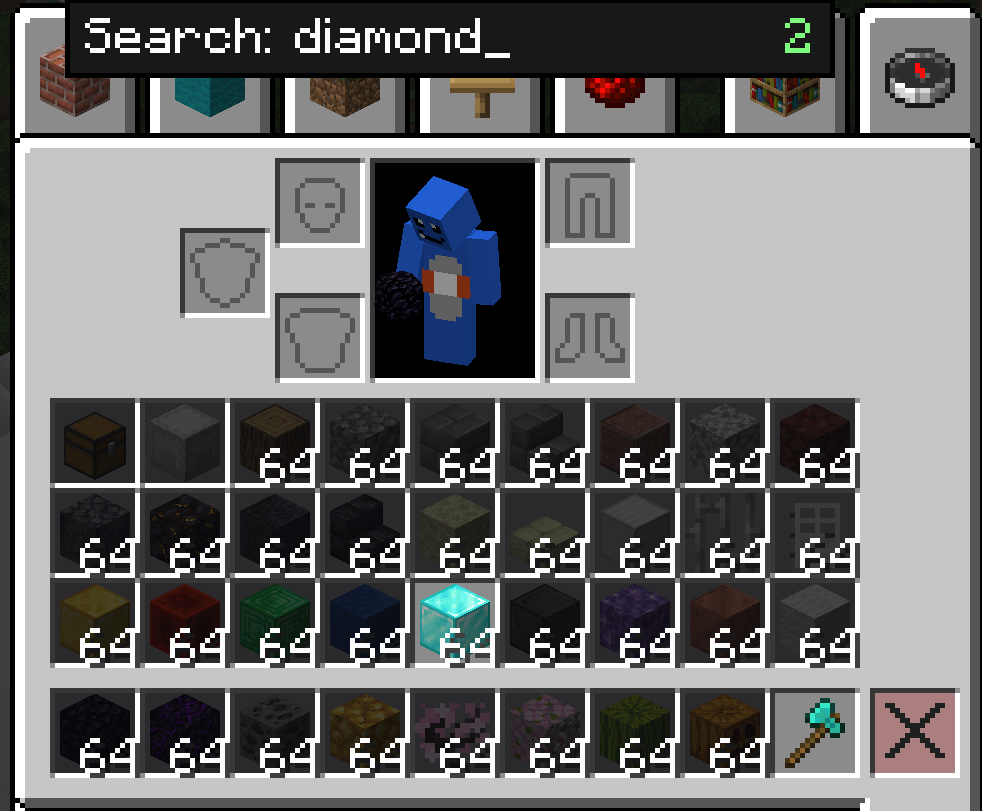
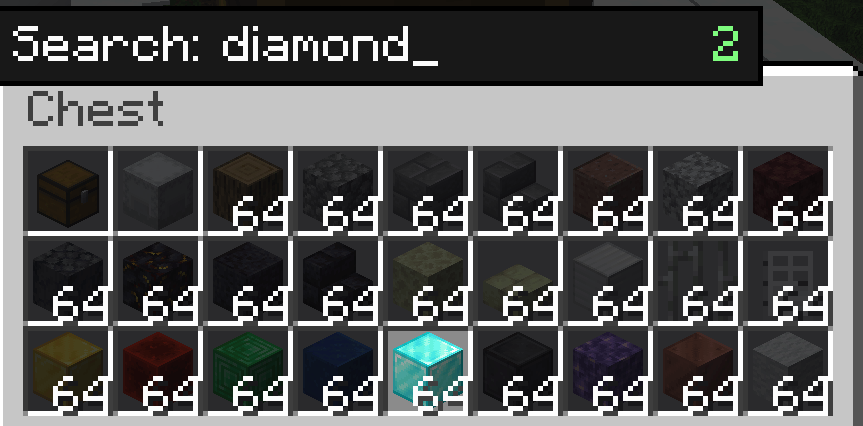
  • Ctrl+F to search — opens a small search box inside any AbstractContainerScreen. Type to filter; matching items stay highlighted, everything else dims.
  • Works everywhere — chests, barrels, shulker boxes, your own inventory, and other inventory-style screens.
  • Smart Creative Mode handling — on the Survival/Inventory tab, ItemSearch dims your own items just like everywhere else. On the Creative item-palette tabs, ItemSearch stays out of the way so vanilla's own creative search keeps working.
  • Match by item ID (optional) — toggle whether the search also checks the item's registry ID (e.g. minecraft:diamond_sword), not just its display name.
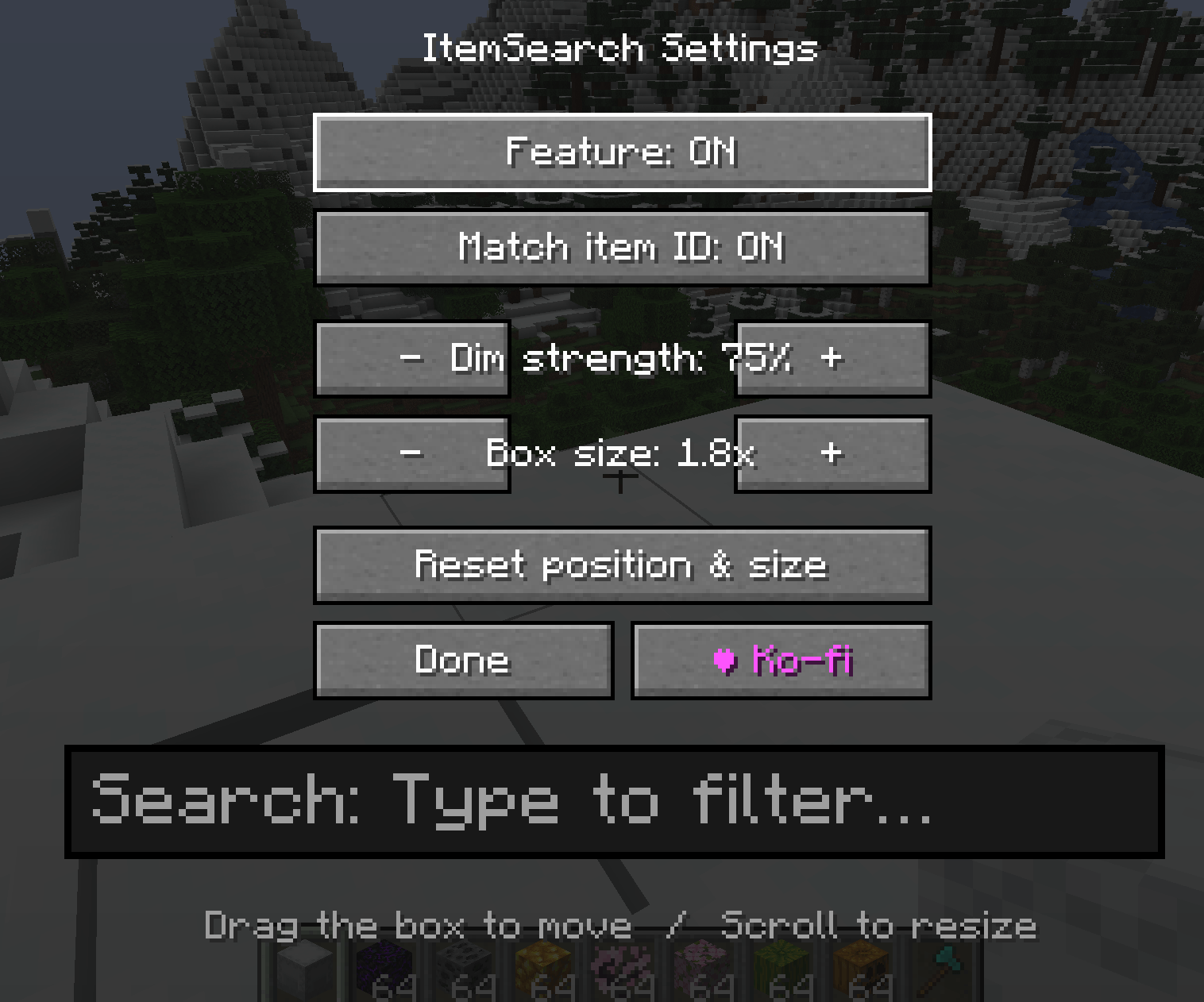
  • Fully repositionable search box — open the settings screen, then drag the search box anywhere on screen and resize it with scroll or +/- buttons.
  • Adjustable dim strength — control how strongly non-matching items are darkened.
  • Lightweight & client-side only — no server install required, safe for singleplayer and any multiplayer server.

Controls

Key Action
Ctrl + F Open/close the search box (while a container screen is open)
(typing) Filter items live as you type
Esc / Enter / Ctrl + F Close the search box and clear the query
K Open ItemSearch settings

Settings are also available from the Mods list → Config.

Settings

  • Enable/disable the feature
  • Match item ID toggle
  • Dim strength (−/+)
  • Search box size (−/+ or scroll)
  • Drag-to-move search box position
  • Reset position & size

Support

If you find ItemSearch useful, consider supporting development on Ko-fi (link in-game via the settings screen, and shown once on first join).

Compatibility

Client-side only — install on the client; no server-side requirement. Available for Forge, NeoForge, and Fabric across a wide range of Minecraft versions (see version list below).

Supported Versions / Loaders (for reference when filling out the version picker)

Forge: 1.20.1, 1.20.2, 1.20.4, 1.20.6

NeoForge: 1.20.2, 1.20.4, 1.20.6, 1.21.1, 1.21.3, 1.21.4, 1.21.5, 1.21.8, 1.21.10, 1.21.11, 26.1

Fabric: 1.20.1, 1.20.2, 1.20.4, 1.20.6, 1.21.1, 1.21.3, 1.21.4, 1.21.5, 1.21.8, 1.21.10, 1.21.11

Side: Client only

ItemSearch-NeoForge-26.1.jar
MC Client, NeoForge, 26.1, 26.1.1, 26.1.2
Release 2026-07-01 Get
ItemSearch-NeoForge-1.21.5.jar
MC 1.21.6-snapshot, Client, 1.21.5, 1.21.6
Release 2026-07-01 Get
ItemSearch-Forge-1.20.6.jar
MC Client, Forge, 1.20.6
Release 2026-07-01 Get
ItemSearch-Fabric-1.21.11.jar
MC Client, Fabric, 1.21.11-snapshot, 1.21.11
Release 2026-07-01 Get

More from NEKOZAME_Garo

DayAlert
616
WeatherForecast
566
DuraView
3,525
SleepAnyway
271
RemovePhantoms
2,438
WeatheringBlocks
2,401

You Might Also Like

Liberty's Villagers
Quality of Life and AI improvements for Villagers
9,968,428
No More Pop-ups
A Minecraft mod to remove in-game pop-ups
996,708
BetterRandomSourceConcurrencyCrash
Improved logging of crashes caused by mods accessing RandomSources from the wrong thread
99,371
Exit Confirmation
Often accidentally closed Minecraft? This mod might help!
99,067
NoDynamicFps
Adds an option to disable Vanilla's Dynamic FPS implementation
99,004
Immersive Crafting
Adds crafting recipes to immersive portals
9,998