Version Compatibility:
| Create Version | NeoForge/Forge | Fabric |
|---|---|---|
| 6.0.9 | 2.1.0 | ❌ |
| 6.0.0 - 6.0.9 | 2.0.5 | ❌ |
| 5.0 | 1.X | 1.X |
Features:
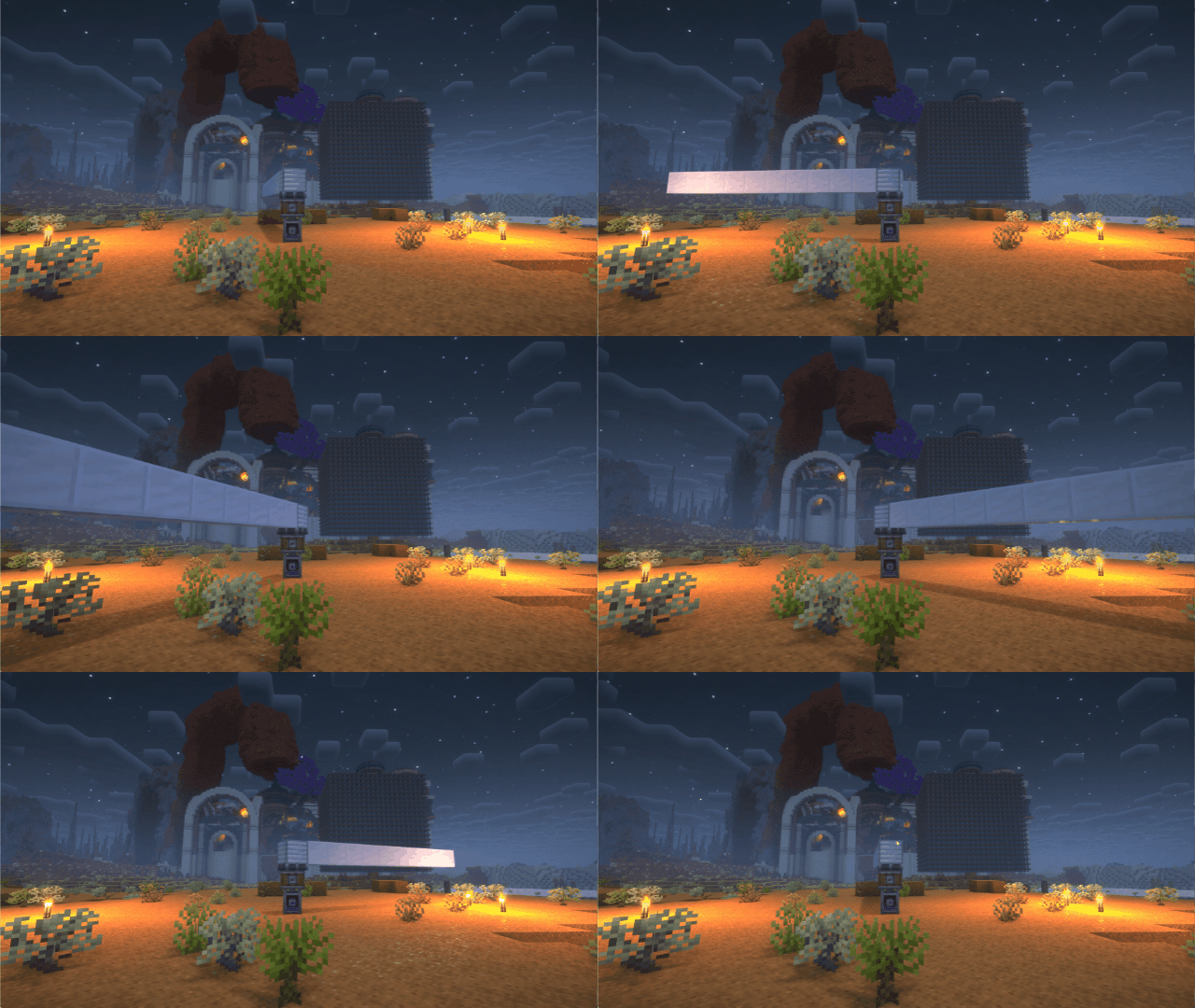
If you have any suggestions or issues, please raise them on the GitHub issue page.
undefined
undefined
There are some shaderpacks that are also supported, but not listed above, so you can test them yourself.
This mod only supports some specific versions of Iris !!!
| Create Version | NeoForge/Forge | Fabric |
|---|---|---|
| 6.0.9 | 2.1.0 | ❌ |
| 6.0.0 - 6.0.9 | 2.0.5 | ❌ |
| 5.0 | 1.X | 1.X |
| Iris or Oculus | This Mod |
|---|---|
| >= 1.8.1 | 2.0.0 |
| >= 1.6.13 | 0.2.2 |
| >= 1.6.5 | 0.2.1 |
| >= 1.6.2 | 0.2.0 |
| >= 1.5 and <= 1.6.1 | 0.1.9 |
| >= 1.4 and < 1.5 | 0.1.7~0.1.8 |
| <1.4 | 0.1.6 below |
2024/7/28
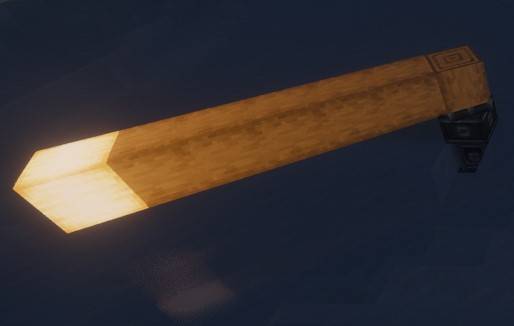
Flywheel uses a method called GPU Instancing to render entities. It is very efficient when rendering a large number of repeating entities (e.g., cogwheels in the Create mod).
However, when you use Iris and enable shaderpack, this optimization is disabled because Flywheel needs to use its own shaders to render these entities, and Flywheel’s shaders will no longer work when you enable shaderpack.
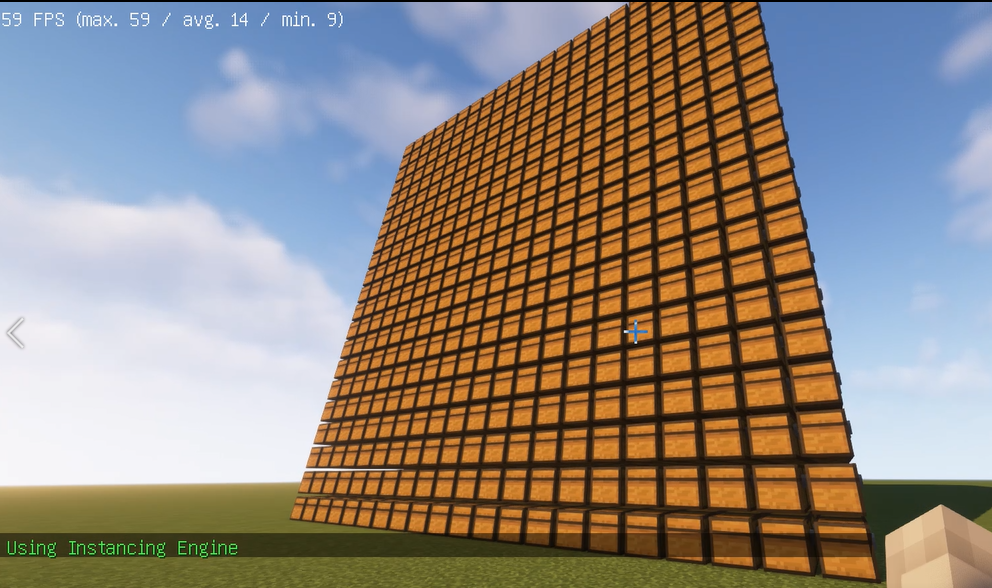
This mod will automatically merge Flywheel’s shaders with the shaders in the shaderpack when shaderpack is enabled, allowing entities to be rendered using Instancing.
When there is a large number of entities to render, there is a significant CPU bottleneck with the original rendering method. This means that the better your GPU is, the more substantial the FPS improvement from Flywheel will be. For example, on my RTX 4070ti at 4K resolution, the scene in the screenshot improved from 26fps to 65fps.
Comparison

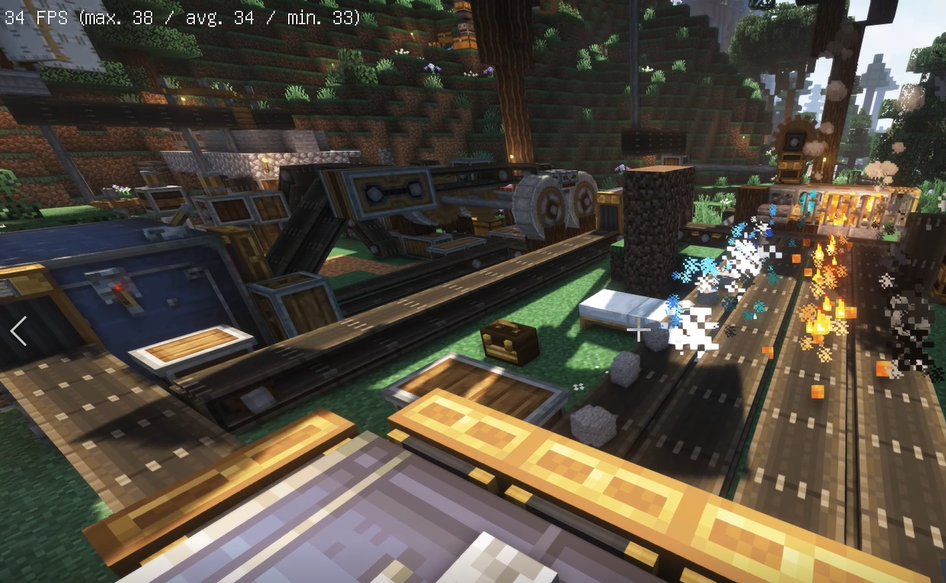
Before
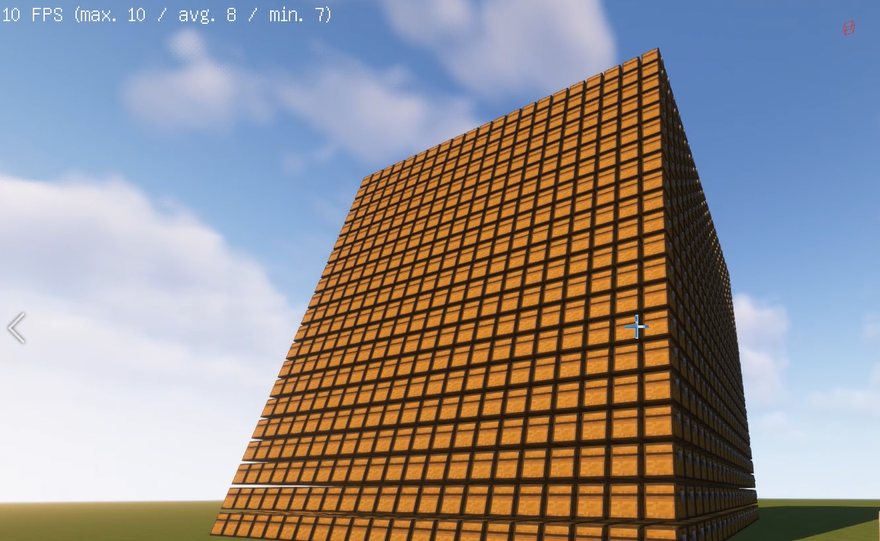
After
Before
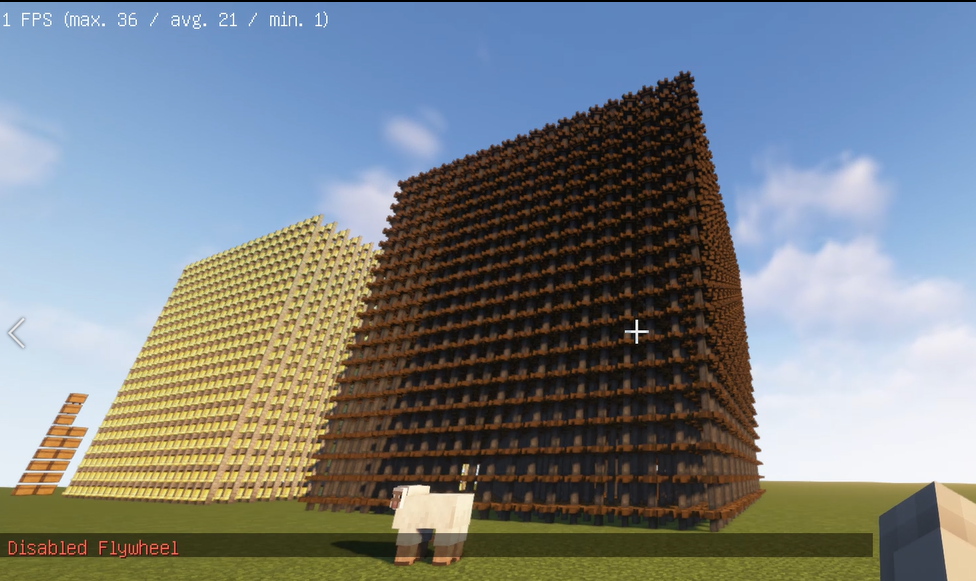
After
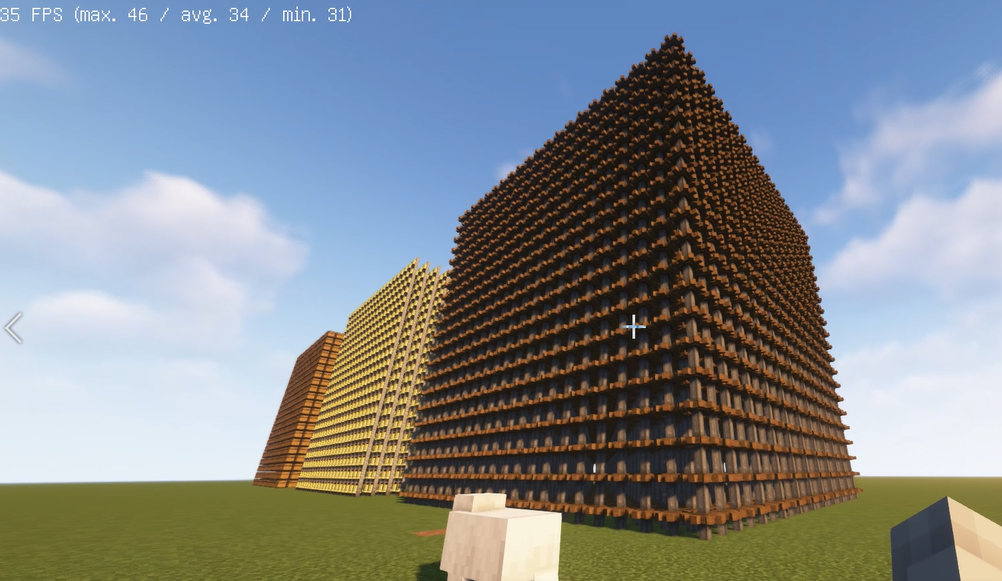
1. Install Flywheel(Create has embedded flywheel so you don't need to install it separately now) and Iris (Oculus if you use forge).
2. Install this mod.undefinedundefined