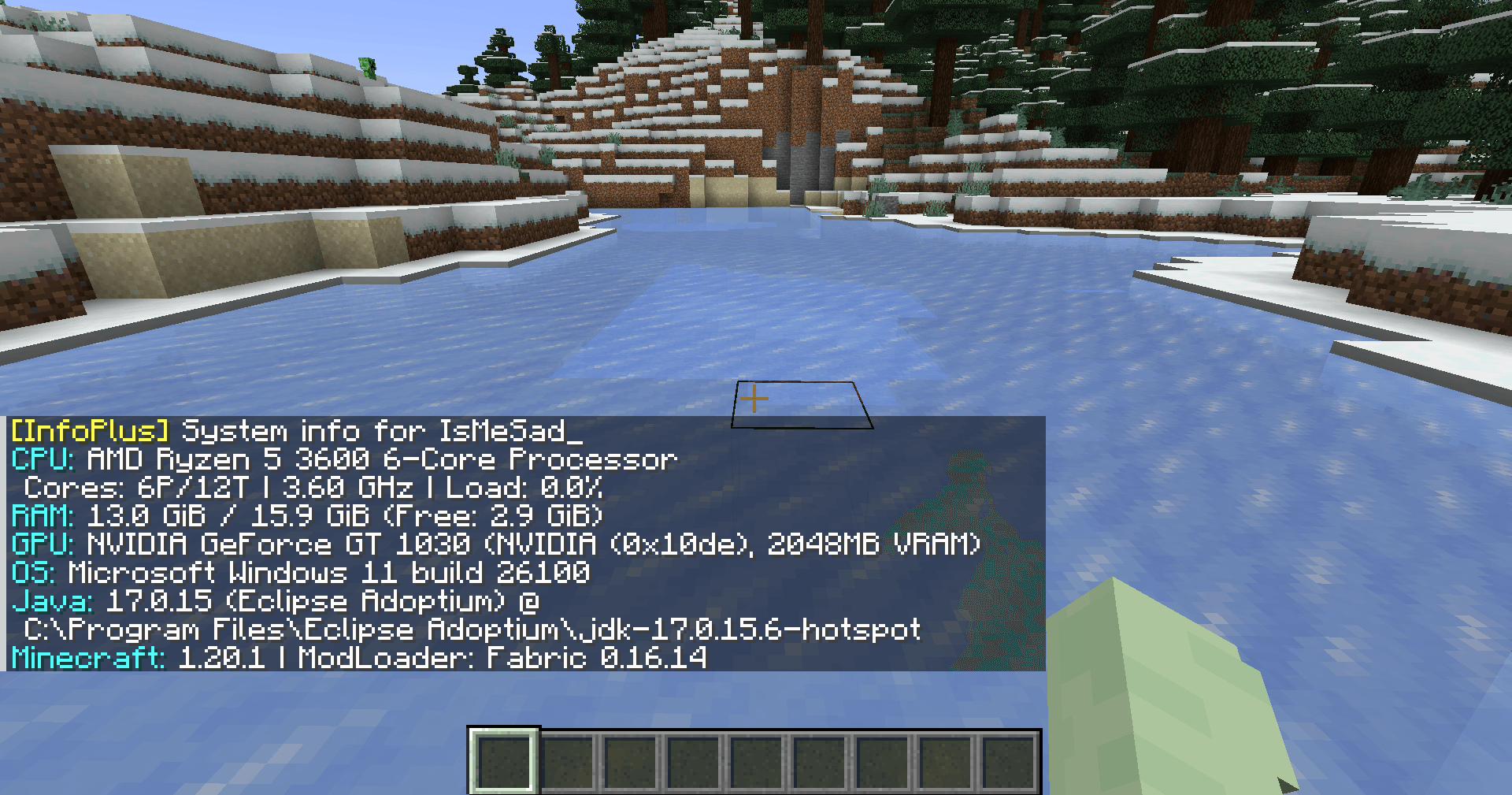
Show detailed system information directly in Minecraft chat.
View CPU, RAM, GPU, OS,
Java, Minecraft, and Loader details.
Built for debugging, player support, server checks, and modpack troubleshooting.
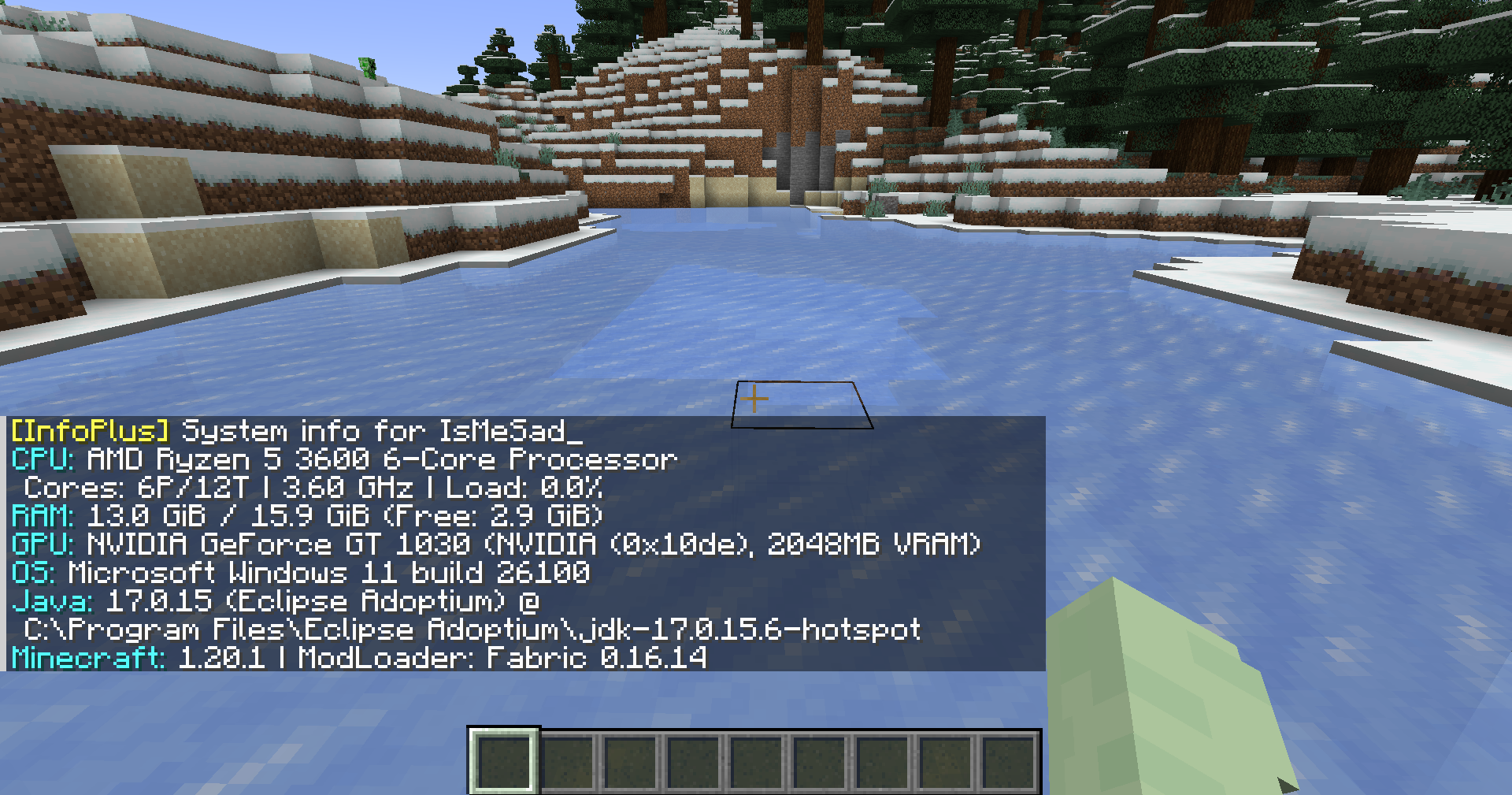
Run the command in Minecraft chat:
/infoBasic system information:
/info basicFull system information:
/info fullYou can also use the alias:
/infoplusRequest system information from another player:
/info <player>Request basic information from another player:
/info <player> basicRequest full information from another player:
/info <player> fullAlias:
/infoplus <player> fullServer-side player requests require permission level 2.
| Command | Description |
|---|---|
/info |
Shows your basic system information |
/info basic |
Shows your basic system information |
/info full |
Shows your full system information |
/info <player> |
Requests basic system information from a player |
/info <player> basic |
Requests basic system information from a player |
/info <player> full |
Requests full system information from a player |
/infoplus |
Alias for /info |
InfoPlus can display hardware and runtime information such as CPU, RAM, GPU, operating system, Java version, Minecraft version, loader version, and other system details.
Full mode may include more detailed information depending on the enabled options. Server-side player requests are limited to users with the required permission level.
Use this mod responsibly and avoid sharing sensitive system information publicly.
The source code is available on GitHub:
https://github.com/TamKungZ/infoplus
This project is licensed under the MIT License.
See the LICENSE file for more details.