Minecraft 1.21.1 - NeoForge only - Advanced computers and turtles only
This mod turns Mekanism's QIO storage network into something CC:Tweaked can drive like a real automation brain: turtles pull materials, craft, place multiblocks, list other machines on the same network, and open remote terminals - without a forest of peripheral.find calls.
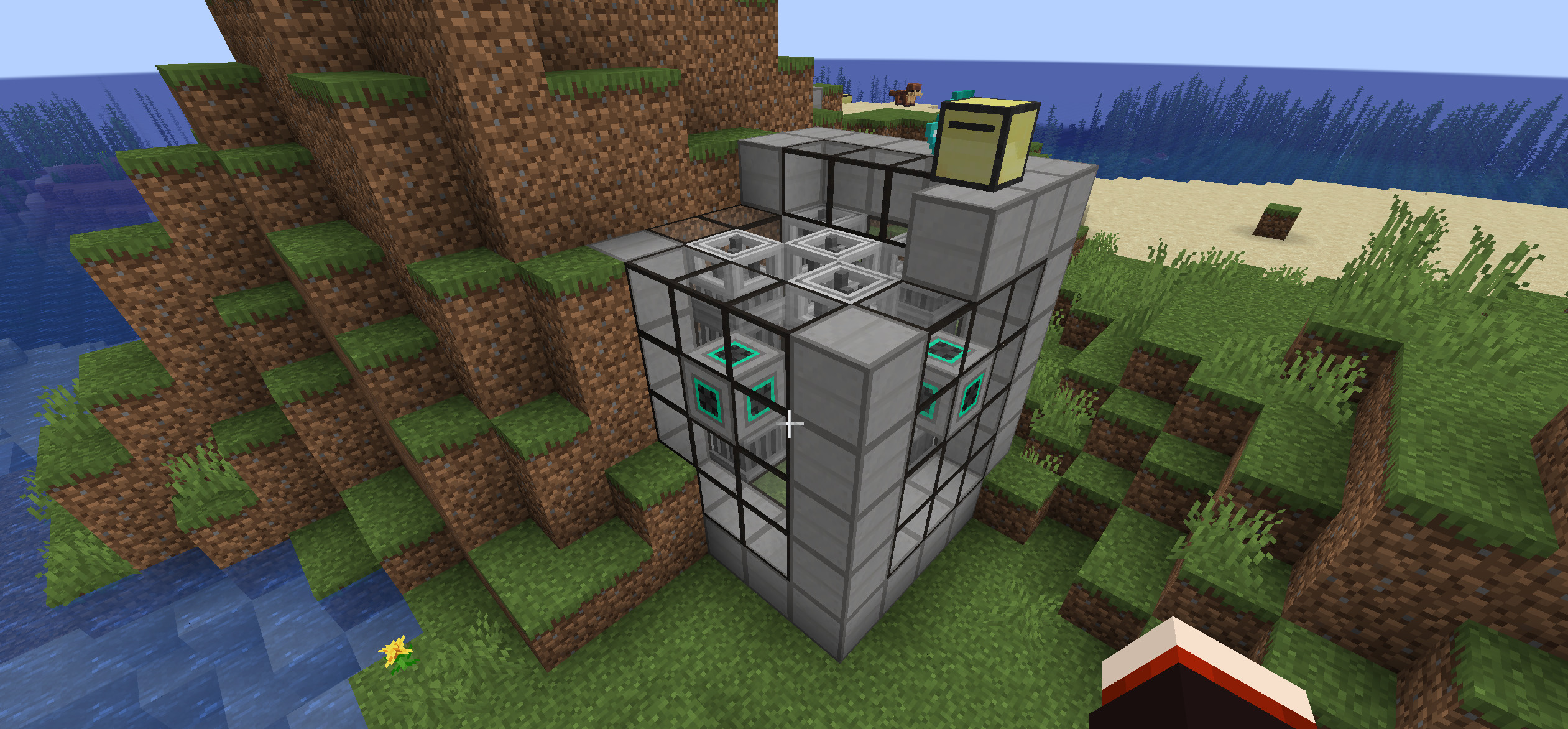
Advanced QIO turtle with dig paxel builds a full Mekanism fission reactor from QIO stock.
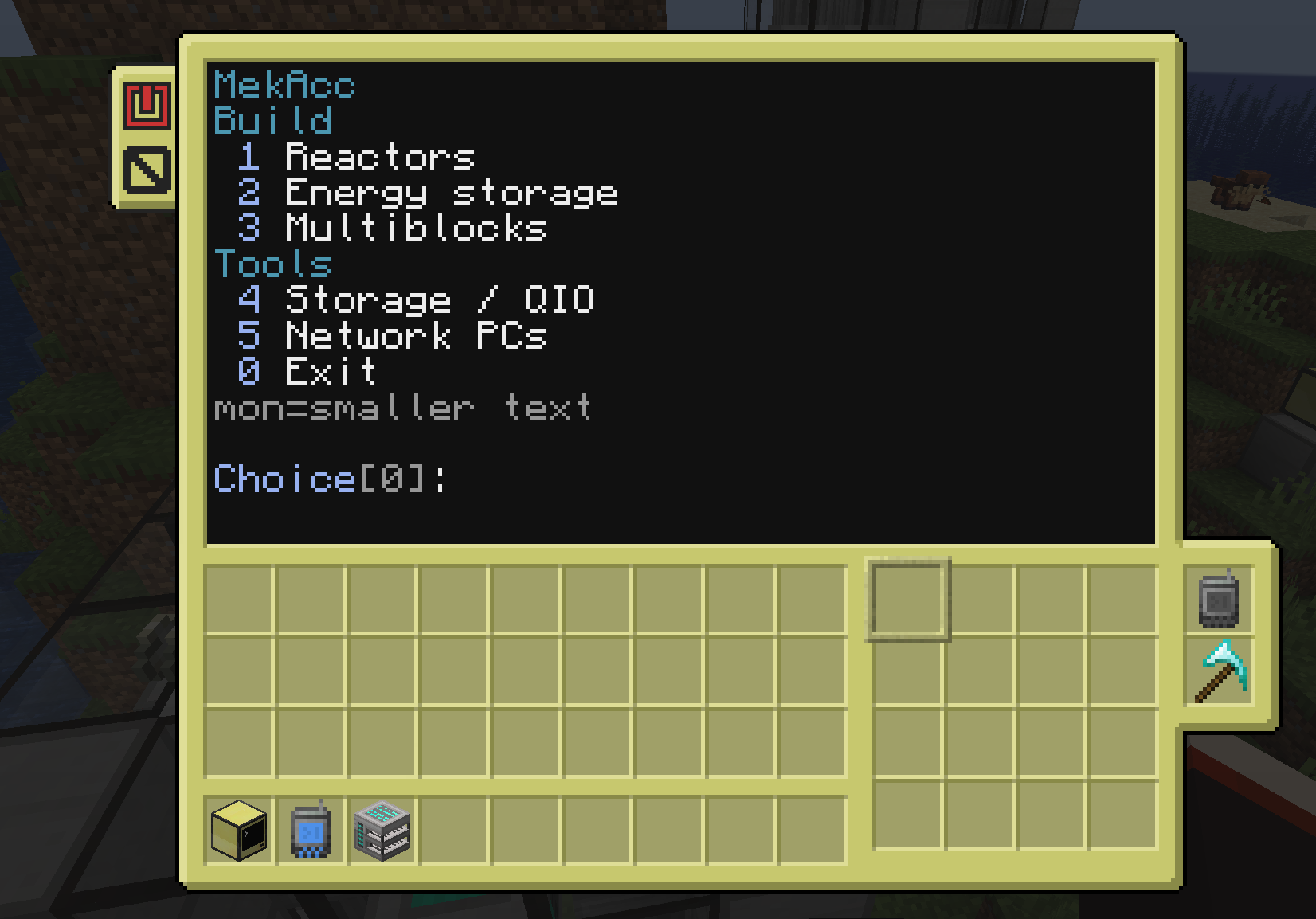
Run the mekanism program on a QIO-linked advanced turtle - reactors, energy storage, multiblocks.
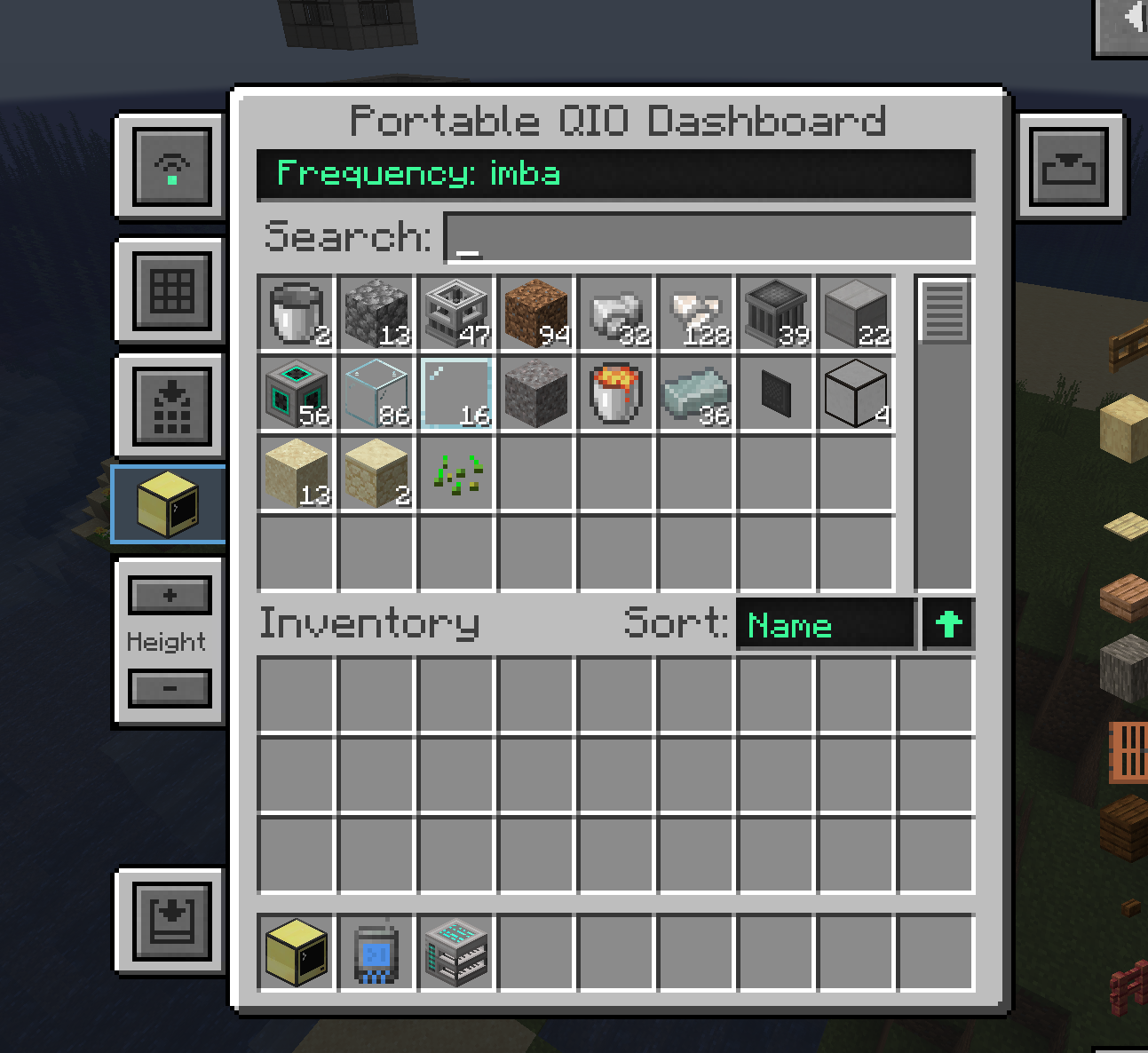
Browse your QIO network inventory from the portable dashboard (remote terminal ready with flash drive).
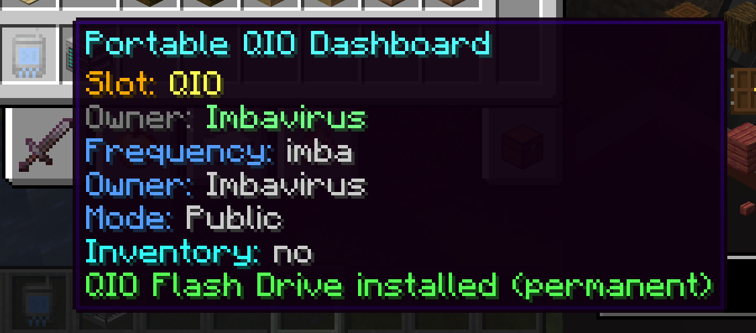
Permanently install a QIO Flash Drive for remote ComputerCraft terminal access on the frequency.
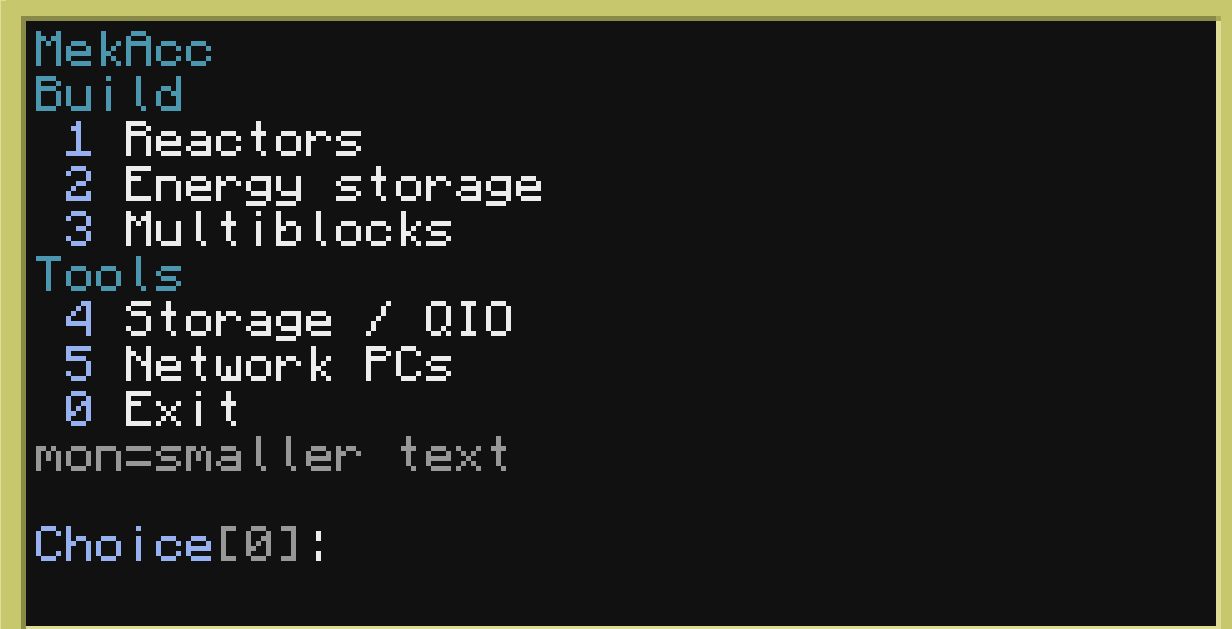
Compact TUI: build tools, storage / QIO, and network PCs.
MekAcc treats a QIO frequency as a shared computer network. There are two ways to join that network:
A server computer is an advanced ComputerCraft computer placed next to a wall QIO Dashboard, on a set frequency.
| Piece | Role |
|---|---|
| Wall QIO Dashboard | Mekanism block; set the QIO frequency here (same as normal Mekanism). |
| Advanced computer touching that dashboard | Becomes the network server for that frequency ("ethernet"). |
Why it matters
Typical setup
You can have multiple advanced computers next to dashboards on the same frequency; they all register as server endpoints. You only need one for remote/wifi features to work.
Equip a Portable QIO Dashboard in a turtle's left or right upgrade slot (not the inventory grid).
The turtle then:
Important: builders and dig-through paths need the Turtle Diamond Paxel (see below).
The QIO Flash Drive permanently upgrades one Portable QIO Dashboard so it can open a ComputerCraft terminal UI from the dashboard screen (the Computer button), as long as a server computer exists on that frequency.
| Without flash | With flash |
|---|---|
| Portable dashboard is still a normal Mekanism QIO item | Dashboard GUI gains a Computer control |
| No remote CC terminal from the handheld dashboard | Opens a remote CC terminal when a server computer is online on the same frequency |
Wall dashboards do not need a flash drive: if a computer is physically next to the wall dashboard, the Computer button uses that local/ethernet link.
On an advanced turtle (with QIO upgrade) or advanced computer, open the shell and type:
mekanism
That launches the MekAcc TUI (text UI) for QIO + builders + plant control.
- Fission reactor - Fusion reactor - SPS - Turbine / boiler / TEP - Induction matrix (and related) - Extra structures when Mekanism Extras is installed (e.g. Naquadah)
The turtle walks the structure, places blocks, crafts missing craftable parts, and deposits leftovers back to QIO.
| Command | Purpose |
|---|---|
| mekanism | Full menu (builders + network + plants on turtles) |
| qio | CLI helpers: status, set frequency, list items/computers, refuel, open remote, rename |
| qio.help() / mekacc.help() in Lua | API hints |
Multiblock placement often needs the turtle to move through solid blocks (path above the place layer, dig obstacles, clear the build volume).
| Requirement | Detail |
|---|---|
| Item | Turtle Diamond Paxel (infernos_mekacc:diamond_paxel) from the Infernos MekAcc tab - or Mekanism Tools Diamond Paxel if that mod is installed |
| Where | Turtle left or right upgrade slot (same kind of slot as the Portable QIO Dashboard), not a normal inventory slot |
| Why | Builders only dig when a paxel upgrade is equipped. Without it you get "Blocked - equip diamond paxel to dig" and the path stops. |
| Creative | Prebuilt Advanced Paxel Turtle / Advanced QIO Paxel Turtle already have it installed |
Minimum turtle for real builds
On a QIO-linked advanced turtle or an advanced computer next to a wall dashboard:
qio.isAvailable()
qio.setFrequency("MainBase")
qio.setFrequency("PublicNet", true)
qio.getItemCount("minecraft:iron_ingot")
qio.listComputers()
qio.refuel()
qio.scanPlants()
qio.plantStatus("fission_...")
qio.help()
Pack authors can opt in to the Infernos website bridge so players with a linked Minecraft username can monitor plants and open terminals from the web/app. Off by default - never phones home unless configured. See docs/BRIDGE.md in the repo / config comments for bridgeEnabled, bridgeUrl, bridgeToken.
- Portable QIO Dashboard upgrade - Diamond paxel upgrade (required for dig builds)
| Need | Detail |
|---|---|
| Minecraft | 1.21.1 |
| Loader | NeoForge 21.1.x only |
| Required mods | Mekanism, Mekanism Generators, CC:Tweaked |
| Machines | Advanced computers and/or advanced turtles only |
| Dig builds | Diamond paxel turtle upgrade required |
| Optional | Mekanism Tools (their diamond paxel), Mekanism Extras (extra blueprints e.g. Naquadah) |
| Option | Detail |
|---|---|
| enableChunkLoading | Force-load QIO-linked chunks |
| chunkLoadRadius | Extra radius (0-2) |
| maxListedItemsPerCall | Cap for listItems |
| enableRemoteTerminals | Computer button on dashboards opens CC terminal |
| enablePlantControl | SCRAM / status / setpoints via qio |
| bridgeEnabled / bridgeUrl / bridgeToken | Opt-in Infernos web bridge (off by default) |