Badges update automatically and link to the mod page on MineUniverse.
This mod will feature major improvements!🔨🔨🔨
Welcome to the apocalypse
Mobs added
Existing mobs
There is a rudimentary phase system:
This system is temporary until more mobs are added (e.g., mutants, infected, super mutants, abominations, cultists, etc.).
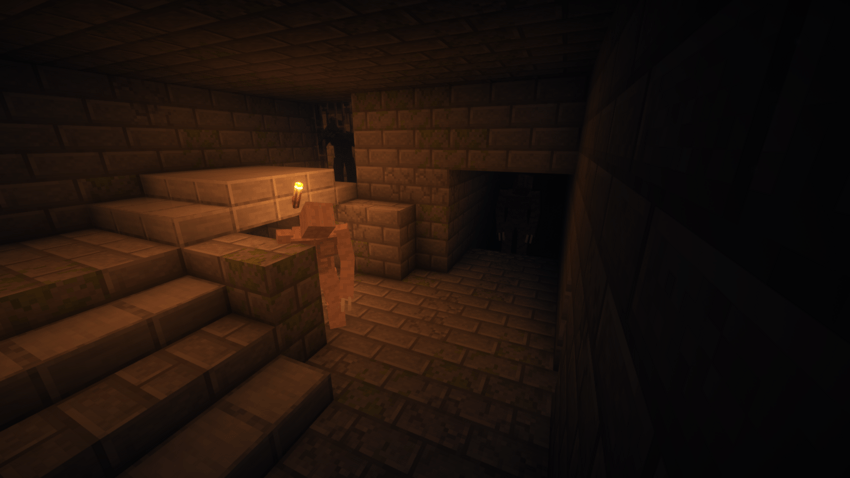
Armored

Boulder
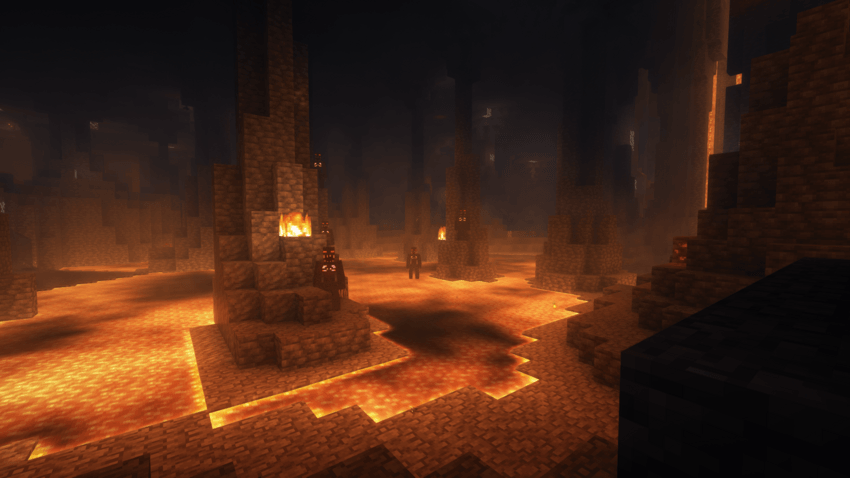
Demon
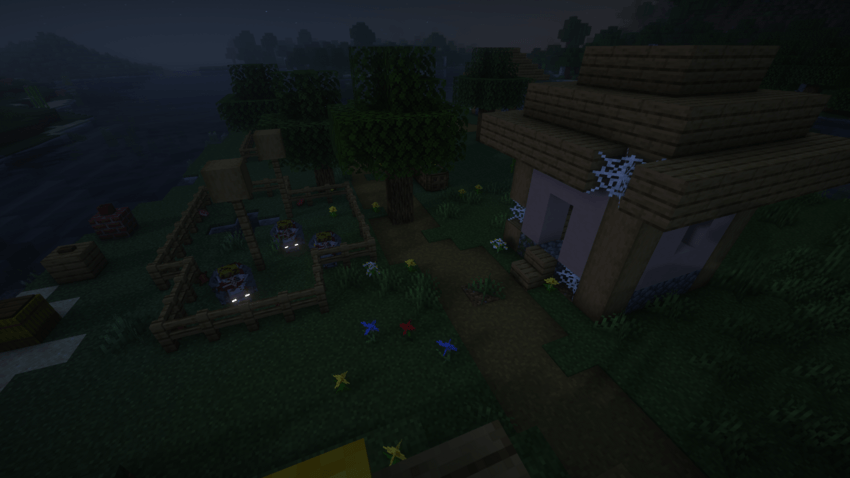
Infected pig
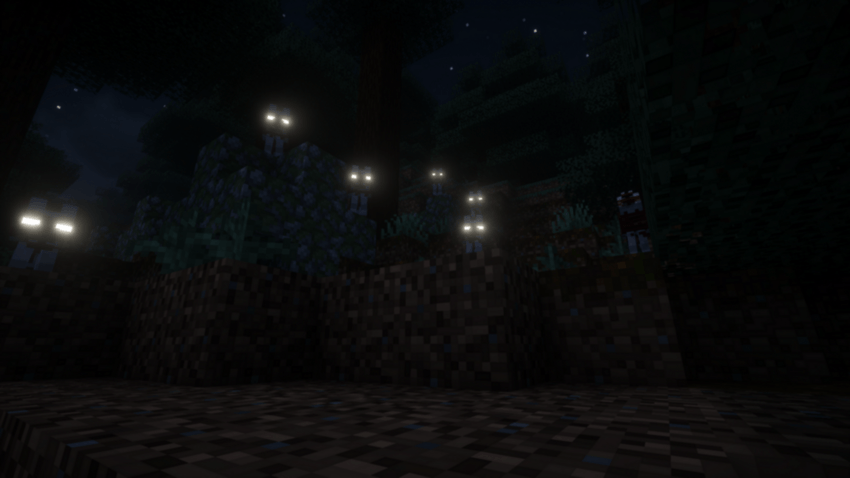
Infected Wolf
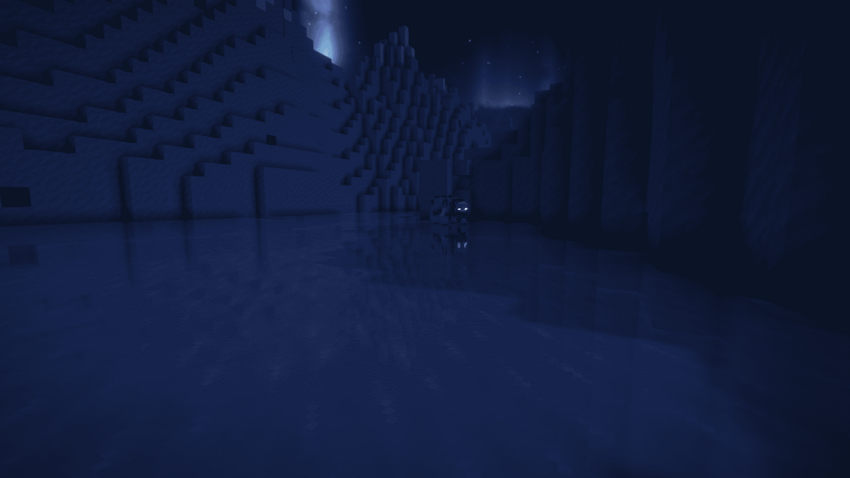
Infected polar bear
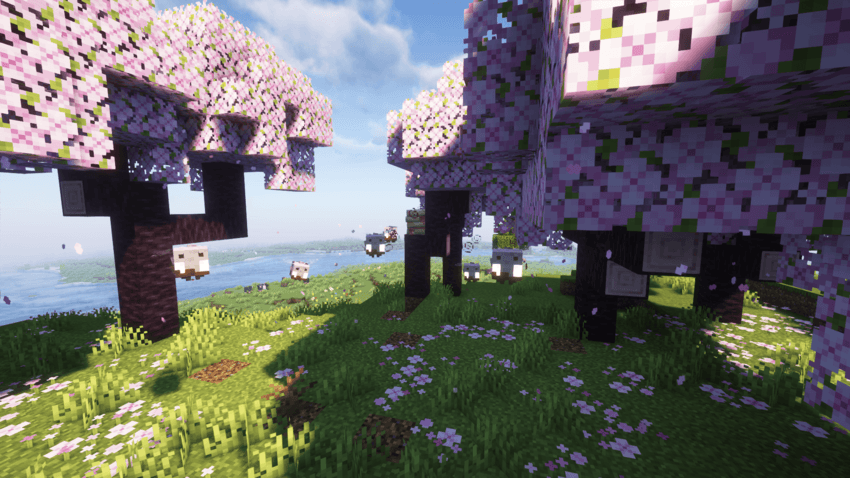
Infected bee and corrupted hive
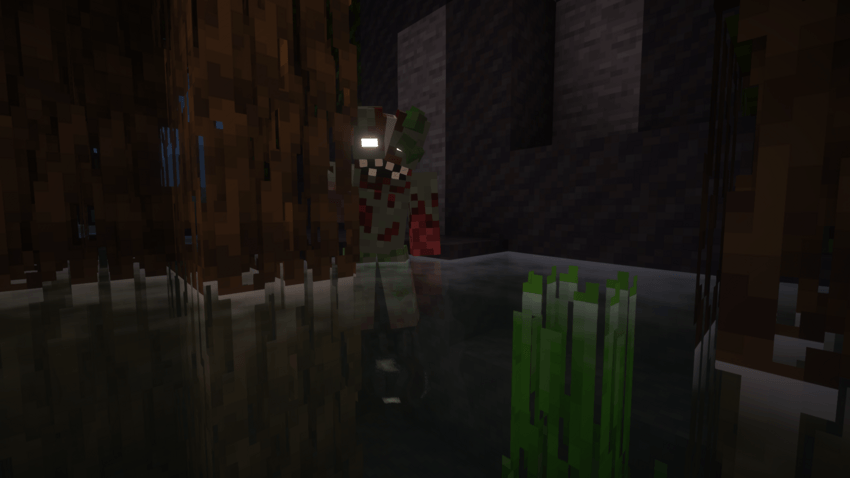
Rurch
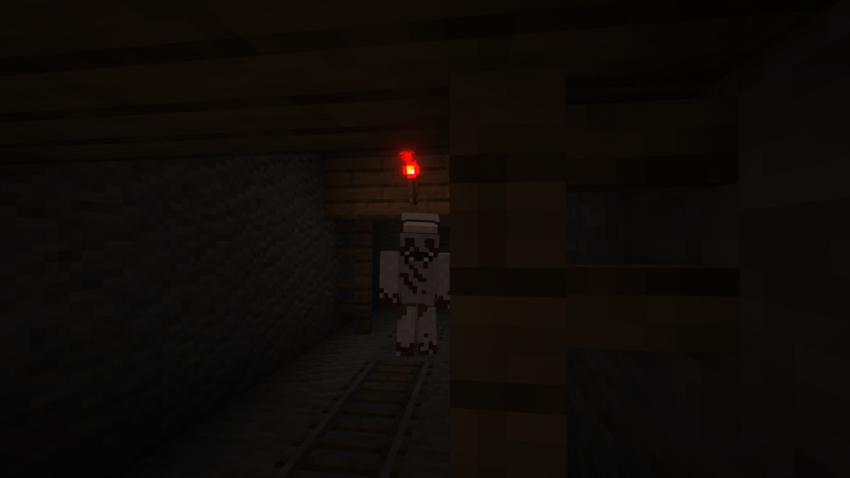
Teber
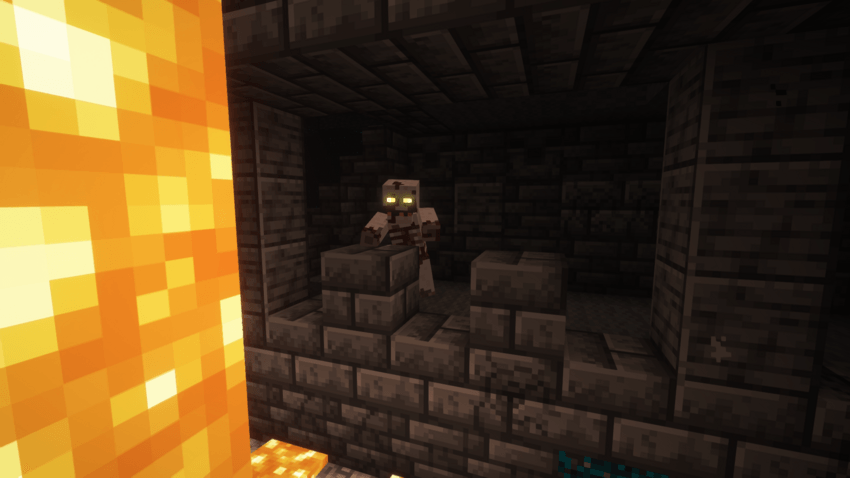
Caver
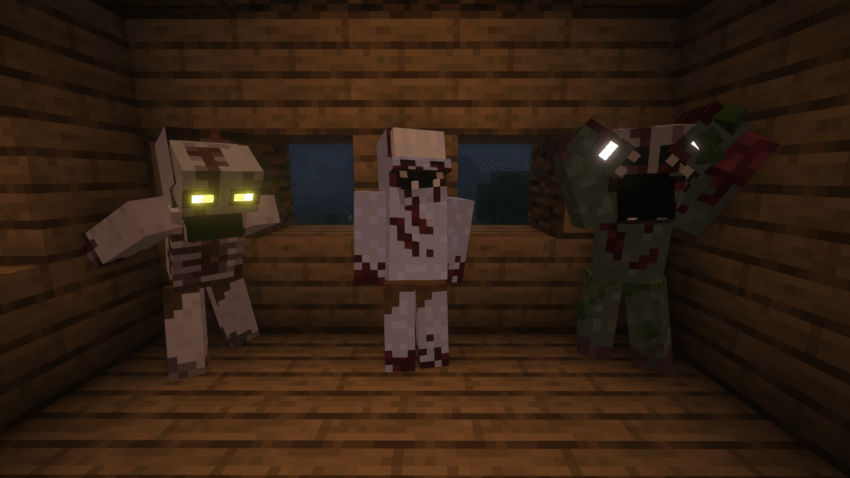
MCreator :D
How to configure the mod
-Tags
The mod has default tags that affect its behavior that you can configure for your own use, now I will show how to locate, understand its use and how to modify the tags.
Location
To find the tags we must locate and enter the mod to go to the folder:
data > forge > tags > entity_types.
Function
common_enemies: This tag is for adding common enemies to IZLA zombies. Examples include pillagers, guardians, shulkers, etc.
flying_entities: Adds all flying creatures in this tag
only_fish: Add all aquatic creatures to this tag
the_zombies_izla: This tag contains the IDs of all the IZLA zombies, It is not recommended to modify them!
unlived_entity: Only non-living entities like falling_block, item, etc. Just add unlived entities!
zombie_team: In this tag, add entities to be allies with the IZLA zombies, all mobs of the zombie_team will have the benefits of the IZLA zombies.
Tag configuration}
First we need to enter the tag (in this example I will use the common_enemies tag) and locate the last ID
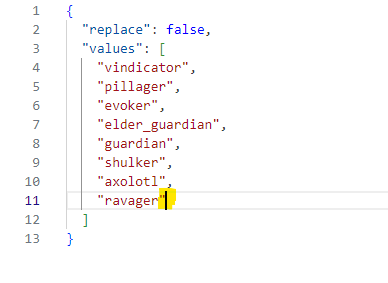
You will only need to add a comma and press enter to enter the following id
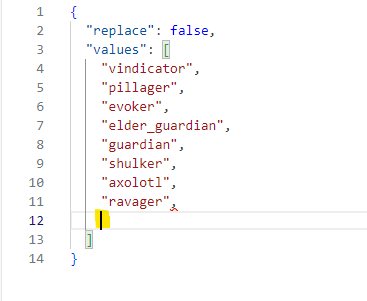
Add the mob ID and don't forget to add quotes " "
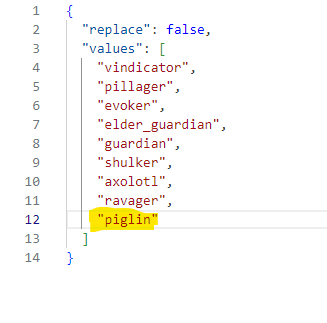
Now you know how to modify the mod tags :D