Badges update automatically and link to the mod page on MineUniverse.
● MTS Vehicles Healths
Customize and fine-tune your Immersive Vehicles (MTS) experience!
MTS Vehicles Healths lets server owners and singleplayer users modify vehicle health points and engine fuel consumption for any loaded MTS vehicle pack — all in-game, no config files to edit manually.
---
Features
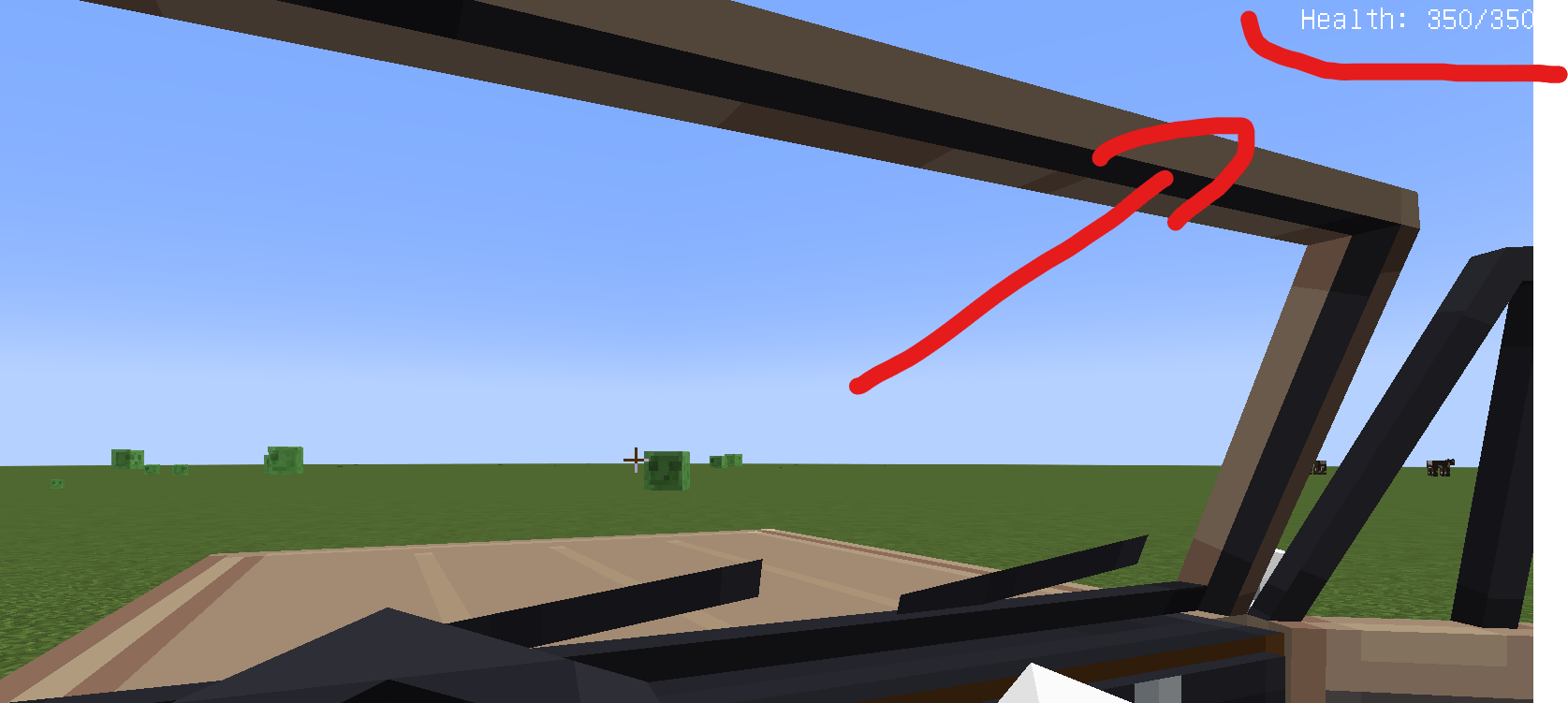
- Modify Vehicle Health — Set custom HP values for any MTS vehicle, including infinite health (0)
- Modify Engine Fuel Consumption — Adjust fuel consumption rates for any MTS engine
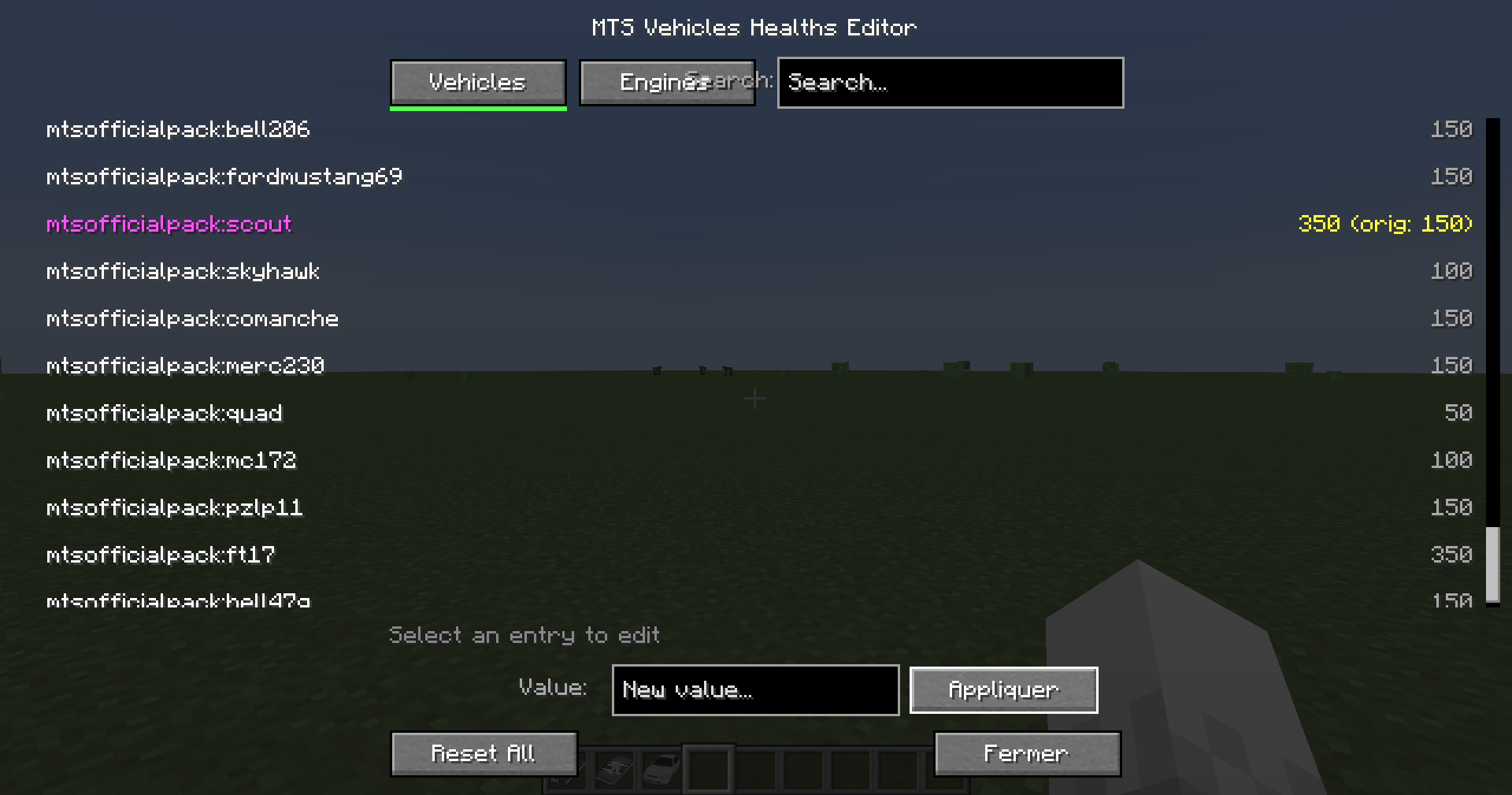
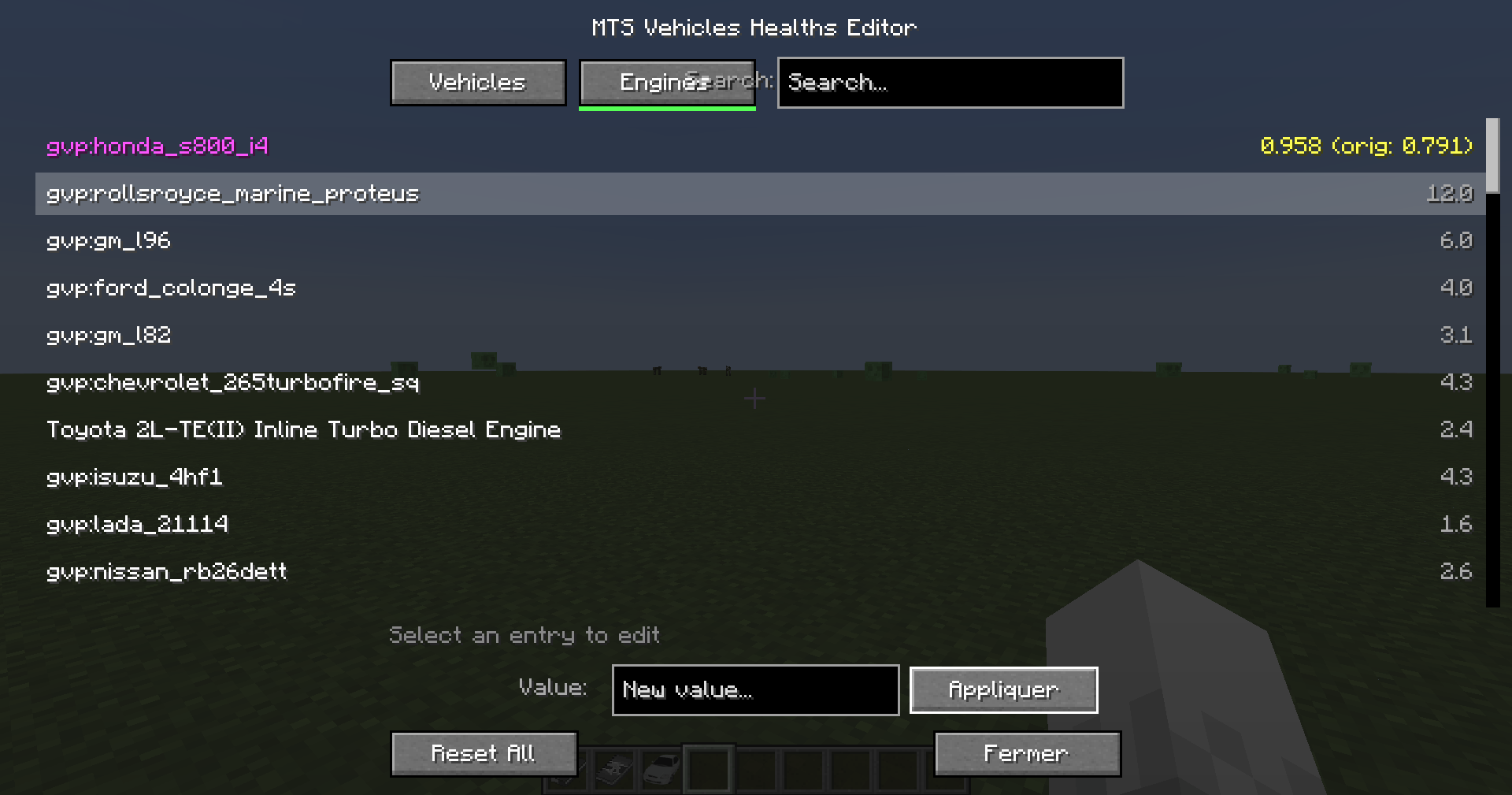
- In-Game GUI Editor — A full visual editor to browse, search, and edit all vehicles and engines without typing commands
- Persistent Overrides — All changes are saved to config files and automatically reapplied on server restart
- Per-Entry Tracking — See original vs. modified values at a glance
- Search & Filter — Quickly find the vehicle or engine you're looking for
- Reset Anytime — Reset individual categories or everything back to original pack values with one click
---
Commands
All commands require operator permission level 2.
/mtsmod hp list List all vehicles with their current HP
/mtsmod hp set <packID:name> <value> Set a vehicle's health (0 = infinite)
/mtsmod hp info <packID:name> Show detailed info for a vehicle
/mtsmod hp reset Reset all vehicle health to original values
Engine Fuel Consumption
/mtsmod engine list List all engines with their fuel consumption
/mtsmod engine set <packID:name> <value> Set an engine's fuel consumption
/mtsmod engine info <packID:name> Show detailed info for an engine
/mtsmod engine reset Reset all engine overrides
General
/mtsmod editor Open the visual GUI editor
/mtsmod resetall Reset all overrides (vehicles + engines)
GUI Editor
Use /mtsmod editor to open a visual interface where you can:
- Switch between Vehicles and Engines tabs
- Search by name or pack ID
- Select any entry to see its current and original value
- Type a new value and click Apply
- Reset All to restore every override at once
Modified entries are highlighted so you always know what's been changed.
---
Requirements
- Minecraft 1.20.1
- Forge 47.1.47+
- https://www.curseforge.com/minecraft/mc-mods/minecraft-transport-simulator with at least one vehicle pack