Loading...
Beta Modpages Unclaimed

Hunter'sReturn

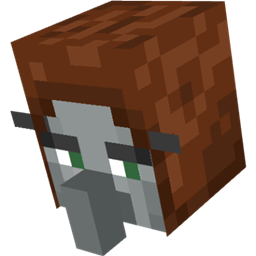
Add evil Hunter's mob! They hunt the animals while making a cheeky laugh...

Likes
32154286 Downloads
Created by

Description

Hunter's Return (formerly hunterillager mod)

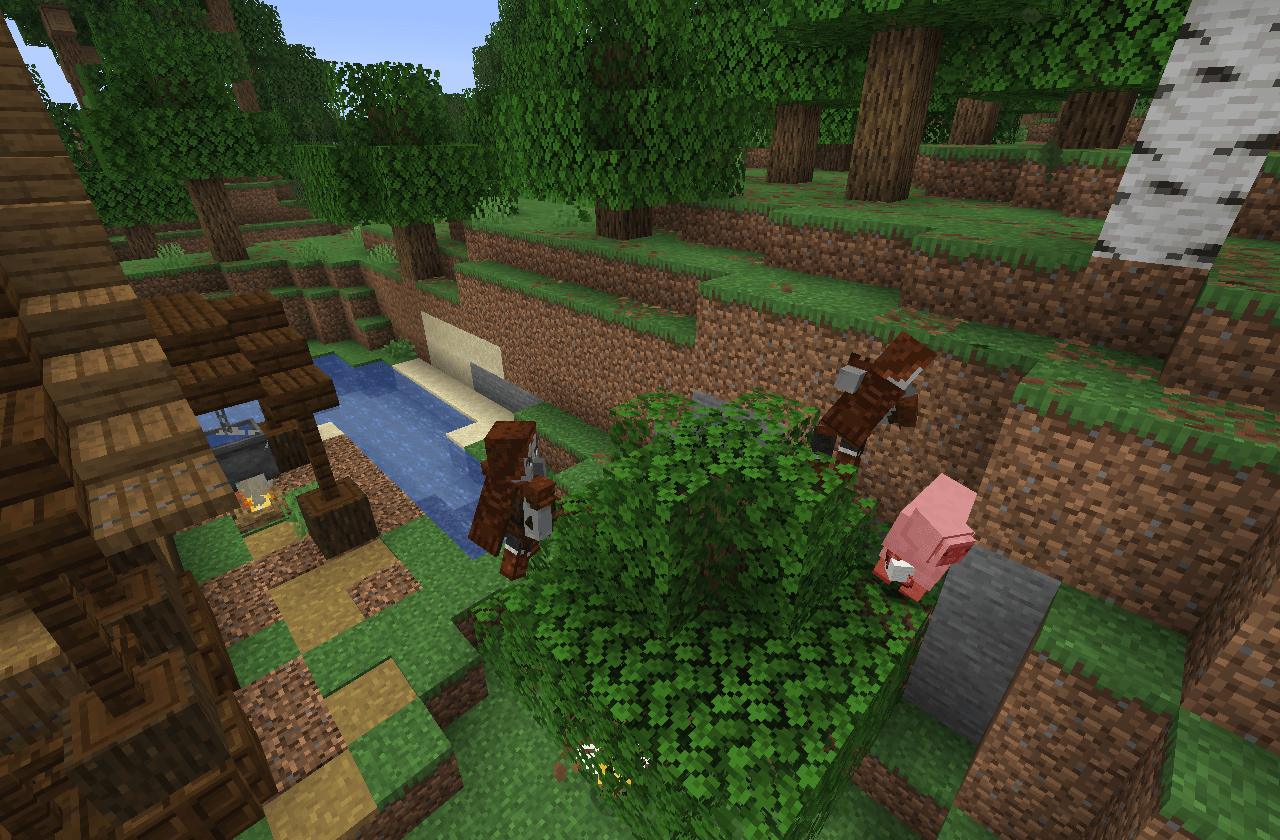
Add the evil Hunter mob! They hunt wild animals while making a cheeky laugh…
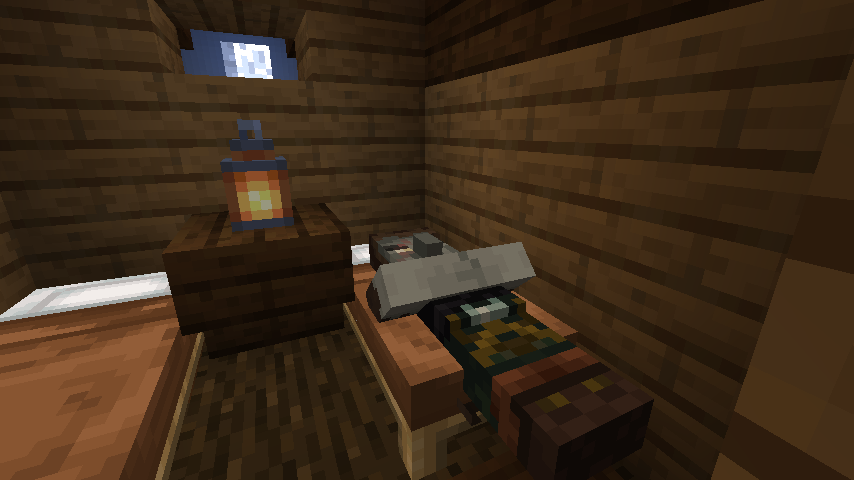
 

 Banner image

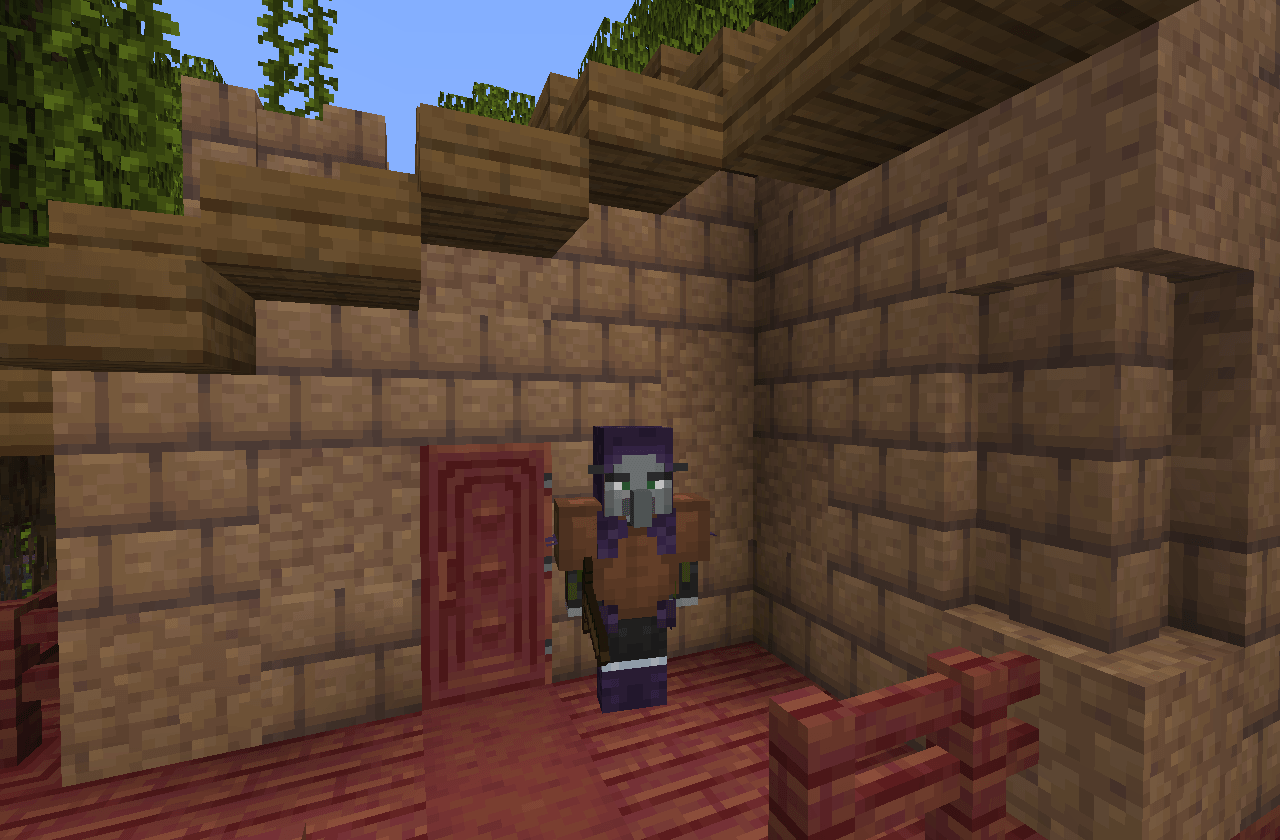
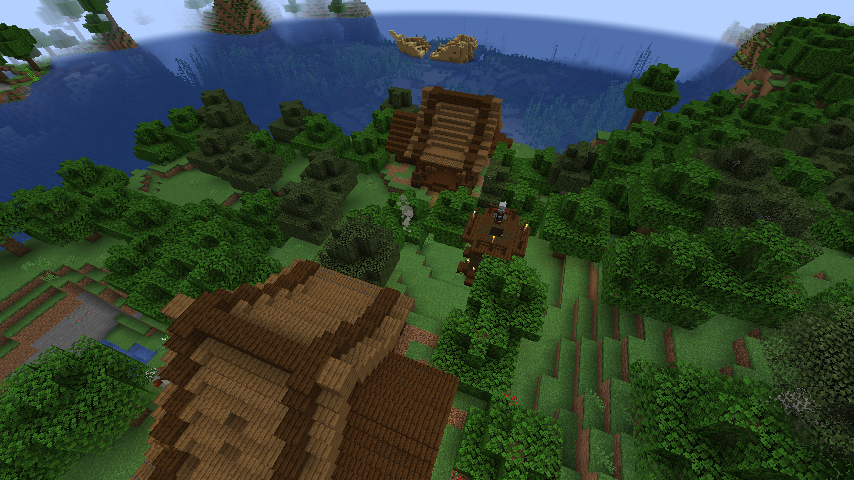
This mod adds a new mob, the Hunter Illager! They spawn in a new structure so keep an eye out for it! This mod doesn't only add the hunter though… (Forge version needs Bagus Lib for 10.0.1 or above!)

  • Features

Hunter Illager

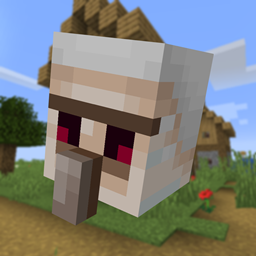
These little menacing dudes live in a wooden hut that spawns in forested biomes. If he spots a player or animal, he will attack them with a bow n' arrow! When he successfully corners his enemy, he will creepily laugh…

After being sufficiently damaged, Hunters will eat food to replenish their health.

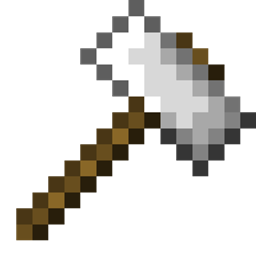
The boomerang is the Hunter's secondary weapon, which can also be crafted by the player. It can be enchanted with Bounce to become more bouncy when striking walls.

Warning: backport and fabric port not planned also do not ask a port

Credits:

 Bagu_Chan: (Coder and Model designer)

 MCVinnyq: (Original Texture-artist)

 Fuffles: (Overhauled the textures)

 Evo (Documentation)

 Akogiri (Sound design and new model!)

andrejulio90: (Overhauled the textures)

mcfella: (Overhauled the textures)

ilyymira:(new mobs texture!)


AD Become Premium to remove Ads!

What means Verified?

  • Compatibility: The mod should be compatible with the latest version of Minecraft and be clearly labeled with its supported versions.
  • Functionality: The mod should work as advertised and not cause any game-breaking bugs or crashes.
  • Security: The mod should not contain any malicious code or attempts to steal personal information.
  • Performance: The mod should not cause a significant decrease in the game's performance, such as by causing lag or reducing frame rates.
  • Originality: The mod should be original and not a copy of someone else's work.
  • Up-to-date: The mod should be regularly updated to fix bugs, improve performance, and maintain compatibility with the latest version of Minecraft.
  • Support: The mod should have an active developer who provides support and troubleshooting assistance to users.
  • License: The mod should be released under a clear and open source license that allows others to use, modify, and redistribute the code.
  • Documentation: The mod should come with clear and detailed documentation on how to install and use it.

AD Become Premium to remove Ads!

How to Install

1

Download Forge & Java

Download Forge from the offical Site or here. If you dont have Java installed then install it now from here. After Downloading Forge you can run the file with Java.

2

Prepare

Lounch Minecraft and select your Forge istallation as Version this will create a Folder called Mods.

3

Add Mods

Type Win+R and type %appdata% and open the .minecraft Folder. There will you find your Folder called Mods. Place all Mods you want to play in this Folder

4

Enjoy

You are now Ready. Re-start your Game and start Playing.

More Mods like this

Alex's Mobs

85+ New mobs with stylistic quality above the default game.

Goblin Traders

Adds goblins that you can find underground with unique and useful trades!

Bad Mobs

A mod to blacklist mobs from spawning.

Naturalist

Adds 24 animals *(not including variants!)* to your world with immersive behaviors and drops.