Mineuniverse
Resource Packs
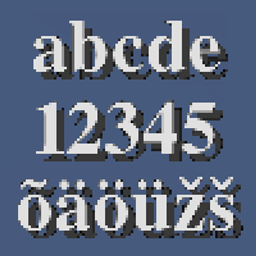
HD Font - Liberation Mono

HD Font - Liberation Mono

RESOURCE PACK
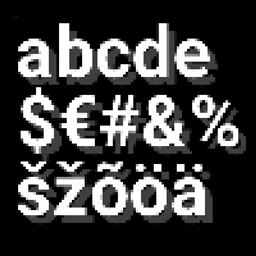
A wide, seriffed font found in some Linux distros.
by robotkoer
Download Claim this project
9,373 downloads
0 likes
0 followers
Updated Oct 14, 2026
0 hypes
Follow0
Font Packs Miscellaneous Steampunk Traditional
Advertisement Remove ads with Premium →

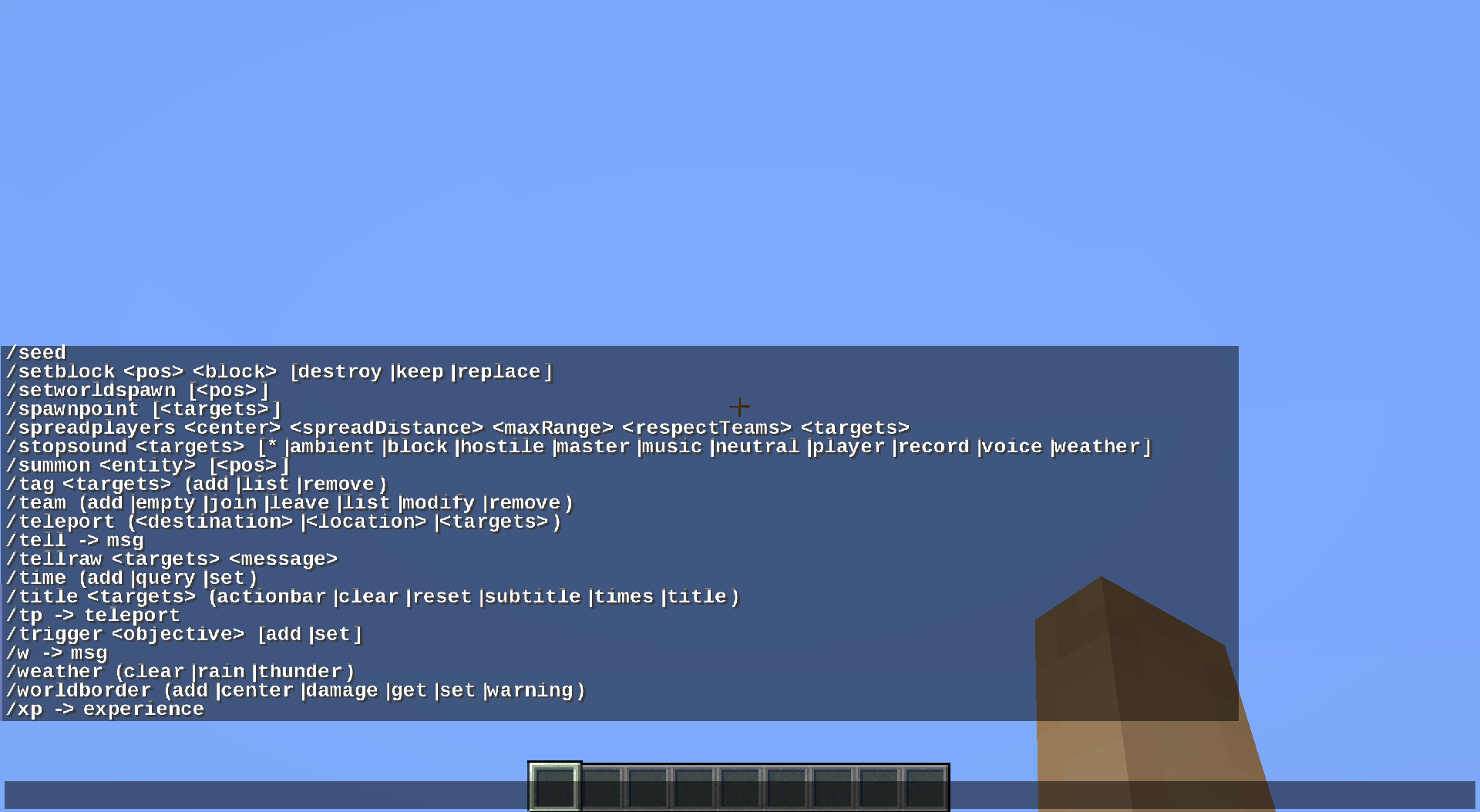
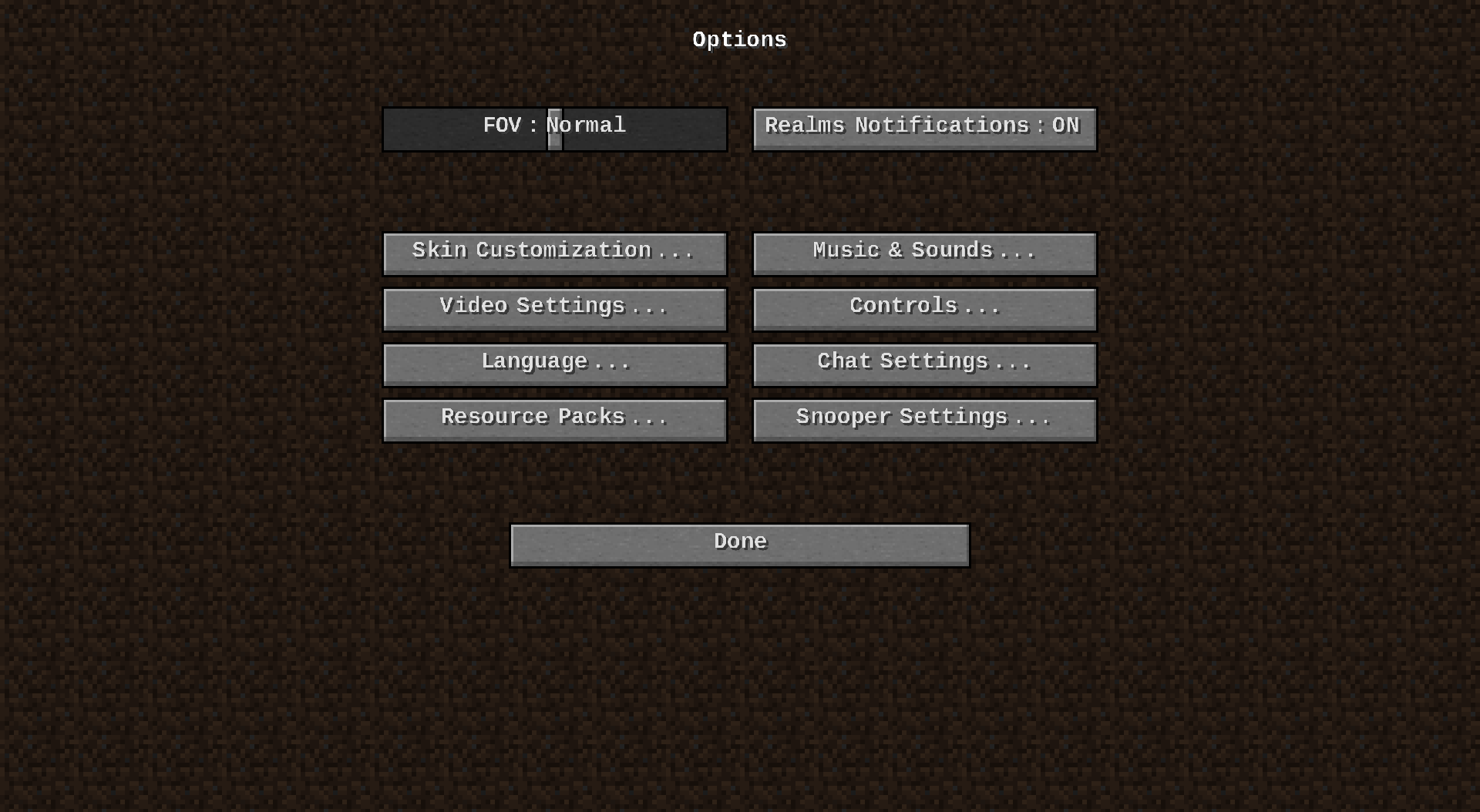
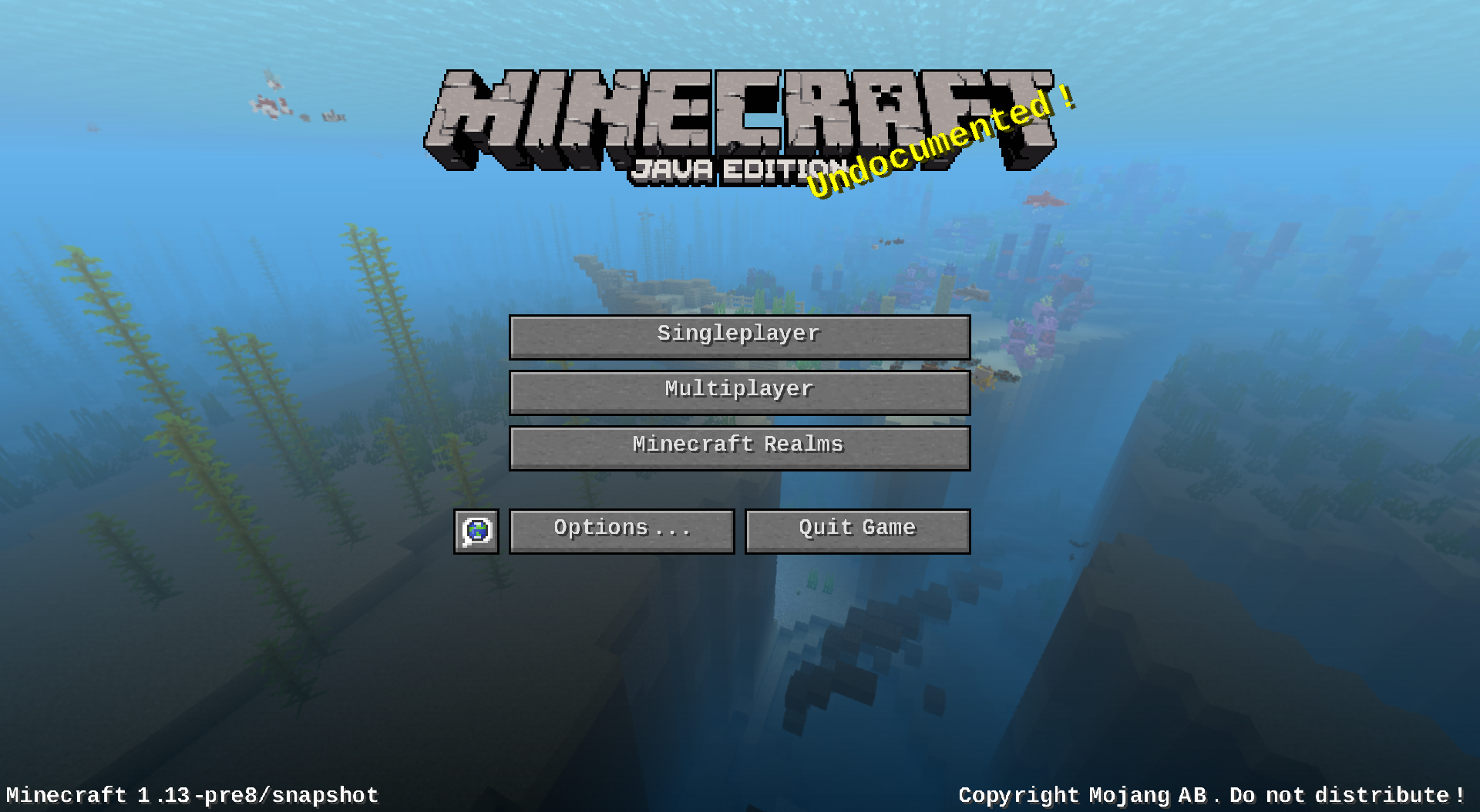
This resource pack changes your Minecraft font to an higher quality one across all menus. It is compatible with all languages the default font is, aka not many Asian languages. You can use this along with any other resource pack, just move it to the top in activated resource packs' order.


Looking for something more familiar? Check out Times Newer Roman!

The font requires 1.13 or higher, no modifications necessary.


The Liberation™ Fonts is a font family which aims at metric compatibility with Arial, Times New Roman, and Courier New. It is sponsored by Red Hat.

I do not claim any ownership to the font and have not made any changes to it's appearance, it is only redistributed according to the owner's license.

Read more about the font on FontSquirrel. 

Backstory:

When 1.13-pre6 came out with real font support, I instantly wanted to try out a high quality font in Minecraft. Unfortunately, most fonts I tried looked bad in that snapshot, probably because of Minecraft's custom kerning.


After a while I found a fairly good one from my /usr/share/fonts/ (default font folder for Linux-based distributions) and I thought I should share it with the world. Looked up the license, packed the resource pack and here it is!

In 1.13-pre7, however, the support seemed to have broken and I archived this project. Soon after, I found out that the support is still there and even improved! Big thanks to a tutorial by violine1101!


Is your Minecraft <1.17 crashing with the pack? It's not my fault, see MC-180529 for help.

1.21.9+
MC 1.21.9, 1.21.10, 1.21.11, 26.1, 26.1.1, 26.1.2, 26.2, 26.3
Release 2025-12-15 Get
1.20+
MC 1.20.2, 1.21, 1.20.5, 1.21.5, 1.21.8, 1.21.4, 1.20.3, 1.20.1, 1.20, 1.20.6, 1.20.4, 1.21.3, 1.21.7, 1.21.1, 1.21.6, 1.21.2
Release 2023-09-15 Get
1.20
MC 1.20.1, 1.20, 1.20-Snapshot
Release 2023-05-12 Get
1.19.4
MC 1.19.4
Release 2023-03-09 Get
Liberation Mono 1.19.3
MC 1.19.3
Release 2022-11-19 Get
Liberation Mono 1.19-1.19.2
MC 1.19-Snapshot, 1.19.2, 1.19.1, 1.19
Release 2022-05-28 Get
Liberation Mono 1.18
MC 1.18.1, 1.18.2, 1.18, 1.18-Snapshot
Release 2021-11-17 Get
Liberation Mono 1.17-1.17.1
MC 1.17.1, 1.17, 1.17-Snapshot
Release 2021-06-05 Get
Liberation Mono 1.16.2-1.16.5
MC 1.16.3, 1.16.5, 1.16.4, 1.16.2
Release 2020-08-11 Get
1.15-1.16.1
MC 1.16-Snapshot, 1.15-Snapshot, 1.16.1, 1.15, 1.16, 1.15.2, 1.15.1
Release 2019-11-22 Get
1.13-1.14
MC 1.13.1, 1.14.4, 1.14.1, 1.14.3, 1.13, 1.14, 1.14.2, 1.13-Snapshot, 1.14-Snapshot, 1.13.2
Release 2018-07-13 Get

Requirements & install

How to use this resource pack in Minecraft
Resolution
Not specified
Minecraft
1.21.9 – 26.3
Install folder
.minecraft/resourcepacks

How to install resource packs

  1. Download the resource pack .zip file (do not extract it).
  2. In Minecraft open Options → Resource Packs → Open Pack Folder.
  3. Drop the .zip into the resourcepacks folder (.minecraft/resourcepacks).
  4. Move the pack to the Selected column and click Done.
Browse more: 16x resource packs 32x resource packs 64x resource packs 128x resource packs 256x resource packs 512x+ resource packs Resource Packs for 26.3 All resource packs

More from robotkoer

Advertisement Remove ads with Premium →

You Might Also Like