An unofficial adaptation of Handcrafted 4.0.3 for Minecraft 26.2 and NeoForge 26.2.0.67 or newer.
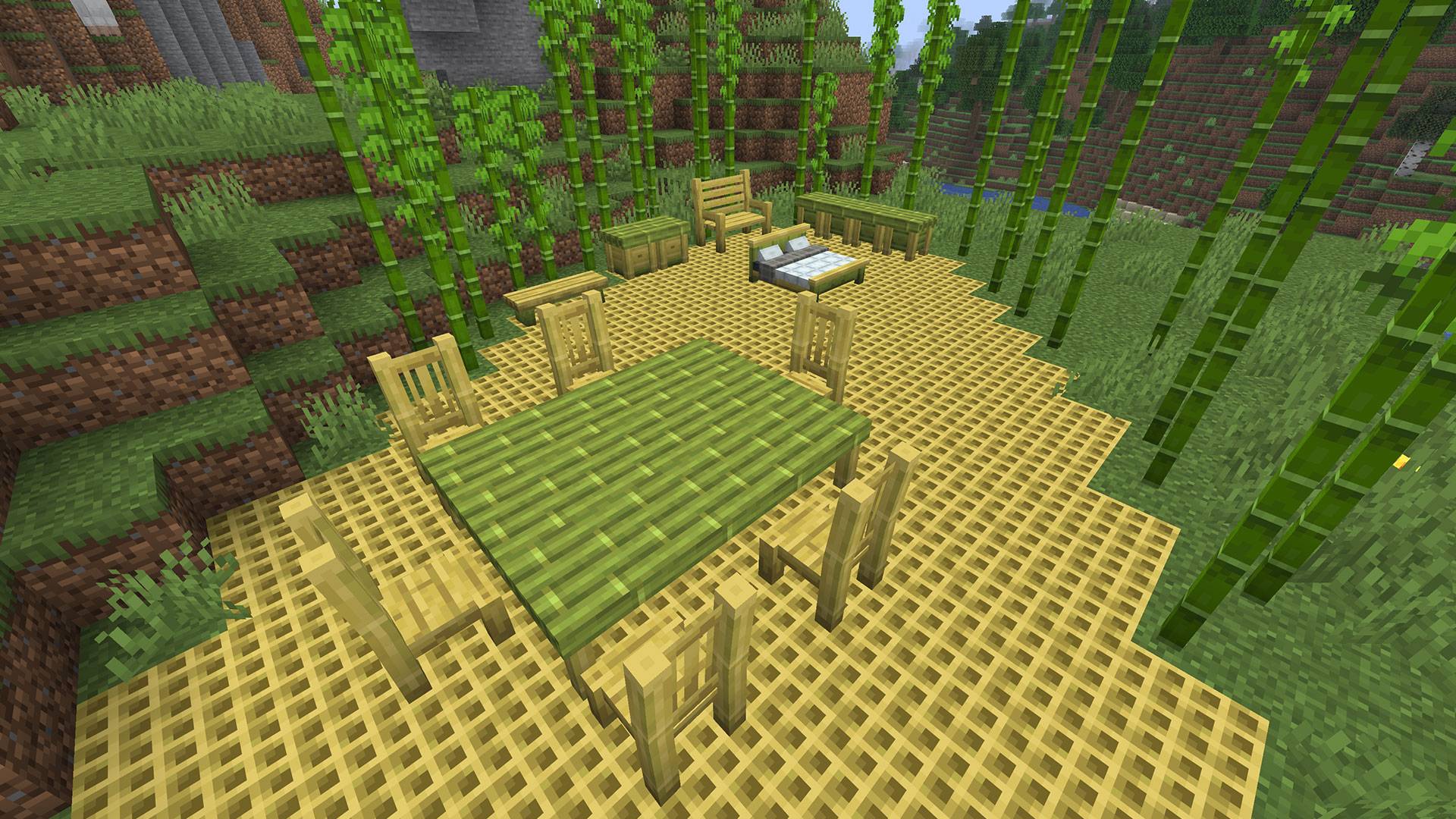
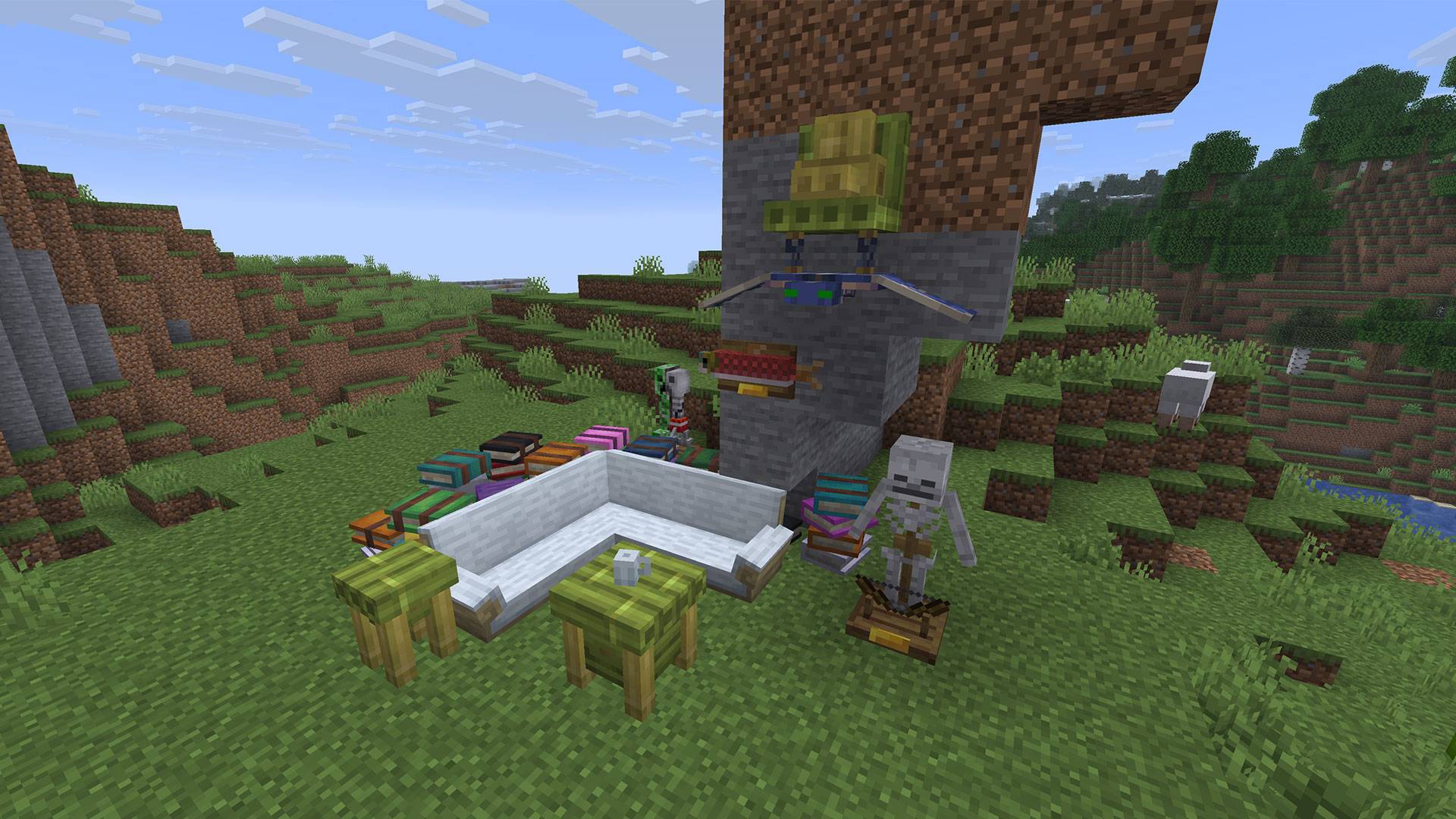
Handcrafted adds a large collection of detailed furniture and decorative blocks for houses, workshops, taverns, kitchens, and many other builds.
This public release does not redistribute the original Handcrafted models, textures, sounds, or other licensed assets.
You must download the official Handcrafted 4.0.3 for Minecraft 1.21.1 separately and place its JAR file in the external-assets directory.
.minecraft/config/handcrafted-adapted/external-assets/
PrismLauncher/instances/<instance name>/minecraft/config/handcrafted-adapted/external-assets/
Do not place the original Handcrafted 1.21.1 JAR in the mods folder.
Both the Fabric and NeoForge versions of the official Handcrafted 4.0.3 JAR can be used as the external asset source, provided that the file contains the required original resources.
The original file is used only as a local source of models, textures, sounds, and other assets. It is not loaded as a Minecraft 26.2 mod.
Install Minecraft 26.2 with NeoForge 26.2.0.67 or newer.
Install Resourceful Lib 5.0.3 or newer.
Place Handcrafted: Adapted in the instance’s mods folder.
Download the official Handcrafted 4.0.3 file for Minecraft 1.21.1.
Place the official Handcrafted JAR in:
config/handcrafted-adapted/external-assets/
Start the game.
If the external asset file is missing or unsupported, the adaptation will display a notification in the game menu.
mods folder.mods folder.Dedicated servers do not load or transmit models, textures, or sounds. Every player must provide the official asset file locally.
Do not open and save an existing world containing Handcrafted furniture while Handcrafted: Adapted is disabled or missing.
Loading a world without the mod may cause Minecraft to remove unrecognized Handcrafted blocks and items from the world.
Before changing mods, always create a backup of important worlds.
If furniture has missing models or pink-and-black textures:
mods folder.If the problem remains, provide the client’s latest.log after entering a world.
A dedicated-server log cannot diagnose client-side model or texture problems.
Original Handcrafted authors:
Alex Nijjar and Kekie6
Unofficial Minecraft 26.2 adaptation:
AlexSensey and BugsGify
Additional original project credits:
CodexAdrian, Facu, Marc-IceBlade, MsRandom, and ThatGravyBoat
This is an unofficial compatibility adaptation. It is not affiliated with or endorsed by the original Handcrafted developers.
All original Handcrafted assets remain the property of their respective authors and are subject to the original project’s license. The license for this adaptation does not grant permission to redistribute the original assets.
Please support the original authors and download the required official release here:
Official Handcrafted project on CurseForge
Supporting the project is completely optional. All adaptation features are available for free, and donations do not provide exclusive content or benefits.

Donations support this unofficial adaptation only. They do not provide access to the original Handcrafted assets and are not connected to the official Handcrafted development team.