Mineuniverse
Log in Register
Mods

FTB Filter System

FTB Filter System (aka FFS) is a powerful item filtering mod with friendly GUI editing
by FTB
Download Claim this project
34,207,154 downloads
0 likes
Updated Jun 30, 2026
0 hypes

FTB Filter System

Overview

FTB Filter System (aka FFS) is a powerful item filtering mod with friendly GUI editing. It doesn't do much on its own, but is intended to be used by other mods which need to filter items; FTB Quests in particular, but it offers an API which any mod can use.
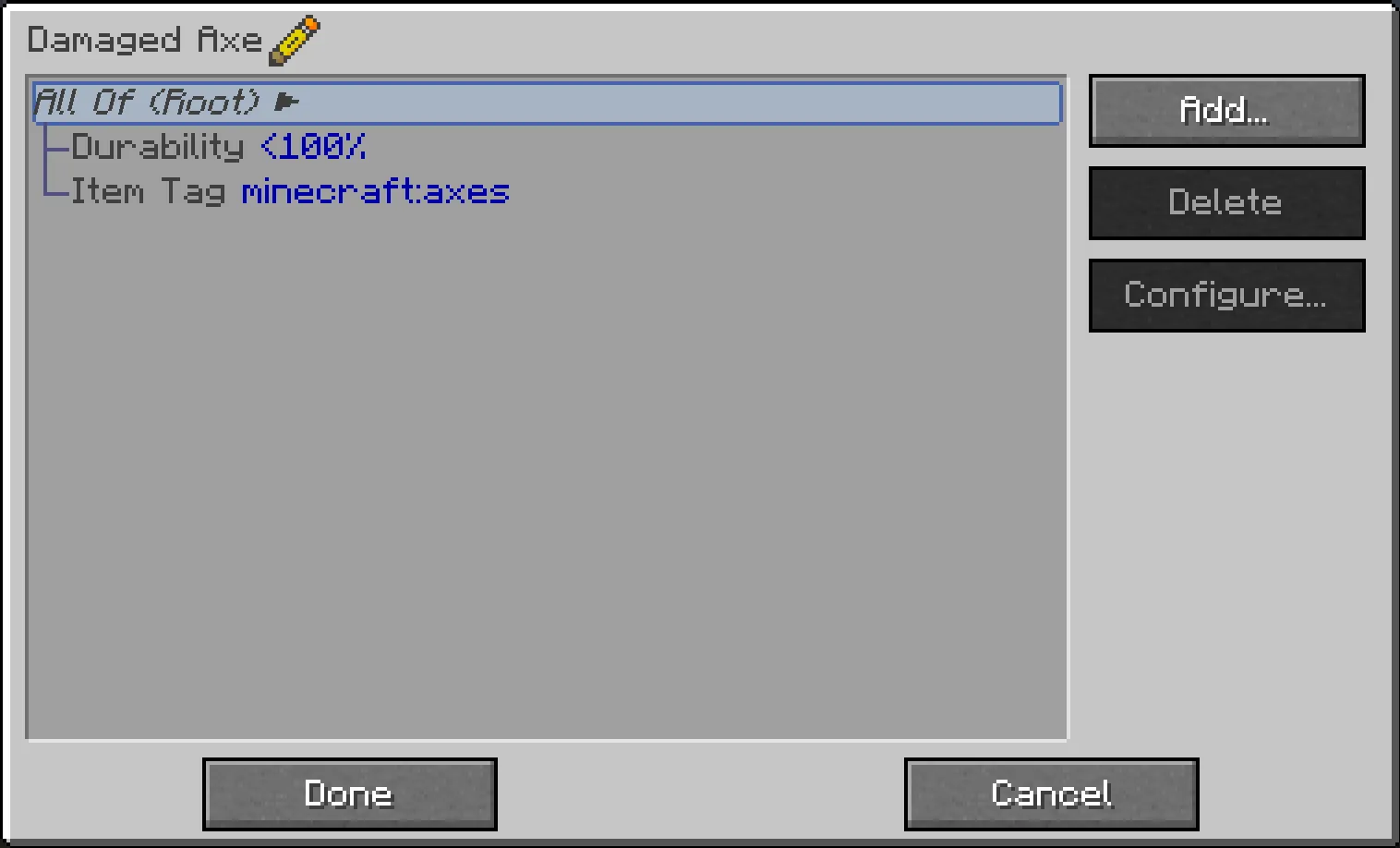
Main filter gui

See more images

Using FFS

FFS adds a single item, the Smart Filter. All configuration is done via this item, by simply right-clicking it. This opens a GUI, with a list which initially contains just a "Root" element, and "Add" / "Delete" / "Configure" buttons on the right:

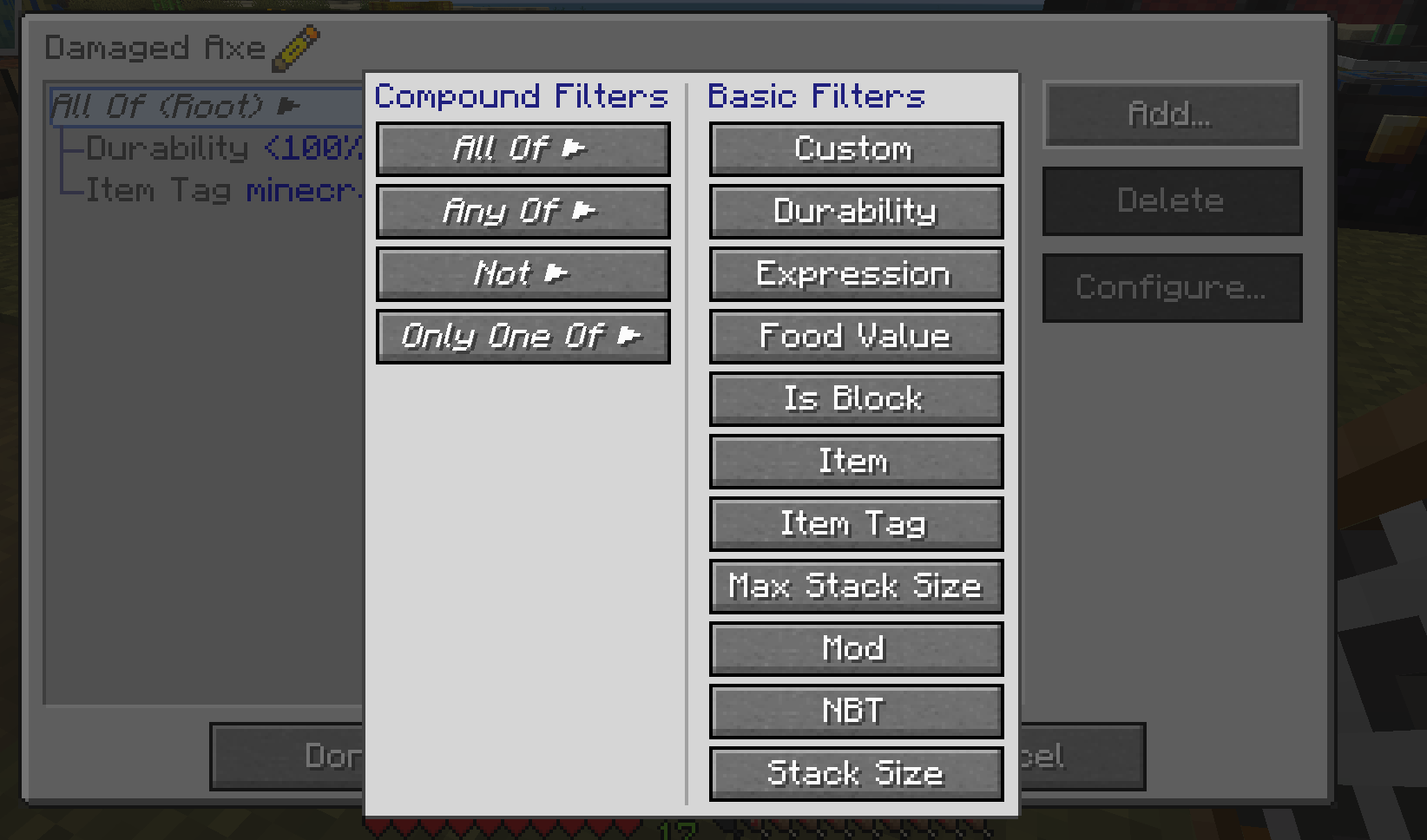
  • Click "Add…" to pop up a list of available subfilters which you can add.
    • On the left side of the list are compound filters, to which more filters can be added as children, forming a filter hierarchy.
    • On the right side (in possibly multiple columns) are basic filters, which do actual matching against items.
    • All the filter buttons have a tooltip with a brief explanation of what they do (should be obvious in general)
  • Click "Delete" to delete the currently-selected filter.
    • Deleting a compound filter also deletes all its children
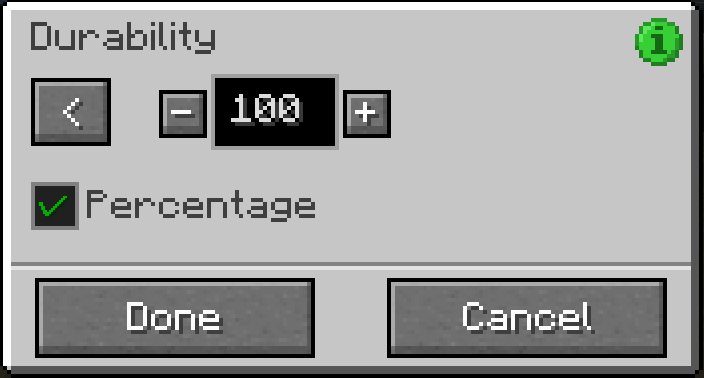
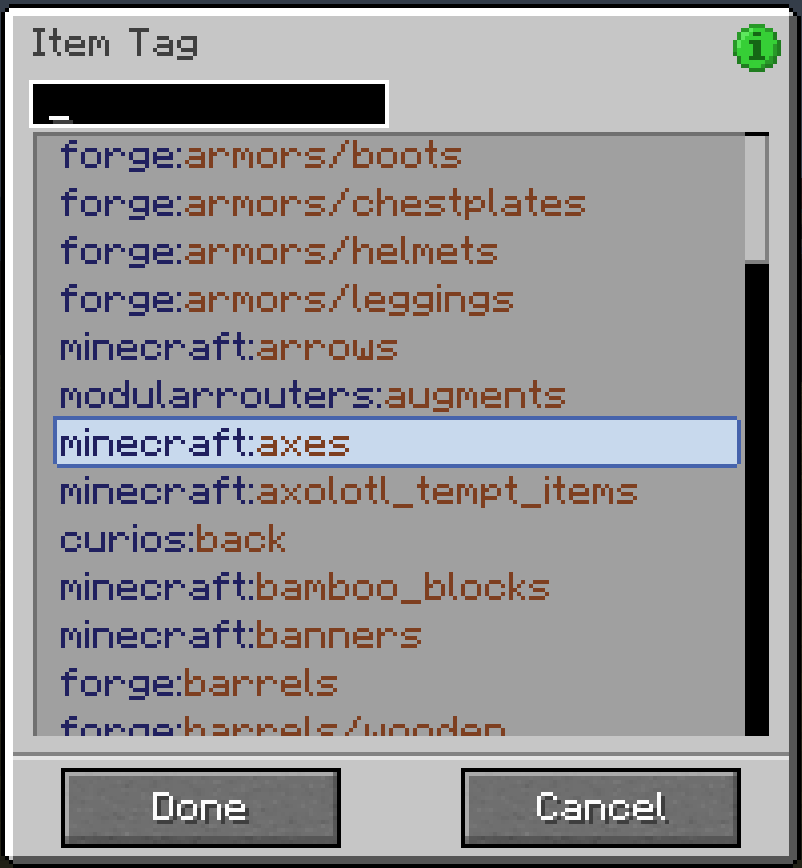
  • Click "Configure…" to pop up another screen allowing the currently-selected filter to be configured
    • Not all filters can be configured; compound filters don't have any configuration, and some basic filters don't either
    • You can also double-click any filter in the list to open its configuration screen

At the bottom are "Done" and "Cancel" buttons:

  • Click "Done" to save any changes you've made to the filter
  • Click "Cancel" (or press Escape) to discard any changes (you will be prompted to confirm discarding unsaved changes)

Other tips and tricks:

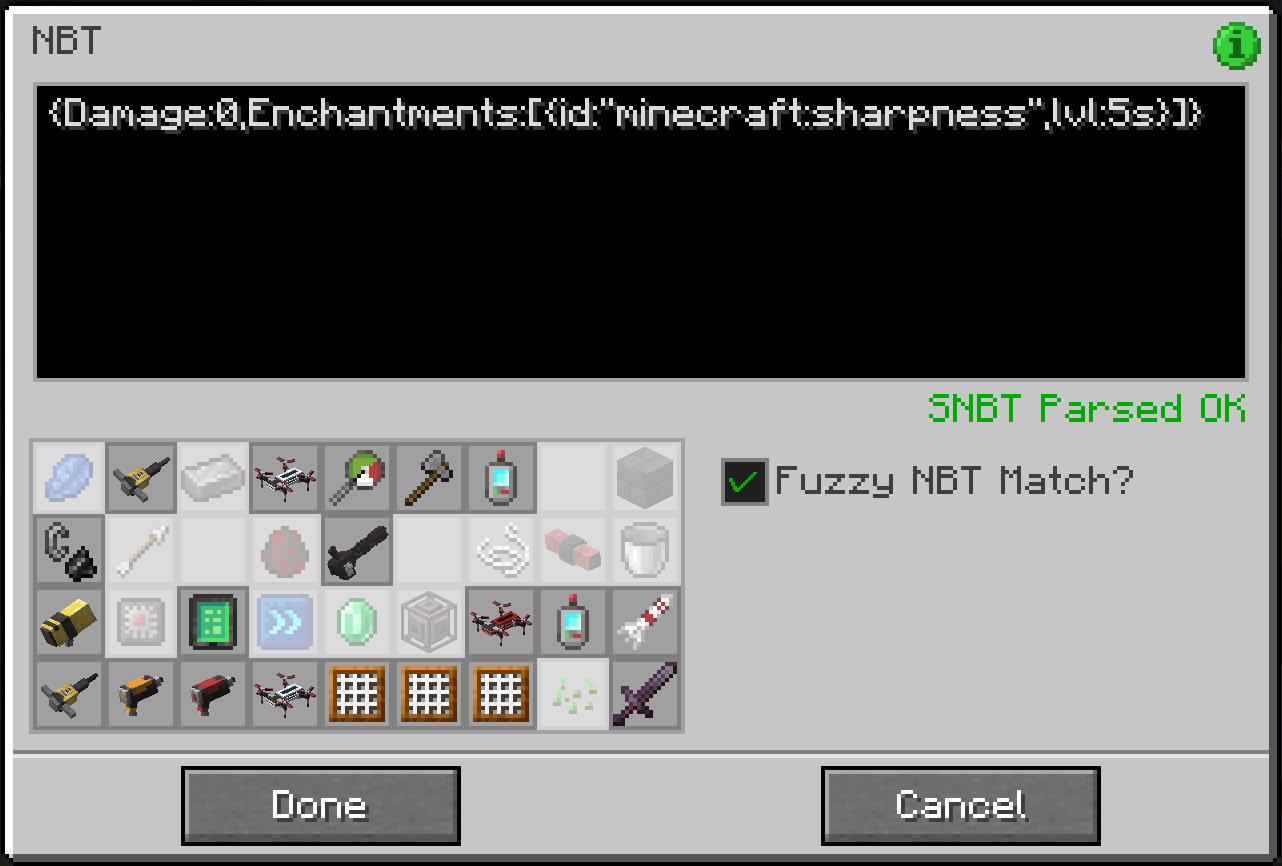
  • Some filters allow dragging of items from JEI to configure them: the Item Filter, the NBT and Fuzzy NBT filters, and the Mod filter
  • Filters can be dragged in the list to move them around in the filter hierarchy, subject to the following rules:
    • The Root filter can never be moved
    • Filters can only be dragged onto compound filters
    • Compound filters can only be dragged onto filters at the same level or higher up in the hierarchy (dragging a filter into its own child isn't a very sane thing to do…)
  • You can quickly test if a filter matches what it's supposed to:
    • Hold the configured filter in your main hand, and the item to be tested in your offhand
    • Then sneak-right-click the filter and you'll get a chat response indicating a match success or failure

Support


Keep up to date

FTB Filter System Neoforge 26.1.2.2
MC NeoForge, 26.1.2
Beta 2026-06-22 Get
FTB Filter System Fabric 26.1.2.2
MC Fabric, 26.1.2
Beta 2026-06-22 Get
FTB Filter System Fabric 26.1.2.1
MC Fabric, 26.1, 26.1.1, 26.1.2
Beta 2026-04-14 Get
FTB Filter System Neoforge 26.1.2.1
MC NeoForge, 26.1, 26.1.1, 26.1.2
Beta 2026-04-14 Get
[FABRIC][1.21.11] FTB Filter System 21.11.0
MC Fabric, 1.21.11
Beta 2026-02-27 Get
[NEOFORGE][1.21.11] FTB Filter System 21.11.0
MC NeoForge, 1.21.11
Beta 2026-02-27 Get
[NEOFORGE][1.21.1] FTB Filter System 21.1.4
MC 1.21.1, NeoForge
Release 2026-01-07 Get
[FABRIC][1.21.1] FTB Filter System 21.1.4
MC Fabric, 1.21.1
Release 2026-01-07 Get
[NEOFORGE][1.21.1] FTB Filter System 21.1.3
MC NeoForge, 1.21.1
Release 2025-08-18 Get
[FABRIC][1.21.1] FTB Filter System 21.1.3
MC Fabric, 1.21.1
Release 2025-08-18 Get
[NEOFORGE][1.21.1] FTB Filter System 21.1.2
MC NeoForge, 1.21.1
Release 2025-07-11 Get
[FABRIC][1.21.1] FTB Filter System 21.1.2
MC Fabric, 1.21.1
Release 2025-07-11 Get
[NEOFORGE][1.21.1] FTB Filter System 21.1.1
MC NeoForge, 1.21.1
Release 2025-07-08 Get
[FABRIC][1.21.1] FTB Filter System 21.1.1
MC Fabric, 1.21.1
Release 2025-07-08 Get
[FABRIC] FTB Filter System 20.0.1 MC 1.20.1
MC Fabric, 1.20.1
Release 2025-04-26 Get
[FORGE] FTB Filter System 20.0.1 MC 1.20.1
MC NeoForge, 1.20.1, Forge
Release 2025-04-26 Get
[FABRIC][1.21.1] FTB Filter System 21.1.0
MC Fabric, 1.21.1
Release 2025-03-03 Get
[NEOFORGE][1.21.1] FTB Filter System 21.1.0
MC NeoForge, 1.21.1
Release 2025-03-03 Get
[NEOFORGE][1.21] FTB Filter System 21.0.1
MC 1.21, NeoForge
Release 2024-12-22 Get
[FABRIC][1.21] FTB Filter System 21.0.1
MC 1.21, Fabric
Release 2024-12-22 Get
[FABRIC][1.21] FTB Filter System 21.0.0
MC 1.21, Fabric, 1.21.1
Release 2024-07-31 Get
[NEOFORGE][1.21] FTB Filter System 21.0.0
MC 1.21, NeoForge, 1.21.1
Release 2024-07-31 Get
[FABRIC] FTB Filter System 3.0.0 MC 1.21
MC 1.21, Fabric, 1.21.1
Beta 2024-06-20 Get
[NEOFORGE] FTB Filter System 3.0.0 MC 1.21
MC 1.21, NeoForge, 1.21.1
Beta 2024-06-20 Get
[FABRIC] FTB Filter System 2.1.0 MC 1.20.6
MC Fabric, 1.20.6
Beta 2024-06-05 Get
[NEOFORGE] FTB Filter System 2.1.0 MC 1.20.6
MC NeoForge, 1.20.6
Beta 2024-06-05 Get
[FABRIC] FTB Filter System 2.0.1 MC 1.20.4
MC Fabric, 1.20.4
Beta 2024-03-22 Get
[NEOFORGE] FTB Filter System 2.0.1 MC 1.20.4
MC NeoForge, 1.20.4
Beta 2024-03-22 Get
[FORGE] FTB Filter System 2.0.1 MC 1.20.4
MC Forge, 1.20.4
Beta 2024-03-22 Get

More from FTB

Bone Appetit
998,532
FTB Library (Forge) (Legacy)
98,265,314
FTB Essentials (Forge & Fabric)
95,953,819
FTB Utilities (Forge)
93,247,743
FTB Obsidian
906,926
FTB Pack Companion
8,807,631

You Might Also Like

Liberty's Villagers
Quality of Life and AI improvements for Villagers
9,968,428
No More Pop-ups
A Minecraft mod to remove in-game pop-ups
996,708
BetterRandomSourceConcurrencyCrash
Improved logging of crashes caused by mods accessing RandomSources from the wrong thread
99,371
Exit Confirmation
Often accidentally closed Minecraft? This mod might help!
99,067
NoDynamicFps
Adds an option to disable Vanilla's Dynamic FPS implementation
99,004
Immersive Crafting
Adds crafting recipes to immersive portals
9,998