🧱 Free Placement
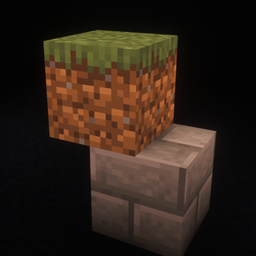
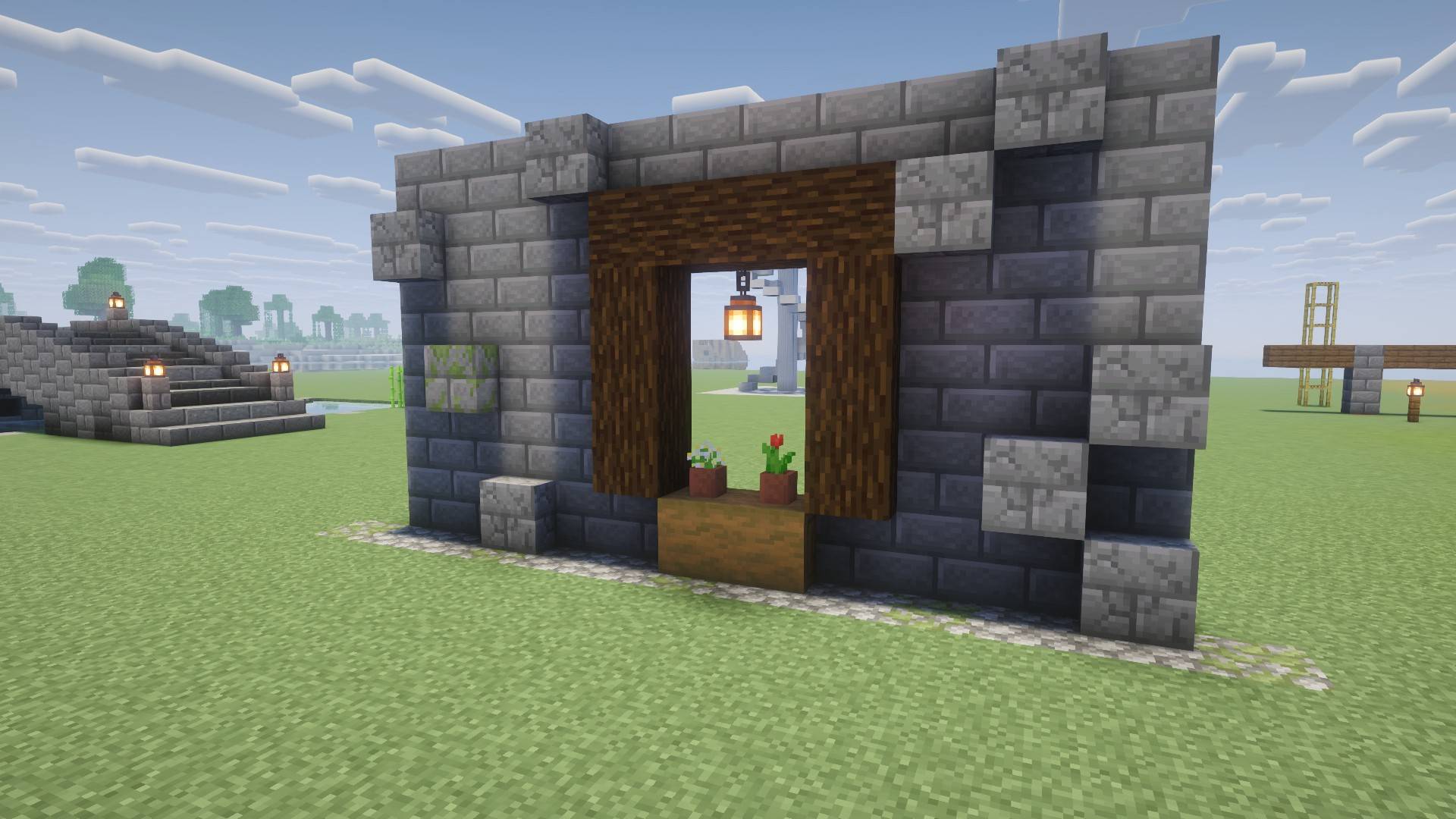
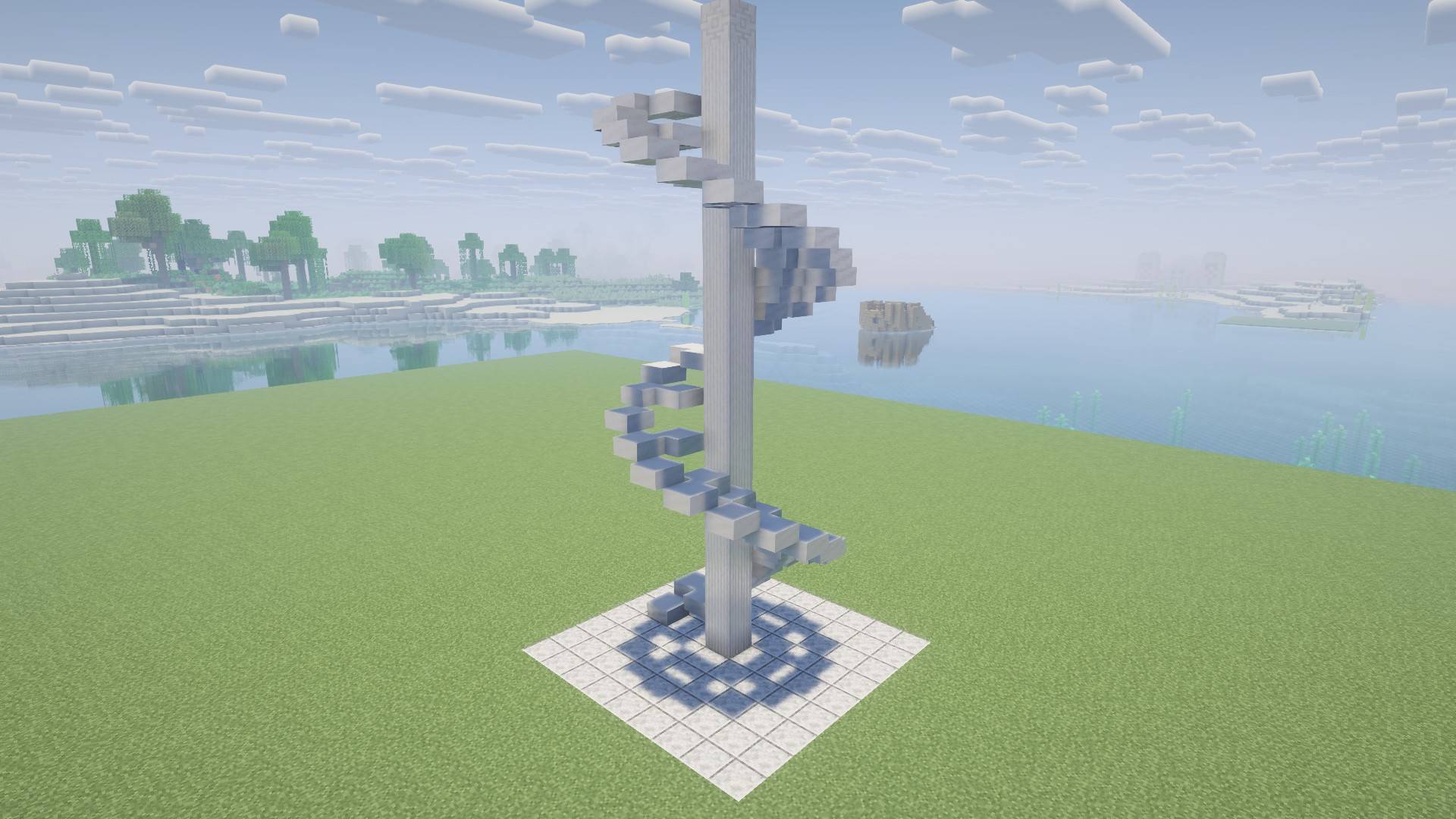
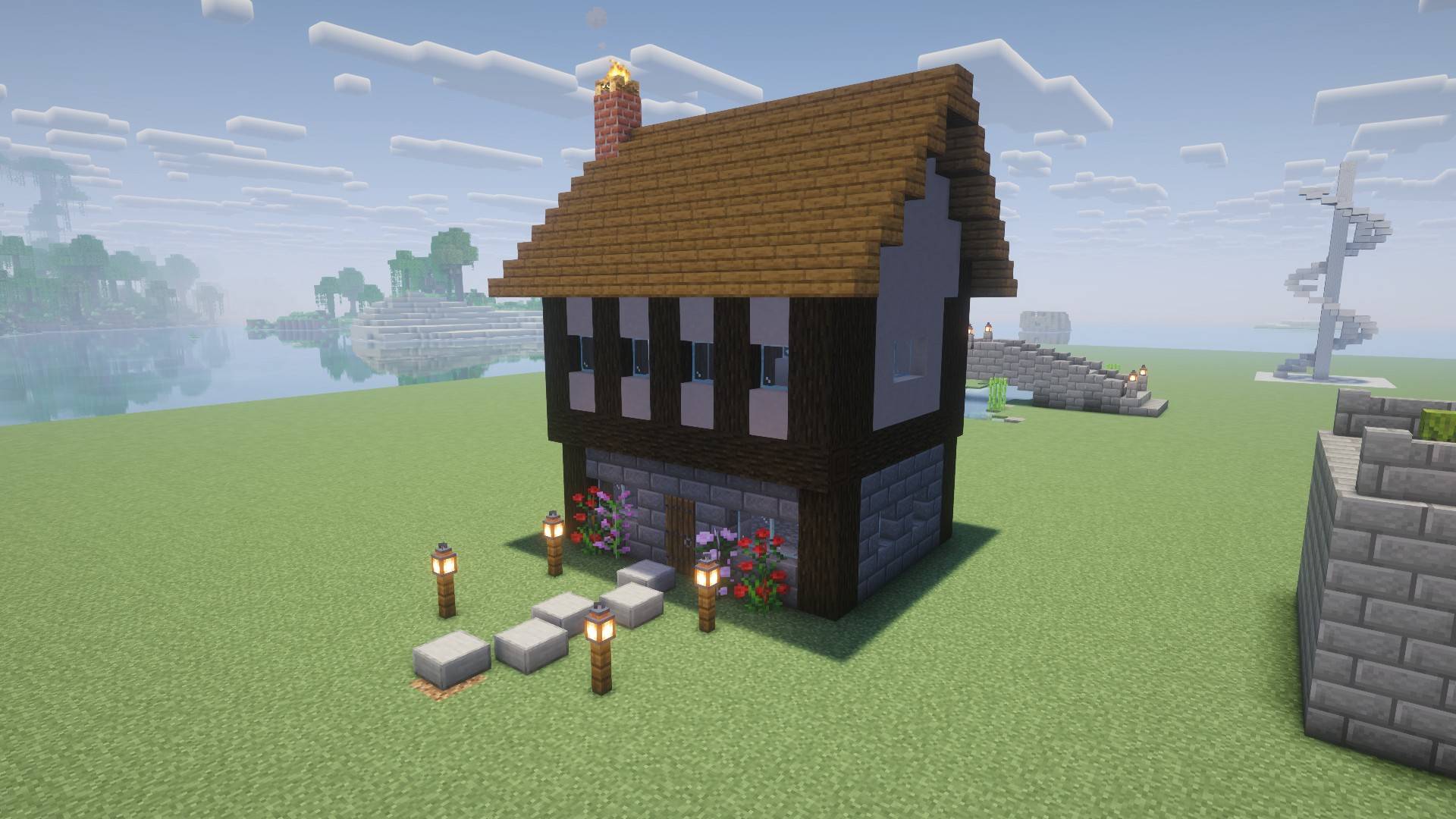
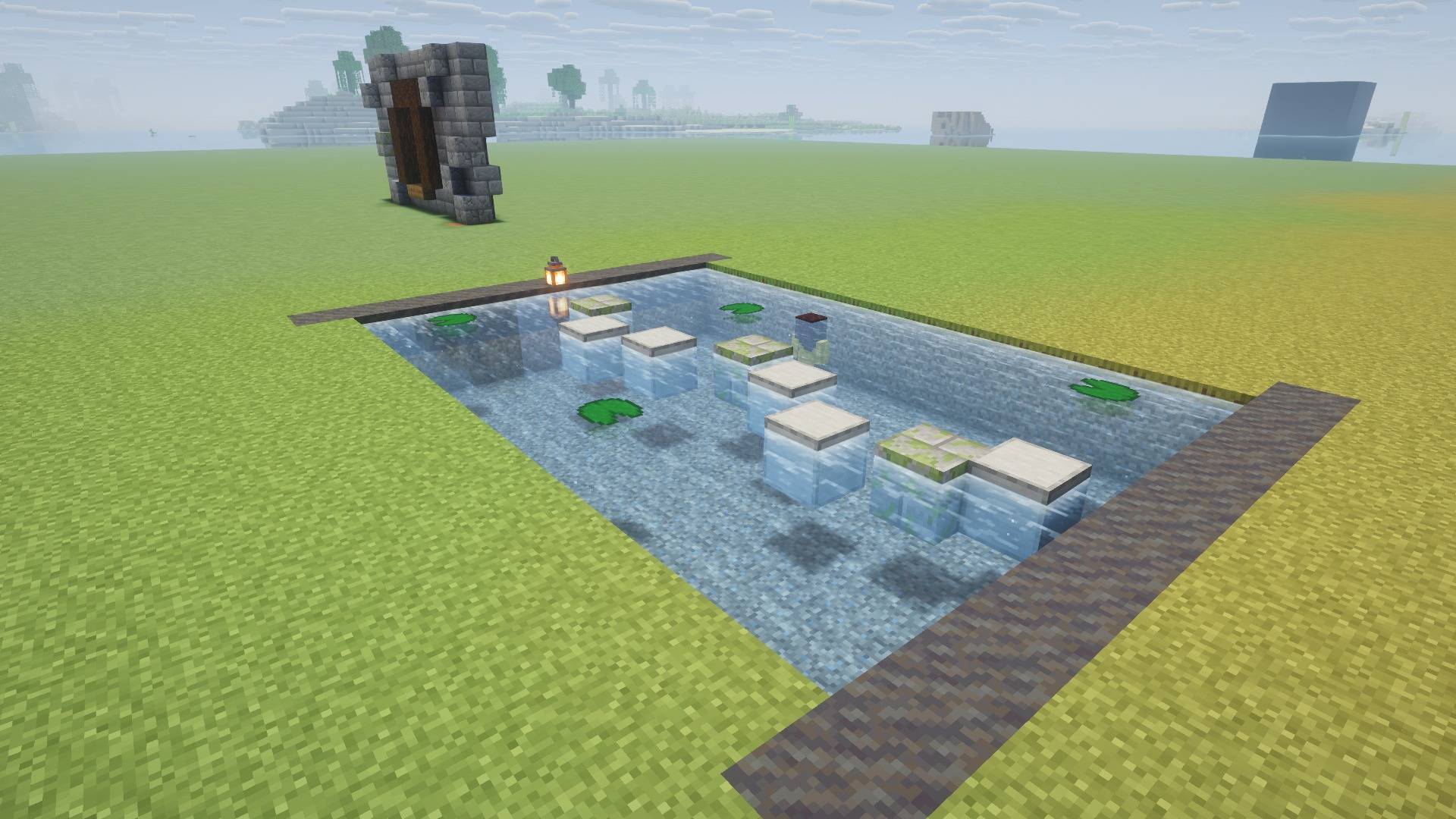
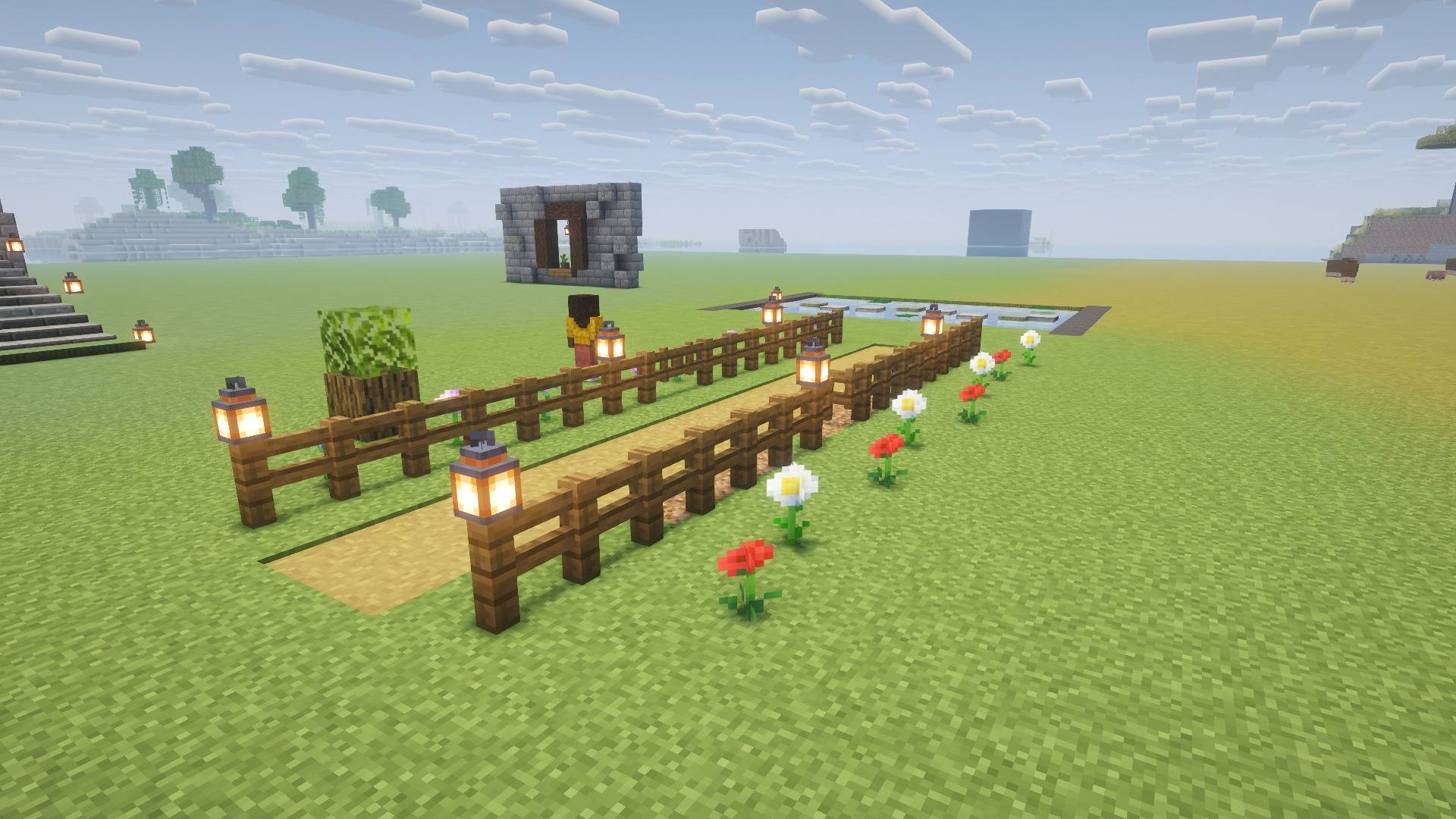
Place blocks off the grid. Half-block and quarter-block placement for the blocks you already know, with real hitboxes, collision and interaction.
Free Placement adds no new blocks. Every block is still the vanilla block: you just get to put it exactly where you want it.
FYI: This project is released initially as a full release but expect some issues which have been documented at the bottom of the page.
✨ What you can do
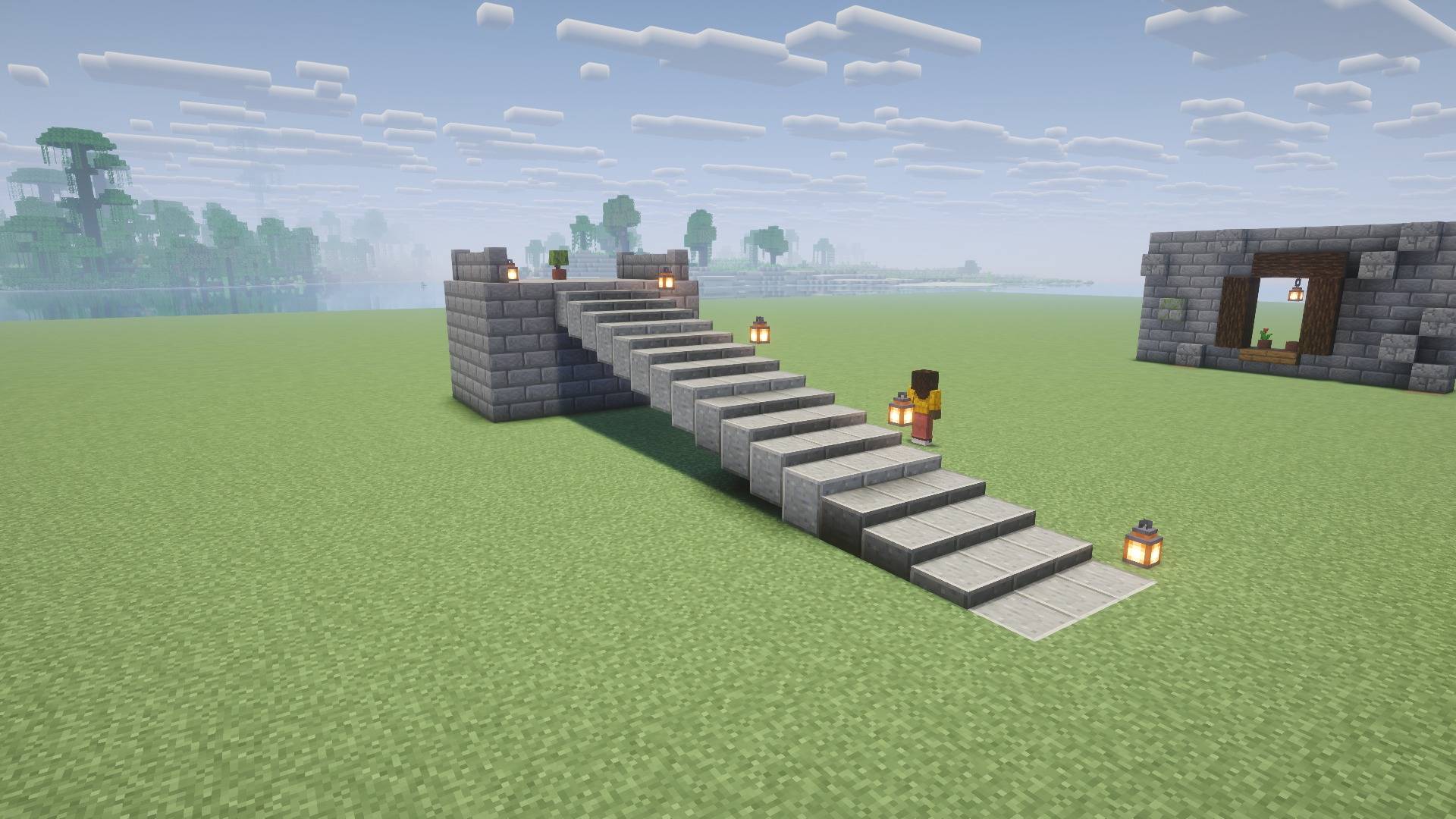
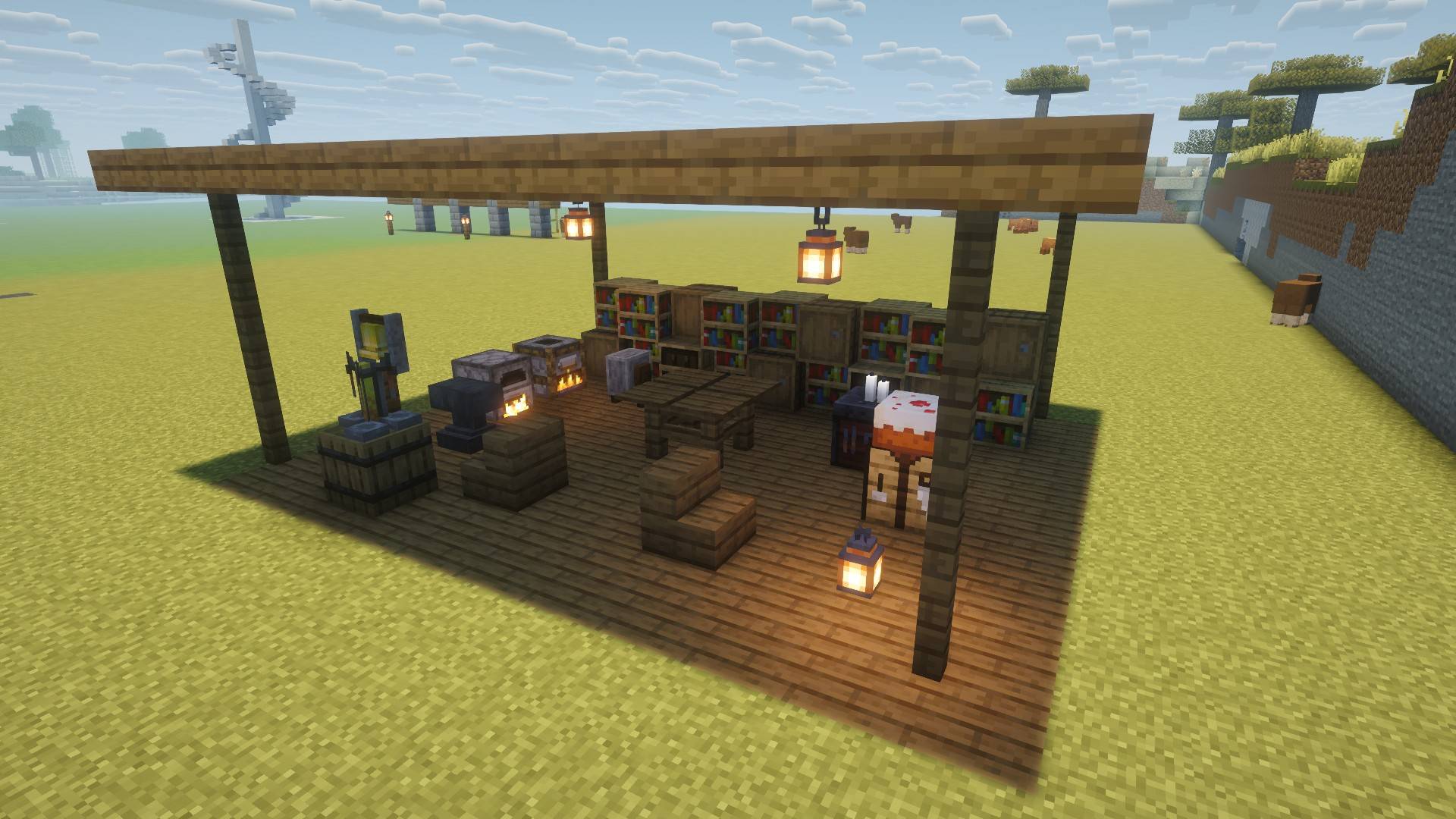
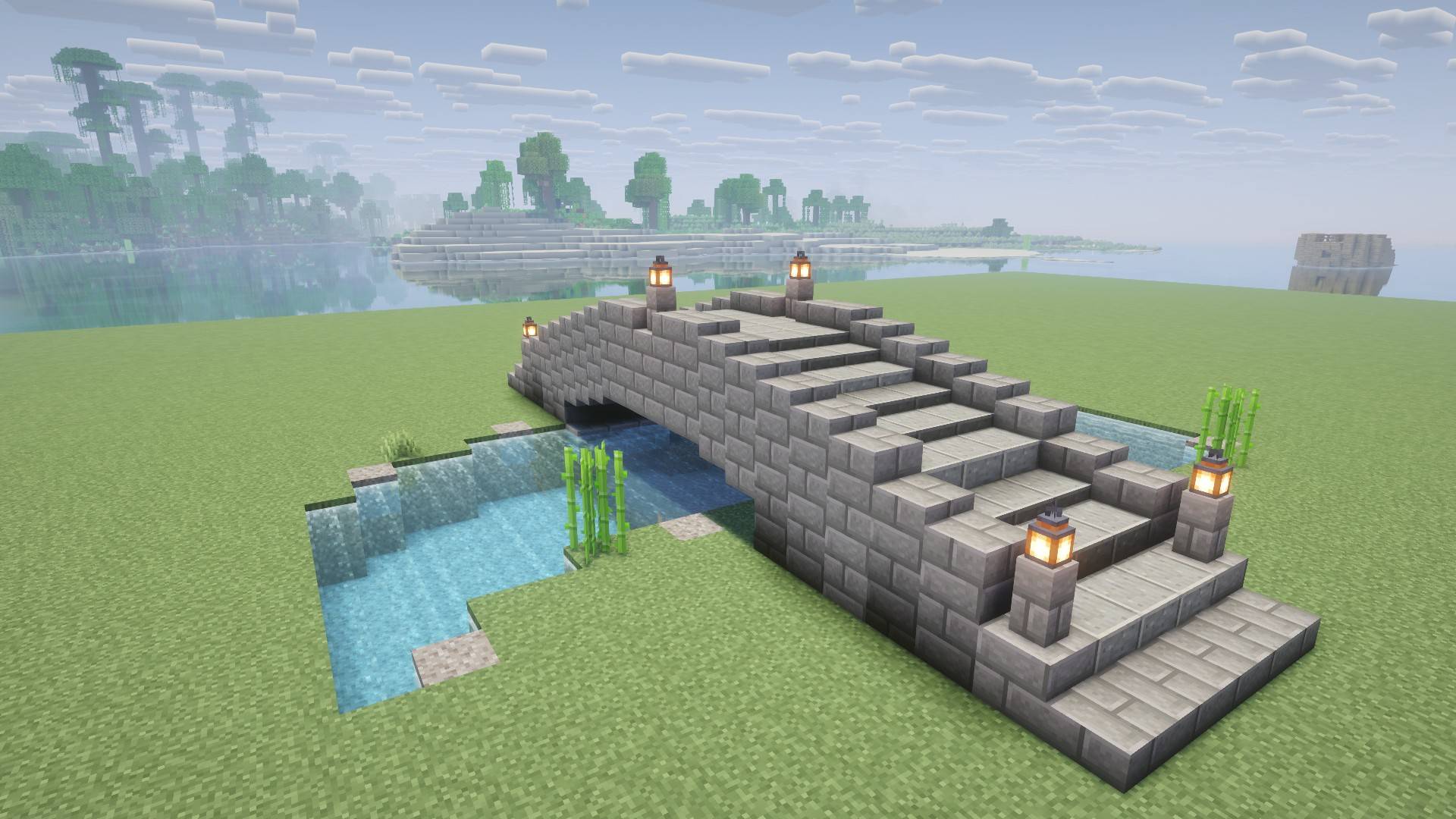
- Build between the lines. Shift any block by half or a quarter of a block: walls with depth, offset roofs, staggered paths, floating details.
- It's still the real block. Offset blocks keep their real shape: you walk on them, bump into them, click them and break them where you see them.
- Functional blocks still work. Chests, furnaces, hoppers, redstone, doors, beds, torches, signs, rails (minecarts ride them!), scaffolding and much more keep doing their job off the grid.
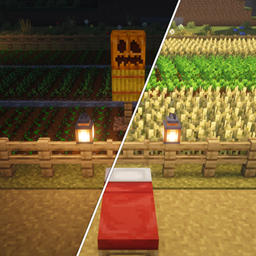
- Fences and walls connect. Fences, walls, panes and gates line up with their neighbours, and chests still pair up.
- See it before you place it. A see-through preview shows exactly where the block will land: blue means it fits, red means something's in the way.
- Light and water behave. Offset roofs keep the sun out, and blocks placed in water stay in water.
- Shaders welcome. Works with Sodium and Iris.
🎮 Controls
| Key |
What it does |
| G |
Cycle the grid: Half (default) → Quarter → Normal (vanilla) |
| H |
Show / hide the placement preview |
| J |
Show / hide the hint line above your hotbar |
All keys can be changed in Options → Controls → Free Placement. Aim near the edge or corner of a block face to shift the block over; aim at the middle to place it normally.
📦 Install
- Minecraft 26.3: NeoForge or Fabric (Fabric needs Fabric API)
- Install on both the client and the server.
🛠️ Work in progress
Free Placement is in beta, and I'm actively adding support for more blocks, more mods and more placement options. Things I know about and am working on:
- Redstone power still follows the normal block grid, so some off-grid circuits may act oddly.
- Lighting: a few block faces can still look too dark in some spots.
- Fluids: water is kept around offset blocks, lava isn't yet, and water flowing up to an offset block may leave gaps.
- Other mods: not every mod's blocks work yet. Tell me which ones you want!
- More versions: backports to other Minecraft versions are planned.
💬 Feedback
Found a bug, have an idea, or want a mod supported? Leave a comment! Community feedback is always appreciated!
📜 License
All Rights Reserved. You're welcome to use Free Placement in modpacks and to feature it in videos and streams. Please don't re-upload it or reuse its code without asking.