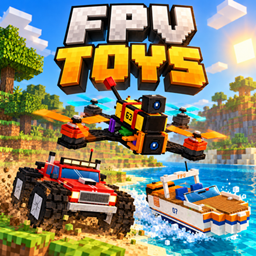
Pilot RC toys in first person, like a real FPV pilot.
Fly drones, race cars and speedboats, dive with a submarine, launch drones from an aircraft carrier or lead a whole drone swarm. Everything is seen through an FPV camera with a live OSD (battery, signal, speed, altitude and weapons).


💡 Tip: A mod like JEI (Just Enough Items) is highly recommended to easily view all crafting recipes in-game!
📡 Chunk Loading: While you fly, the world loads around the toy, not around you: you can explore far beyond your render distance, limited only by the radio signal. Your body stays frozen in place.
| Toy | Category | What it does |
|---|---|---|
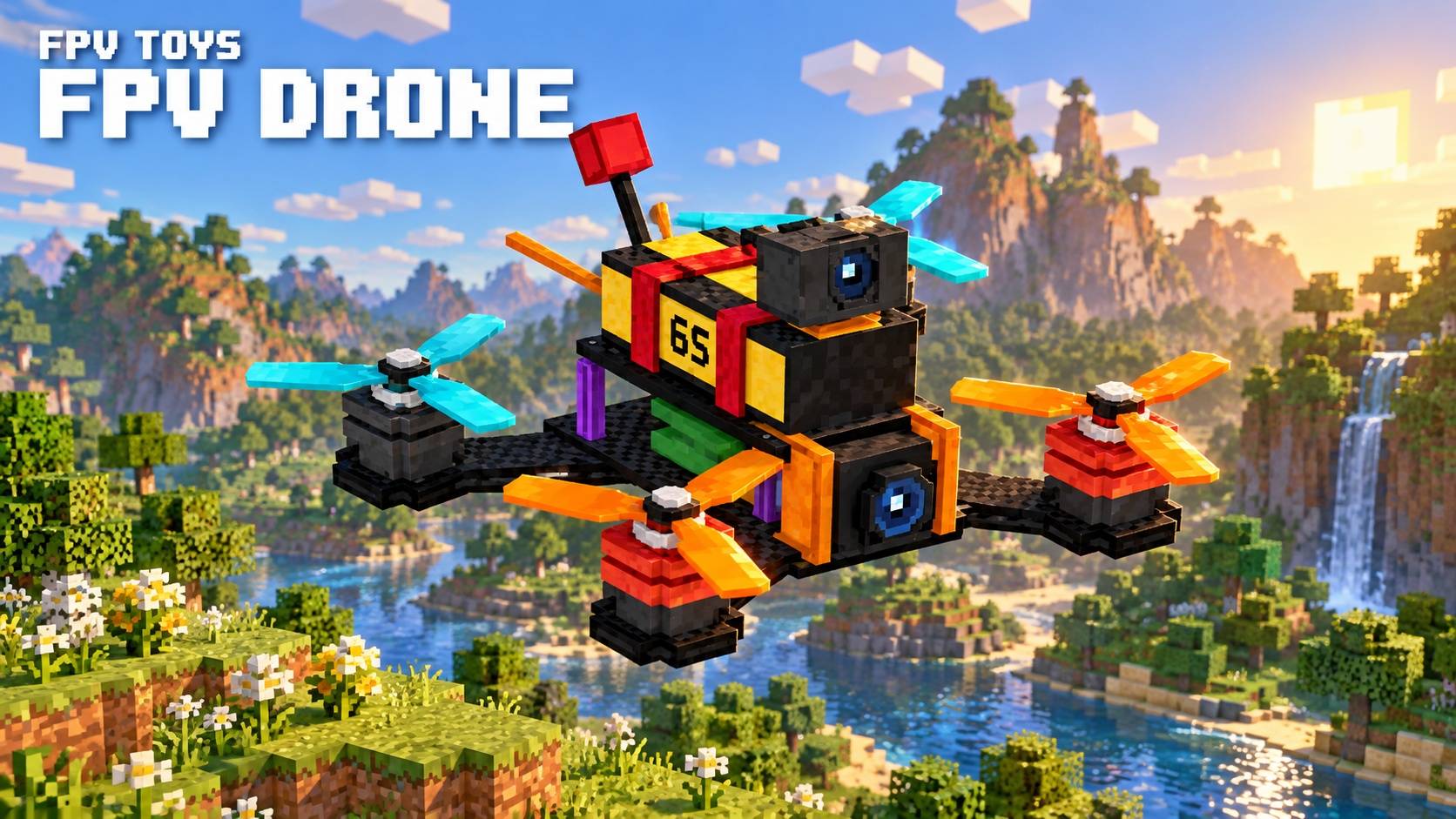
| FPV Drone | ✈️ Air | Freestyle quad. <kbd>W</kbd>/<kbd>S</kbd> forward/back, <kbd>A</kbd>/<kbd>D</kbd> strafe, <kbd>Space</kbd>/<kbd>Ctrl</kbd> up/down, mouse to look. |
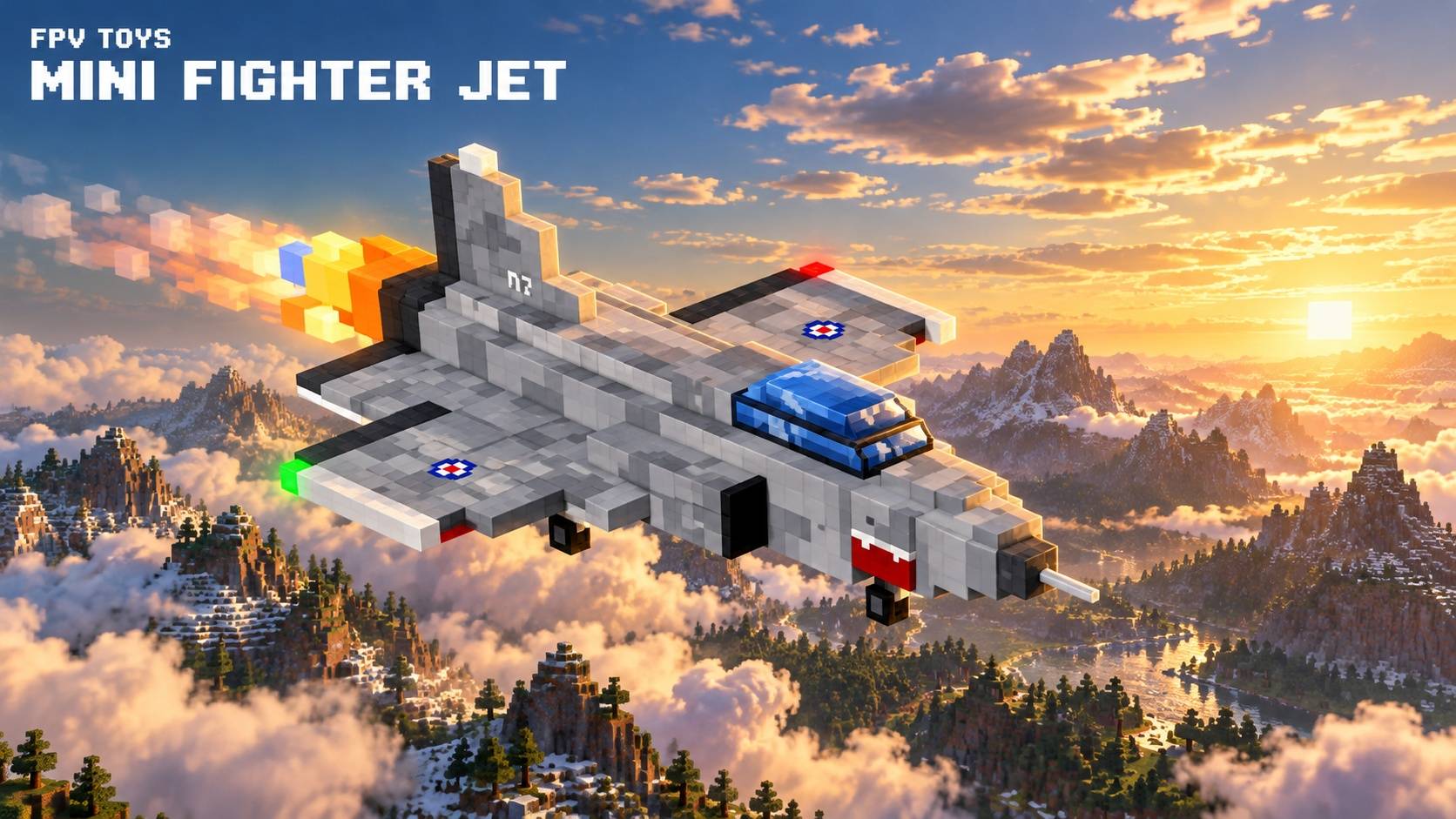
| Mini Fighter Jet | ✈️ Air | Mouse-aim flight with afterburner. Returns to you on its own if it loses signal. |
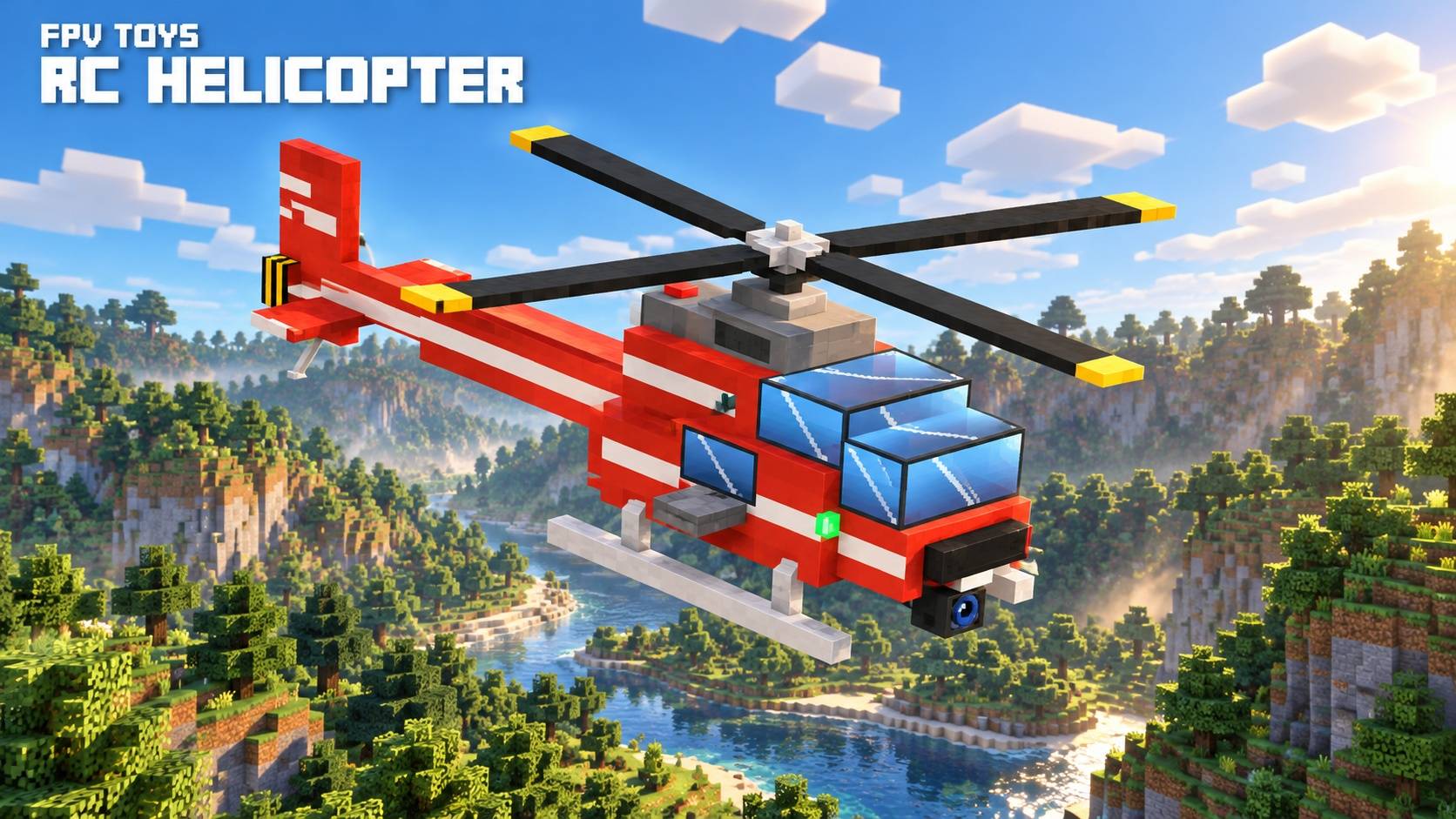
| RC Helicopter | ✈️ Air | Deployable rope (<kbd>H</kbd>) to grab mobs and players (<kbd>J</kbd>). |
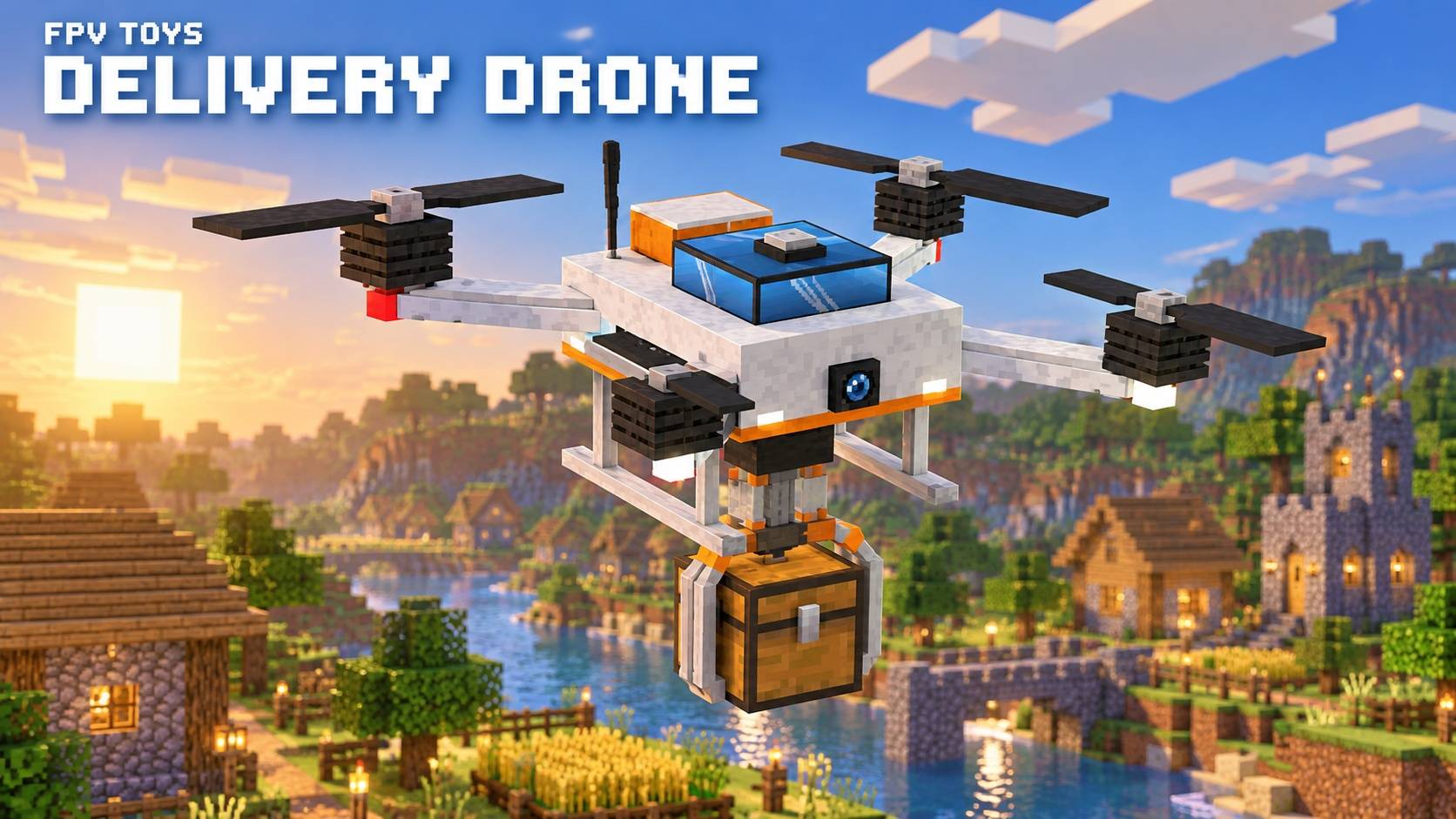
| Delivery Drone | ✈️ Air | Telescopic claw (<kbd>J</kbd>) that carries chests, barrels and shulker boxes with their contents, or loose items. |
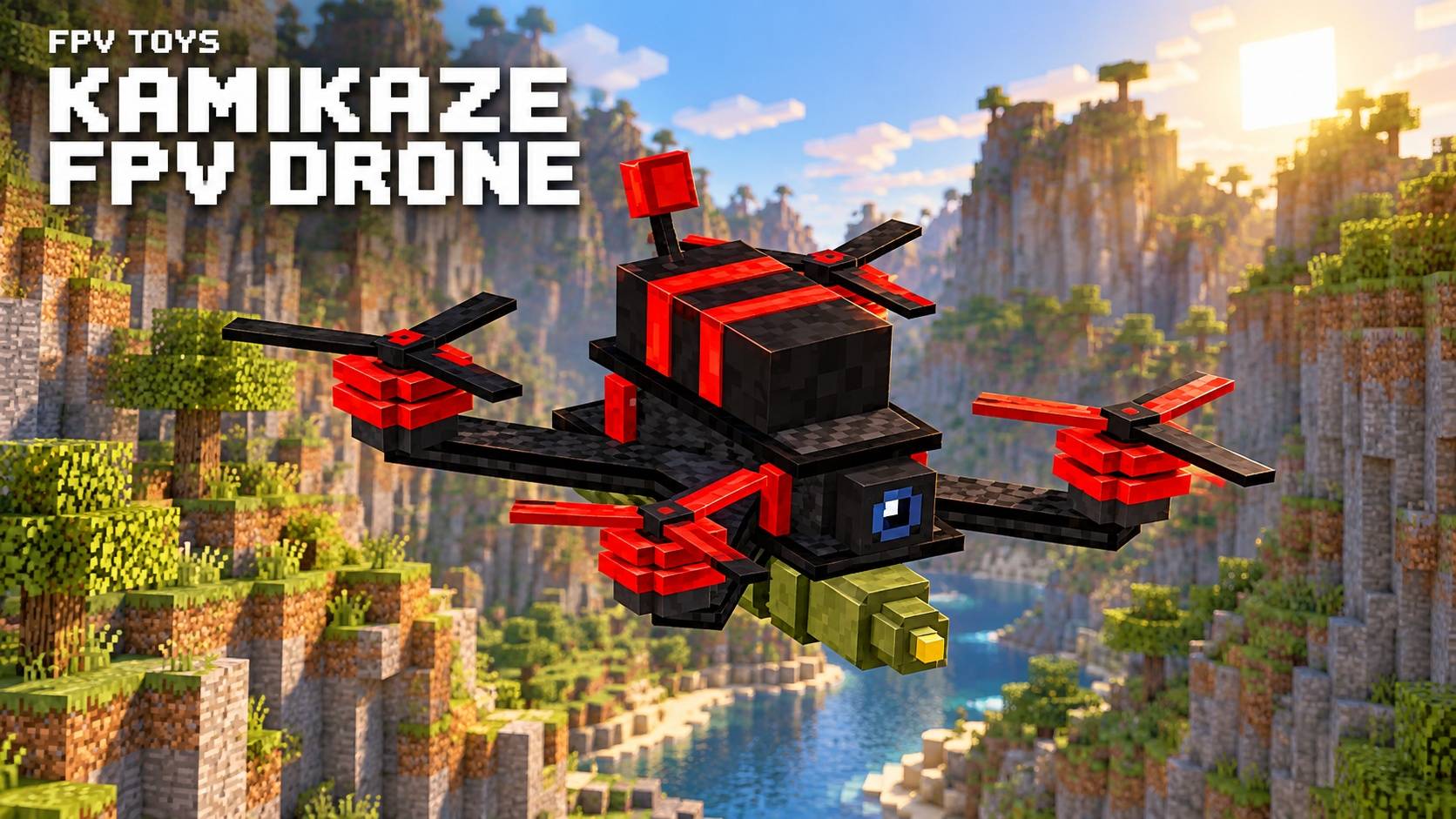
| Kamikaze FPV Drone | ✈️ Air | Very fast, with a warhead. Arm with <kbd>B</kbd>, then click or crash to detonate. |
| Swarm Drone | ✈️ Air | Place several together: the one you fly leads and the others follow in formation (<kbd>H</kbd>). Click to make all of them fire; with a marked target, <kbd>J</kbd> sends them to attack it. |
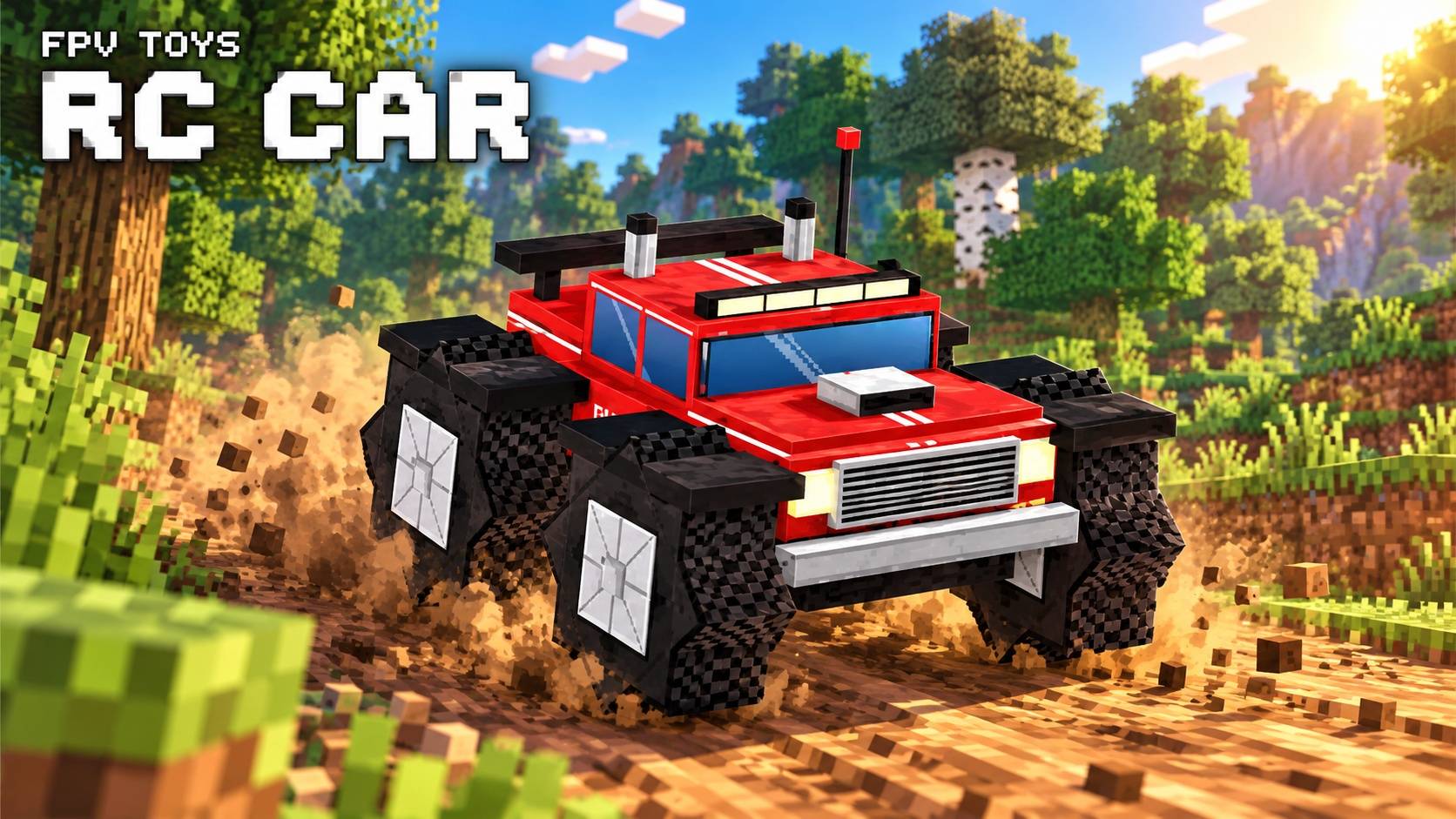
| RC Car | 🛞 Land | Monster truck, follows the mouse. |
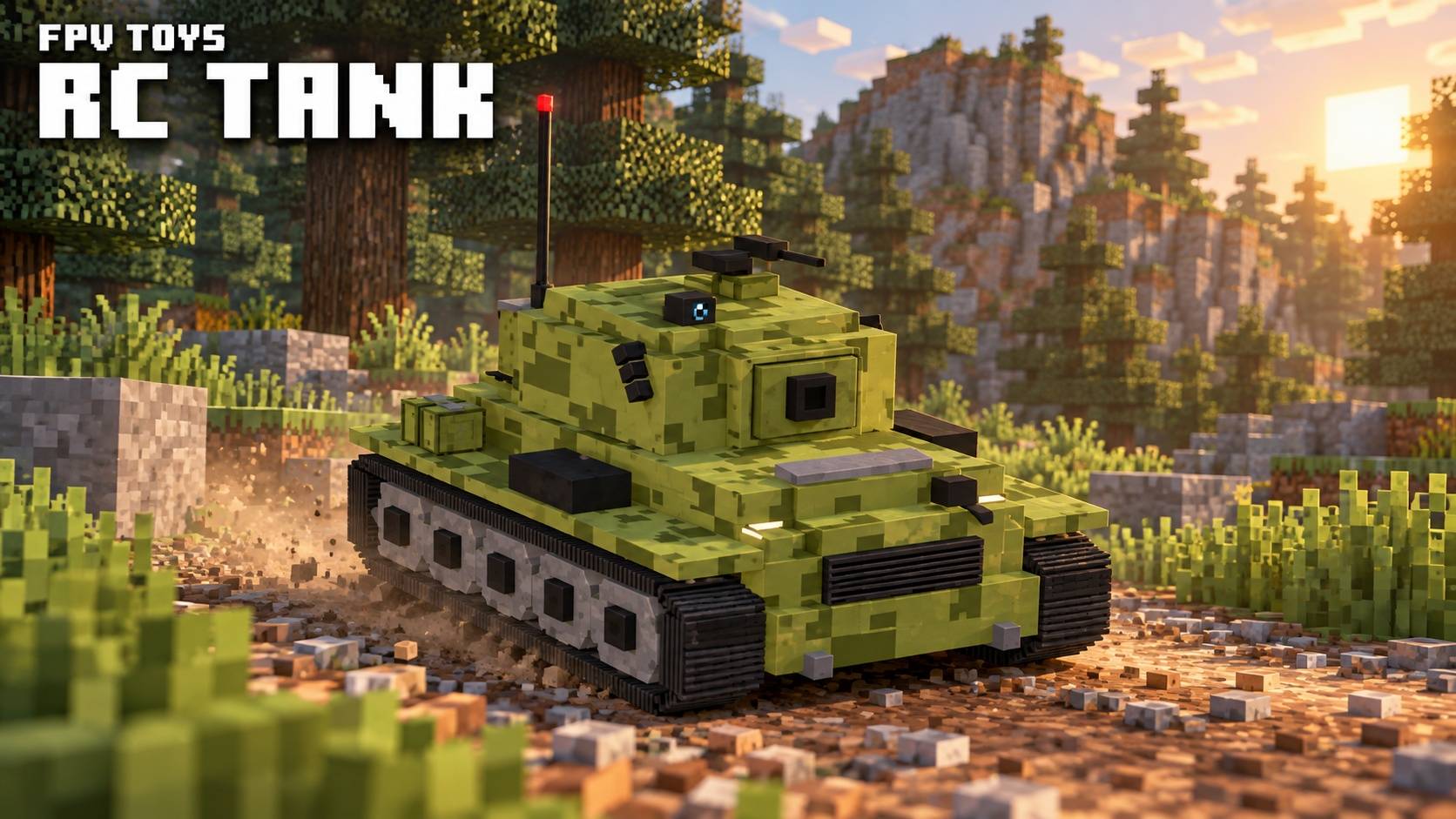
| RC Tank | 🛞 Land | The turret follows your aim and the cannon uses ballistic aiming. |
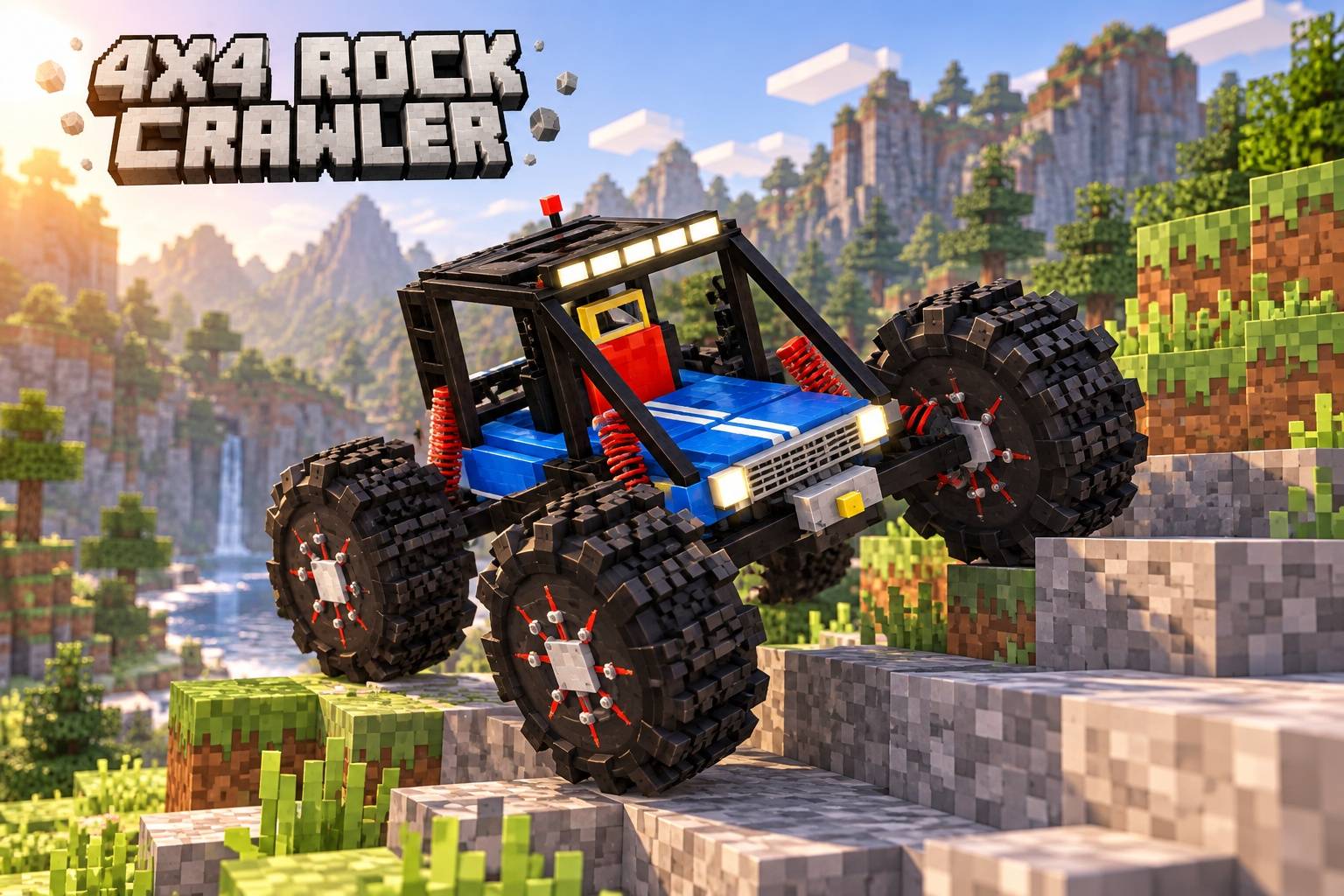
| 4x4 Rock Crawler | 🛞 Land | Climbs blocks, with independent suspension. |
| Ayni Bot | 🌊 Sea | Solar water-cleaning catamaran. |
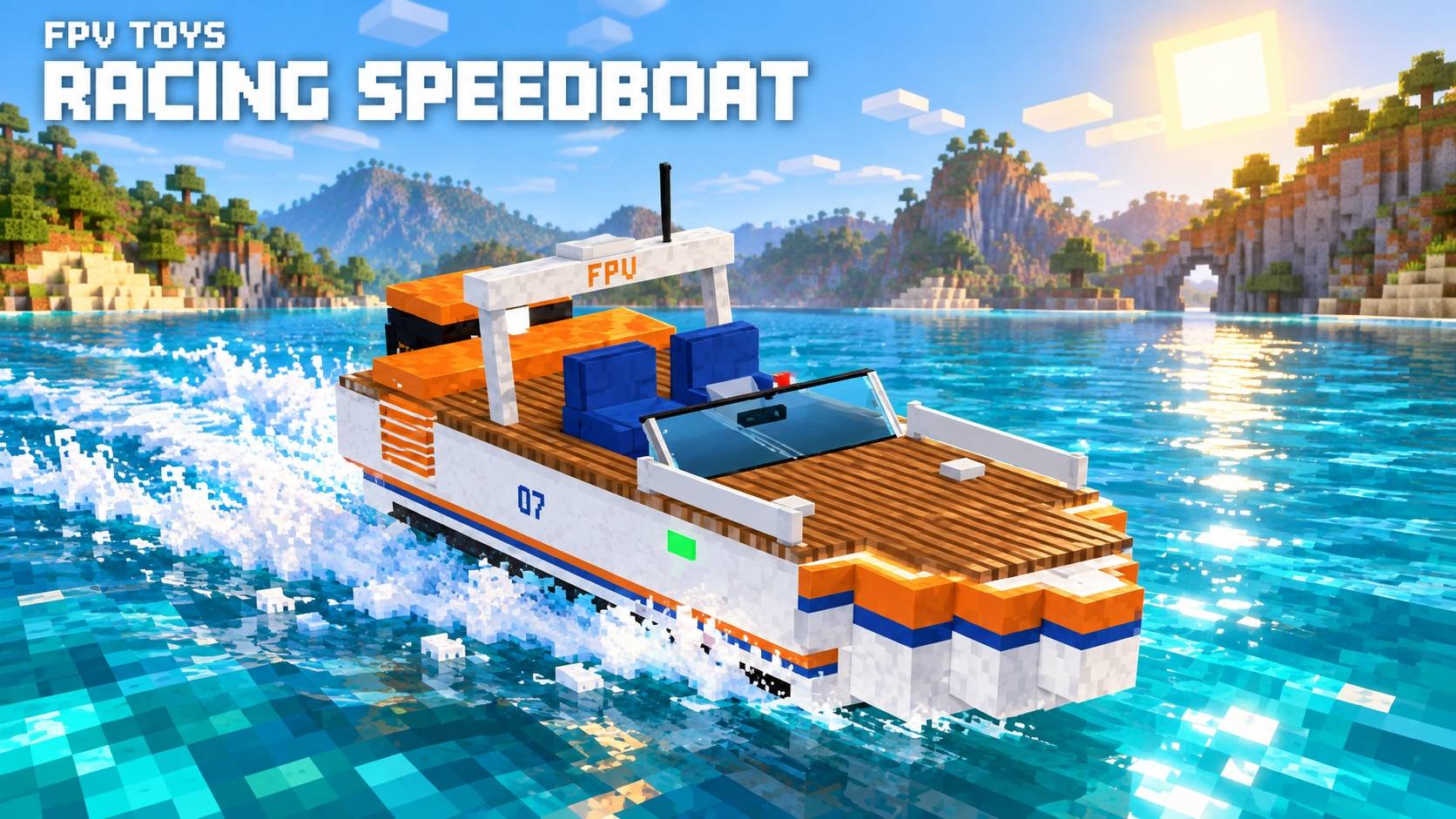
| Racing Speedboat | 🌊 Sea | Fast planing hull with spray and drift. |
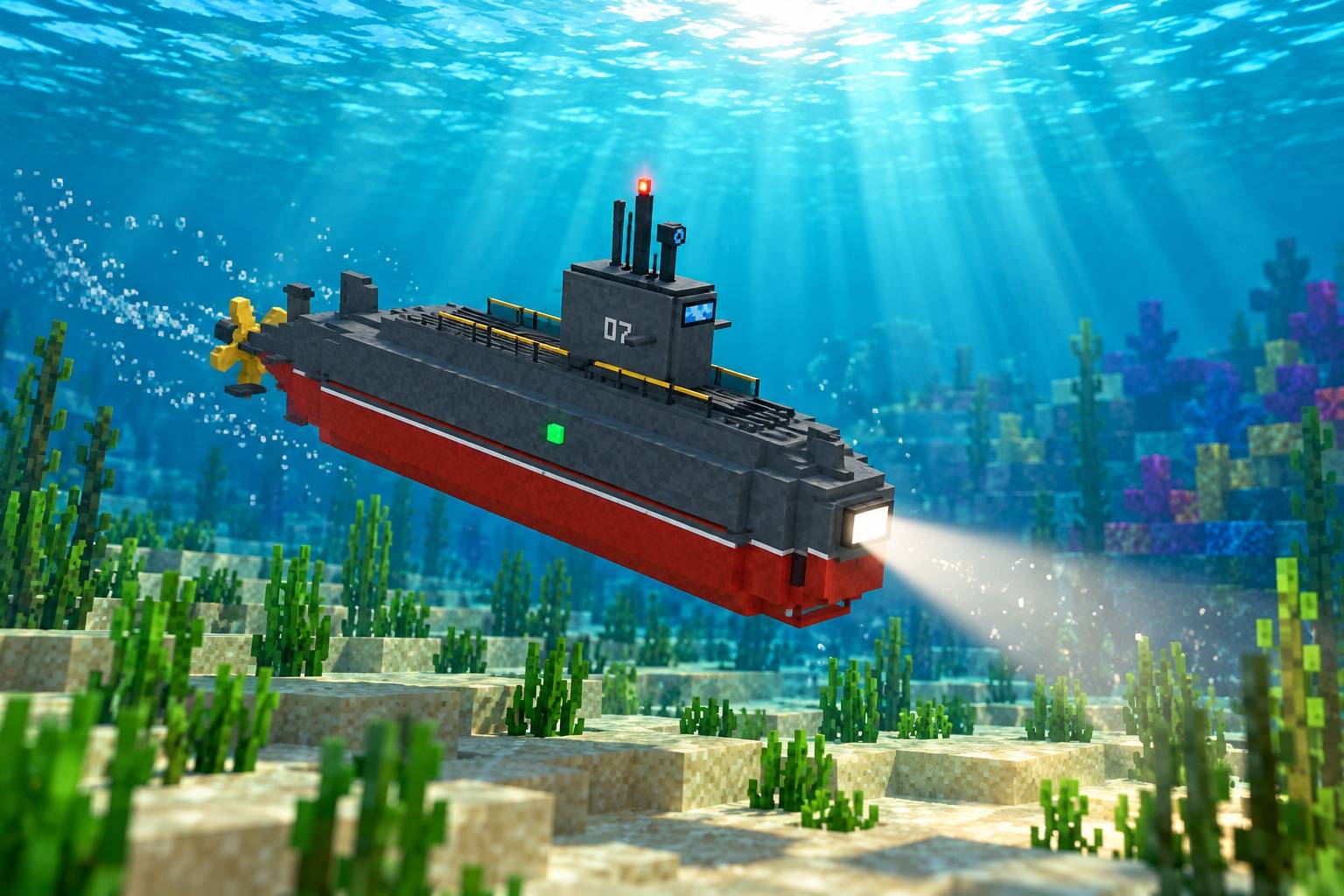
| RC Submarine | 🌊 Sea | Dives, has a searchlight (<kbd>H</kbd>) and a sonar radar on the OSD. |
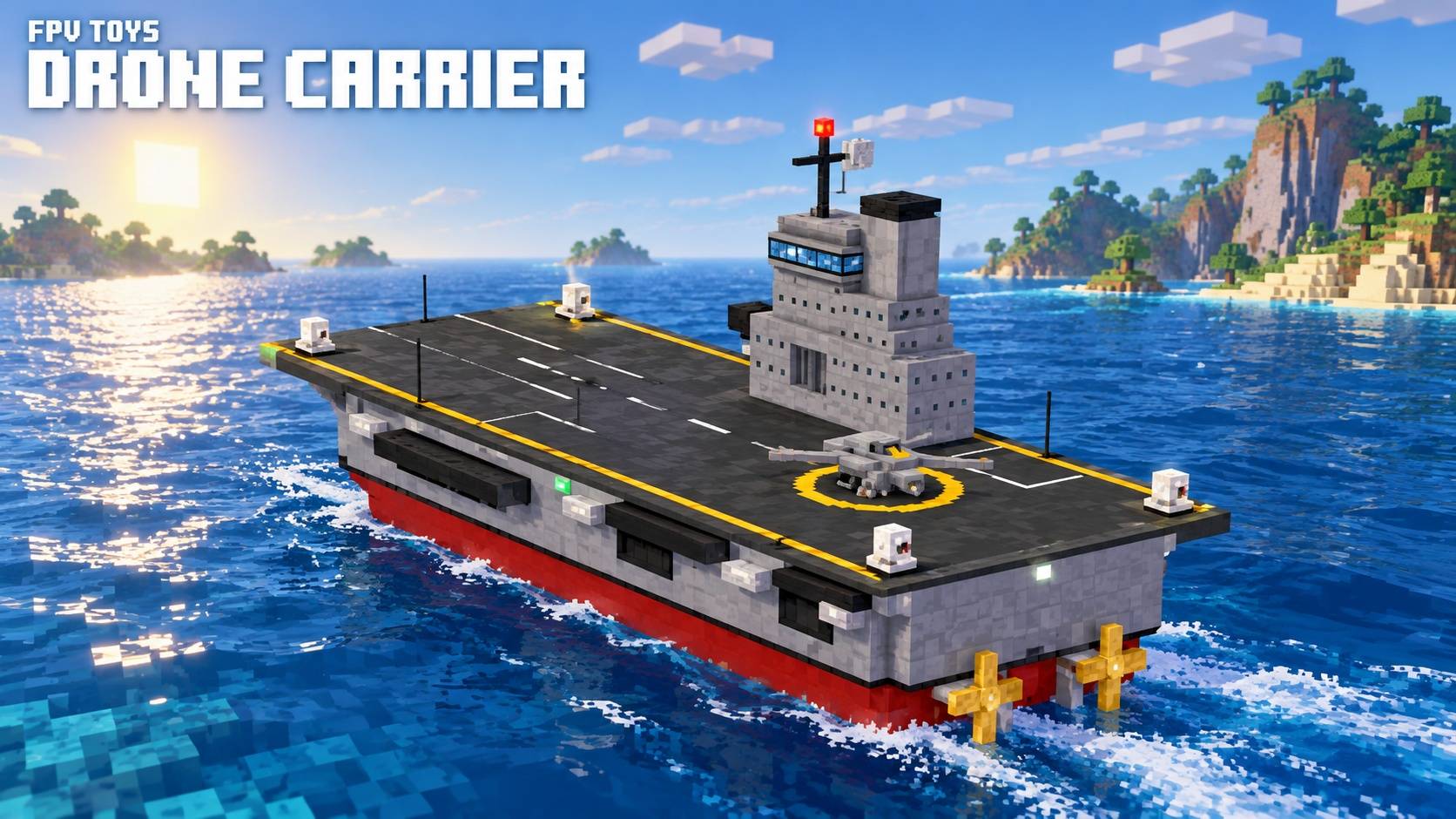
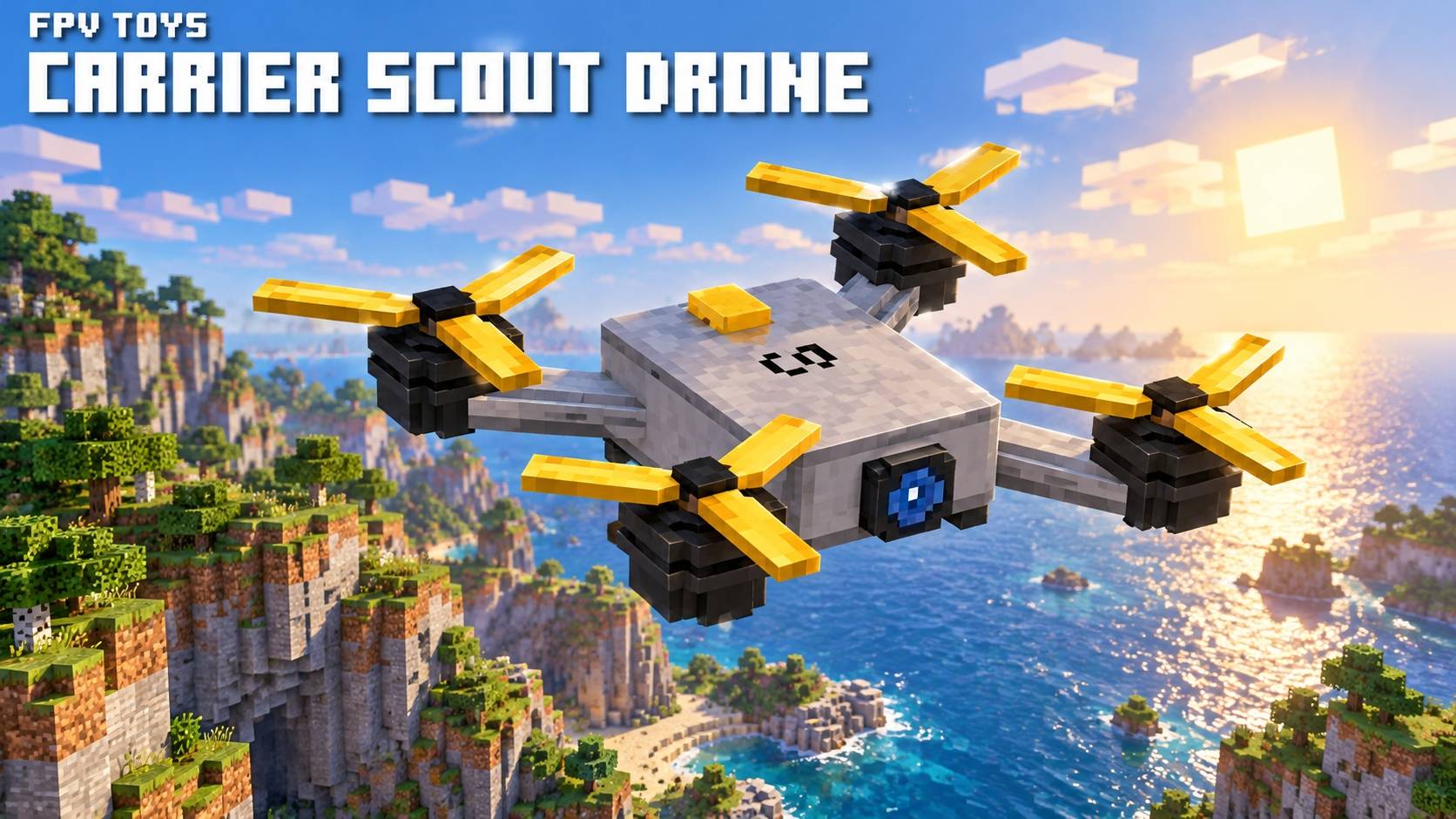
| Drone Carrier | 🌊 Sea | Ship with a flight deck. <kbd>J</kbd> launches its scout drone. From the drone, <kbd>J</kbd> brings it back to land and recharge. |
Every toy has 3 weapon slots (left, right, center). <kbd>Shift</kbd> + Right-Click a toy with a weapon to mount it, or with an empty hand to remove one.
Reloading: Right-Click a toy with ammo to reload (Ammo Box, Missiles, Torpedoes, Tank Shells).
Put a folded toy in the RC Workbench and install upgrades in 3 tiers (+25% / +50% / +75%):
Upgrades stay inside the toy when you pick it up and place it again. Use the Battery Charger block to recharge folded toys.
(All keys are rebindable, gamepad supported)
| Key | Action |
|---|---|
| <kbd>W</kbd> / <kbd>S</kbd> | Forward / Back (throttle on the jet) |
| <kbd>A</kbd> / <kbd>D</kbd> | Strafe or Turn |
| <kbd>Space</kbd> / <kbd>Ctrl</kbd> | Up / Down (brake on ground toys) |
| Mouse | Look and aim |
| Left-Click | Fire |
| Right-Click | Mark or unmark a target |
| <kbd>R</kbd> | Change weapon type |
| <kbd>T</kbd> | Fire mode (left / right / both) |
| <kbd>B</kbd> / <kbd>G</kbd> | Arm / Detonate |
| <kbd>H</kbd> | Rope, light or swarm formation |
| <kbd>J</kbd> | Grab, drop, launch, return or attack |
| <kbd>V</kbd> | First / Third person camera |
| <kbd>F</kbd> | Stop piloting |
config/fpvtoys-common.toml: Contains speeds, signal range, battery life, weapon damage, PvP and whether explosions break blocks. (By default, explosions don't break blocks).config/fpvtoys-client.toml: Contains mouse sensitivity, FOV, third-person camera and gamepad settings.Pilota juguetes RC en primera persona, como un piloto FPV de verdad. Vuela drones, conduce carritos y lanchas, sumérgete con un submarino, lanza drones desde un portaaviones o dirige un enjambre entero. Todo se ve desde una cámara FPV con OSD en vivo (batería, señal, velocidad, altura y armas).
Forge 1.20.1 · Sin dependencias · Necesario en cliente y servidor
📡 Carga de mundo: Mientras pilotas, el mundo se carga alrededor del juguete y no de ti: puedes explorar mucho más allá de tu distancia de renderizado, con el límite del alcance de la señal. Tu cuerpo se queda congelado en su sitio.
| Juguete | Categoría | Qué hace |
|---|---|---|
| Dron FPV | ✈️ Aire | Cuadricóptero freestyle. <kbd>W</kbd>/<kbd>S</kbd> avanzar/retroceder, <kbd>A</kbd>/<kbd>D</kbd> lados, <kbd>Espacio</kbd>/<kbd>Ctrl</kbd> subir/bajar, ratón para mirar. |
| Mini Avión de Combate | ✈️ Aire | Vuelo guiado por ratón con postcombustión. Vuelve a ti solo si pierde la señal. |
| Helicóptero RC | ✈️ Aire | Cuerda desplegable (<kbd>H</kbd>) para agarrar mobs y jugadores (<kbd>J</kbd>). |
| Dron de Reparto | ✈️ Aire | Pinza telescópica (<kbd>J</kbd>) que transporta cofres, barriles y cajas de shulker con su contenido, o ítems sueltos. |
| Dron FPV Kamikaze | ✈️ Aire | Muy rápido, con ojiva explosiva. Ármalo con <kbd>B</kbd>, luego haz clic o estrella el dron para detonar. |
| Dron de Enjambre | ✈️ Aire | Coloca varios juntos: el que pilotas lidera y los demás siguen en formación (<kbd>H</kbd>). Haz clic para que todos disparen; con un objetivo marcado, <kbd>J</kbd> los envía a atacar. |
| Carrito RC | 🛞 Tierra | Monster truck, sigue la dirección del ratón. |
| Tanque RC | 🛞 Tierra | La torreta sigue tu mira y el cañón usa apuntado balístico. |
| Crawler 4x4 | 🛞 Tierra | Escala bloques, con suspensión independiente. |
| Ayni Bot | 🌊 Agua | Catamarán solar limpiador de agua. |
| Lancha de Carreras | 🌊 Agua | Casco de planeo rápido con derrape y estela de agua. |
| Submarino RC | 🌊 Agua | Se sumerge, tiene un foco de luz (<kbd>H</kbd>) y un radar sonar en el OSD. |
| Portadrones | 🌊 Agua | Barco con cubierta de vuelo. <kbd>J</kbd> lanza su dron explorador. Desde el dron, <kbd>J</kbd> lo hace regresar para aterrizar y recargar. |
Cada juguete tiene 3 huecos de armas (izquierda, derecha, centro). Haz <kbd>Shift</kbd> + Clic Derecho en un juguete con un arma para montarla, o con la mano vacía para quitarla.
Recarga: Haz Clic Derecho en un juguete con munición para recargarlo (Caja de munición, Misiles, Torpedos, Proyectiles de tanque).
Coloca un juguete plegado en la Mesa de Taller RC e instala mejoras en 3 niveles (+25% / +50% / +75%):
Las mejoras se conservan dentro del juguete al recogerlo. El bloque Cargador de Baterías recarga los juguetes plegados.
(Todos reasignables y con soporte para mando)
config/fpvtoys-common.toml: Velocidades, alcance de señal, duración de batería, daño de armas, PvP y si las explosiones rompen bloques (por defecto no rompen bloques).config/fpvtoys-client.toml: Sensibilidad del ratón, FOV, cámara en tercera persona y ajustes de mando.