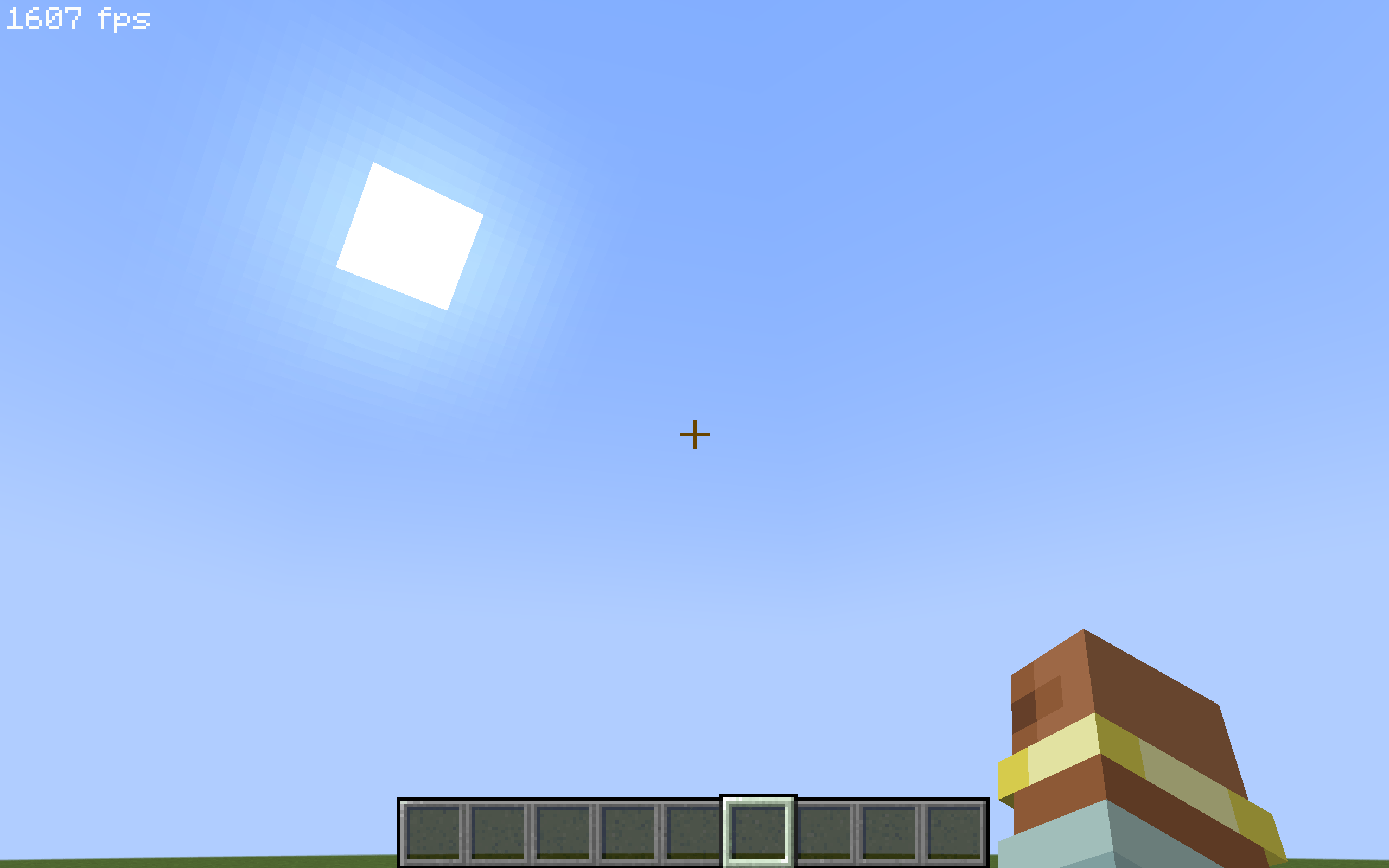
Display Fake FPS! 🚀
This client-side mod allows you to display a fake and customizable FPS counter at the top of your Minecraft screen! Ideal for fun, videos, or simply to prank your friends into believing you have 1000 FPS! 😉
⚙️ How does it work?
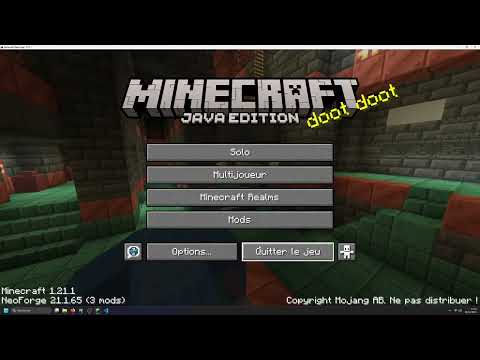
The "Fake FPS Mod" is a purely client-side mod, meaning it only needs to be installed on your Minecraft game, not on the server. Here's how it works:
fake_fps.json is created in the config/oas_work/ folder.fake_fps.json file to determine:fps_min: The minimum value of fake FPS to be displayed (by default, this value needs to be configured in the fake_fps.json file).fps_mx: The maximum value of fake FPS to be displayed (by default, this value needs to be configured in the fake_fps.json file).activated: If the value is true, the display of fake FPS is activated. If false, it is deactivated (by default, to be configured in the fake_fps.json file).fps_min and fps_mx values you have configured.🎮 How to use it?
config/oas_work/ folder in your Minecraft directory. Open the fake_fps.json file with a text editor."fps_min": ... , : Replace ... with the minimum value of fake FPS you want to display."fps_mx": ... , : Replace ... with the maximum value of fake FPS you want to display. Make sure fps_mx is greater than fps_min."activated": ... : Replace ... with true to activate the display of fake FPS, or false to deactivate it.fake_fps.json file.📌 Important Points:
fake_fps.json file.fake_fps.json file is located in the config/oas_work/ folder of your Minecraft installation.