Extended Drinks
by NewKid96

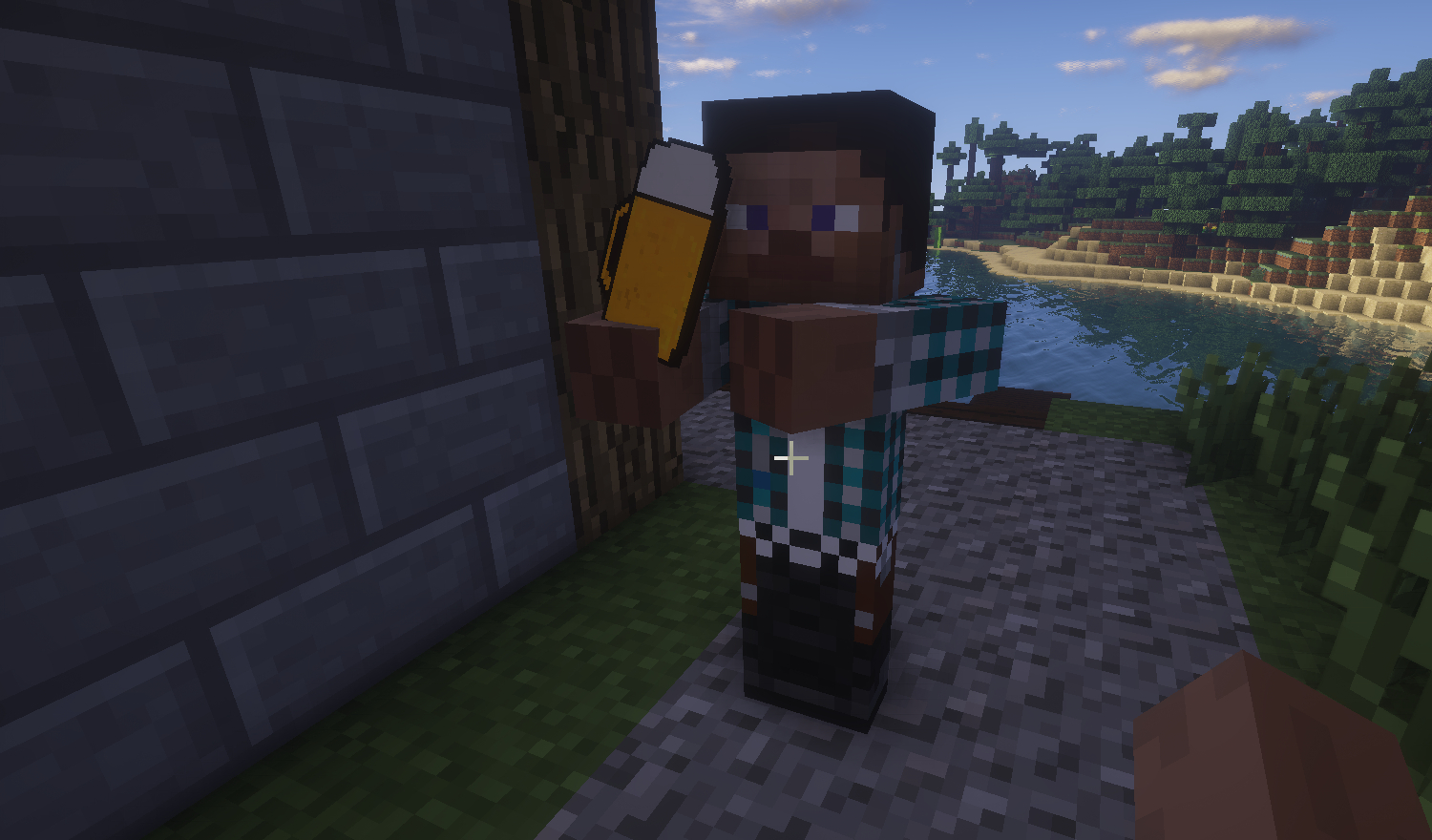
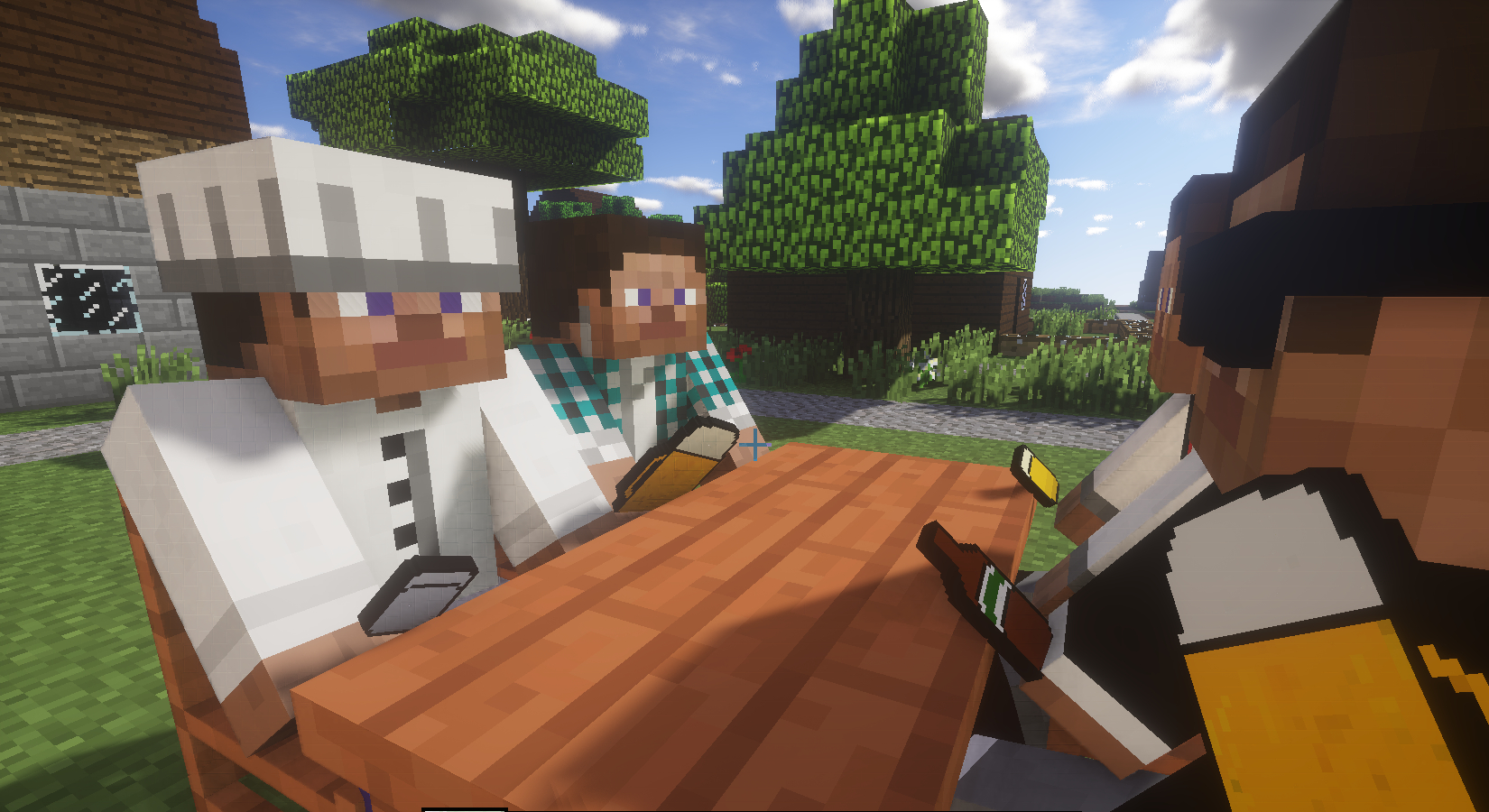
This mod contains cool drinks.
Diese Mod enthält kühle Getränke.
Description
Beschreibung
With Extended_Drinks you have a selection of drinks in Minecraft. Produce juice with a fruit and sugar.
Brew alcohol, when the normal juice is too boring for you.
Every single drink has an individual effect. Try them all.
Mit Extended_Drinks hast du eine verschiedene Auswahl an Getränken in Minecraft. Stelle Saft mit einer Frucht und Zucker her.
Braue Alkohol, wenn dir der normale Saft zu langweilig ist.
Jedes einzelne Getränk hat einen einzigartigen Effekt. Probiere sie alle aus.

Produce juice:
Stelle dir Säfte her:

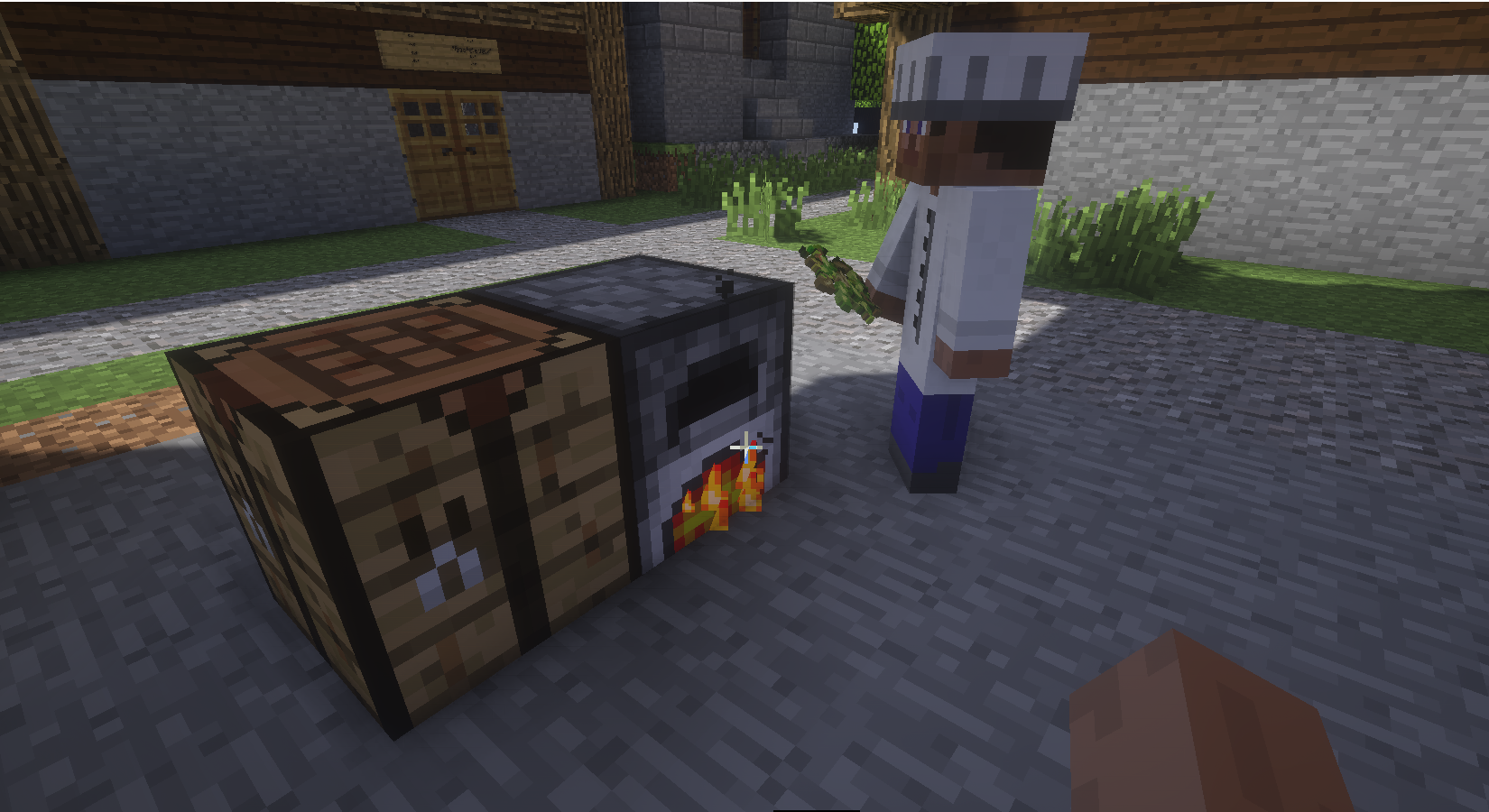
Or produce mash:
Oder produziere Maische:

To brew alcohol:
Um Alkohol zu brauen:

Recipes/Items
Rezepte/Items
Here is a list of recipes:
Hier ist eine Liste von Rezepten:
Apple juice:
Apfelsaft:
 Apple+Sugar Apfel+Zucker
Protein shake:
Eiweißshake:
 Egg+Sugar Ei+Zucker
Fitnessdrink:
Fitnessdrink:
 Wheat+Sugar Weizen+Zucker
Golden juice:
Goldsaft:
 Golden apple+Sugar Goldener Apfel+Zucker
Cocoa:
Kakao:
 Cocoa beans+Sugar+Milk Kakaobohnen+Zucker+Milch
Carrot juice:
Karrottensaft:
 Carrot+Sugar Karrotte+Zucker
Melon juice:
Melonensaft:
 Melon+Sugar Melone+Zucker
Apple mash:
Apfelmaische:
 Apple+Sugar Apfel+Zucker
Beer mash
Biermaische:
 Wheat+Sugar Weizen+Zucker
Egg mass:
Eiermasse:
 Egg+Sugar Ei+Zucker
Gold mash:
Goldmaische:
 Golden Apple+Sugar Goldener Apfel+Zucker
Carrot mash:
Karrottenmaische:
 Carrot+Sugar Karrotte+Zucker
Potato mesh:
Kartoffelmaische:
 Potato+Sugar Kartoffel+Zucker
Melon mesh:
Melonenmaische:
 Melon+Sugar Melone+Zucker
Chocolate mass:
Schokoladenmasse:
 Cocoa beans+Sugar Kakaobohne+Zucker
Brewing:
Brauen:
 Put the mesh in the furnace Lege die Maische in den Ofen
Mass(beer):
Maß:

empty bottle+Beer+Beer Leere Flasche+Bier+Bier
All recipes are again in the .zip file
Alle Rezepte sind nochmal in der .zip Datei
Required
Benötigt
- Forge (here)
Installation
Download Forge and install it.
Pay attention to the minecraft version.
Copy the .jar file in this Folder:
C:\Users\YourName\AppData\Roaming\.minecraft\mods
(or open the command and type in: %appdata%\.minecraft\)
Start the minecraft launcher and create a new profile.
By "Use version" choose the forge version.
Start minecraft and enjoy the fun.
Lade dir Forge herunter und installiere es.
Achte dabei auf deine Minecraft Version.
Kopiere die .jar Datei in diesen Ordner:
C:\Users\DeinName\AppData\Roaming\.minecraft\mods
(oder öffne die Eingabeaufforderung und gib ein: %appdata%\.minecraft\)
Starte anschließend Minecraft Launcher und erstelle ein neues Profil.
Bei "Use version" wähle die Forge Version aus.
Starte Minecraft und genieße den Spielspaß
Languages
Sprachen
- English
- German
Download
Use the tab "other Downloads" to view all available files.
Gehe auf den Reiter "other Downloads", um alle verfügbaren Dateien zu sehen.
Cheers!
Prost!