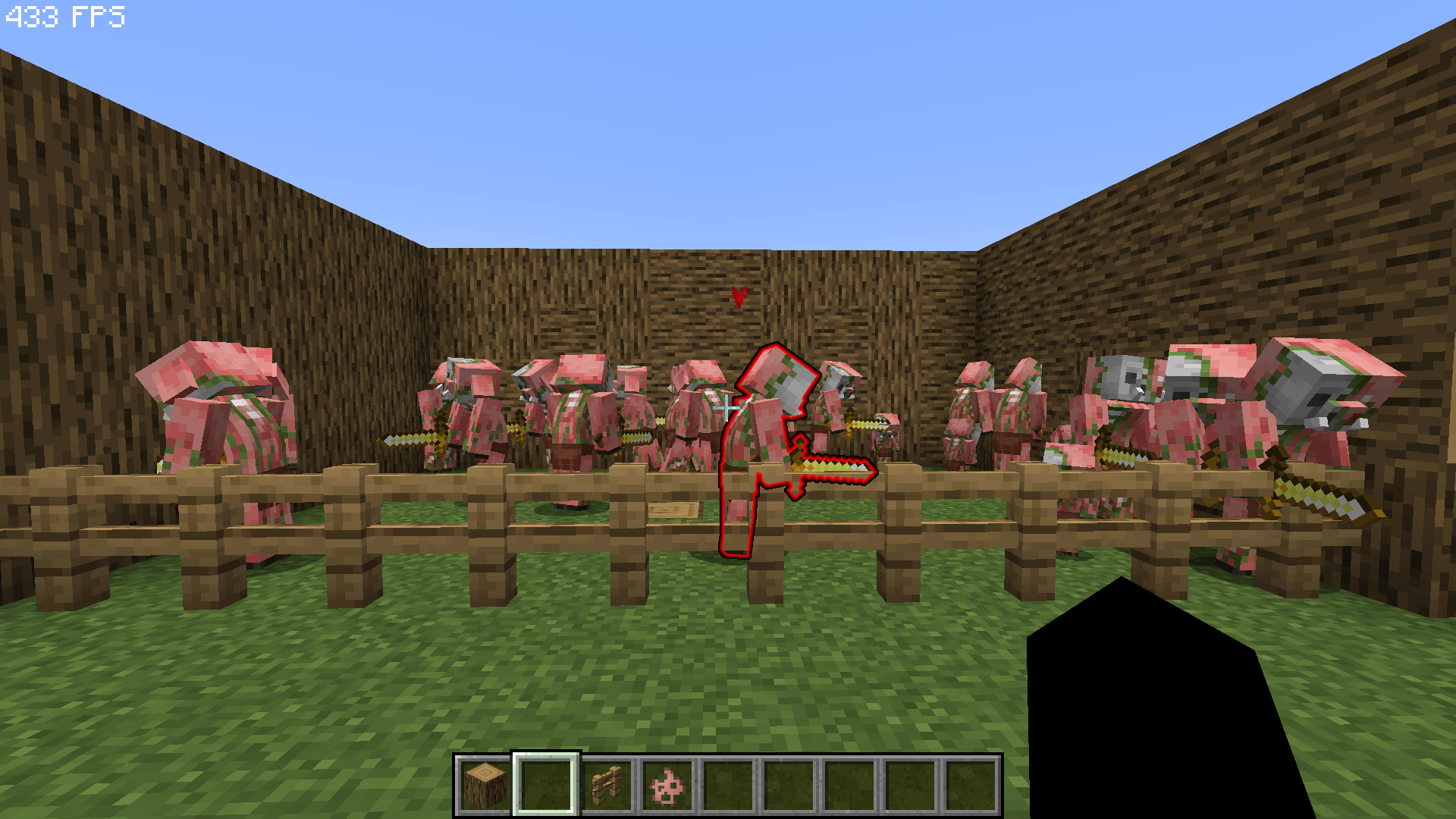
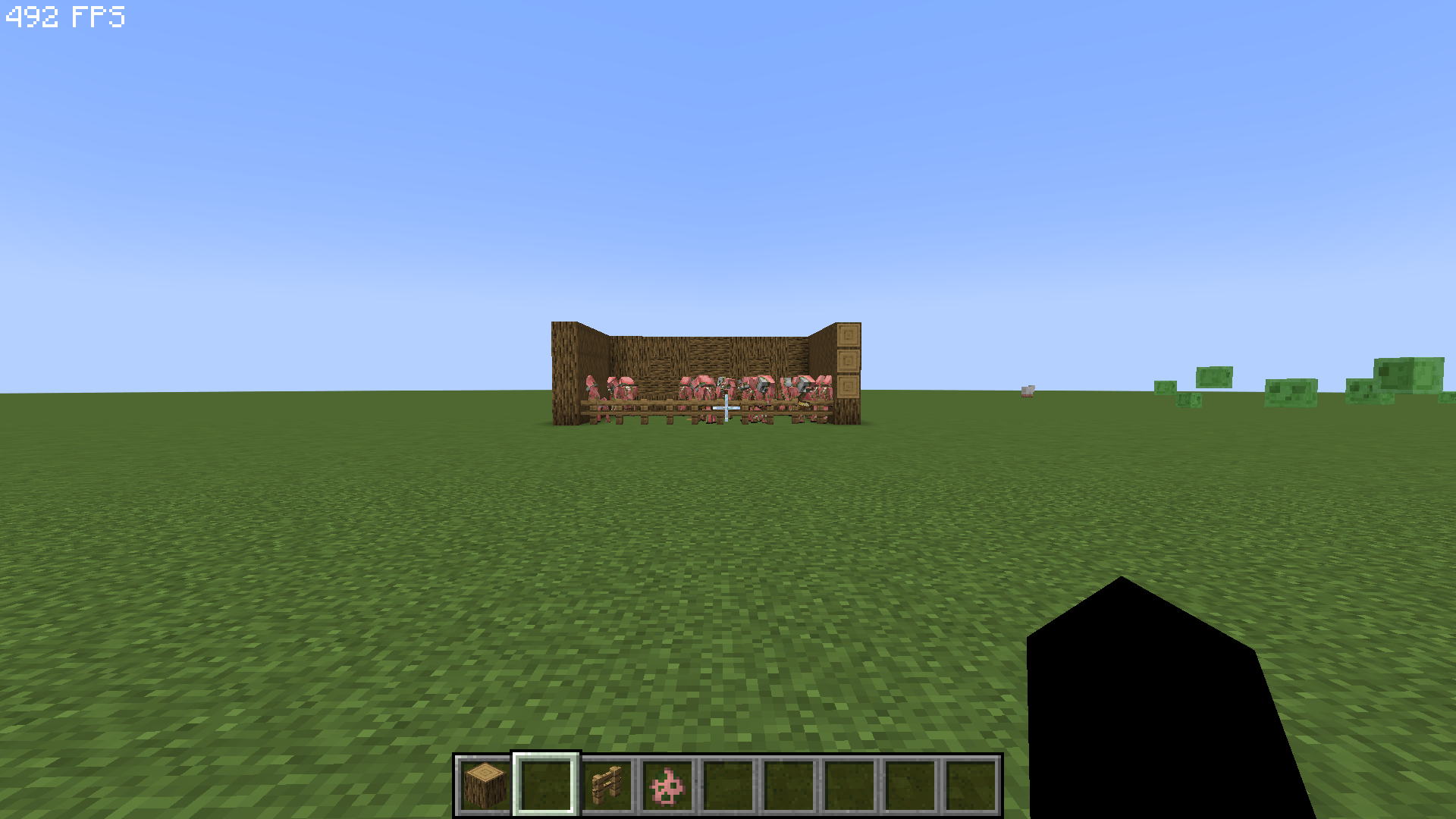
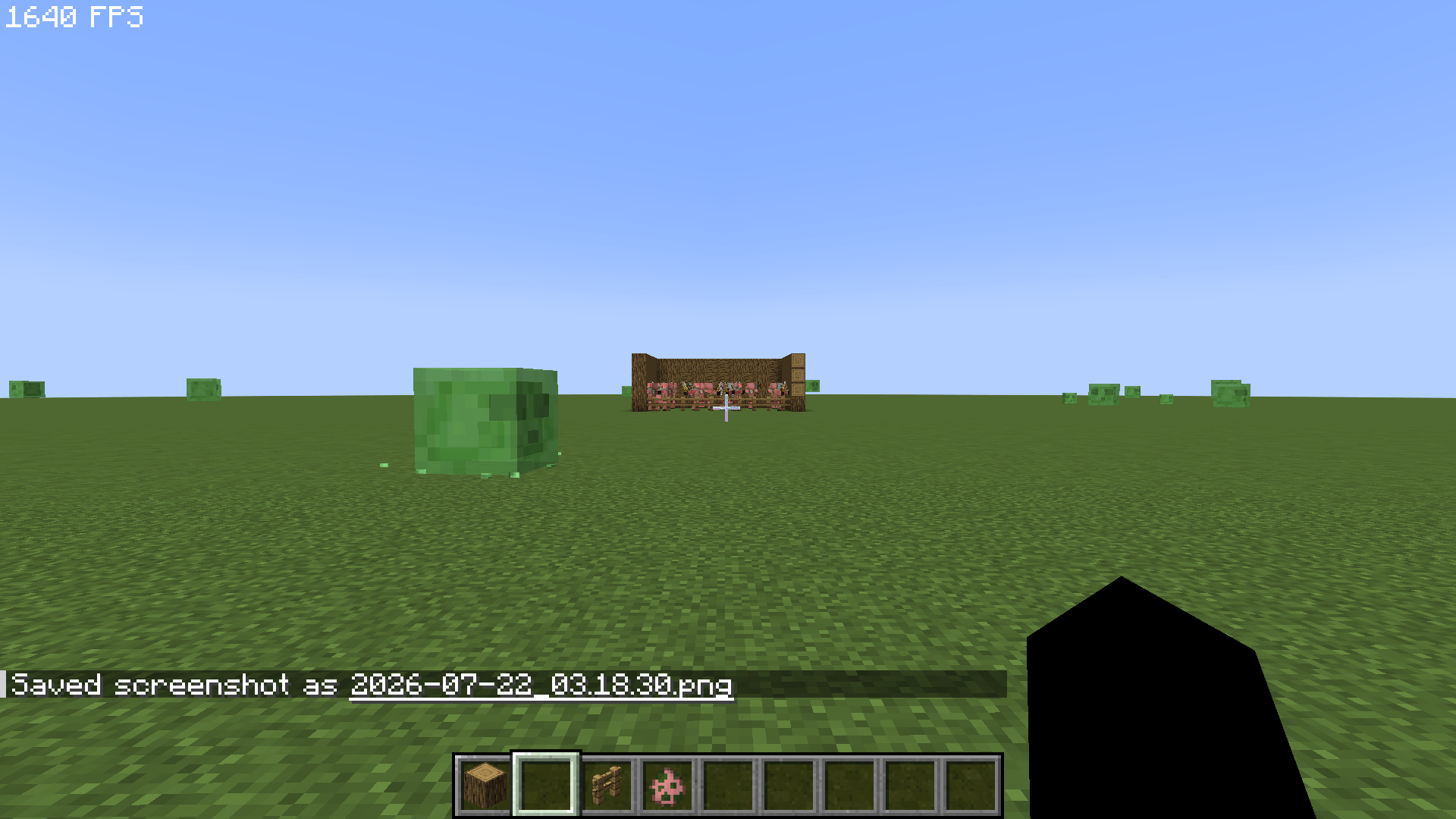
Epic Fight FPS Optimizer is a lightweight, fully client-side performance addon for Epic Fight. It reduces expensive animation pose calculations and visual effects for distant entities while keeping nearby combat smooth and configurable.
This is an unofficial Epic Fight addon. It is not affiliated with or endorsed by the Epic Fight development team.
Full Epic Fight animation quality within 12 blocks
Limits distant animation pose calculations to 20 FPS after 12 blocks
Uses cheaper vanilla entity rendering after 32 blocks
Configurable weapon trail, projectile trail and afterimage distances
Mob blacklist and whitelist support
Boss blacklist and whitelist support
Protects bosses and the entity under your crosshair from aggressive optimization
Optional own-player animation FPS limit for third-person mode
Own-player optimization is disabled by default
Your own character is never switched to the vanilla renderer
No gameplay, damage, AI or networking changes
Full Animation Distance: 12 blocks
Distant Animation FPS: 20
Vanilla Model Distance: 32 blocks
Swing Trail Distance: 24 blocks
Projectile Trail Distance: 32 blocks
Afterimage Distance: 24 blocks
Optimize Own Player: Disabled
Own Player Animation FPS: 60 when enabled
All values can be changed through the client configuration file.
Minecraft 1.20.1
Forge 47.4.10 or newer
Epic Fight 20.14.17 or newer
Configured 2.x — optional, but recommended for the in-game configuration screen
Minecraft 1.21.1 or newer
NeoForge 21.1.250 or newer
Epic Fight 21.17.3.1 or newer
Java 21 or newer
Configured 2.6.3 or newer — optional, but recommended for the in-game configuration screen
Install the correct mod loader for your Minecraft version:
Forge for Minecraft 1.20.1
NeoForge for Minecraft 1.21.1
Install the matching Epic Fight version.
Place Epic Fight FPS Optimizer in your mods folder.
Optionally install Configured to edit the settings in-game.
Make sure you download the optimizer file that matches your Minecraft version and mod loader.
Only this optimizer is client-side and does not need to be installed on the server. Epic Fight itself may still be required by the server.
Without Configured, settings can be edited manually in:
config/epicfightoptimizer-client.toml
Epic Fight is developed by the Epic Fight team / Antikythera Studios.
All Rights Reserved.
💬 Join the official Discord server for support, bug reports, suggestions, development updates, and more: