Emerald Warriors
Mercenary companions you hire, equip, and command.
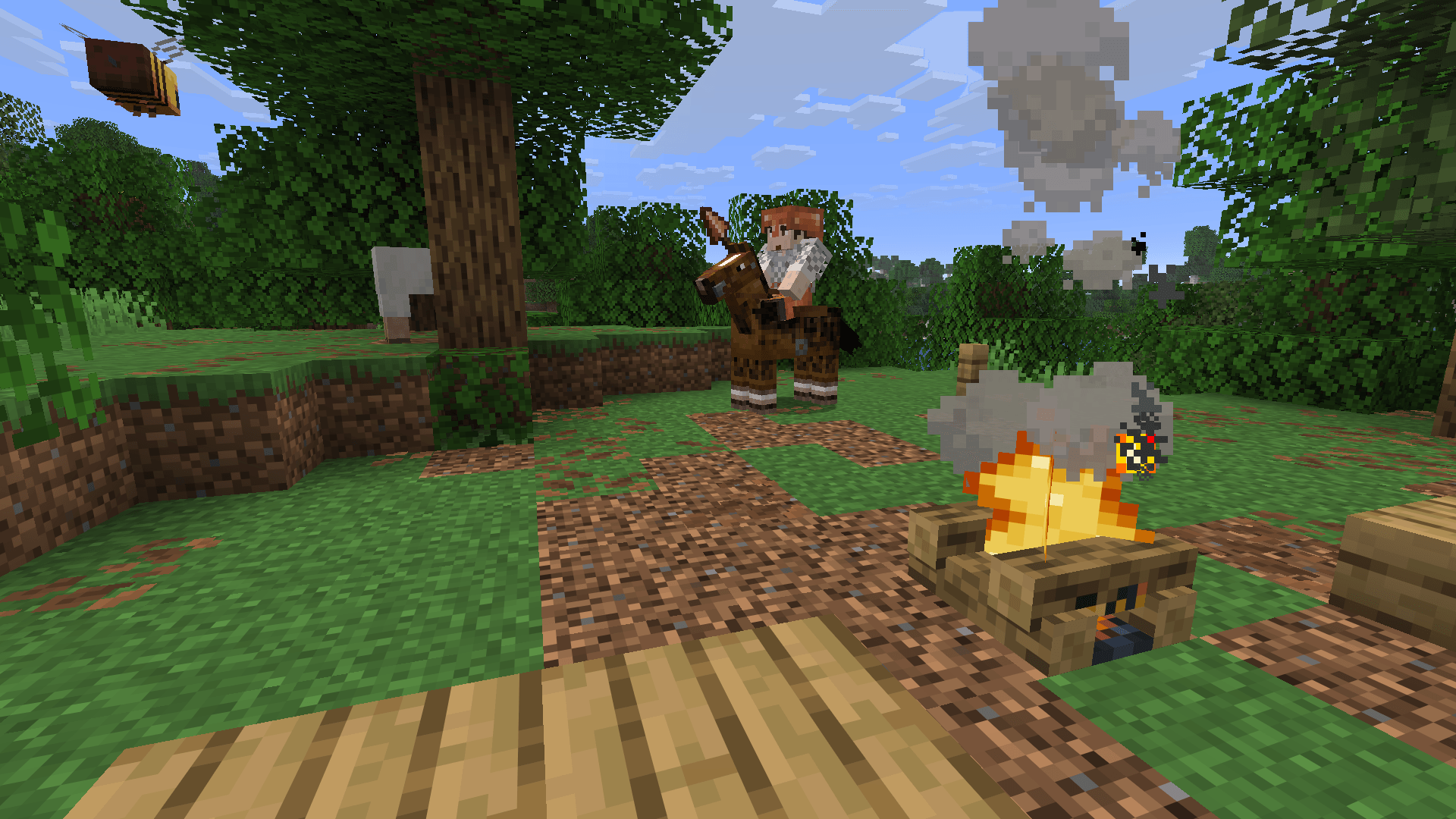
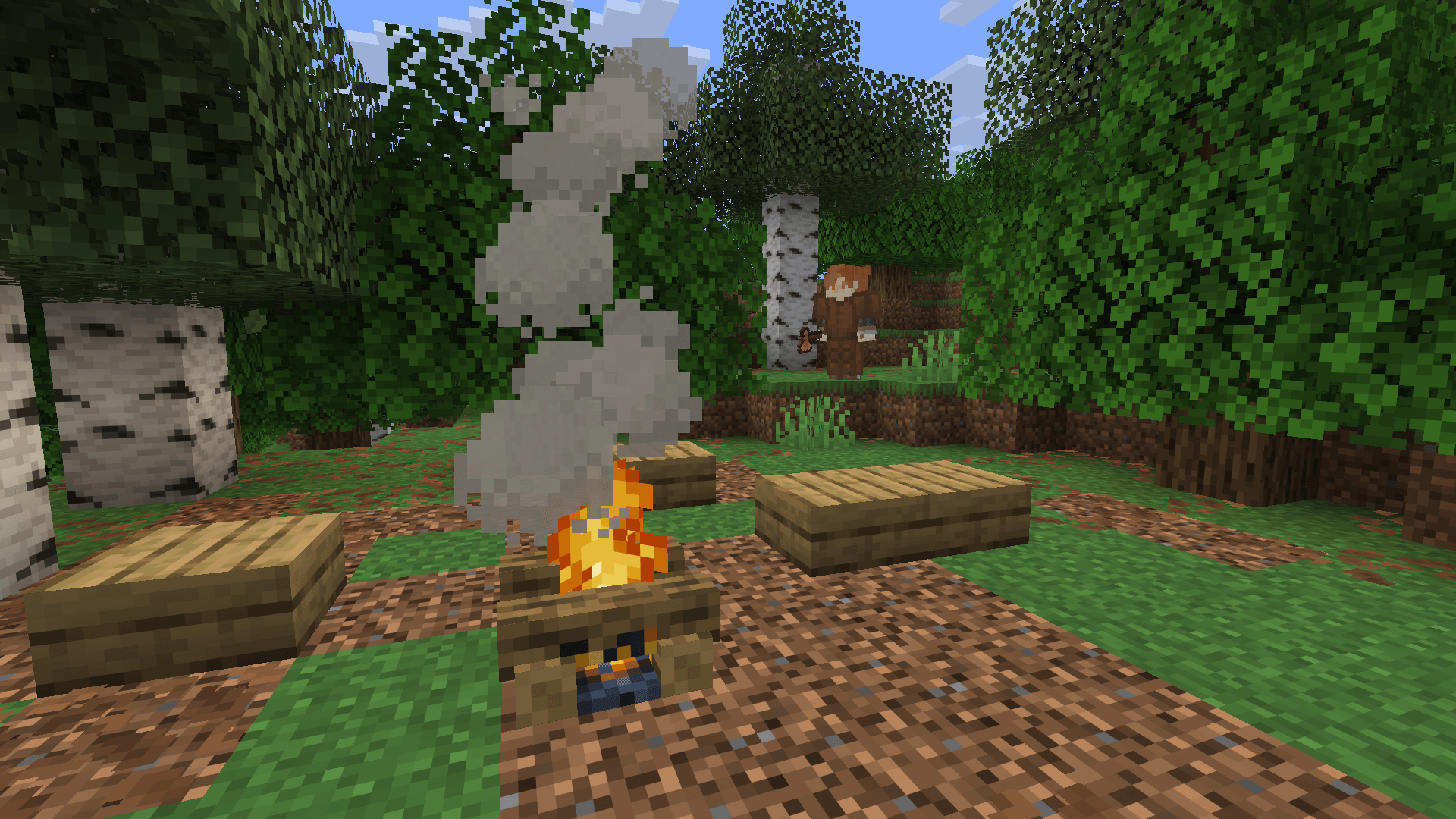
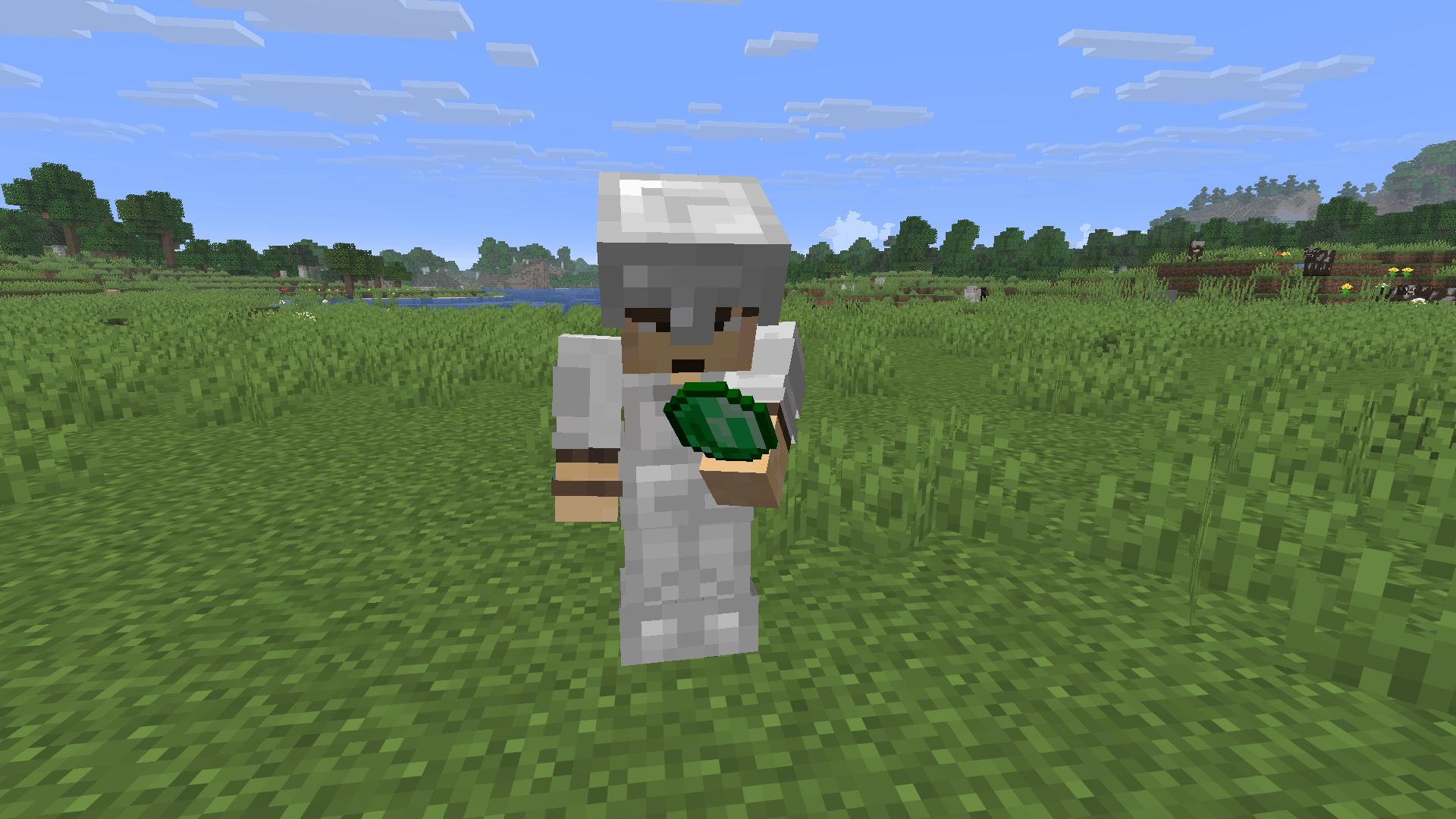
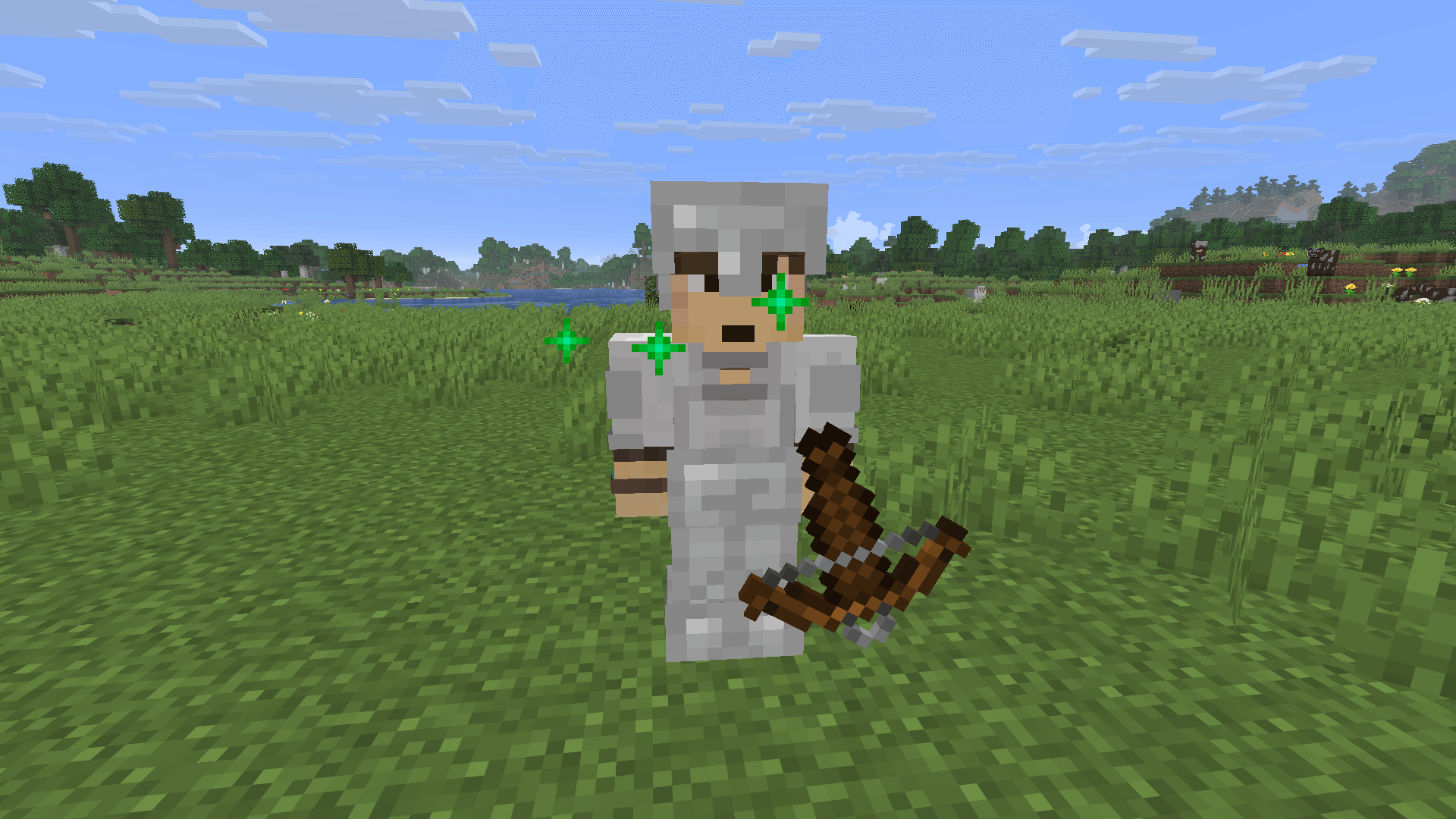
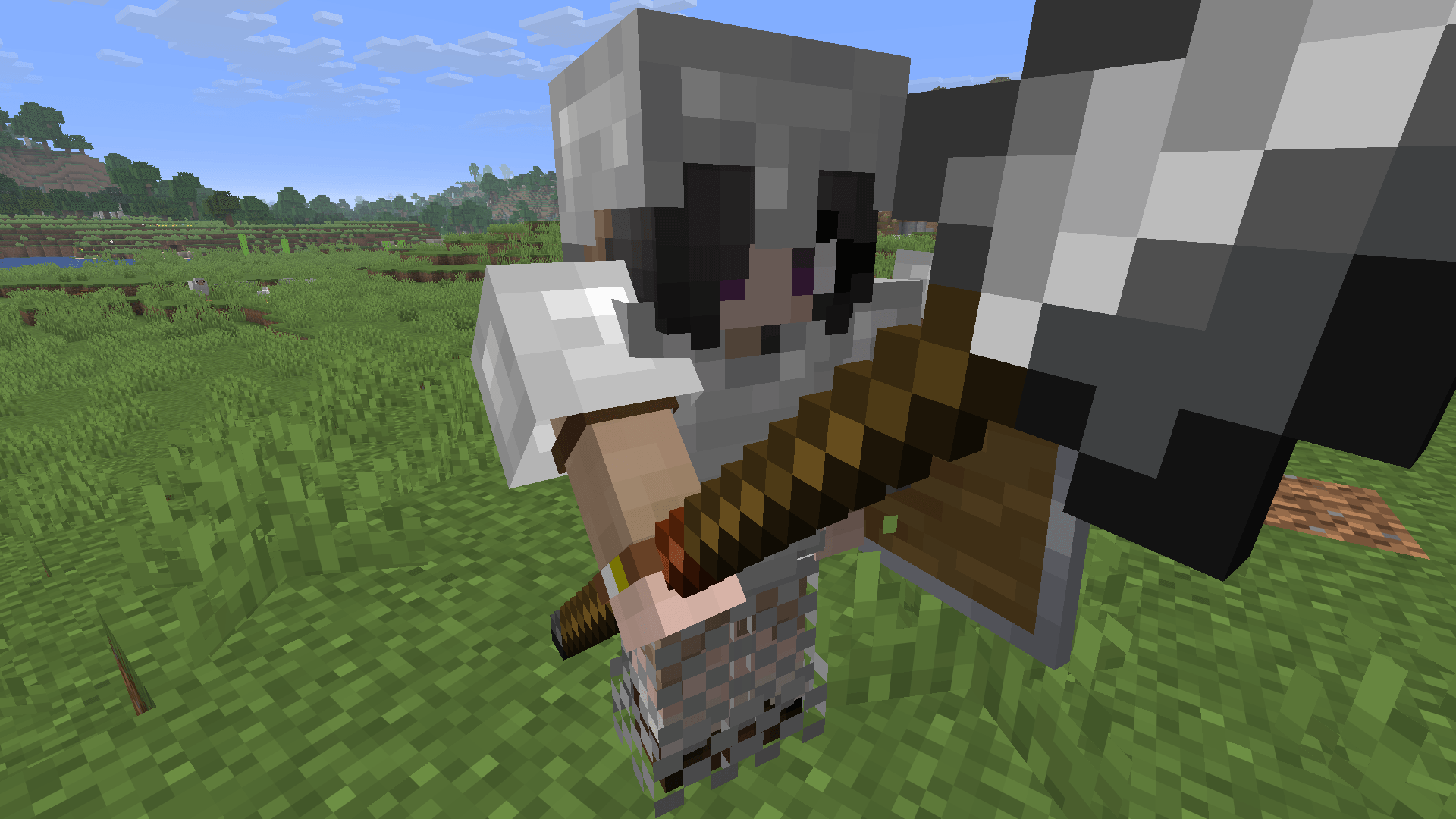
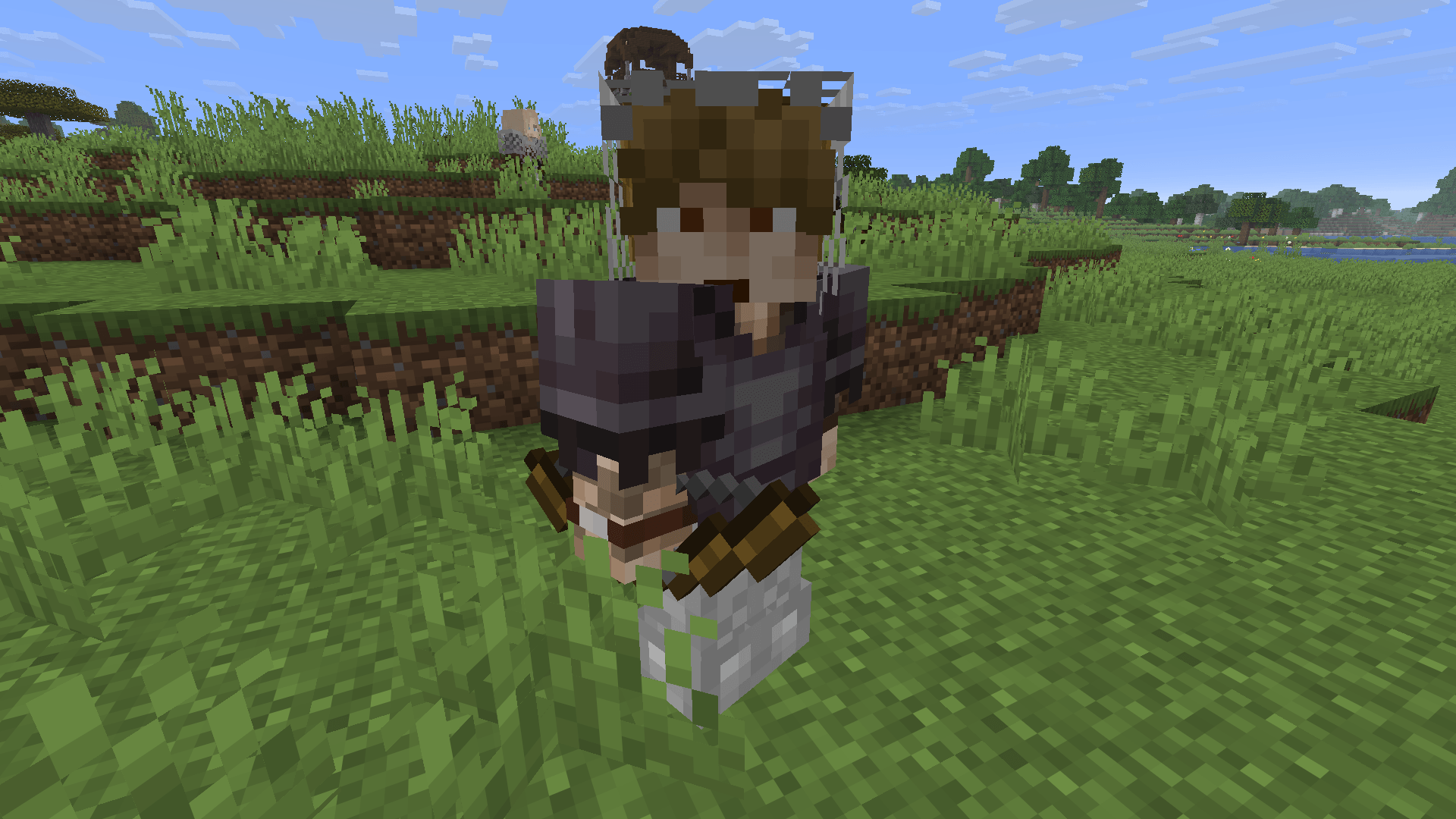
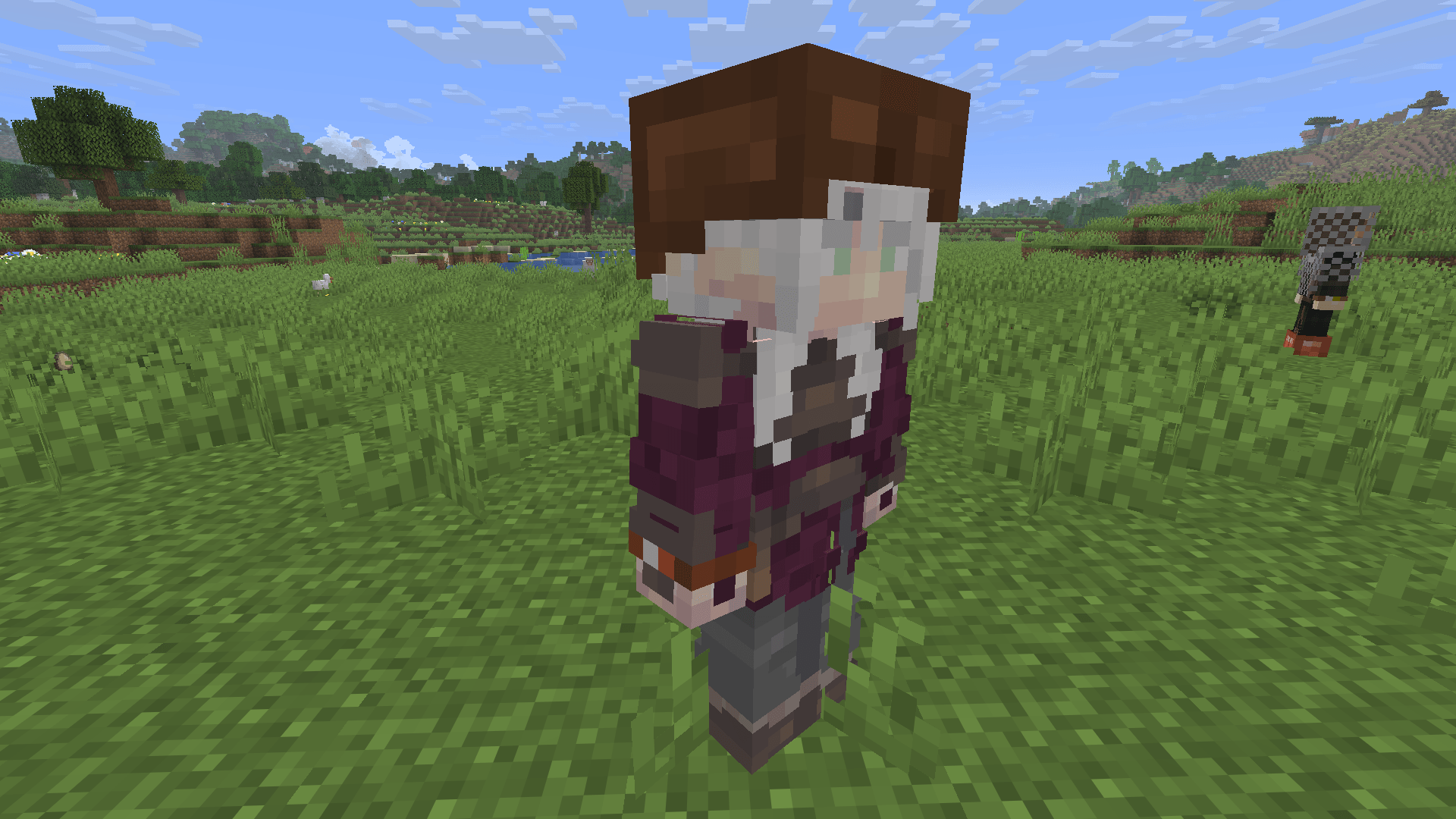
Emerald Warriors adds mercenaries to the world of Minecraft. Find them in their camps or wandering the land, pay them in emeralds, equip them with your own gear, and put them to work: following you into battle, guarding your base, or patrolling your village.
Mercenaries grow stronger the longer they fight for you, and the most loyal ones may eventually offer to serve you for life.
Built around vanilla items and controls — emeralds, goat horns, spyglasses, and leads — Emerald Warriors feels like a natural part of Minecraft, not a strategy game bolted on top.
⚔ Hireable Mercenaries
- Hire with emeralds. Right-click a mercenary with an emerald to receive a contract offer, then right-click again to accept it.
- Contracts and renewals. Contracts last a set number of in-game days. Renew them with Shift + right-click using emeralds. Before a contract expires, your mercenary warns you in the action bar and attempts to find you.
- Loyalty pays off. The longer a mercenary serves you, the cheaper contract renewals become. After several weeks of loyal service, a mercenary may offer a permanent contract, eliminating future payments.
- Emerald bundles. Pay automatically, receive change, and benefit from discounts on future purchases.
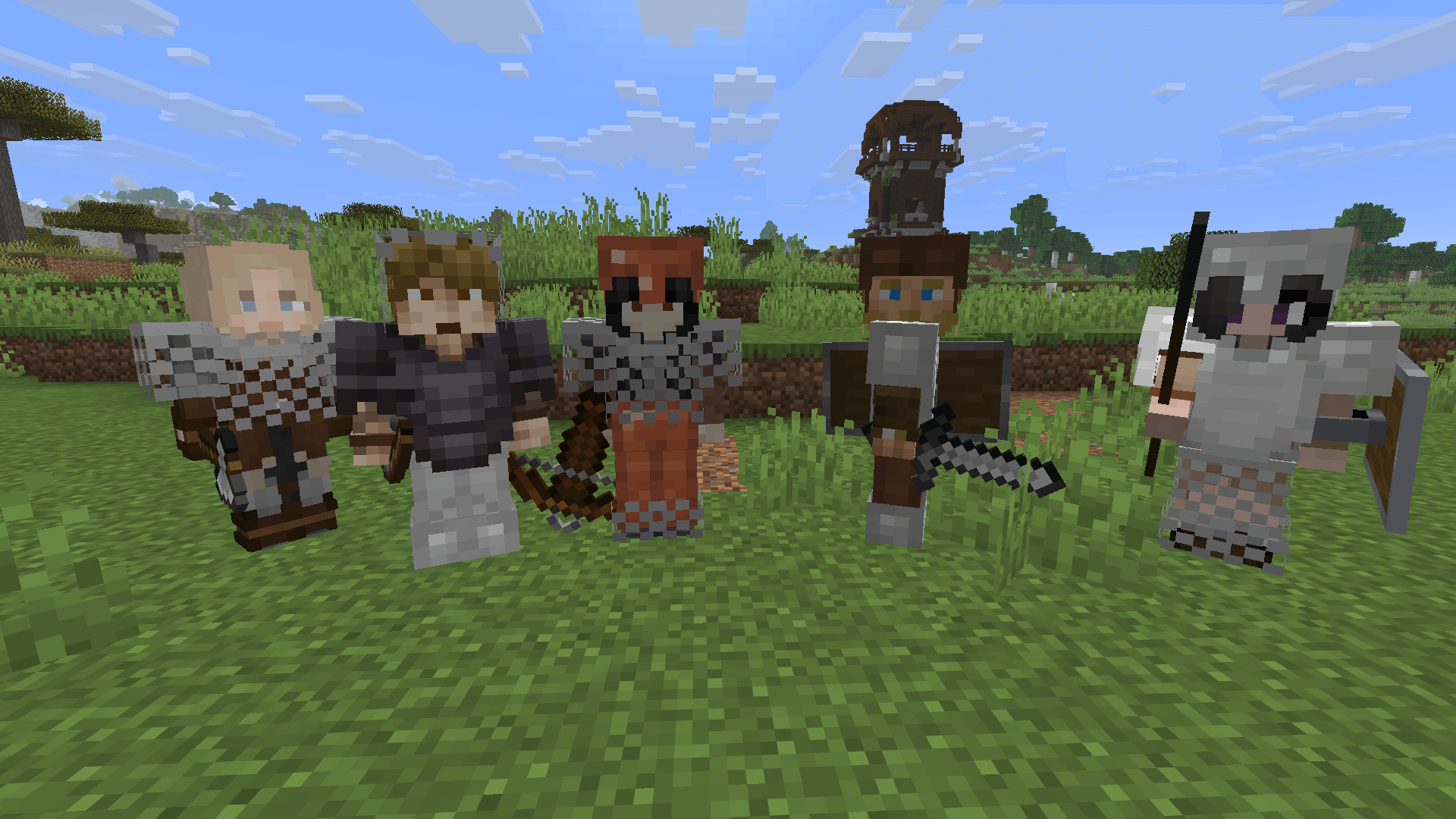
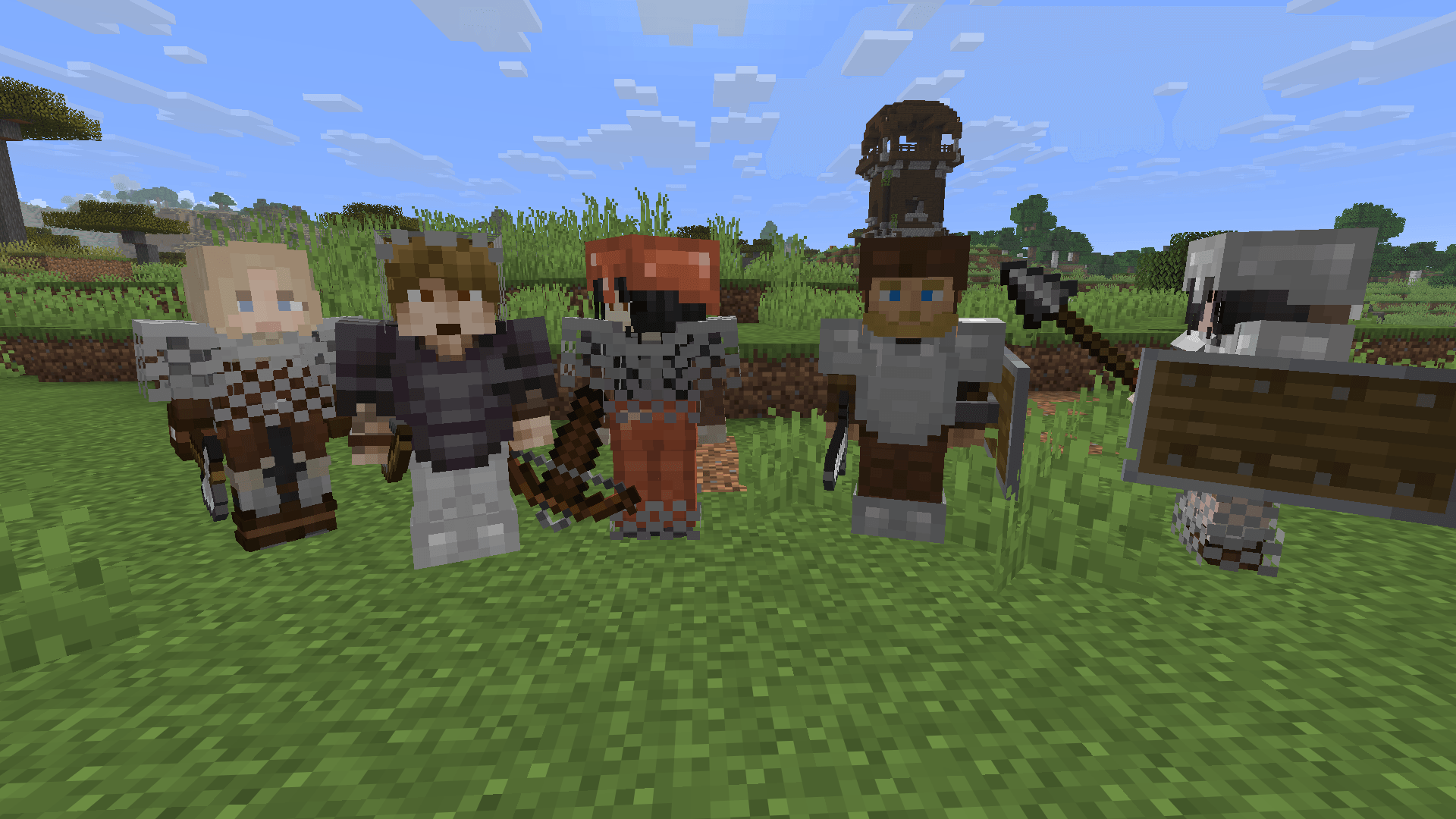
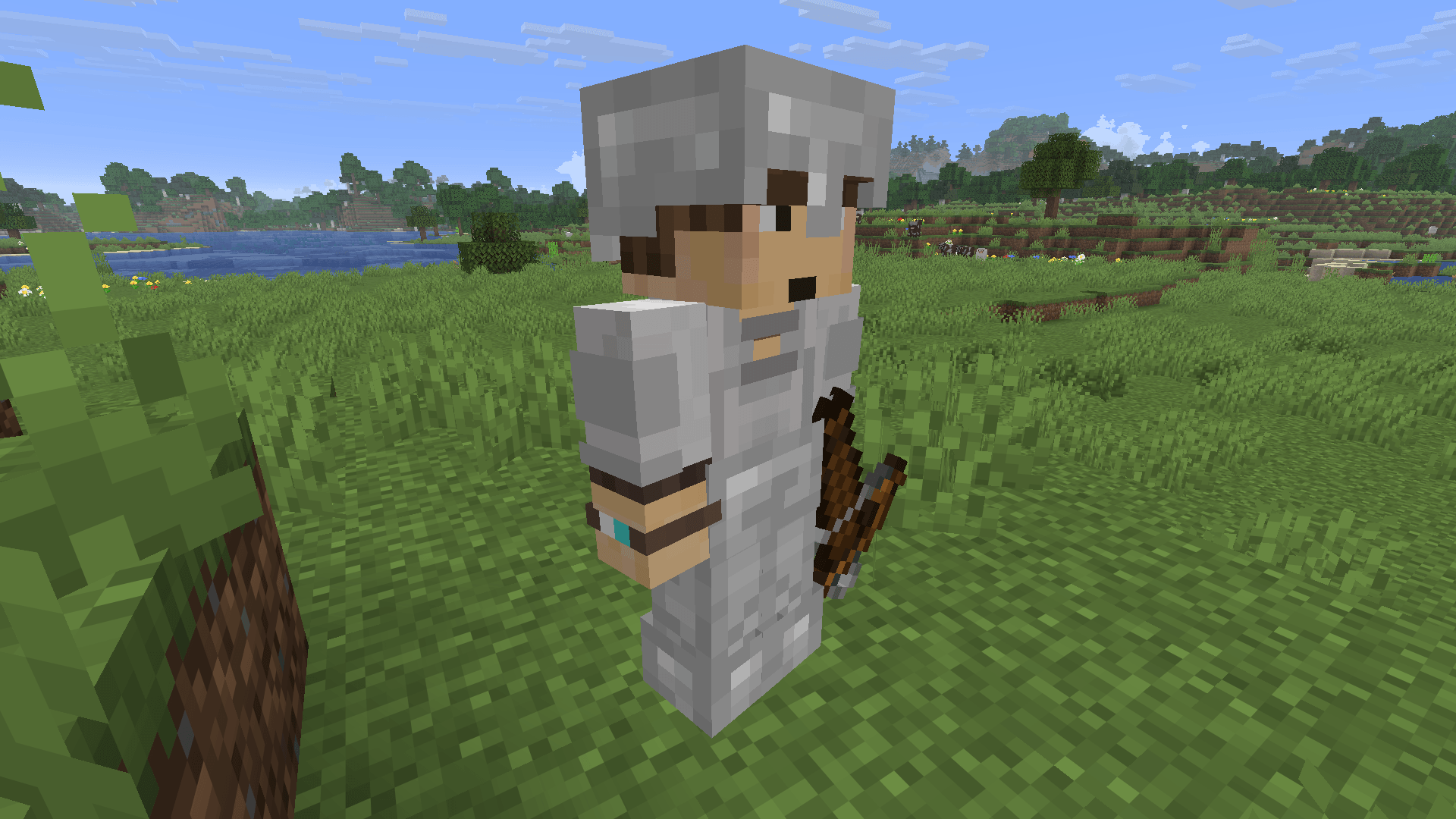
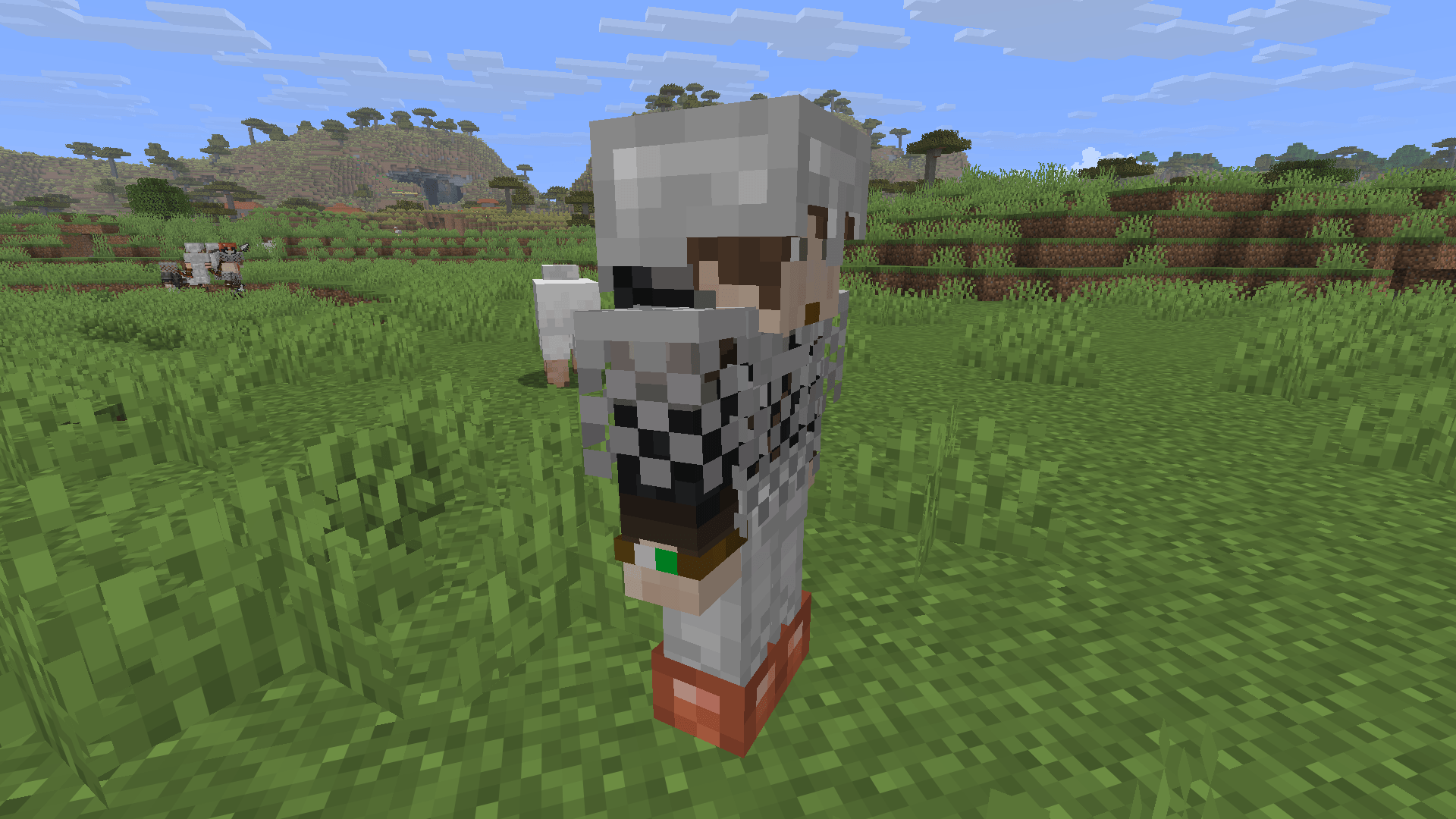
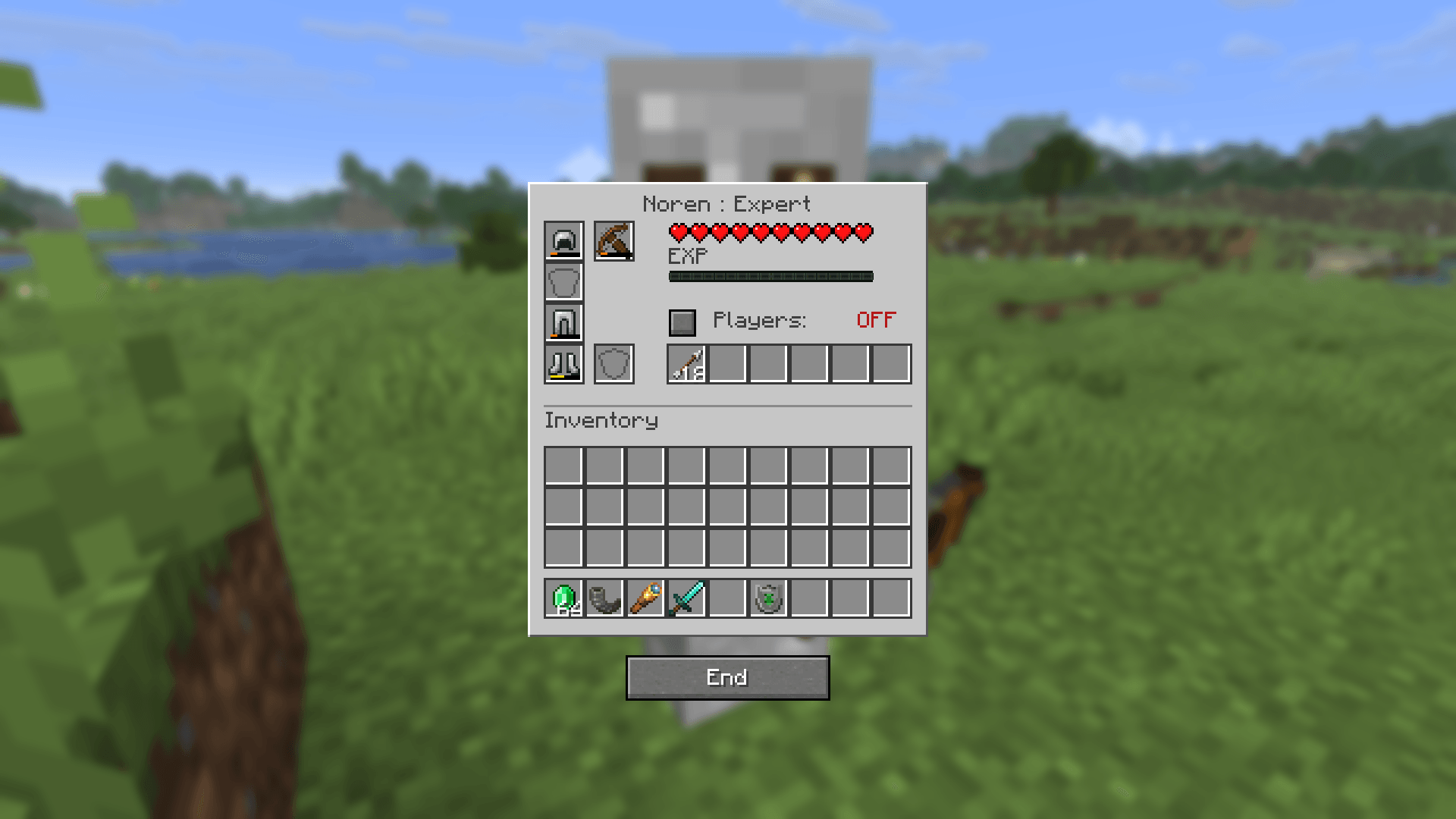
- Five ranks: Recruit → Novice → Apprentice → Qualified → Expert. Mercenaries gain experience from kills and improve their health, damage, and attack range as they rank up. Their armor tint reflects their rank: copper, iron, gold, emerald, and diamond.
- 42 unique mercenary appearances, each with five rank variants.
- Custom equipment. Equip armor, main-hand and off-hand items, and manage a inventory grid through each mercenary's inventory screen.
🛡 Orders & Autonomy
Give orders and let your mercenaries handle the rest.
| Order |
Behavior |
| Follow Me |
Stays by your side and fights to protect you. |
| Guard Here |
Holds a position and defends the surrounding area. |
| Patrol Area |
Patrols a zone and engages threats within it. |
| Unassigned |
Wanders peacefully and only fights back when attacked. |
- Goat Horn — Squad Orders: Link mercenaries to a goat horn and command your entire squad at once, within 128 blocks.
- Spyglass — Tactical Orders: Aim and click to send your linked squad to a location or target without changing their assigned orders. Positions persist after relogging.
- Mounts: Link horses, donkeys, mules, and camels using a lead. Mercenaries can ride into combat, control their own mounts, and follow you on horseback.
- Lance Charges: Mounted mercenaries equipped with a lance perform the vanilla charge attack, dealing more damage at higher gallop speeds.
- Smart Combat: Mercenaries retreat to heal when badly injured, return to their posts afterward, and perform critical hits at higher ranks. They only detect enemies they can actually see, so they won't target through walls.
- Player Aggression: Configure whether mercenaries attack other players within their zone. They always defend themselves and will assist you when you initiate combat.
🌿 Vanilla Integration
- Mercenary Camps: Rarely generate throughout the world, at approximately the same rarity as villages. Lone mercenaries may also wander the land.
- Villager Defense: Mercenaries assigned to guard or patrol help protect villagers and defend settlements during raids.
- Discipline: Attack a mercenary you've hired, and they may terminate the contract and refuse to work for you.
- Vanilla Equipment and Animations: Mercenaries use recognizable vanilla gear, sounds, and animations. They put their weapons away when off duty.
- Multiplayer & LAN Support: Squad links and orders are saved on the server.
🚀 Quick Start
-
Find a mercenary. Look for camps or wandering mercenaries, or use the Spawn Mercenary egg in Creative Mode.
-
Hire them. Right-click with an emerald to receive a contract offer, then right-click again within 10 seconds to accept.
-
Manage equipment and orders. Right-click your mercenary to open their inventory and orders screen.
-
Change their orders. Shift + right-click your mercenary to cycle through Follow → Guard → Patrol → Unassigned.
-
Create a squad. Shift + right-click with a Goat Horn or Spyglass to link mercenaries to a squad.
-
Link a mount. Shift + right-click your mercenary with a Lead, then use the Lead on a saddled mount.
Requirements
Minecraft: 1.21.11
Fabric Loader: 0.18.4 or newer
Fabric API
Java: 21
Required on both client and server.
⚙ Configuration
The configuration file, config/emerald_warriors.json, lets you customize camp rarity, wandering mercenary spawns, discipline penalties, combat ranges, mounts, and more.
📜 Credits & License
Created by: Suchinecoast92.
Copyright: © 2026 Suchinecoast92. All rights reserved.
Modpacks: You may include Emerald Warriors in modpacks hosted on CurseForge.
Redistribution: Do not reupload or redistribute the mod files independently elsewhere.
Found a bug or have feedback? Leave a comment or open an issue. Your feedback helps improve Emerald Warriors!