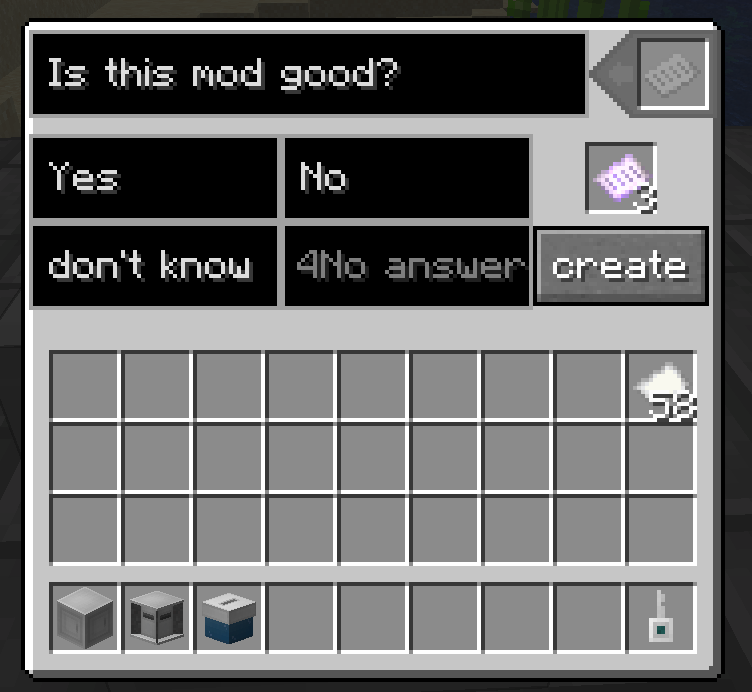
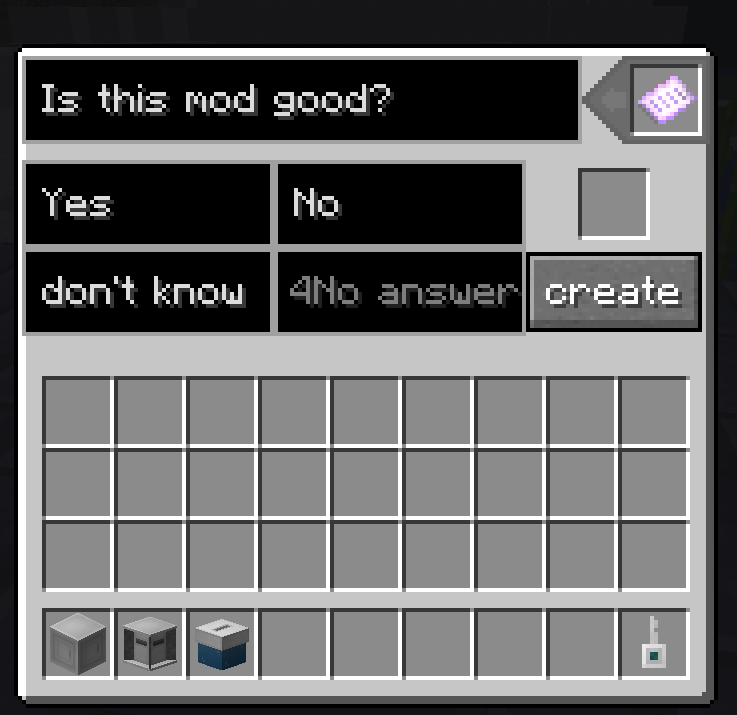
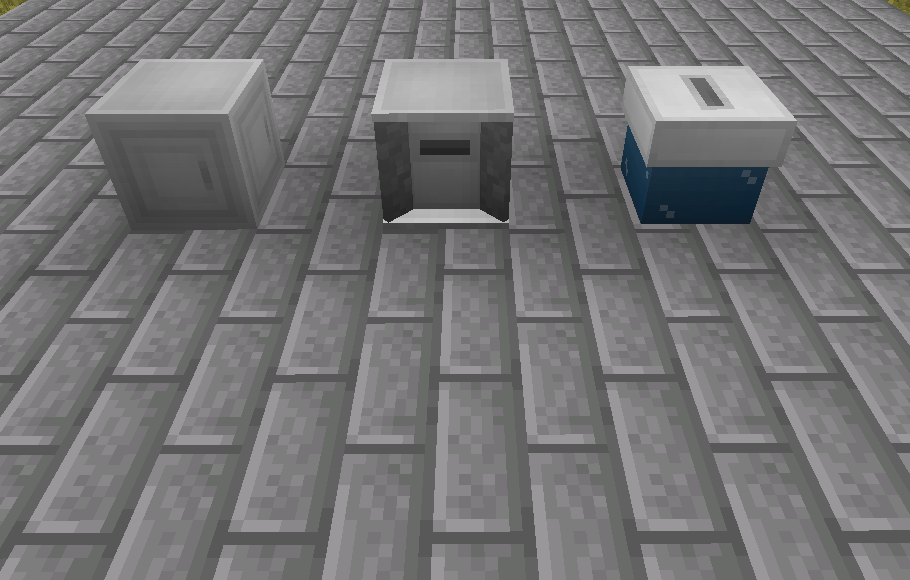
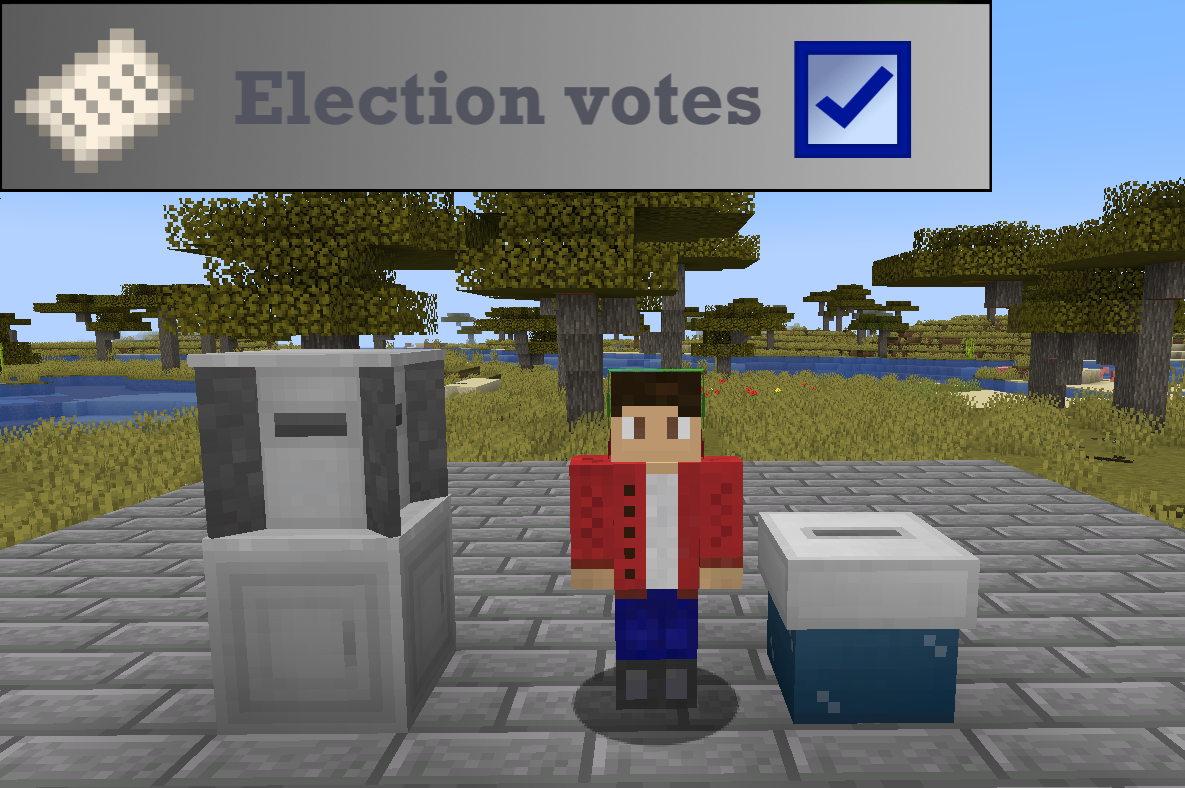
- Voting registrar - you need to create a vote, just put 2 or more pieces of paper, configure (Unnecessary answer fields can be left empty) and click the "Create" button
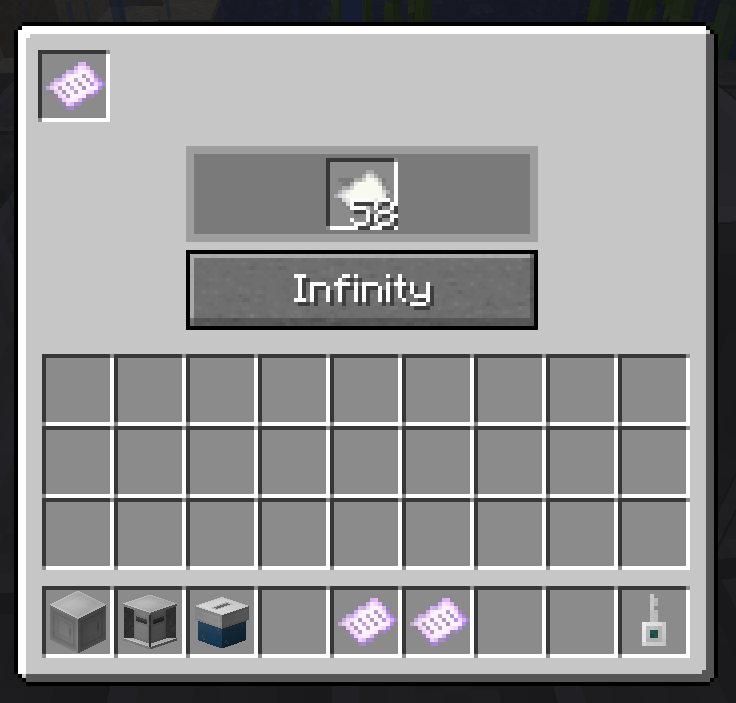
- Bulletin distributor - put one sample of bulletin in the extreme cell, and put as much paper as possible in the central cell (If you are in creative mode, you will be able to use the infinite paper function). Other players will simply click on the block and receive a newsletter.
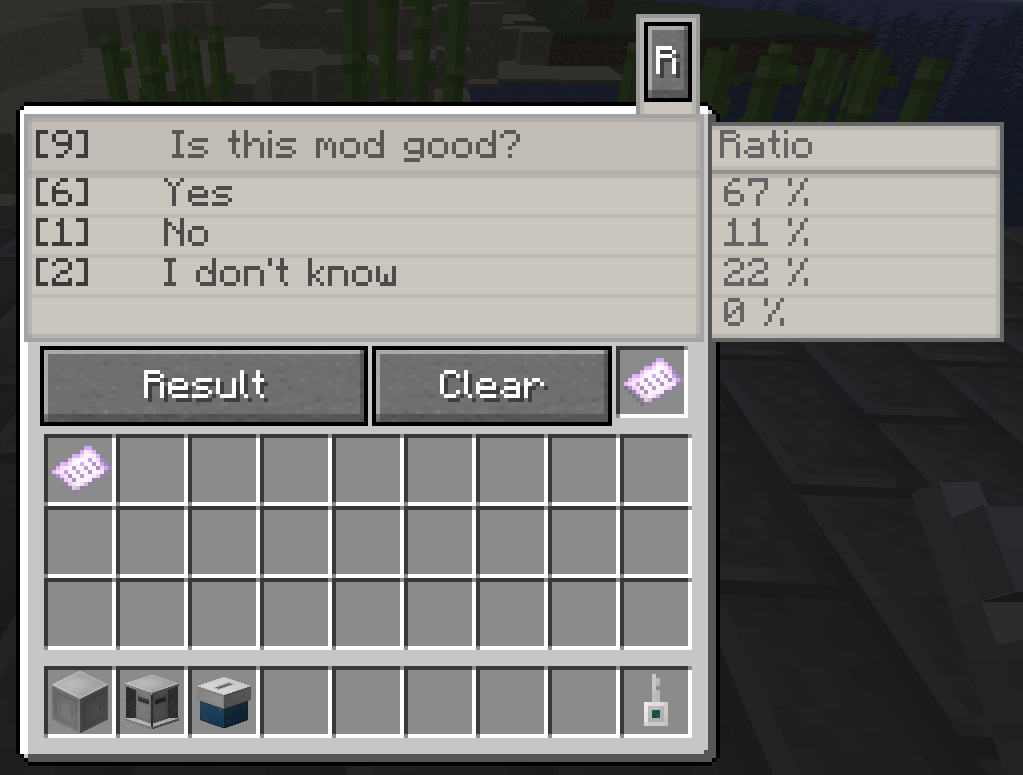
- ballot box - Put one sample of the bulletins in the last cell, the other players, after they have voted in the ballots, must click on the block and the ballot box will remember their answer. At the end of the voting, you will just need to open the block menu and click on the "Result" button to get the result of the vote. The "Clear" button clears the result, without clearing the result, the block does not accept ballots.
- Voting key - the key for the voting administrator is the key obtained as a result of placing the block. To set up the key, you just need to click on the voting registrar, the distributor of bulletins, the ballot box. You can configure all mod blocks only with a key.
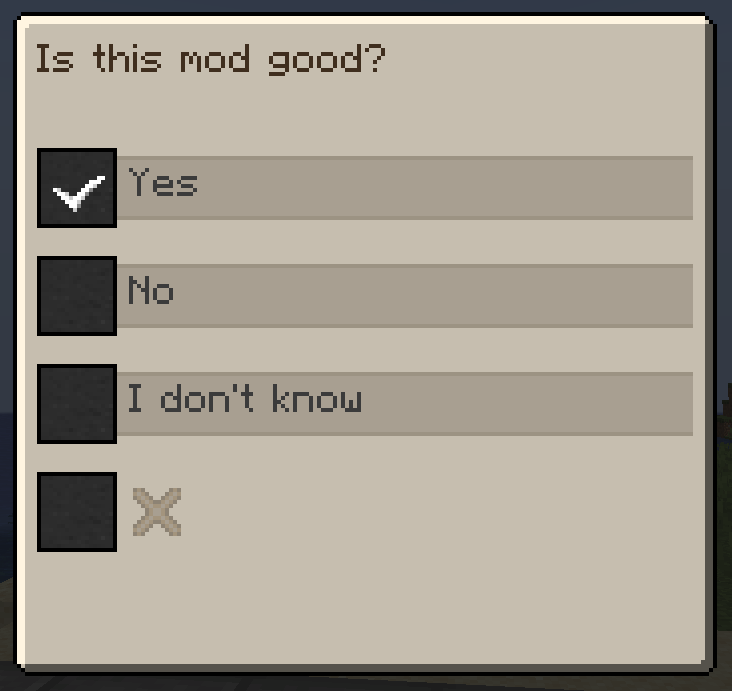
- Bulletin - the voting sheet, there are two types: an exemplary one (For setting up: a distributor of bulletins and a ballot box. Has a glow texture) and normal (It is used by ordinary players during voting.)
The mod has a translation into two languages: English and Russian
/election_votes_immunity - the command in order to receive more than one bill from the bulletin distributor
/election_votes_id - in order to find out the ID of the main bulletin, the command must be registered holding the main bulletin in the main hand. (Only V 1.002)
error-1 - You don't hold a bulletin in your main hand.
error-2 - The bill is not the main one.
Each vote has its own ID in the format: name-XXXX