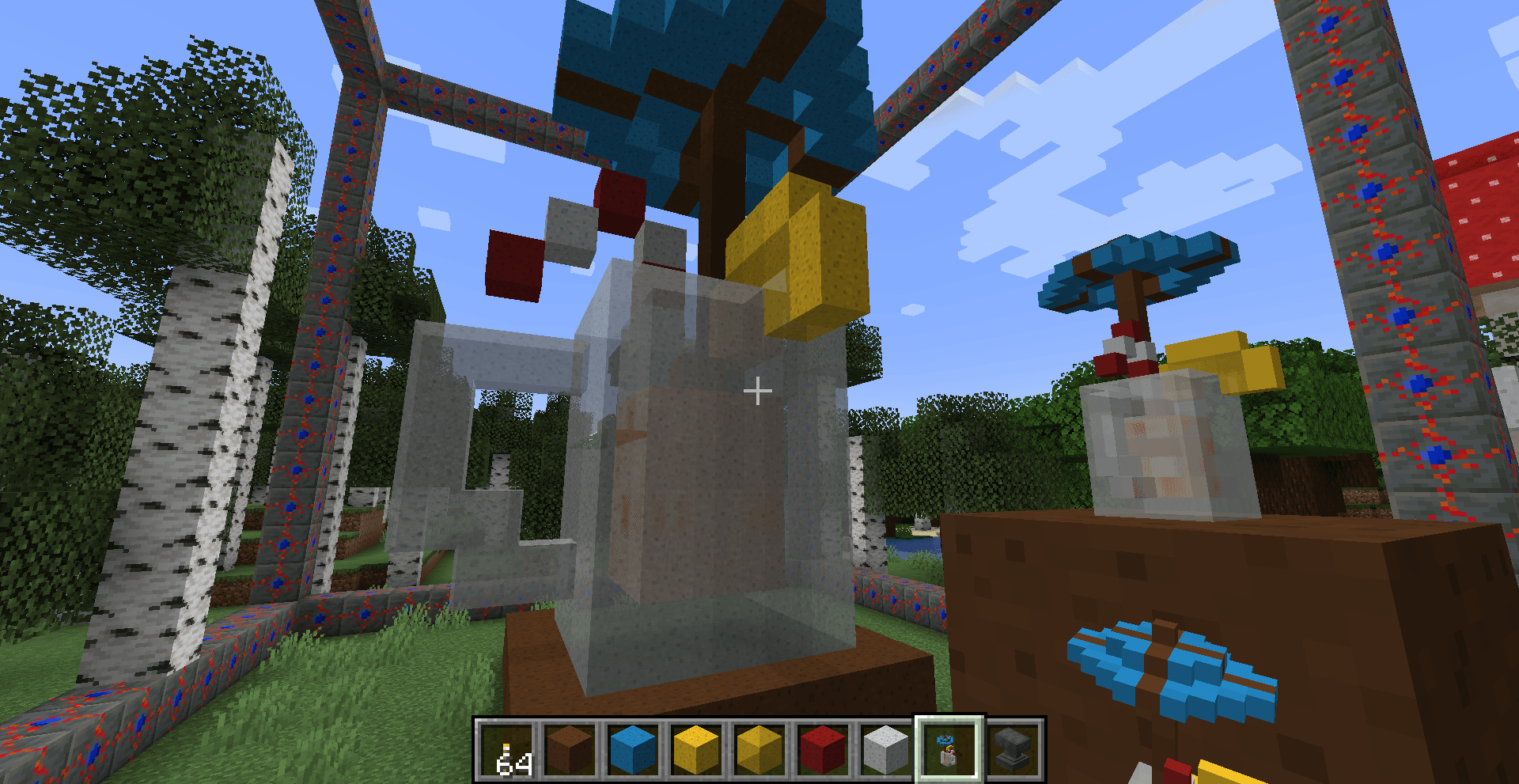
Allows you to build 3D or 2D decorations directly in-game to enhance the look of your house however you like.
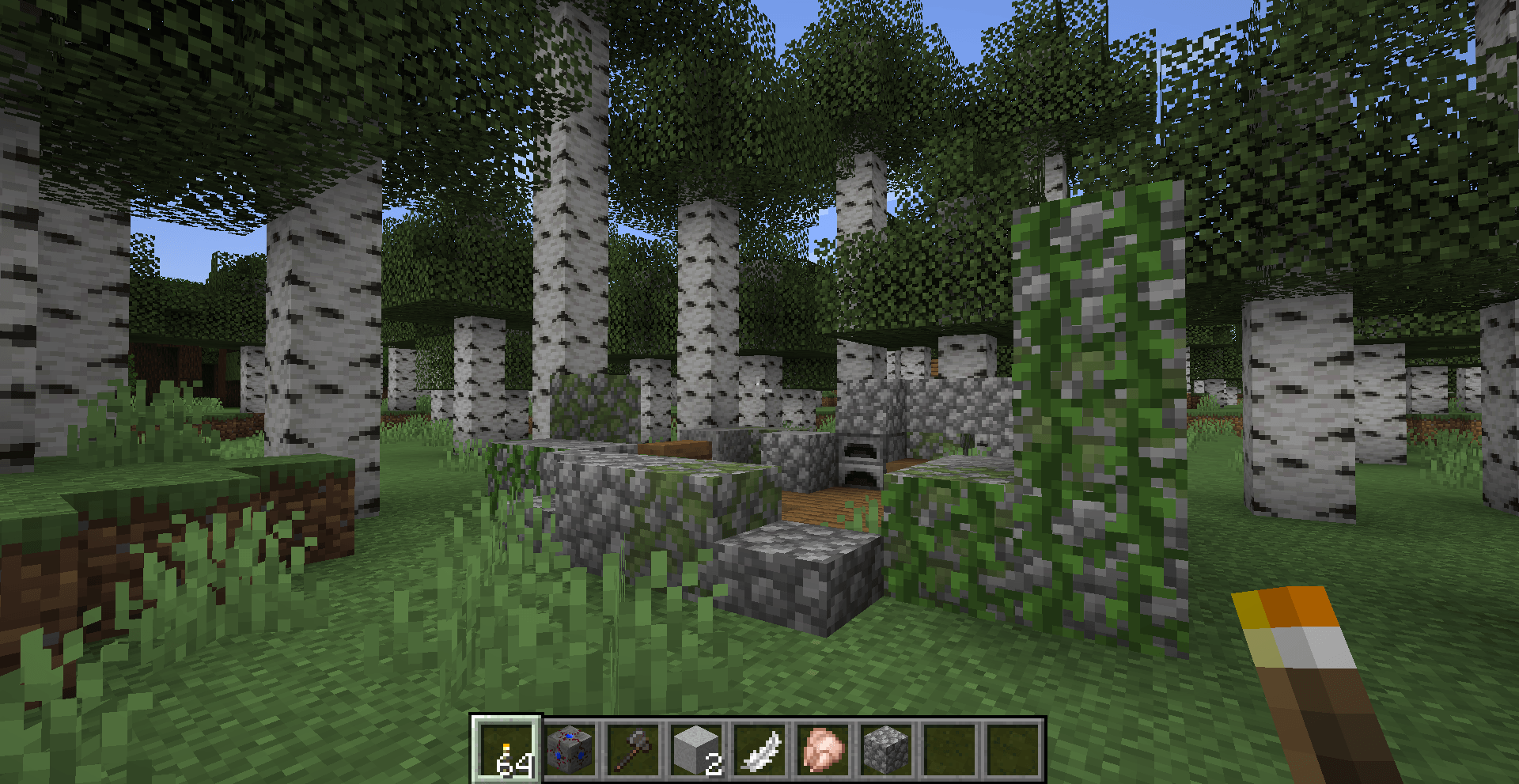
The necessary resources can be crafted directly using vanilla materials. However, in survival mode, you might prefer to gather these resources from the old ruined workshop.
Walkthrough (spoiler) :
1. Craft frame blocks using tuff, lapis and redstone.
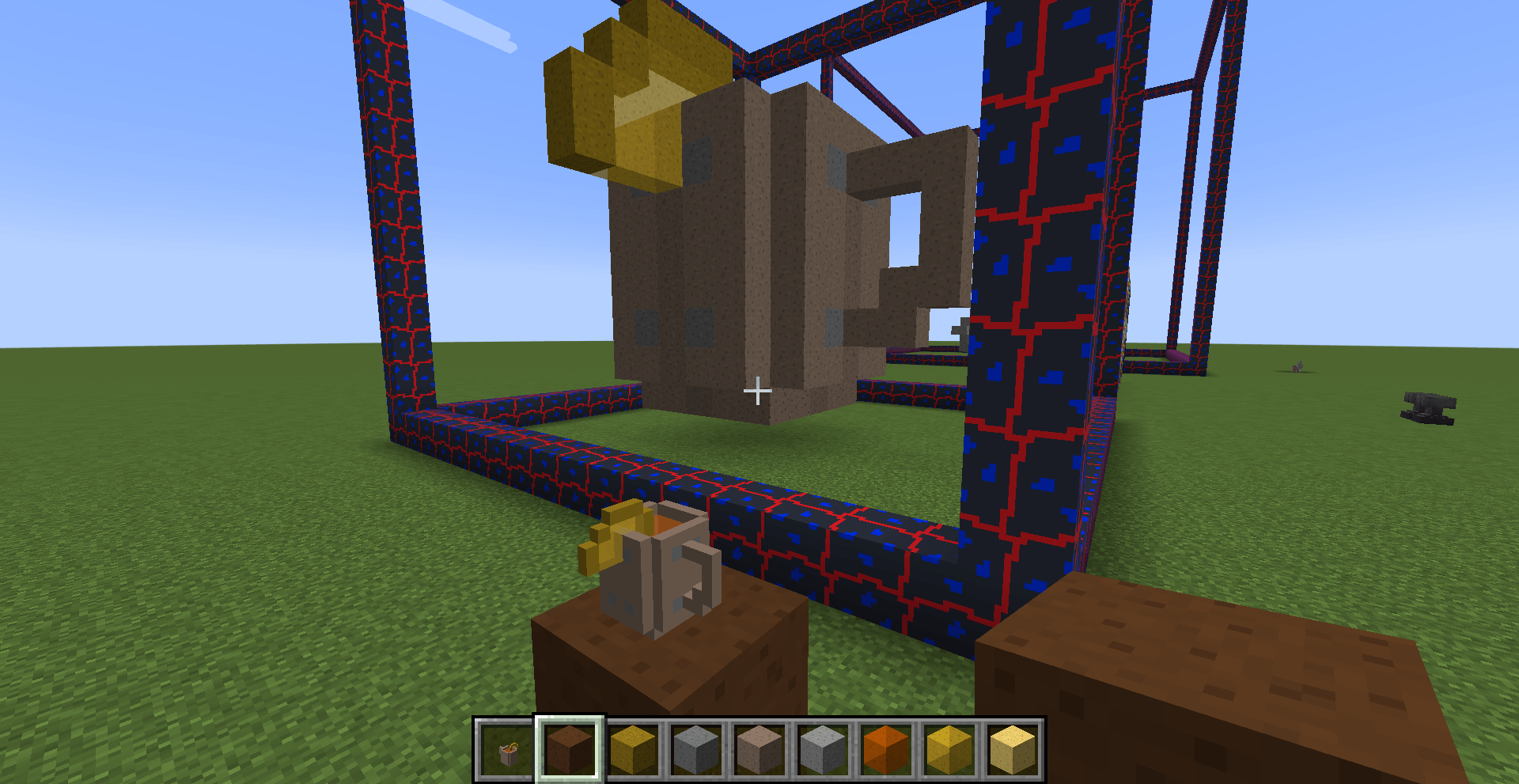
2. Build the frame in 2D or 3D (square or cube).
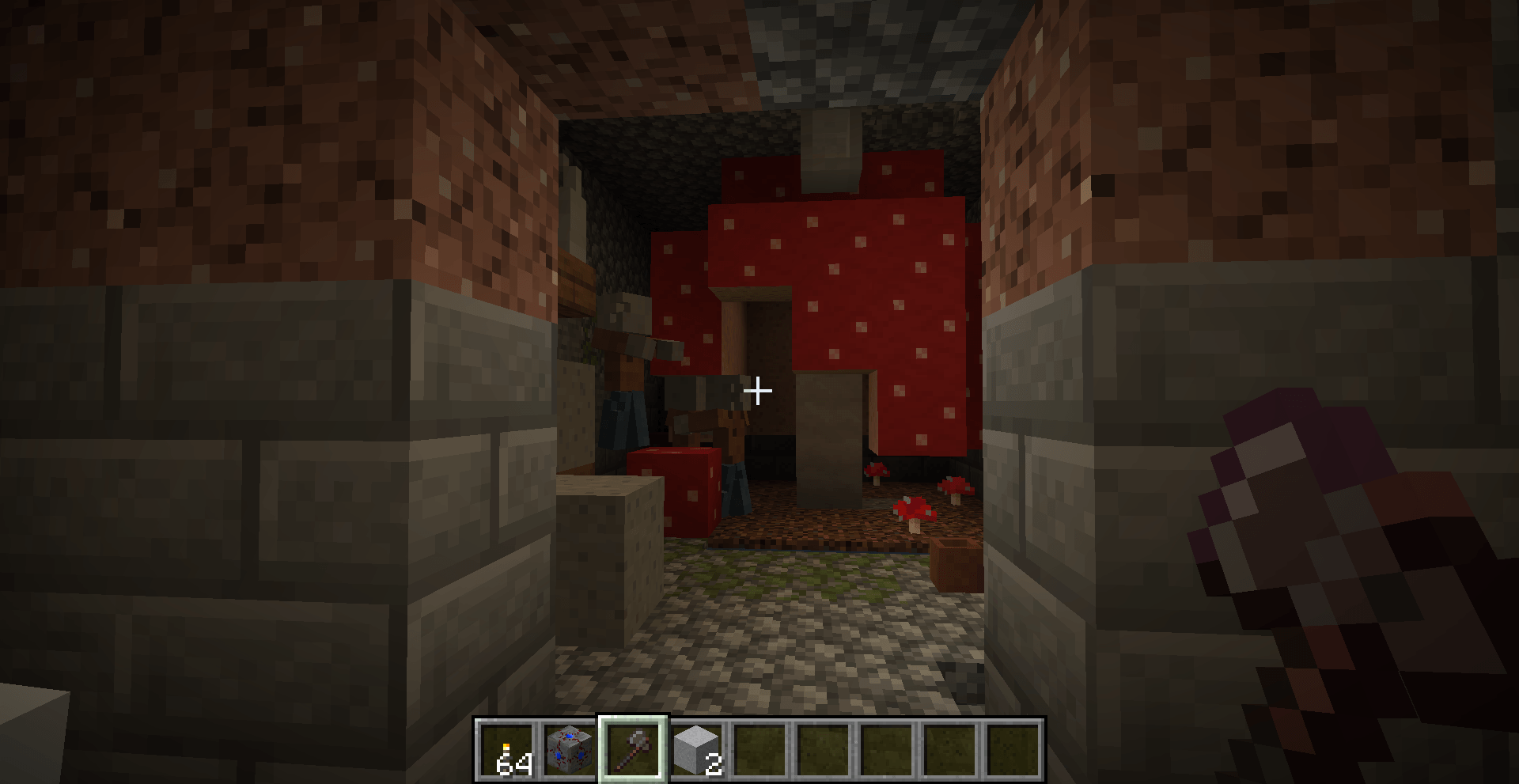
3. Collect Fungal Cloths using an enchanted hoe (apply the ‘Mycelial Touch’ enchantment to giant mushrooms).
4. Draw within the frame using coloured* or uncoloured cloths.
5. Create a sketch (2D) or a model (3D). Rename it using an anvil.
6. Place it on the frame to create your personalised decoration.
7. Bonus: Empty your frame in one click with the Resonator enchantment (you’ll recover the resources)
8. Start again!
*Shift-right-click the stack of cloth in your hand to copy the colour of a cloth you’re looking at. A cloth’s colour, brightness and transparency can be changed in the crafting table by surrounding it with dyes, glowstone or slime. They can also be darkened or lightened with just one black or white dye.