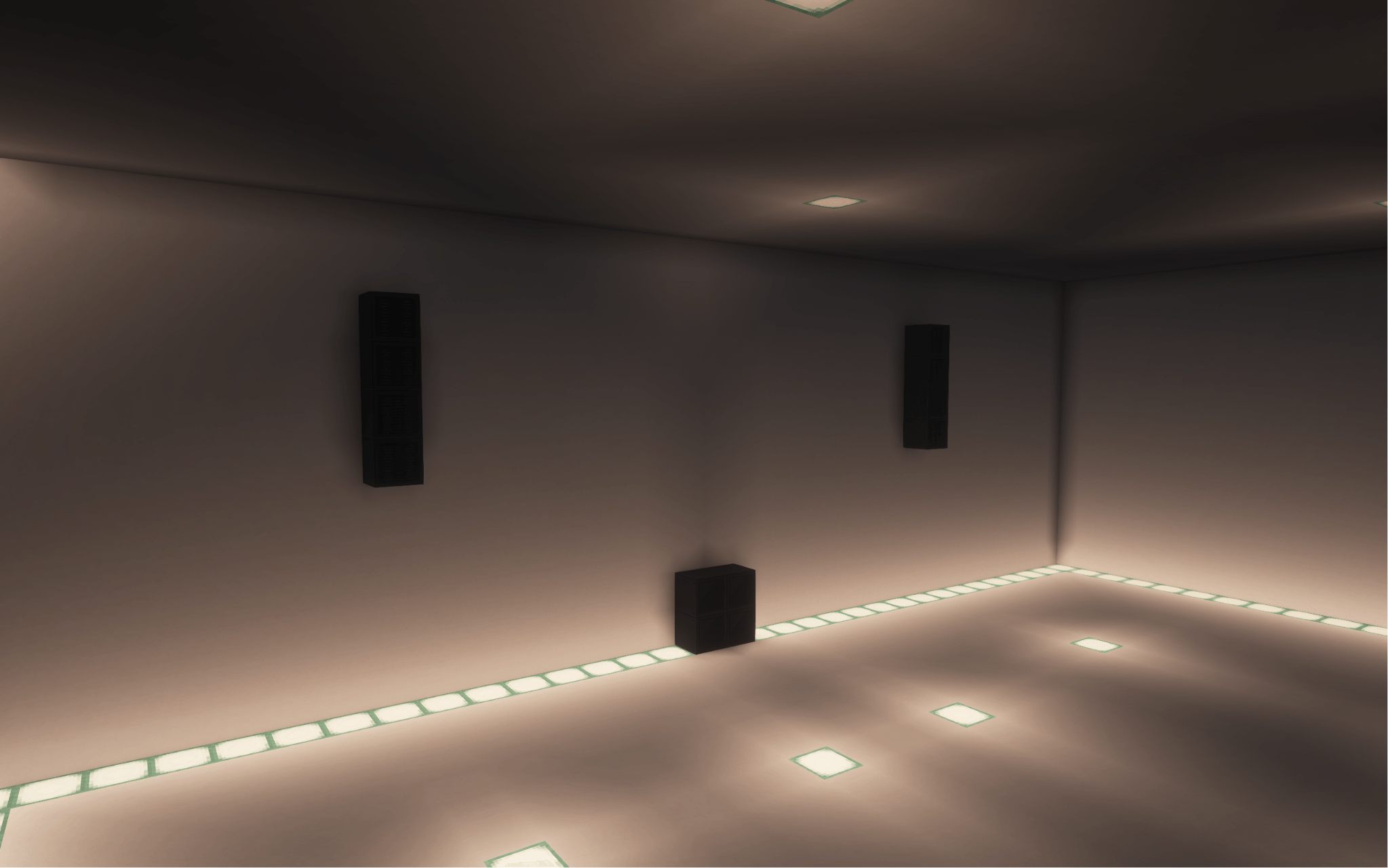
ECHO Sound Engine brings physical speaker systems and venue acoustics to Minecraft.
Build systems using subwoofers, studio monitors, and line array modules. Audio played through these speakers responds to distance, direction, walls, openings, room size, and the listener's position.
For the best experience, USE HEADPHONES.
ECHO Sound Engine does not replace every vanilla Minecraft sound. Its physical audio simulation applies to music and audio played through the mod's speaker system.
Subwoofer, Studio Monitor, and Line Array Module blocks
Speaker clustering for building larger sound systems
Power and range scaling based on system size
Directional line arrays with adjustable vertical tilt
Left, right, and combined channel selection
Adjustable sample shift from 0 to 30 ms
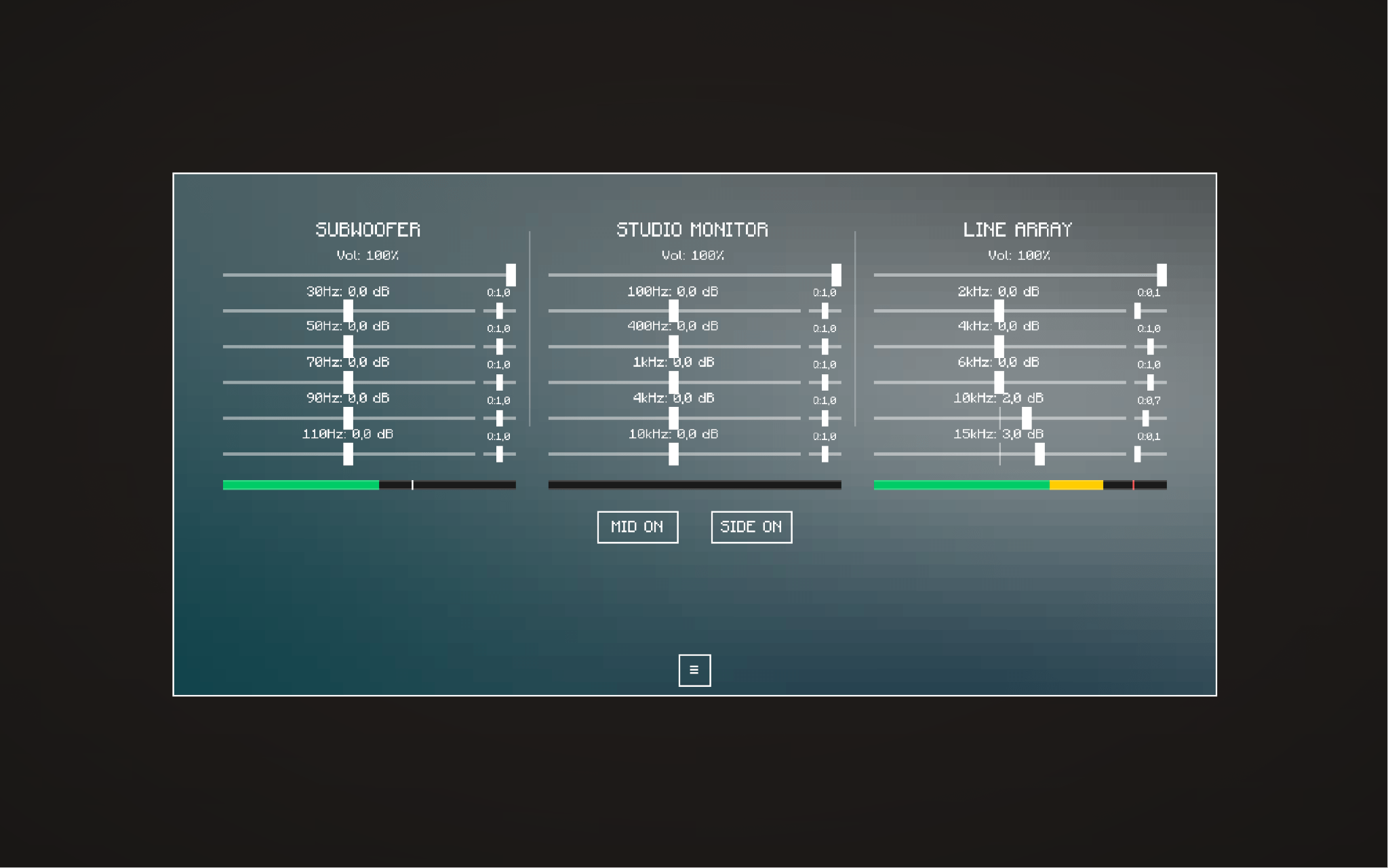
Independent mixer and five-band parametric EQ controls
Distance-based attenuation
Real sound propagation delay
Directional speaker response
Wall occlusion based on material and thickness
Reduced high frequencies behind walls and over long distances
HRTF-compatible OpenAL positioning
Speaker-specific harmonics and power response
ECHO analyzes the environment around each speaker system instead of applying one fixed reverb preset.
Room size and enclosure detection
Reflection and absorption calculations
Open-air and semi-open venue handling
Dynamic reverb decay
Multiple acoustic venue tiers
Smooth transitions between acoustic zones
Two independent room reverb buses
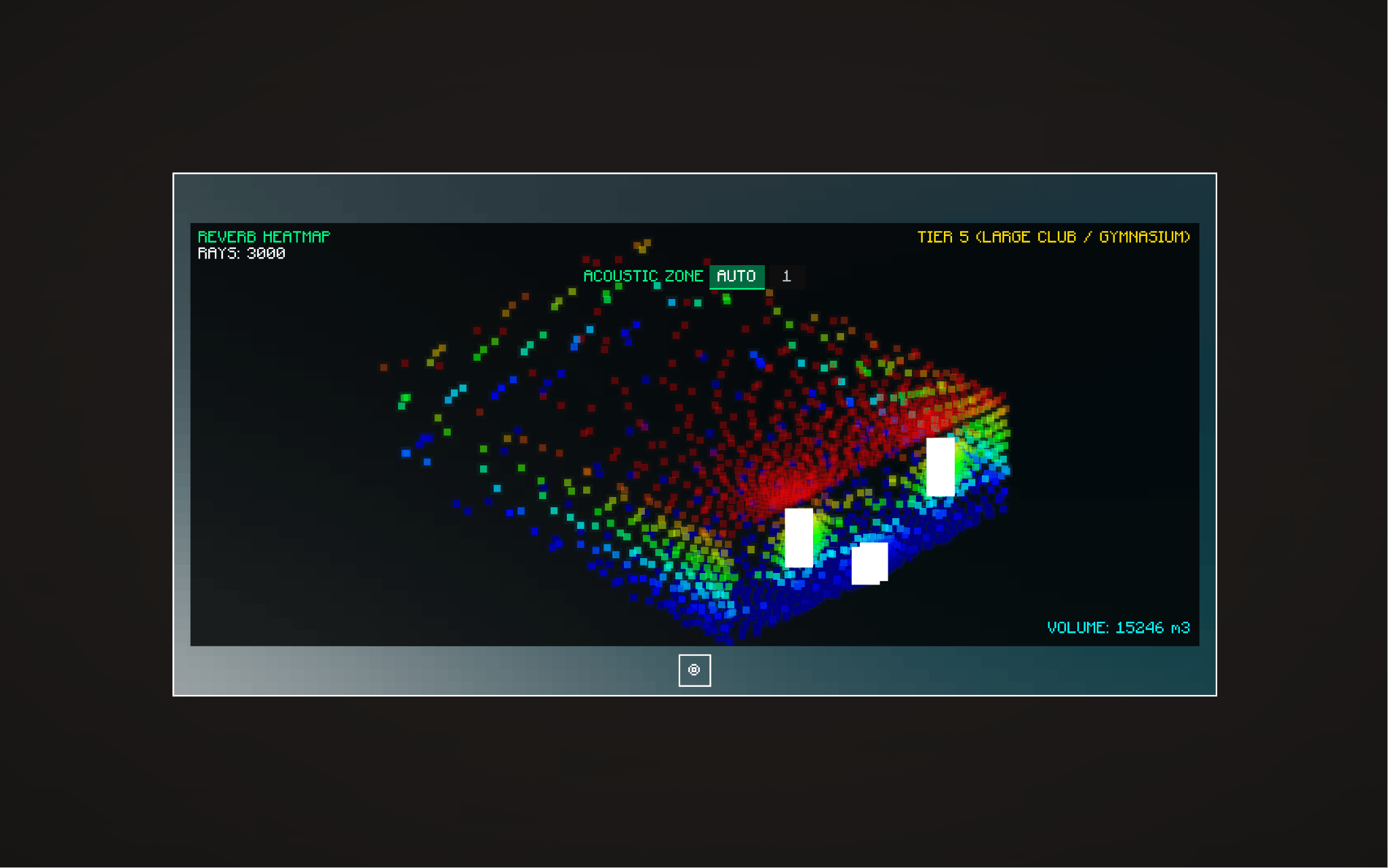
Acoustic heatmap and scan visualization on the Sound Tablet
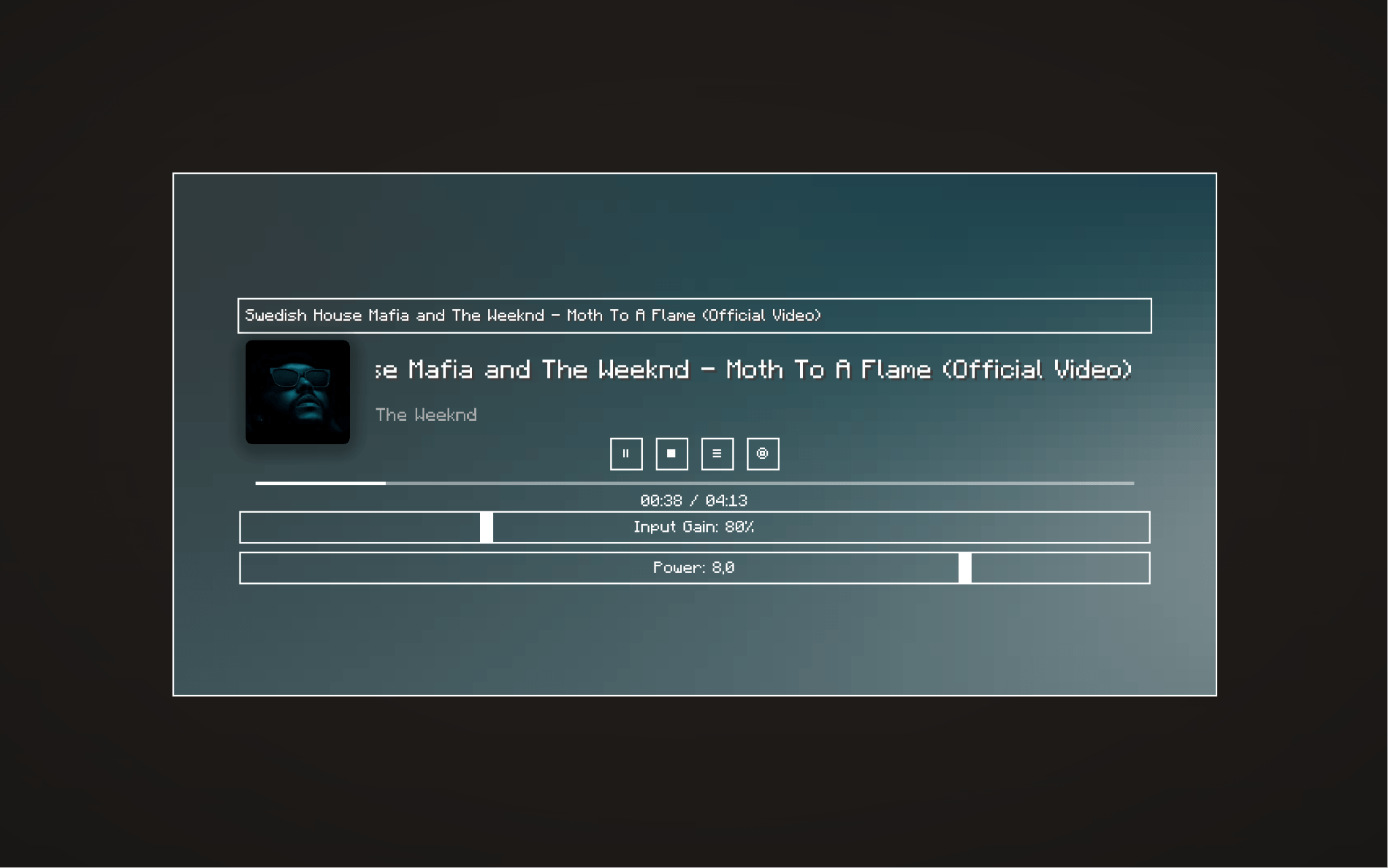
Use the Sound Tablet to:
Search for a track or paste a supported URL
Start, stop, pause, and seek playback
Adjust system power and input gain
Control individual speaker groups
Configure mixer levels and parametric EQ
Inspect the current acoustic environment
Supported internet sources include YouTube, SoundCloud, and direct HTTP(S) audio sources. Availability may change when third-party services update their systems.
Internet playback connects to the service selected by the user and requires an active internet connection.
The mod supports synchronized multiplayer playback. Each player hears the same session from their own position, including individual distance, direction, wall occlusion, and room acoustic effects.
ECHO Sound Engine must be installed on both the server and every connecting client.
Minecraft 1.20.1
Fabric Loader 0.15.7 or newer
Fabric API
Java 17 or newer
Install Fabric Loader for Minecraft 1.20.1.
Install Fabric API.
Place echosoundengine-1.0.0.jar in the mods folder.
Install the mod on both the server and clients when playing multiplayer.
Launch Minecraft using the Fabric profile.
Internet audio libraries are included in the mod. LavaPlayer, Jackson, Rhino, and the decoder libraries do not need to be installed separately.
Open the ECHO Sound Engine creative inventory tab.
Place Subwoofer, Studio Monitor, or Line Array blocks.
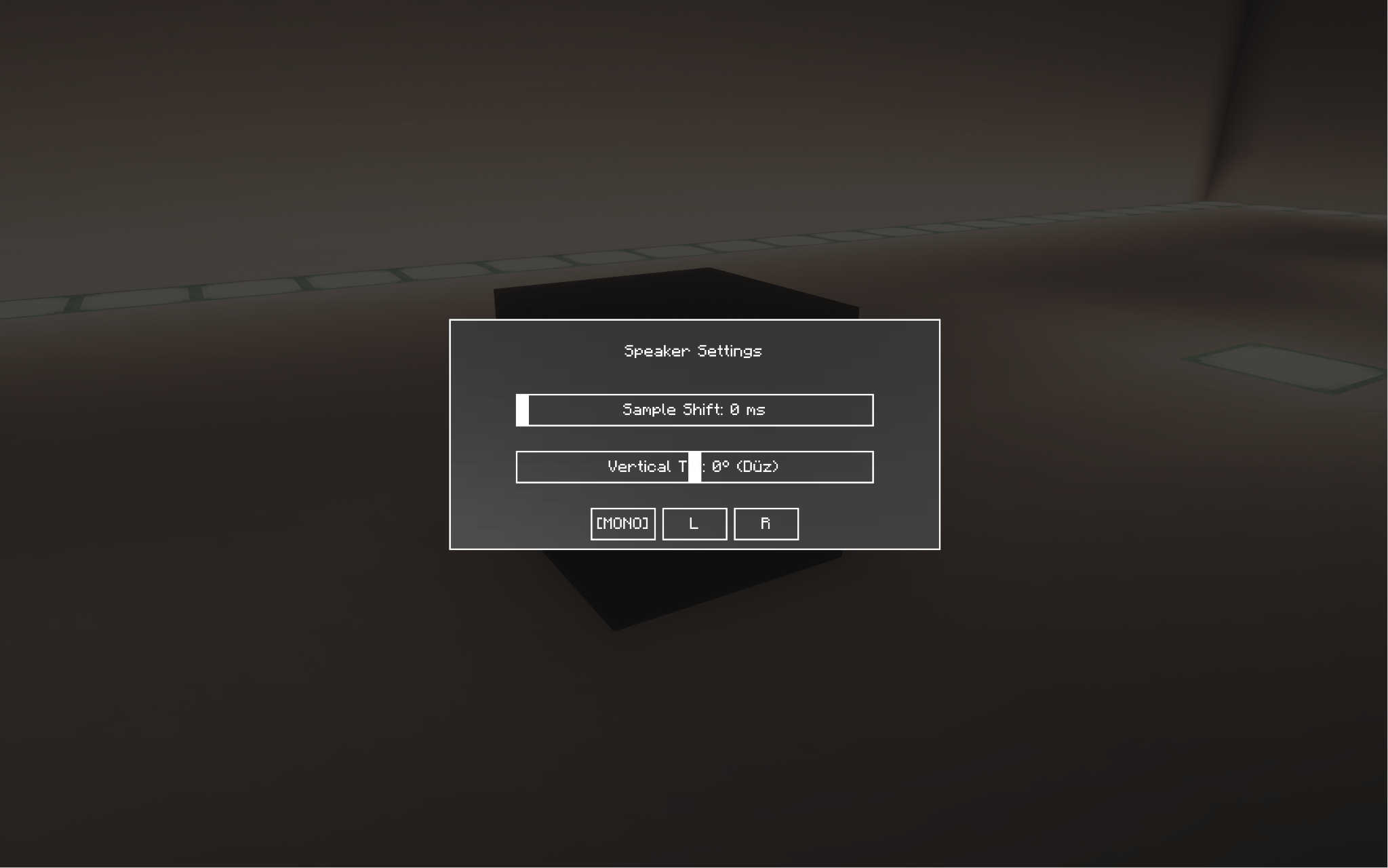
Right-click a speaker to configure its channel, sample shift, and supported direction settings.
Use the Sound Tablet near the speaker system.
Search for a track or paste a supported URL.
Adjust power, input gain, mixer, and EQ settings.
Start playback and move through the environment to hear the spatial response.
Replay Mod integration is supported when Replay Mod is installed. ECHO playback will follow replay pause, resume, and cleanup states. Replay Mod is not required.
A live tuning configuration file is created after the first launch:
.minecraft/config/audiophilecraft_tuning.json
It can be edited while Minecraft is running and reloads automatically. Existing customized values are preserved during compatible configuration migrations.
ECHO Sound Engine is distributed under an All Rights Reserved license. Official, unmodified releases may be downloaded, installed, and used for Minecraft gameplay.
Third-party components retain their respective licenses and notices.
Changelog
Initial public release.
Added Subwoofer, Studio Monitor, and Line Array speaker systems
Added physical distance attenuation and propagation delay
Added wall and material-based sound occlusion
Added directional speaker response and adjustable line array tilt
Added room analysis, venue tiers, and dynamic reverb
Added acoustic heatmap visualization
Added Sound Tablet playback, mixer, and EQ controls
Added synchronized multiplayer playback
Added audio device recovery
Added optional Replay Mod playback synchronization