Badges update automatically and link to the mod page on MineUniverse.
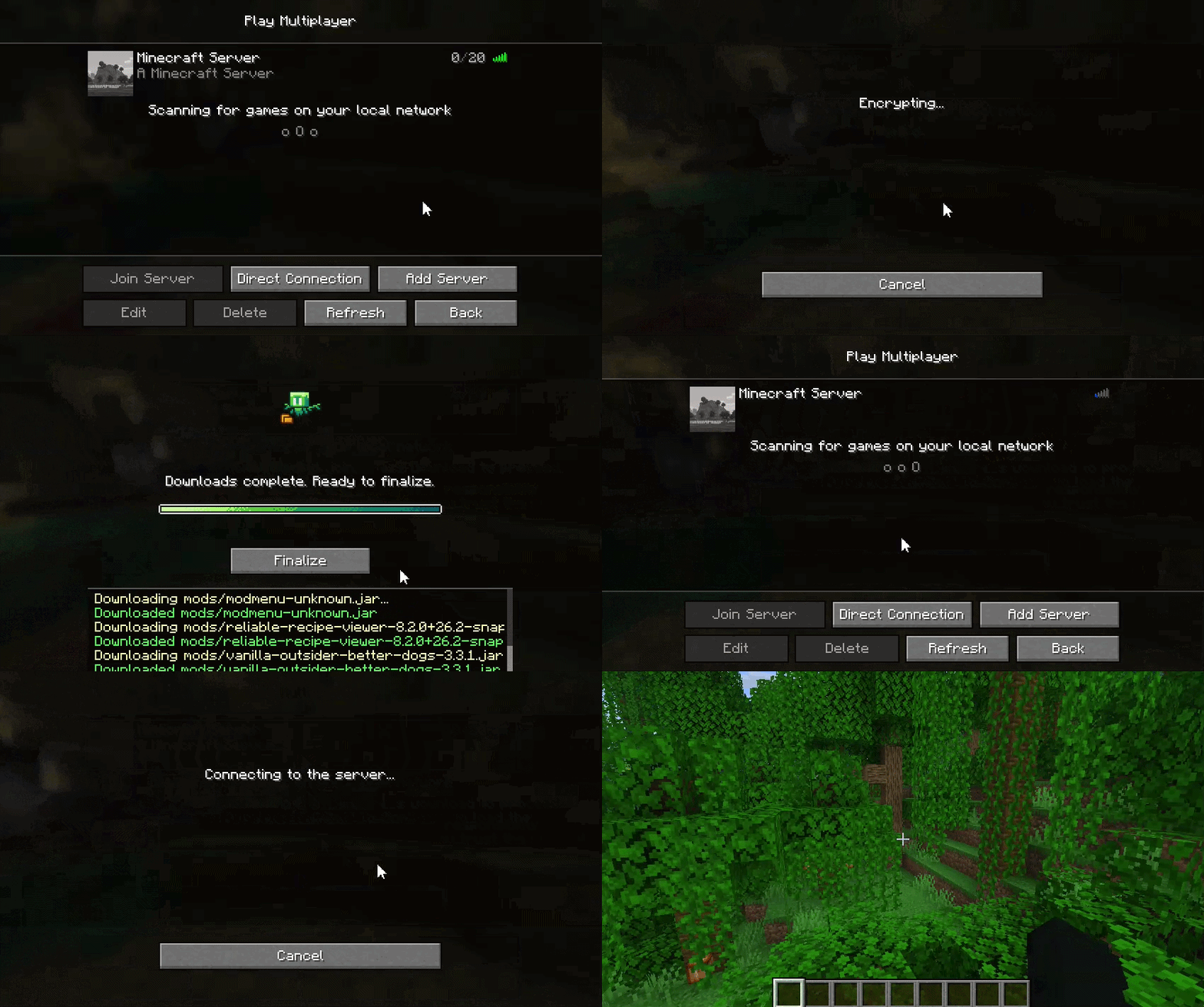
Easy Mod Sync is a Fabric mod designed to synchronize specified files and directories from a Minecraft server or another client to connecting clients. It ensures that players have the necessary configs, mods, resource packs, or other assets required by the server before joining.
EXTERNAL transfer method, file payloads are encrypted using AES-GCM with single-use Session IDs generated per client connection.config/easymodsync/temp/). They are only moved to the active game directory when the transfer is 100% complete without errors and the player clicks "Finalize".EasyModSync includes in-game commands to manage the file sync registry (config/easymodsync/file_tree.json). These commands require Operator (OP) level 3 or higher.
/easymodsync add_files <path>
Adds a specific file or recursively adds a directory to the sync list. The path must be relative to the server's root directory.
Example: /easymodsync add_files config/mypack/
/easymodsync remove_files <path>
Removes a specific file or all files within a directory from the sync list.
Example: /easymodsync remove_files config/old_settings.json
(Note: Command arguments support dynamic tab-completion for both local server files and currently tracked files to reduce lag that might come from recursively checking the full directory tree of the server. Due to this after typing a folder's name press space and then backspace to get an updated list of files and directories within the folder)
The mod's config is stored in config/easymodsync.json and can be edited directly or via Mod Menu/Cloth Config.
| Option | Type | Default | Description |
|---|---|---|---|
offerAdditionalFiles |
Boolean | true |
Toggles whether the server will prompt joining clients to download tracked files. |
fileTransferMethod |
Enum | MINECRAFT |
Determines the protocol used to send files. Options are MINECRAFT (packet-based) or EXTERNAL (HTTP-based). |
externalPort |
Integer | 25652 |
The port utilized by the built-in HTTP server if the EXTERNAL transfer method is selected. This port must be accessible to connecting clients (i.e the port needs to be open on the server or the client offering the files). |