Objective Control: King-of-the-Hill style control points that give periodic reward to the controlling faction.
Start your own faction in seconds. Inviting and managing members is easy and intuitive.
Toggle Friendly Fire on or off for your faction. No more accidental sword swings hitting your teammates during a raid!
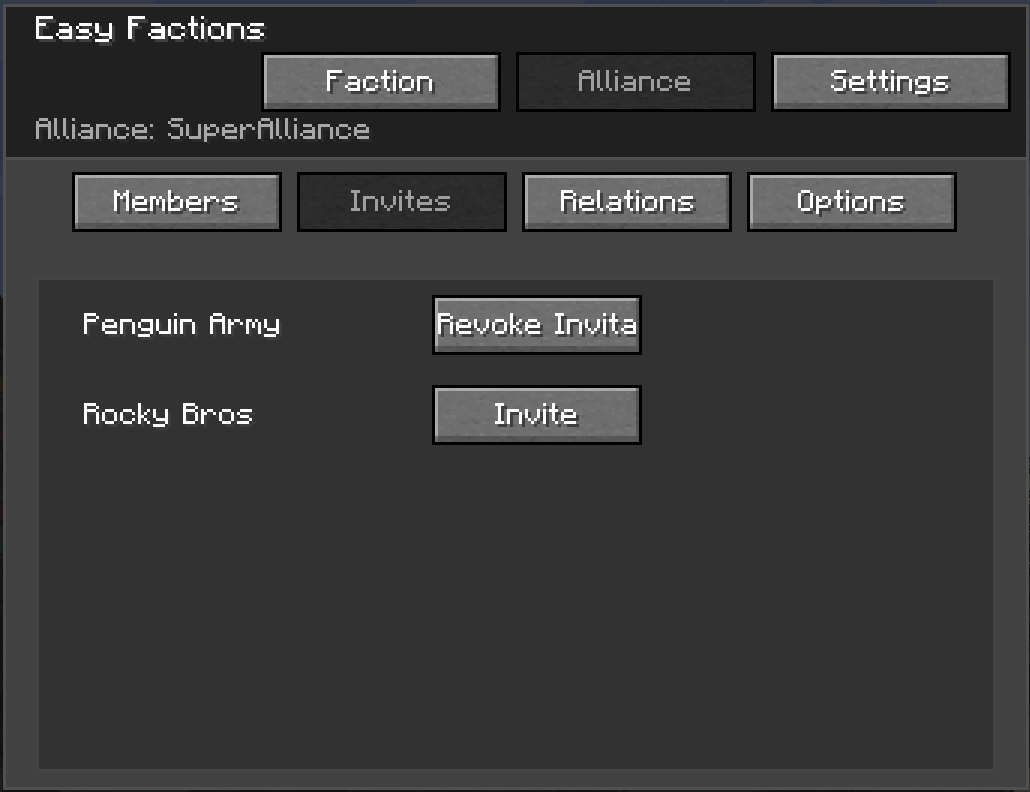
War is better with friends. Forge alliances with other factions to coordinate attacks.
Claim your territory: for yourself or for your faction.
Claims are visually shown in your faction's colors in Journeymap.
Change your relationship with other factions and alliances.
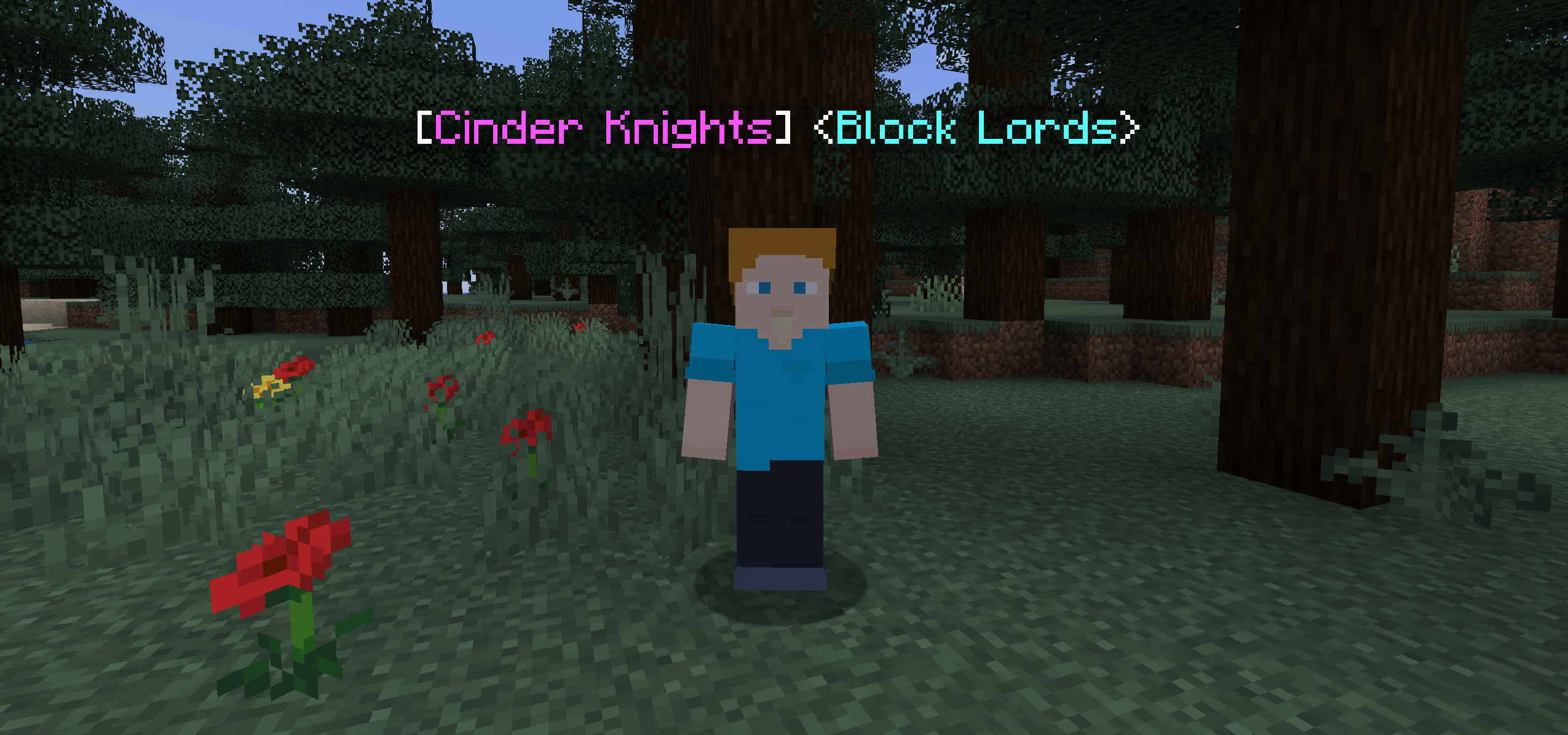
Easily distinguish between friend or foe. Your relationship status is reflected in each player's head tag.
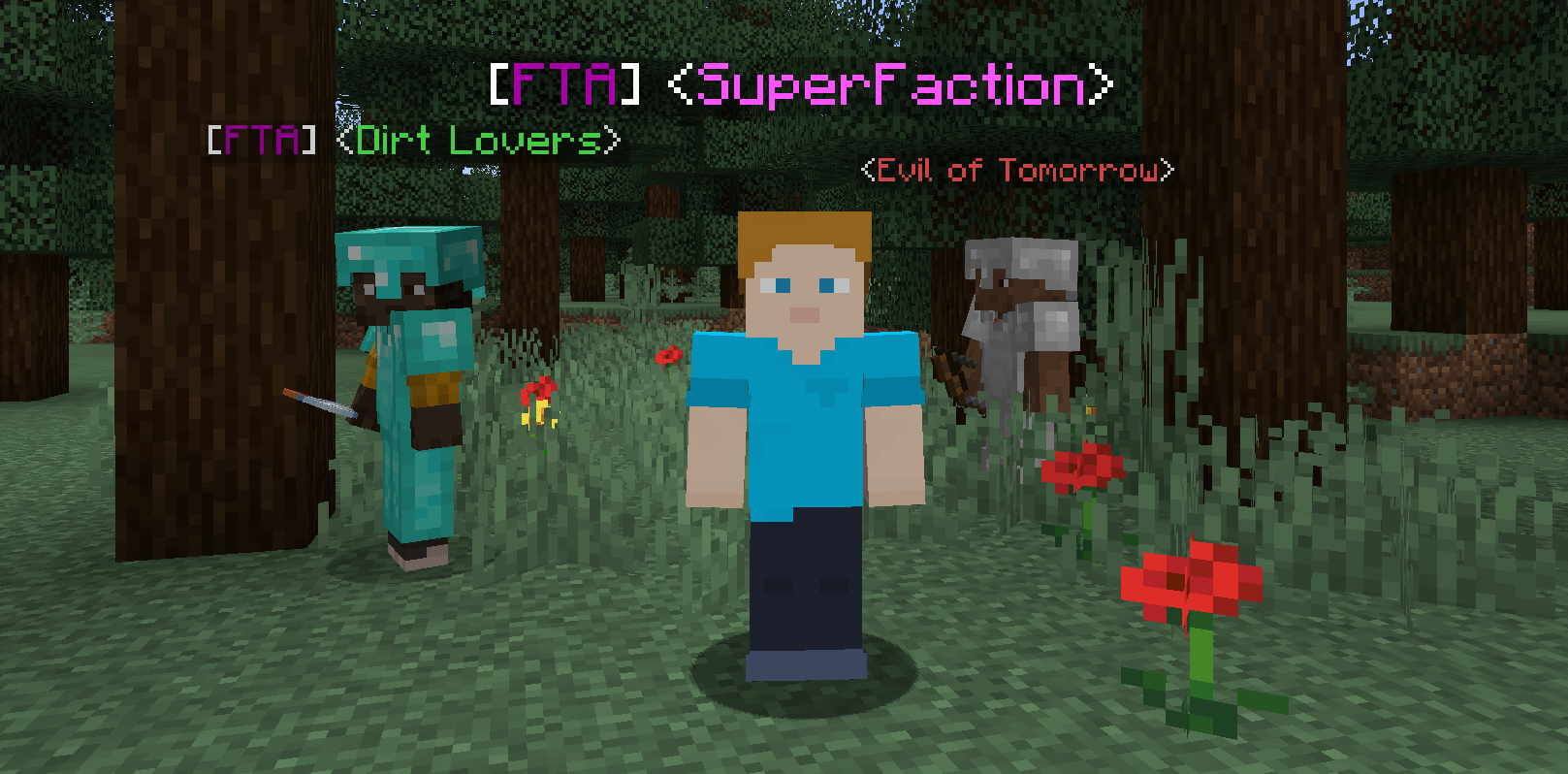
Tags getting too long? You can set abbreviations! What you prefer to see on the tags (name or abbreviation) can be configured client-side.
Colors:
There's no need to use commands. Everything is just a click away.
Default keybind: G.
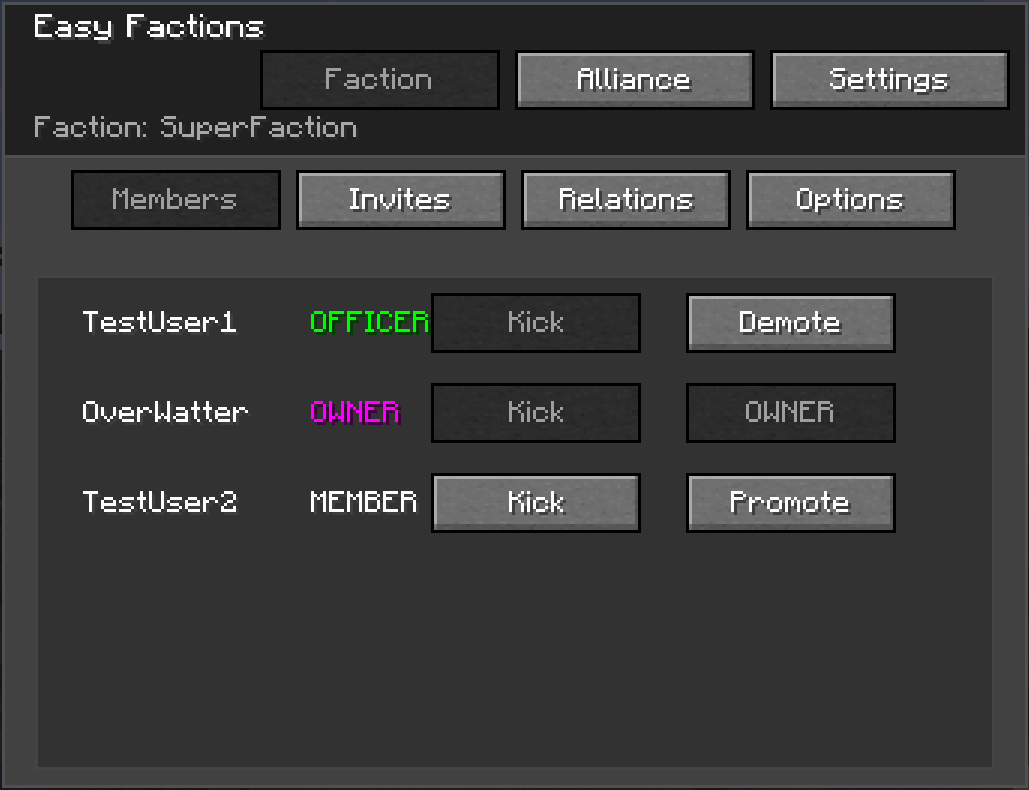
Delegate authority to keep your faction running smoothly.
Factions are rewarded claim points in a configurable interval, which can be used to claim territory. When a member of a Faction A is killed by a member of another (not allied) faction B, B receives war points against A. If the amount of war points B has against A is equal or higher to the cost of a chunk, A will lose (war_points/cost_per_chunk) chunks in the current dimension, and B receives an amount of claim points equal to the cost of the chunks.
Unclaimed chunks can be optionally reset by admins to clean up the world. Running the command will not have an effect until the server is restarted.
/faction create <name>: Create a new faction./faction invite <player>: Invite a player to your faction./faction join <name>: Accept an invitation to join a faction./faction leave: Leave your current faction. If the owner leaves, the faction is abandoned./faction addOfficer <player>: Promote a member to Officer./faction kick <player>: Kick a member (Officers/Leader only)./faction setAbbreviation <abbreviation>: Set the faction abbreviation./faction setRelation <otherFaction> <status>: Set the relationship status with the other faction to the given one.Note: These commands can only be executed by the owner of a faction.
/alliance create <name>: Create a new alliance with the given name./alliance leave: Leave your current alliance. Restricted to the faction owner./alliance invite <factionName>: Invite a new faction to the alliance./alliance join <factionName>: Accept an invitation to an alliance./alliance setAbbreviation <abbreviation>: Set the alliance abbreviation./alliance setRelation <otherAlliance> <status>: Set the relationship status with the other alliance to the given one./claim pos1: Set the first position of the area to claim/claim pos2: Set the second position of the area to claim/claim personal: Claim the area as personal (player) chunks/claim faction: Claim the area for your faction/claim unclaimFaction: Unclaim all chunks in the area owned by your faction/claim admin: Make all chunks in the area admin-controlled. All previous claims are removed./unclaim admin: Unclaim all chunks in the area, independent of type and owner./claim whereAmI: Gives information about the current chunk./claim resetUnclaimedChunks <true|false>: All unclaimed chunks will be deleted on the next restart. Setting i to false disables it if it was enabled for the next restart.