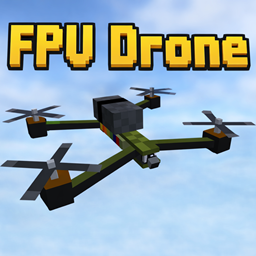
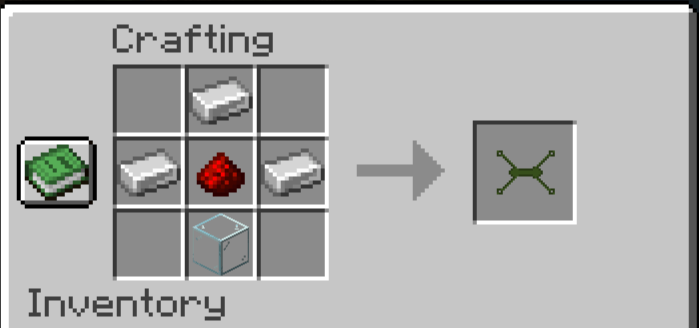
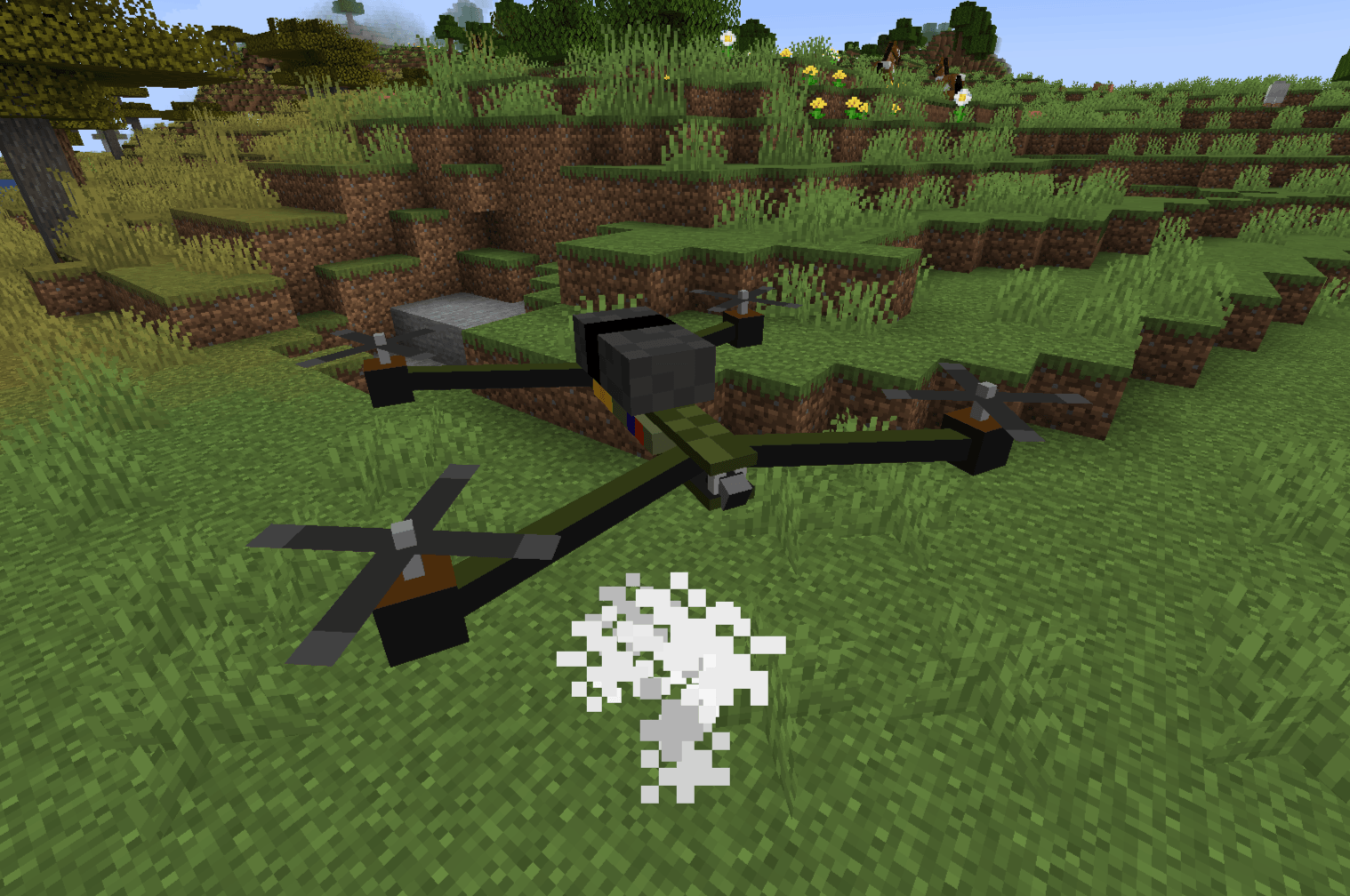
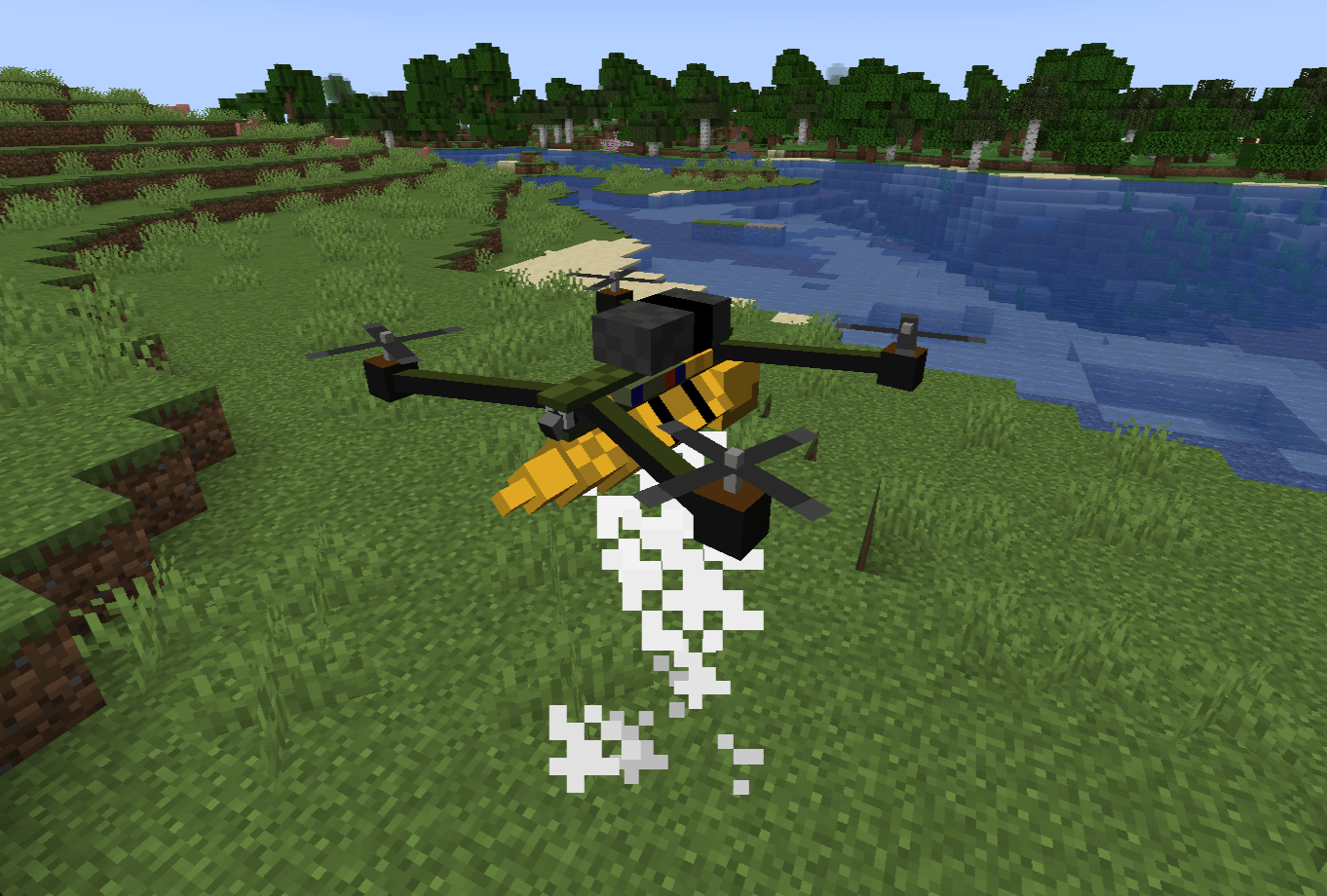
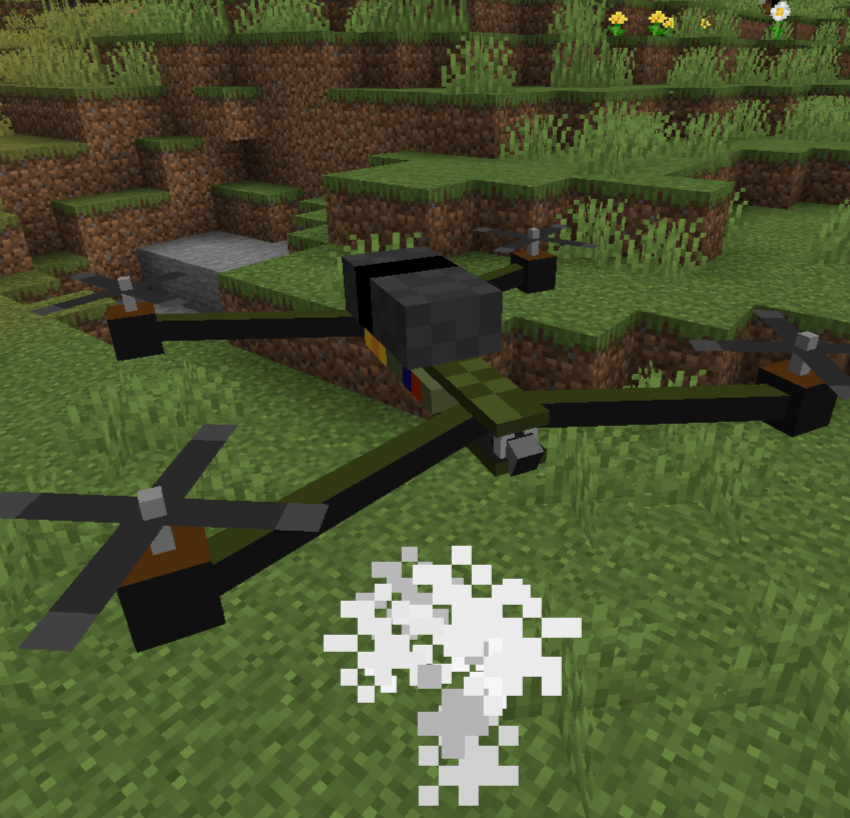
FPV Drone is a comprehensive, highly realistic tactical drone mod for Minecraft. It introduces a fully functional First-Person View (FPV) quadcopter with deep mechanics including signal interference, battery management, vehicle durability, and aerial payload deployment.
Whether you are scouting enemy bases, exploring ravines from the safety of your home, or dropping explosives on a zombie horde, **FPV Drone** provides an immersive piloting experience unlike any other.
⚙️ Requirements & Dependencies
To run this mod, you will need the following installed in your Minecraft client/server:
Mod Loader: Fabric
Required API: Fabric API
Minecraft Version: Fabric 1.20.1
1. FPV Piloting & Custom HUD
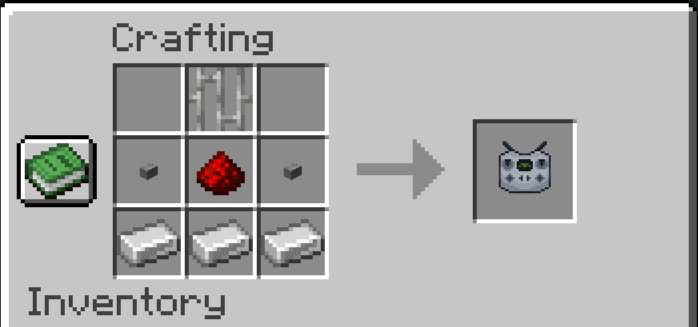
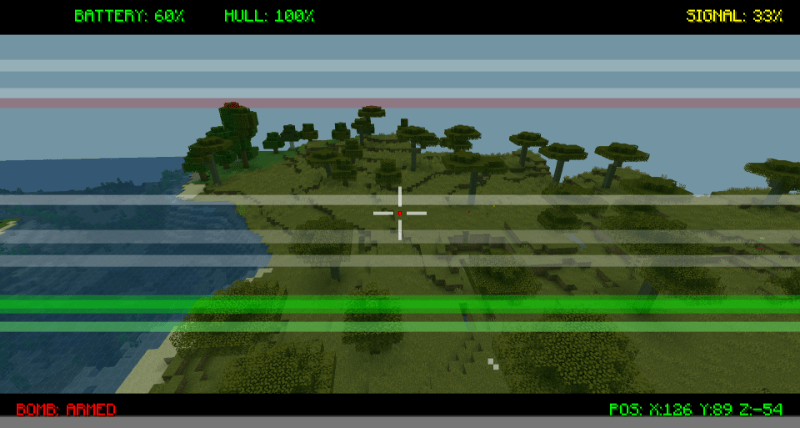
Take control of your drone using the Drone Controller. Once linked, your camera seamlessly shifts to the drone's perspective. The custom Heads-Up Display (HUD) provides critical real-time telemetry:
2. Signal Interference & Range
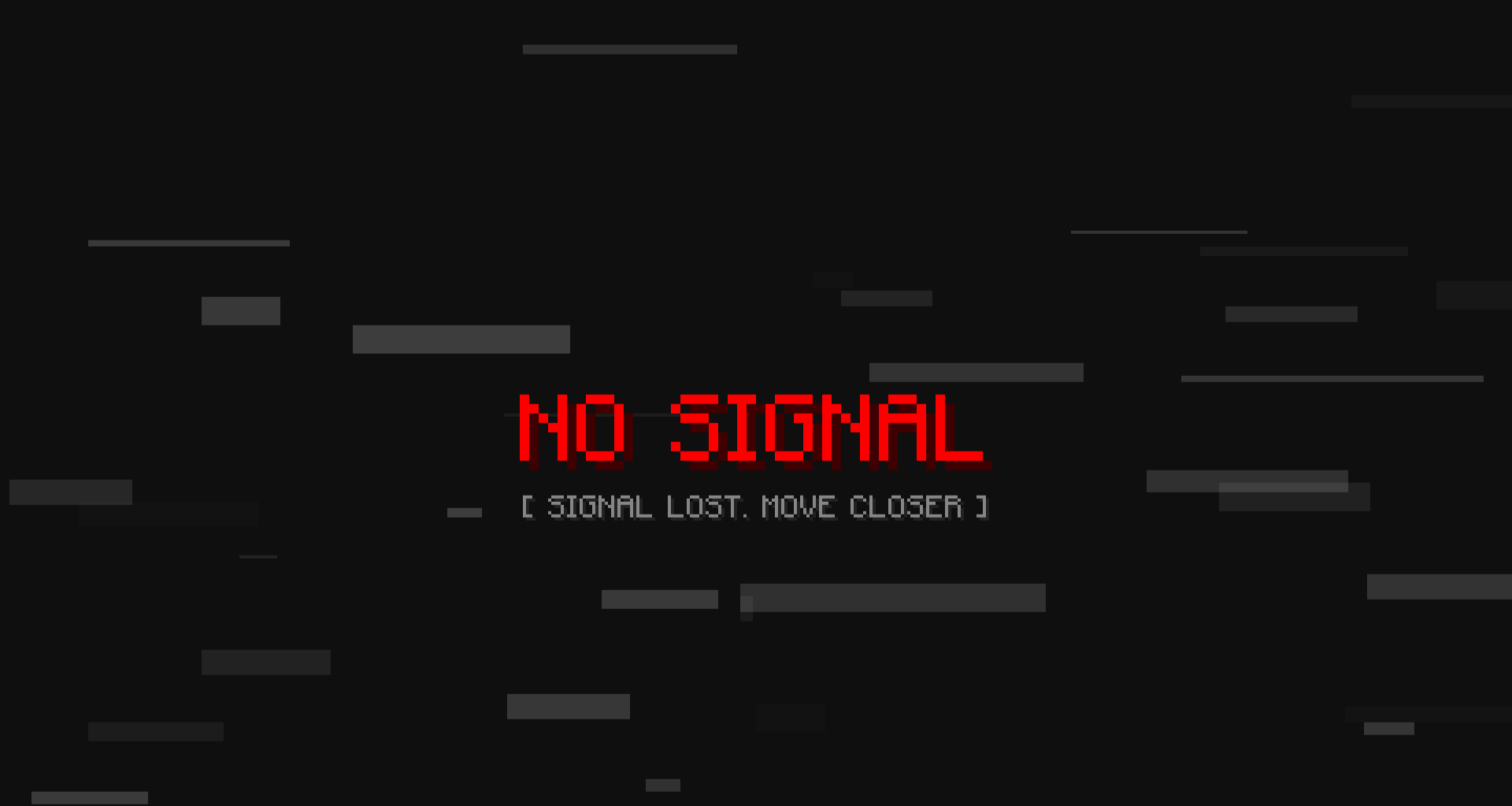
You can't fly forever. As the drone flies further away from the pilot (past 100 blocks), the video feed will begin to degrade. You will experience visual static, glitching, and a "WEAK SIGNAL" warning. If you exceed the absolute maximum range (150 blocks), the signal is entirely lost, your screen will turn to static, and the drone will hover in place until you get closer.
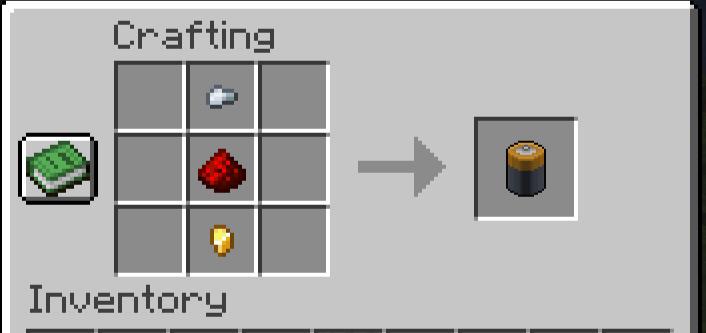
3. Battery & Power Management
Drones require power to operate. A fully charged Drone Battery provides exactly 2 minutes of continuous flight time.
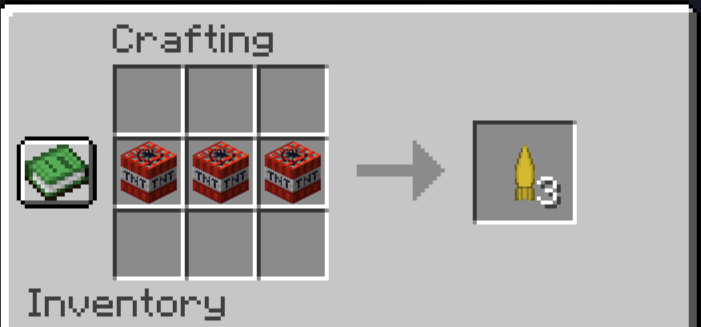
4. Tactical Payload (Bombs)
Turn your reconnaissance drone into a strike aircraft.
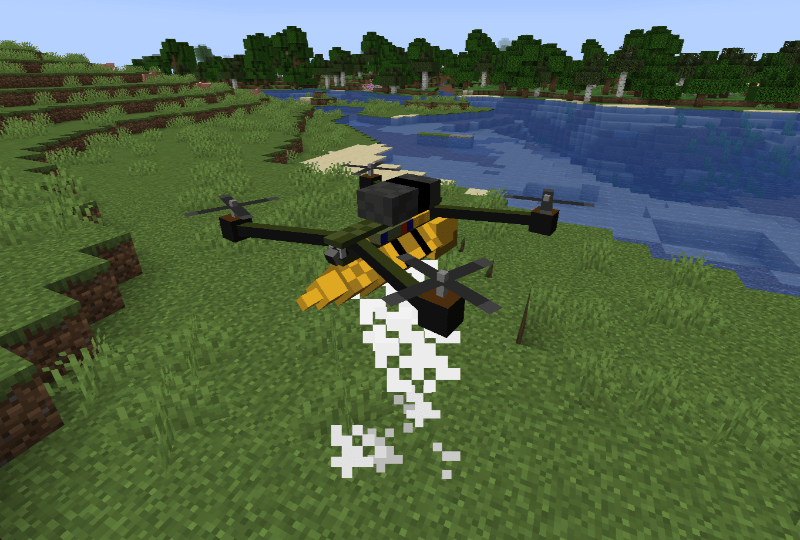
5. Durability, Damage & Repairs
Your drone is a fragile piece of technology (20 HP / 10 Hearts). It can be shot down by projectiles or other players.
6. Dynamic Hazards
Short-Circuiting: Drones are not waterproof! If your drone touches a river, ocean, or any water block, it will instantly short-circuit, spark, and explode. Fly carefully around waterfalls!
🚀 Quick Start Guide (How to Fly)
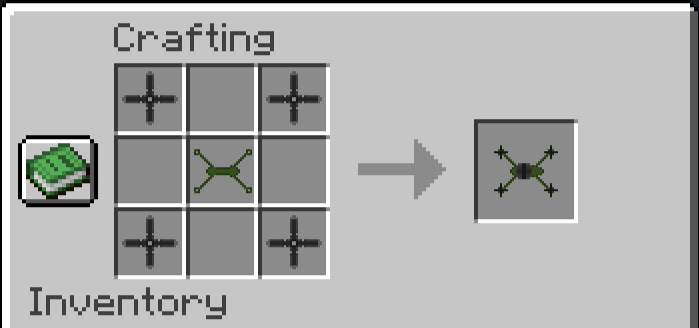
1. Place the Drone: Right-click the ground with the FPV Drone item.
2. Bind the Controller: Hold the Drone Controller in your hand and Right-Click the drone. You are now the registered owner.
3. Connect the Camera: Right-Click the air with the bound controller to enter FPV mode.
4. Fly: Use your standard movement keys (W, A, S, D, Space, Ctrl) to pilot the drone.