DPS Meter
DPS Meter is a lightweight, highly customizable combat analysis tool for
Minecraft 1.20.1 on Forge. It gives you real-time feedback on your damage
output, survivability, and pacing so you can optimize gear, compare builds, and
understand what is actually happening mid-fight.
Features
Real-Time Combat Stats
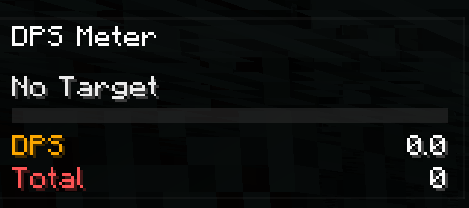
- Current DPS and average DPS for burst and sustained damage tracking.
- Total damage, damage taken, hit rate, average hit, and combat timer.
- Target name and target health integrated directly into the overlay.
Floating Combat Text
- Floating damage numbers for outgoing hits.
- Optional floating numbers for incoming damage.
- Critical hits stand out with brighter styling and stronger animation.
Full In-Game Customization
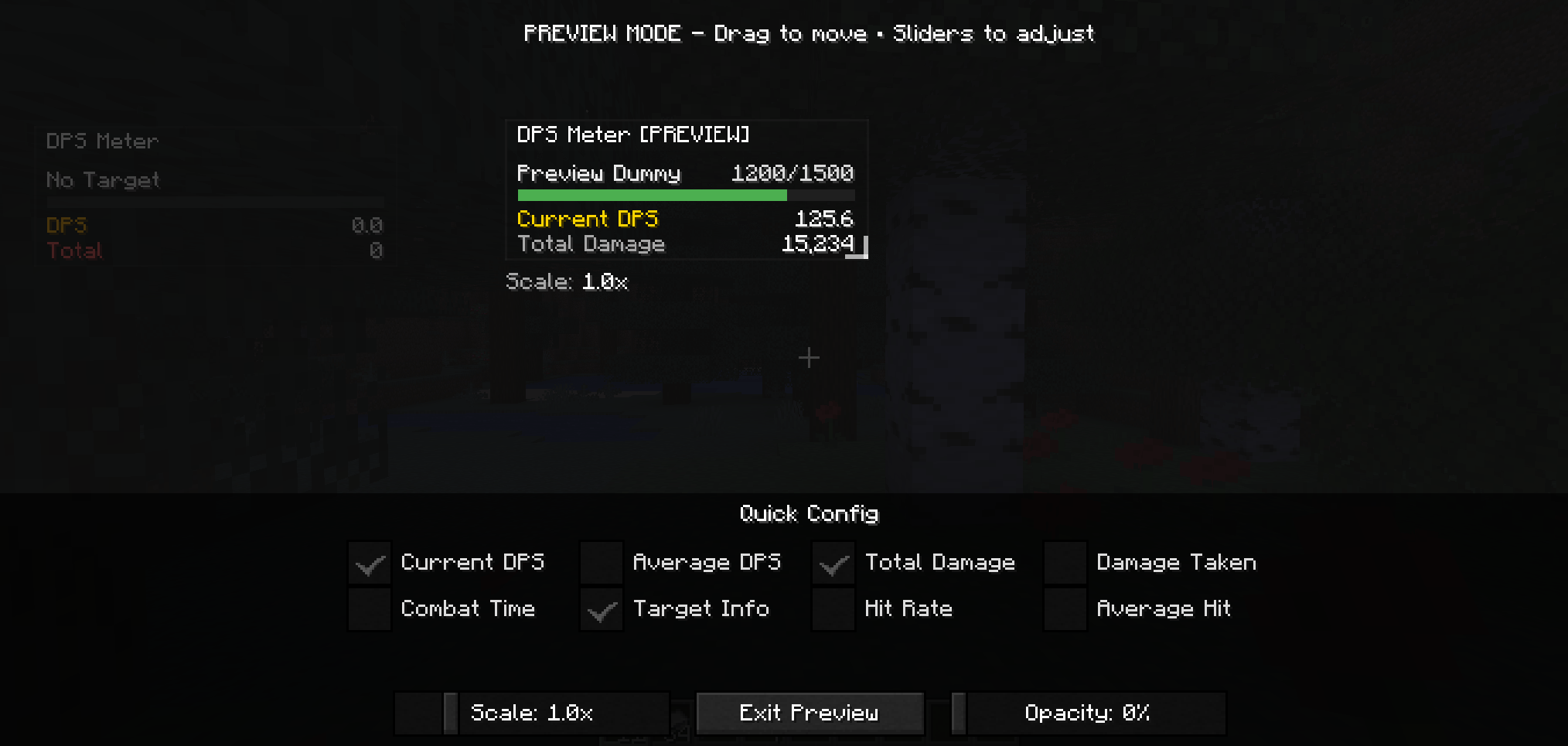
- Overlay preview for position, scale, opacity, and visible metrics.
- HUD dragging for quick placement.
- Floating number size and intensity controls.
- Pet and summon damage tracking options.
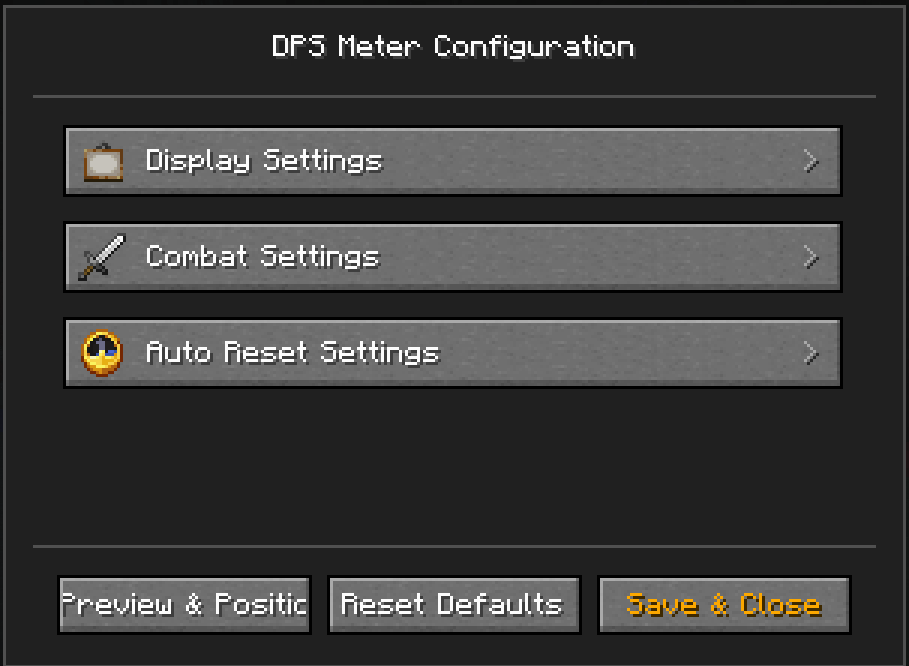
- Auto-reset controls for inactivity, death, and dimension changes.
Requirements
- Minecraft
1.20.1
- Forge
47.4.0 or newer in the 47.x line
- Java
17
Installation
- Place the mod jar in your
mods folder.
- For singleplayer, install it on the client.
- For multiplayer, install it on both client and server for the best tracking
accuracy.
Default Keys
F9: Toggle overlayF10: Reset DPS statsO: Open config
Quick Usage
- Start fighting and the meter will begin tracking automatically.
- Let it reset on its own after inactivity, death, or dimension changes, or
use
F10 when you want a clean comparison.
- Open the config with
O and use the overlay preview as the main place to
tune how the HUD looks.
Community
Questions, feedback, or ideas for the mod? Join the community on Discord: