Desolation (NeoForge)

A fork of the original by raltsmc
Desolation introduces the Charred Forest, a dangerous new overworld biome filled with scorched vegetation, hostile creatures, unique resources, and new survival challenges. Explore the aftermath of a wildfire, gather unusual materials, and use them to craft equipment, brew potions, and discover new ways to survive.
NeoForge port for Minecraft 26.3
Required dependency: GeckoLib 5.5.7 or newer
This is the NeoForge edition. Install the NeoForge build of GeckoLib, not the Fabric version.
Features
- The Charred Forest: A new overworld biome with multiple variants and an ashen atmosphere.
- Two new creatures: Meet the peaceful Ash Scuttler and the dangerous Blackened.
- Charred Wood: A new wood set with matching building blocks.
- New resources: Collect ash, charcoal materials, and cinderfruit.
- Protective gear: Equip masks and goggles to defend against environmental and blindness effects.
- New brewing options: Create potions with powerful and unusual effects.
Screenshots
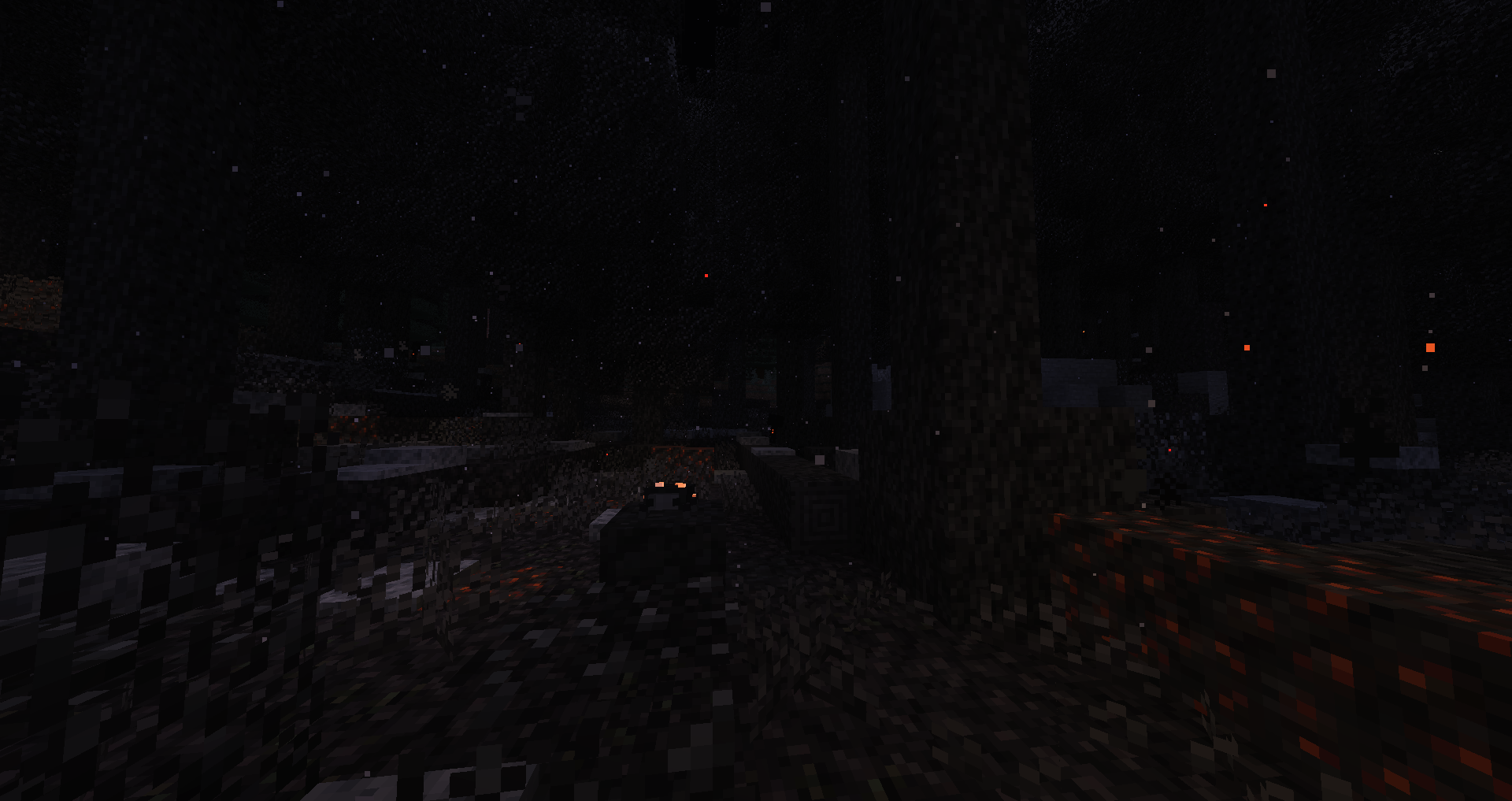
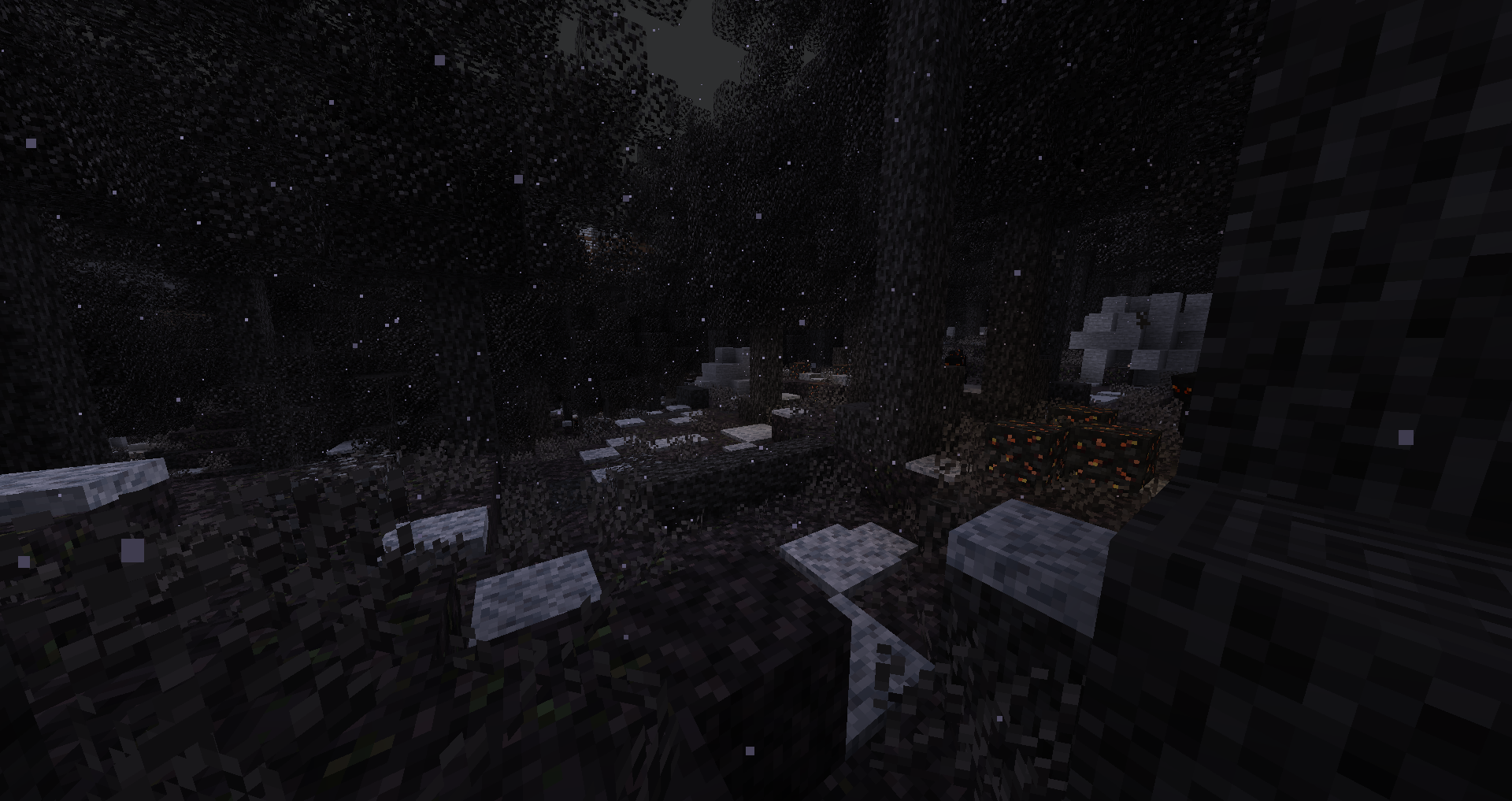
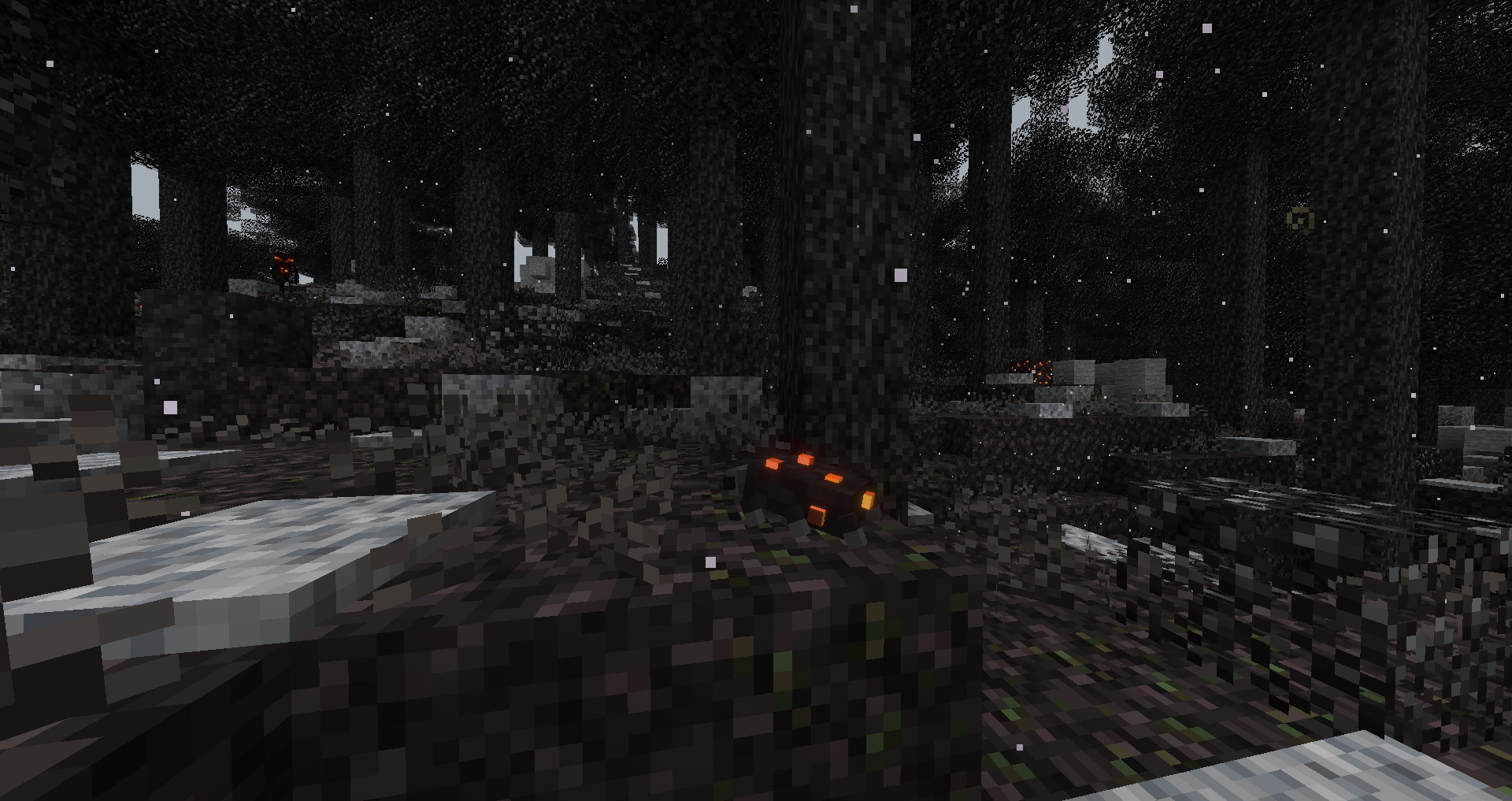
For more screenshots, visit the original Desolation gallery.
Complete Feature Overview
New Blocks
- Charred Wood: Scorched logs that can drop charcoal bits when broken, along with related wood blocks.
- Charred Soil: Burned ground found in the Charred Forest.
- Charred Branches: Scorched vegetation that adds detail to the biome.
- Ash Bramble: A plant associated with the burned landscape.
- Powdered Ash Block: A compact block of ash.
- Block of Activated Charcoal: A storage block for activated charcoal.
- Ember Block: A hazardous block that damages entities standing on it and can ignite them. It yields charcoal when broken.
- Cooled Ember Block: A cooled counterpart to the Ember Block.
- Cinderfruit Plant: A plant that produces cinderfruit.
- Scorched Tuft: Small vegetation found in scorched areas.
New Items and Equipment
Ash Pile
- Throw ash at enemies to temporarily blind them.
- Use ash as a weak fertilizer, approximately one quarter as effective as bone meal.
Charcoal Bit
- A small fuel source that can smelt two items.
- Combine four bits in a 2 × 2 crafting pattern to make charcoal.
Activated Charcoal
- Produced by smelting charcoal.
- Used to create special ingredients and other materials.
Air Filter and Mask
- Wear a mask in the head slot to avoid the Weakness and Mining Fatigue effects associated with the biome.
Goggles
- Wear these in the head slot to protect yourself from blindness.
Cinderfruit
- Eat it to recover hunger and receive short-term protection from fire.
- Feed it to Ash Scuttlers to interact with them.
Infused Powder
- Crafted using eight activated charcoal and one cinderfruit.
- Provides an alternative ingredient for brewing Fire Resistance potions.
Primed Ash
- Crafted using eight activated charcoal and one ash.
- Used in Blindness potion recipes.
Heart of Cinder
- A rare item dropped by the Blackened.
- Used to prepare the Potion of Cinder Soul.
New Mobs
Ash Scuttler
A passive creature that roams the Charred Forest. Give it cinderfruit and it can dig into nearby ash to uncover an item for you.
Blackened
A burned skeleton-like enemy that fights at close range or launches blinding clouds of ash. It drops bones and ash, with a rare chance to drop a Heart of Cinder.
Recipes and Brewing
| Result |
Ingredients |
| Gunpowder |
1 Bone Meal + 1 Clay + 1 Charcoal |
| Potion of Fire Resistance |
Awkward Potion + Infused Powder |
| Potion of Blindness |
Awkward Potion + Primed Ash |
| Potion of Cinder Soul |
Awkward Potion + Heart of Cinder |
Potion of Cinder Soul grants substantial offensive and defensive bonuses, Fire Resistance, and a dash ability. The original version used V as the default dash key.
Installation
- Install Minecraft 26.3 with the NeoForge mod loader.
- Install GeckoLib 5.5.7 or newer for NeoForge.
- Place Desolation (NeoForge) and GeckoLib into your
mods folder.
- Launch Minecraft using your NeoForge profile.
GeckoLib is required. Missing or incompatible dependencies may prevent the game from starting.
Credits
Desolation was originally created by raltsmc, with later Fabric maintenance by gniftygnome.
This page describes the NeoForge port. The original project and its creators are credited above.