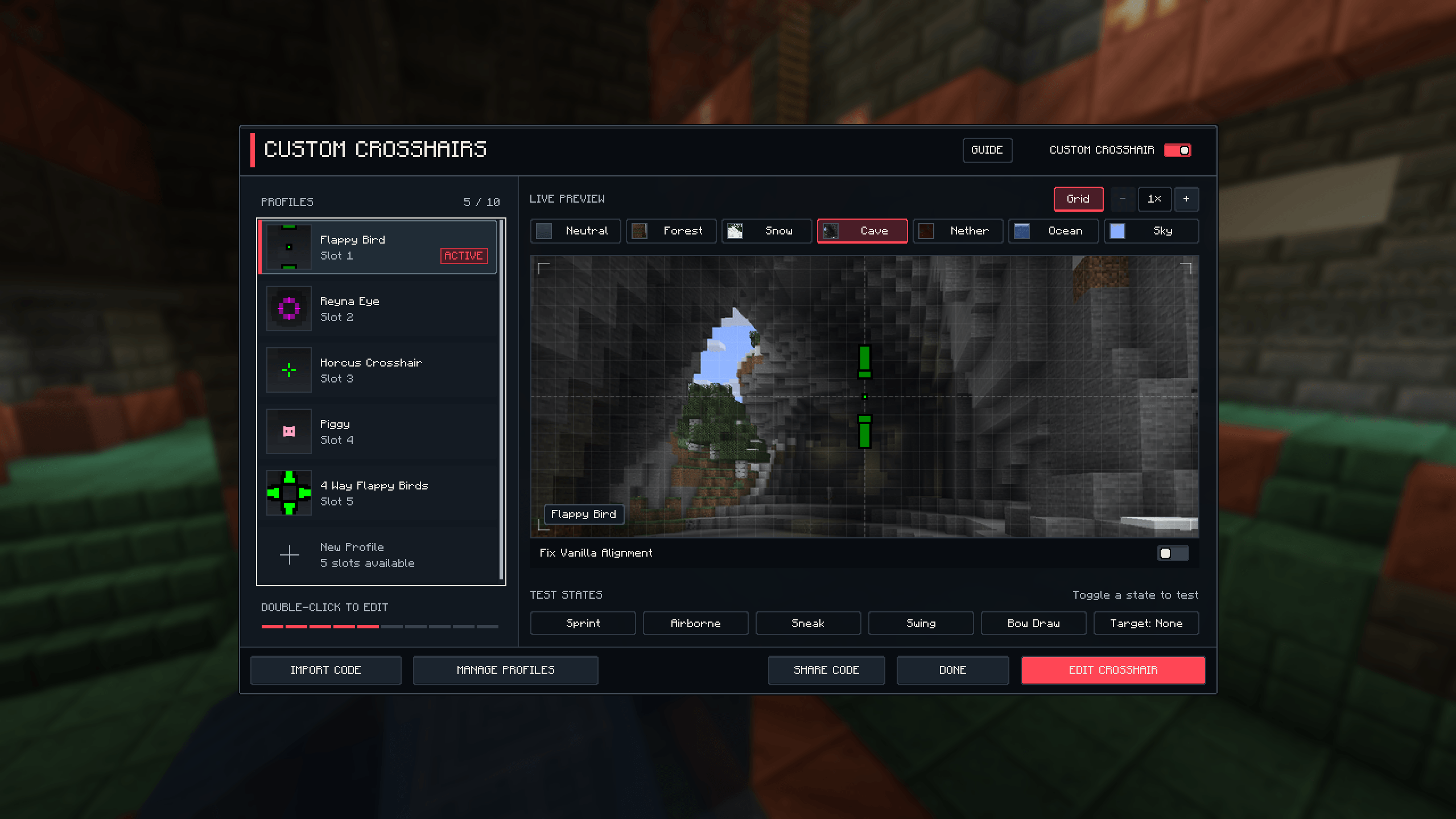
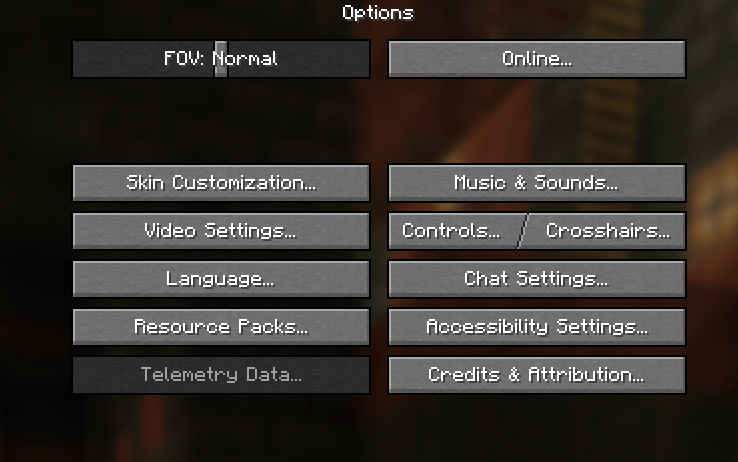
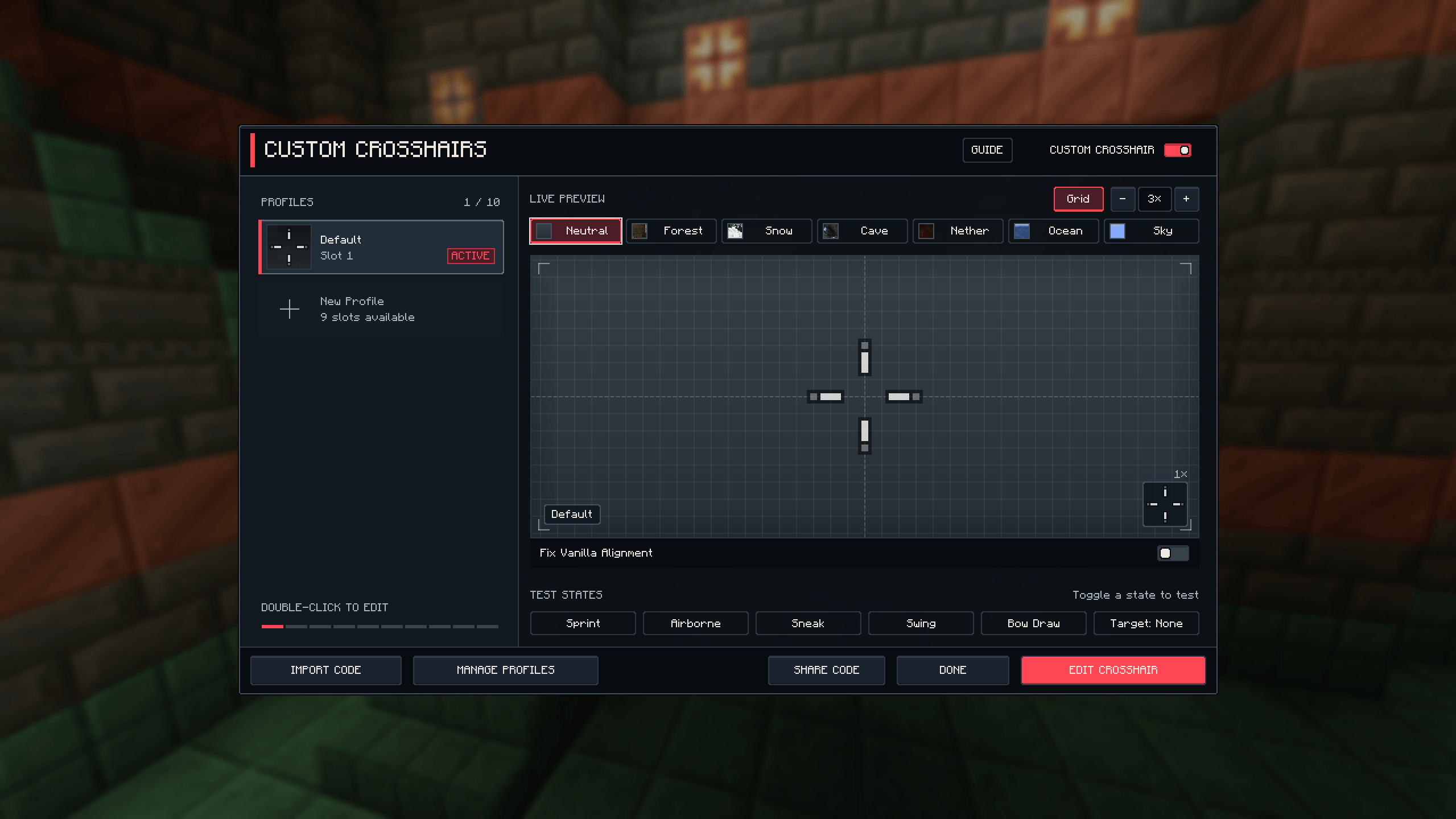
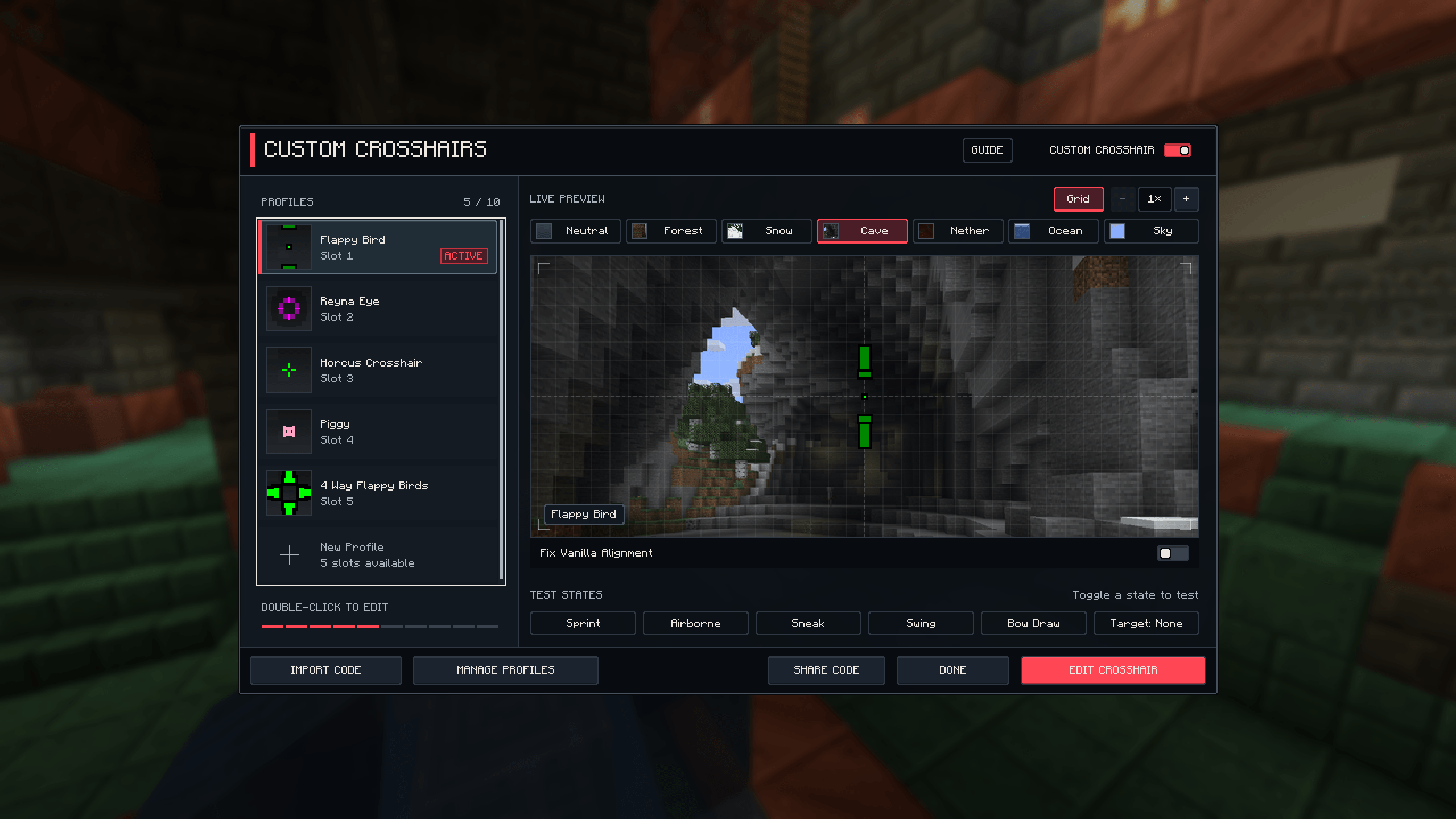
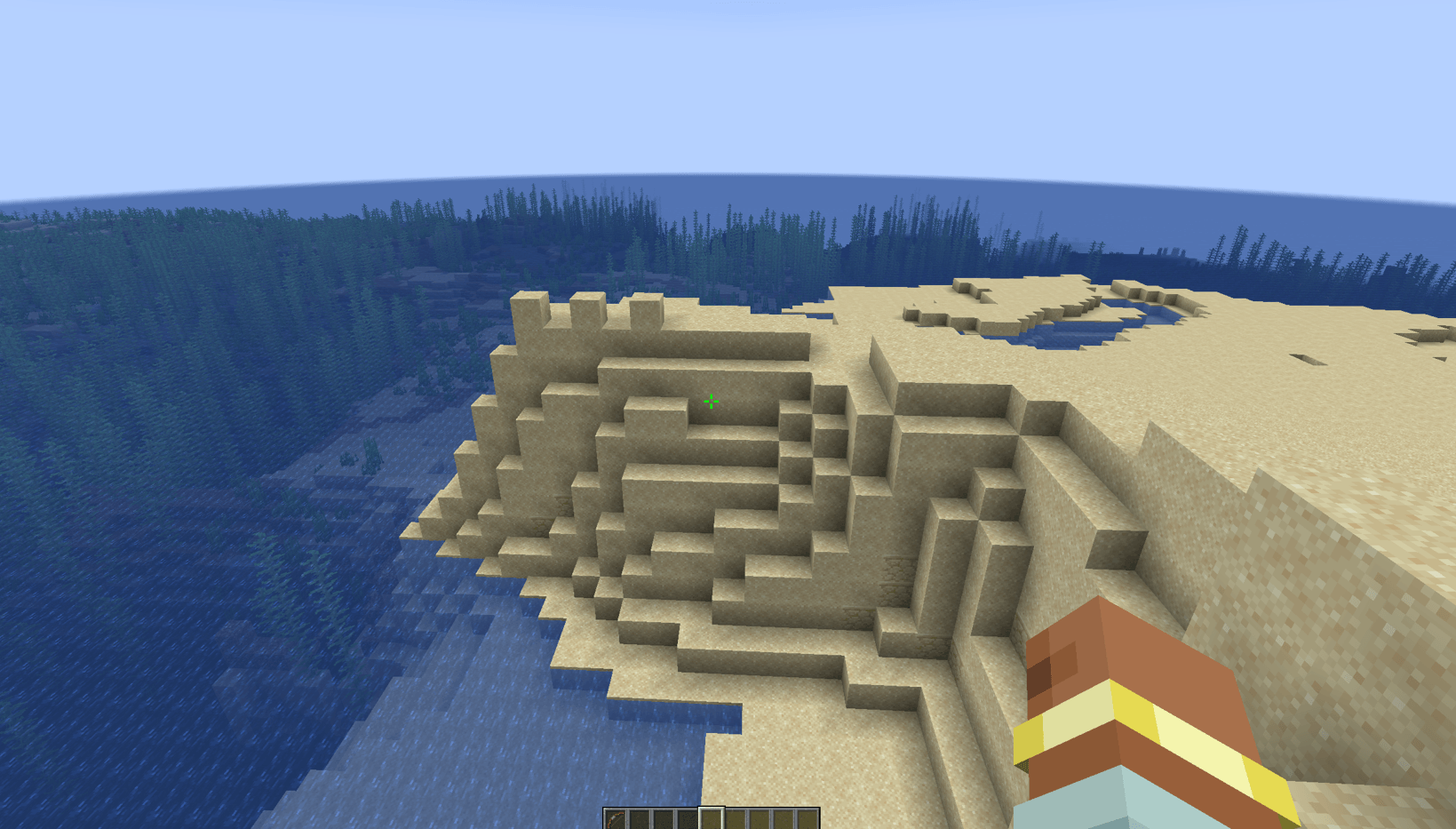
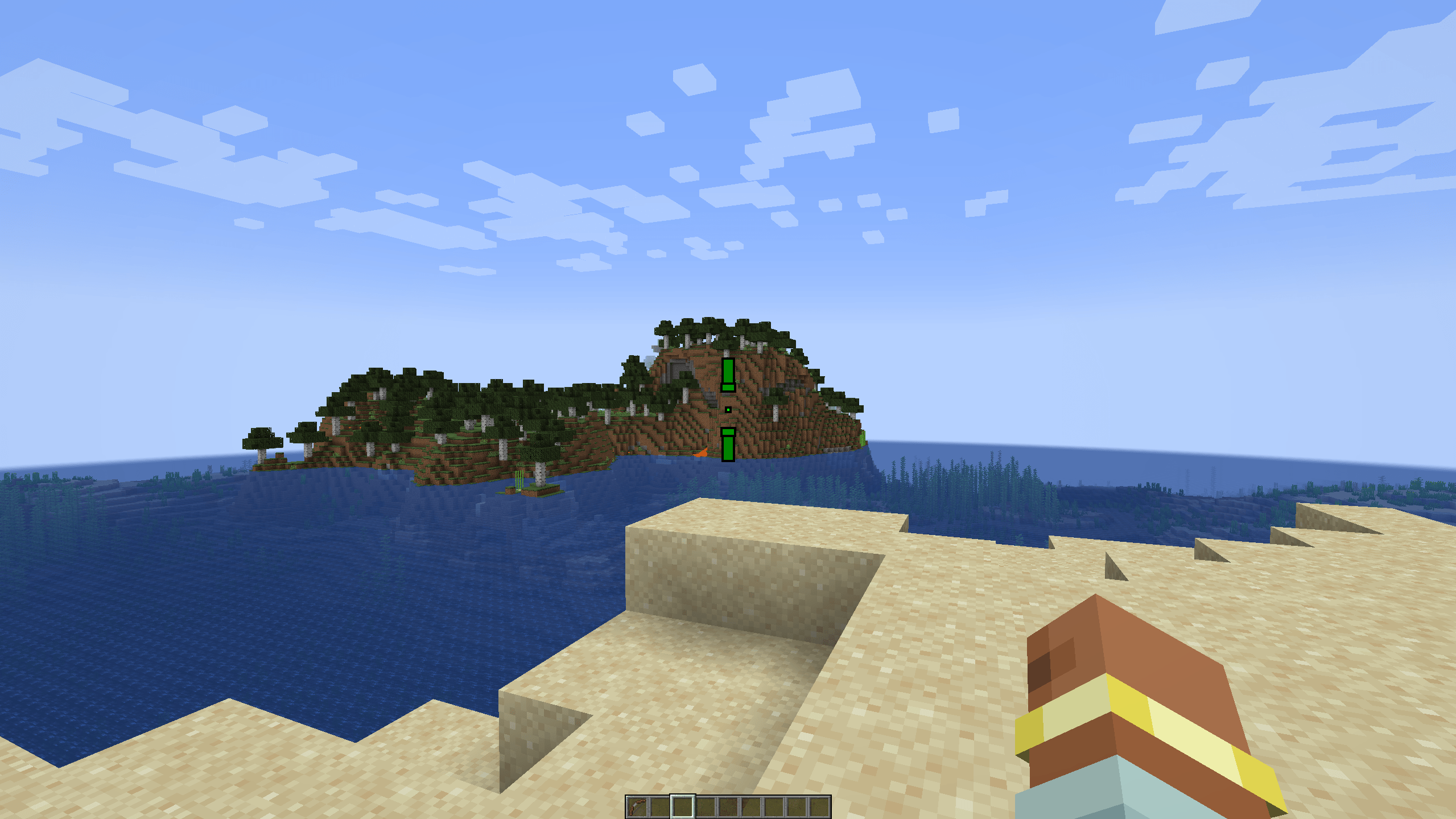
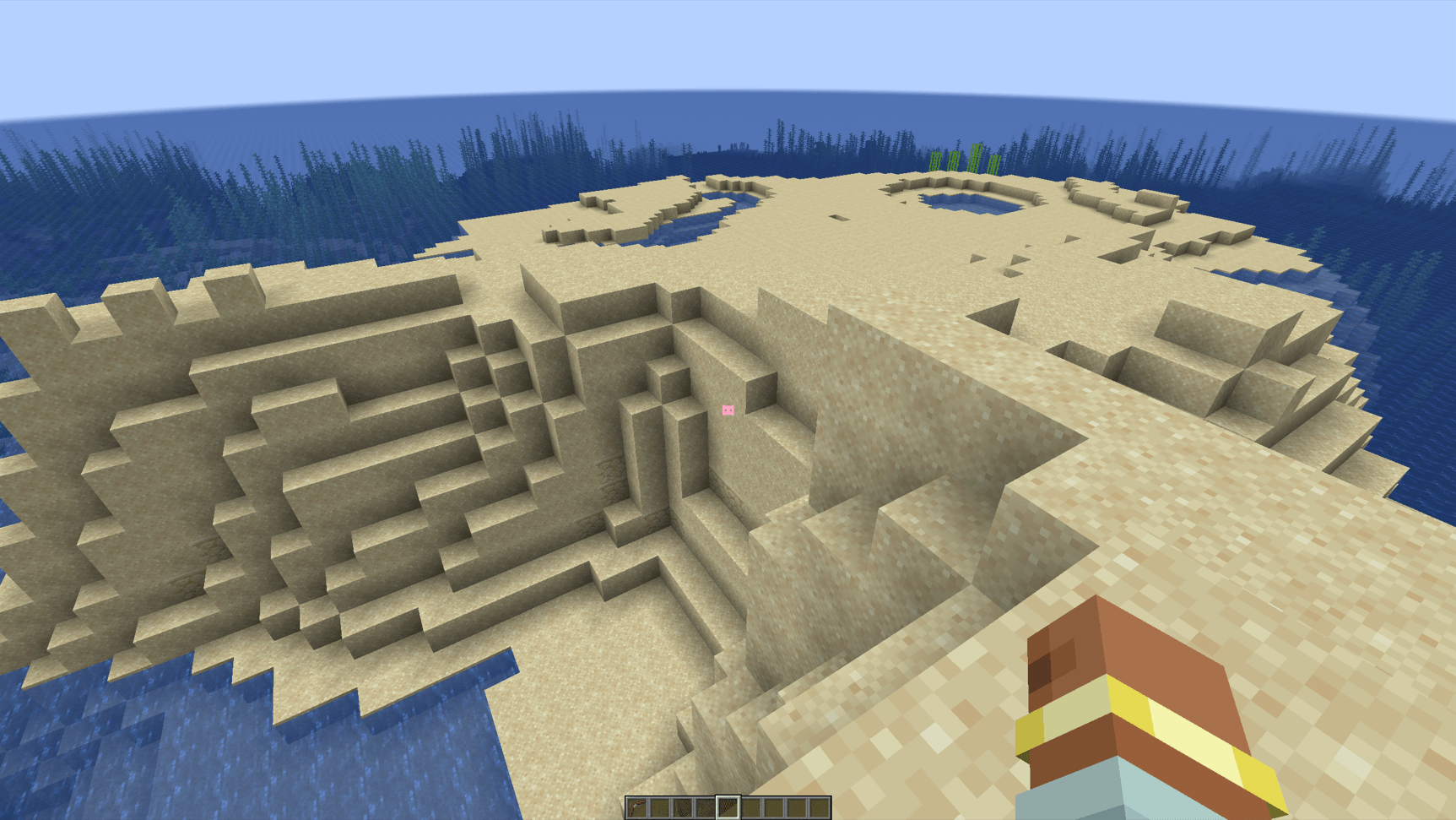
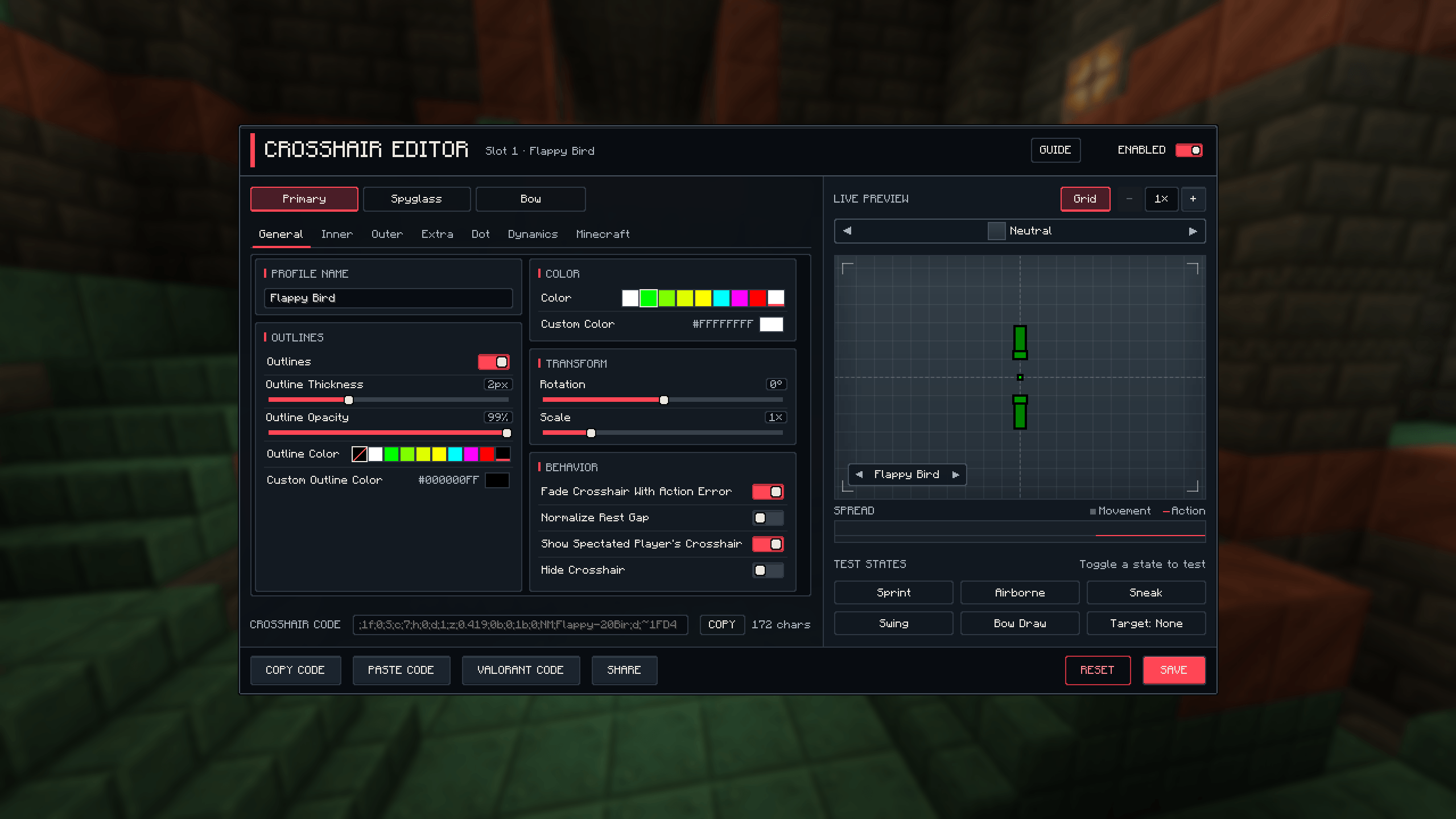
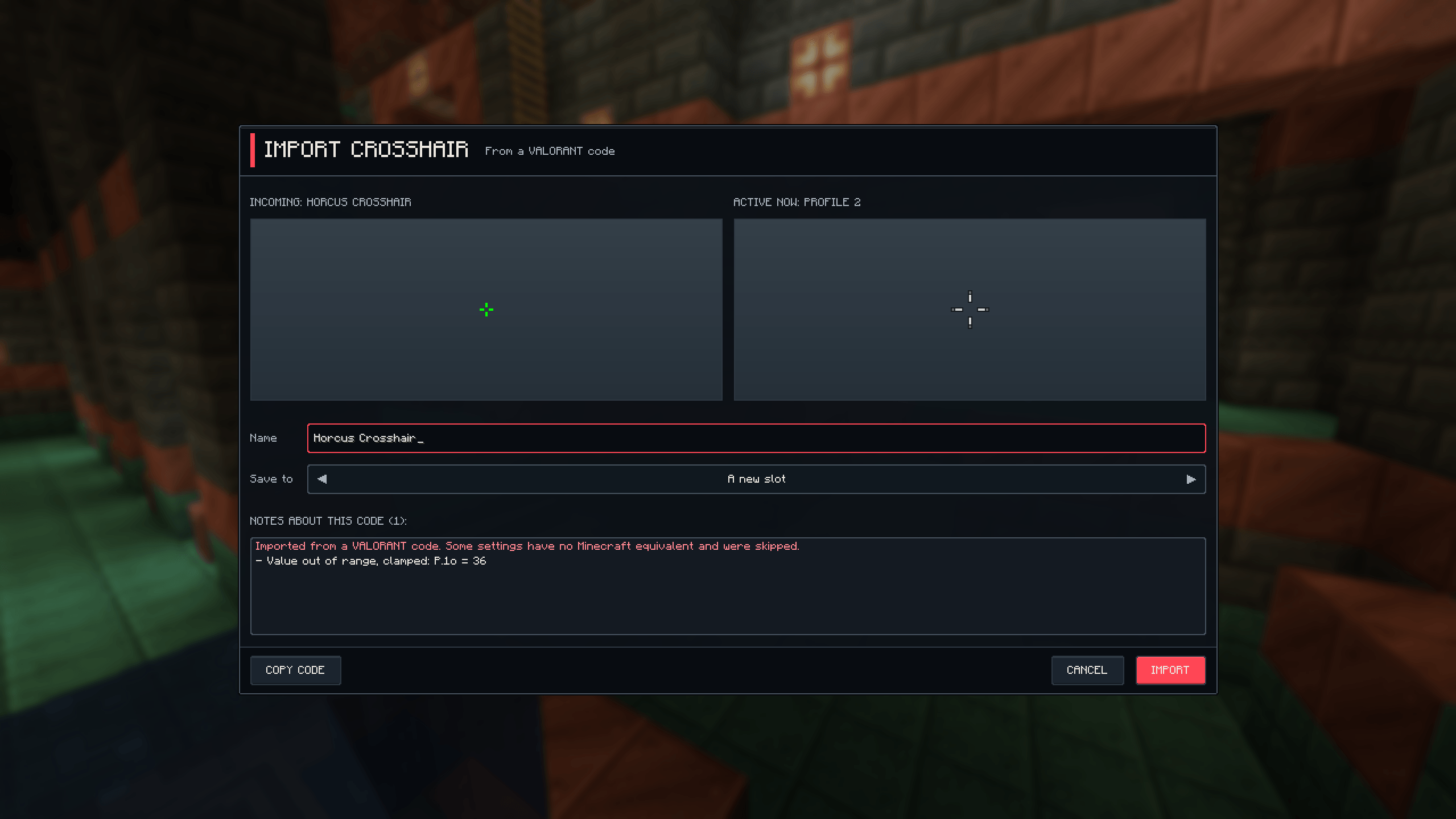
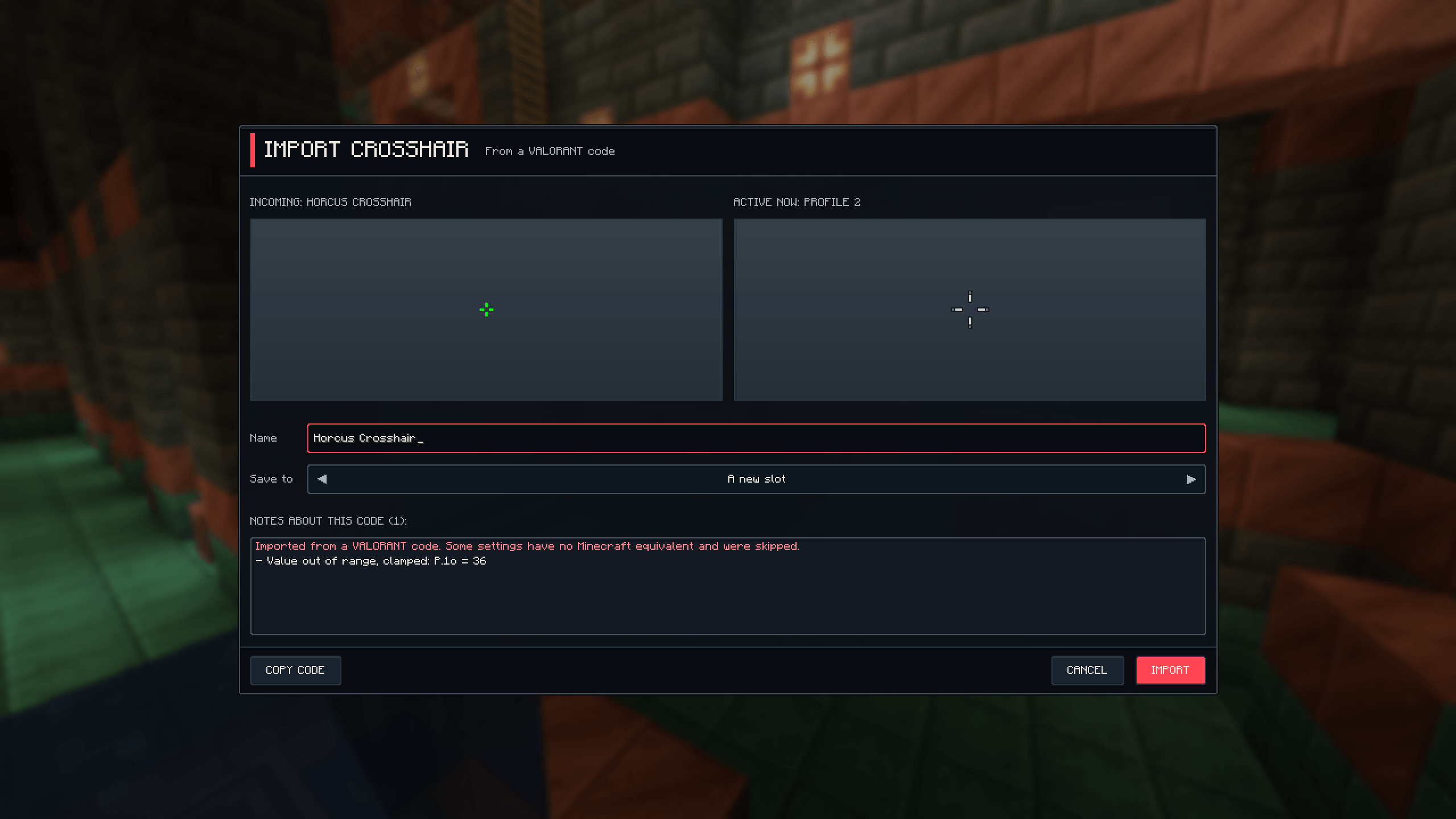
Custom FPS Crosshairs brings VALORANT-style crosshair customization to Minecraft: Java Edition. Create your own crosshair with a live editor, save different profiles, and share your designs using compact crosshair codes.
This mod runs entirely on your client
Build your own crosshair
Customize colours, outlines, centre dots, and up to 10 independent line groups. Each group has its own settings, giving you control over both simple and complex designs.
The live editor lets you preview changes as you customize.
Crosshairs that react to your gameplay
Keep your crosshair static or enable dynamic spread that responds to movement and actions.
Adjust how it reacts to walking, sprinting, sneaking, jumping, and swimming. Add action spread based on attack cooldown and bow draw, or make your crosshair tighten when you crouch.
Optional Minecraft indicators add more information around your aim:
Save up to 10 profiles
Create, rename, duplicate, and switch between profiles for different activities or styles.
Each profile can contain three crosshair setups:
Context rules let you select crosshairs based on held items and supported player states. Features involving newer items are available only on Minecraft versions that contain those items.
Share and import crosshair codes
Export your design as a compact code, copy it for later, or share it through Minecraft chat.
Players with the mod installed can click supported crosshair codes in chat to open a preview and choose whether to import them. Sharing uses ordinary chat messages, so no server-side installation is required.
You can also import VALORANT crosshair codes. Compatible settings are translated into Minecraft, and the mod tells you when a setting cannot be carried over.
Precise crosshair placement
Custom crosshairs are aligned to the physical centre of your screen, with balanced gaps and precise positioning.
An optional Fix Minecraft Crosshair Alignment setting also corrects the vanilla crosshair’s slight alignment offset.
The mod respects Minecraft’s normal crosshair visibility, including third-person views, spectator behaviour, and the F3 debug crosshair.