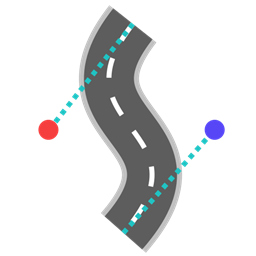
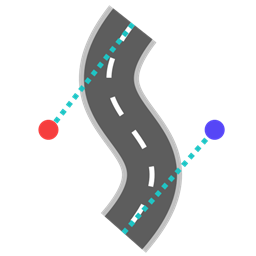
The best tool for building curves
Make curved structures using commands and WorldEdit.
This mod requires WorldEdit
Copy curvebuilding-fabric-*.jar to mod directory.
If you are using bukkit server, please download the plugin version.
If you have suggestions for other versions or features, please comment on the Discussions.
//pos set <pos type> - Sets a connection point at your current position (ver 0.5.x or earlier)
//bcpos set <pos type> - Sets a connection point at your current position (ver 0.6.x or later)
A connection point is a coordinate that a curve must pass through. Specify "pos type" in the format of a single number or a number followed by f or b, such as 1, 1b, 2, 2f, 2b, 3, 3f, 3b, and so on.
Each curve set has two connection points (starting and ending points) and two control points (starting point's control point and ending point's control point). You can specify the starting point's control point by adding "f", and the ending point's control point by adding "b".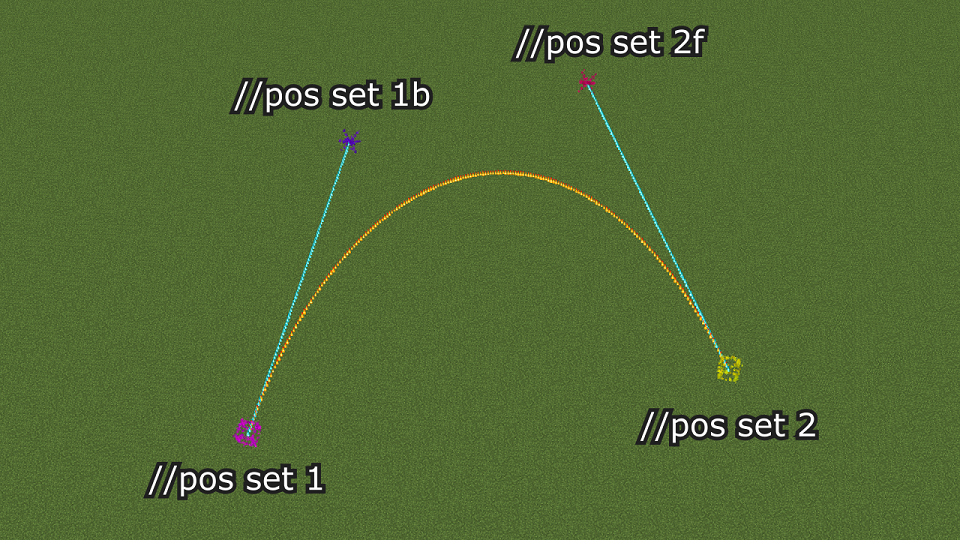
When making a curve with continuously connected curves, the connection points between the start and end points throughout have both "f" and "b" control points.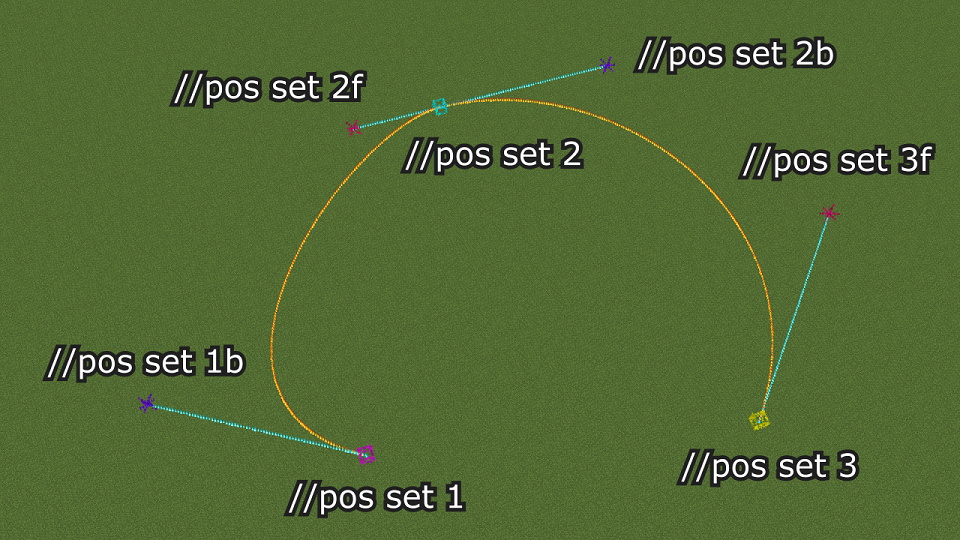
//bcpos clear <pos type> - Delete the specified connection or control point (ver 0.5.x or earlier)
//bcpos clear <pos type> - Delete the specified connection or control point (ver 0.6.x or later)
//bcpos clearall - Delete all connection and control points (ver 0.5.x or earlier)
//bcpos clearall - Delete all connection and control points (ver 0.6.x or later)
//bc [-options] [n] [m] - After making all the connection and control points and selecting the structure to curve using worldEdit, use this command to make the curve
The following settings are available for [-options].
-a: Replace only air blocks with the curve
-x: Read the region in X-direction
-z: Read the region in Z-direction
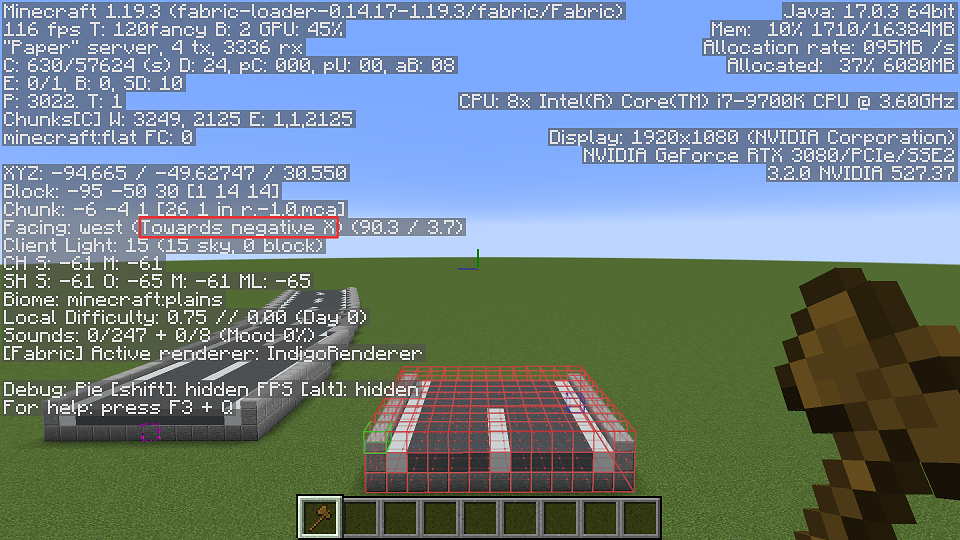
Regions can be plane or solid. Face the front of the region and check Facing on the Debug screen first.
If Facing is Z (Towards positive Z or Towards negative Z), enter //bc -z when making the curve. If Facing is X (Towards positive X or Towards negative X), enter //bc -x when making the curve. If Facing is negative (Towards negative X or Towards negative Z), the orientation in which the selected structure is placed will be reversed.