In-Game Undo/Redo History Undo and redo block placements, changes, and world edits directly
Configurable History Limit Choose how much history is kept, either by number of actions (e.g. last 5 actions) or by time (e.g. last few minutes/seconds)
Creative-Only Mode Optionally restrict undo/redo to Creative mode only, so it never interferes with Survival gameplay
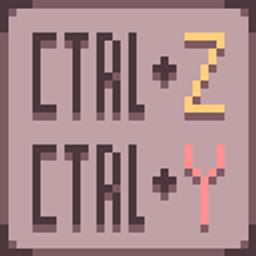
Note: The default keybinds are Ctrl+Z to undo and Ctrl+Y to redo. The default keybind to open the history menu is Z. Menu keybind can be changed in the vanilla keybind menu.
If you encounter bugs, crashes, or have suggestions for improvements:
When reporting issues, please include: