Create ReAutomated: Traces makes Create ReAutomated's buried Ore Nodes easier to discover without turning them into ordinary surface ores.
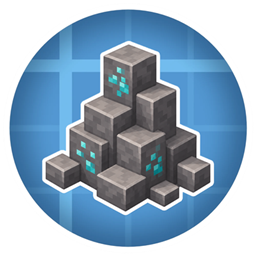
Instead of leaving Nodes completely hidden underground, this add-on places small natural-looking outcrops on the surface above them. These outcrops, called Traces, act as world-level clues: if you spot one while exploring, there is probably a real Ore Node somewhere below worth digging for.
The goal is to make prospecting feel more intentional. You still have to explore, read the terrain, and dig, but you are no longer guessing blindly.
When a new chunk generates, the mod looks for Ore Nodes created by Create ReAutomated. If it finds one, it tries to place a small Trace somewhere nearby on the surface. By default, Traces stay close to the Node below, but the placement can be tuned if you want them to sit more naturally in the terrain or more directly above the Node.
Traces are only hints. The visible surface block is not the Node itself, and mining it will not replace the need to dig. It simply tells you that the area is worth investigating.
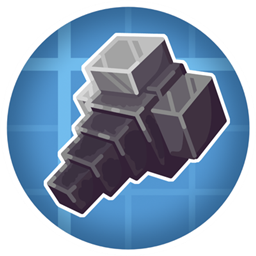
The Trace Finder expands this idea later in progression: select the Node types you care about, carry the Finder, and it will help track nearby undiscovered Traces.
Create ReAutomated: Traces is data-driven. Custom Nodes can be supported as long as they are tagged as Create ReAutomated Ore Nodes and have a data map entry that tells this mod which surface accent block to use. [More detail in the GitHub repo Readme]
By default, Traces generate in Overworld and Nether biomes through biome tags. Modded biomes and custom dimensions can be added with a datapack.
Only newly generated chunks are affected. Existing chunks are not retrofitted with new Traces, and Nodes placed manually after worldgen will not automatically create one.
If you use Create ReAutomated's default Node generation settings, you may see a lot of Traces. For a more exploration-focused experience, consider reducing Ore Node generation in your pack.
Deafult Create ReAutomated spawn rate settings:

For any problems or questions, feel free to join the discord by clicking on the image below

Click on the image below and buy a server using code TYP to get 25% off!