
⚙️ Create: Lights & Controls :
A Create add-on that brings a full set of lighting, redstone control, access and sound blocks ; all built to plug straight into Create's Redstone Link network for clean, wireless automation.
💡 Lighting :

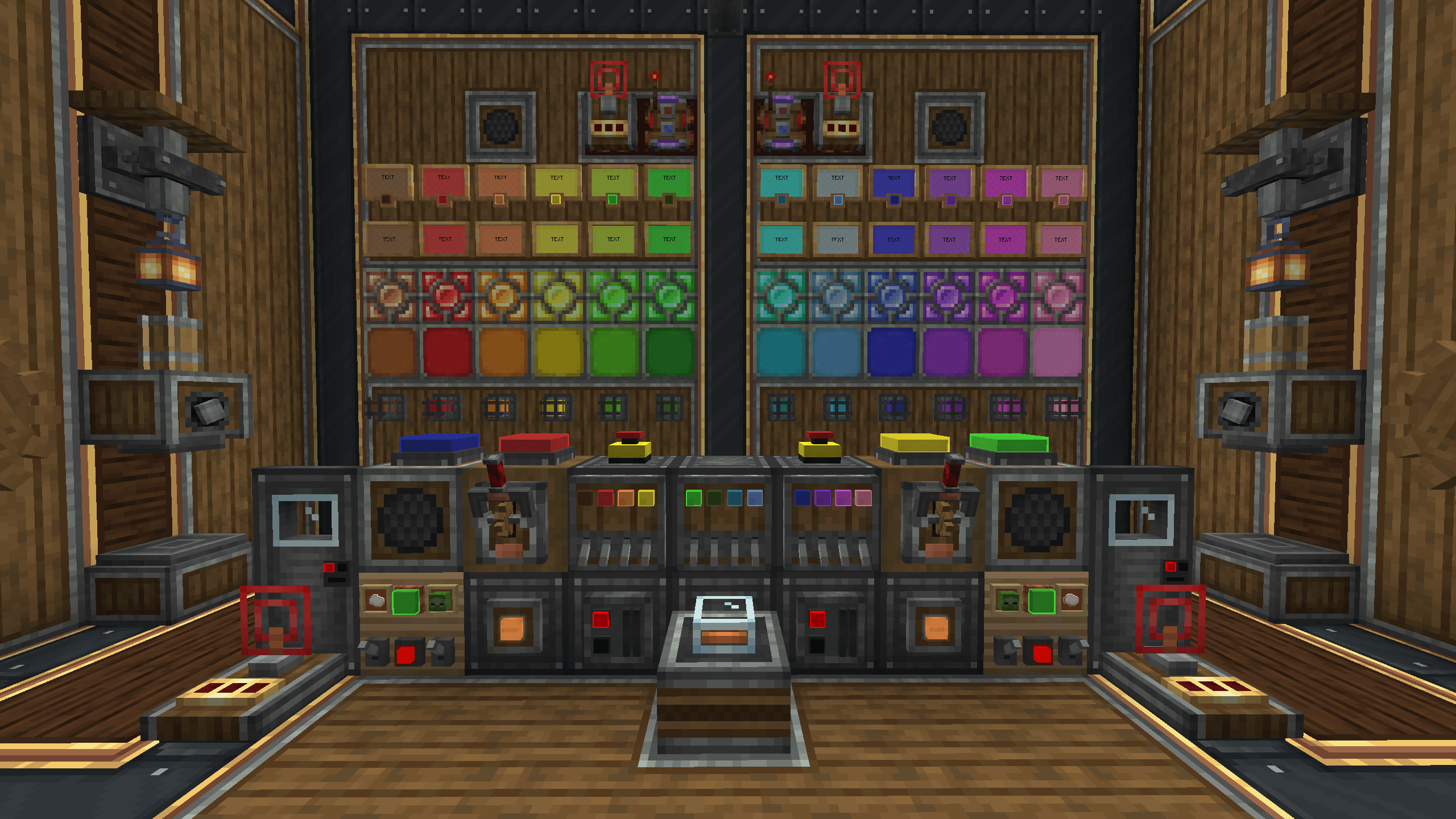
- Crystal Lamps - sleek colored lamps in 14 dye colors.
- Caged Signal Lights - rugged industrial cage lights in 14 colors.
- Inlaid Flat Lights - slim panels that sit flush against any surface, in 14 colors.
- Large Tint Lights - standalone surface-mounted lights in Andesite, Industrial, Copper and Brass casings. The bulb is dyeable to any color, invertible, and links to a frequency.
Every light emits full brightness when active and can be inverted ; so it glows while unpowered and turns off when it receives a signal.
🧩 Modules :

The Module Panel (Module Anchor) is a wall-mounted chassis that holds several small modules at once — shift+right-click a module item onto any surface and it snaps onto a panel automatically (creating one if needed).
🔢 326.9 billion possible module combinations per panel
Mix module types, casings, colors and layouts — no two panels have to look alike.
- Modular Button - dyeable button, wireless frequency, clipboard copy/paste.
- Modular Lever - wireless frequency, clipboard copy/paste.
- Modular Item Frame (Classic & Dark) - displays item without consuming it.
- Modular Tint Light (Andesite / Copper / Brass / Industrial) - compact dyeable module version of the Large Tint Light, invertible, frequency-linked.
🕹️ Controls :

- Industrial Gear Switch - a hand-built gear lever that mounts on floor, wall or ceiling. Right-click to throw it; it emits a redstone signal and broadcasts its on/off state over a frequency.
- Quad Lever Panel - four independent levers on one block, each transmitting on its own frequency. The bulbs are dyeable per lever, and the panel emits stronger world light as more levers switch on.
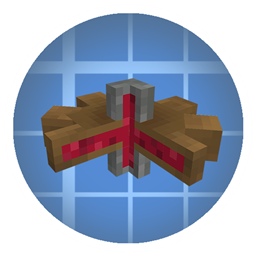
- Inverted Redstone Link - a Redstone Link with flipped logic: it transmits while unpowered, and its receiver fires only when the frequency goes silent.
- Emergency Button - works exactly like a vanilla button, and can also carry a wireless frequency, invert and toggle mode.
- Elevator Push Button - same as the Emergency Button, plus it can link directly to an Elevator Contact for one-button remote calling, any distance.
- Broadcast Node - rebroadcasts a Redstone Link signal wirelessly into up to 3 target blocks, simulating a real redstone source on each one. Wrench it to enter link mode, then aim and wrench each target to connect it.
🪧 Signage :
- Board - a wall-mounted text sign with an in-game GUI editor (up to 3 lines). Dye the text and the background panel separately with a Dye, and make the text glow with a Glow Ink Sac, just like vanilla signs.
- Lit Board - everything Board does, plus a dyeable bulb and a Redstone Link frequency, so it lights up on signal. Invertible, same as the mod's other lamps.
🔑 Access :
- Access Card / Blank Card - craftable keycard, blank until encoded.
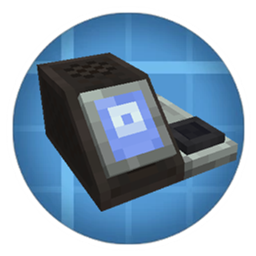
- Card Inscriber - encodes a blank card with a 4-digit PIN and a dye color; ejects the finished card with a spray animation.
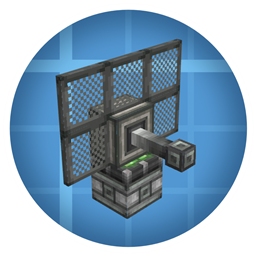
- Card Reader - sticks to any surface; first swipe registers a card's PIN as its accepted key, later swipes compare the code and pulse a redstone signal on match (green/red bulb), and can also broadcast over a Redstone Link frequency.
- Keycard Door - Opens with a Linked Access Card
🔊 Sound
- Smart Speaker - plays any sound in the game (vanilla or modded). Trigger it with a redstone signal or a Redstone Link frequency, and dial in the broadcast range (1–32 blocks) with a natural distance falloff. Its custom menu lets you search every loaded sound, preview them, set the range and assign a frequency.
📡 How it works / Redstone Link integration
Controls (Gear Switch, Quad Lever Panel, Emergency/Elevator Push Button, Modules, Broadcast Node) act as transmitters; lamps, lights, the Lit Board, the Card Reader and the Smart Speaker act as receivers. Give a transmitter and a receiver the same frequency and the receiver responds wirelessly — no dust, no repeaters.
Set a frequency by Sneak + Right-Click on any of the mod's linkable blocks to open the frequency menu, then drop two items into the frequency slots (exactly like a vanilla Create Redstone Link). You can also toggle Inverted Mode right there.
📋 Tip / use the Clipboard!
Create's Clipboard can save your frequencies so you can copy & paste them across all of the mod's Redstone-Link blocks - lamps, lights, levers, modules and speakers alike. Write down a frequency combo once, then reuse it everywhere to keep large builds perfectly in sync.
🛠️ Crafting
Most blocks are crafted at a Crafting Table. Colored lights use a new Luminous Component (Raw Luminous Component mixed from glowstone dust + polished rose quartz, then pressed) instead of raw glowstone ; all recipes are viewable in JEI / EMI / REI.
📦 Requirements
- Minecraft 1.21.1
- NeoForge
- Create (required) - plus its own dependencies (Flywheel, Ponder, Registrate), which ship bundled with Create.
❤️ Credits
Huge thanks to the Create team - this add-on stands on their incredible work and Redstone Link API. Go support the original mod!
If you enjoy this mod, you can buy me a coffee ☕ thank you!
Created by Moubarack · Released under the ALL RIGHTS RESERVED.