Create Holiday is a brewing and relaxation add-on for the Create mod. Produce different beers, cultivate better yeast, automate bottling, and celebrate with friends!
1. Ferment wheat seeds, barley, or rye with water in a Fermentation Barrel to make malt.
2. Crush the malt using a Mechanical Press.
3. Mix crushed malt with water in a Basin to produce wort.
4. Place the wort in a Fermentation Barrel with an Airlock.
5. Wait for fermentation to produce beer and yeast.
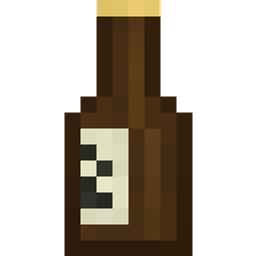
6. Fill a green or brown beer bottle using a Spout.
7.Optionally apply a bottle cap and label using Deployers.
Reuse the produced yeast to brew stronger, higher-quality beer.
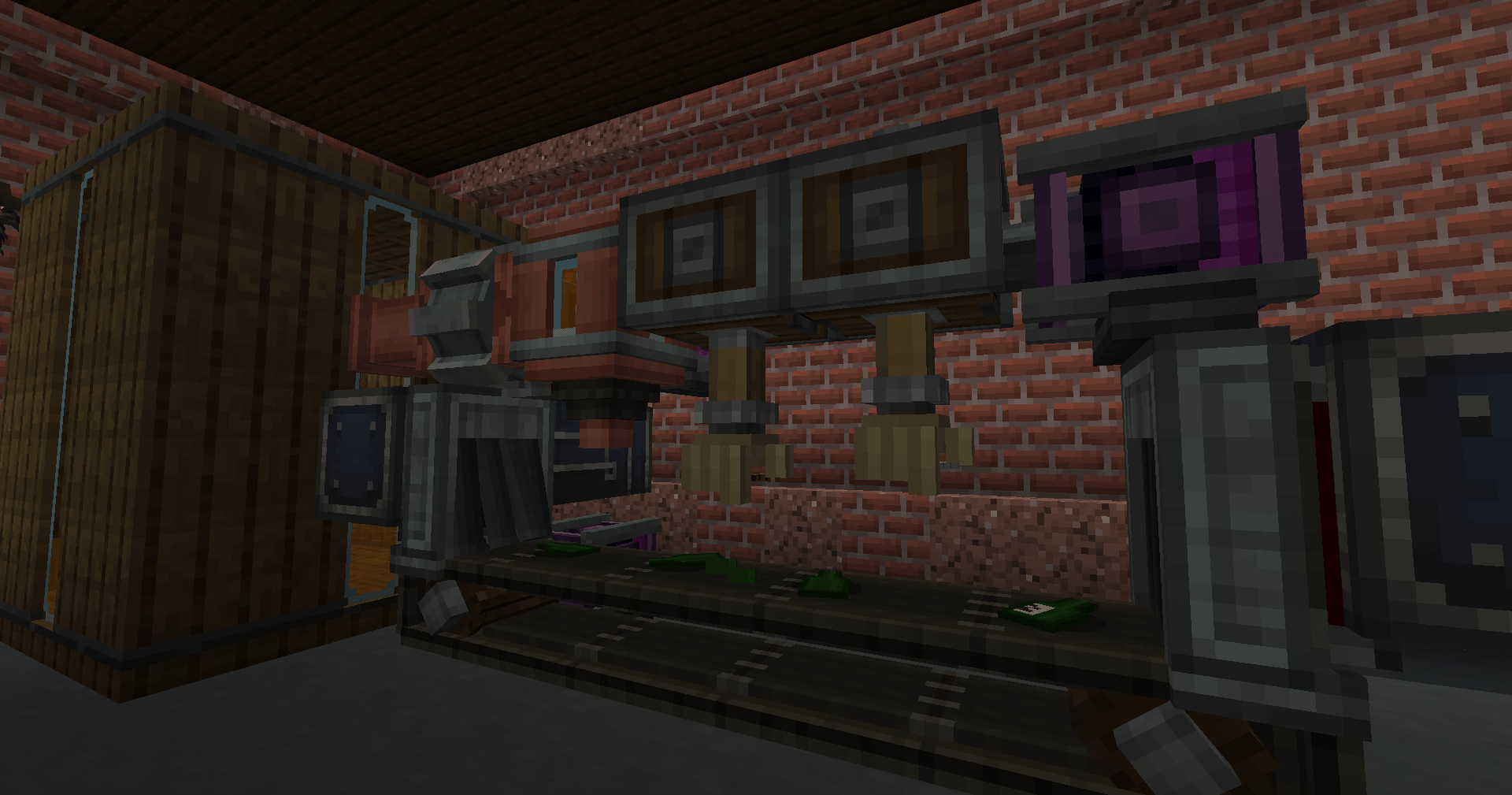
The brewing process integrates with Create machinery:
- Crush malt with the Mechanical Press.
- Mix ingredients into wort.
- Fill bottles using the Spout.
- Press iron nuggets into bottle caps.
- Apply caps and labels with the Deployer.
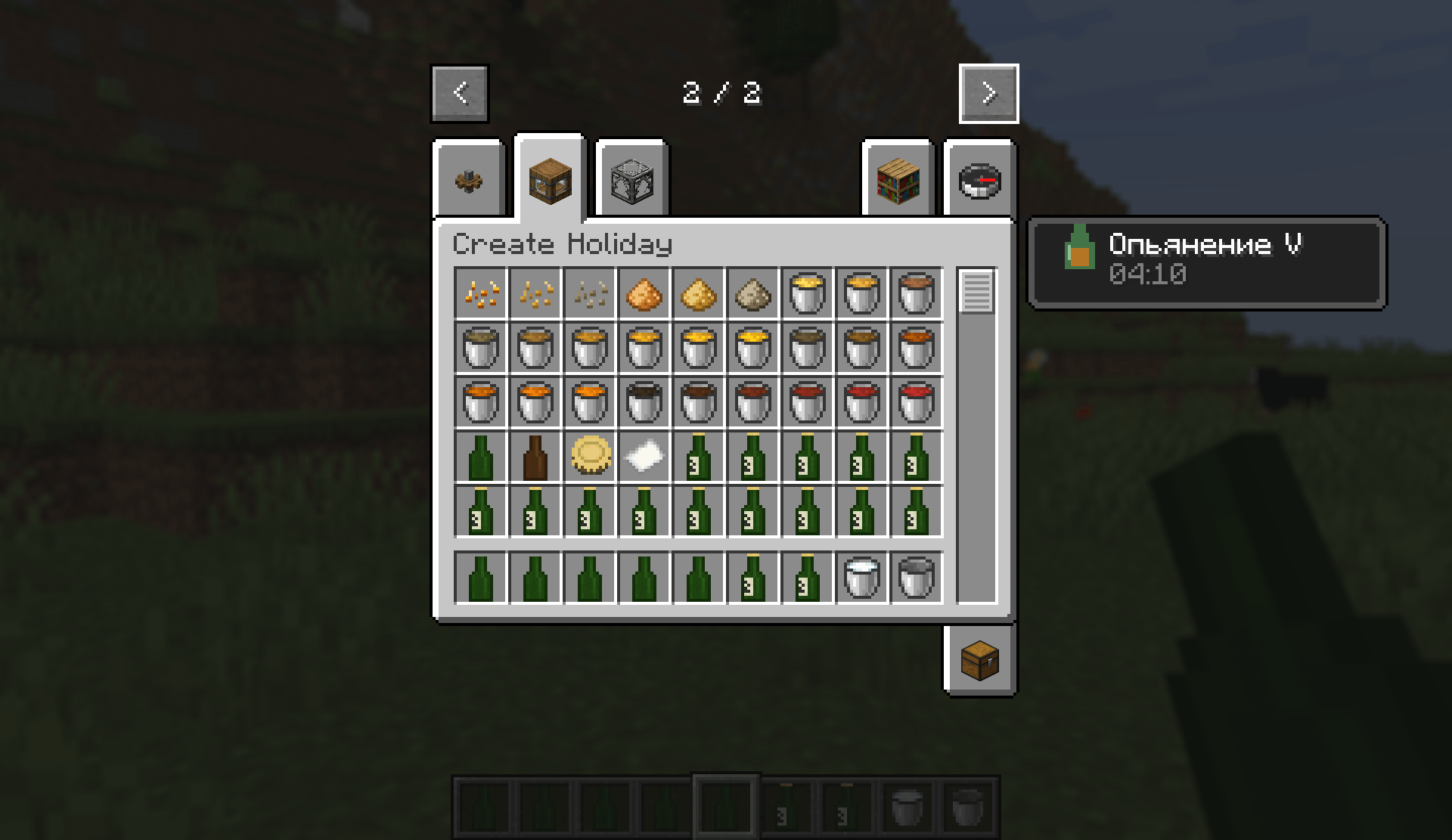
Choose between green and brown bottles. Each bottle supports:
- Empty, filled, sealed, and opened states.
- Labeled and unlabeled versions.
- Different beer and grain varieties.
- Automatic return of the empty bottle after drinking.
Unlabeled bottles keep their contents unknown until a label is applied.
Drinking beer increases intoxication through five stages. Depending on the level, players may experience:
- Camera swaying.
- Camera roll after turning.
- Subtle FOV changes.
- Sideways movement drift.
- Reduced movement speed.
- Increasing blur.
Each additional bottle raises intoxication by one level, up to level five.
Hold an opened beer bottle and use Shift + Right Click to raise it. When another nearby player does the same while facing you, the bottles clink with a custom sound.
- Minecraft 1.21.1
- NeoForge
- Create 6.0.10
1. Install NeoForge for Minecraft 1.21.1.
2. Install Create 6.0.10.
3. Place Create Holiday in your `mods` folder.
4. Launch the game and start brewing!