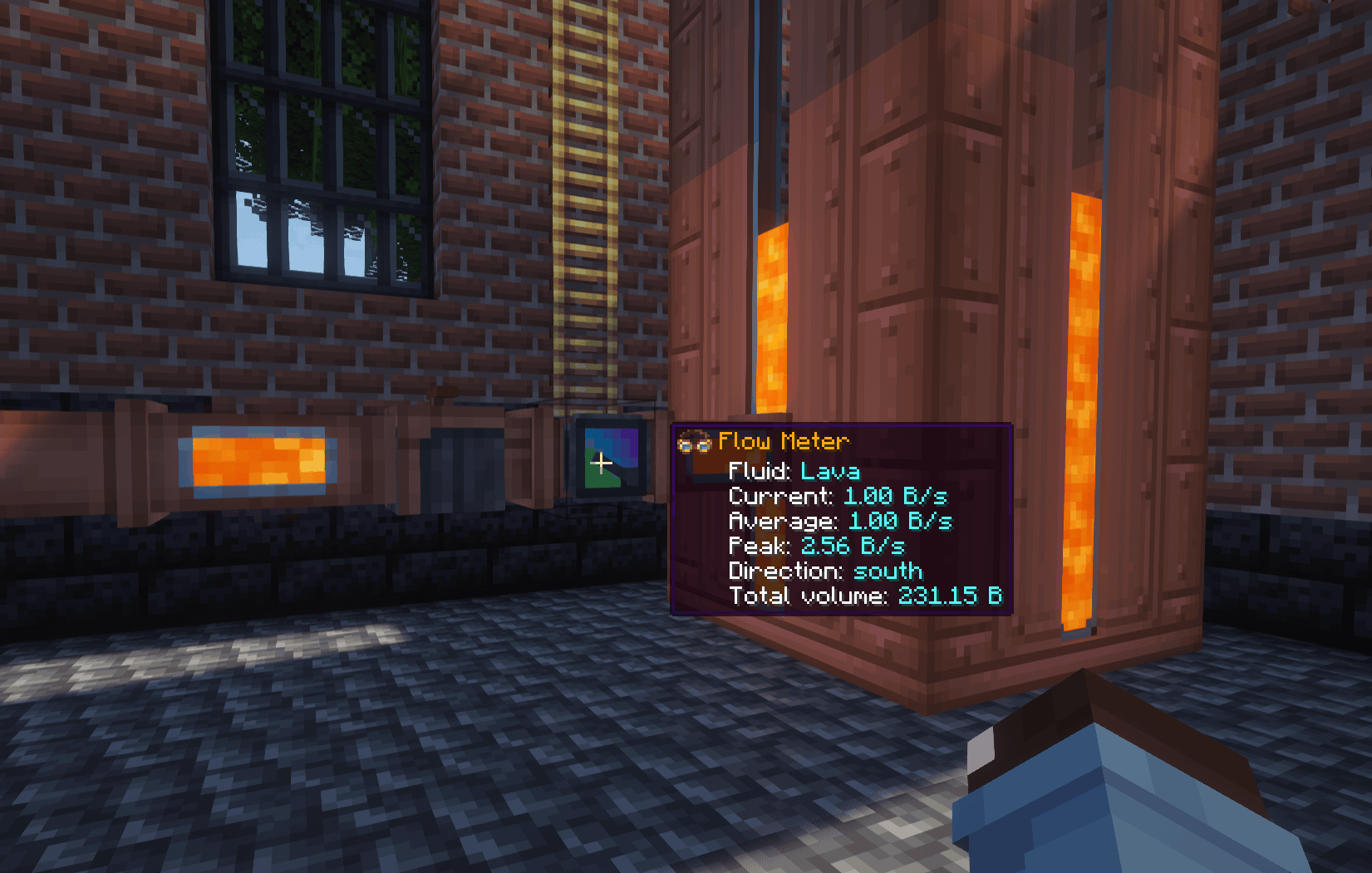
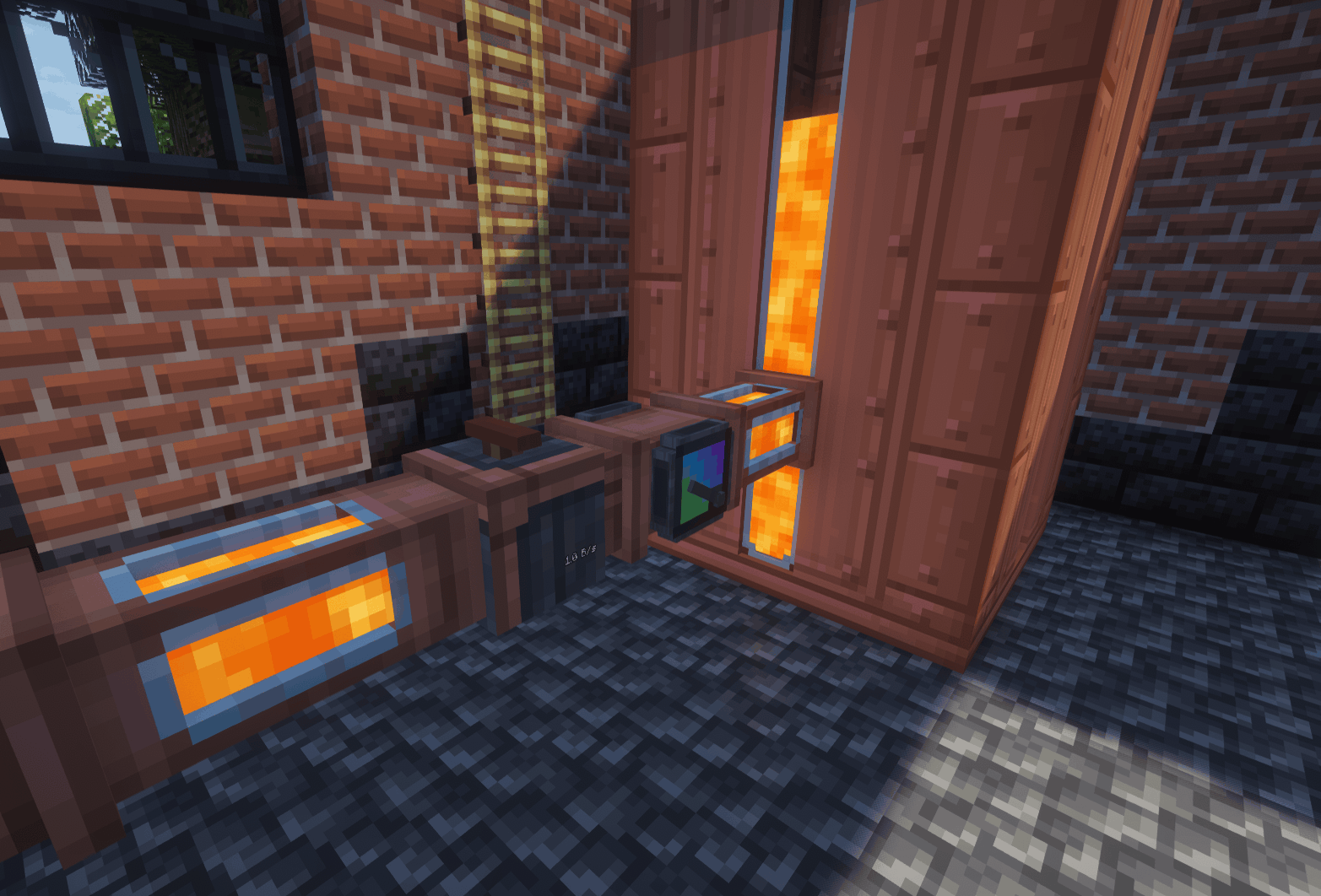
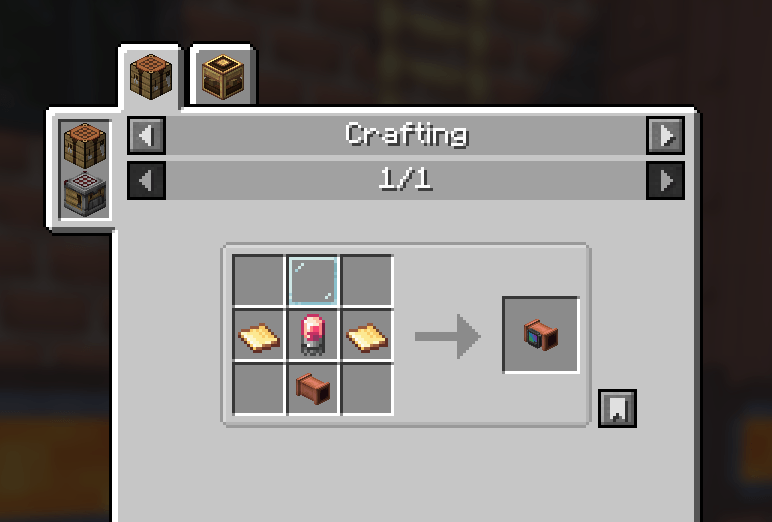
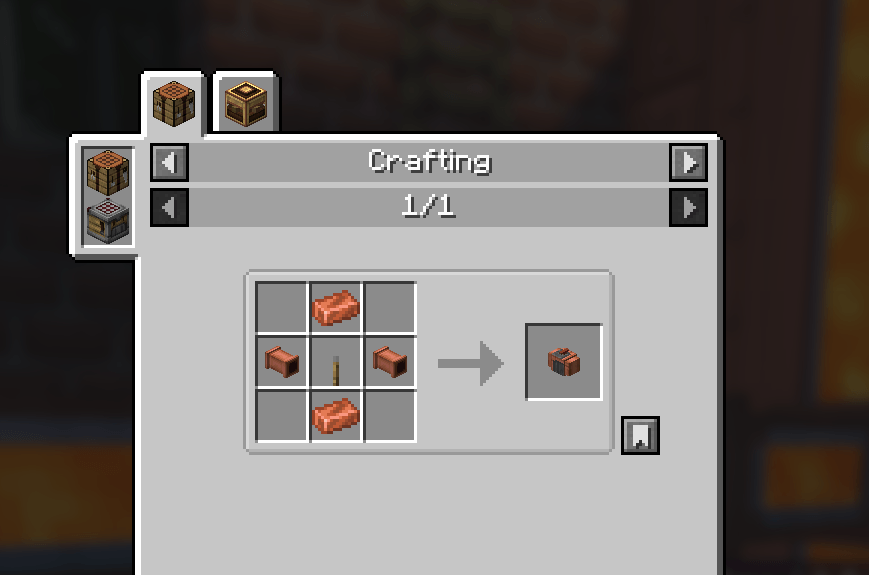
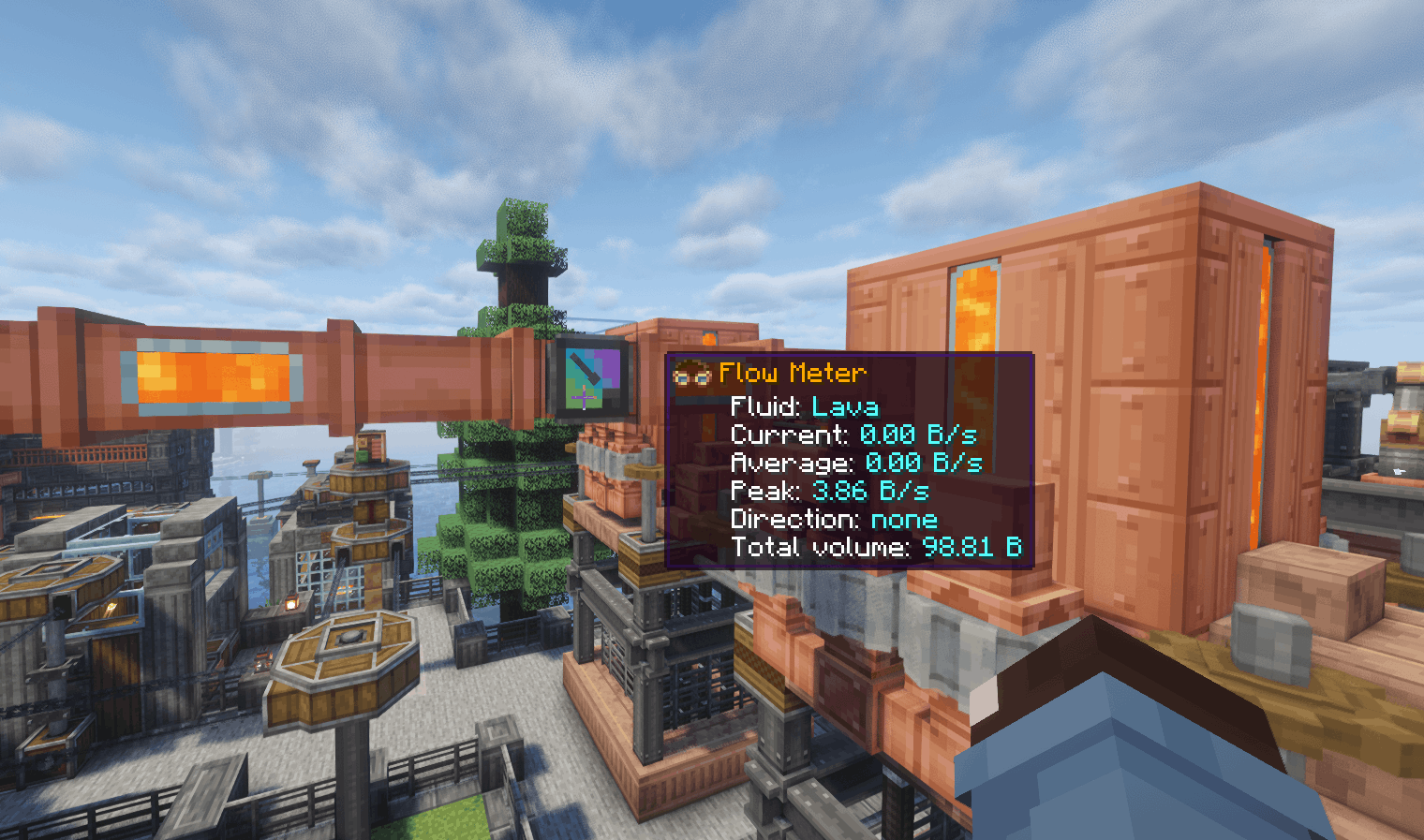
Adds two inline devices for Create fluid networks: a Flow Meter that measures actual fluid throughput and a Flow Restrictor that controls how quickly fluids can pass through pipes.
Both integrate naturally with Create and support Engineer’s Goggles and optional ComputerCraft functionality.
The meter uses Create’s normal fluid transport and measures accepted transfers. An empty source or full destination produces zero throughput. It requires no rotational power or stress capacity.
Flow Meter: Replace a straight pipe segment with a Flow Meter. Place it before a junction to measure combined delivery, or inside a branch to measure that branch separately.
Hold a Create wrench to change display units using the gauge's value control. Sneak-right-click with an empty hand to reset readings and counters.
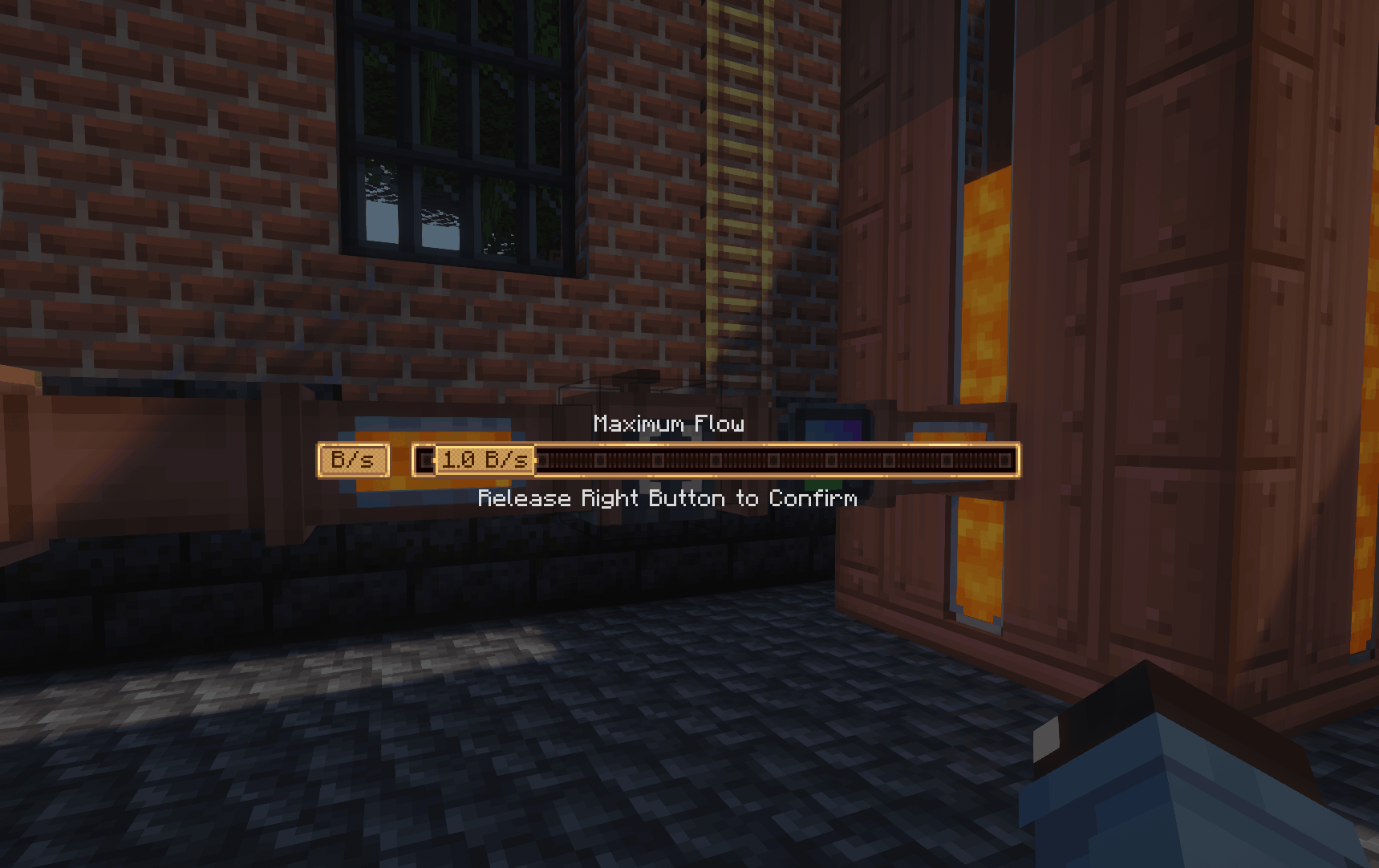
Flow Restrictor: Place it inline with a pipe and adjust its limit using Create's value controls. Set a lower limit for controlled delivery or raise it to allow greater throughput.
With CC: Tweaked installed, both devices provide optional peripheral integration.
Flow Meter: Read current, average, peak, signed flow, total volume, fluid, direction, and status. Change units and comparator scaling through Lua.
Flow Restrictor: Read and adjust the configured flow limit through Lua.
Connect a computer directly beside a device, or use a wired modem attached to a non-pipe face. Lua flow rates use mB/s and volumes use mB.
The Flow Meter measures actual accepted fluid transfers, not theoretical pipe capacity. Empty sources and full destinations produce zero throughput.
Rates use game seconds (20 ticks). Detected pipe loops and bypass routes report unknown rather than guessed throughput. Accumulated totals include fluids passing through the meter.