Loading...
Beta Modpages Unclaimed

Create Deco

Industrial decoration themed for the Create mod.

Likes
39157124 Downloads
Created by

Description

Fabric Version found here

Create Deco is the best mod around for taking your industrial, urban, or steampunk builds to the next level. With everything from catwalks to cage lamps and shipping containers to sheet metal, Create Deco integrates flawlessly with the existing selection of building blocks in Create.

Block Sets

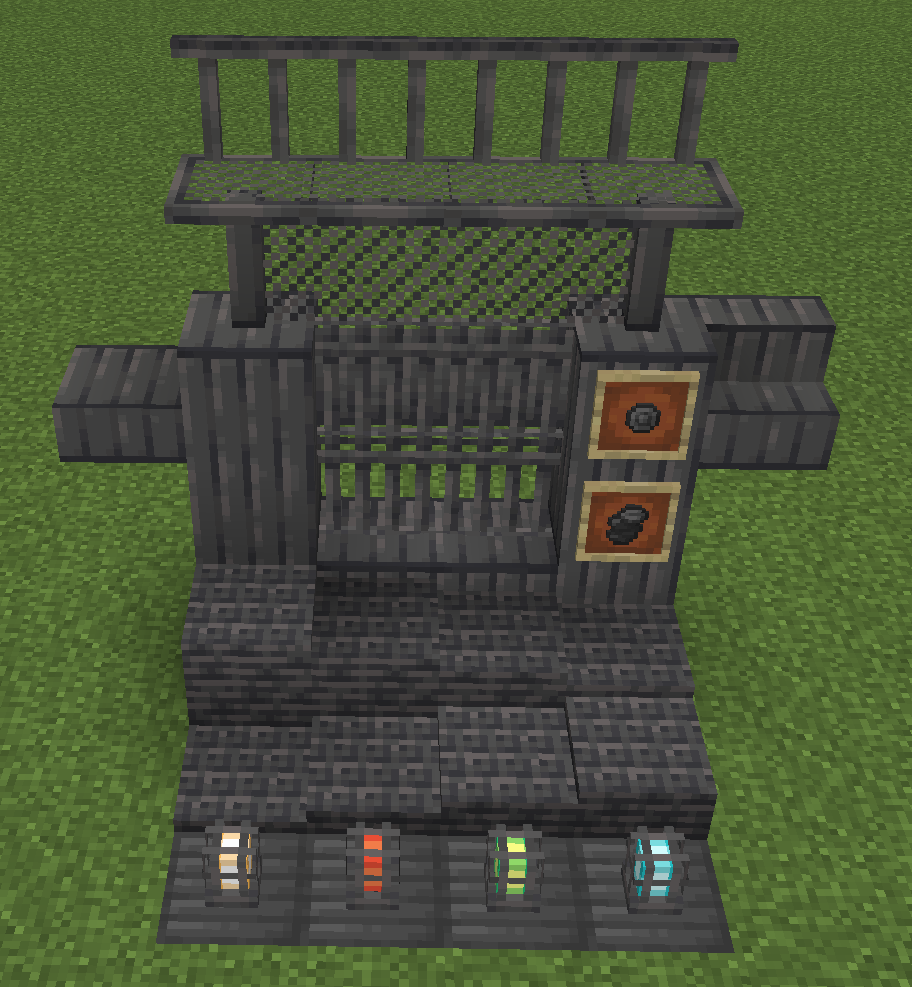
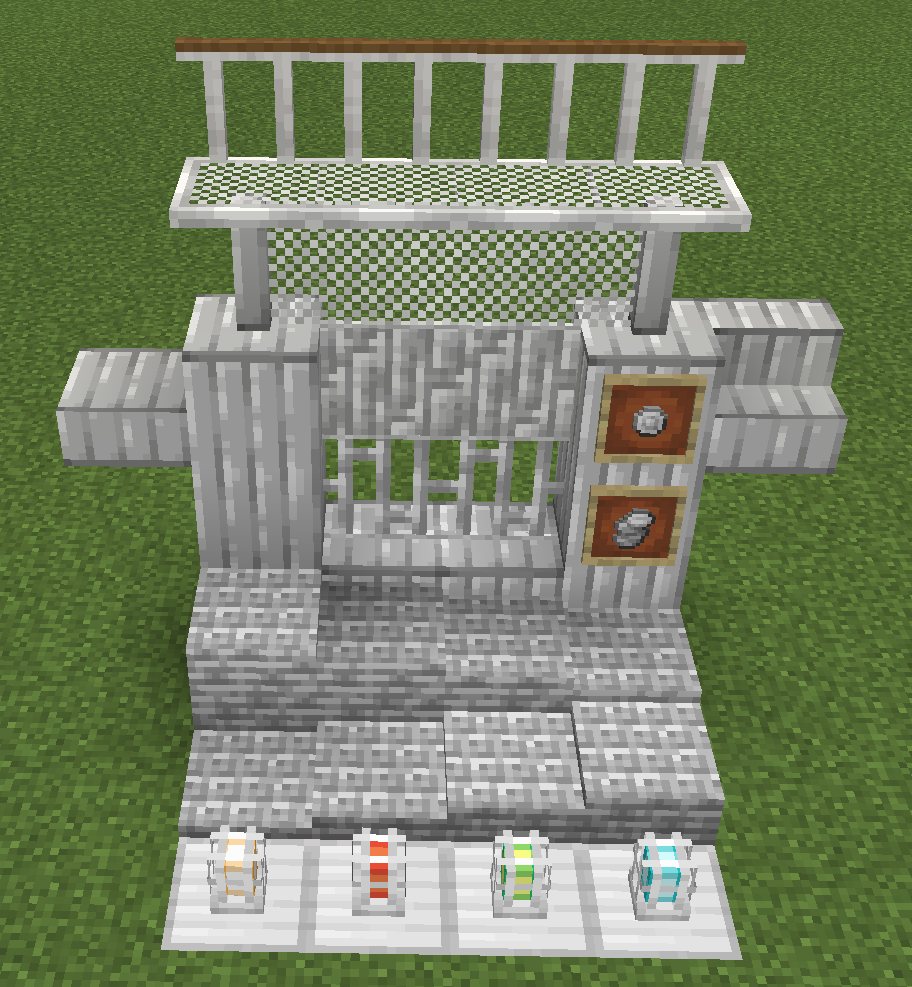
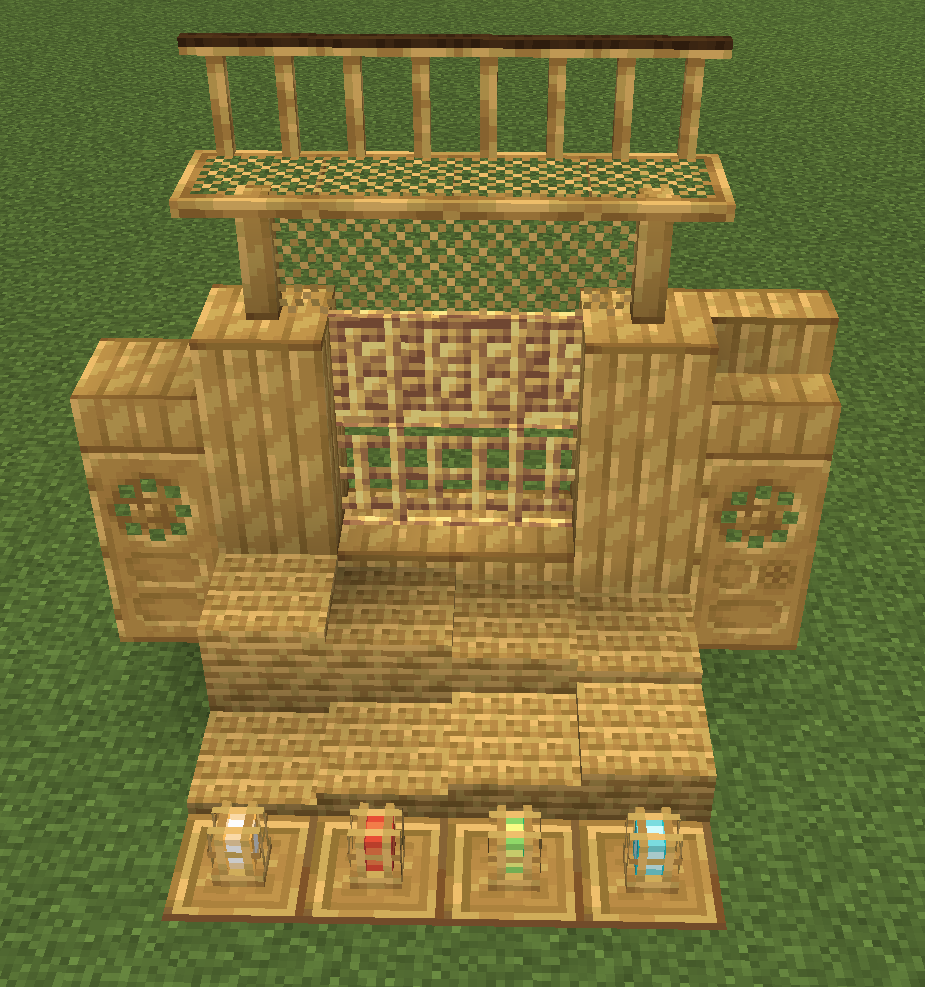
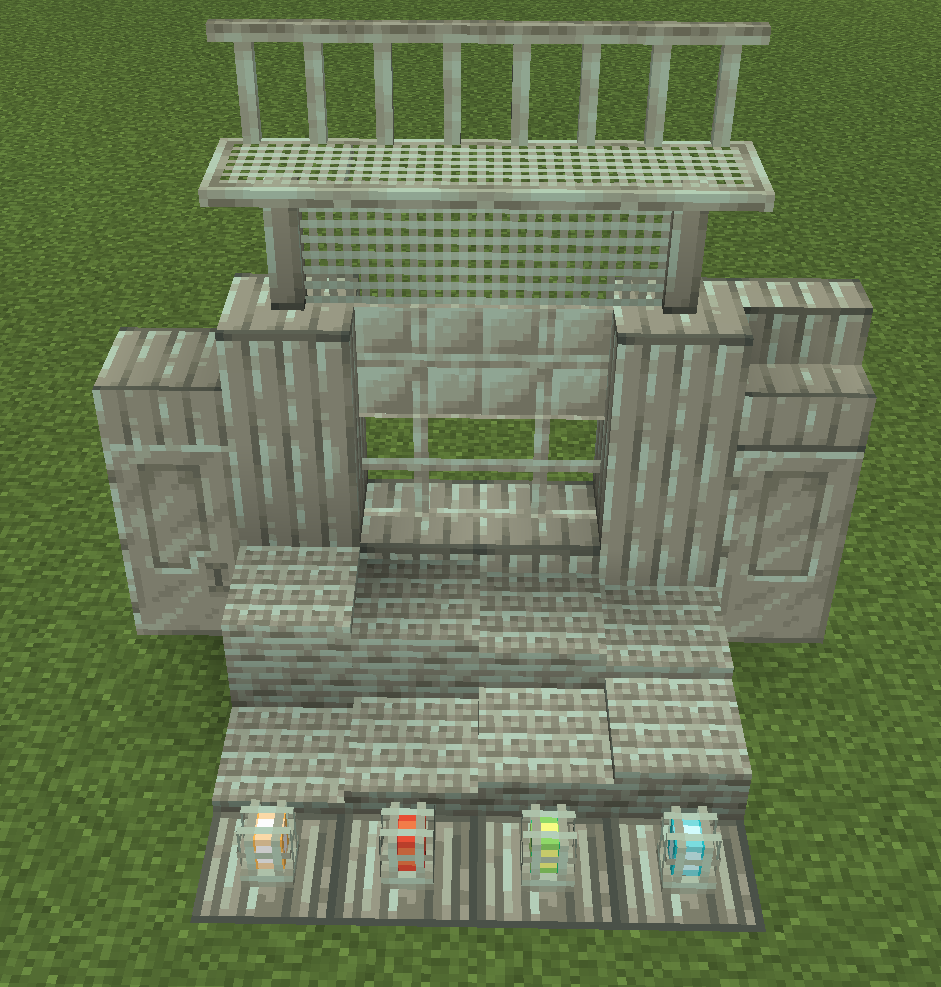
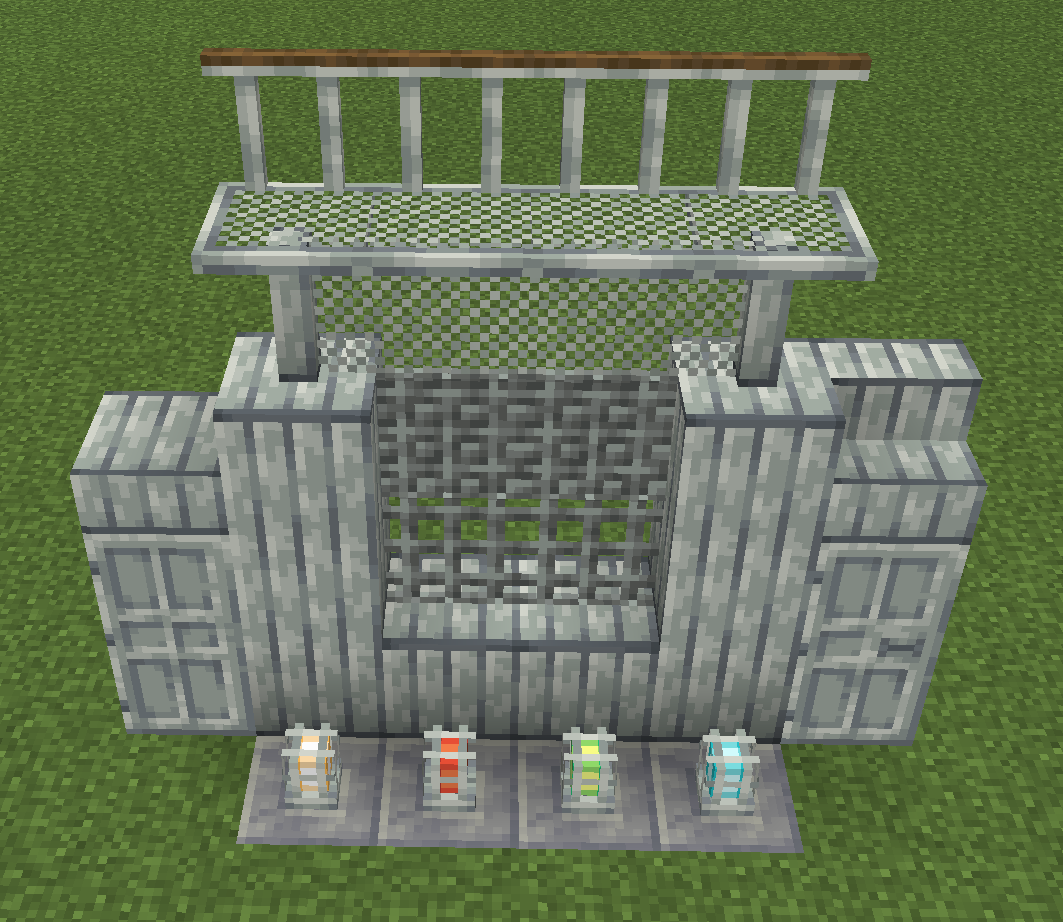
Create Deco has a number of block sets with each being available in six materials, those being Andesite, Zinc, Iron, Industrial Iron, Copper and Brass.
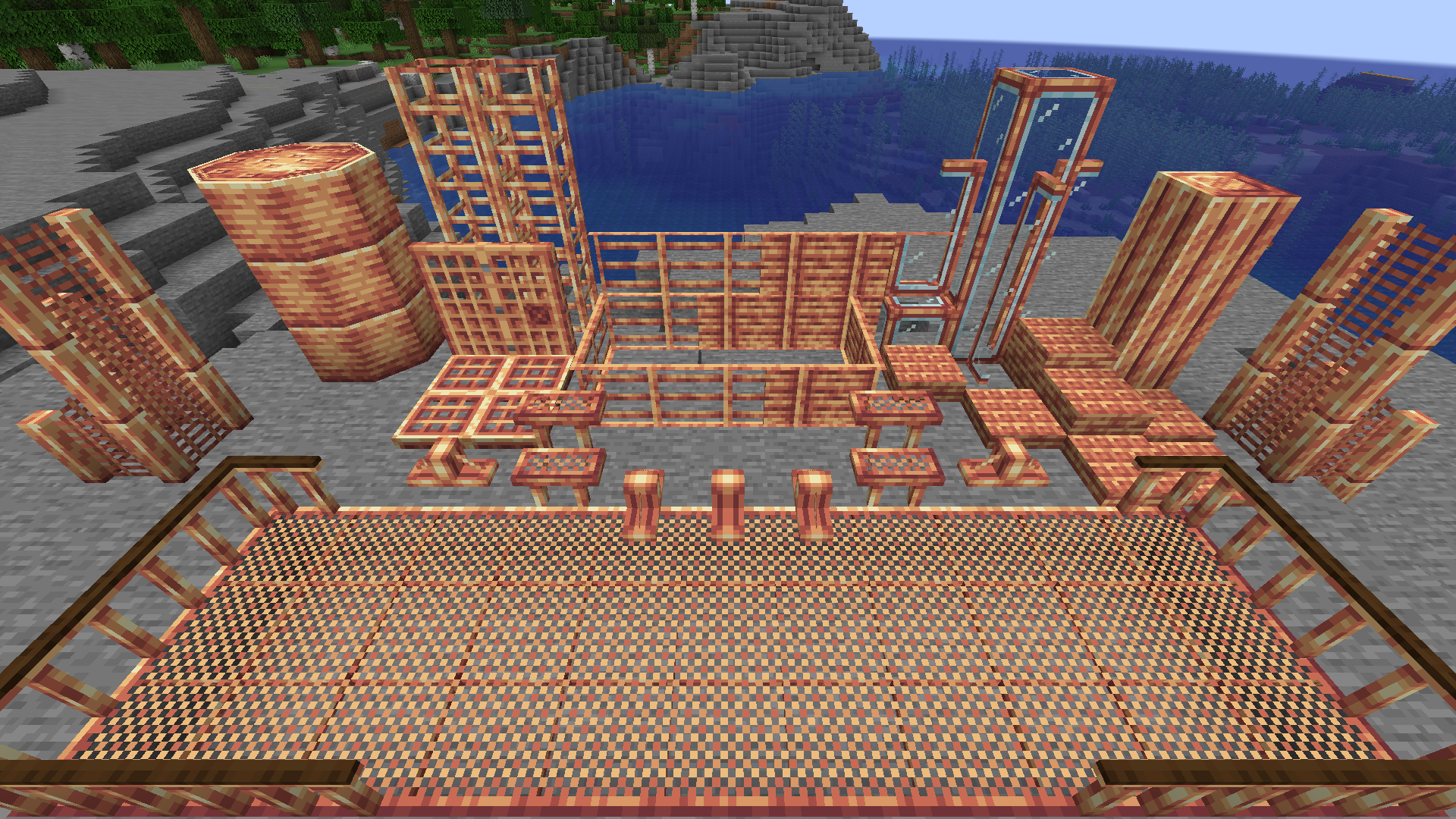
An image of the entire set of Copper blocks in Create Deco

The block sets included are:

  • Support Blocks
  • Support Wedges
  • Train Hulls
  • Catwalks
  • Catwalk Railings
  • Catwalk Stairs
  • Cage Lamps (available in four light colors!)
  • Sheet Metal
  • Windows (+ panes!)
  • Bars (+ opaque paneled bars)
  • Chain Link Fences
  • Coin Stacks (+ coin items)
  • Doors
  • Ladders

And more to come!!!

Additional Decor

On top of sets of metal blocks, the mod includes decor options like Decals with different symbols on them that can be used to indicate a fire hazard or a restricted area.
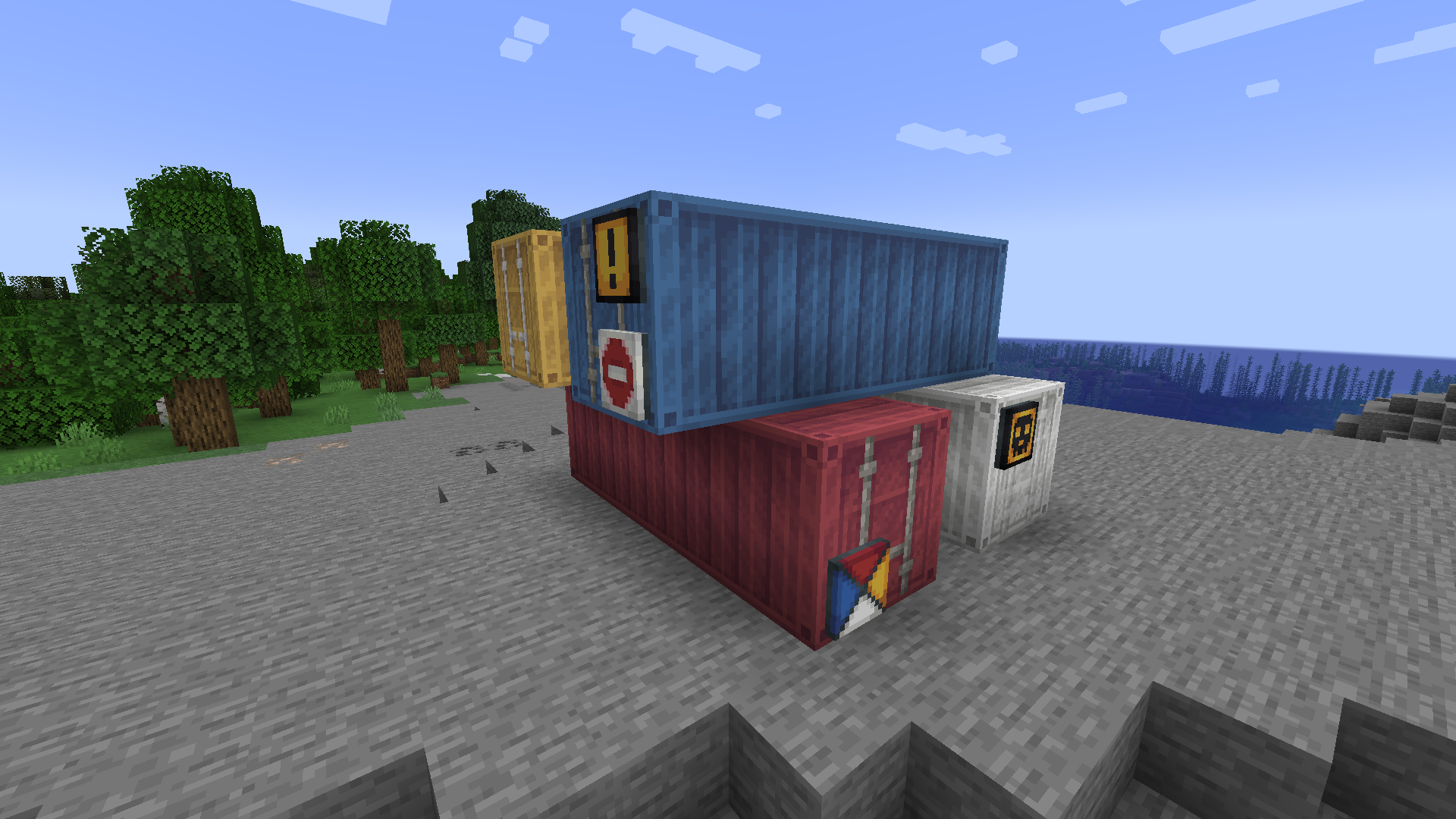
Shipping Containers and Decals

Also, there are shipping containers in all 16 dye colors that act like Item Vaults but with a fresh new look

Bricks

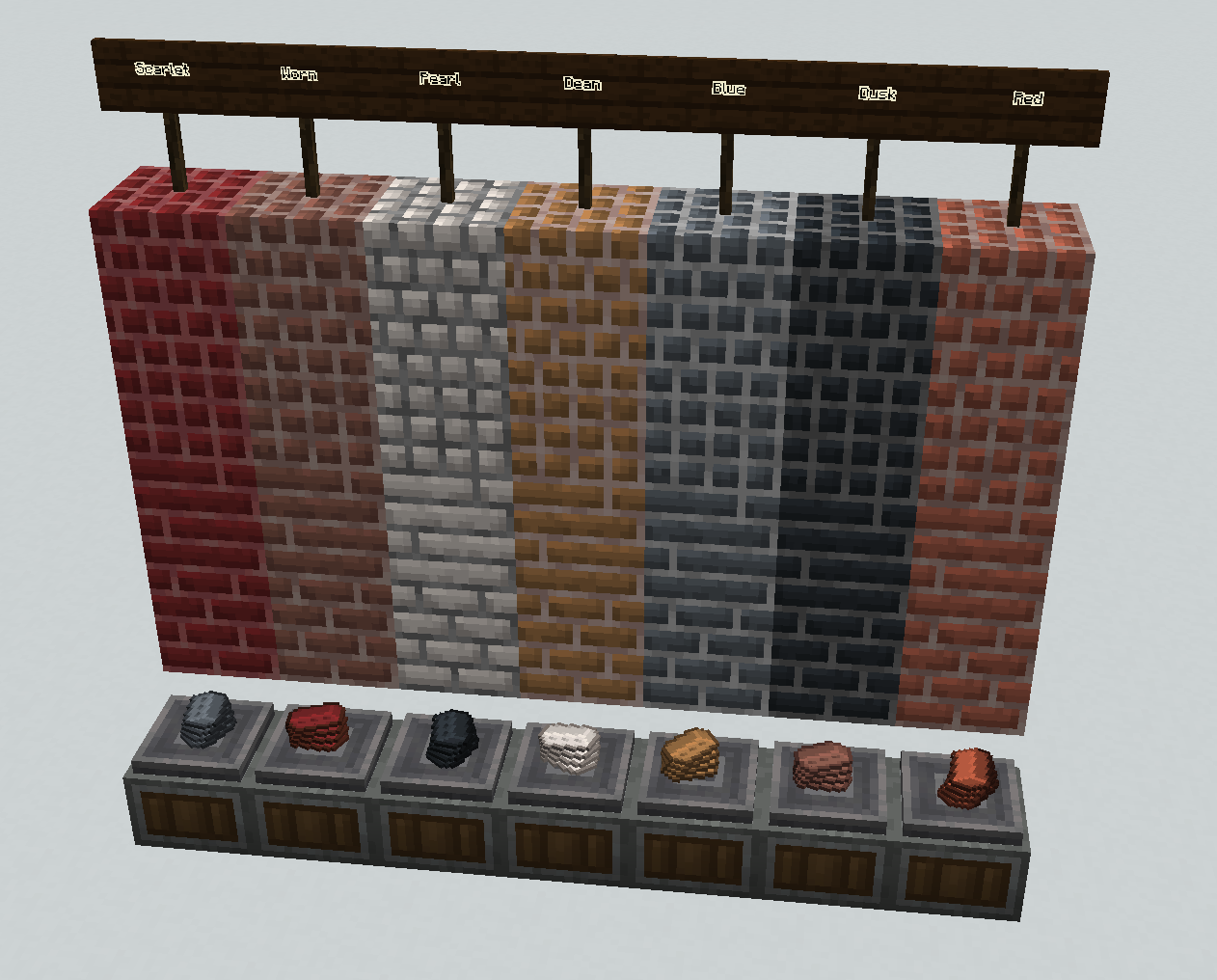
Create Deco has a number of new colors of brick that can be cut or modified into different looks for variety. The colors of brick are: Red, Scarlet, Blue, Umber, Dean, Dusk, Verdant and Pearl.
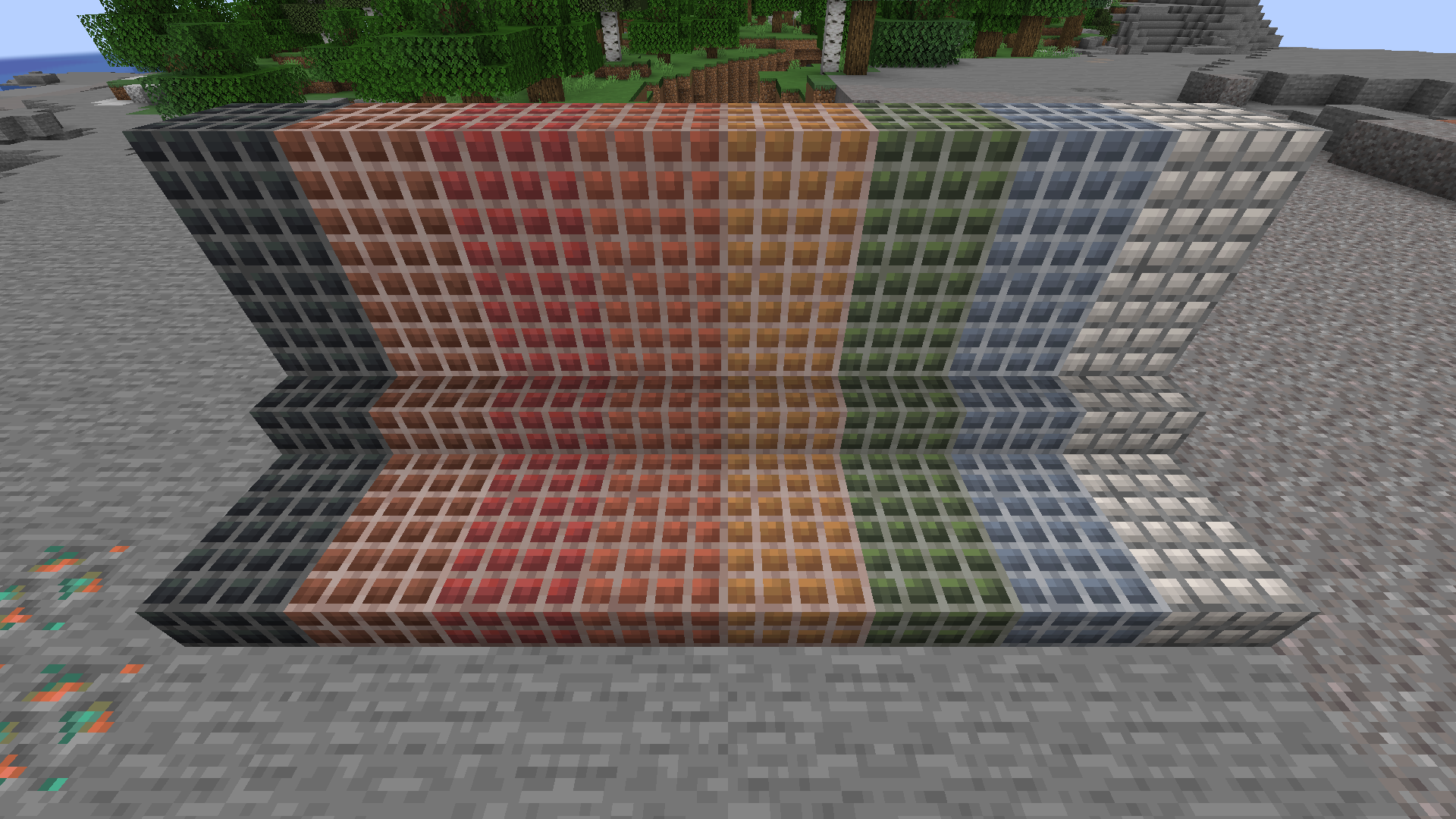
Brick Color Variants

These bricks can be short, long, tiled, cracked or mossy and all have stairs and slabs.
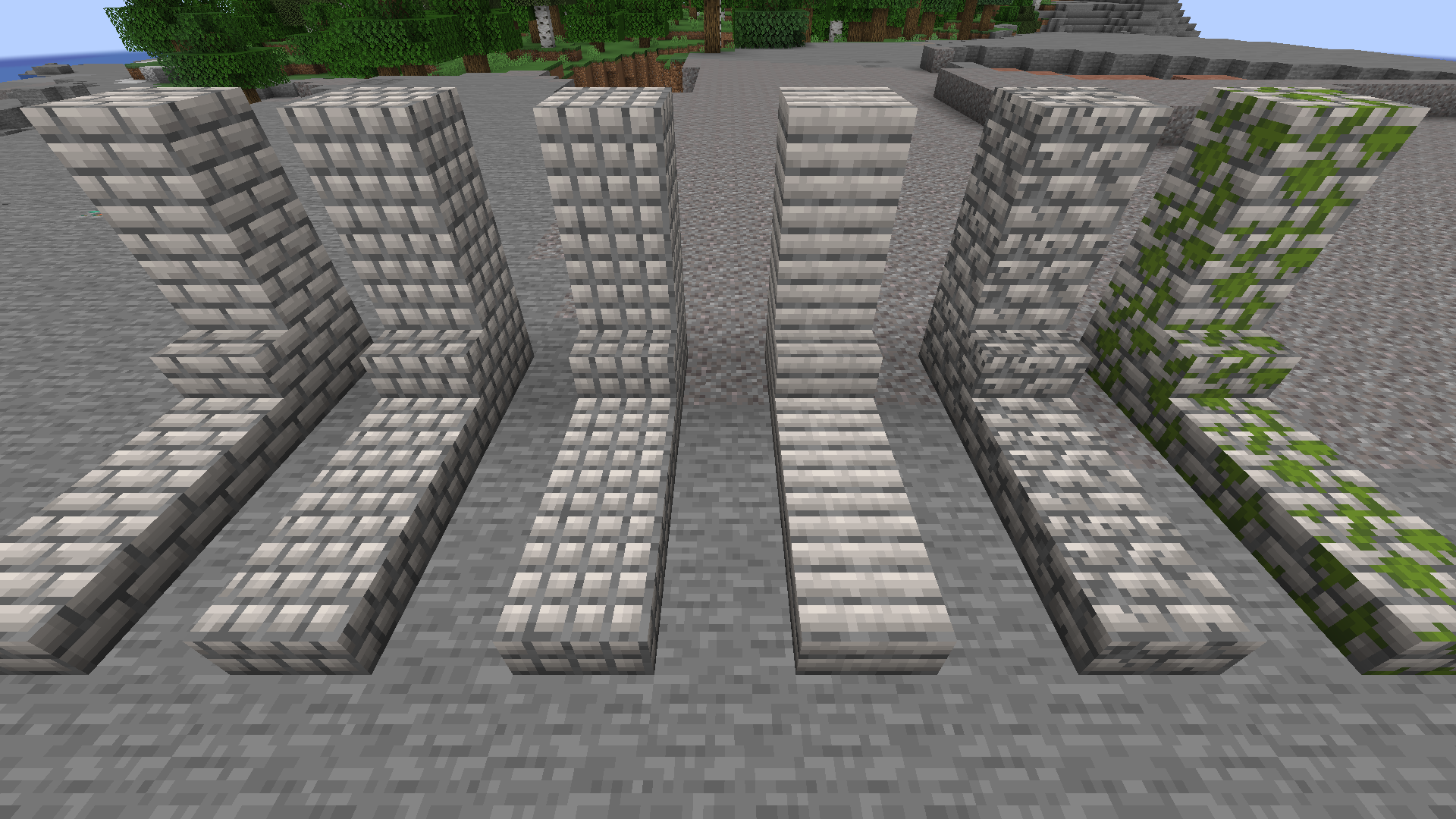
Brick Variants

We hope you enjoy Create Deco!


AD Become Premium to remove Ads!

What means Verified?

  • Compatibility: The mod should be compatible with the latest version of Minecraft and be clearly labeled with its supported versions.
  • Functionality: The mod should work as advertised and not cause any game-breaking bugs or crashes.
  • Security: The mod should not contain any malicious code or attempts to steal personal information.
  • Performance: The mod should not cause a significant decrease in the game's performance, such as by causing lag or reducing frame rates.
  • Originality: The mod should be original and not a copy of someone else's work.
  • Up-to-date: The mod should be regularly updated to fix bugs, improve performance, and maintain compatibility with the latest version of Minecraft.
  • Support: The mod should have an active developer who provides support and troubleshooting assistance to users.
  • License: The mod should be released under a clear and open source license that allows others to use, modify, and redistribute the code.
  • Documentation: The mod should come with clear and detailed documentation on how to install and use it.

AD Become Premium to remove Ads!

How to Install

1

Download Forge & Java

Download Forge from the offical Site or here. If you dont have Java installed then install it now from here. After Downloading Forge you can run the file with Java.

2

Prepare

Lounch Minecraft and select your Forge istallation as Version this will create a Folder called Mods.

3

Add Mods

Type Win+R and type %appdata% and open the .minecraft Folder. There will you find your Folder called Mods. Place all Mods you want to play in this Folder

4

Enjoy

You are now Ready. Re-start your Game and start Playing.

More Mods like this

Mystical Agradditions

Adds tier 6 crops, Tinkers' support, Paxels and more to Mystical Agriculture!

Waila Harvestability

An add-on for Waila that adds information about the harvestability of what you are looking at

Ars Elemental

Ars Nouveau addon focused on the 4 elemental schools. New glyphs and spell foci awaits

Indium

Sodium addon providing support for the Fabric Rendering API, based on Indigo