Badges update automatically and link to the mod page on MineUniverse.
CIT furniture, but actually usable.
No OptiFine. No anvil renaming. No item frames.
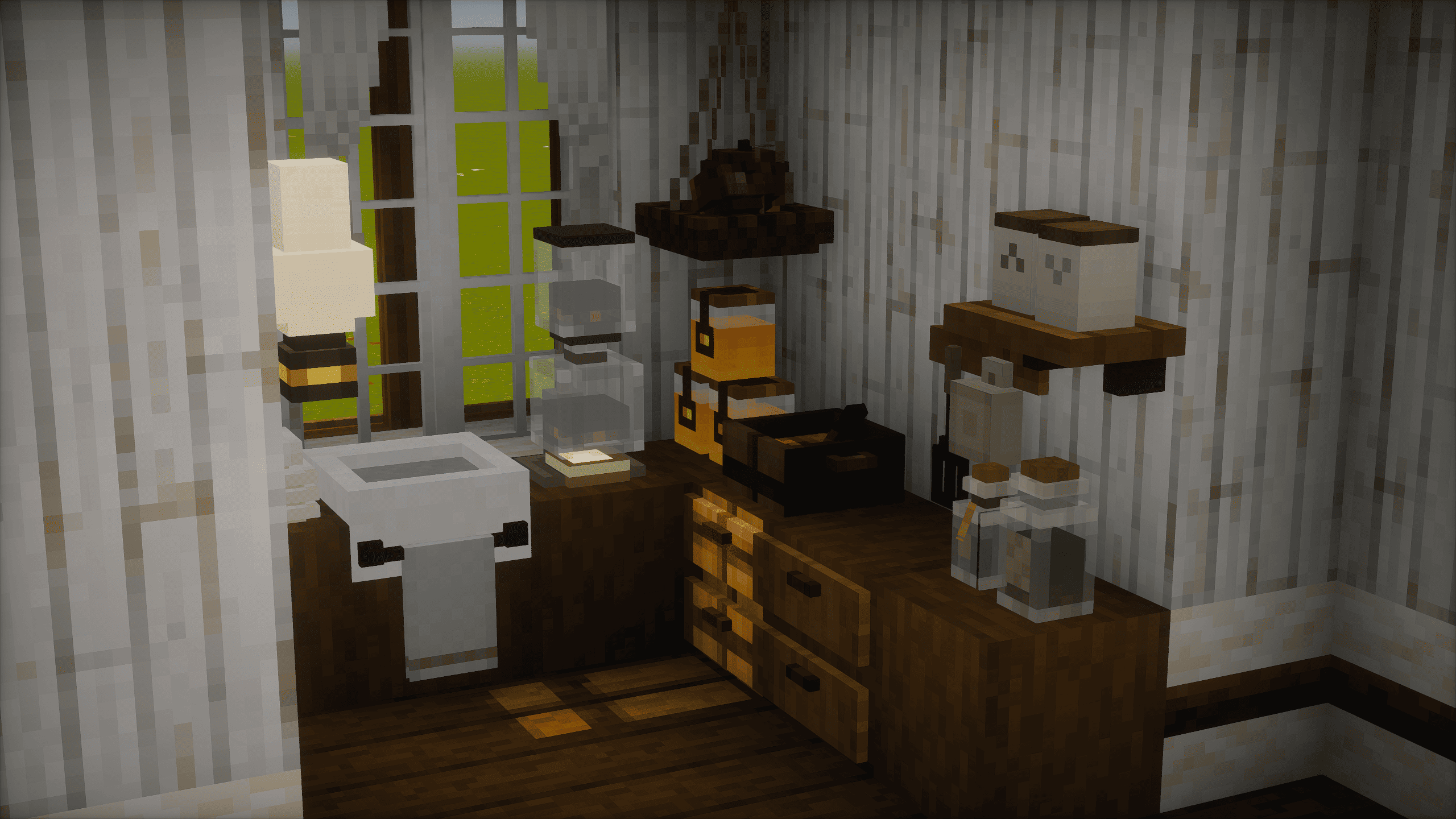
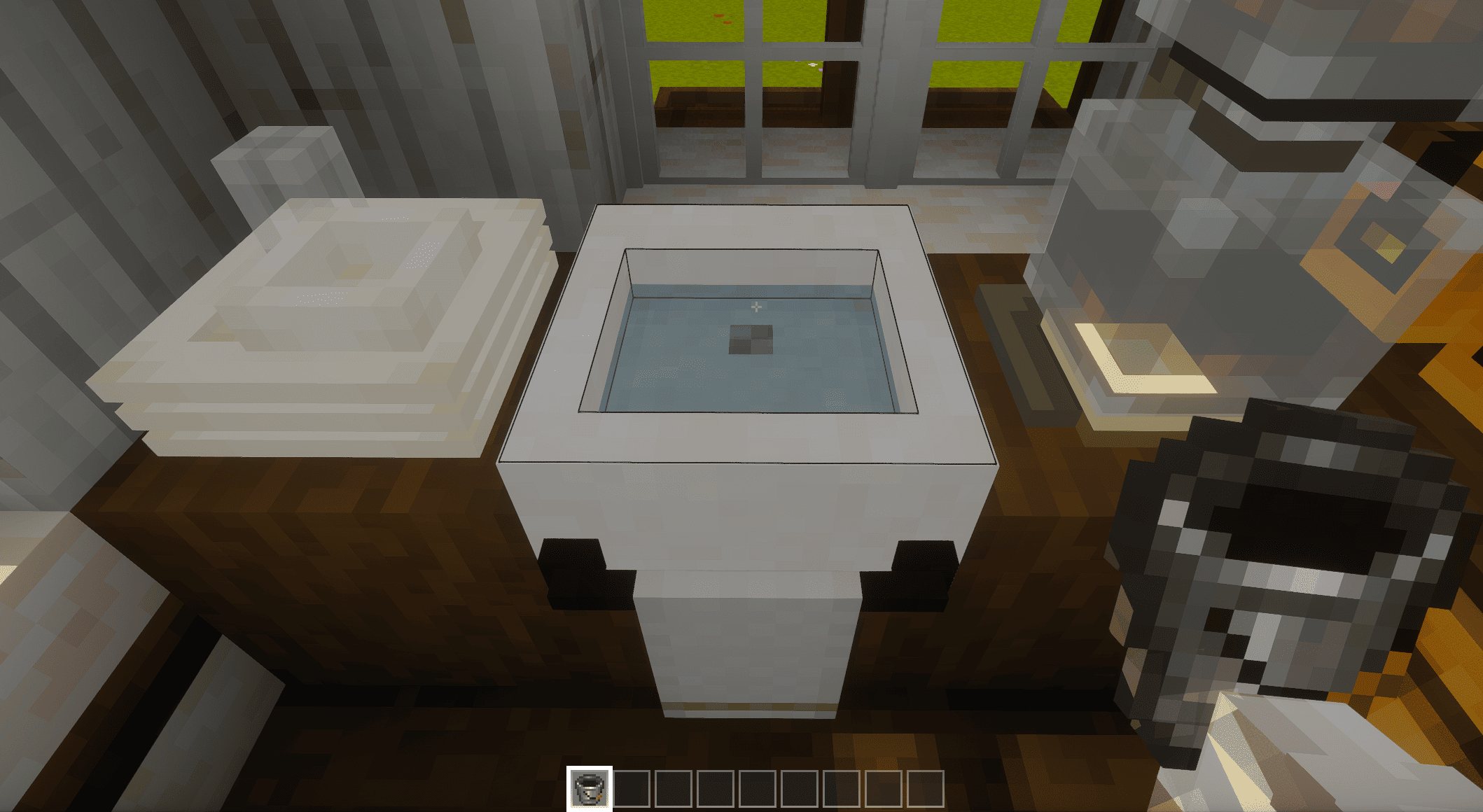
Cozy CIT reads the supported CIT furniture packs you have installed and turns their furniture into real blocks. Fridges store items. Lamps switch off. Sinks hold water. The frame you put over a vanilla bed is still a bed you can sleep in. And all of it is craftable in survival, through the stonecutter.
820+ furniture blocks from Mizuno's 16 Craft alone, up to 1,950+ with every supported pack installed.
⚠️ The mod adds nothing by itself. It converts CIT packs you already have — put at least the two Mizuno packs in your resourcepacks folder or no furniture will appear. See Installation below.
Using CIT furniture normally means OptiFine, an anvil, and patience: rename an item, hold it, hang it in an item frame, repeat. The result looks like furniture but behaves like an item.
On 1.21+ it gets harder still. OptiFine's CIT has never worked reliably next to mod loaders (Mizuno's own FAQ recommends running OptiFine alone for that reason), and in our testing on 1.21.1, renamed furniture no longer renders as a 3D model in item frames even with CIT-restoring mods installed — you get the flat sprite instead. The classic item-frame workflow is effectively broken there.
Cozy CIT doesn't depend on any of that. The furniture is just blocks. Your packs stay in the resourcepacks folder. At launch, the mod reads the supported ones and registers a proper block for each furniture piece, with placement rules, collision and interactions tuned per pack. You grab them from the creative tab and place them like any other block.
🗄️ Storage & furniture
💡 Lighting
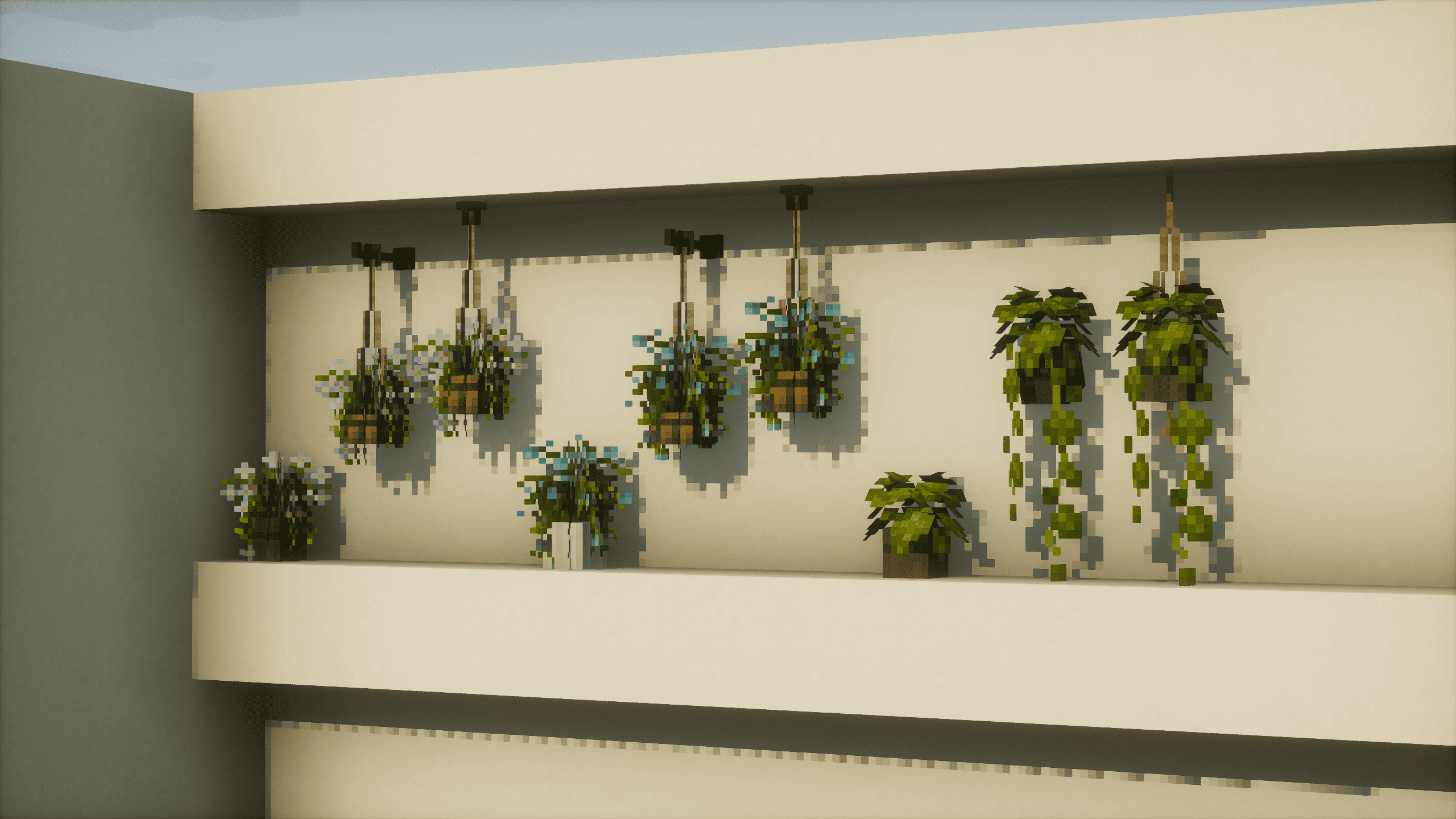
🪴 Placement
🧰 Everything else
This is not a universal CIT loader. Each pack is analysed and tuned by hand — placement, collision, interactions — so support is per-pack. Currently supported:
Install any subset — each pack gets its own creative sub-tab, and packs you don't have simply don't appear. If a pack author asks, their pack's support will be removed.
The mod ships zero textures and zero models. It reads the packs from your resourcepacks folder at launch and builds the blocks locally, on your machine. Remove a pack and its furniture is gone. Every texture you see comes from your own copy of the pack — nothing is redistributed, and you don't even need to enable the packs in the pack selection menu.
resourcepacks — no need to enable themThe regular Mizuno pack matters: several CIT furniture pieces reuse its textures, and without it they fall back to vanilla textures and lose their intended look. Enabling it as your active resource pack is also the easiest way to get the full cozy aesthetic the furniture was drawn for.
Multiplayer works too: install the mod and the same packs on the server (its own resourcepacks folder) and on every joining client. Both sides register the blocks from the packs, so the pack sets should match.
resourcepacksNone of this furniture exists without the pack artists. Download the packs from their official pages (linked above), not from re-uploads, and support the authors directly. For Mizuno's packs that's the official website — the regular pack also covers terrain, building blocks, doors and GUI, and the furniture was drawn to sit in that world.
Unofficial companion mod for the CIT resource packs listed above. All furniture art belongs to the respective pack authors and is not included in this mod; the mod converts the copy you downloaded yourself. Not affiliated with or endorsed by any pack author. If an author asks for their pack's support to be removed, it will be.
The mod's own code and block systems are free for non-commercial use.
Something broken, or a pack you'd like supported? Use the issue tracker — there are templates for bug reports, feature requests and pack suggestions. For bugs, attach logs/latest.log; it shows which packs were detected and usually points straight at the cause.