Copy any build, preview it as a hologram, and let the Builder construct it for you, for free.
Construct and Clone All was created by a father and his 11-year-old son, based on his idea: "what if a villager could just build my house somewhere else?" So we made it.
FEATURES
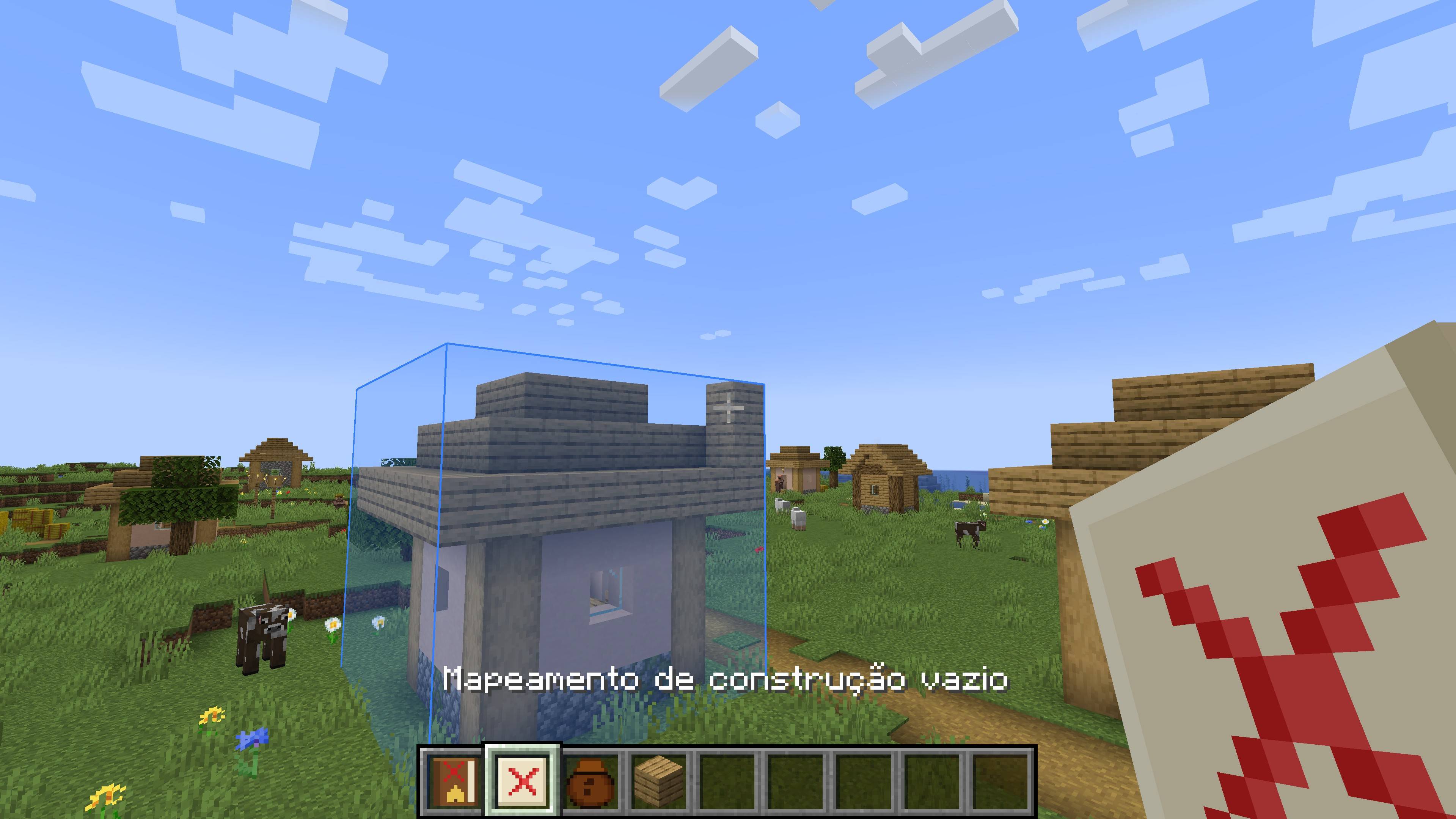
- Copy buildings: use the Empty Construction Mapping to select an area (up to 32x32x32). A blue box shows the selected area and turns red if it gets too big.
- Copies everything: blocks, block states, chests with their items, signs and other block entities. (Mobs and armor stands are not copied.)
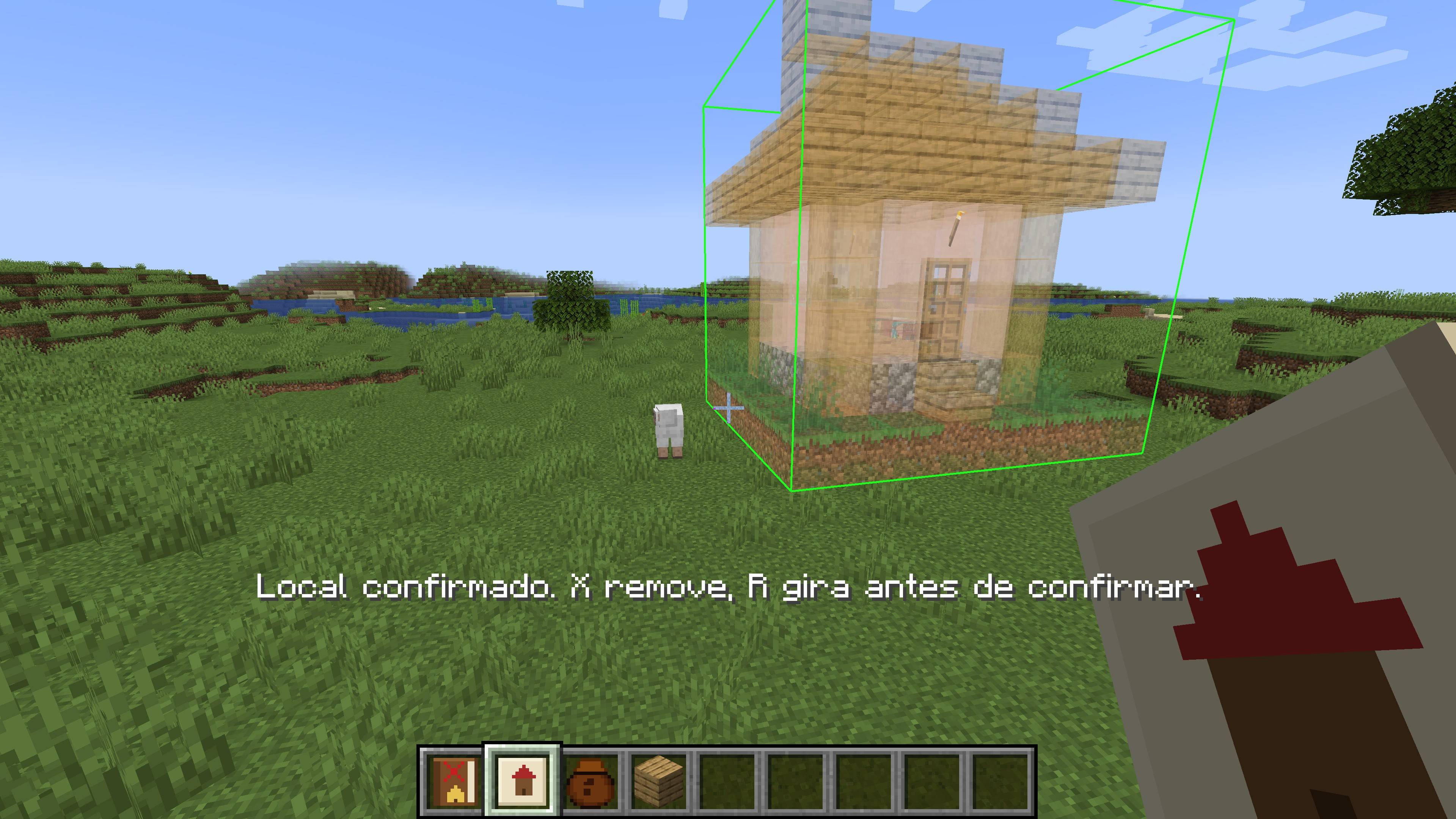
- Hologram preview: hold the Filled Construction Mapping to see a translucent hologram of your build following your crosshair.
- Rotate and confirm: rotate the hologram in 90° steps, then confirm the location. Placed it in the wrong spot? Remove it and try again.
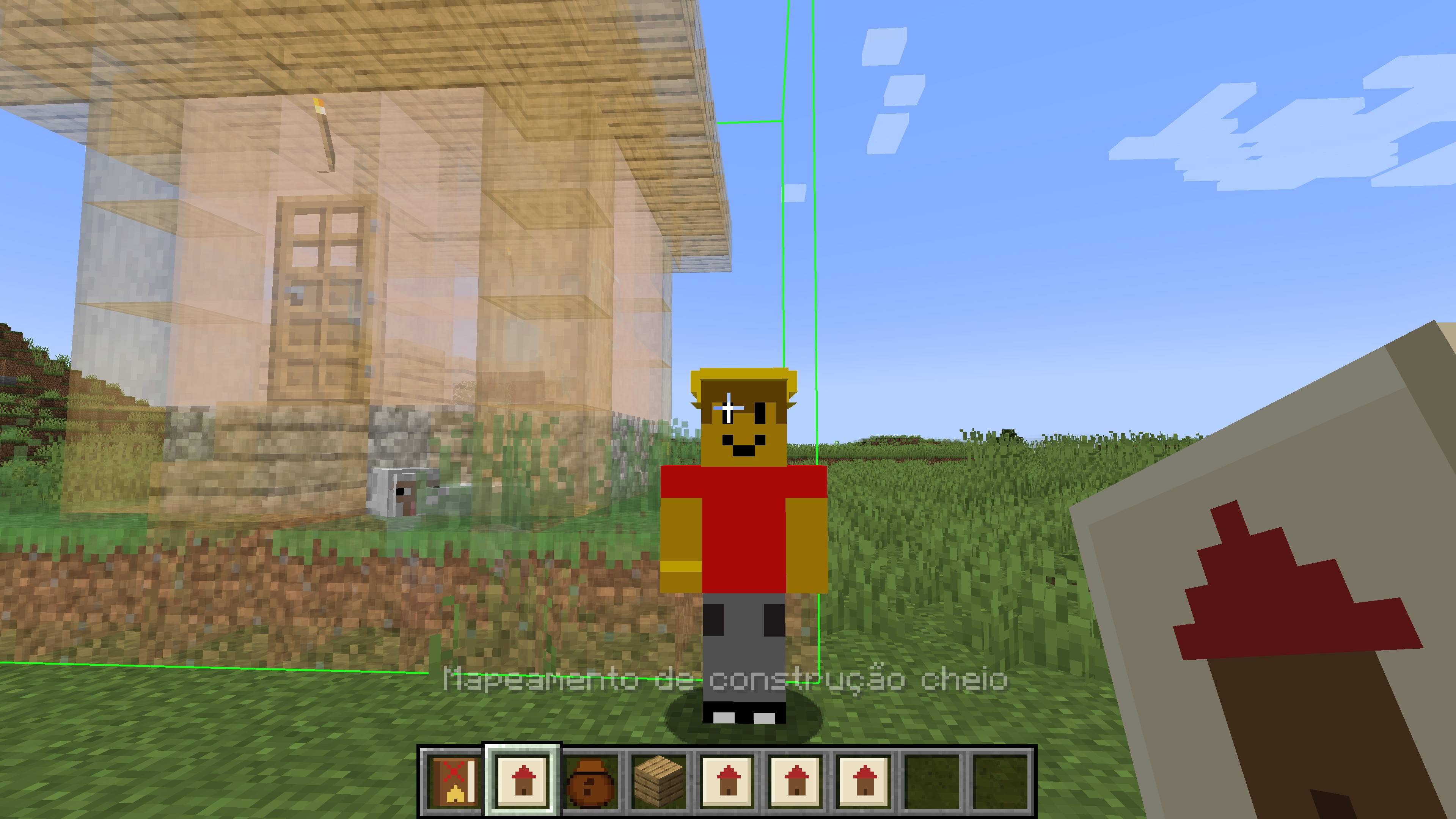
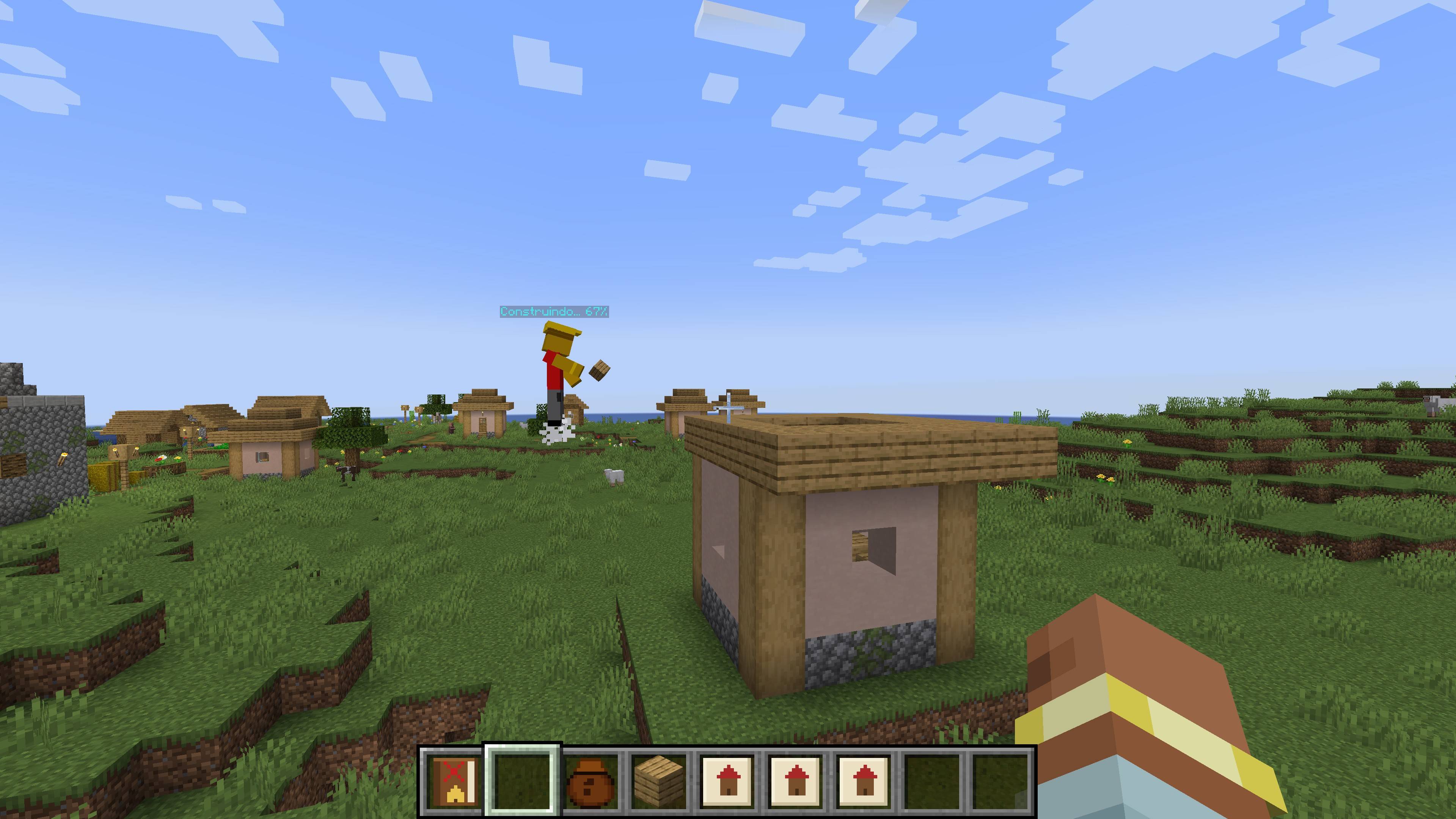
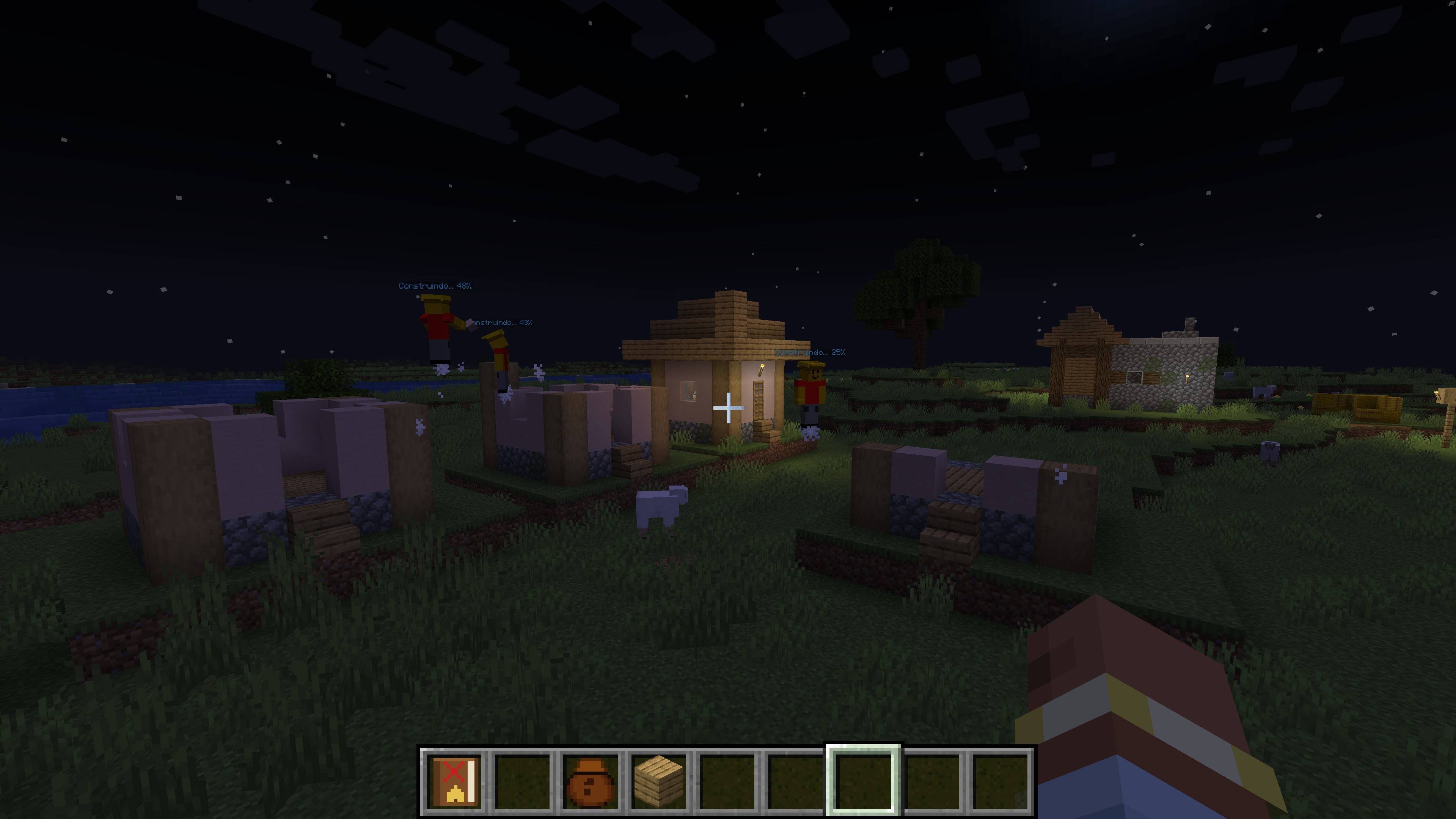
- The Builder: a new NPC that takes the mapping, walks to the site and builds the structure layer by layer, with no materials needed.
- Tall builds: the Builder floats alongside the construction as it rises, so towers and big structures get finished.
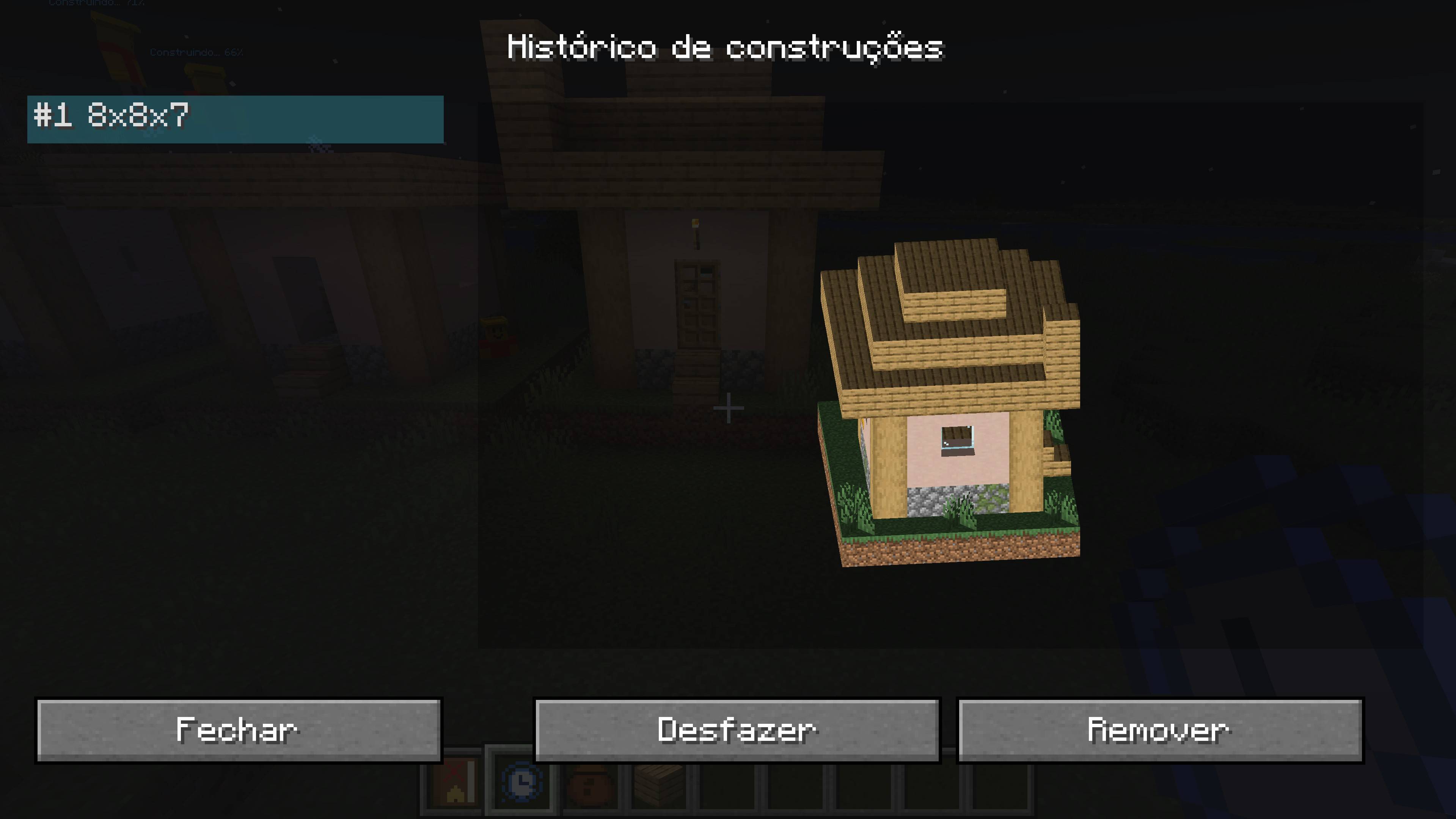
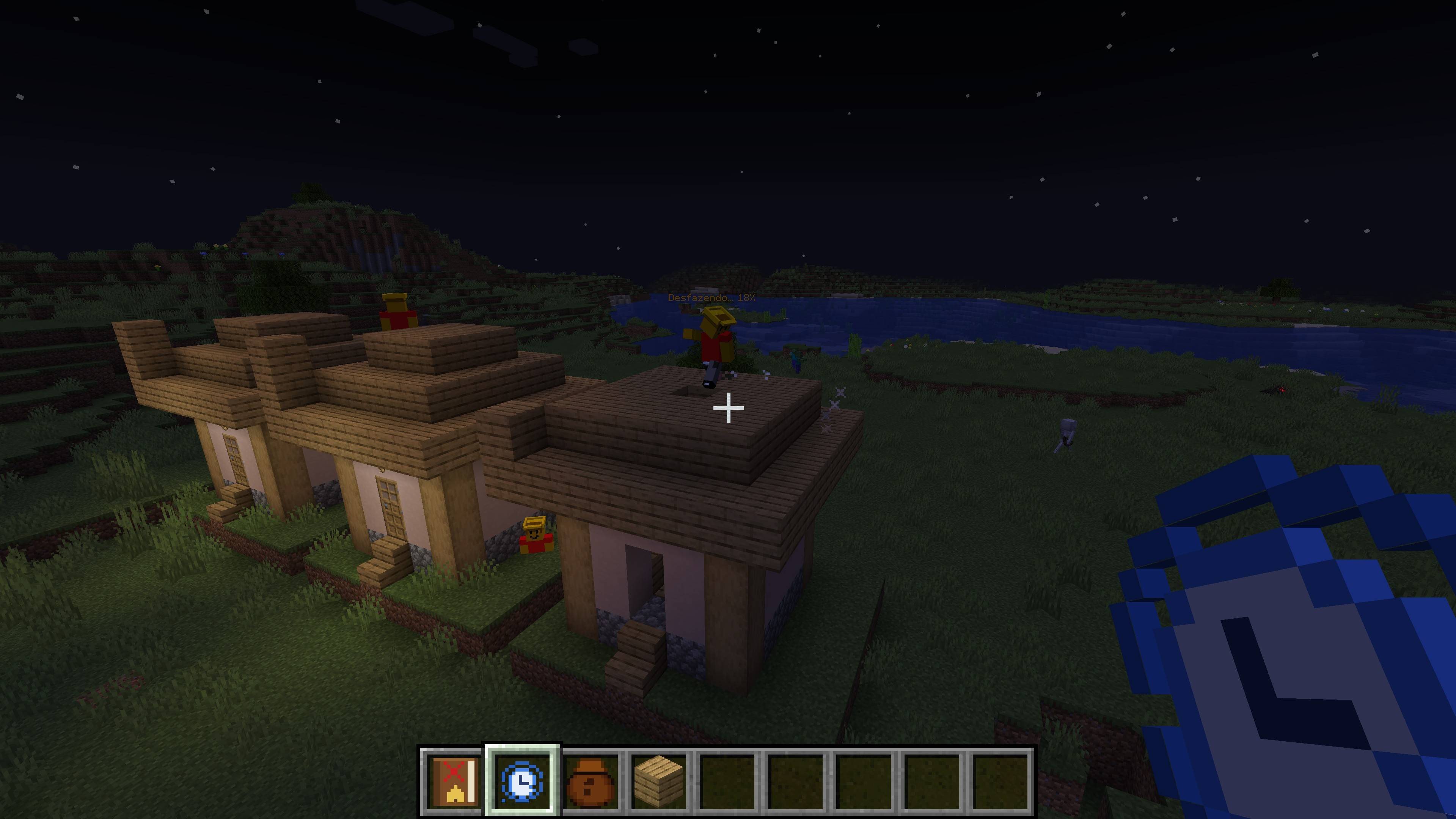
- Cancel and undo: right-click the Builder during construction to cancel. You can undo everything, and the terrain that was replaced is restored.
- In-game guide: the Builder's Guide book teaches every step. You receive one when you first join a world.
- Works on multiplayer servers (install the mod on both server and clients)
HOW TO USE
1. Take an Empty Construction Mapping and right-click one corner of your build.
2. Move your crosshair to the opposite corner and right-click again. The paper becomes a Filled Construction Mapping.
3. Hold the Filled Mapping, aim where you want the build, press R to rotate and right-click to confirm. Press X to remove the location.
4. Spawn a Builder (spawn egg in the mod's creative tab) and right-click it with the Filled Mapping. It does the rest.
NOTES
- Minecraft 1.20.1, Forge.
- The Builder replaces the blocks in the target area so the result matches the original build.
- Works best in Creative or for fun builds, since materials are free.
Found a bug or have an idea? Leave a comment. We read everything!