Loading...
Beta Modpages Unclaimed

Copperworks

Enhance your copper experience!

0 Likes
101442 Downloads
Created by uhmbyee

Description

Discord X GitHub CurseForge Modrinth Donate


The below information only applies to Copperworks version 3.0.0 and above

📖 About

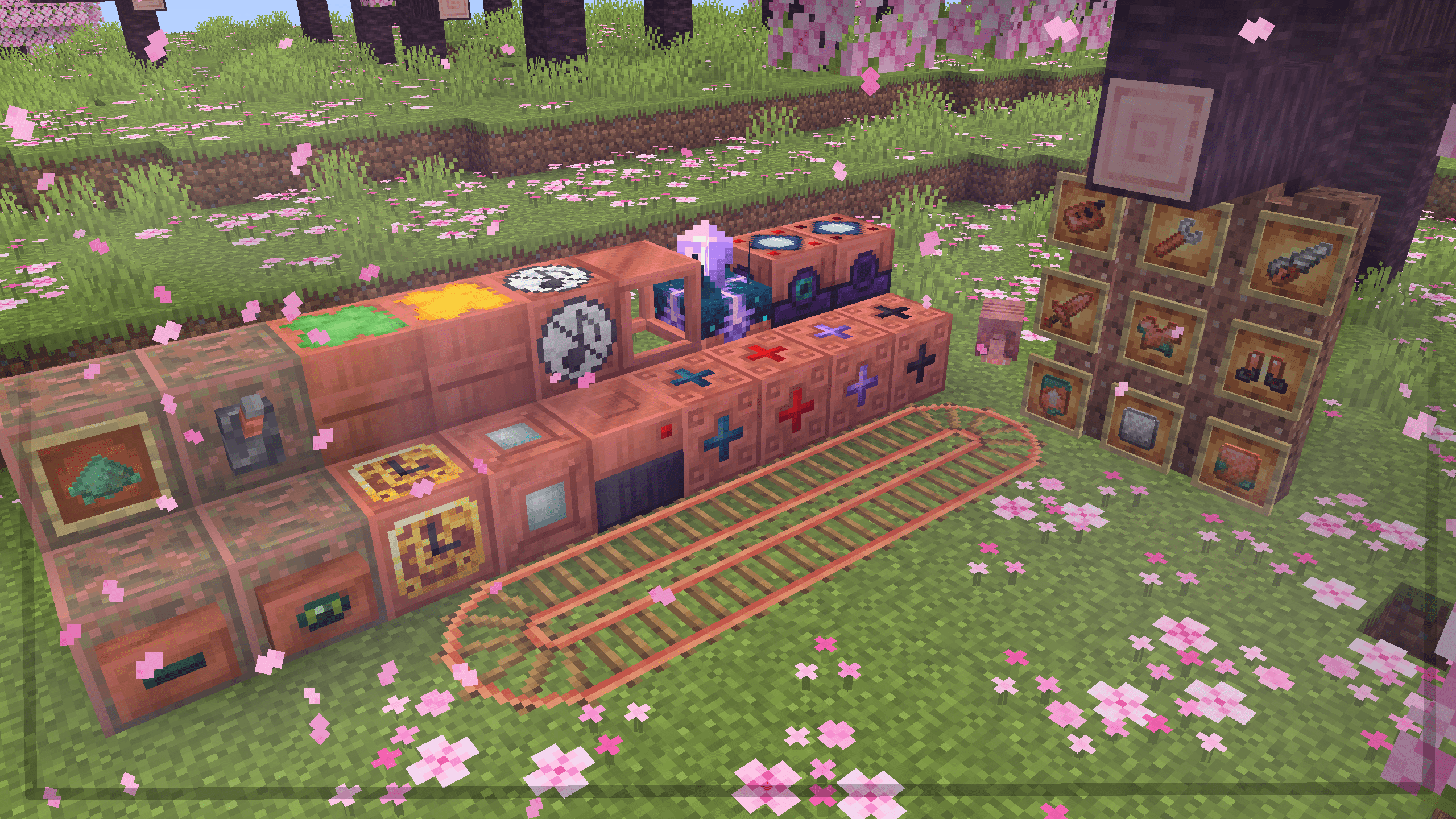
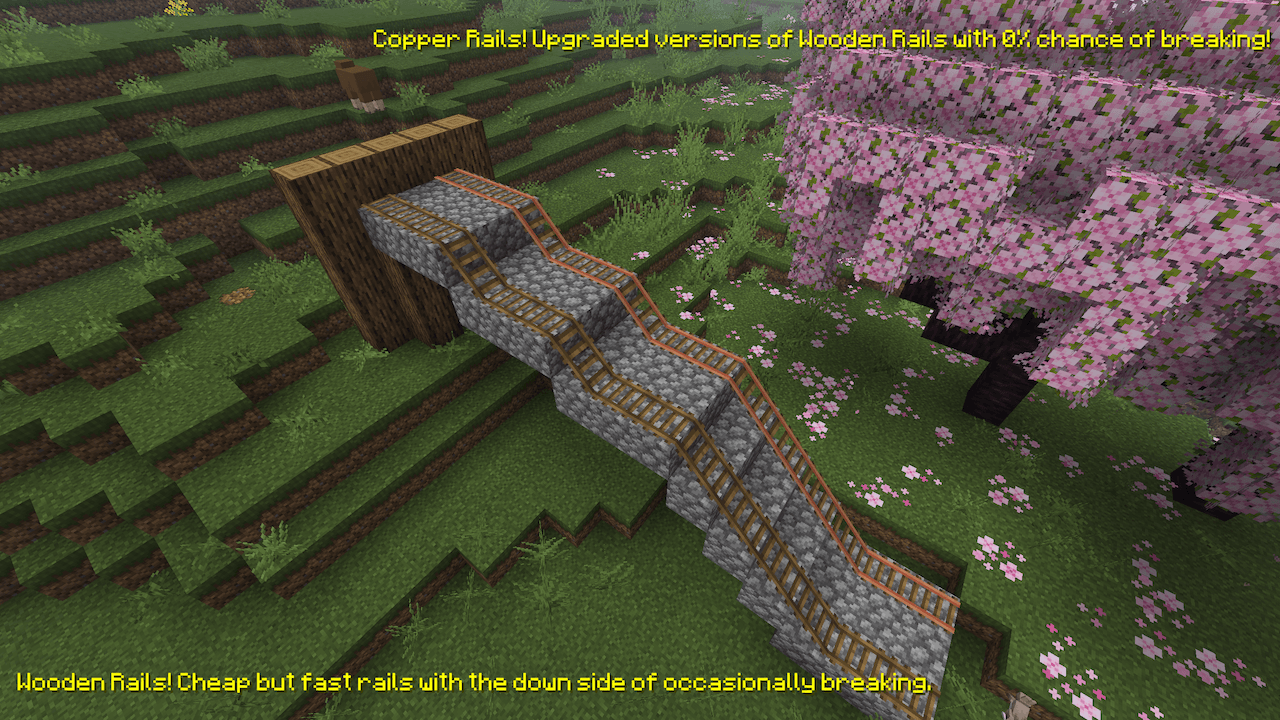
Copperworks adds new uses for copper while also aiming to improve vanilla gameplay. The mod adds around 8 items and over 10 new blocks to the game, with various methods for obtaining them. Some features include:

  • A new vanilla-friendly block that allows for potentially infinite storage, introducing a unique approach to inventory management.
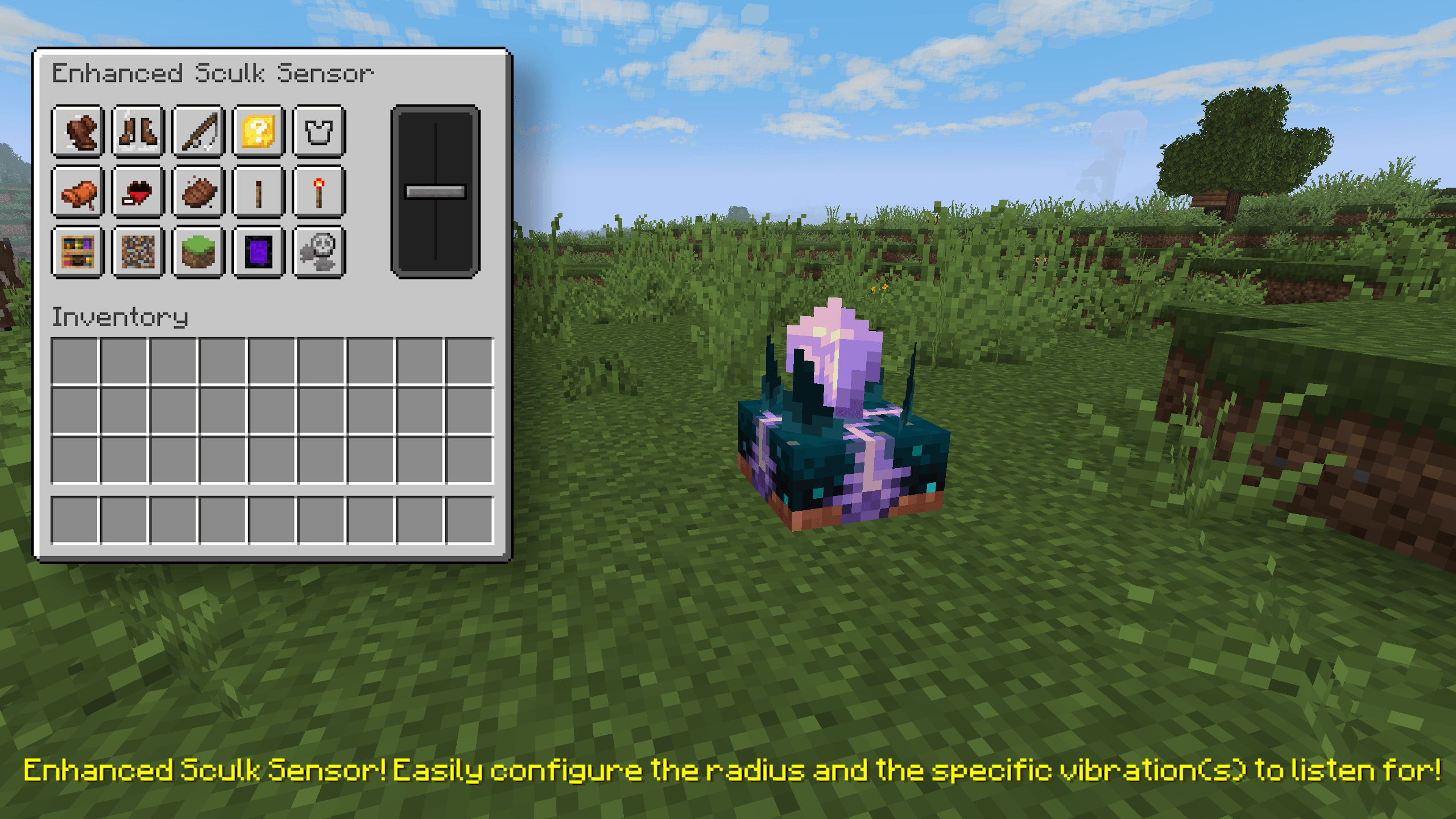
  • New redstone components, varying from entity detection to wireless redstone!
  • New functional blocks that can be used to aid in mob farms.
  • A new endgame armor item, which gives creative mode-like flight.
  • And more! Visit the wiki for a detailed overview of all the new items, blocks, and features.

✨ A Quick Look

copper barrel. connect more barrels for more storage. scroll and search through the inventory!

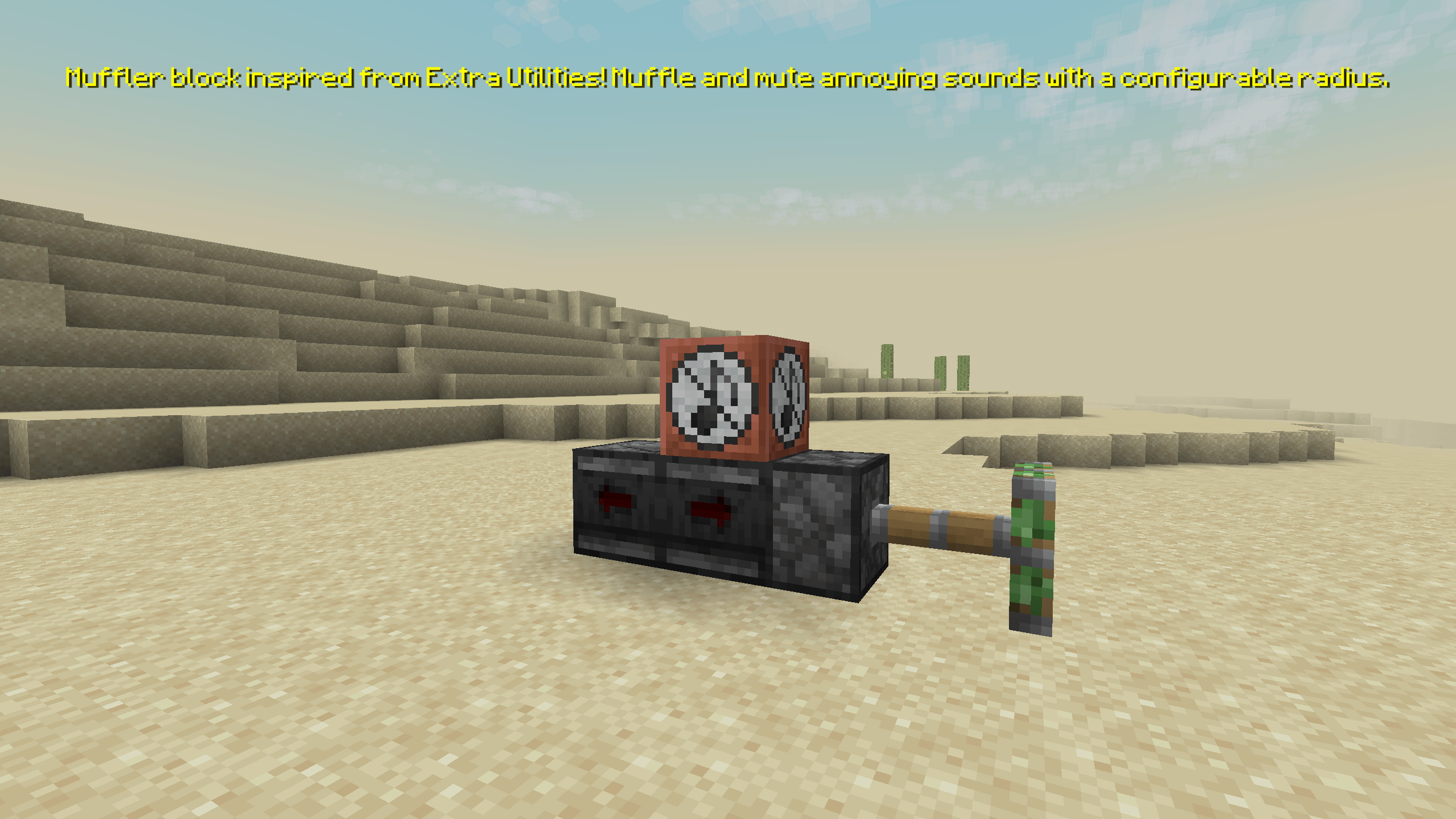
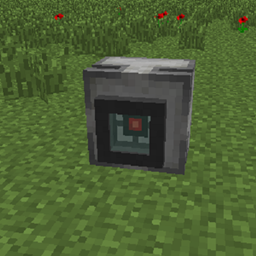
muffler. mutes nearby sounds. perfect for mob farms!

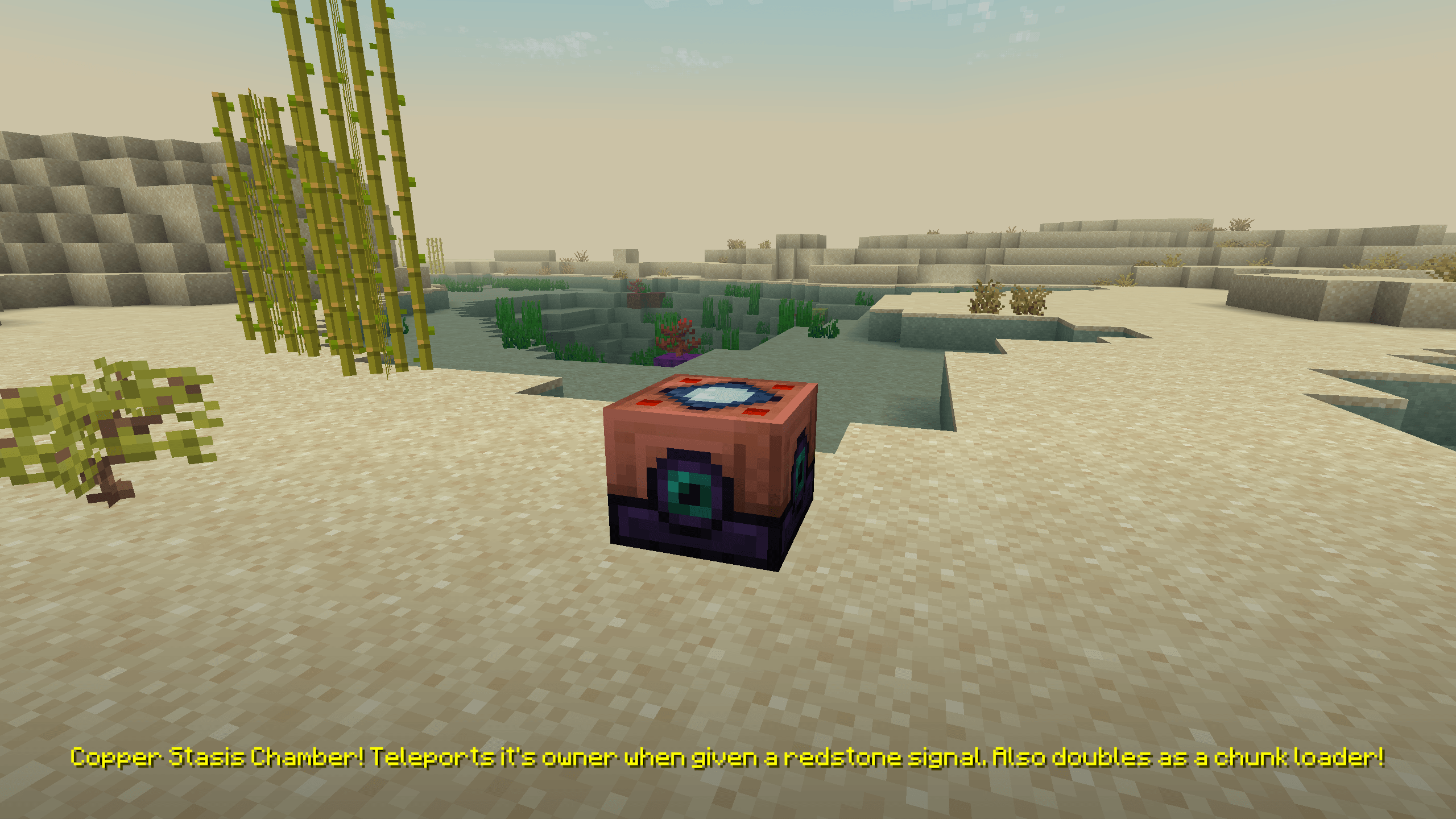
relay. radio powered redstone. trigger redstone from your inventory! teleports owner when powered. wireless redstone!

rocket boots. gives you the ability to fly! gives speed boost when used with an elytra. say goodbye to firework rockets!

visit the wiki for more info!


AD Become Premium to remove Ads!

What means Verified?

  • Compatibility: The mod should be compatible with the latest version of Minecraft and be clearly labeled with its supported versions.
  • Functionality: The mod should work as advertised and not cause any game-breaking bugs or crashes.
  • Security: The mod should not contain any malicious code or attempts to steal personal information.
  • Performance: The mod should not cause a significant decrease in the game's performance, such as by causing lag or reducing frame rates.
  • Originality: The mod should be original and not a copy of someone else's work.
  • Up-to-date: The mod should be regularly updated to fix bugs, improve performance, and maintain compatibility with the latest version of Minecraft.
  • Support: The mod should have an active developer who provides support and troubleshooting assistance to users.
  • License: The mod should be released under a clear and open source license that allows others to use, modify, and redistribute the code.
  • Documentation: The mod should come with clear and detailed documentation on how to install and use it.

AD Become Premium to remove Ads!

How to Install

1

Download Forge & Java

Download Forge from the offical Site or here. If you dont have Java installed then install it now from here. After Downloading Forge you can run the file with Java.

2

Prepare

Lounch Minecraft and select your Forge istallation as Version this will create a Folder called Mods.

3

Add Mods

Type Win+R and type %appdata% and open the .minecraft Folder. There will you find your Folder called Mods. Place all Mods you want to play in this Folder

4

Enjoy

You are now Ready. Re-start your Game and start Playing.

More Mods like this

Gauges and Switches

Adds buttons, levers, plates, timers, detectors, sensors, gauges and lamps. Configurable and wirelessly linkable.

Alternate Current

An efficient and non-locational redstone dust implementation

Super Circuit Maker

Ever wanted to build custom logic gates and complex circuits? Now you can!