Program computers in Minecraft with Kotlin, right in the game.
Compukters lets you write Kotlin projects in an in-game IDE, run them on computers, automate redstone, and show text on displays in the world.
Compukters is experimental and under active development.
Kotlin support and in-game features are still growing. Projects may need changes between releases.
Create projects with multiple Kotlin files without leaving Minecraft. The IDE provides:
Every computer starts with an interactive shell and keeps its own files across world restarts. For quick edits, you can also write and run a program from the computer's terminal:
edit hello.kt
kotlinc hello.kt
hello
Programs can start other programs, wait for terminal input, and play computer sounds.
The base mod includes a one-block text display with a 20-column, 10-row grid. Place it beside a computer or connect it through named peripheral cables. Programs can write text at any grid position, and the screen clears when the computer stops or disconnects. The display shows text but does not receive player input.
Programs can read and control redstone on all six sides of a computer. They can:
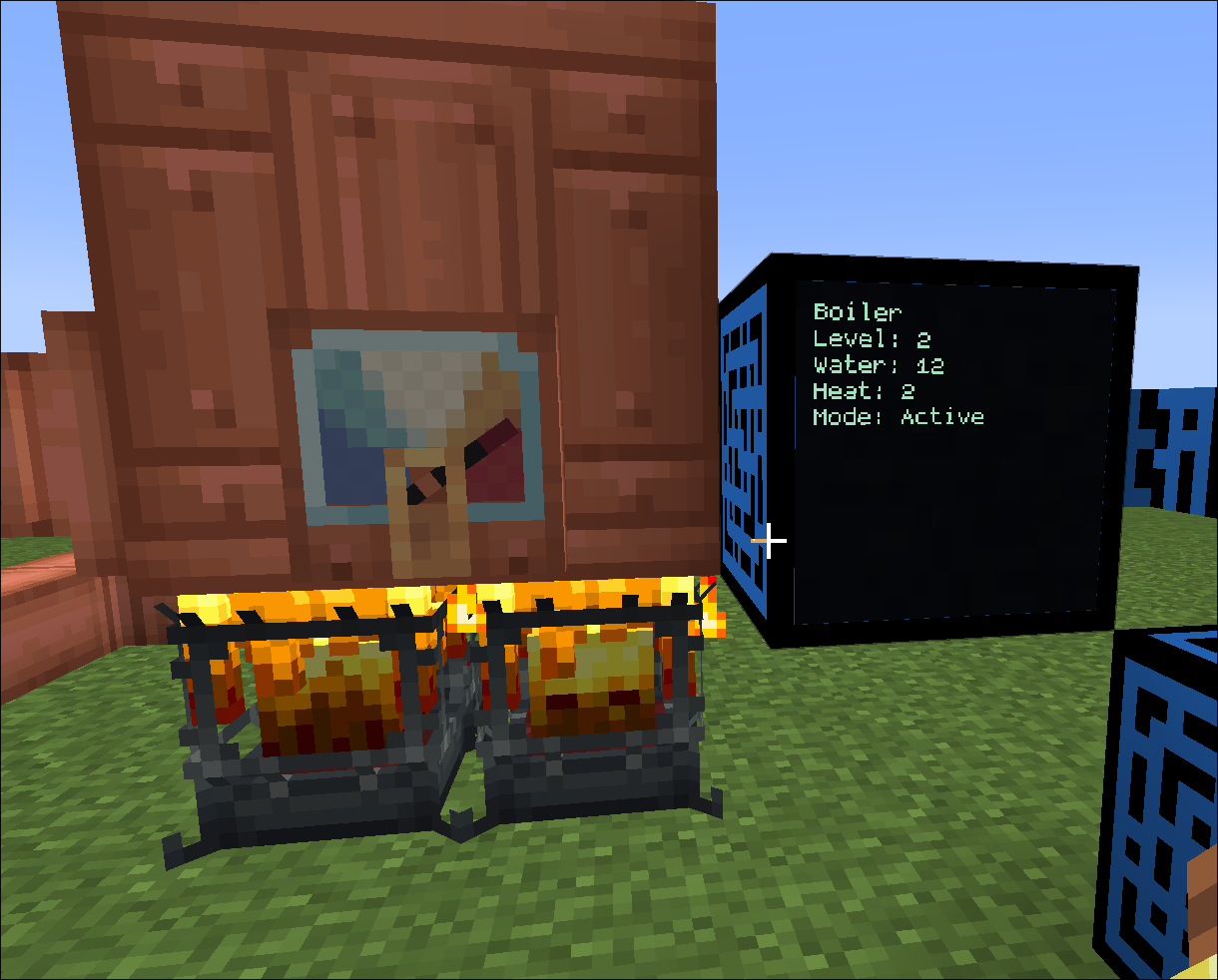
0 to 15;Install the separately distributed Create addon alongside Create 6.0.x to connect programs to Create machinery. Read speedometers and stressometers, control Rotation Speed Controllers, search Stock Ticker inventory and request packages, or show a steam boiler's water, heat, and level on a display. Connect devices directly or by name through branching peripheral cables. The base mod works without Create.
Choose the download that matches your Minecraft version.