Features:
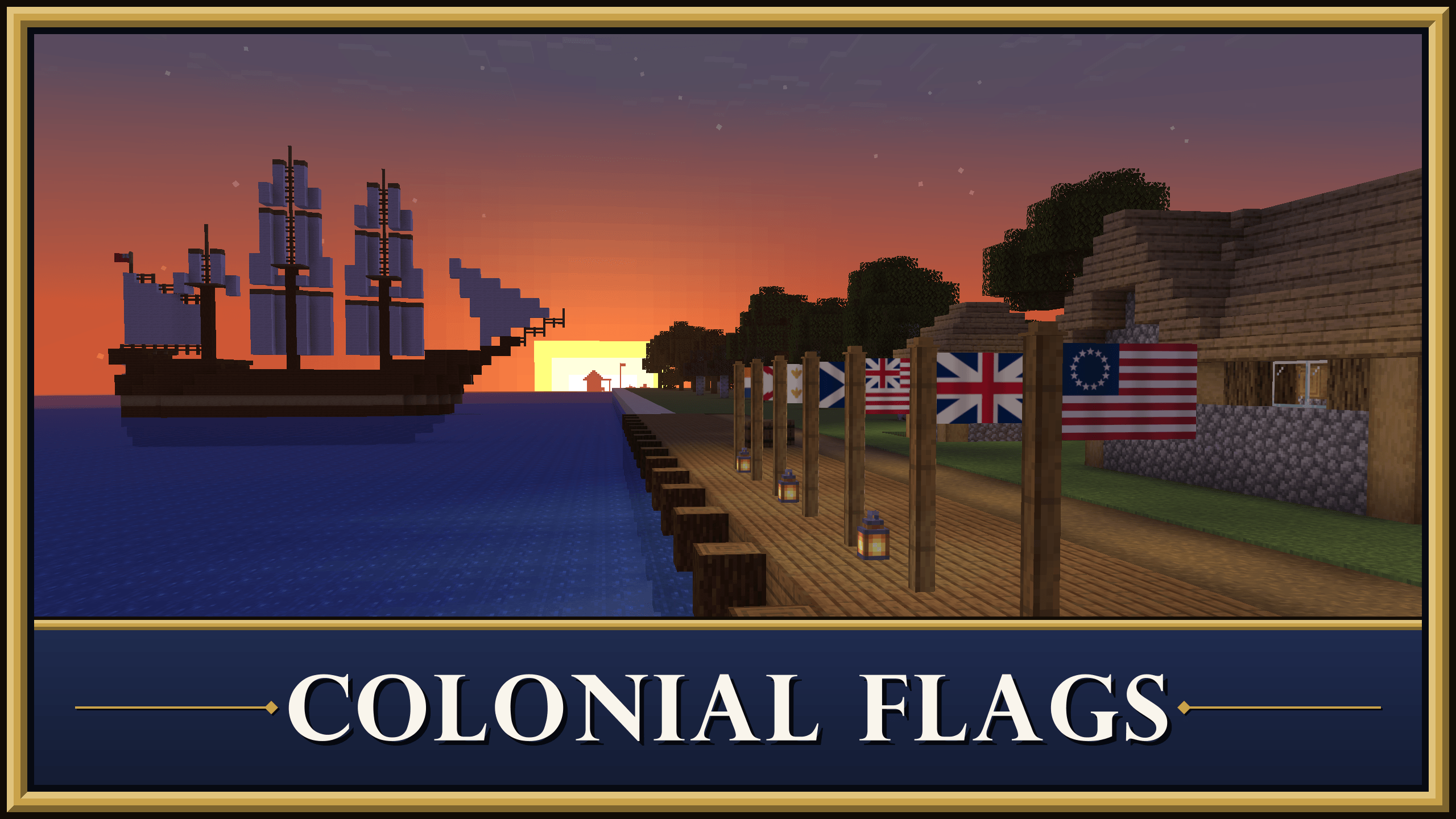
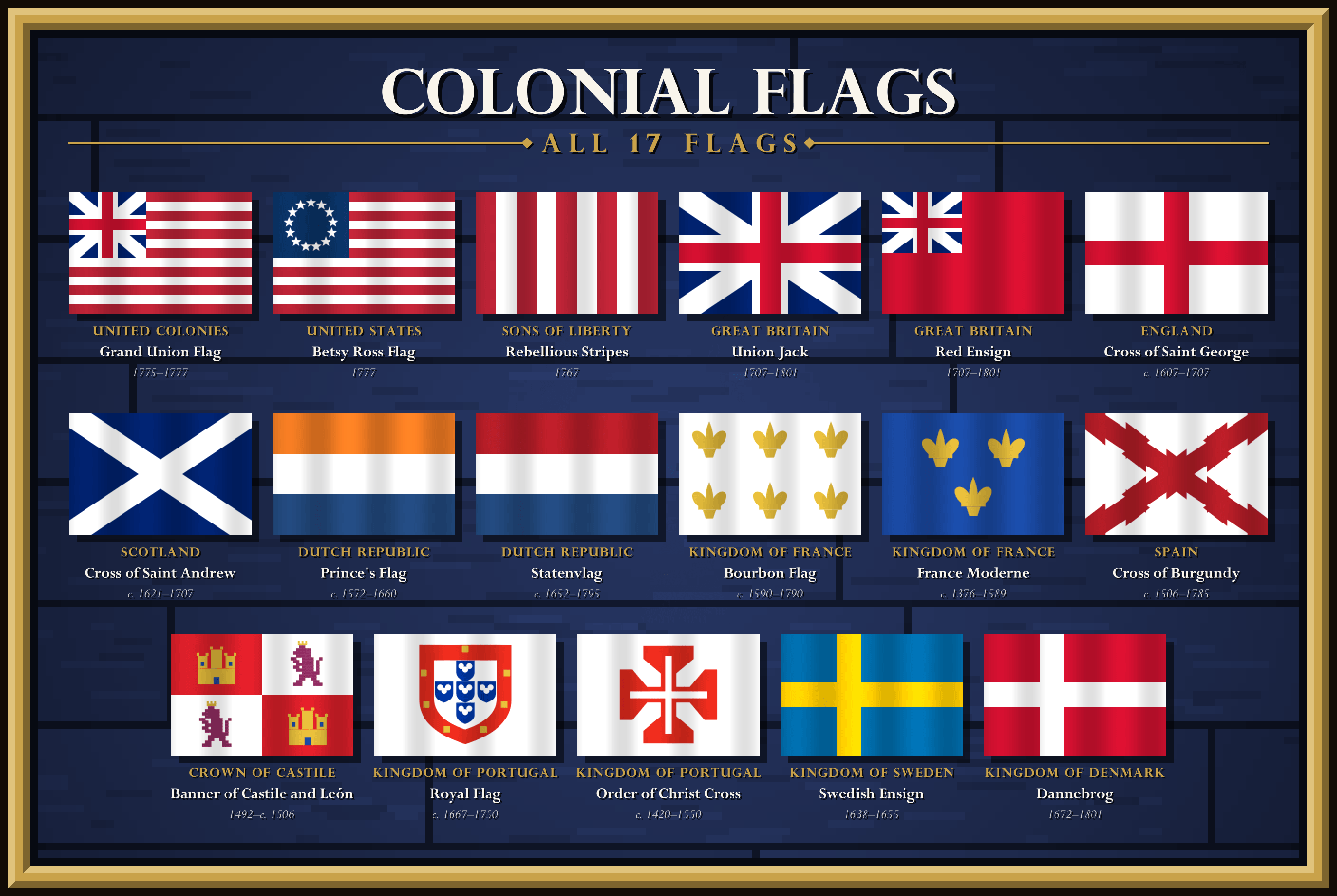
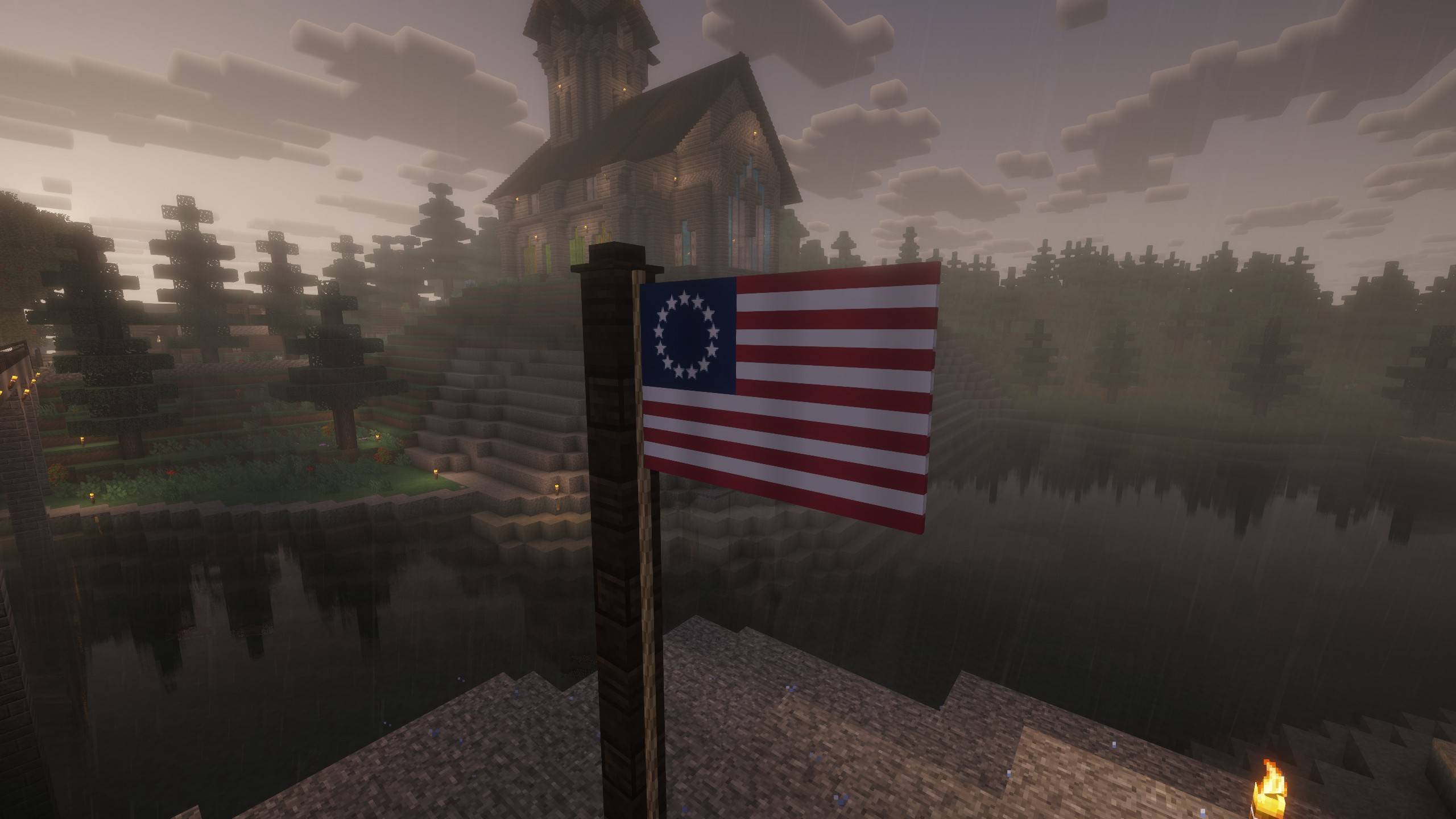
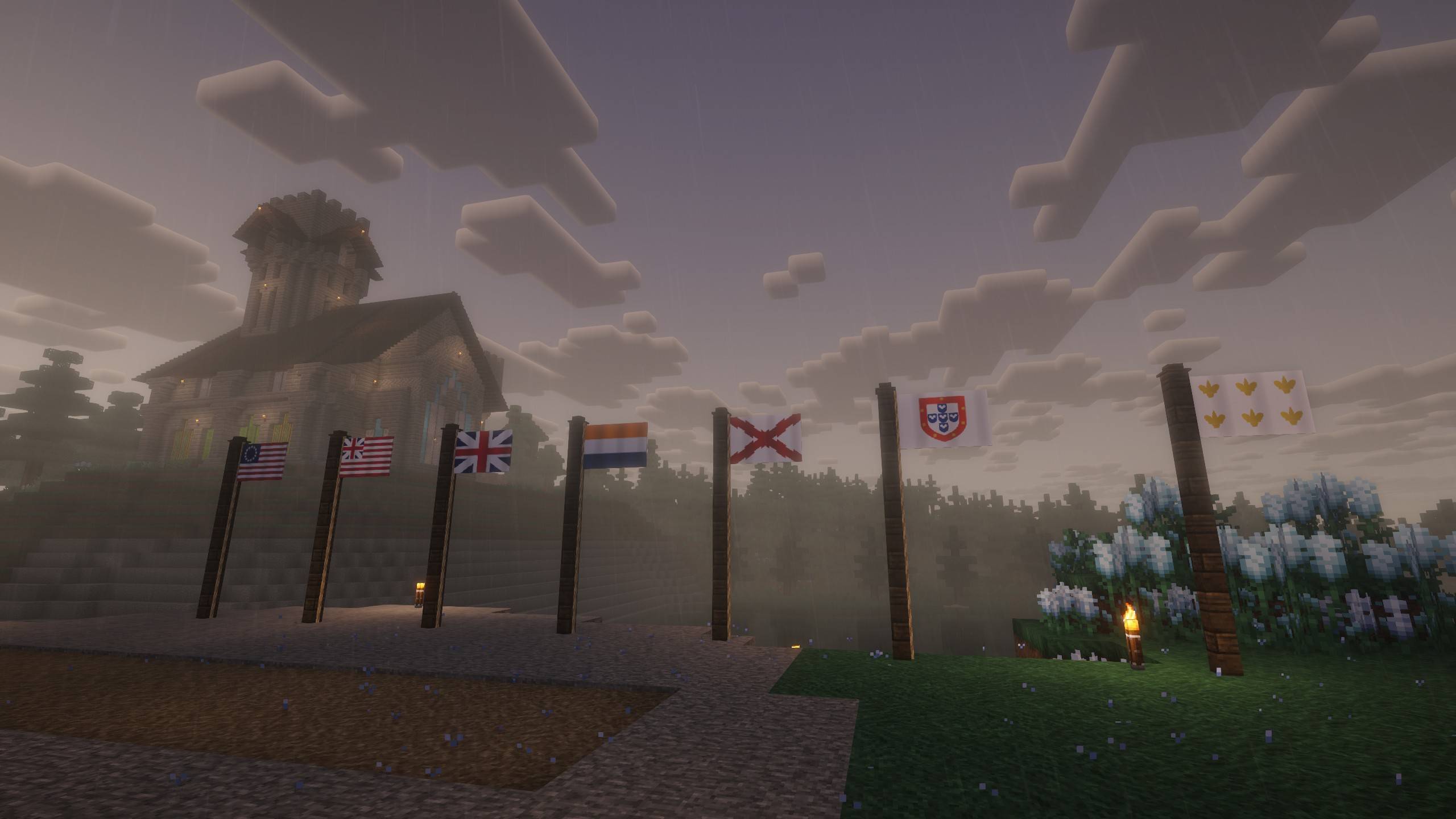
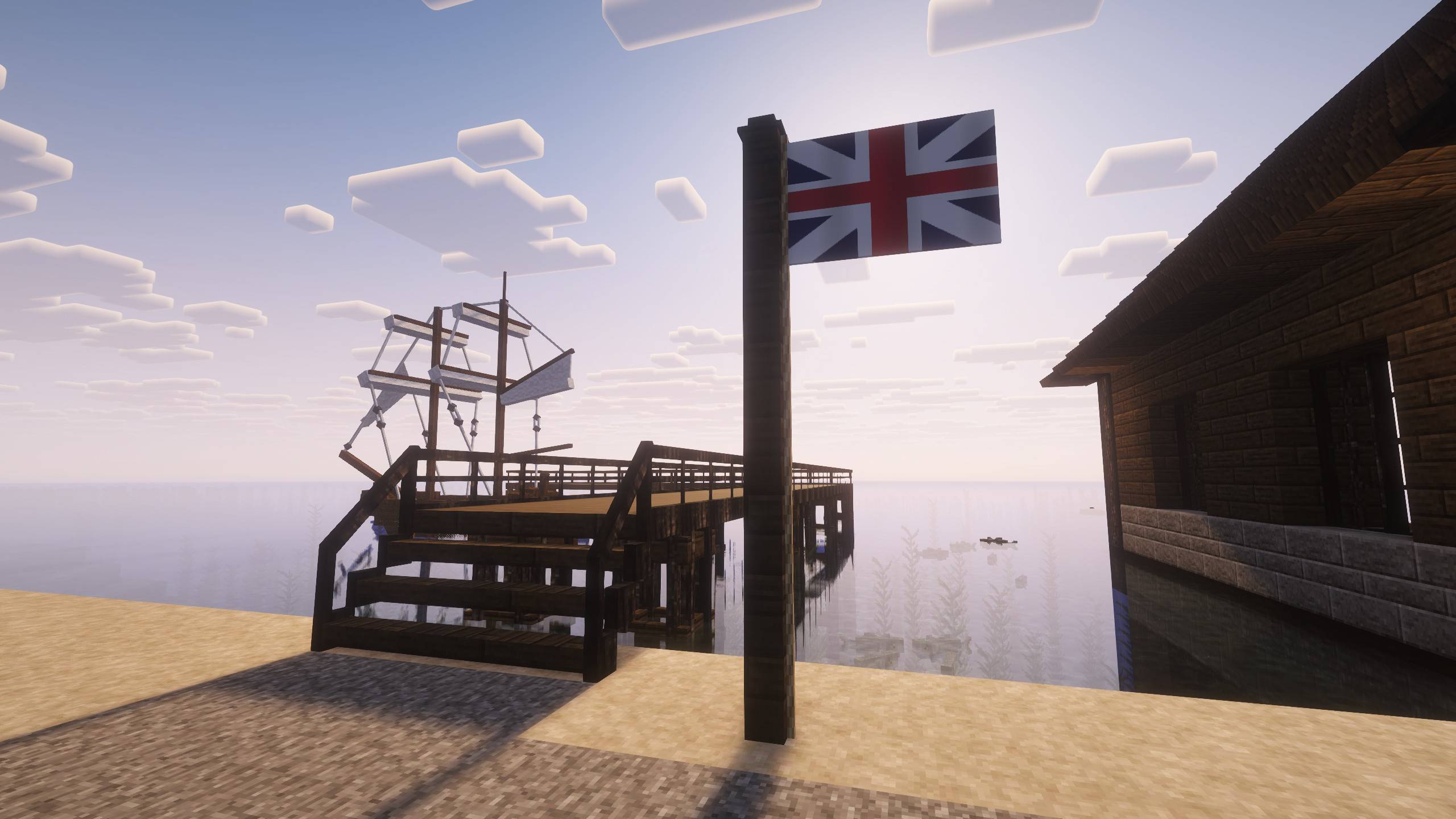
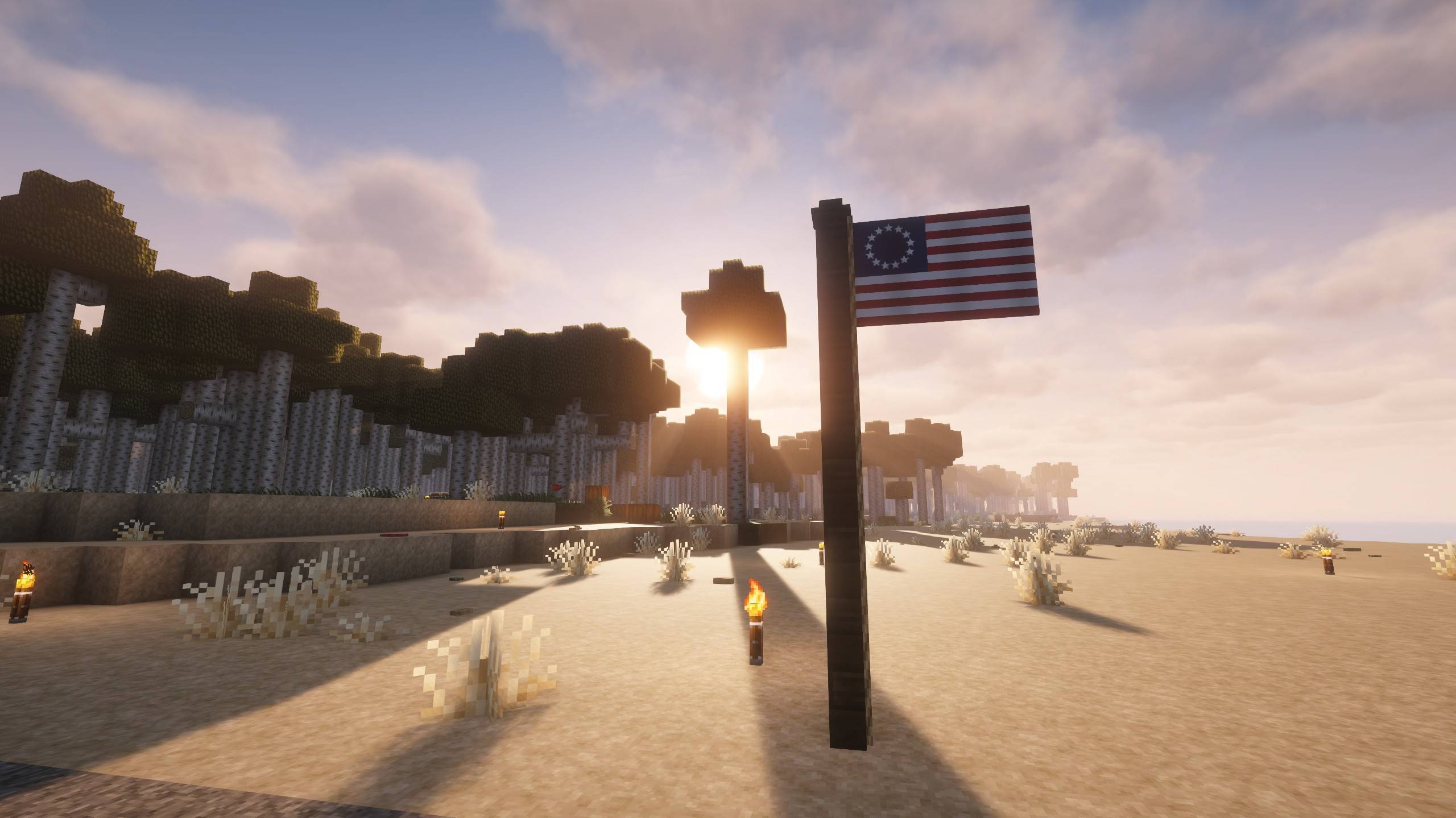
- A collection of 17 historically accurate flags, mainly of the 17th and 18th centuries
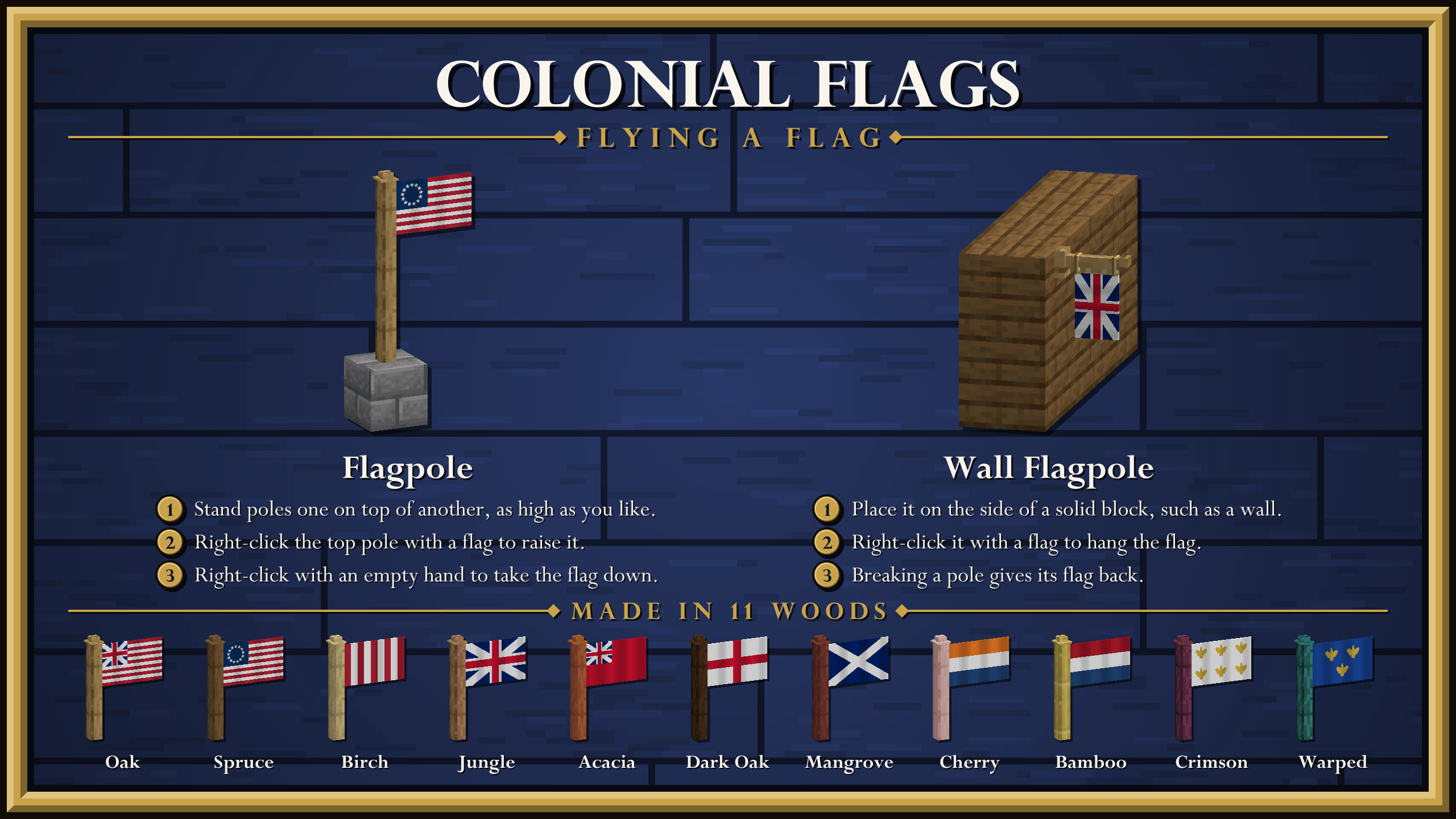
- A new flagpole item in 11 wood types
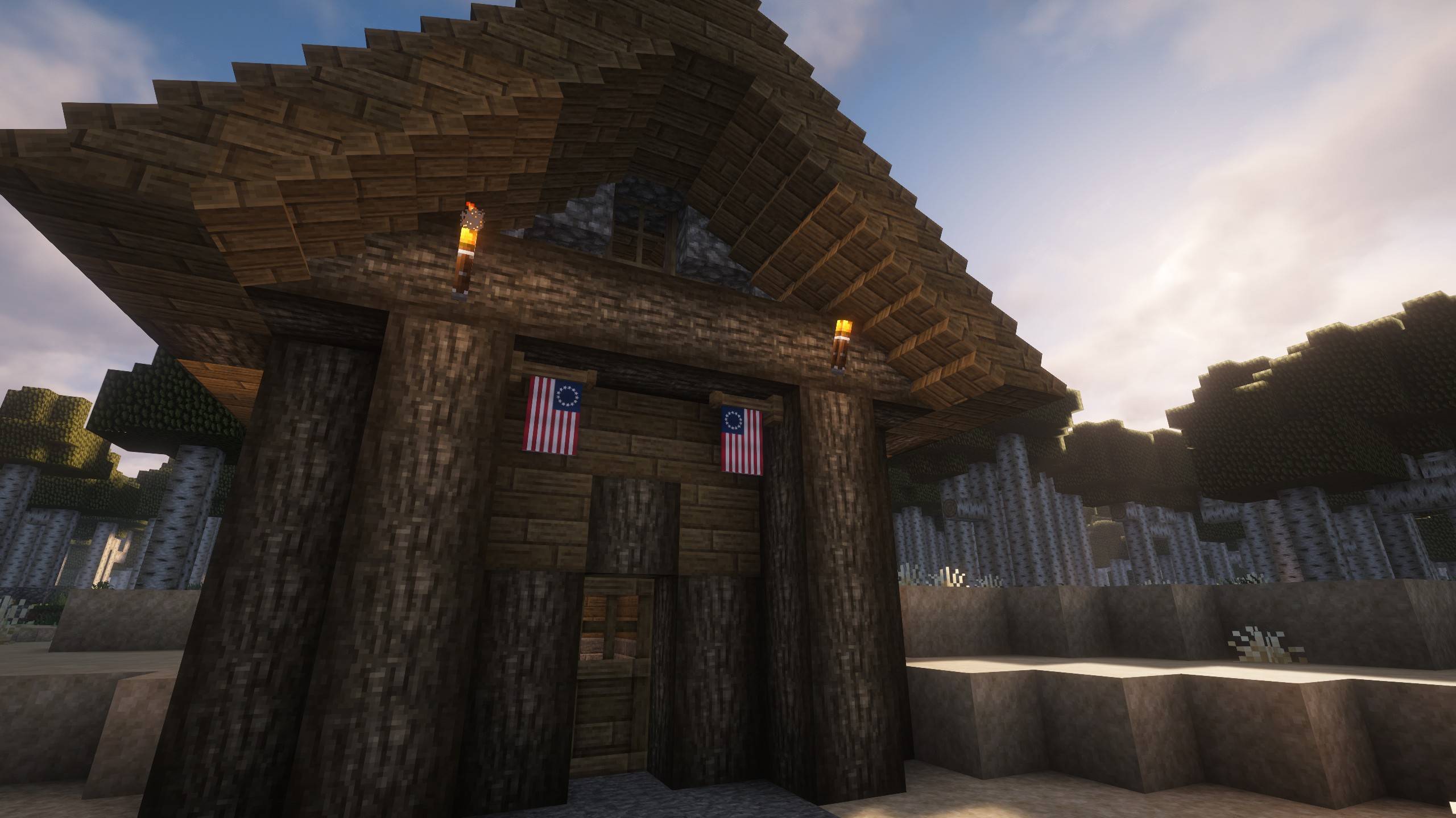
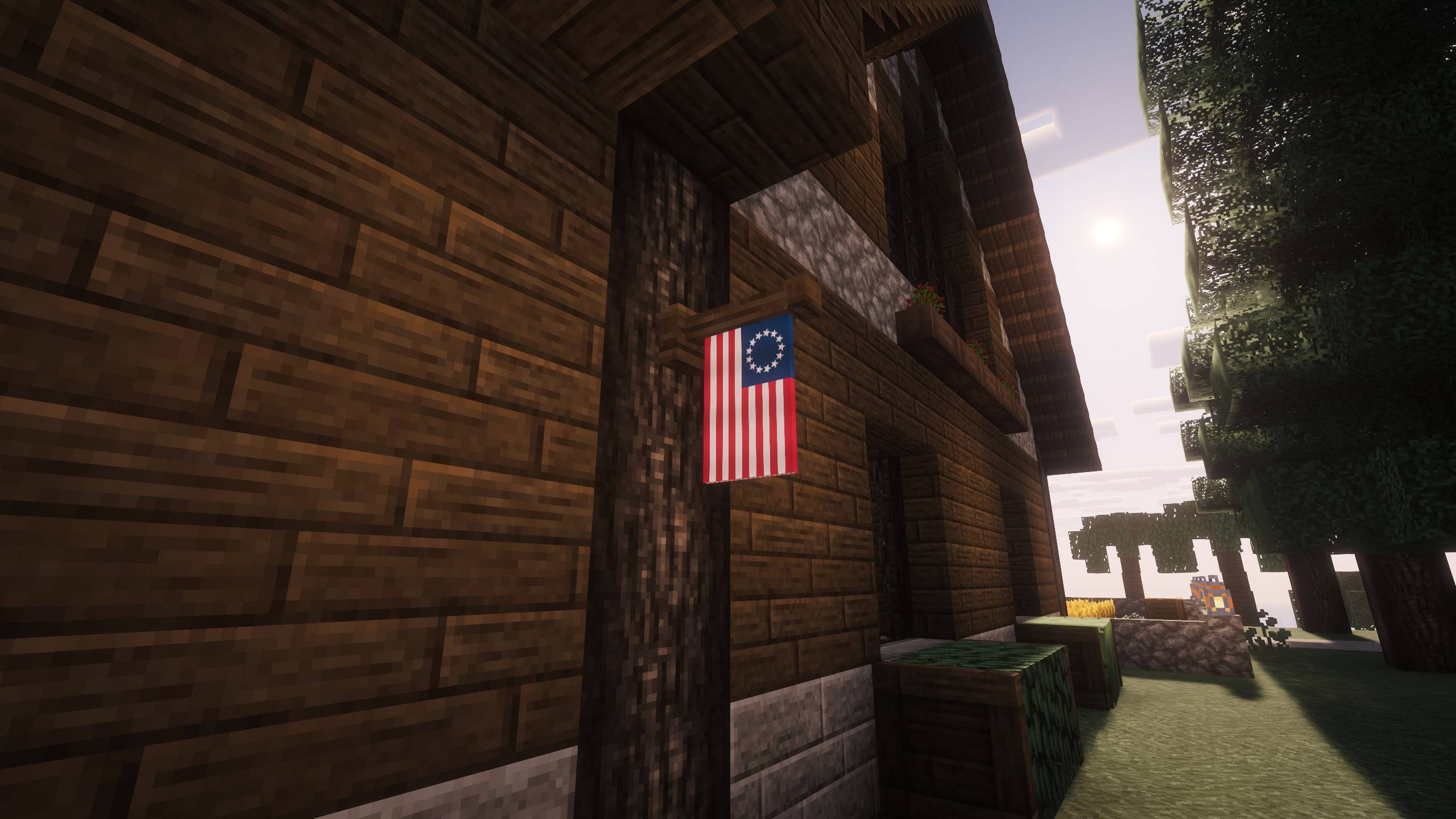
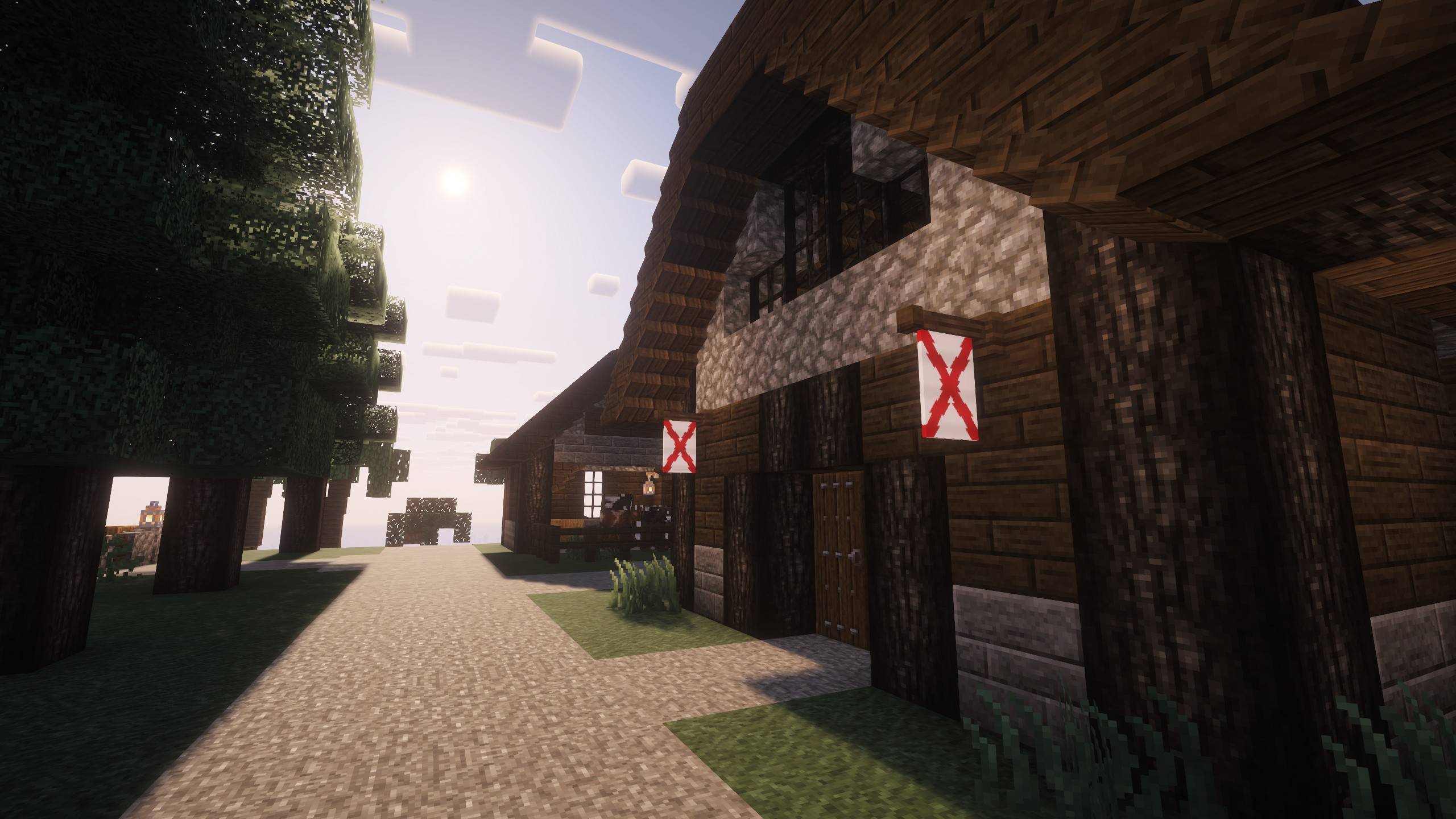
- A wall mounted flagpole variant that you might place hanging outside a tavern
Installation:
Requirement: Use Minecraft 26.3, 26.2, 1.21.10, 1.21.1, or 1.20.1 with the Fabric loader and Fabric API
Drag and drop into your .minecraft/mods folder
Use:
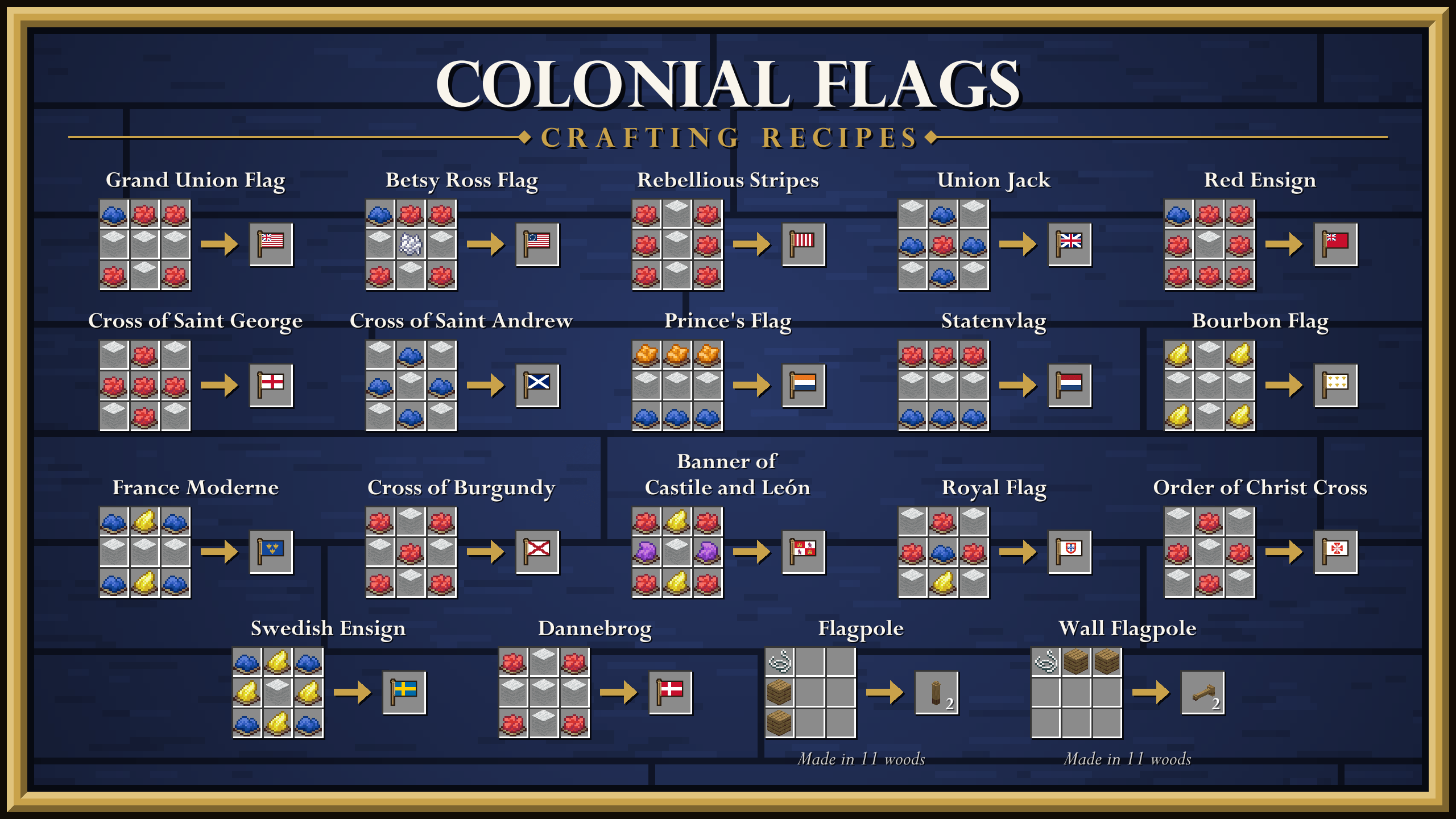
First, craft the flag (new item) of your choice at a crafting table.
Flag Pole Use:
1. Place any number of flag pole(s) (new item), one on top of the other until you have reached the desired height.
2. Attach any flag (new item) to the flag pole by right clicking the top of the flagpole with a flag in your hand.
To take a flag down, right-click its pole with an empty hand. Breaking a flagpole gives its flag back too.
3. Fly your banner high!
Wall Mounted Flag Pole Use:
1. Attach a wall flagpole (new item) to the side of any block (ideally on a wall of some sort).
2. Attach any flag (new item) to the wall flag pole by right clicking the flagpole with a flag in your hand.
3. Fly your banner high!
- To take a flag down, right-click its pole with an empty hand. Breaking a wall mounted flagpole gives its flag back too.
Every item added shows up in the mod's Creative mode tab. Every item also has a crafting recipe for survival mode.
Every crafting recipe is drawn out in the gallery, along with every flag and how to fly one.