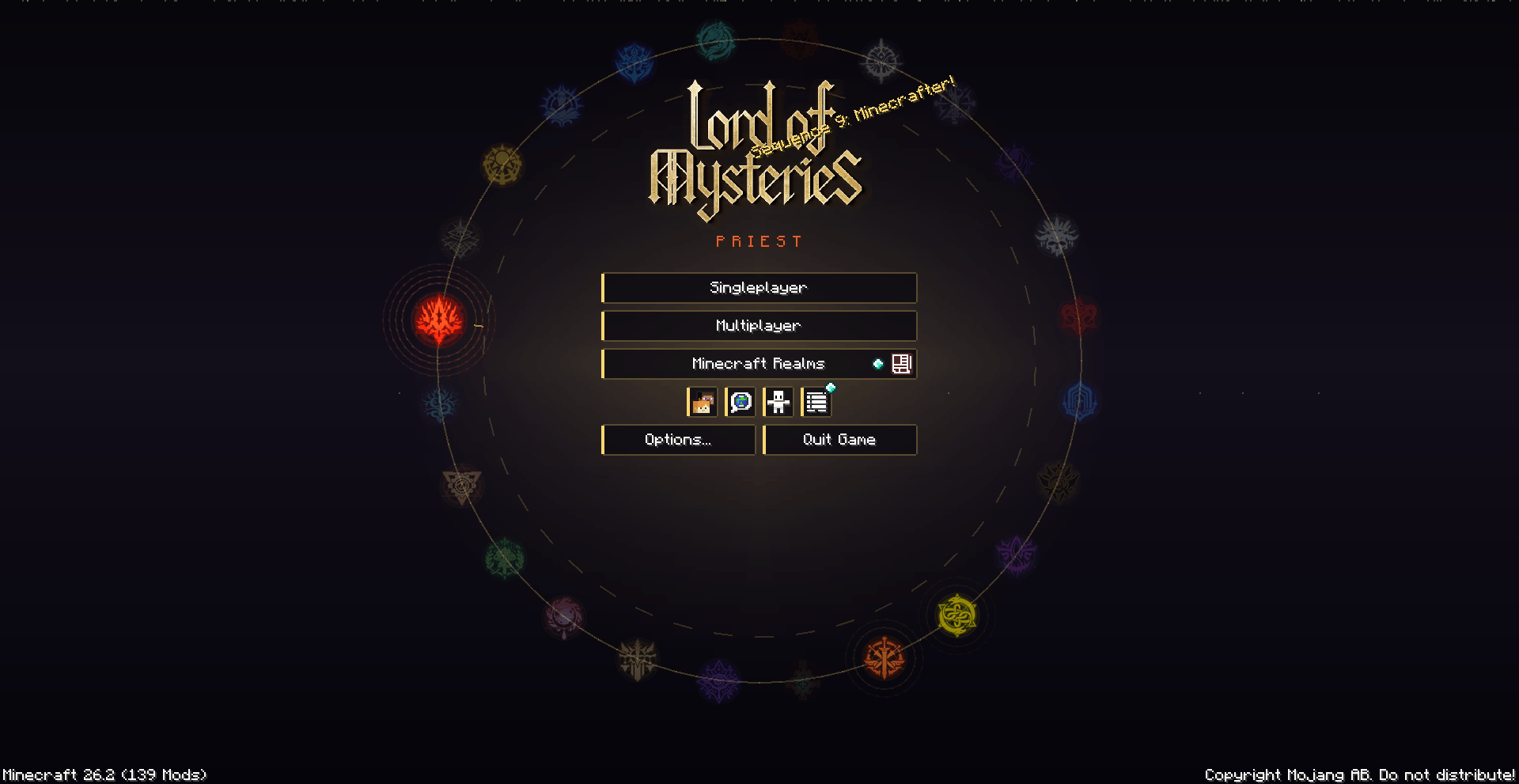
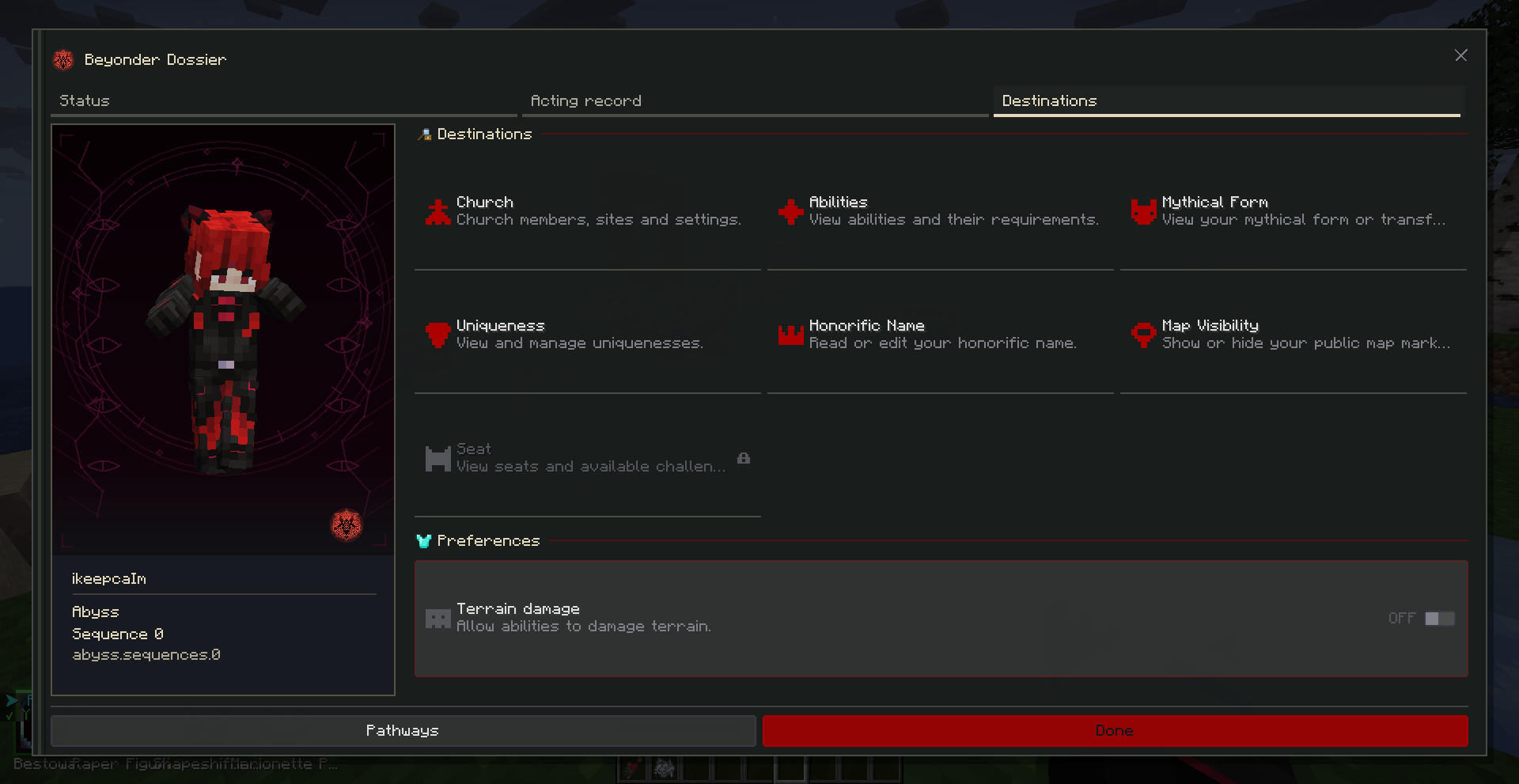
The client-side half of the COI server plugin (Lord of The Mysteries power system, recreated in Minecraft), built for Fabric. It handles the ability bar, casting inputs, screen effects and sanity display, so the server only has to send state and the client draws everything
Vanilla has no ability bar, no cooldown display, and no real way to show a player that their character is losing it. Doing all that through chat and inventory menus feels clunky, so this mod moves it client-side:
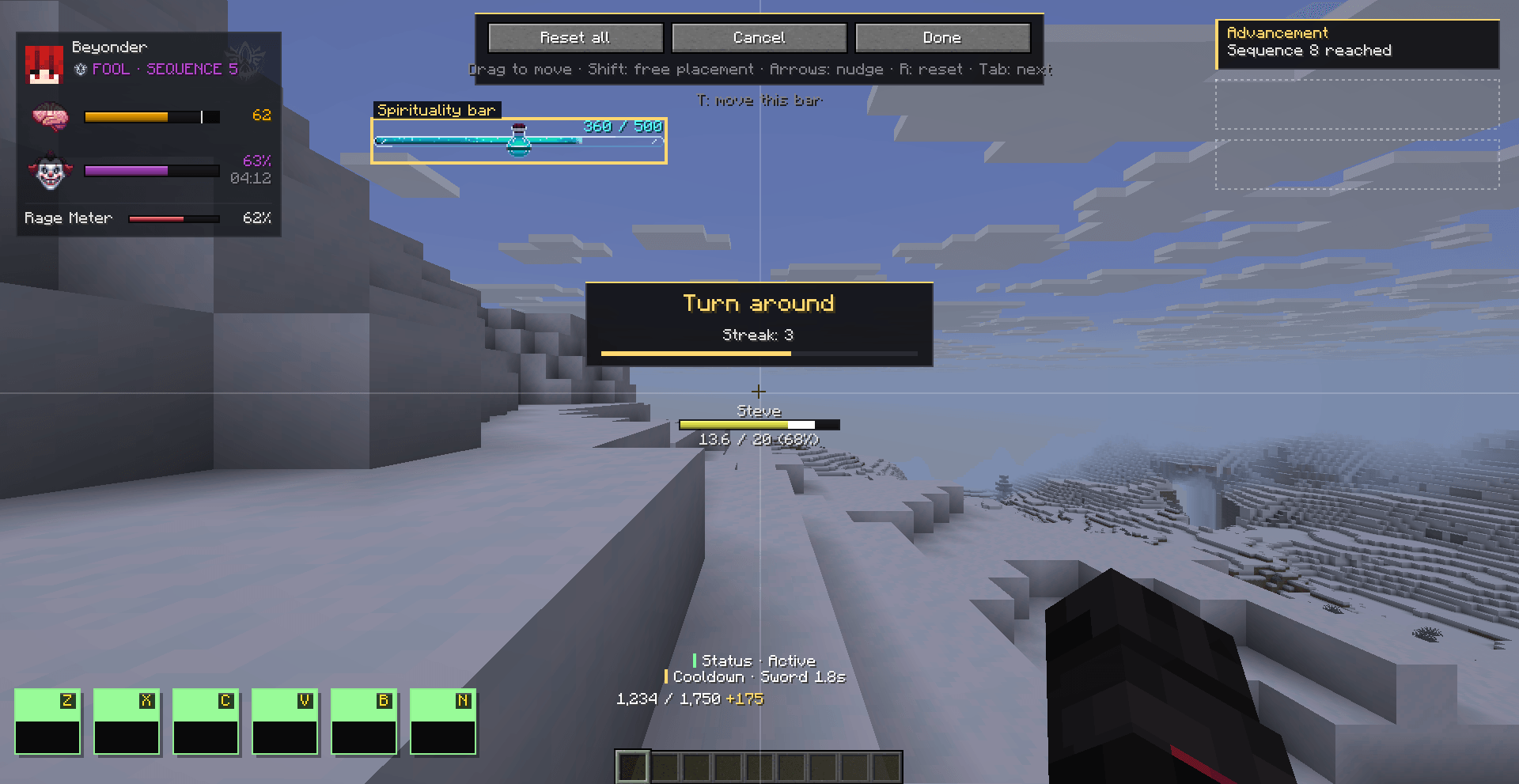
Ability bar. Six slots bound to Z through N. Press K to change its position, scale, spacing, or switch between saved presets.
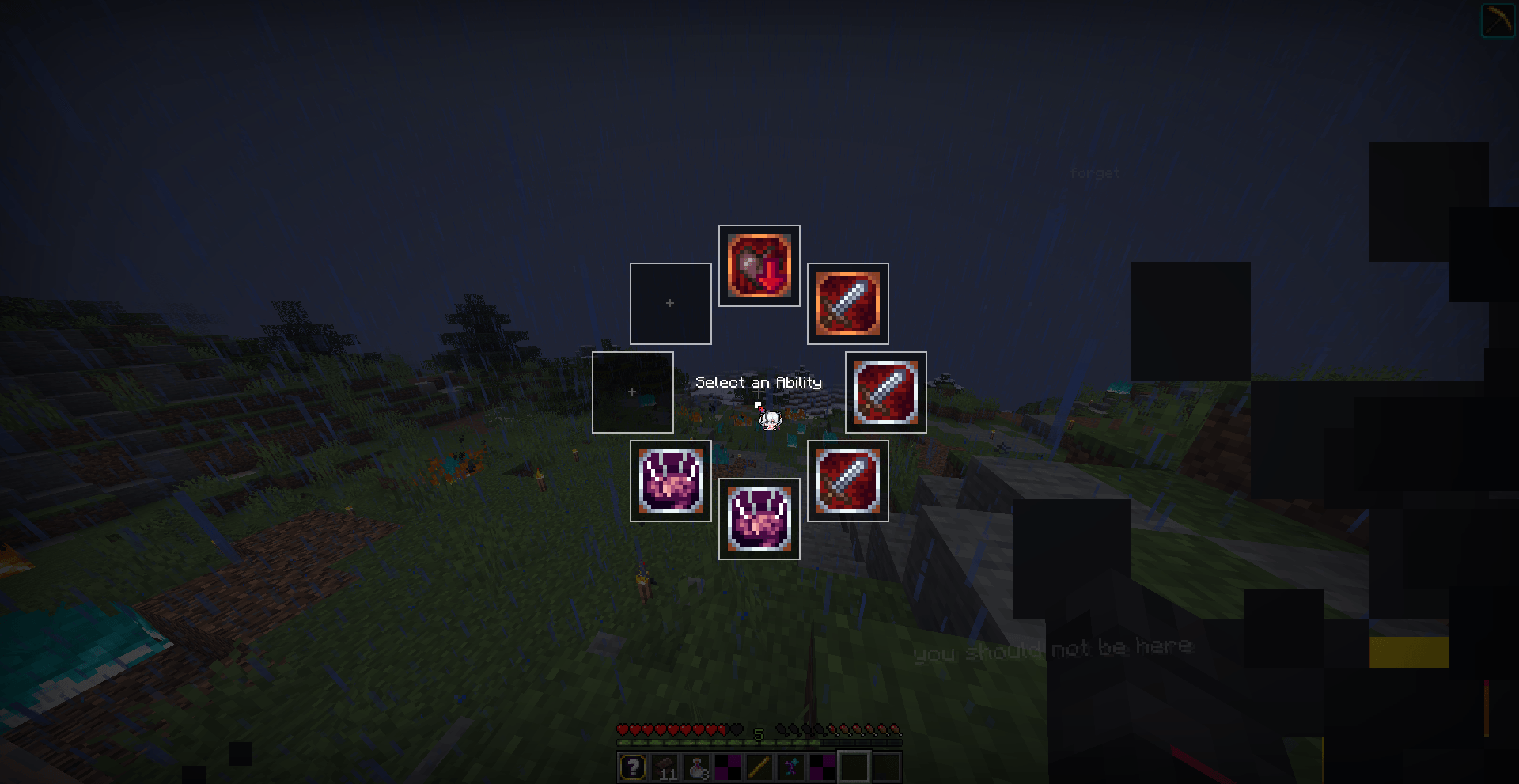
Ability wheel. Hold G for a radial menu if you'd rather pick than memorize keys.
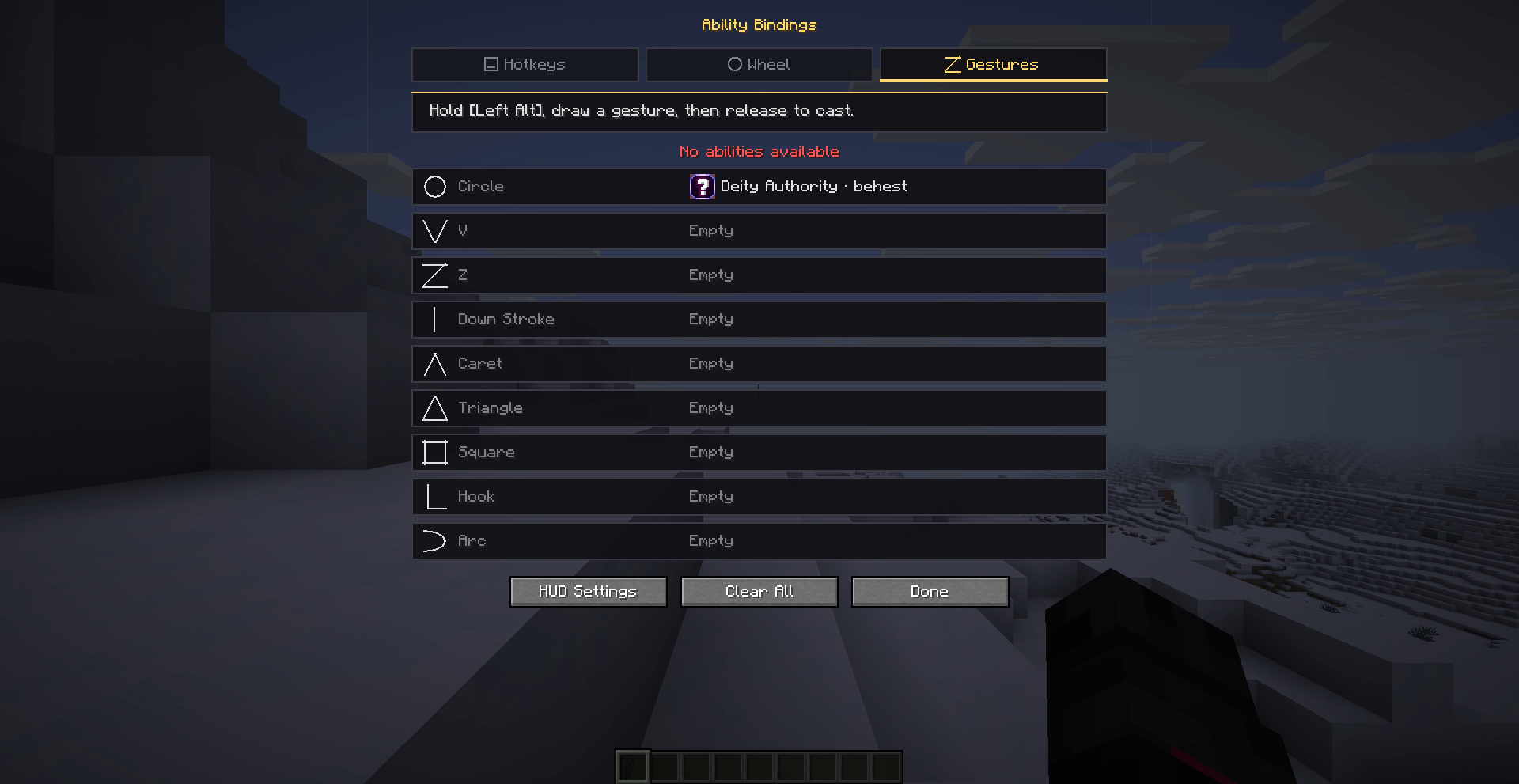
Gestures. Hold Left Alt and draw a circle, V, Z, line or triangle with the mouse to cast ritual spells.
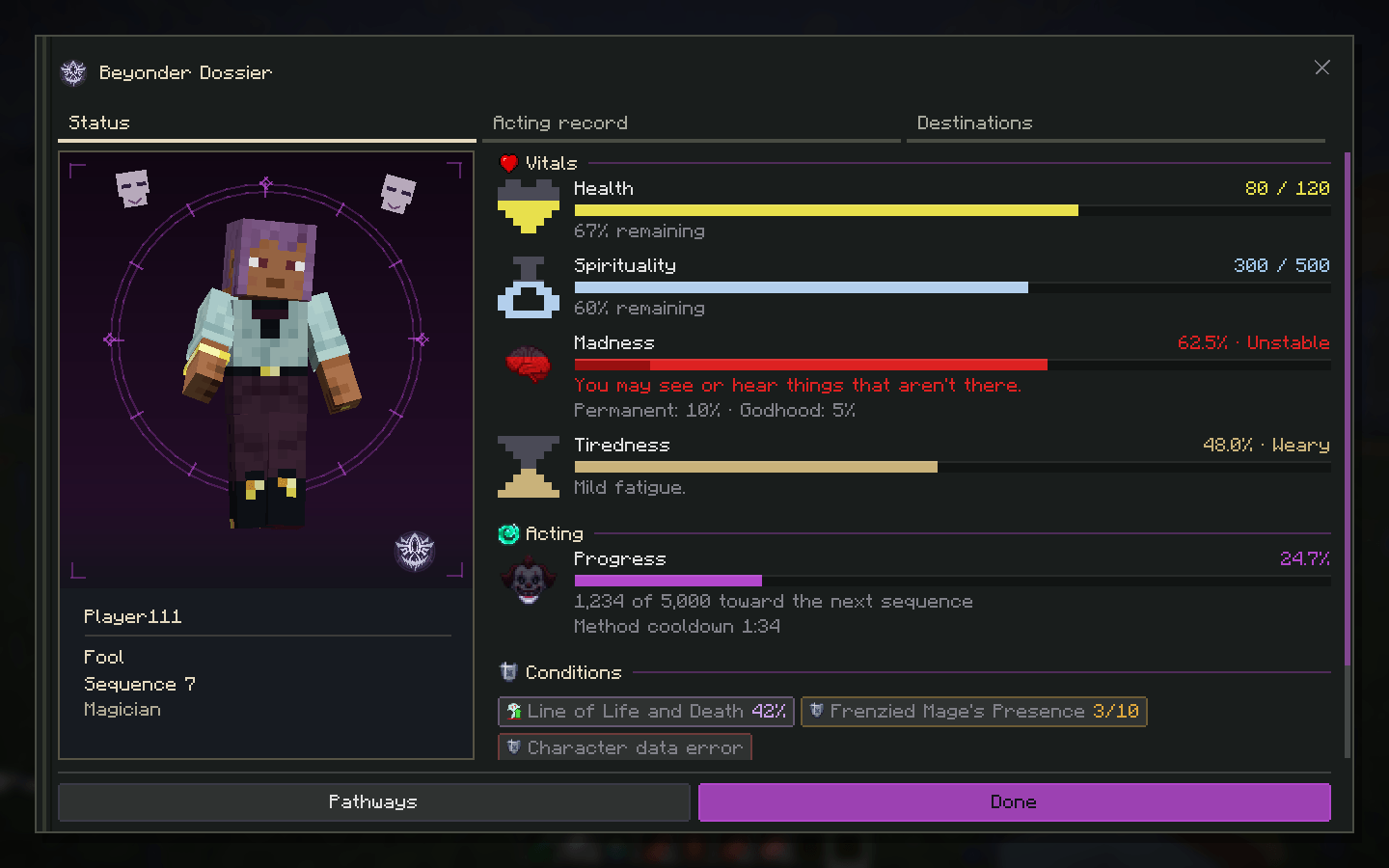
Sanity bar. Follows your madness level smoothly. When it gets high, the screen starts tearing and picking up VHS-style static.
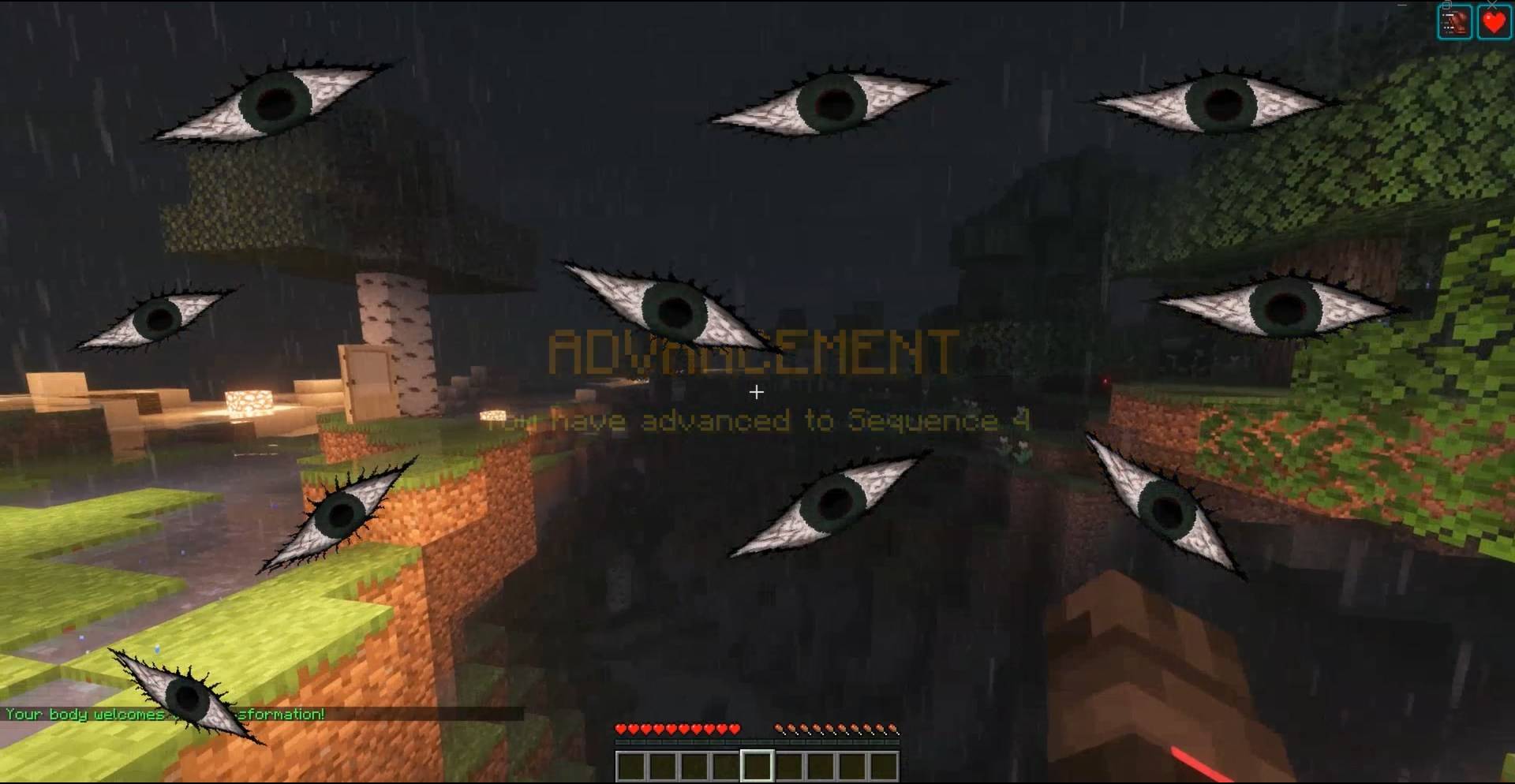
Screen effects. Triggered by the server: blood rain, frost creeping in from the edges, a heartbeat pulse at low health, cracks in the corners, tunnel vision, whispering text and eyes that watch you.
Transformations. Replaces the player model with animated pathway forms (Fool, Sun, Tyrant and others), rendered on the client.
Discord status. Shows the server you're on, your pathway icon, session time and your current state: Sane, Uneasy, Slipping, Fraying or Rampaging.
mods folder.All of these can be rebound.
| Key | Action |
|---|---|
| Z, X, C, V, B, N | Ability slots 1–6 |
| G | Ability wheel |
| K | Keybinds and HUD settings |
| Left Alt (hold) |
Draw a gesture |
| M |
Open main menu |