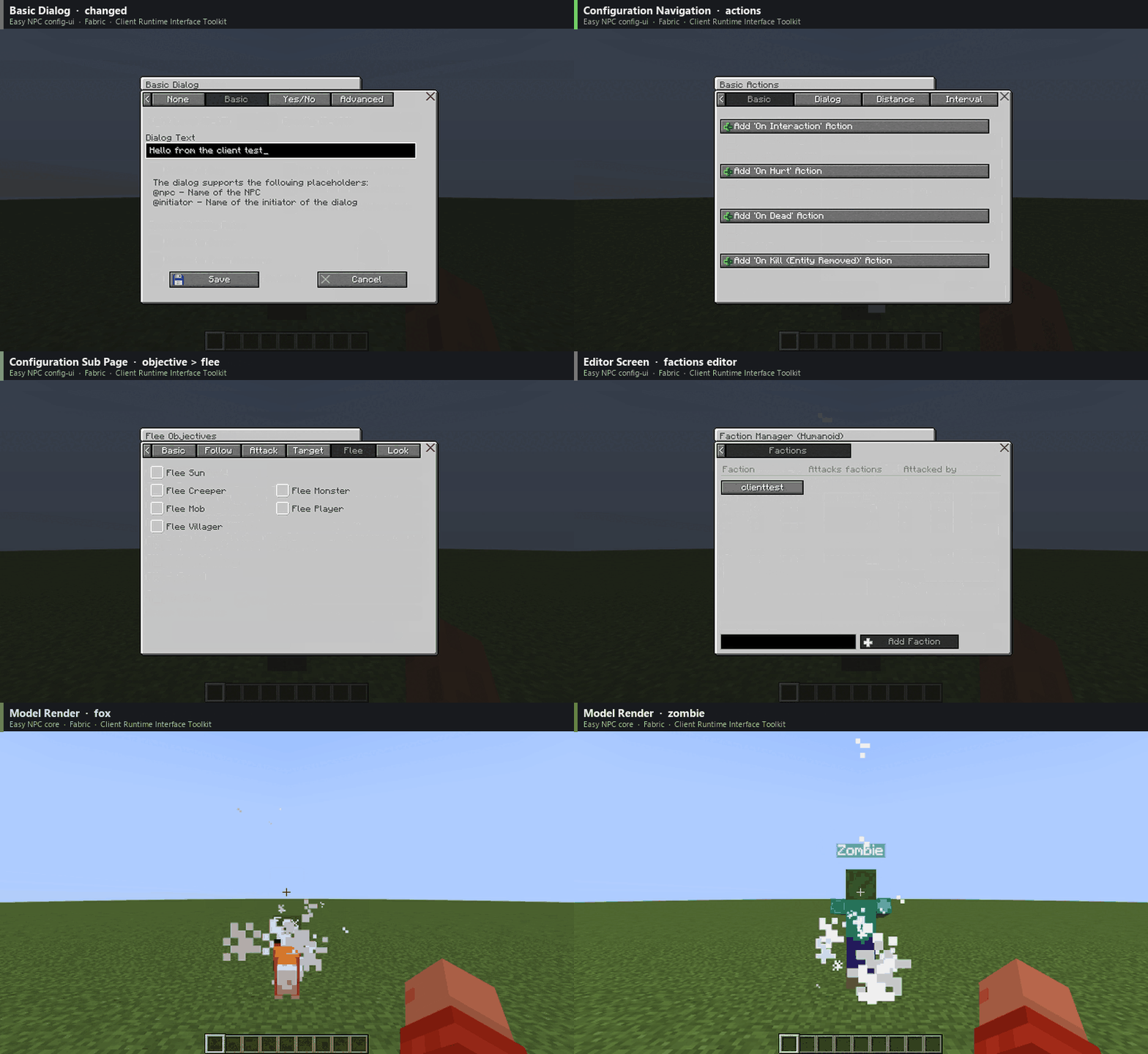
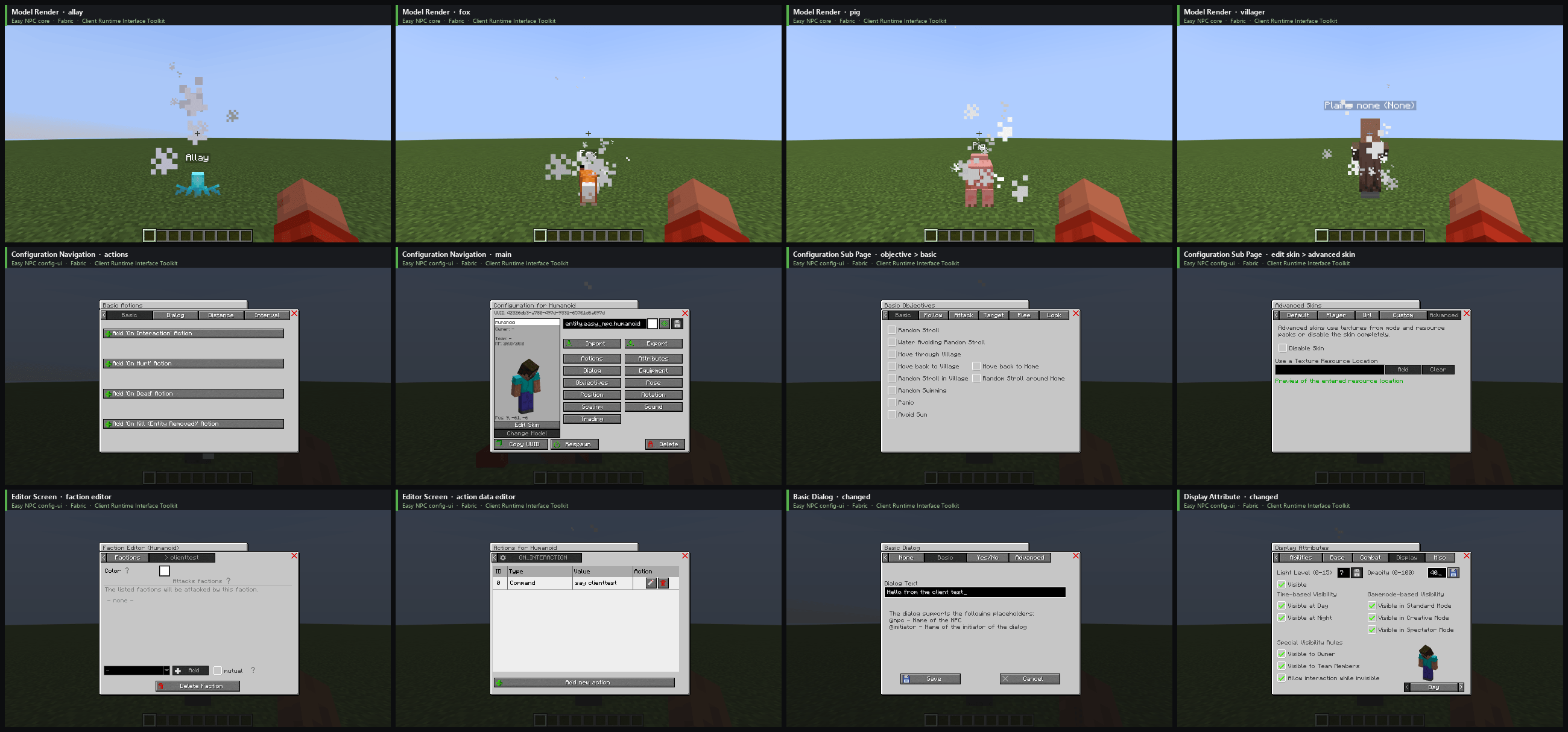
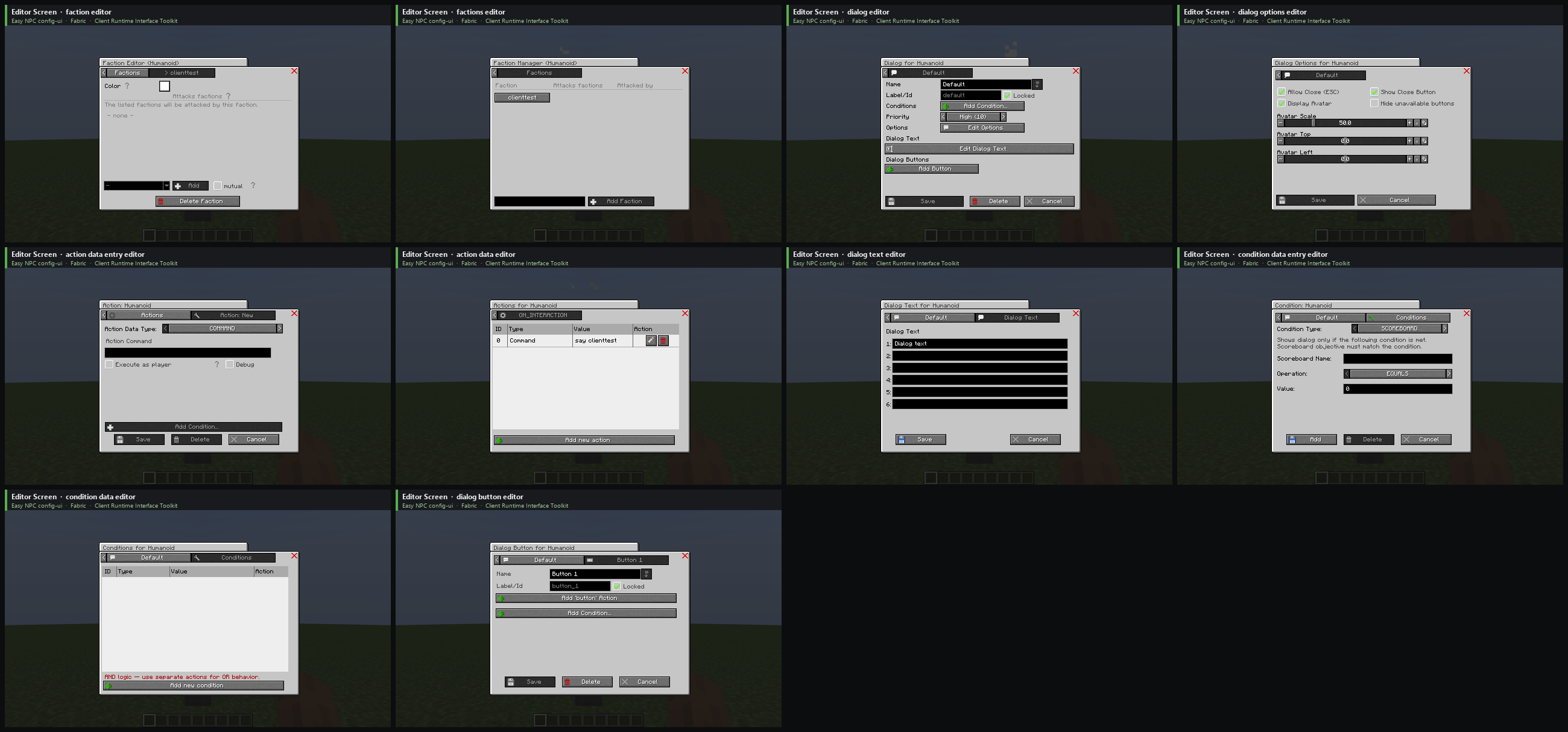
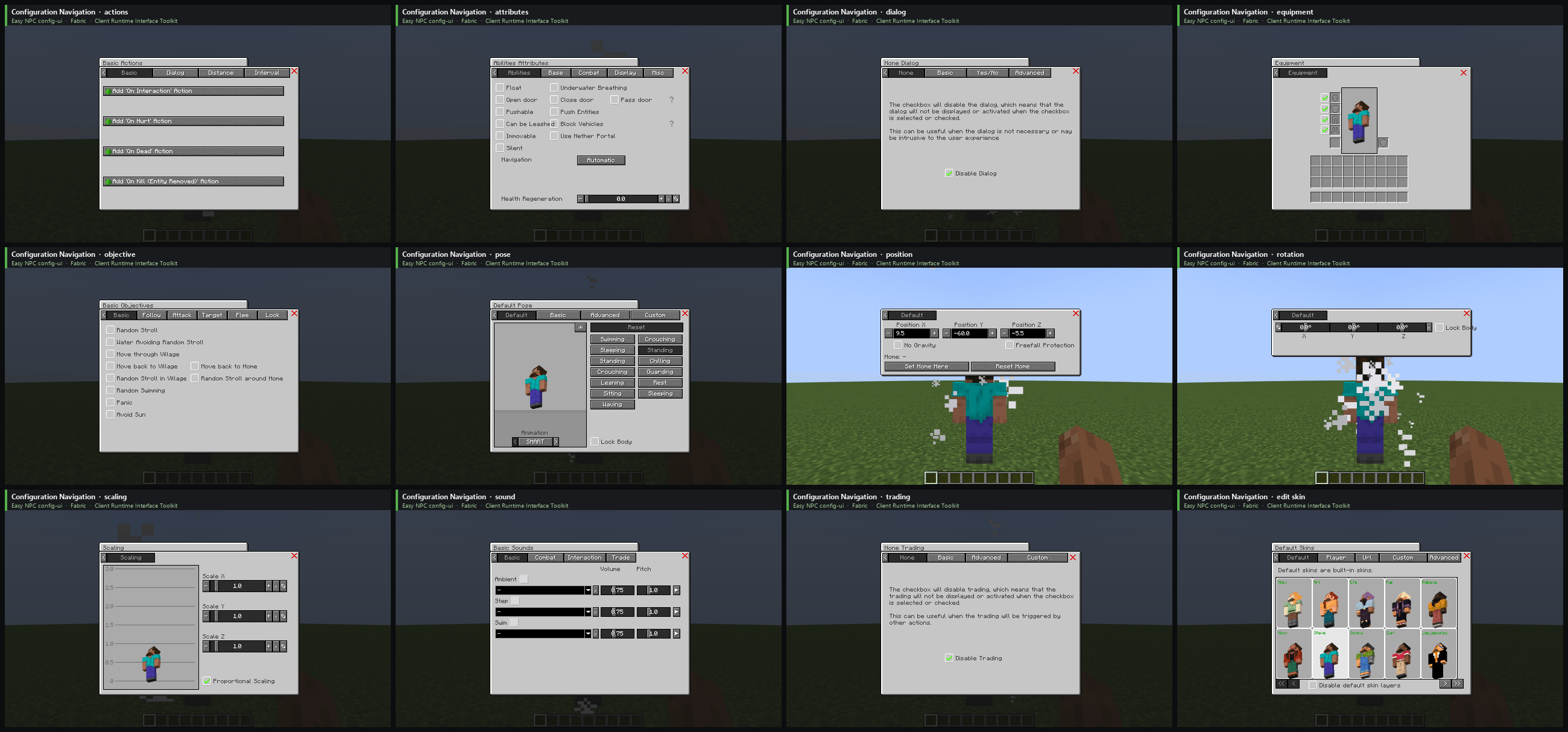
Client Runtime Interface Toolkit is a test framework library for Minecraft mods with JUnit 5 integration. Your tests drive a real Minecraft client: open screens, click buttons, check what is shown and take screenshots.
🚧 Beta: ready to try, but use it at your own risk. More is coming over the next days.
I built it for the configuration UI of Easy NPC: around 500 UI elements like screens, tabs, buttons, checkboxes and options. After every change I had to click through most of them by hand, which took hours. Now the tests do that, and I see right away when something is broken.
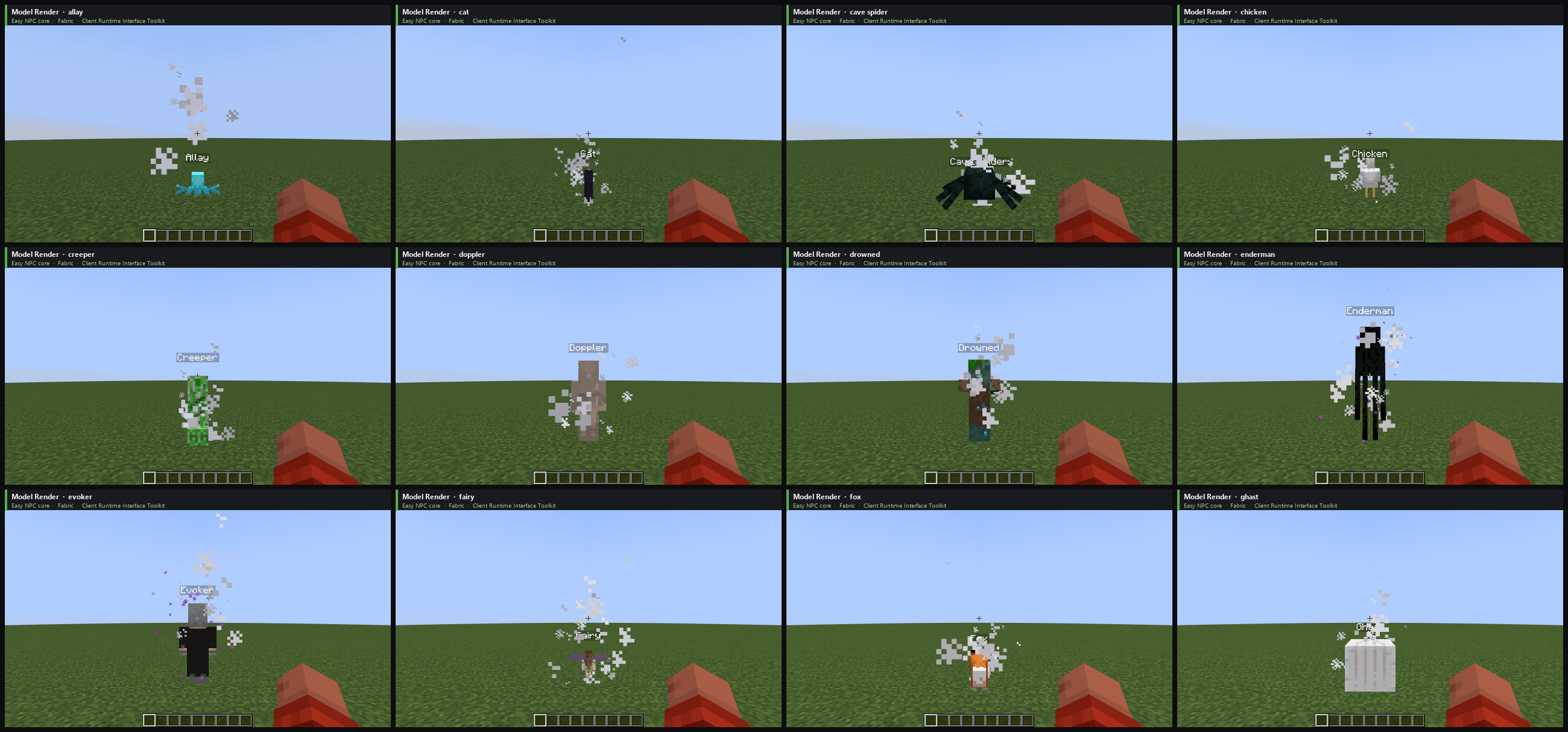
Unit tests and game tests run without a client, so they never see a screen, a button or a rendered NPC. This toolkit closes that gap. I have used it for simple checks like "does this screen still open" for a while; now it tests single buttons, widgets and NPCs one by one.
127.0.0.1), with a secret that changes on every start.Feature requests that weaken these protections will not be accepted.
testImplementation group: 'de.markusbordihn.clientruntimeinterfacetoolkit',
    name: 'client_runtime_interface_toolkit-fabric-1.20.1', version: '1.0.0'
class OptionsScreenTest {
@RegisterExtension
static final GameClientExtension CLIENT =
GameClientExtension.of(GameClient.launch().withWindowSize(854, 480));
@Test
void optionsScreenShowsVideoSettings() {
CLIENT.clickAndAwaitScreen(By.translationKey("menu.options"));
CLIENT.assertState(
Until.screen("minecraft:options"),
Until.widgetPresent(By.translationKey("options.video")));
CLIENT.assertLayoutClean();
Path screenshot = CLIENT.saveScreenshot("options");
System.out.println("Screenshot saved to " + screenshot);
}
}The test starts a client at the title screen, opens the options, checks that the "Video Settings…" button is there and nothing overlaps or sticks out, and saves a screenshot to .client_test/screenshots/OptionsScreenTest/optionsScreenShowsVideoSettings-options-01.png. Translation keys find a widget in every language; By.text("Options...") works too, but only in English.
For real examples, see the UI tests of Easy NPC. The test runner inside the jar does nothing unless a test starts it.
Settings live in config/client_runtime_interface_toolkit/toolkit.properties. The most important one is runtime_profile:
attended (default): someone sits in front of the client, a click takes control back.test: unattended test runs with low volume, no music and reduced graphics.movie: like test, meant to be watched, at full volume.observer: reading only, the client behaves like vanilla.custom: every option is taken from the file.control_access=none turns every kind of control off. A wiki with all settings will follow.