Mineuniverse
Log in Register
Mods

Click To Move

Click to Move is a challenge mod that completely removes the standard controls
by Benj1kus
Download Claim this project
34 downloads
0 likes
Updated Jul 6, 2026
0 hypes
Armor, Tools, and Weapons Energy, Fluid, and Item Transport Server Utility Storage Utility & QoL


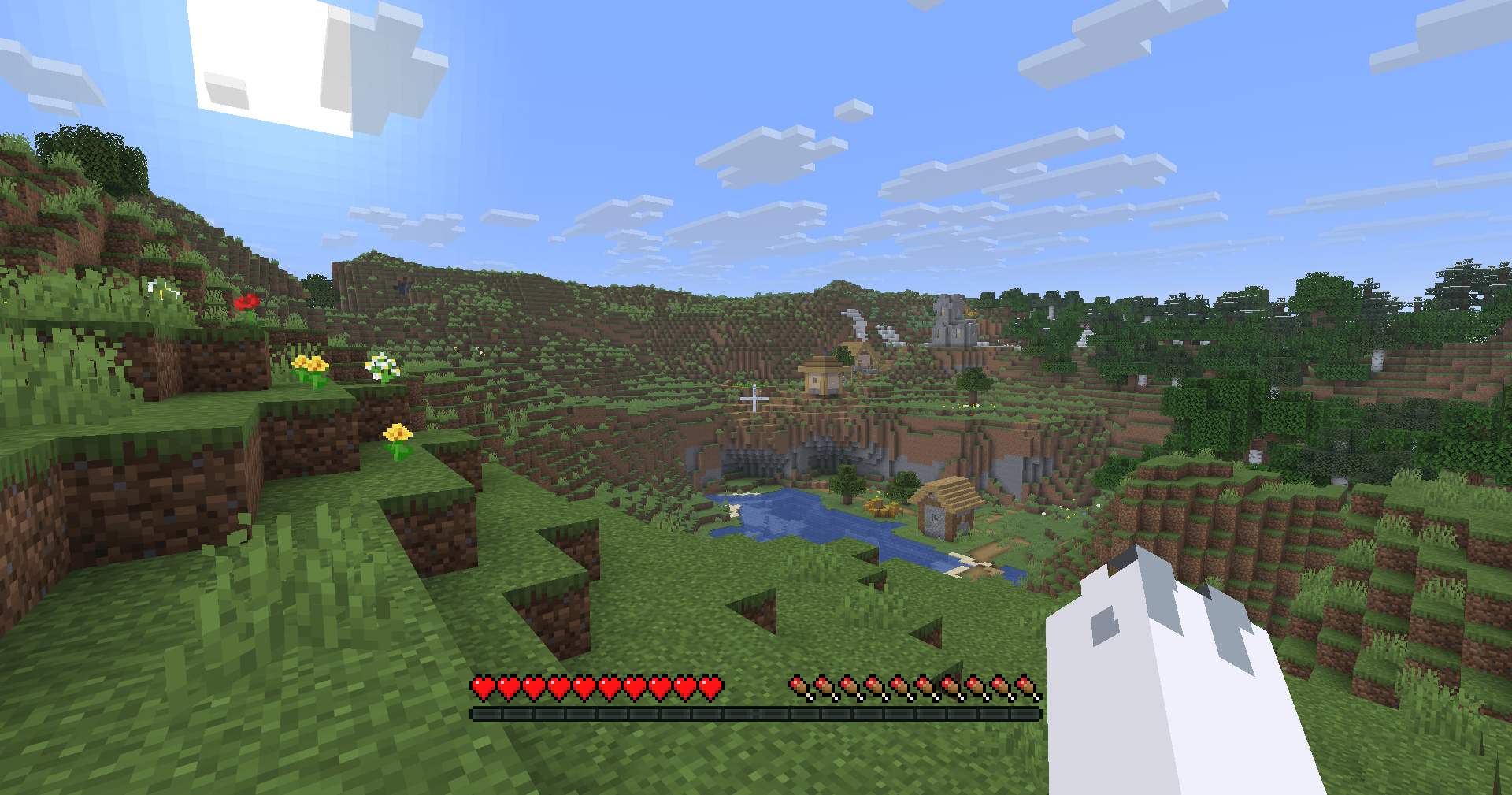
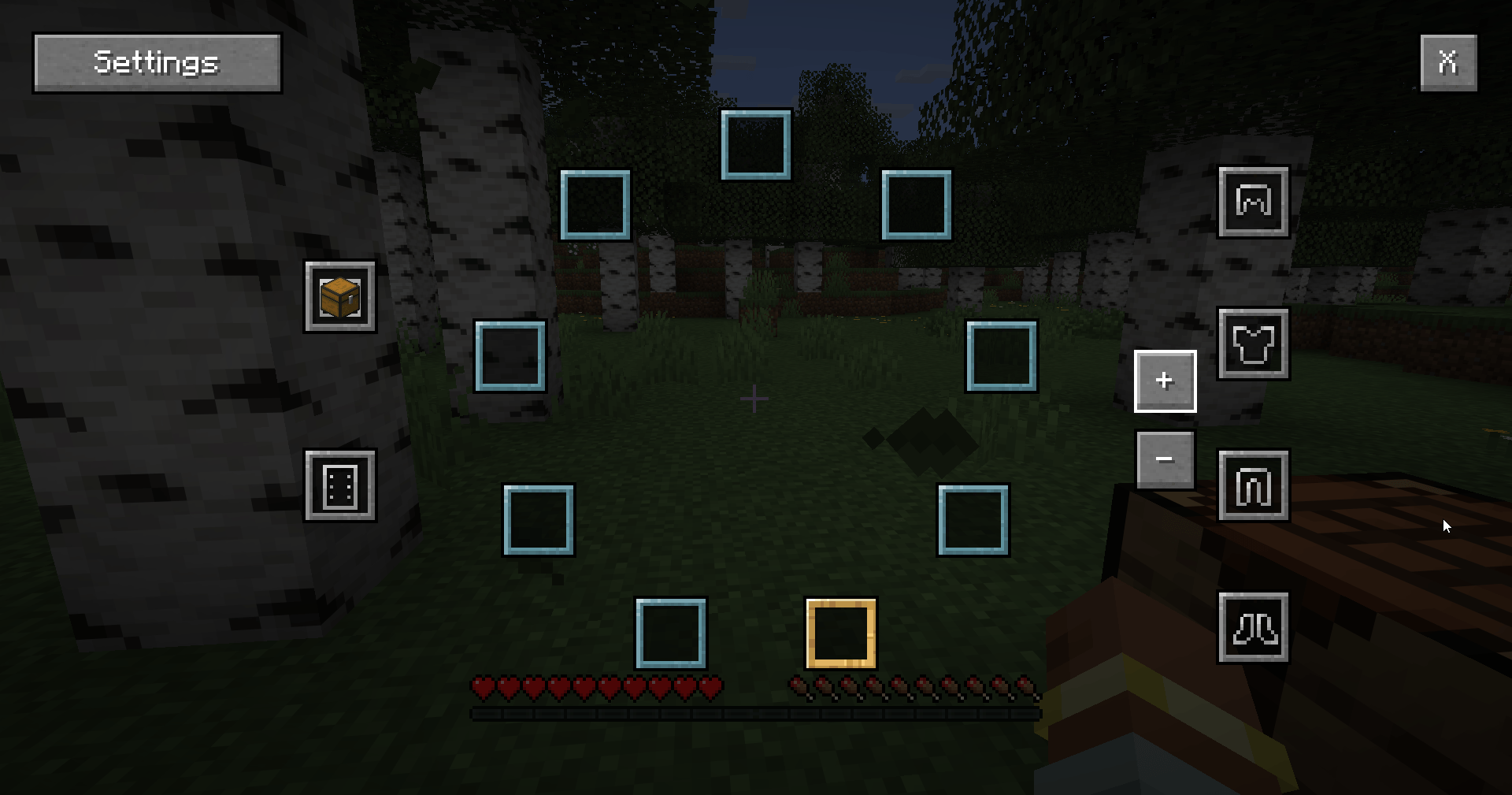
Click to Move -  is a challenge mod that completely removes the standard controls, replacing nearly all functions with mouse controls.

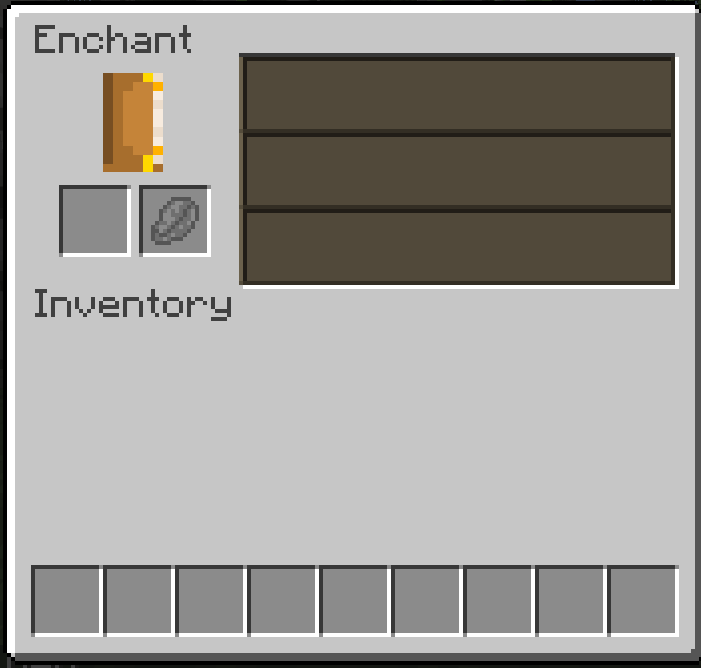
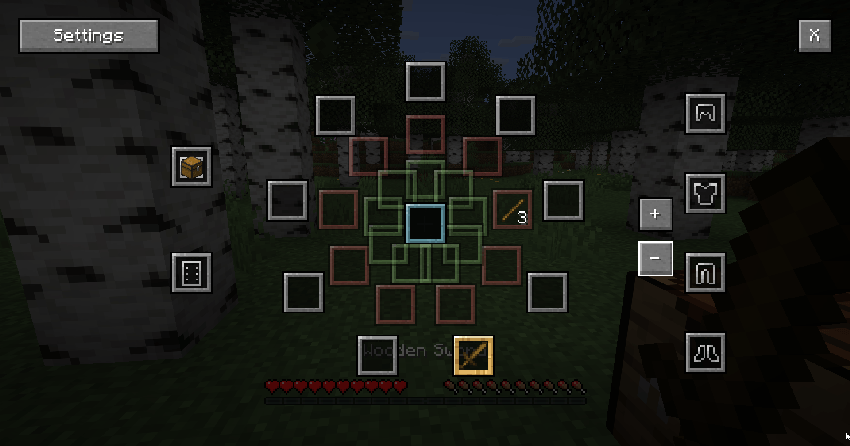
The inventory mechanics have also been completely revamped.
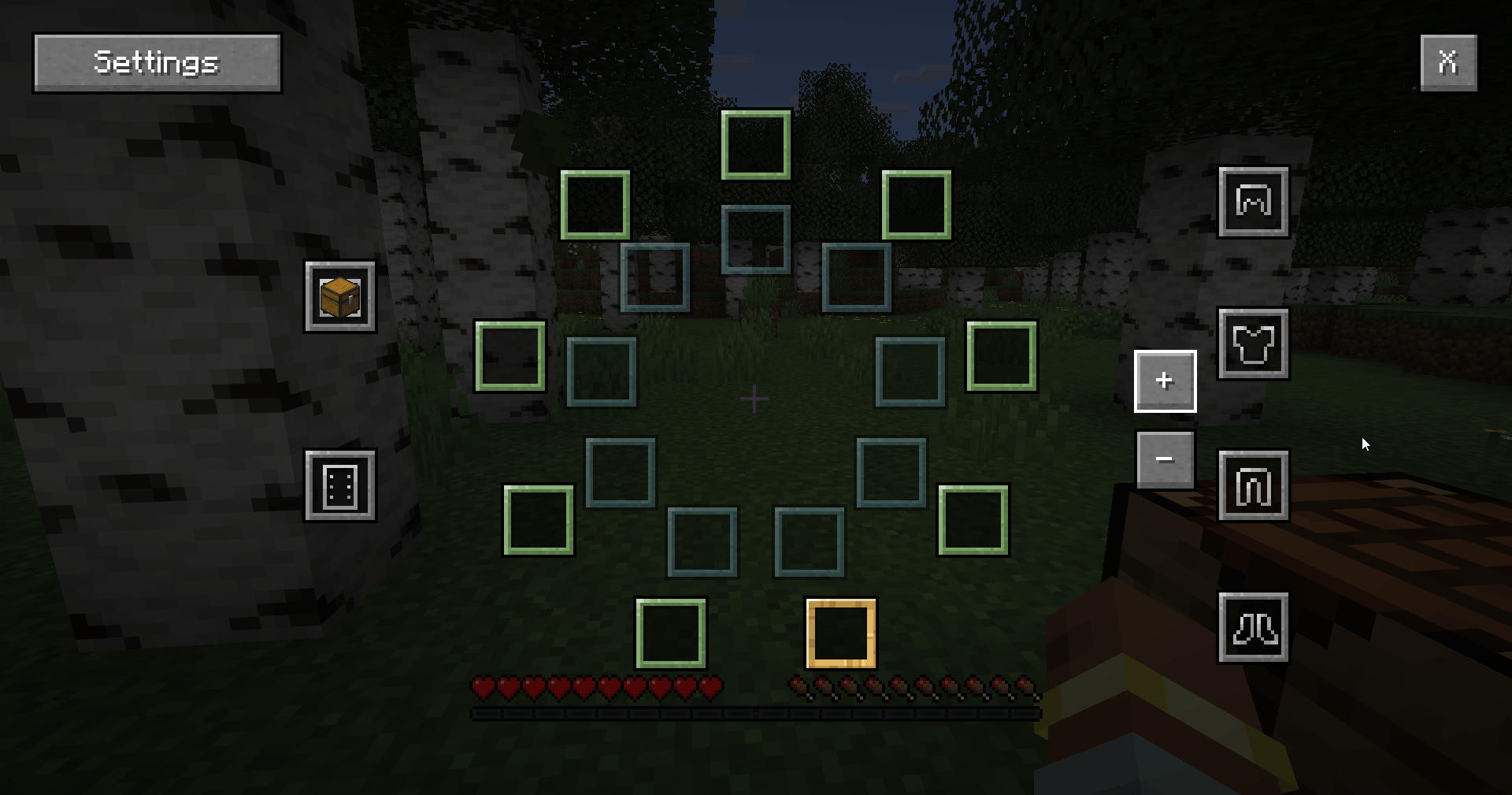
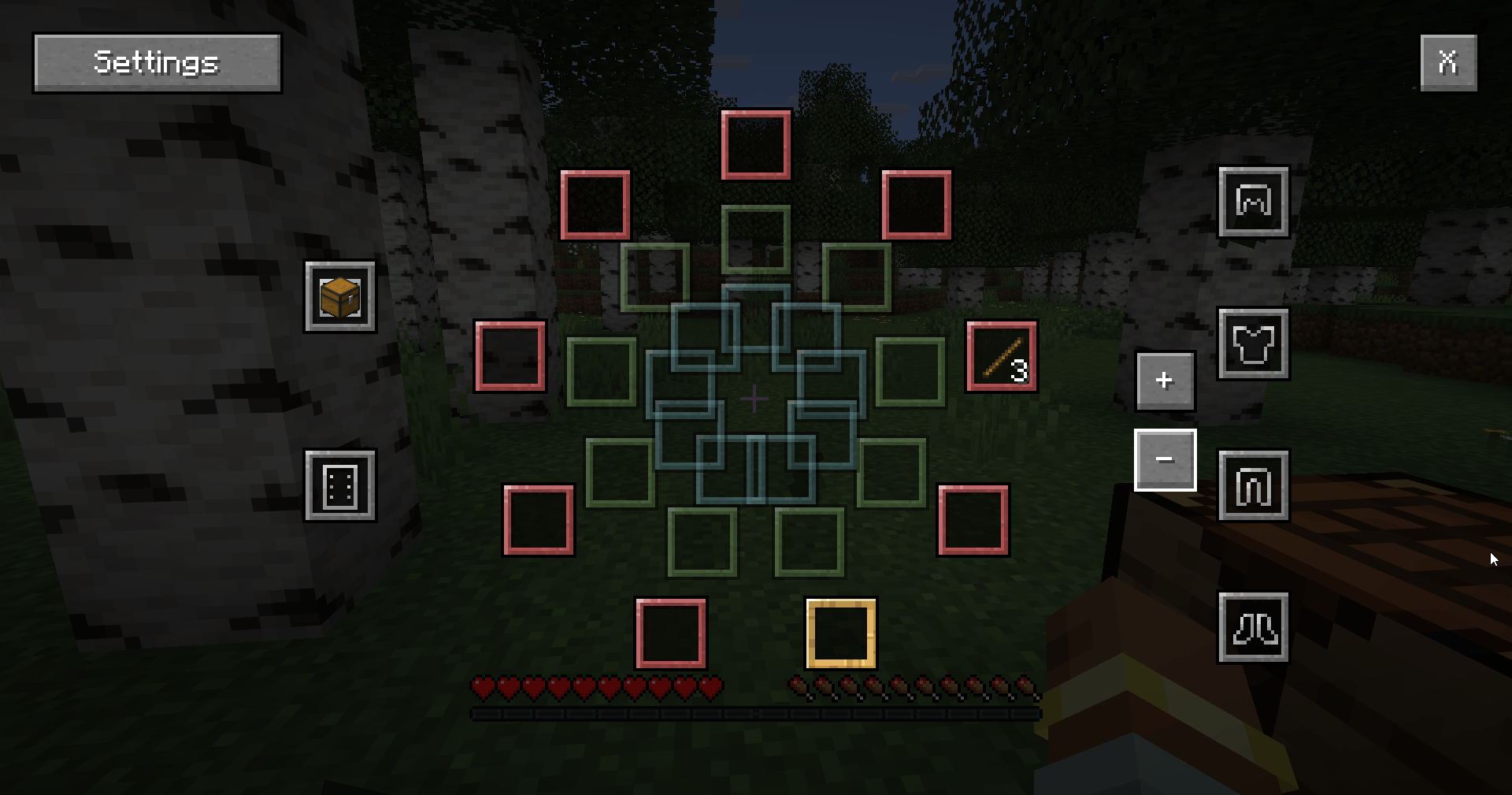
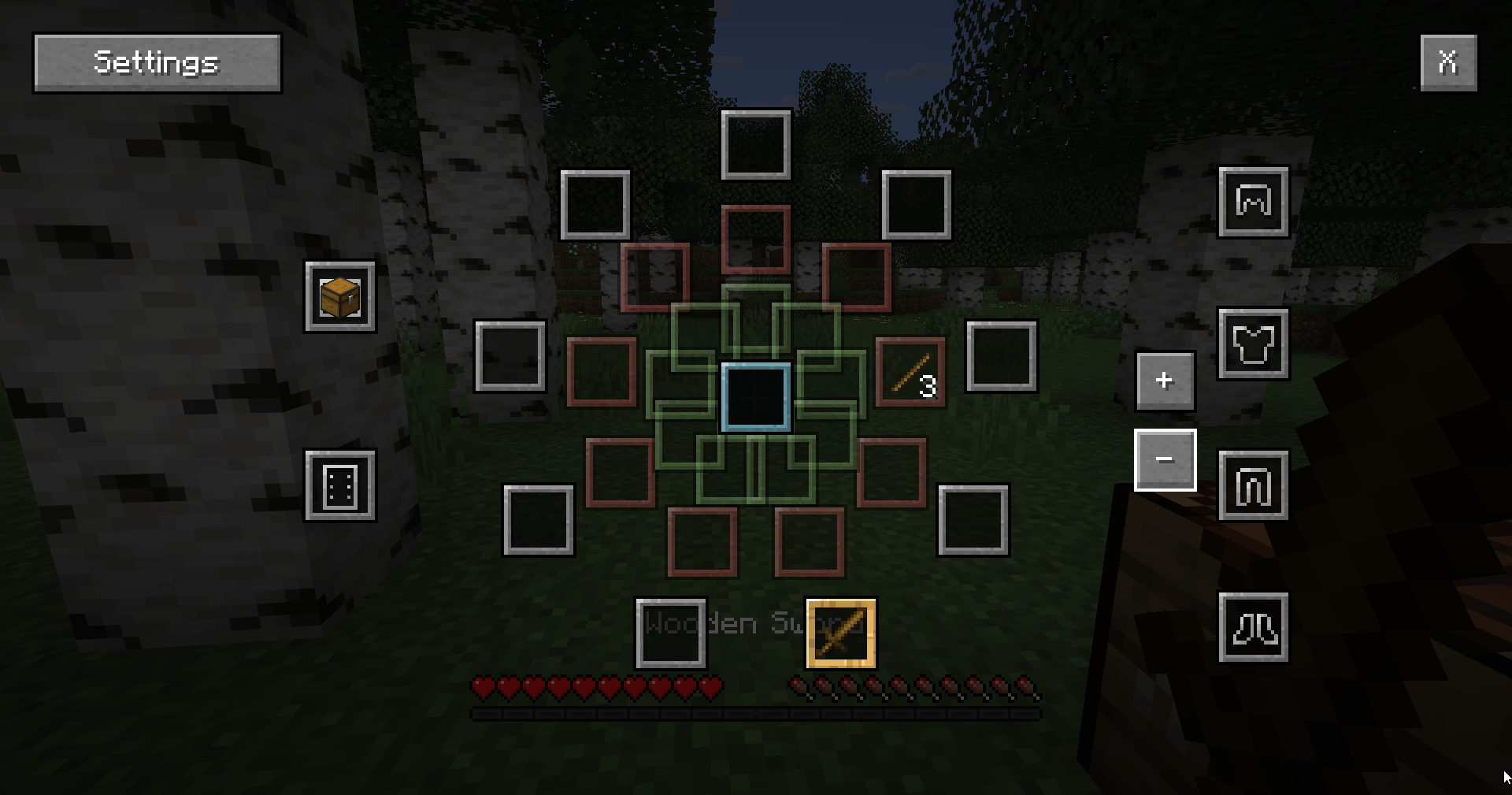
Now the inventory appears as a series of rings, with 9 slots initially available, plus slots for your off-hand and armor. However, if you place a chest in the appropriate slot, you’ll gain 3 additional rings that you can switch between to cycle through items!

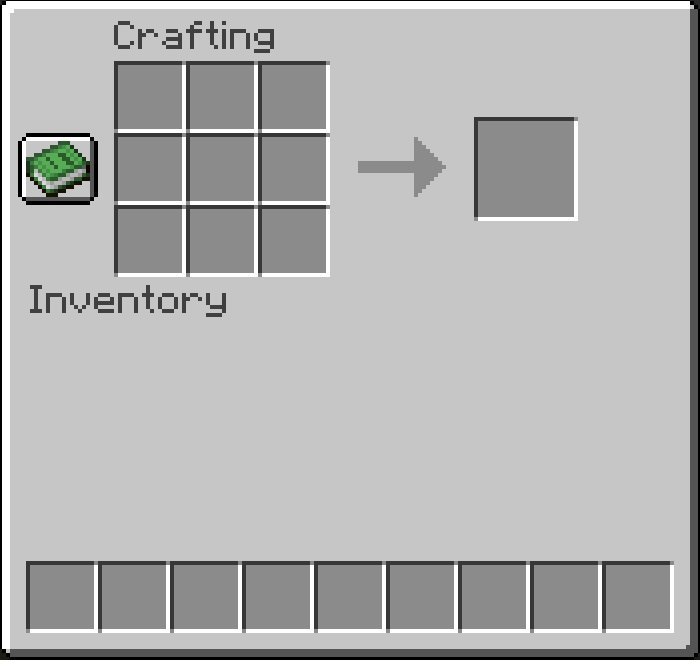
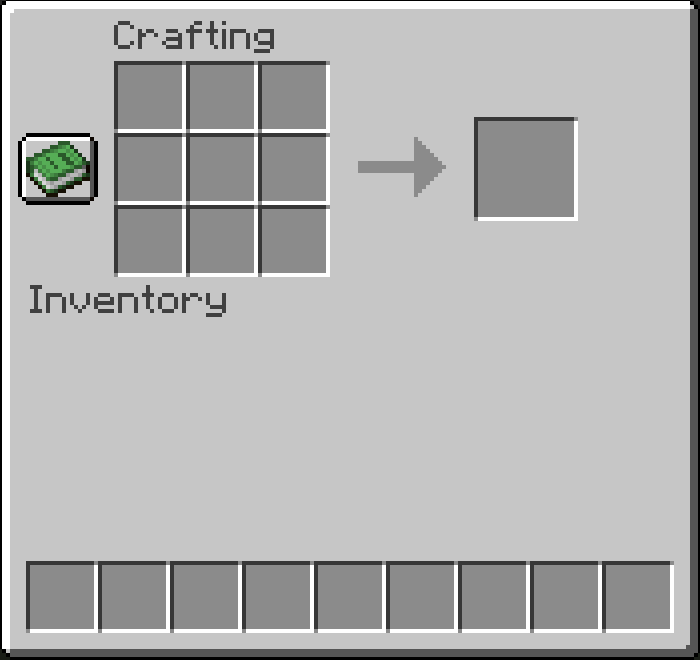
How do you get a workbench if there’s no crafting window in the inventory? Just chop down any tree and use any type of log to hit another log, and you’ll get a workbench

Controls:
Movement - Hold down the right mouse button (you will move in the direction you are facing)
Jump - Double-click the left mouse button
Sneak - Double-click the right mouse button
Open inventory - Middle mouse button 

clicktomove-1.0.2.jar
MC Client, NeoForge, Server, 26.1, 26.1.1
Release 2026-04-09 Get

More from Benj1kus

Fountain Craft
78
Ender Vision
60
Sulfur Depths
3,839
Logical Torches
354
Sniffer Overhaul
3,480
Projection Sorcery
266

You Might Also Like

Liberty's Villagers
Quality of Life and AI improvements for Villagers
9,968,428
No More Pop-ups
A Minecraft mod to remove in-game pop-ups
996,708
BetterRandomSourceConcurrencyCrash
Improved logging of crashes caused by mods accessing RandomSources from the wrong thread
99,371
Exit Confirmation
Often accidentally closed Minecraft? This mod might help!
99,067
NoDynamicFps
Adds an option to disable Vanilla's Dynamic FPS implementation
99,004
Immersive Crafting
Adds crafting recipes to immersive portals
9,998