CircleKeep – build, populate, decorate
Get started
Stand where you want the center of your build and open chat (cheats enabled).
/add all
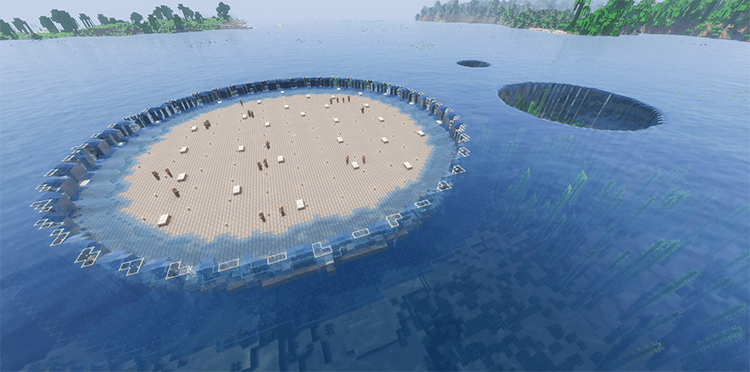
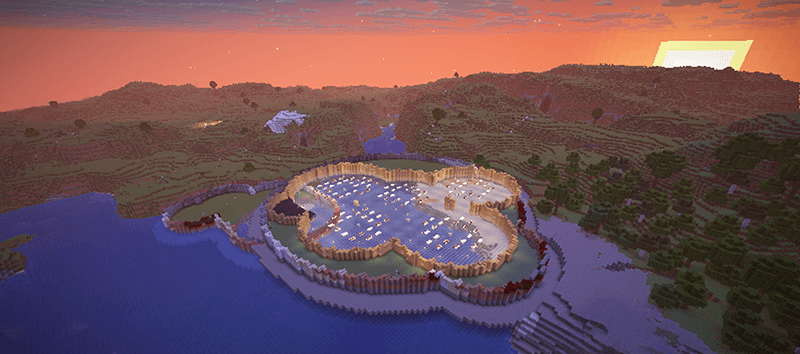
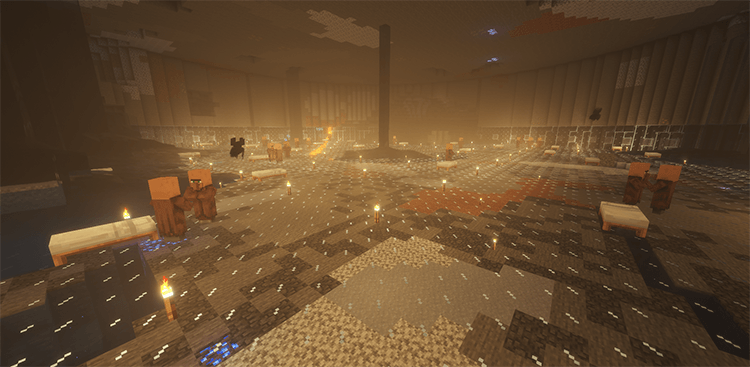
Creates a circular area with walls and a moat, then adds 18 villagers, 36 beds, and torches. The radius is chosen automatically.

Essential commands
Build a complete keep: /add all 20 40 - Adds an area, 20 villagers, 40 beds, and torches; radius 40
Build an empty area: /add area 40 - Creates the floor, walls, and moat; radius 40
Add villagers: /add villager 10 - Spawns 10 more villagers
Place beds: /add bed 20 40 blue - Places up to 20 blue beds within radius 40
Place torches: /add torch 40 - Distributes torches within radius 40
Lay carpet: /add carpet blue - Covers available matching floor with blue carpet
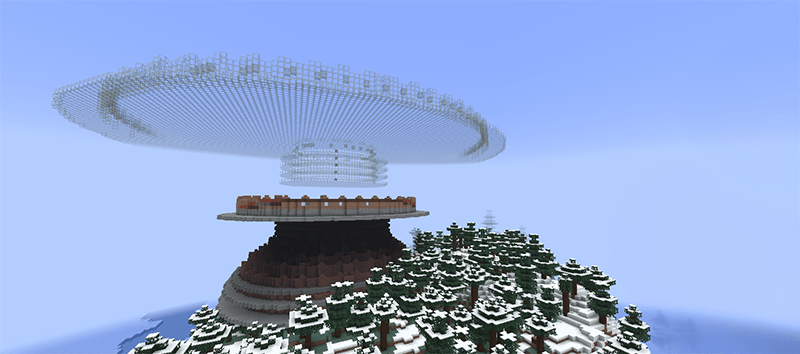
Clear overhead: /add sky 40 - Clears upward within radius 40, leaving four blocks of headroom untouched
Clear overhead and next to you: /add sky 0 30 - Clears upward within radius 30
Clear overhead and dig a hole: /add sky -100 50 - Clears upward and -100 blocks downwars within radius 50 (even makes persistent holes into the ocean)
Check your surroundings: /show count 40 - Reports nearby villagers, beds, torches, and other statistics
Reading the numbers: For all, villager, and bed, the count comes first, followed by the radius. Radius is measured in blocks from your position.
**
Choose your walls and floor**
Examples: /add area stonewall woodfloor 40

/add all glasswall stonefloor 20 40

Materials: stone, brick, cobble, deepslate, sandstone, redsandstone, quartz, wood, glass, obsidian.
Nearby compatible areas (areas with the same wall) can merge. To keep a new area separate, place "closed" as you see below:
/add area closed stonewall 40
/add all closed stonewall 20 40
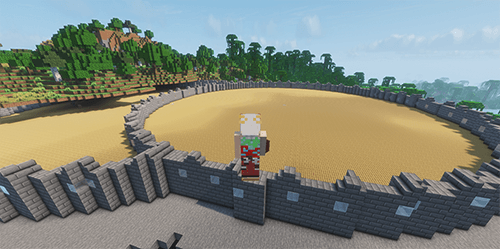 (closed)
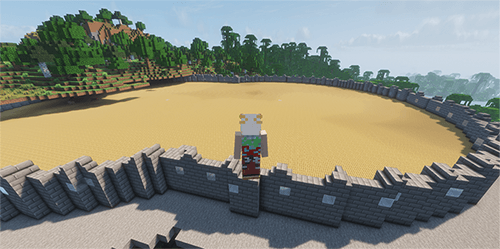 (merged)
Beds: colors and spacing
/add bed 20 – 20 white beds, radius 32.
/add bed 20 40 blue – 20 blue beds spread across a larger area.
/add bed 20 15 mix – 20 colorful beds in a smaller area.
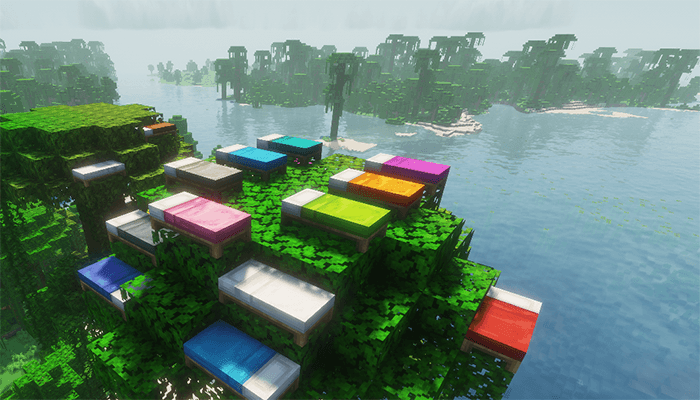
Beds use spaced positions first and pack together only when space runs short. Placement starts within five blocks vertically, then searches farther above and below if needed.
Carpets: solid, mixed, or checkered
/add carpet – white carpet.
/add carpet blue – blue carpet.
/add carpet mix – random colors.
/add carpet 40 blue – blue carpet within radius 40.
/add carpet checker green lime 40 – a green-and-lime checkerboard within radius 40.
Carpet covers its available matching floor of the same height. An explicit radius limits that coverage further.
A new carpet command replaces existing carpet.
Commands for beds and torches take priority and can replace carpet. The lodestone in the centre of your area stays uncovered.

Beds and carpets support all 16 Minecraft colors:
white, orange, magenta, light_blue, yellow, lime, pink, gray, light_gray, cyan, purple, blue, brown, green, red, black.
In-game help: /ck help. If another mod uses /add, use /ck add … instead.