Chroma Studio finds the blocks closest to a colour. Pick a colour, or point at a block, and it lists every block in the game by how close its texture comes, modded blocks and resource packs included. From there it builds palettes and gradients, and exports them as schematics.
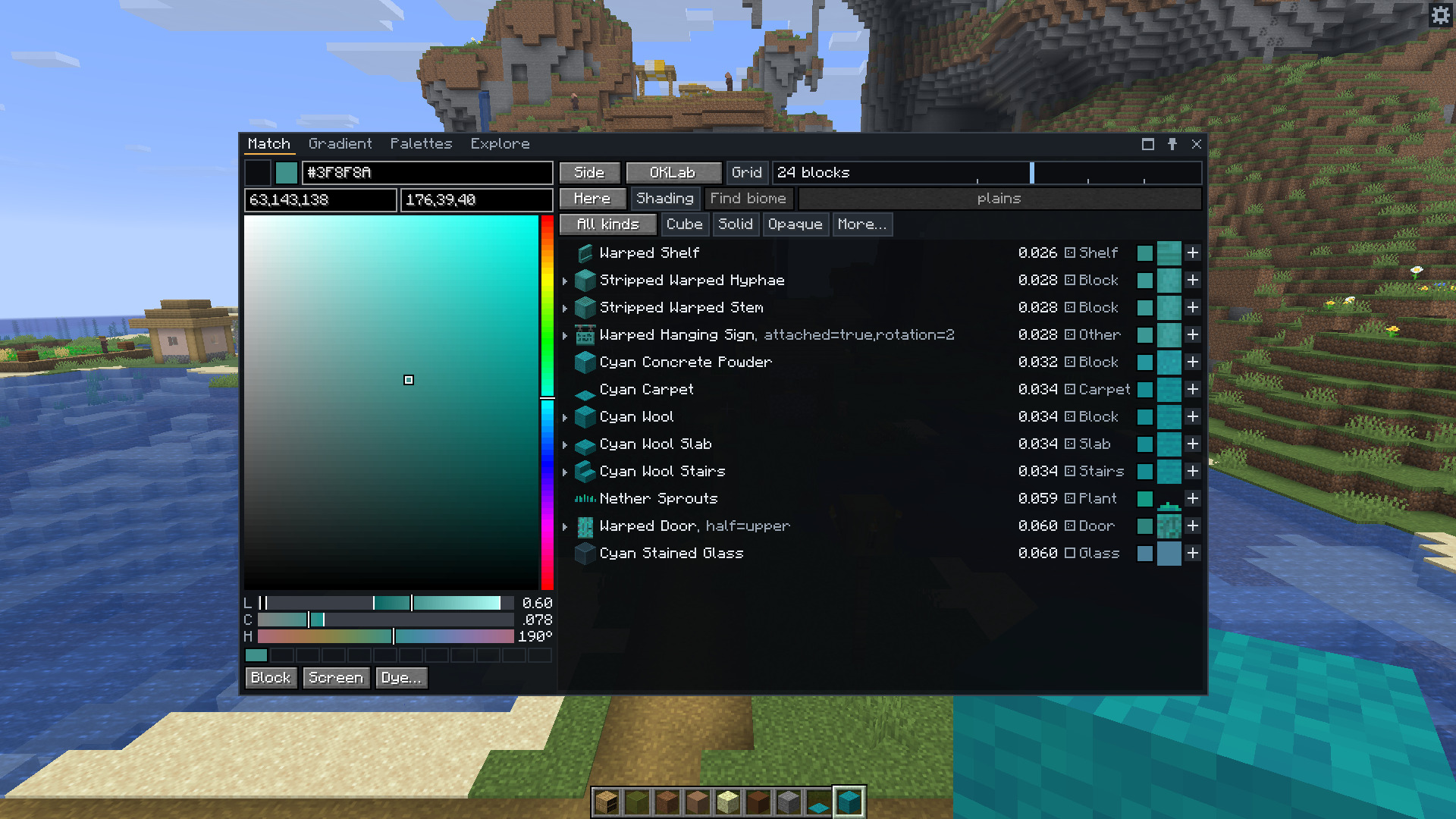
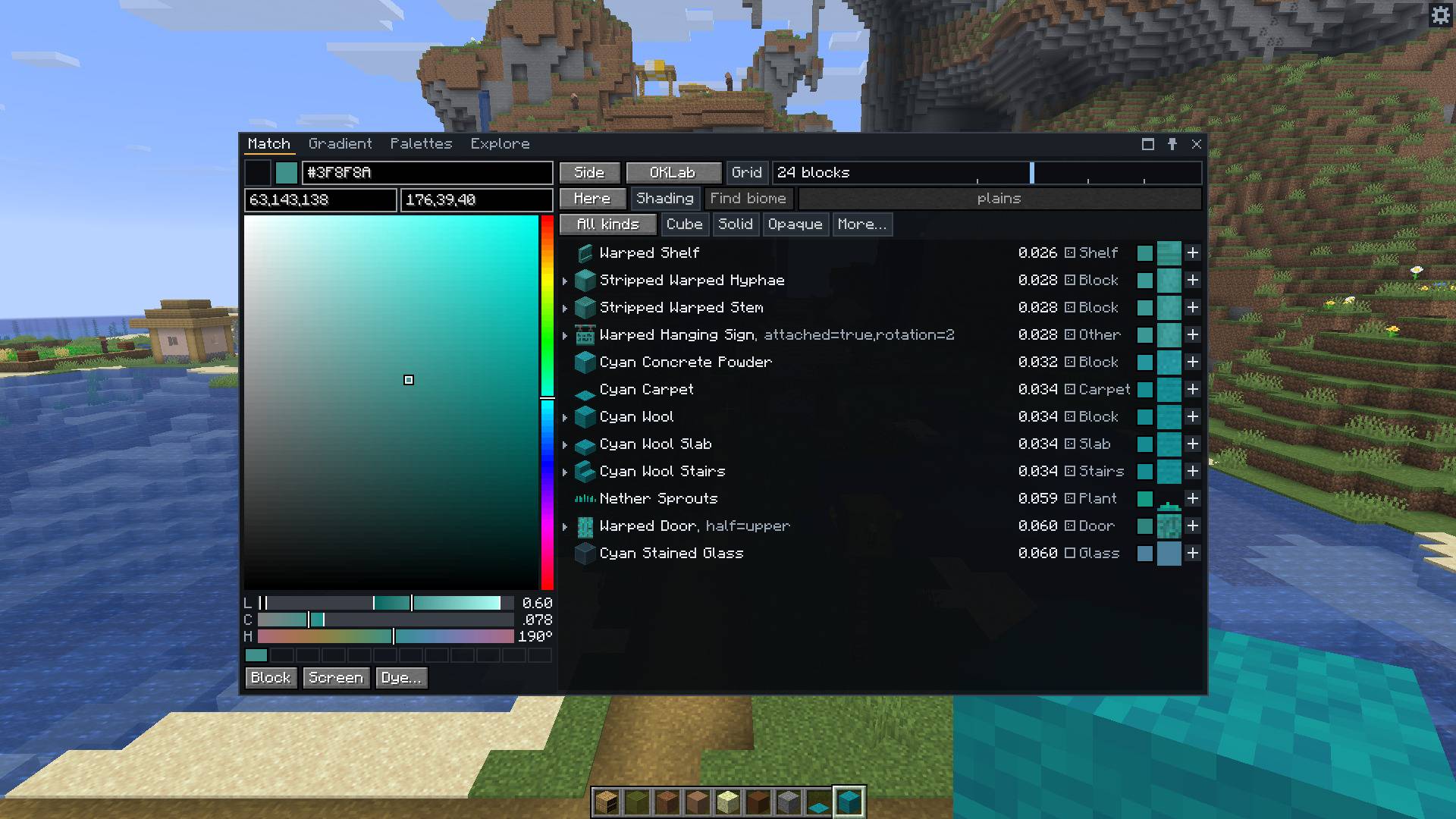
The Match tab. Each row has the block's distance from the colour, a badge for how busy its texture is, and the texture as it looks from the viewing distance you set.
It compares whole textures, not only average colours, so a speckled block and a flat block of the same average don't count as the same. It matches in OKLab by default, which follows what the eye sees more closely than RGB does. Grass, leaves and water are matched with the tint of the biome you stand in, or of any biome you choose.
The mod runs on your client only. It never places or changes a block. A server doesn't need it.
Press C for the window. It has four tabs. You can drag it, resize it, make it fullscreen, or pin a tab so it stays on screen while you build.
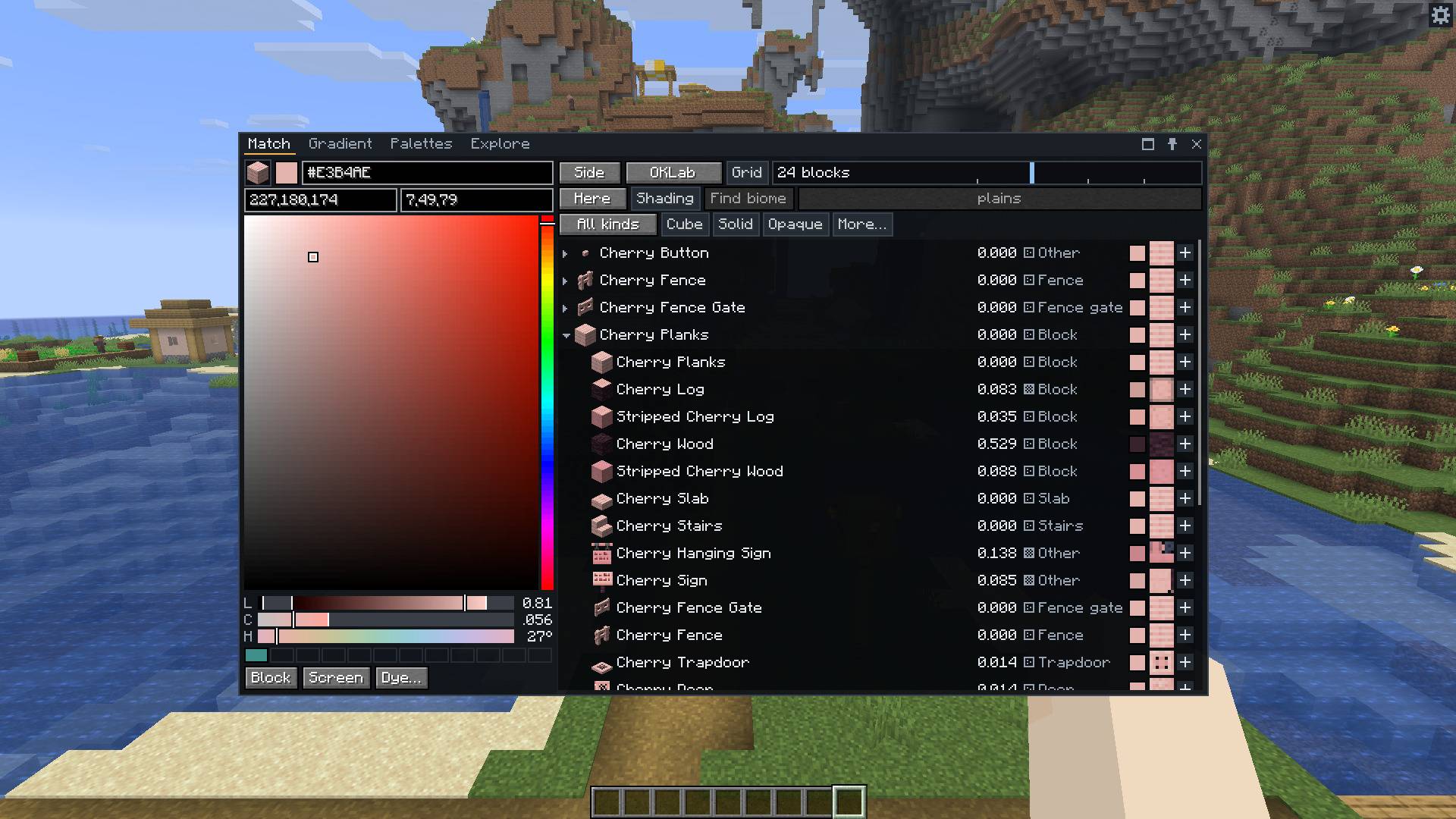
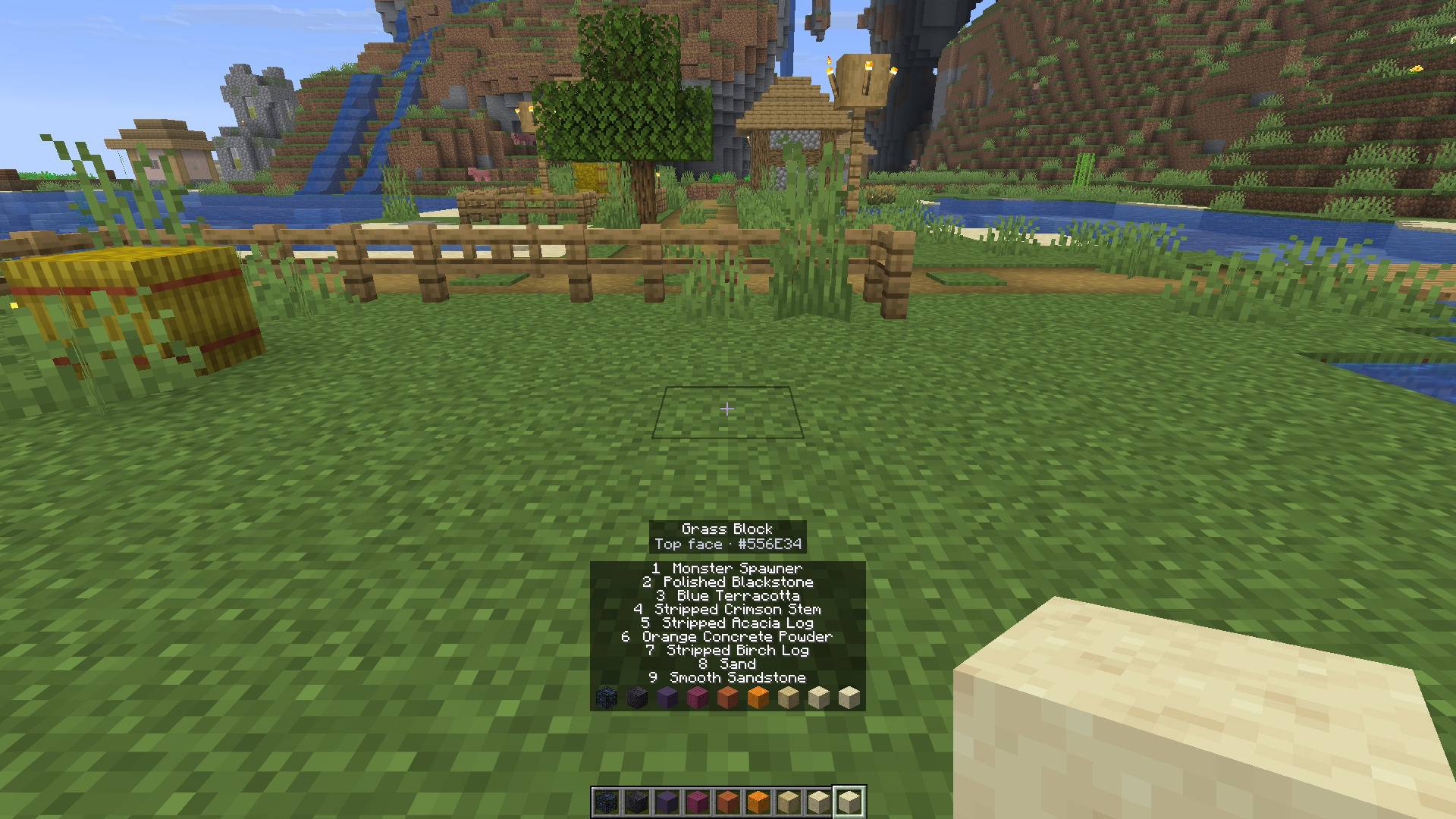
Out in the world, press X on a block to read its colour. The hex code goes to your clipboard. Shift and X opens the window on that block.
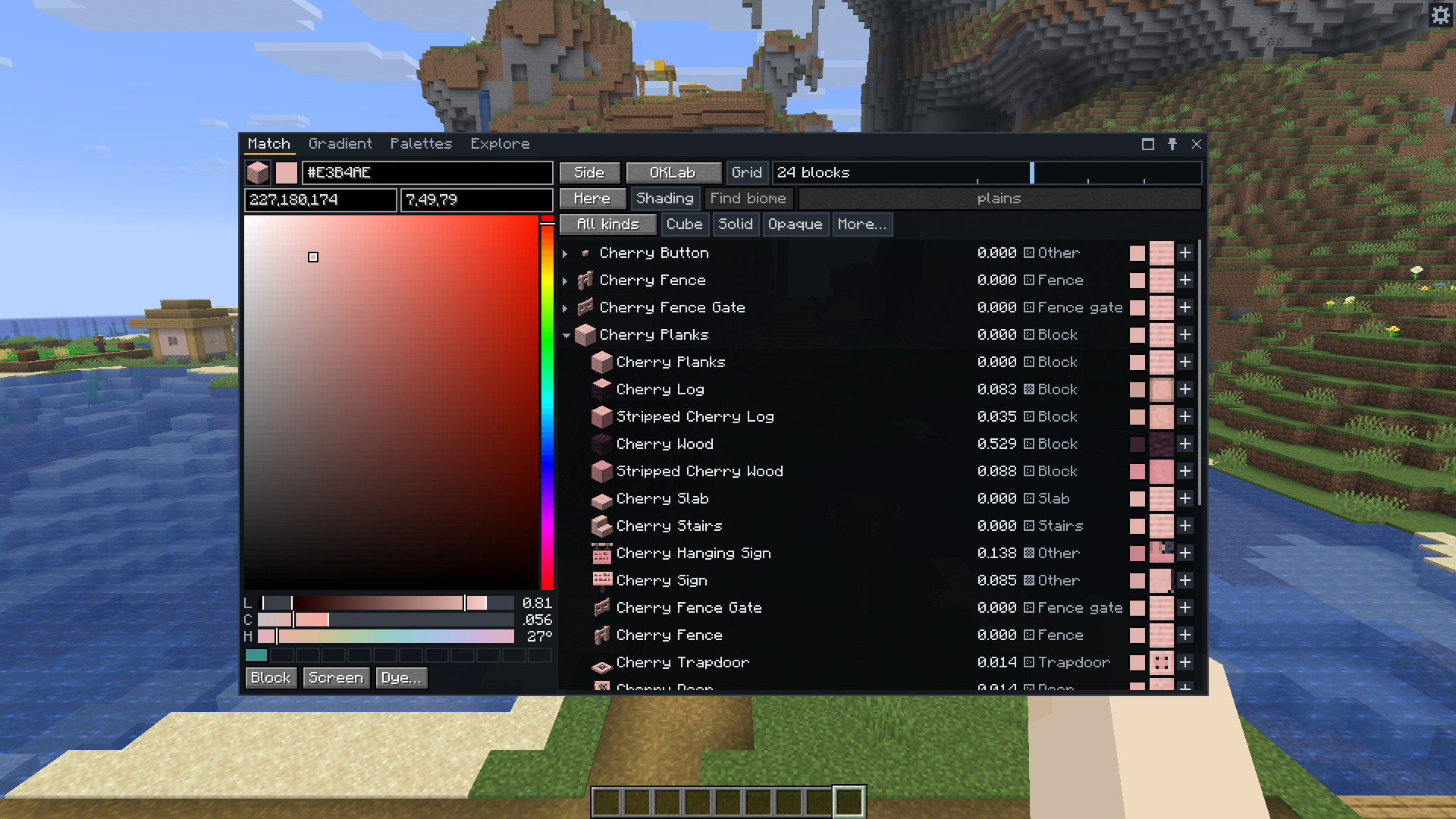
Matching a block instead of a colour, with its material set open.
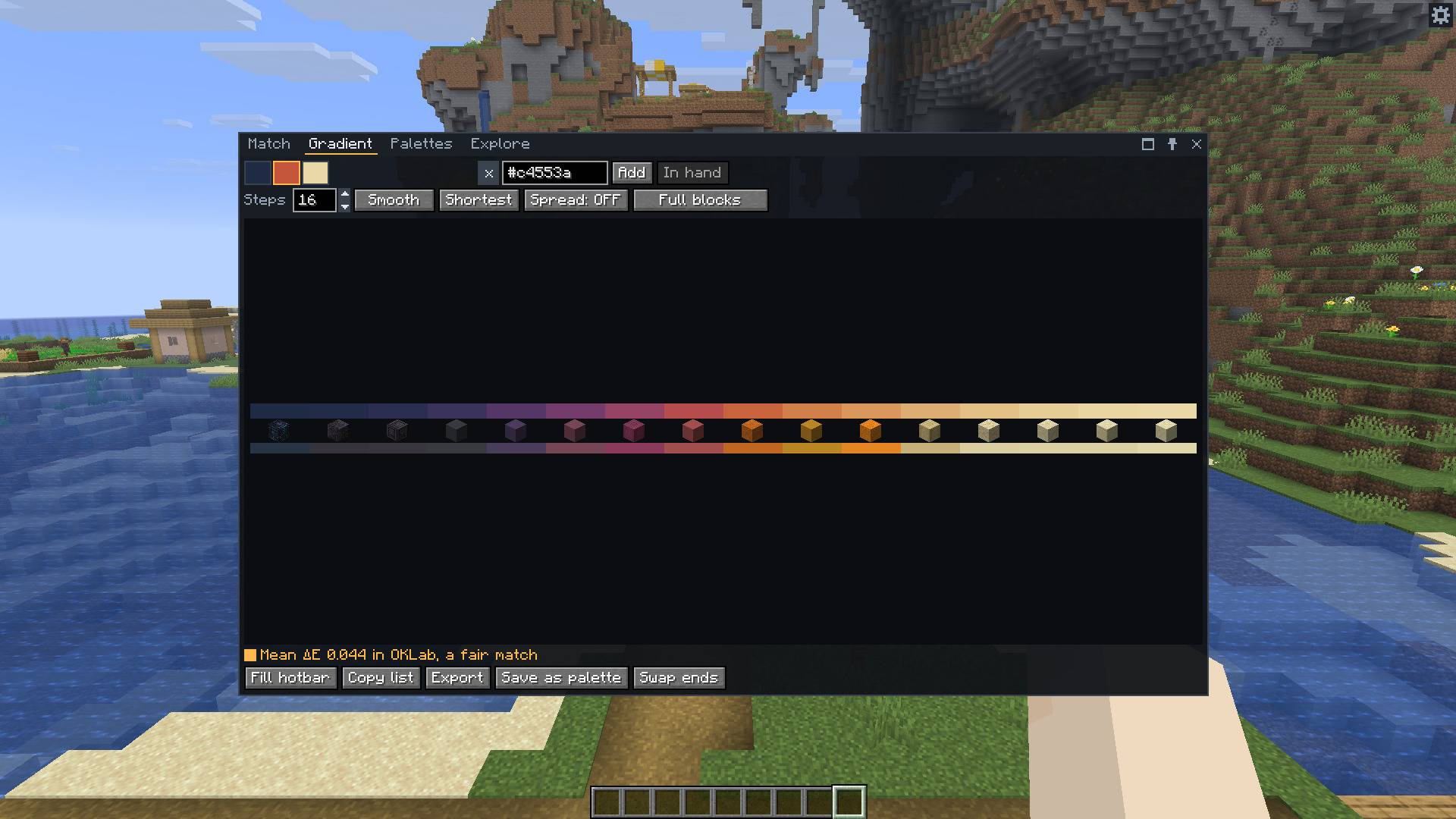
Give it two or more colours or blocks and a number of steps, from 2 to 32. It finds a different block for every step so that the whole run is as close as it can be. Click a step to swap in one of its next-best blocks. Then fill your hotbar with it, copy the list, save it as a palette or export it.
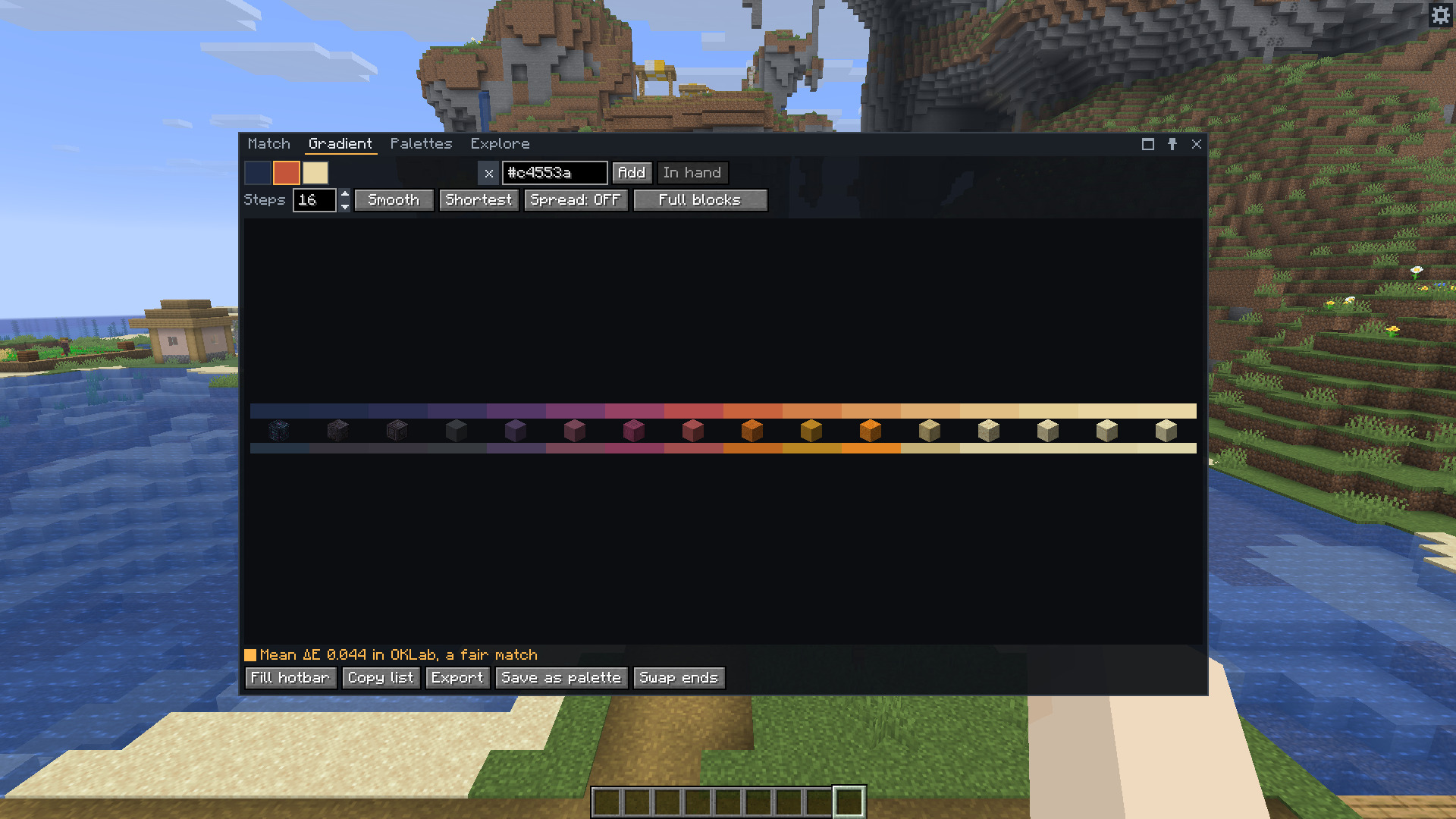
Sixteen steps between three colours. The strip on top is the colour each step wants, and the one below is what its block gives.
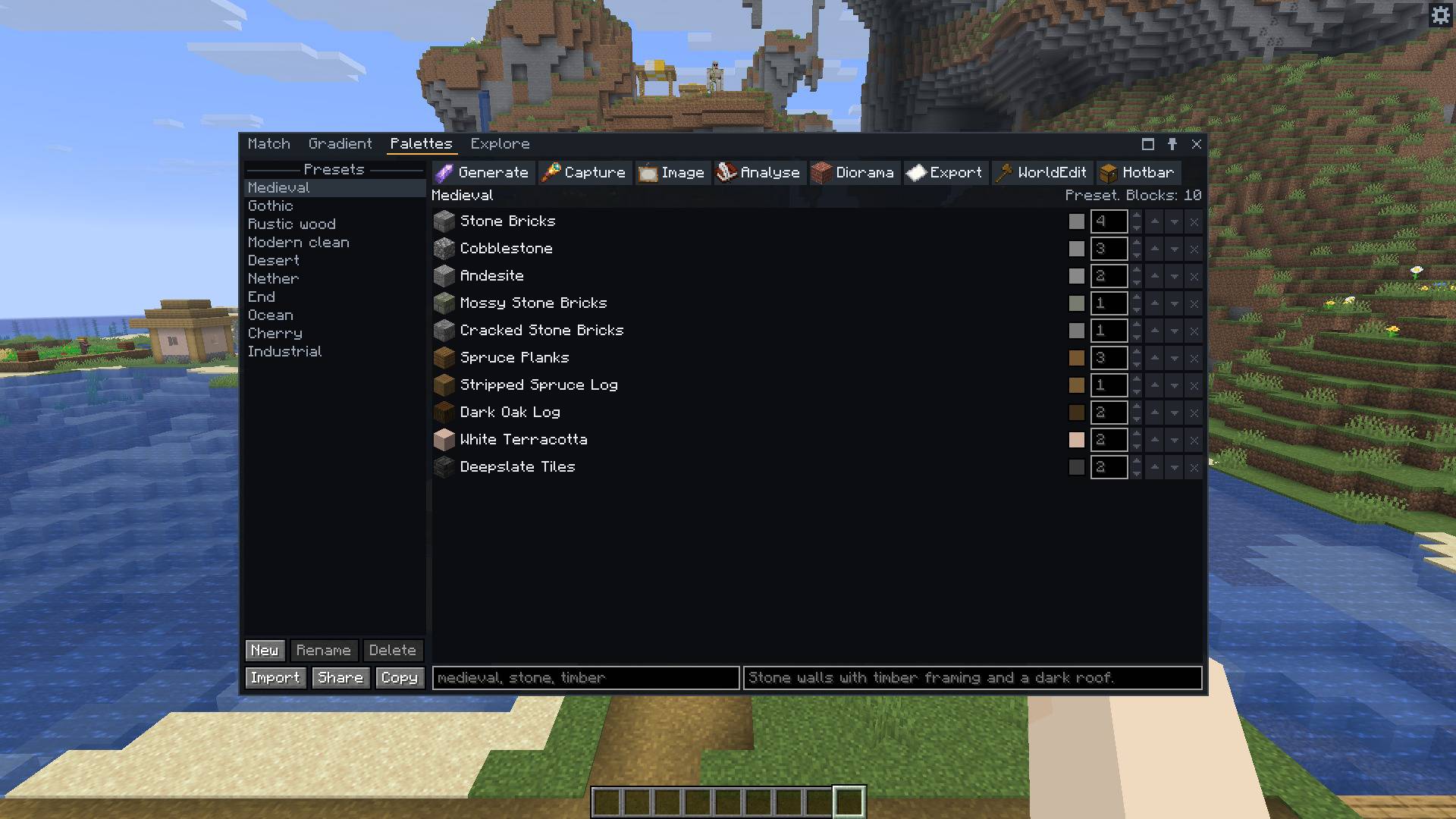
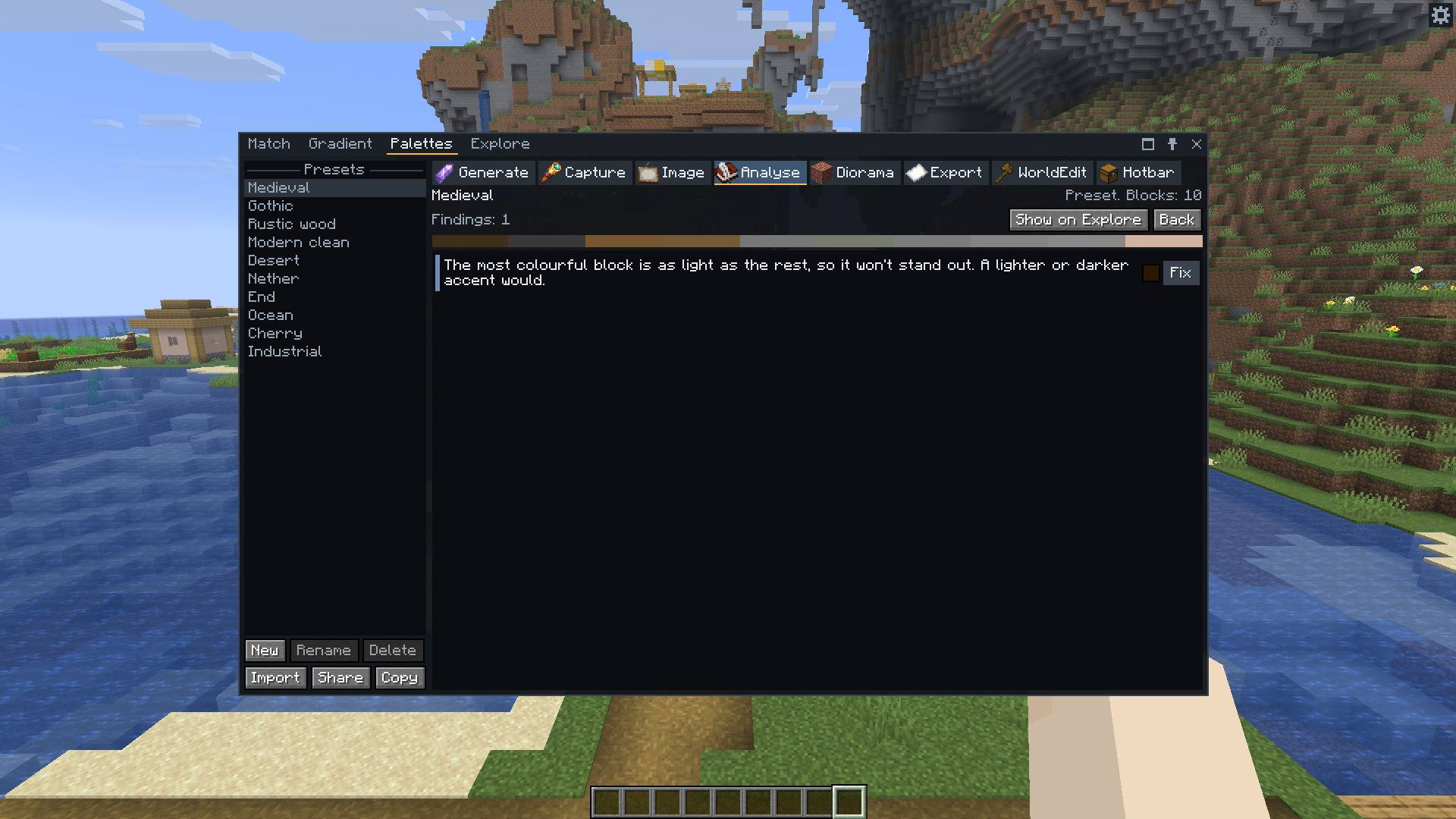
A palette is a list of blocks, each with a weight. Ten come with the mod, and you can make your own in several ways.
.litematic or vanilla .nbt file, as a strip, a wall, a grid of patches or one of the diorama's walls.70%stone,30%andesite and the //set or //replace command to go with it.Share copies a palette as one line of text, like chroma1:stone,andesite*3,oak_log[axis=y]/Castle, and Import reads one.
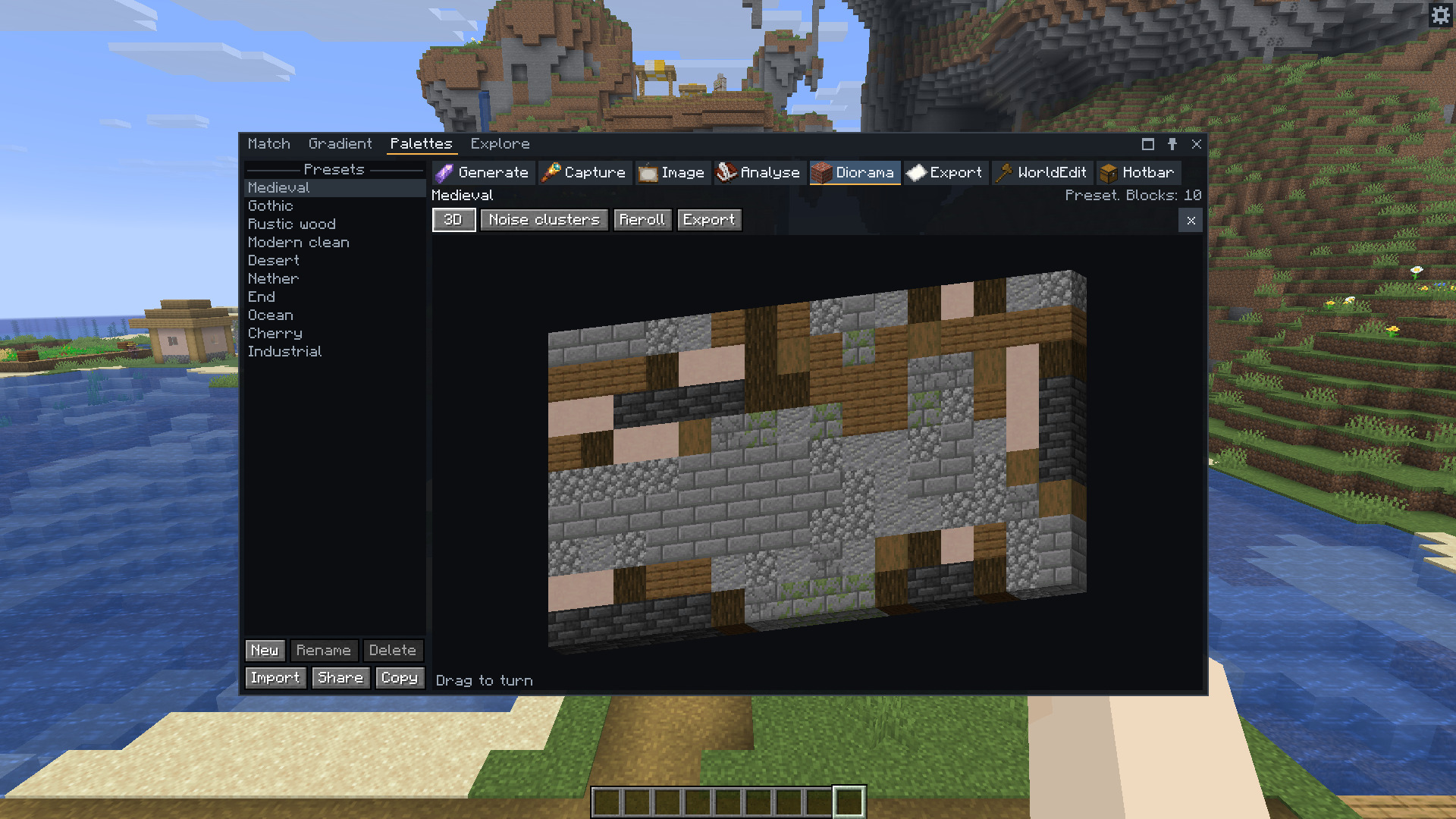
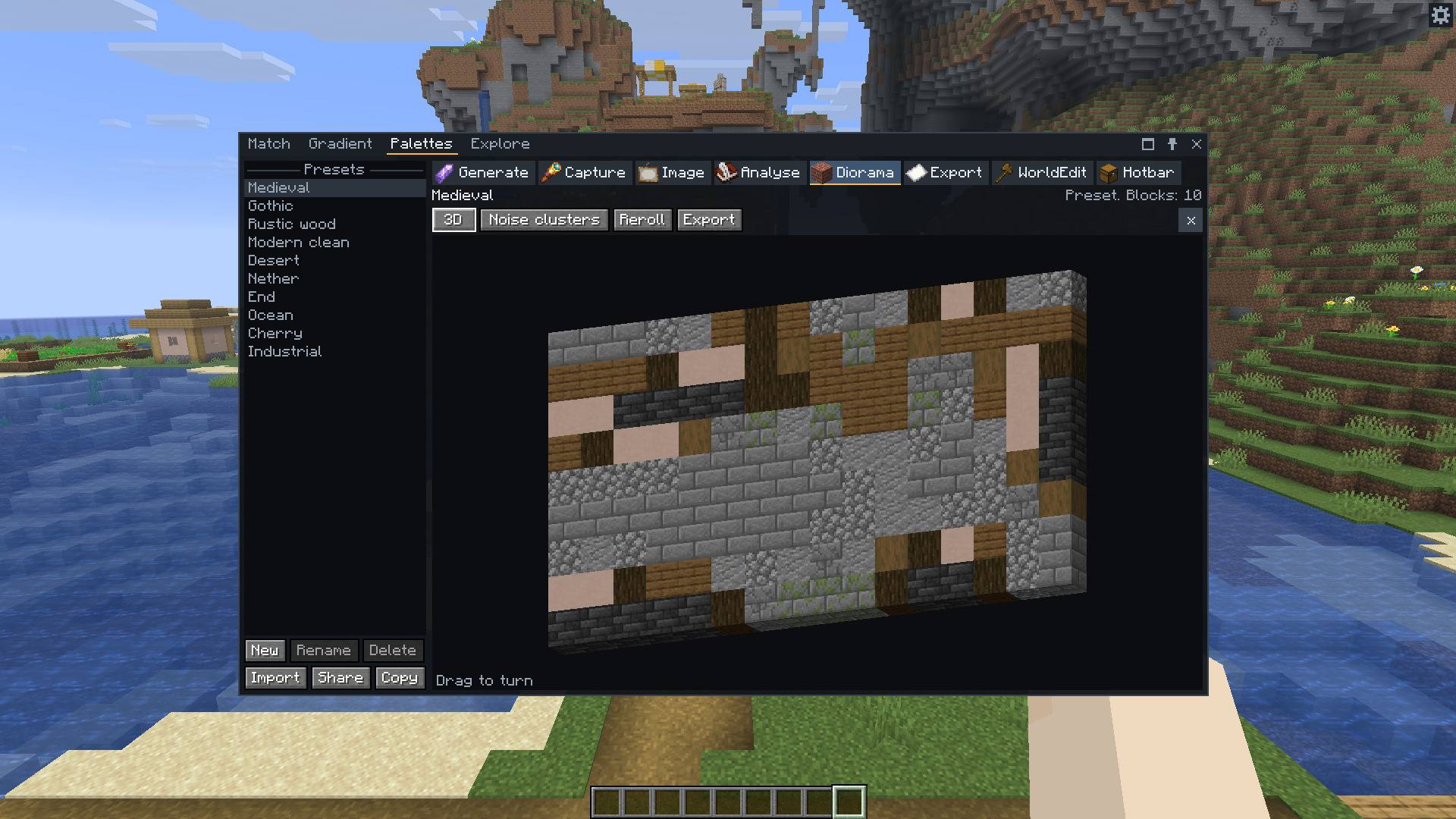
The Medieval preset as a 3D diorama. Drag to turn it.
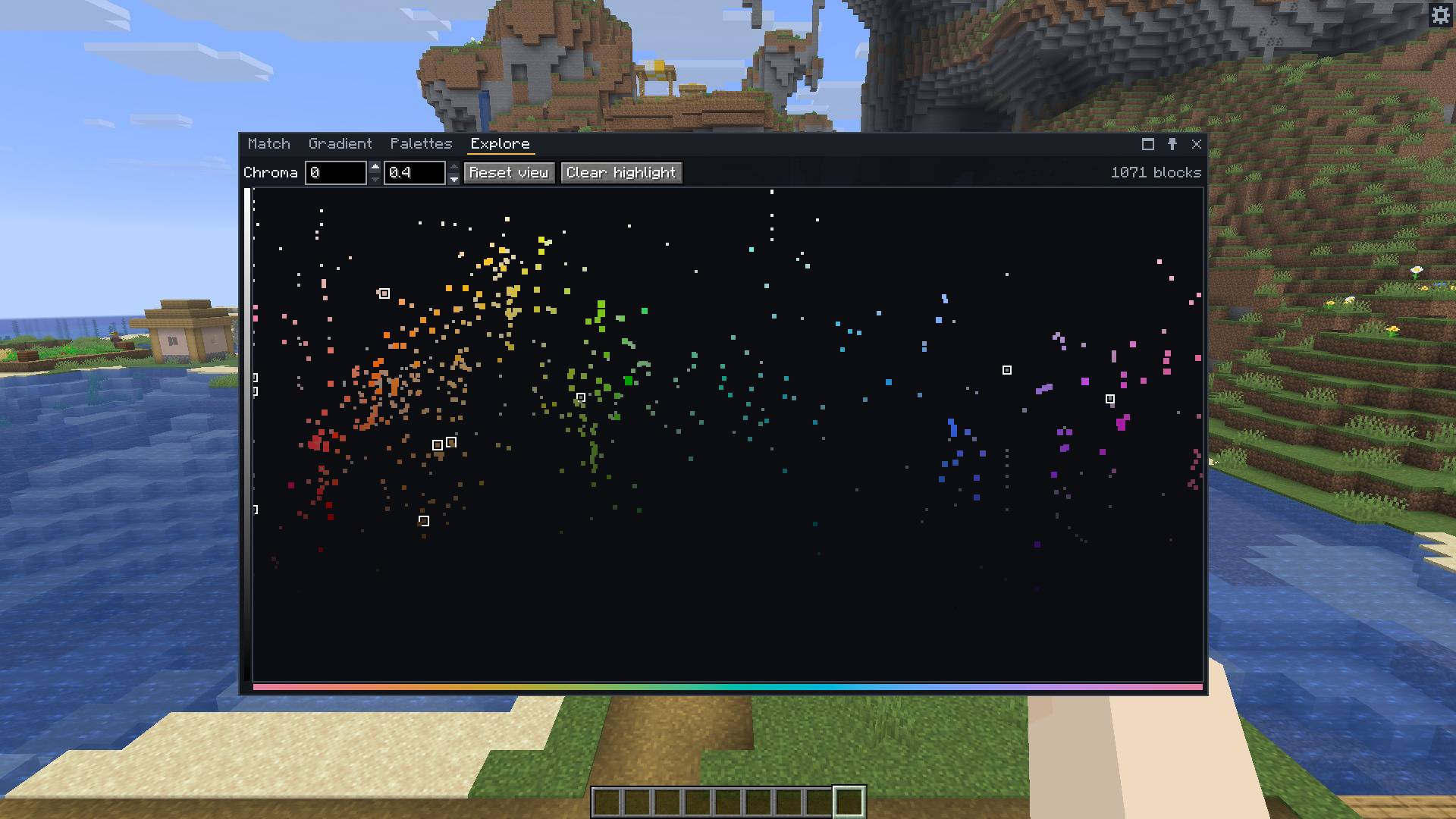
Every block is a dot, with hue across and lightness up. Scroll to zoom, drag to move, and click a dot to match it. The filters you set in Match apply here too.
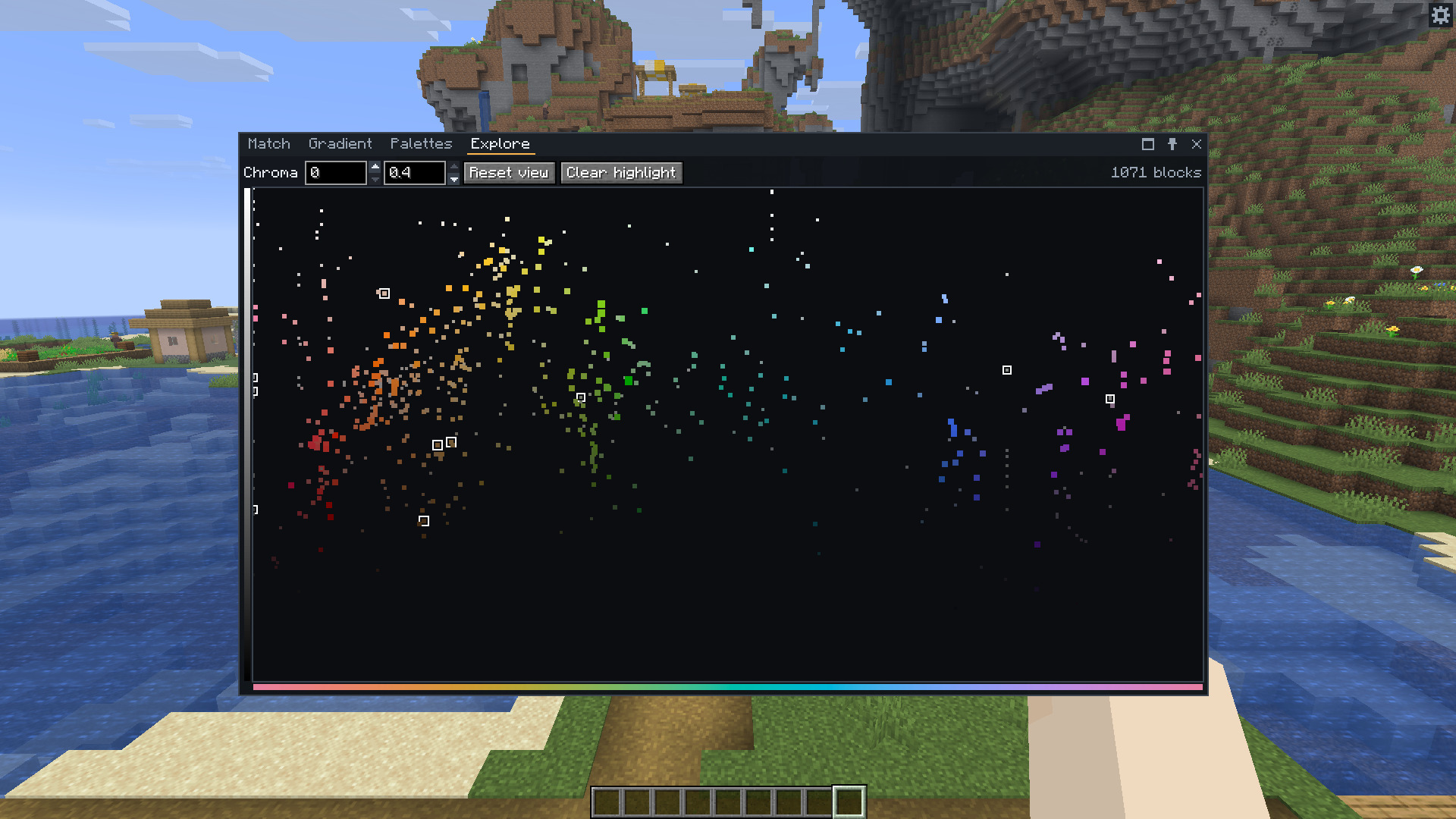
Every block by hue and lightness. The outlined dots are the blocks of one palette.
/chroma #ff8800 and /chroma oak_planks open Match on a colour or a block./chroma capture x1 y1 z1 x2 y2 z2 makes a palette from a box./chroma export <share string> [layout] [format] [place] writes a schematic, and /chroma place <file name> places one with Litematica.schematics in the game folder otherwise. The mod never overwrites a file.| Mod | |
|---|---|
| Fabric API | Required on Fabric |
| Mod Menu | Optional. Opens the settings from the mod list |
| Litematica, or Forgematica on NeoForge | Optional. Places exported schematics |
| JEI, REI or EMI | Optional. R over a block looks up its recipe |
Chroma Studio 1.0 is for Minecraft 26.3.
The wiki covers matching, palettes, gradients, exports, settings, and how resource packs and modded blocks work.