Charcoal Burner is a fully configurable mod that allows you to turn logs into charcoal with a default ratio of 1 to 3. Instead of using the boring vanilla method you instead build a multi-block structure that adds life to your world. Furthermore, this mod is designed to be completely vanilla-friendly.
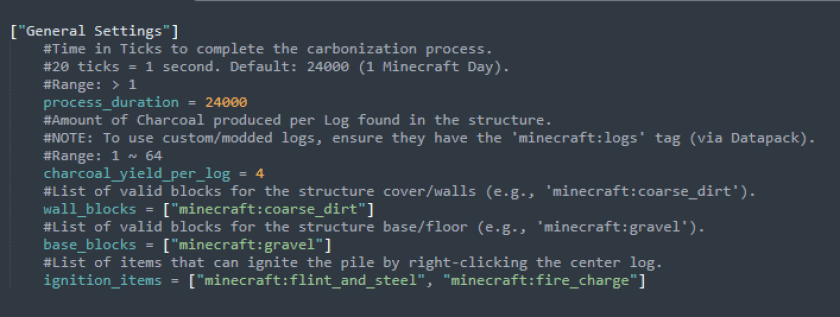
You can change the time required for the transformation, the blocks that are acceptable as a wall, the blocks that are acceptable as a floor, the exchange ratio between logs and charcoal, the items that can be used to trigger the transformation process and you can specify which items are processable using the tag "minecraft:logs"
Config file is named carbonaia-common.toml
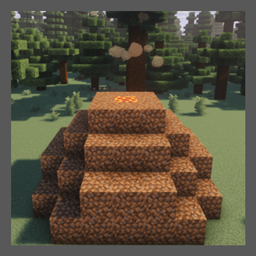
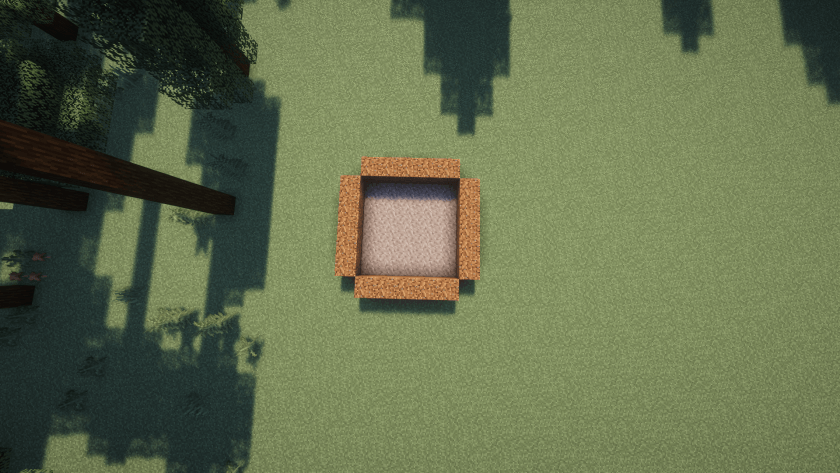
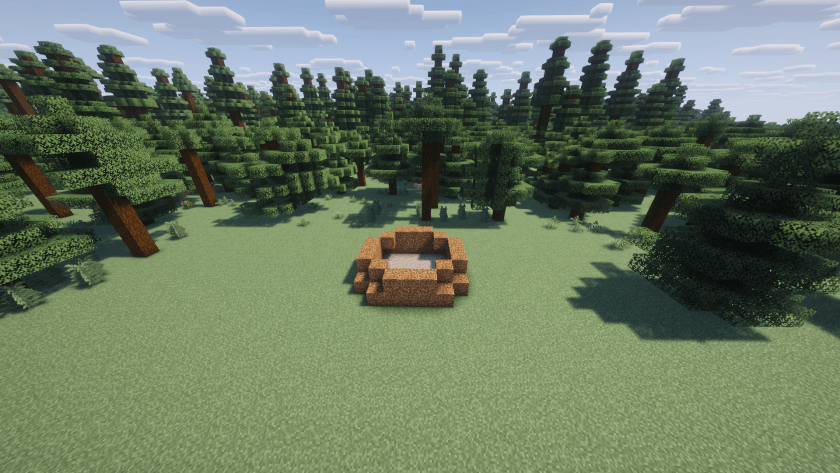
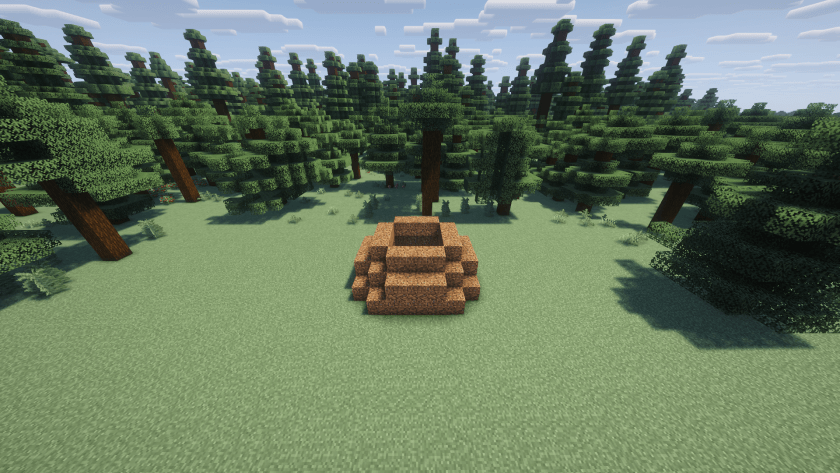
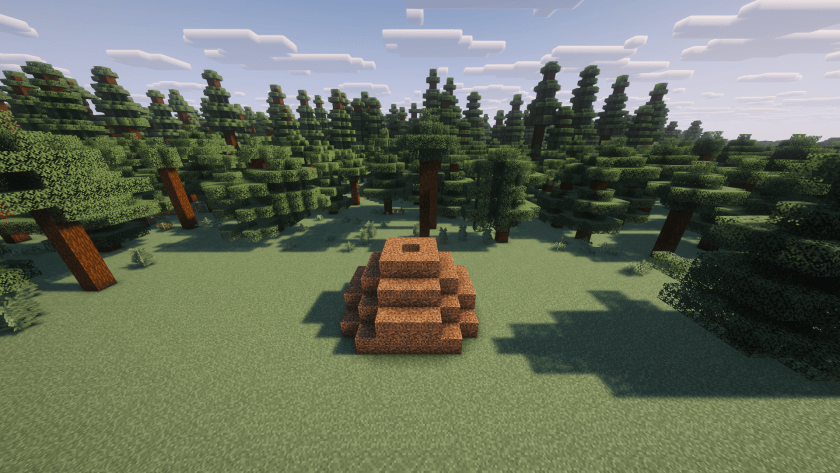
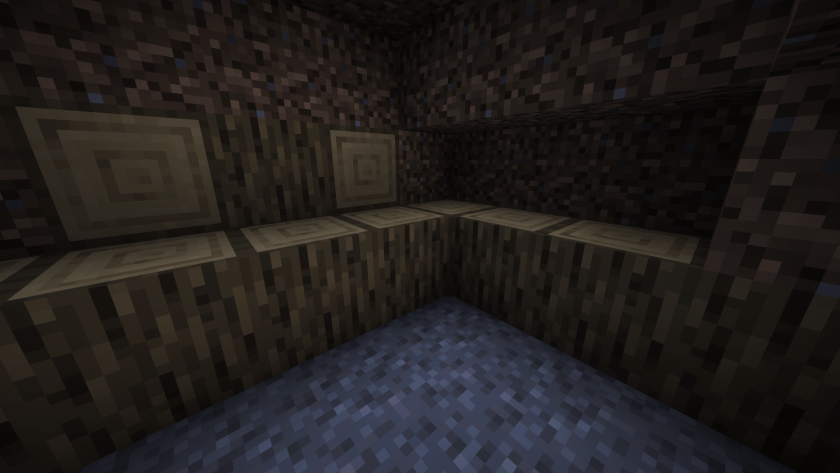
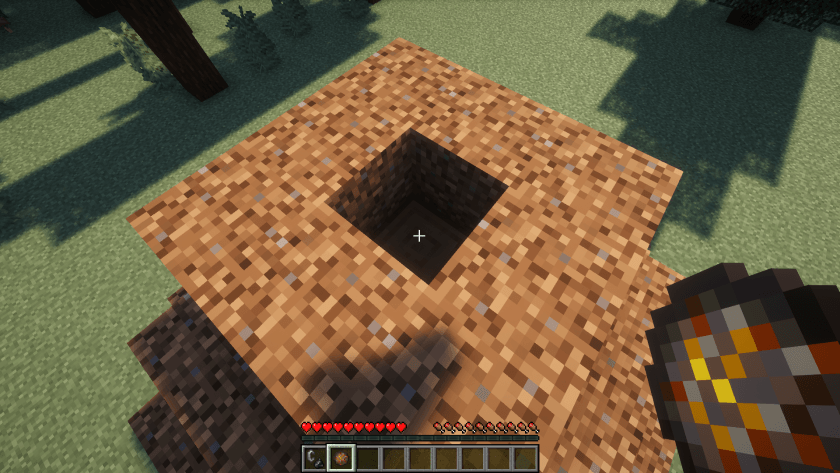
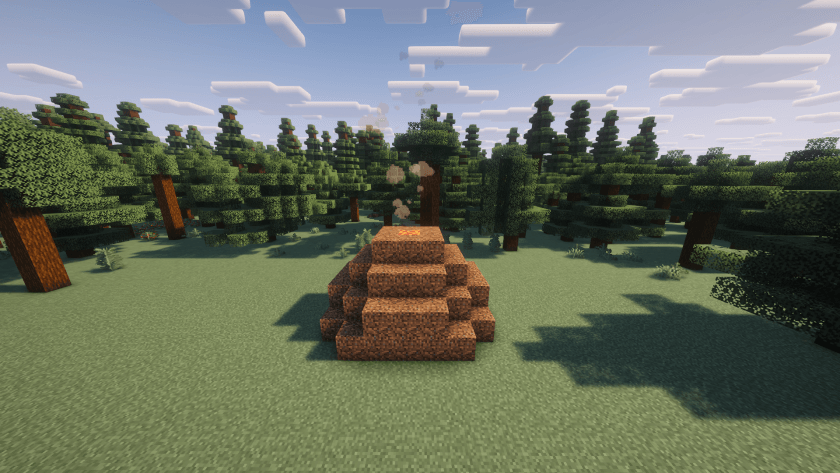
To find out how to create the structure, follow the photos below or those in the gallery.
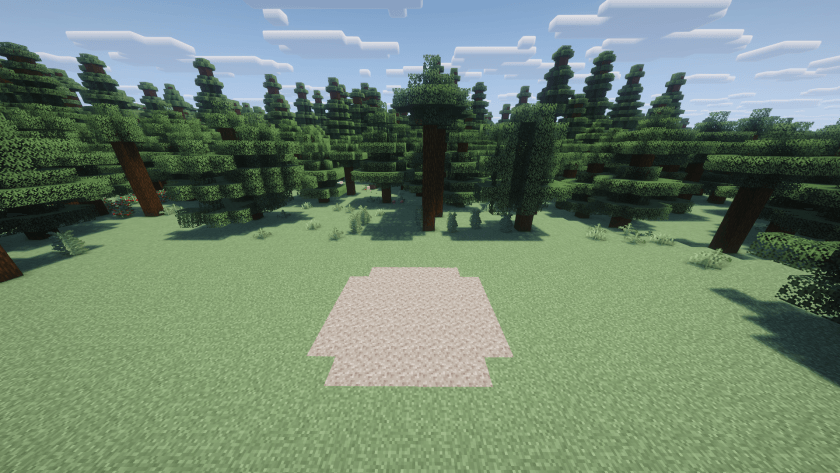
Step 1: Build a 7x7 gravel floor without corners.
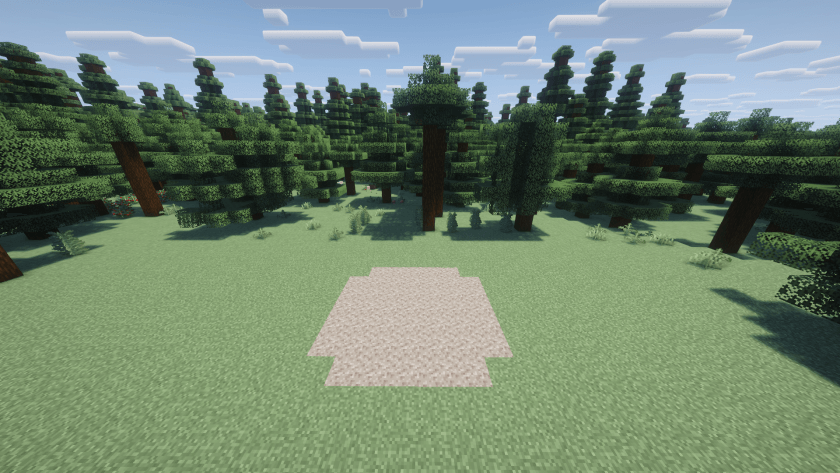
Step 2: Add coarse dirt (by default) at the edges.
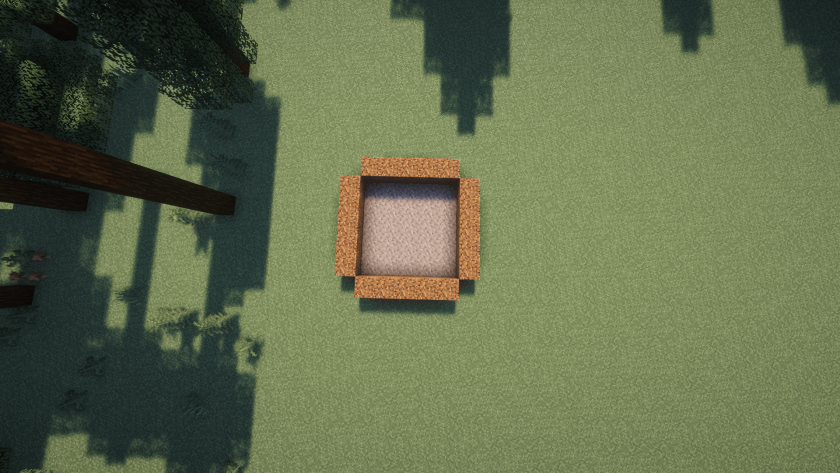
Step 3: Build a circle-shaped layer of coarse dirt over the previous layer
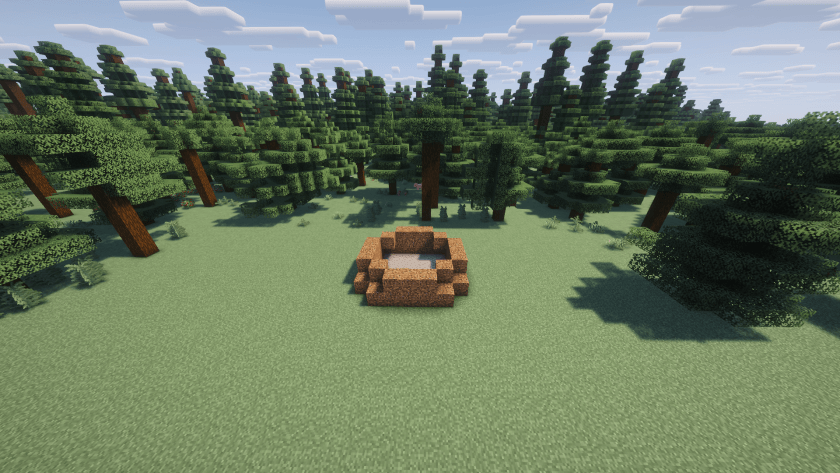
Step 4: Build the third floor using a 5x5 square perimeter of coarse dirt without corners.
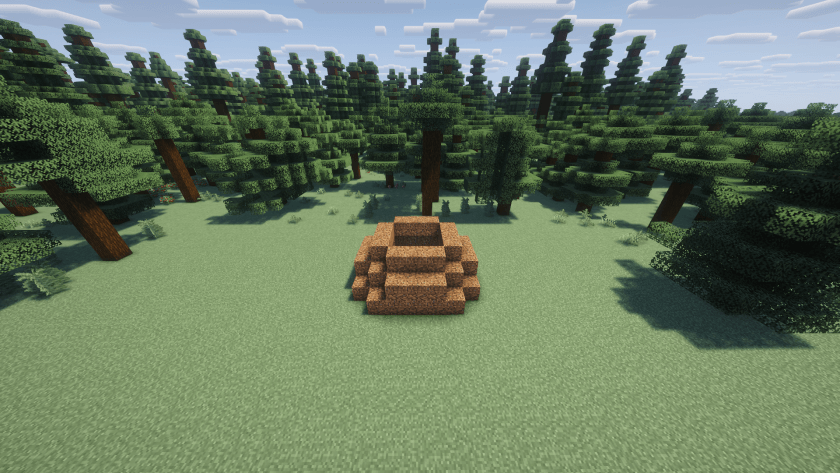
Step 5: Build a hollow 3x3 square of coarse dirt above the previous layer.
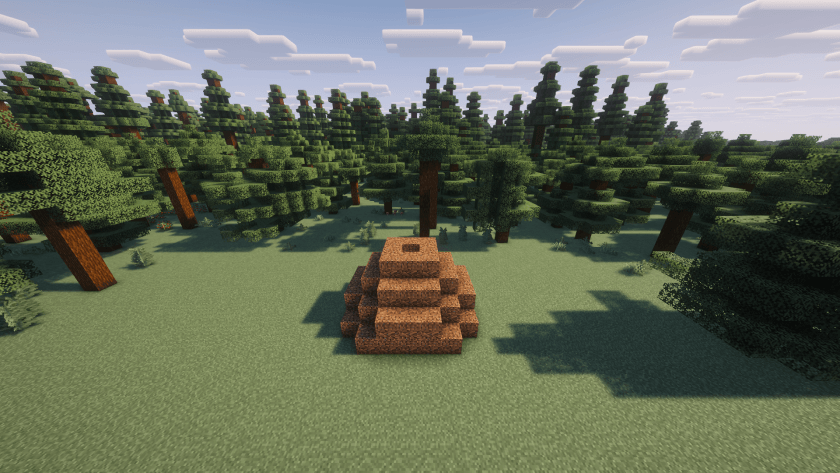
Step 6: Add logs inside. There must not be any empty blocks inside. In all, there should be 55 blocks of logs if you have constructed the structure correctly.
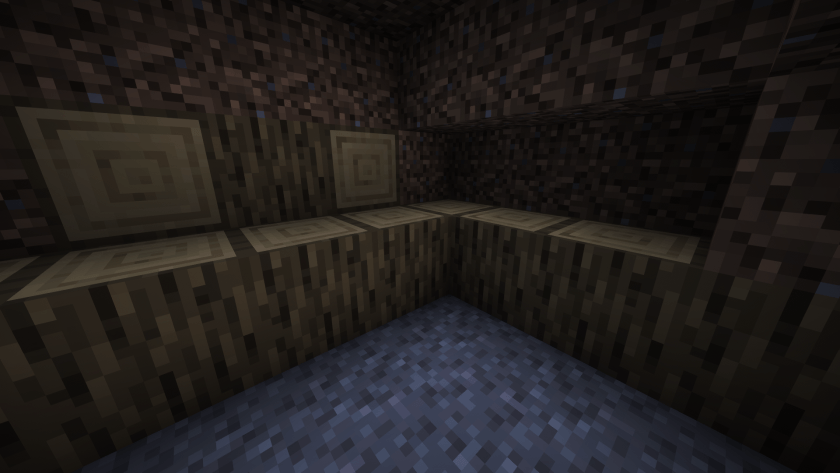
Step 7: Leave the hole at the top of the structure empty and set the log on fire with a flint and steel or fire charge.
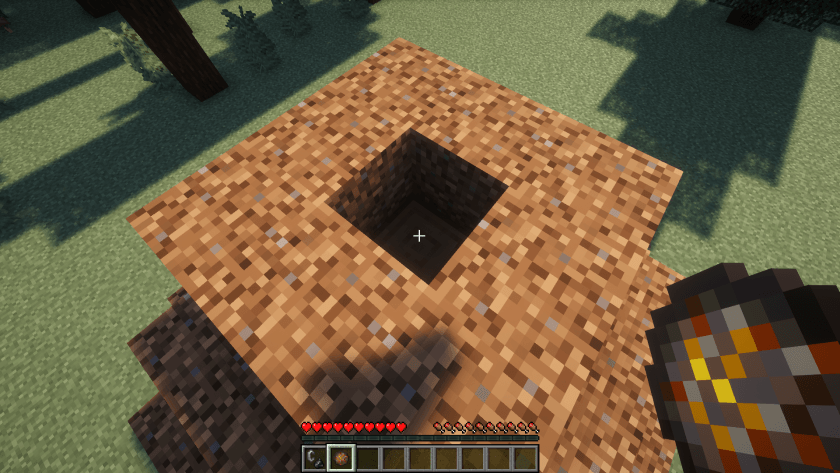
Step 8: Wait for the end of the transformation process. If you have done everything right, a magma block will appear and smoke particles will come out. By default, the process takes 20 minutes.
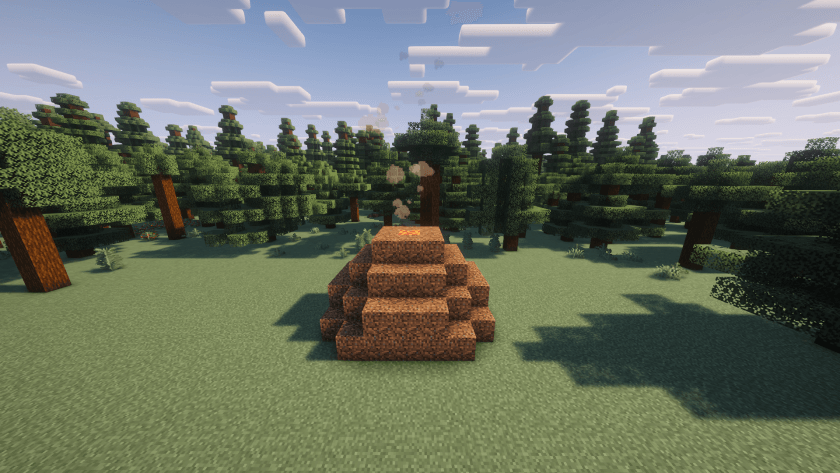
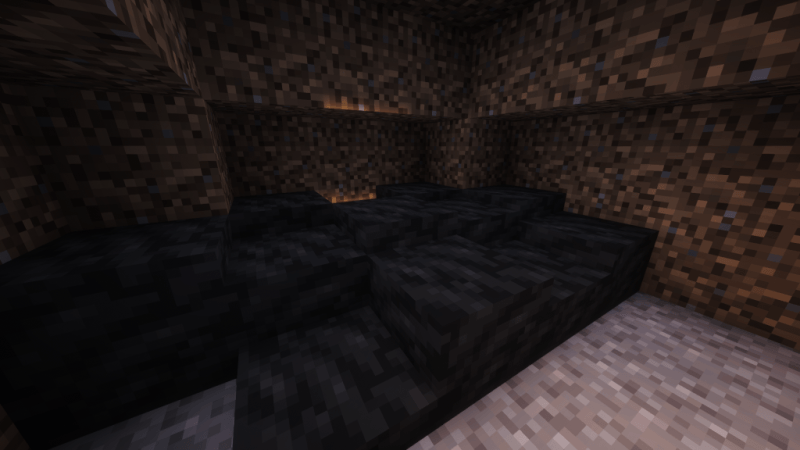
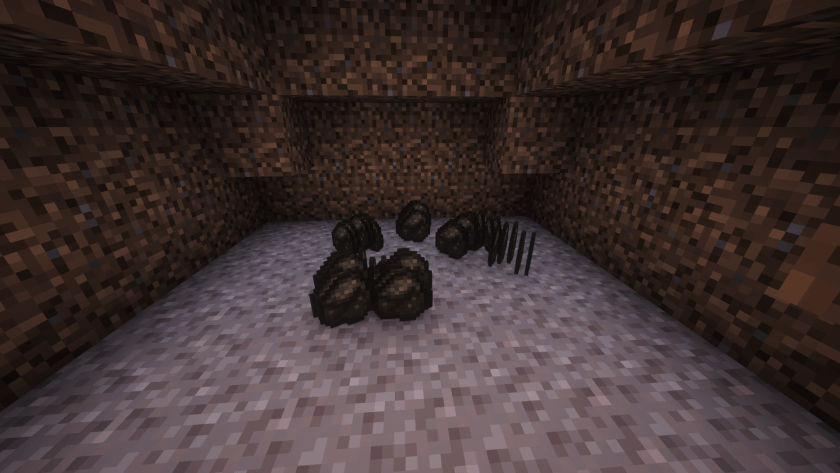
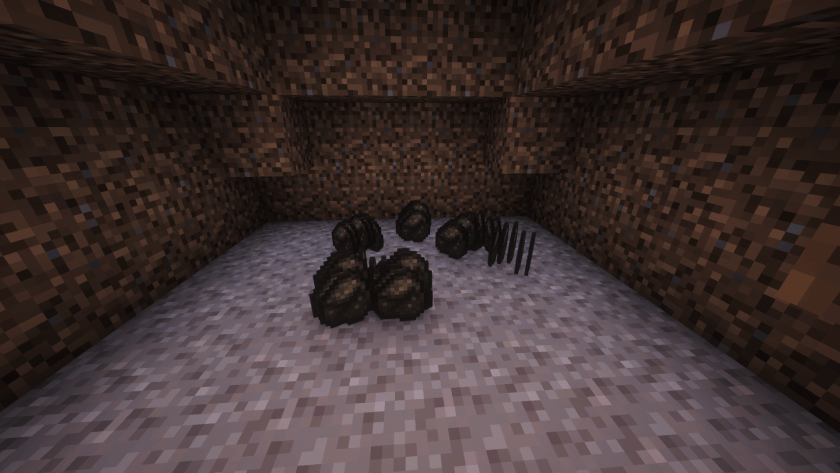
Final step: Collect the charcoal. When the process is over the smoke particles and magma block will disappear. You can choose between a “vanilla” mode that drops charcoal items directly and a more immersive one that instead places layers of charcoal.