Warning: This mod includes content from Changed, which may not be suitable for all audiences.
Please report any bugs and issues in the GitHub Issues section
Changed: Port is an unofficial port of Changed:MC, originally created by ltxprogrammer.
The mod focuses on transfurring and includes structures, blocks, latex creatures, emotes, abilities, and numerous gameplay changes. Players can become one of these furry creatures, gaining unique advantages while also experiencing the disadvantages associated with their new form.
This port aims to preserve the content and gameplay of the original mod while making it available on NeoForge. All credit for the original project belongs to ltxprogrammer and its contributors. A complete contributor list is available through GitHub Insights and inside the mod menu.
Use an infuser to infuse a syringe filled with your blood. Purify the syringe, insert it into a stasis chamber, supply the chamber with a canister of oxygenated water, and select Transfur from the chamber’s Programs menu.
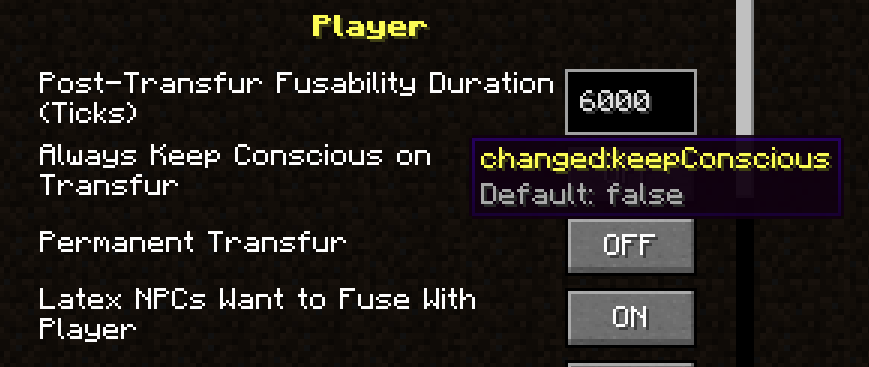
The changed:keepConscious gamerule also allows you to transfur in situations where you would normally be killed. It is disabled by default.
With cheats enabled, you can alternatively use /transfur or /tf.
Normally, you cannot directly reverse a transfur. Dying removes the transfur and returns you to your human form unless the changed:keepForm gamerule is enabled.
With cheats enabled, you can use /untransfur or /untf.
Syringe recipes are unlocked when you obtain a Latex Base. You can then view them in the infuser’s recipe book.
Laboratory doors must be powered with redstone. Once powered, they can be opened like regular doors. They close automatically when they lose power.